
Retrowave Photoshop Action
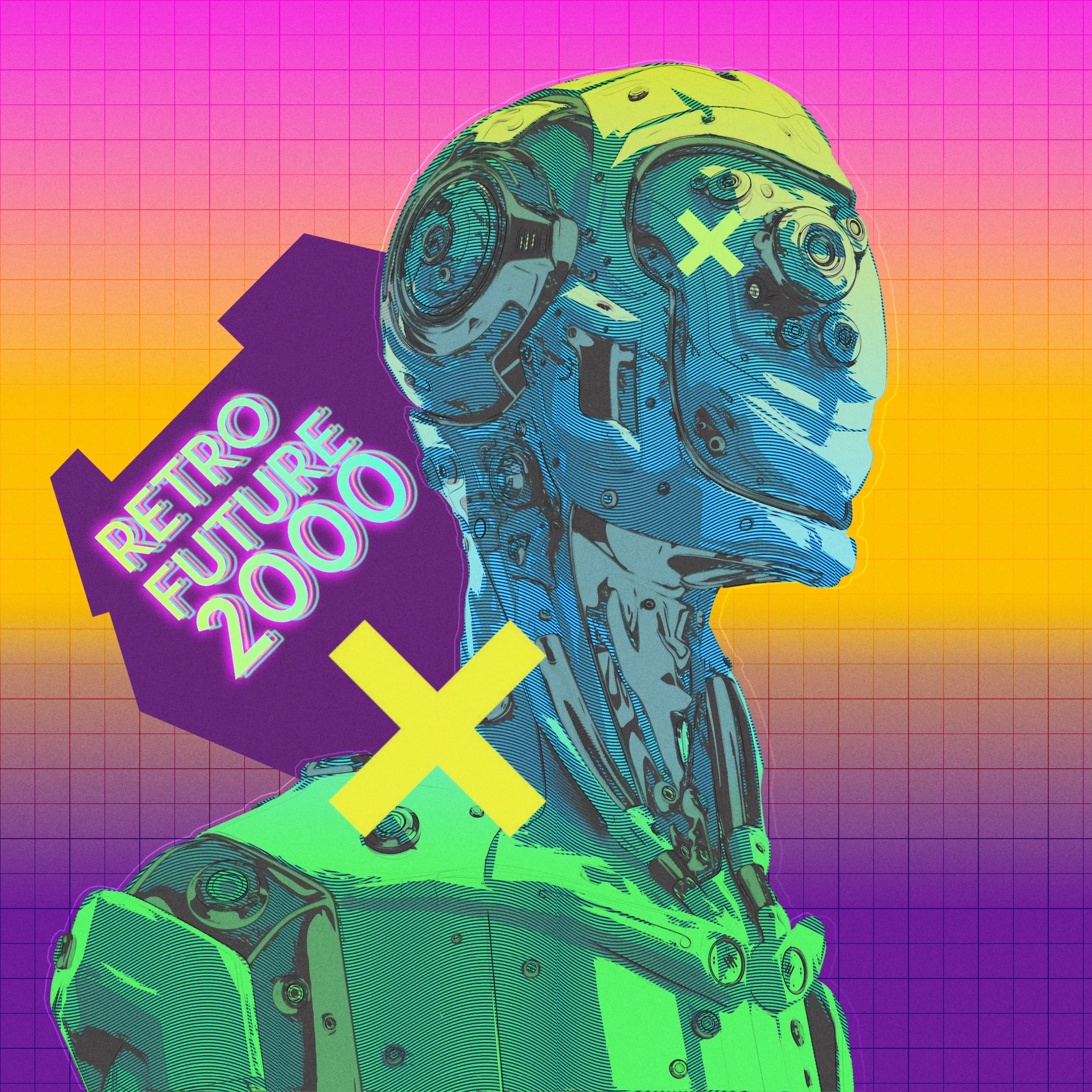
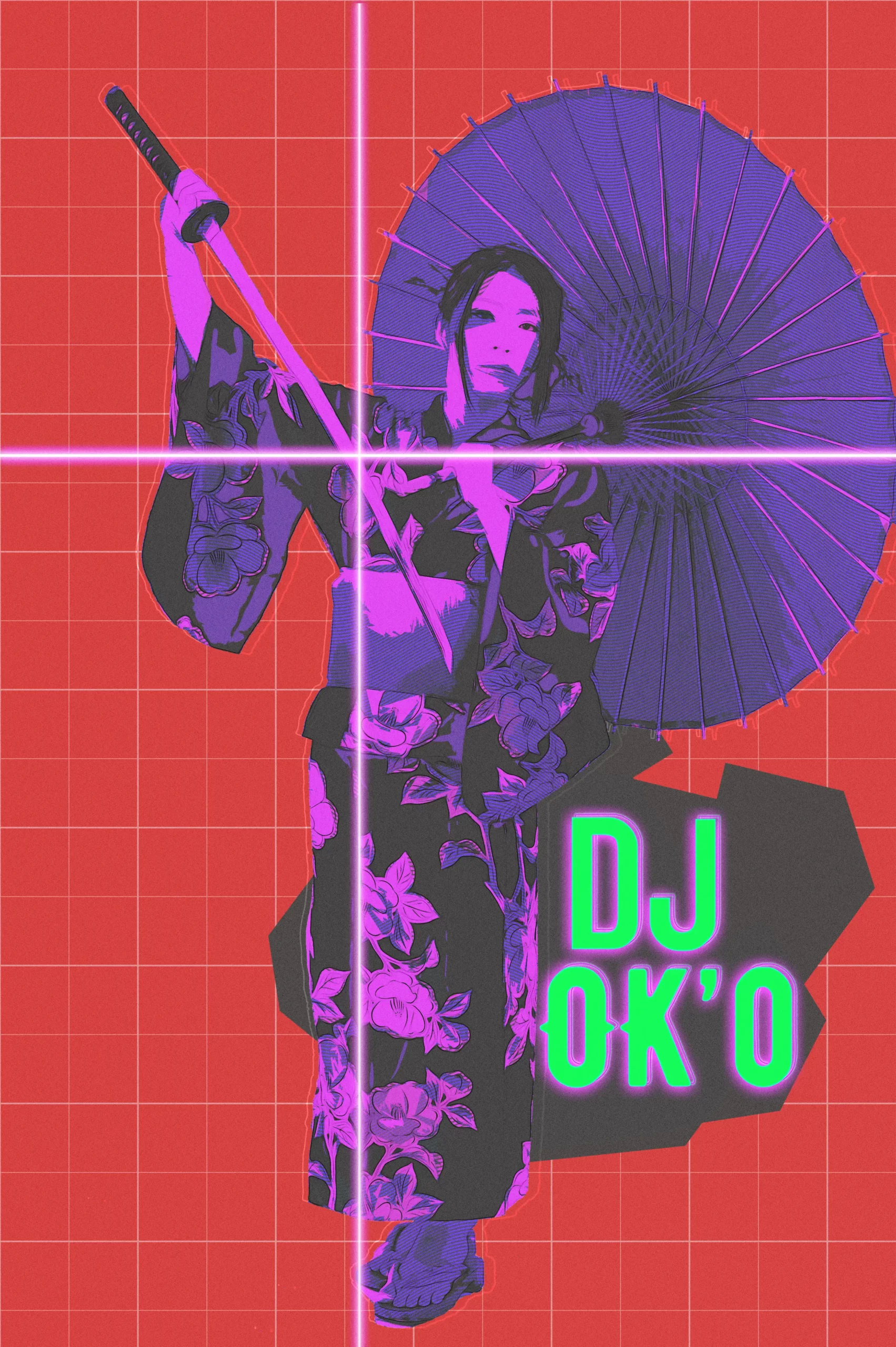
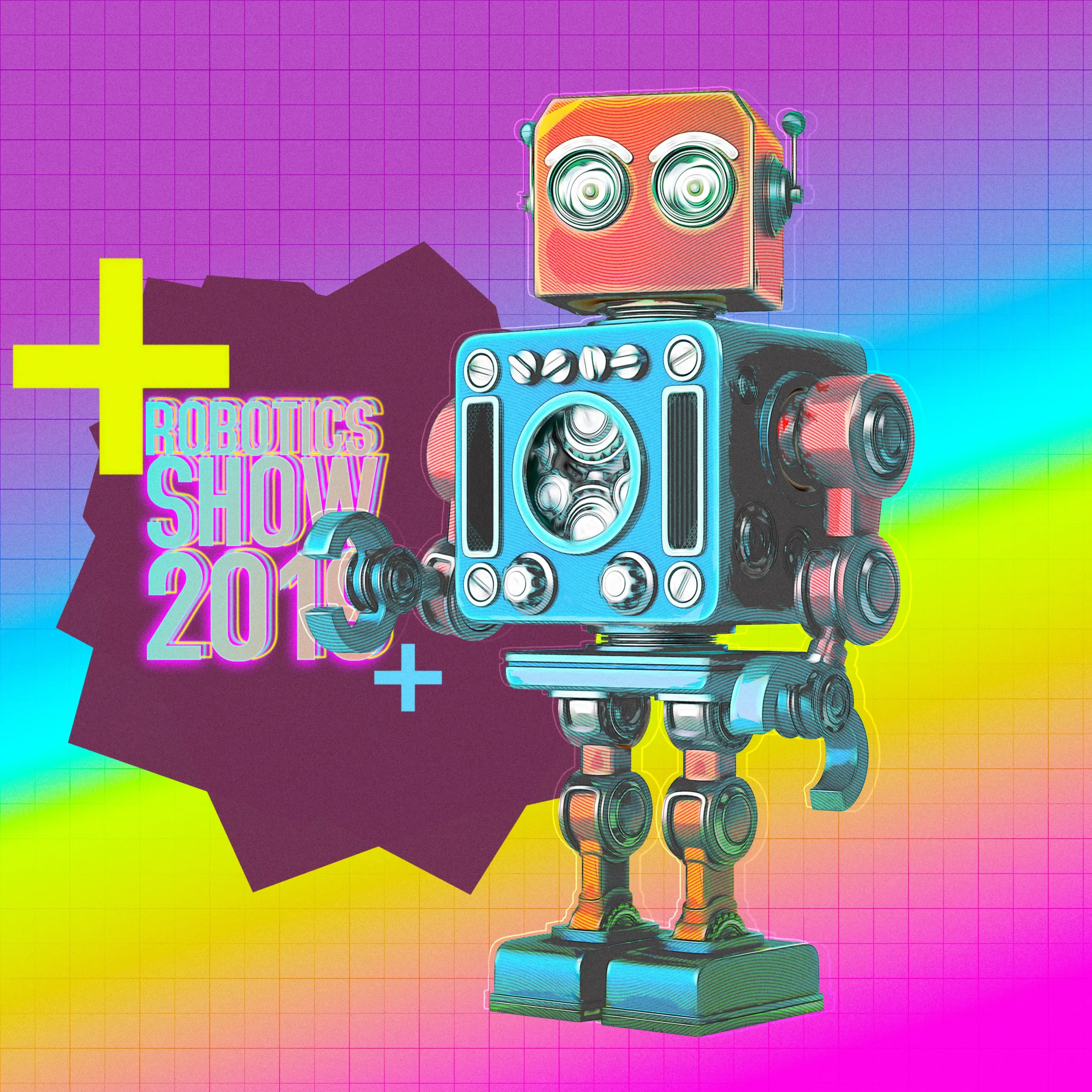
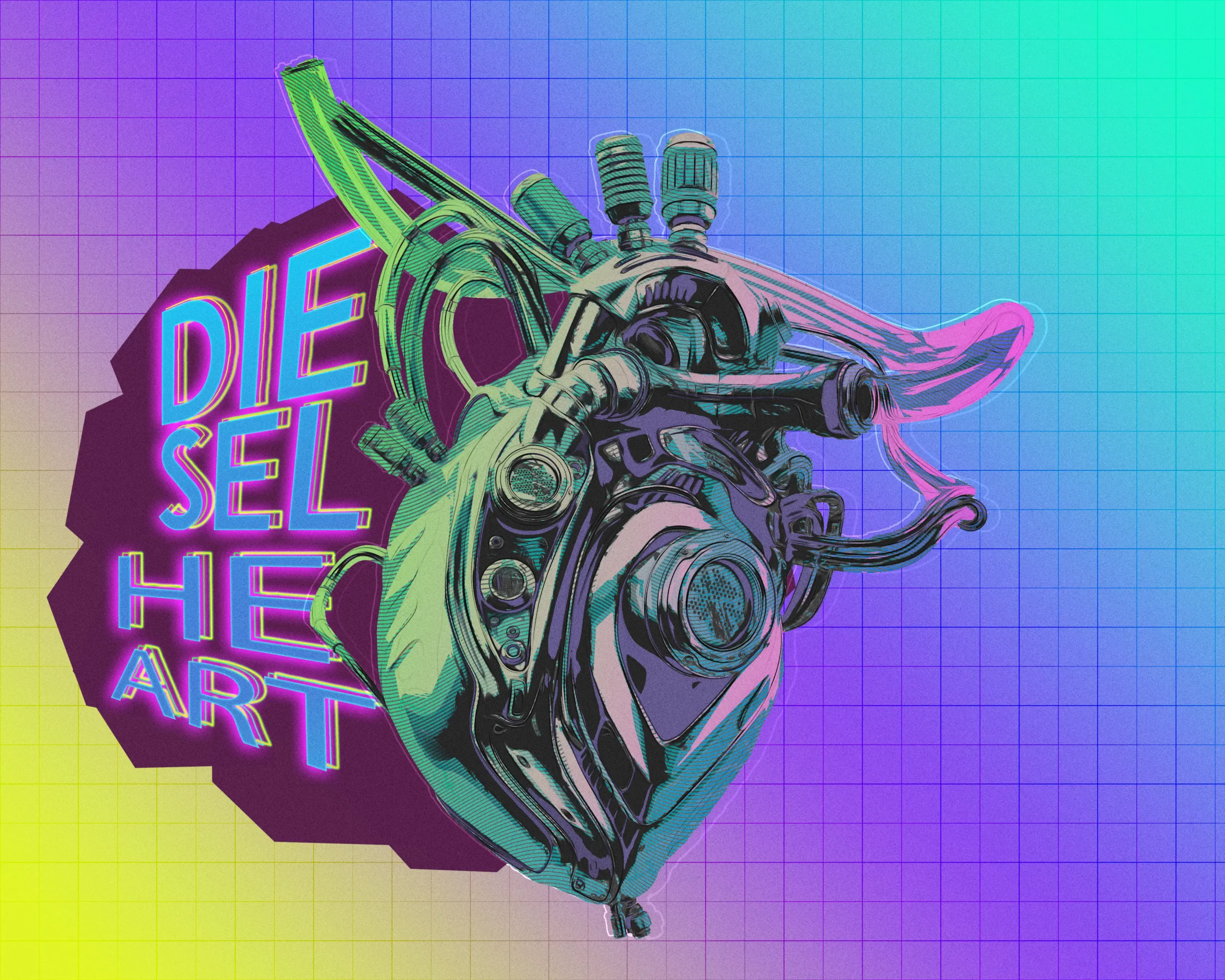
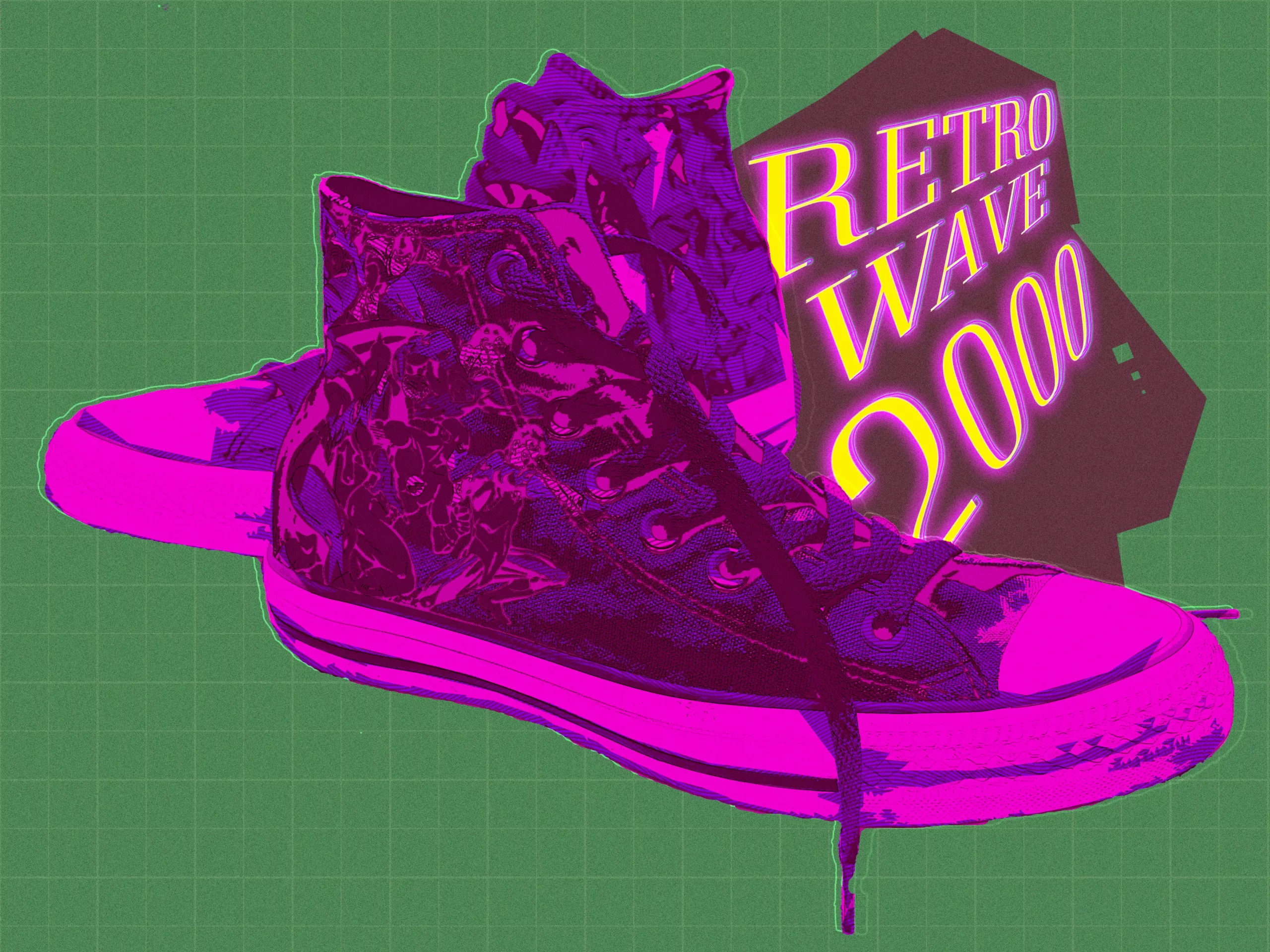
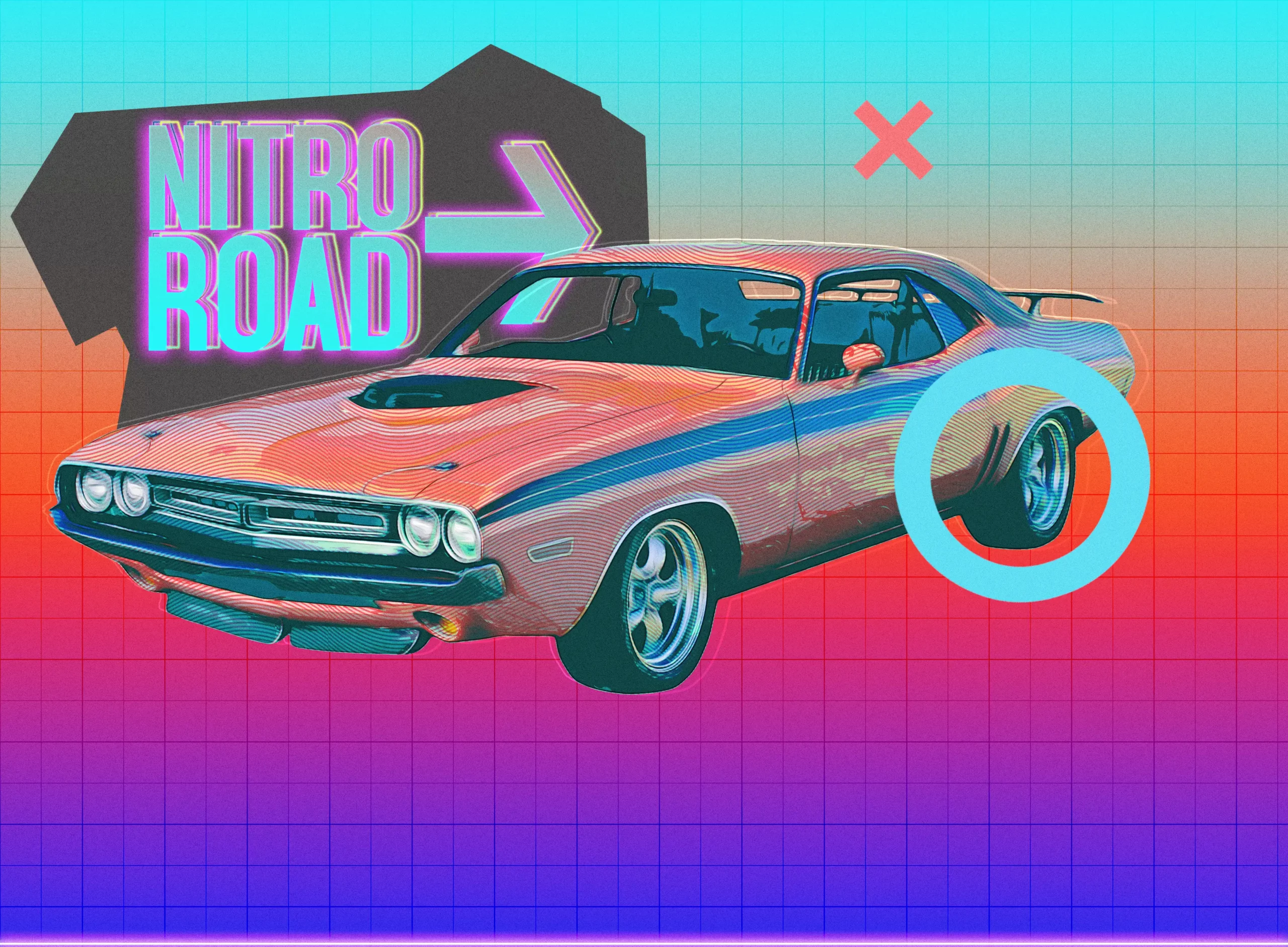
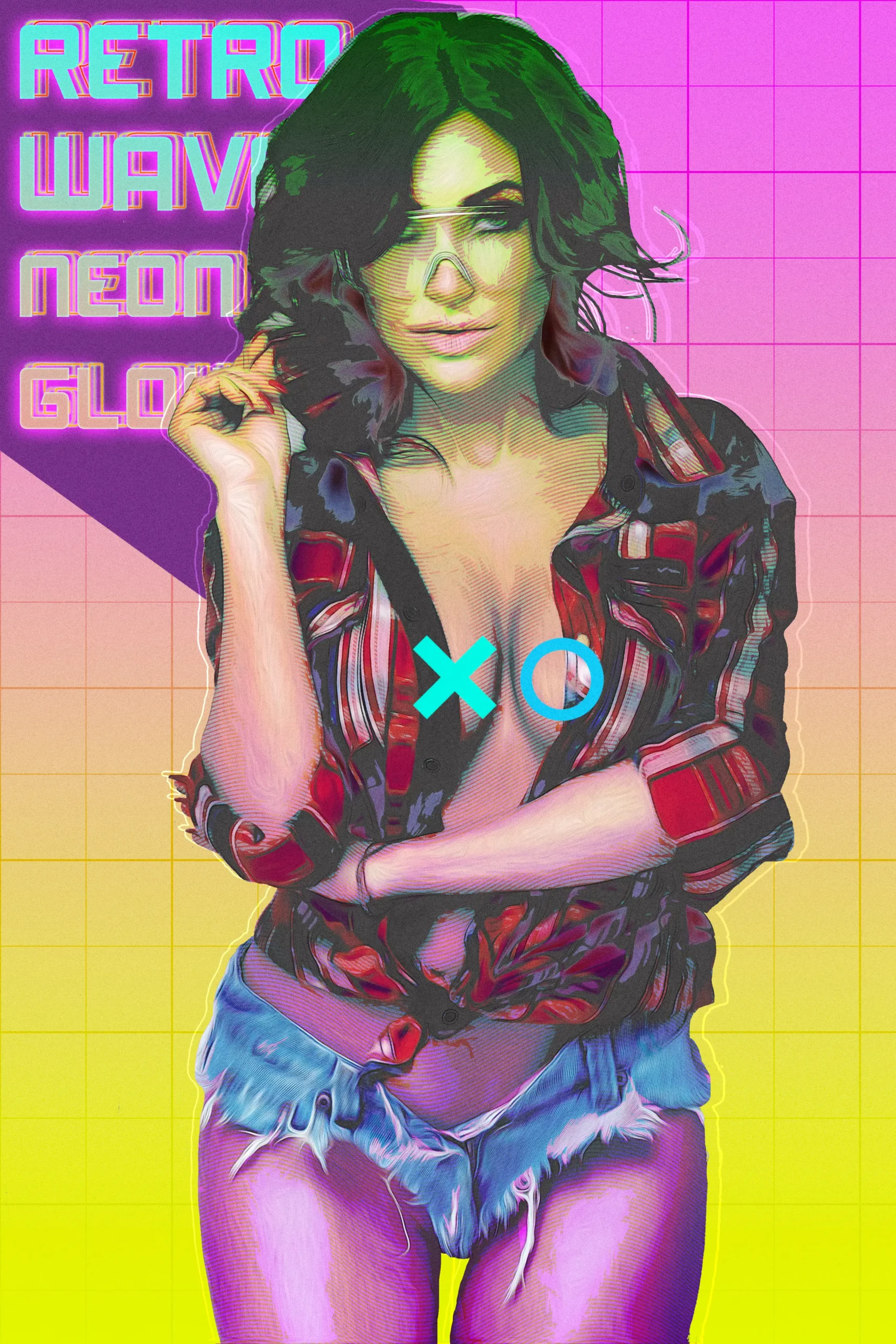
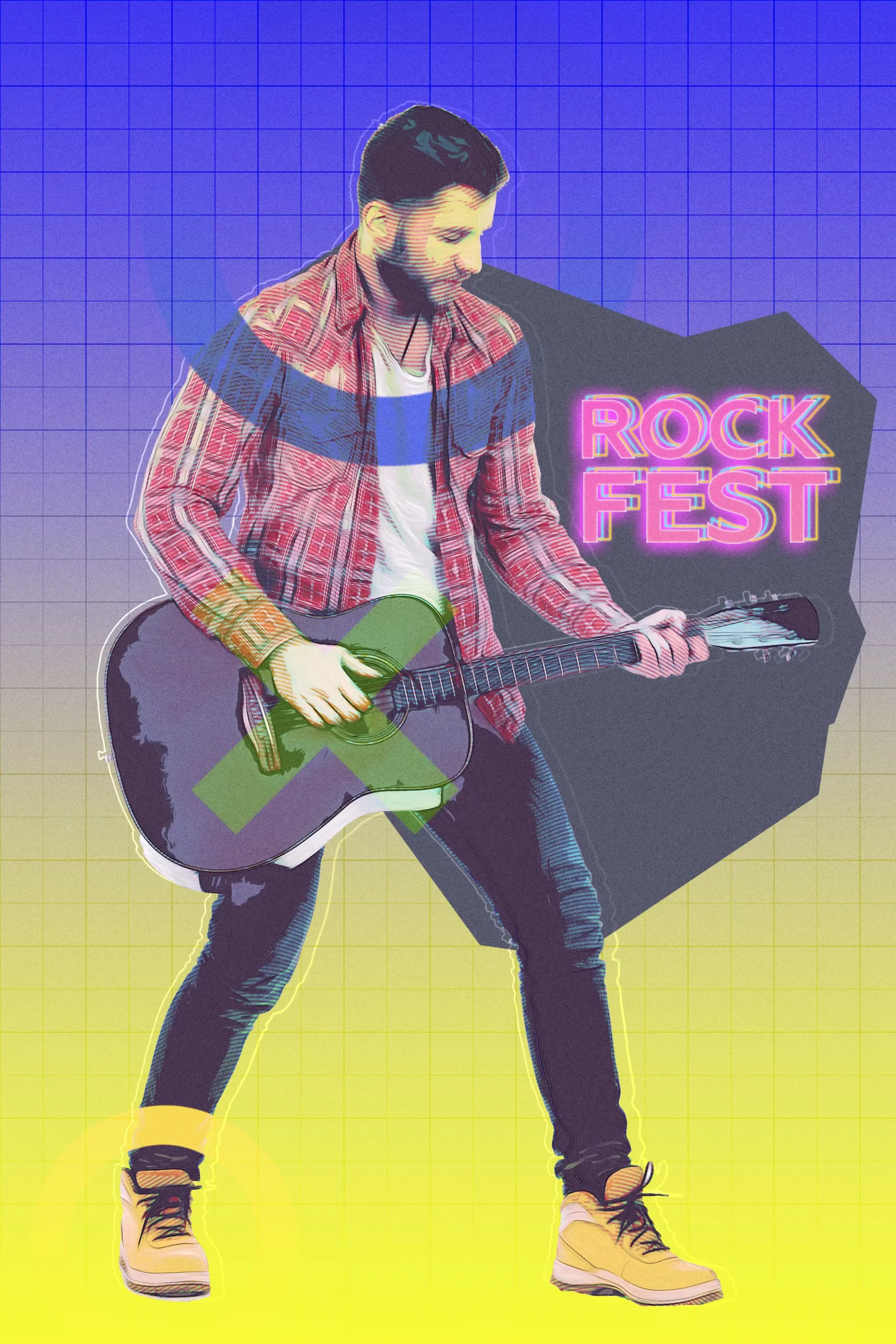
RETRO WAVE Photoshop Action
Looking to create stunning visuals that echo the vibrant vibes of the retro wave aesthetic? This digital download features the RETRO WAVE Photoshop Action, which allows you to transform your images into eye-catching futuristic posters with a unique retro style reminiscent of the 2000s! 🌌✨ Instant access means you can start creating right away!
Product Overview
The RETRO WAVE Photoshop Action is designed to save you hours of work while providing a well-organized and structured file filled with layers, folders, and settings to perfect your final result. For optimal results, we recommend using images sized at 4000×4000px and 300dpi.
Key Features & Benefits
- Compatible with Adobe Photoshop: Seamlessly integrates with CS6, CC2017, and later versions, ensuring a smooth workflow.
- Instant Download: Start your creative projects without delay!
- Organized Layers: Each action creates a structured file with multiple layers, making it easier to customize your artwork.
- Includes Brushes and Patterns: Enhance your designs with additional brushes and patterns specifically crafted for the retro wave style.
Technical Specifications
| Compatible with | Adobe Photoshop |
|---|---|
| File Type | zip |
| File Size | 6 MB |
| Instant Download | Yes |
What’s Included
- RETRO WAVE CS6 Photoshop Action by RedVokinputs.atn
- RETRO WAVE CC++ Photoshop Action by RedVokinputs.atn
- RETRO WAVE Brushes.abr
- RETRO WAVE Patterns.pat
- Help File.txt
Perfect For
This action is ideal for graphic designers, digital artists, and anyone looking to add a splash of retro flair to their projects! Whether you’re working on posters, album covers, or social media graphics, the RETRO WAVE Photoshop Action is your go-to tool for creating stunning visuals. 🎨💖
FAQ
- Is this a physical product? No, it’s a digital download!
- Can Photoshop remove blur? While this action focuses on creating retro effects, Photoshop has various tools to help reduce blur.
- What is retrowave? It’s a vibrant aesthetic that combines retro styles with futuristic elements, perfect for creating nostalgic yet modern designs!
If you have any problems with this action, please visit the Help File. If you can’t find the answer to your question, and you’re still having trouble, please contact me by e-mail: [email protected]
How to Configure Photoshop to Work with Actions
- Ensure you’re using the English version of Photoshop for optimal performance.
- Use RGB Mode and 8 Bits color for best results.
- Turn on the option “Add ‘copy’ to Copied Layers and Groups” in the Layers panel.
- Use a photo with 72dpi or higher to ensure the action functions correctly.
How to Combine My Actions
- Open your photo.
- Play the first action.
- Save the result as an image.
- Open the previously saved image.
- Play the second action.
Photos used in the preview are not included. If you love this action, please don’t forget to rate it!
User Reviews
Be the first to review “Retrowave Photoshop Action”
You must be logged in to post a review.
Original price was: $8.00.$4.00Current price is: $4.00.


There are no reviews yet.