
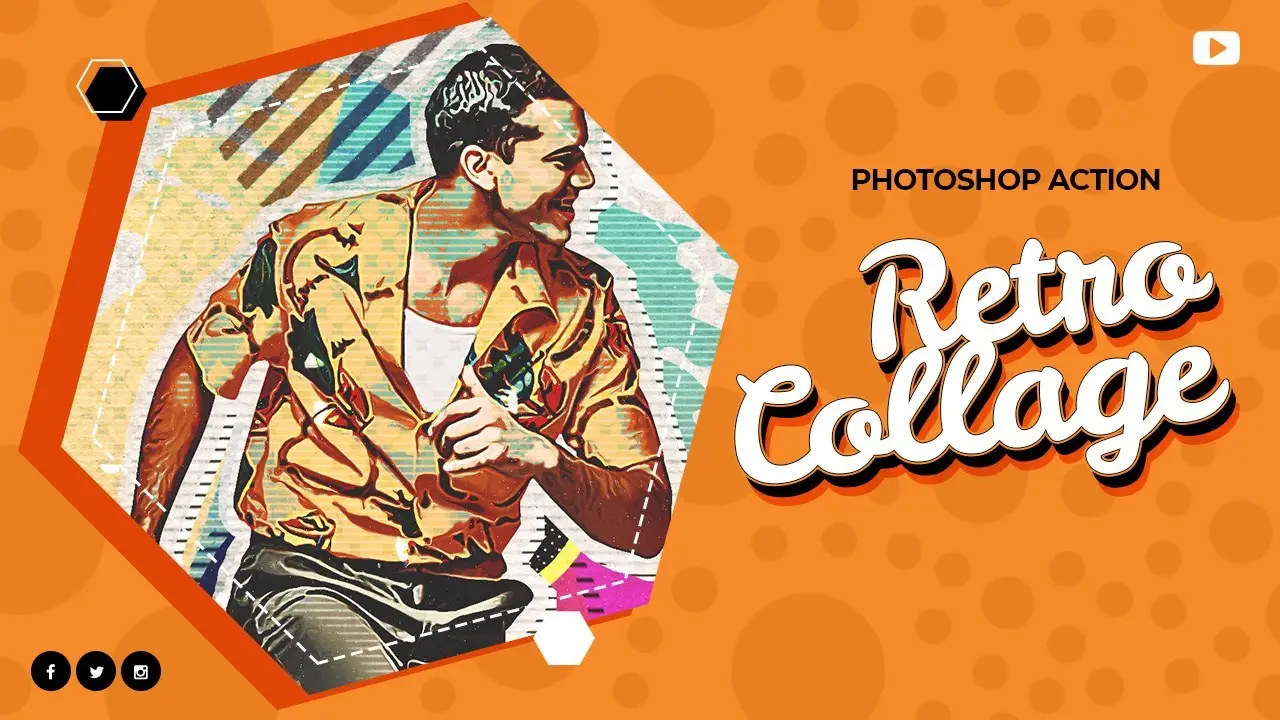
Retro Collage – Photoshop Action

Original price was: $5.00.$2.50Current price is: $2.50.

D Gas
Product Specs:
- Compatible with: Actions
- File Type: ZIP
- File Size: 83.5 MB
- Instant Download
Retro Collage – Photoshop Action
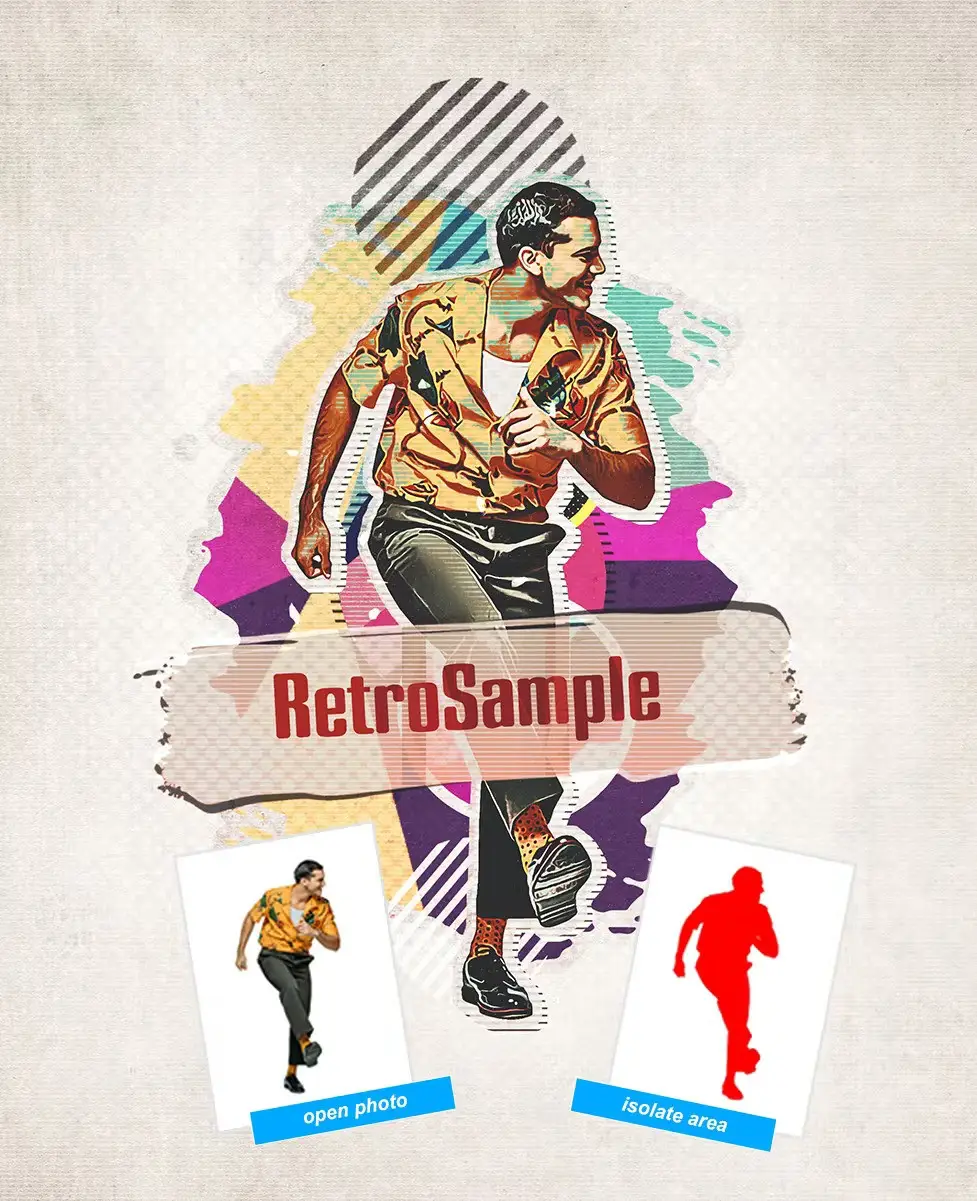
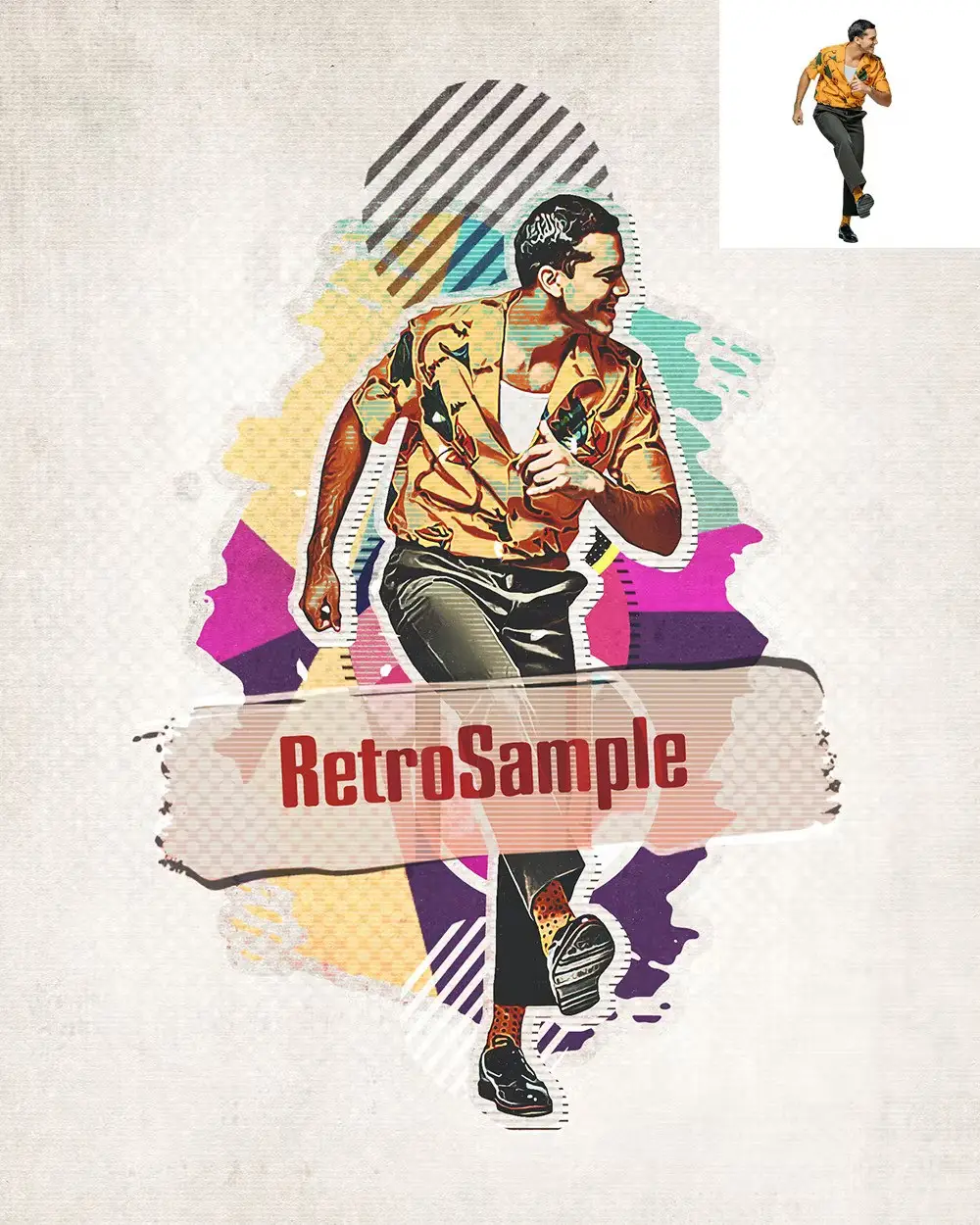
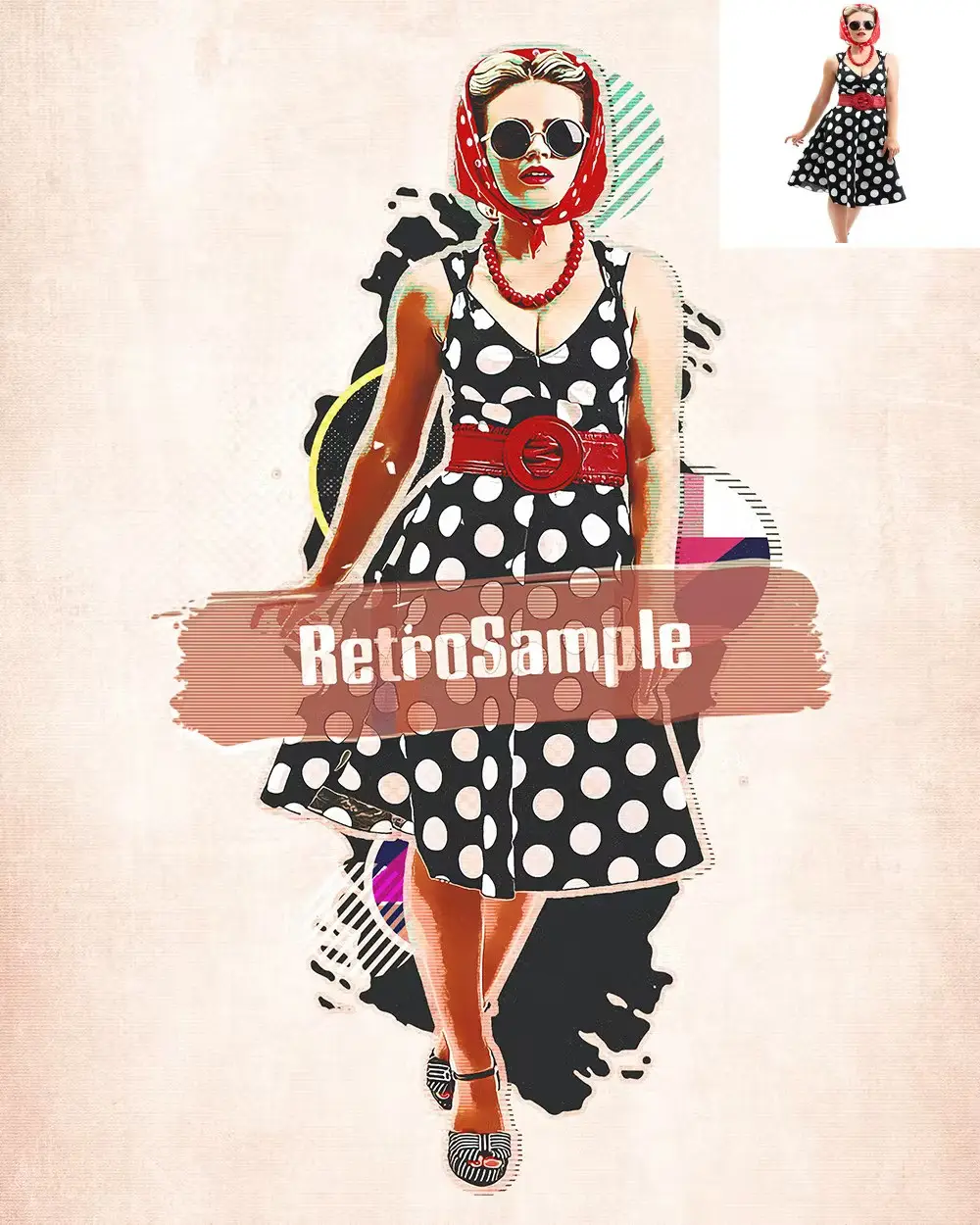
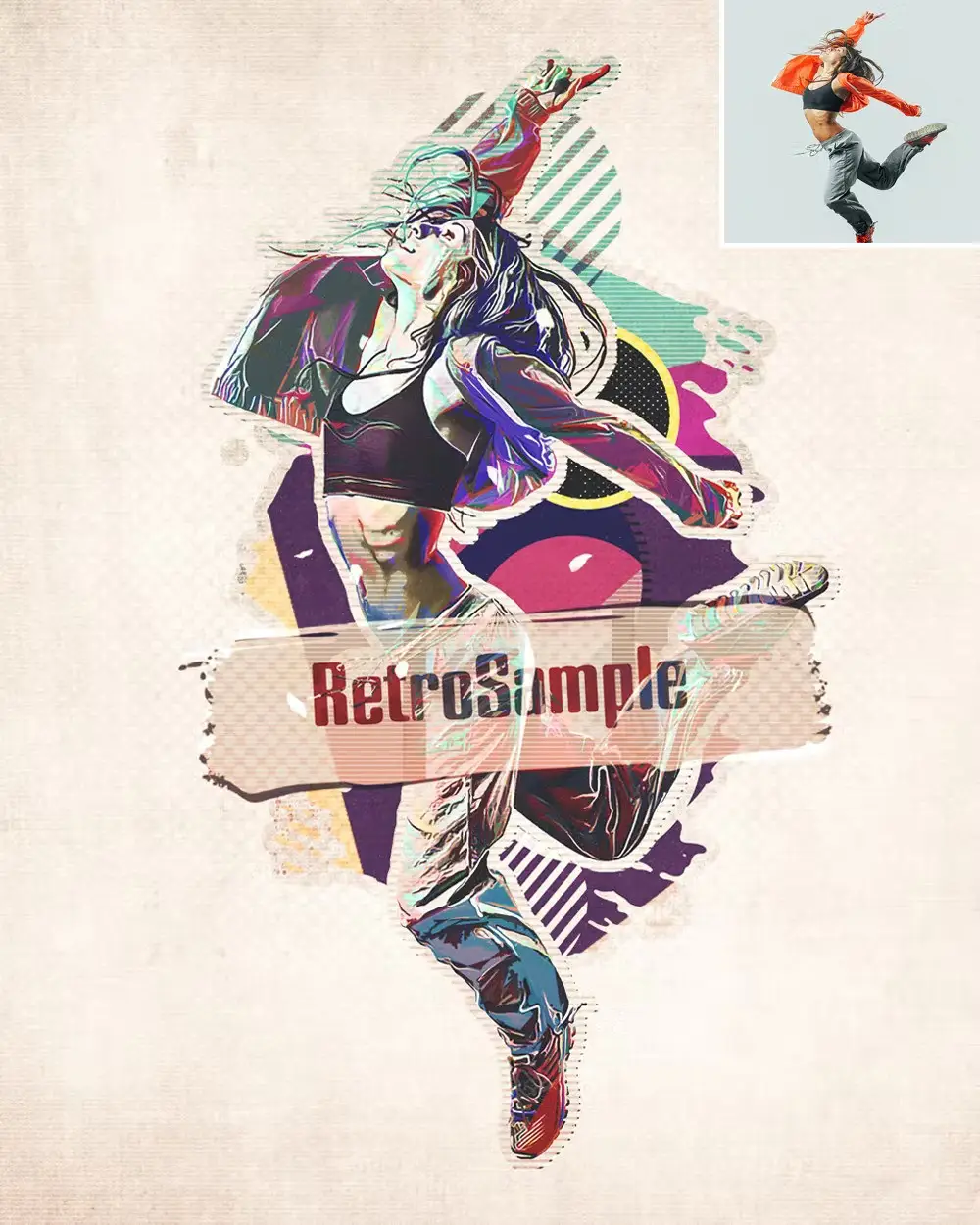
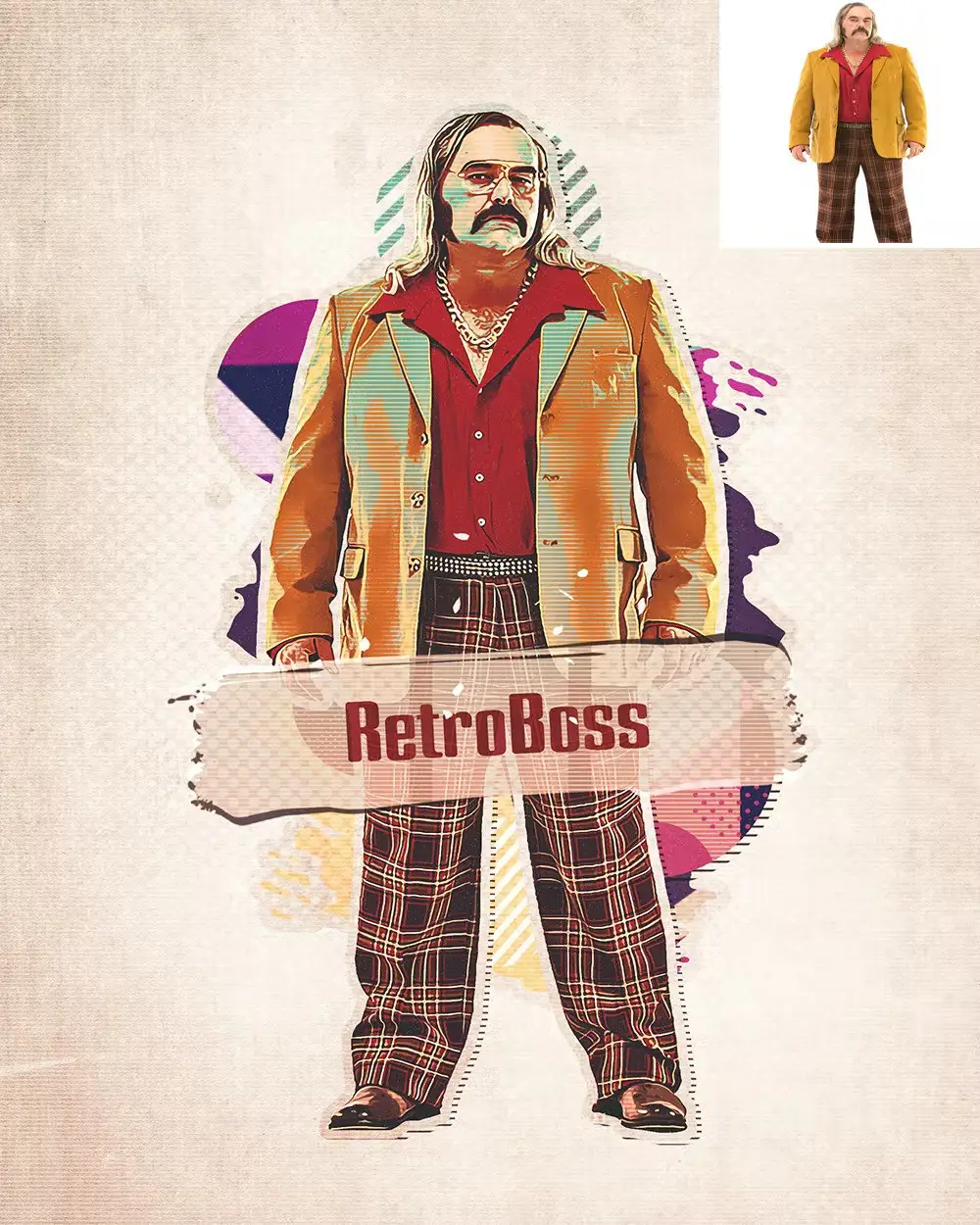
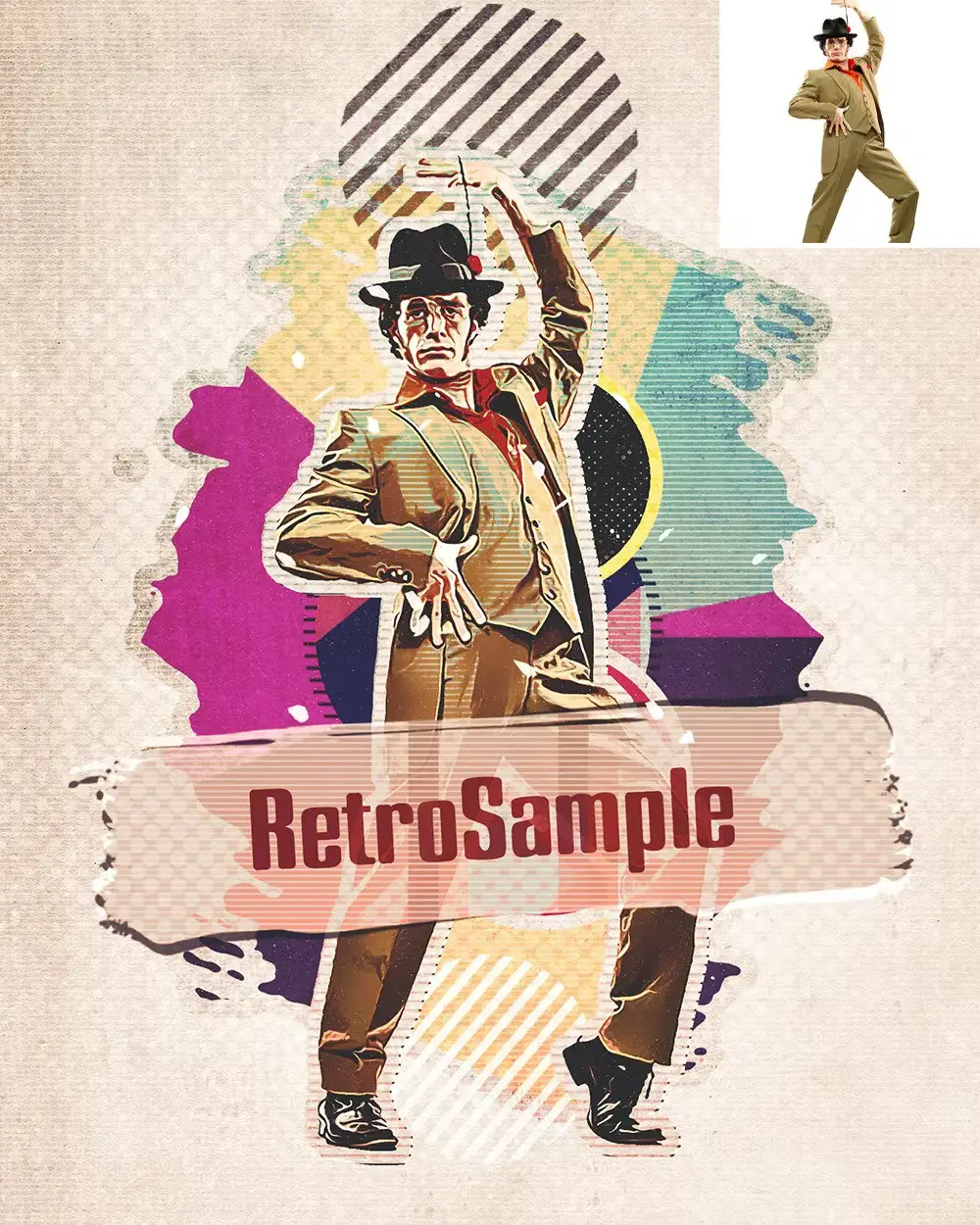
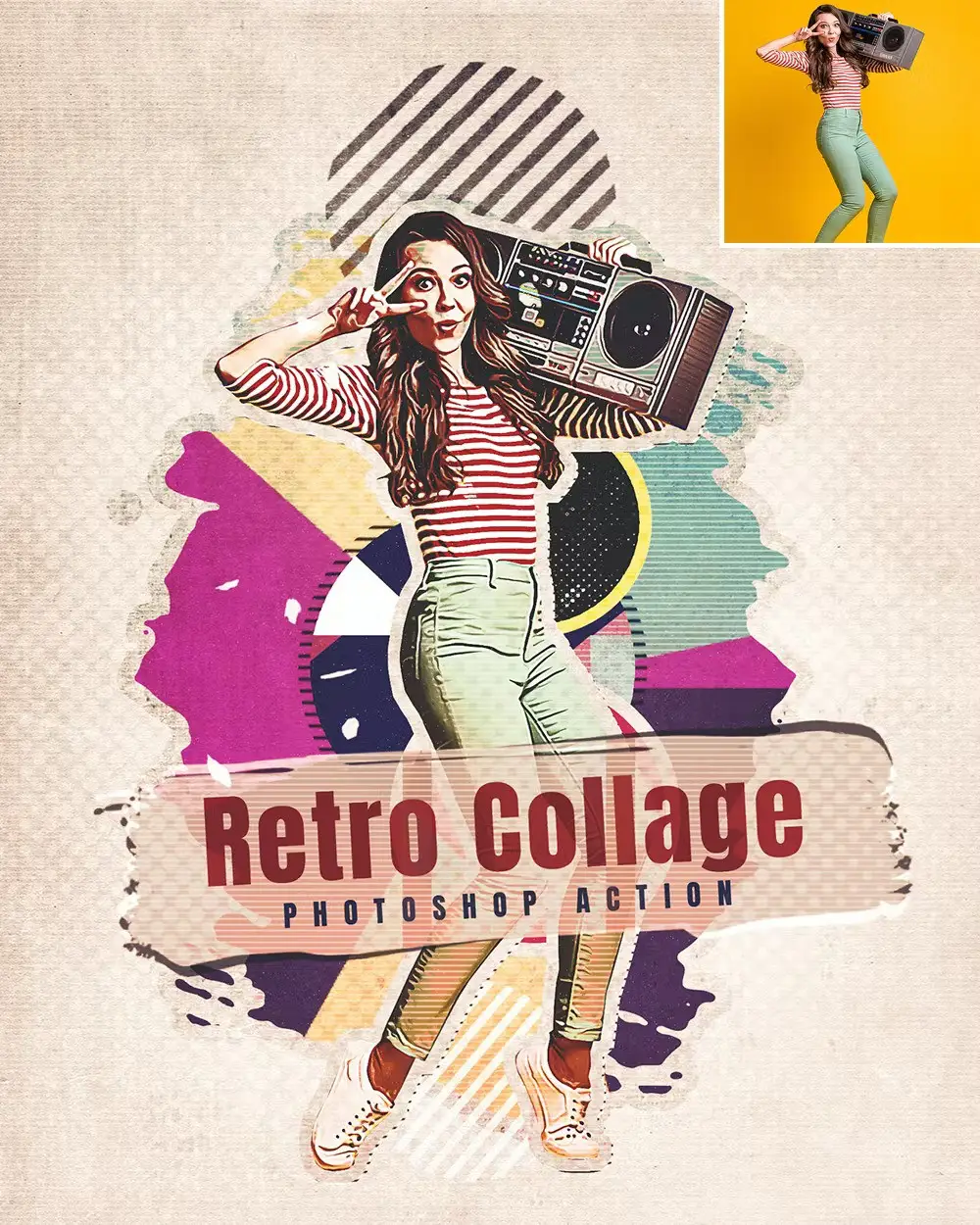
Transform your photos into stunning retro collages with the Retro Collage – Photoshop Action. This action is designed to give your images a vintage feel, perfect for creating eye-catching artwork that stands out. Whether you’re a professional designer or a hobbyist, this action simplifies the process of adding a nostalgic touch to your images.
Product Overview
The Retro Collage – Photoshop Action is an essential tool for anyone looking to enhance their photos with a retro aesthetic. It’s ideal for designers, photographers, and artists who want to create unique, vintage-inspired artworks quickly and effortlessly. The action is compatible with Adobe Photoshop CS and CC versions, ensuring a wide range of usability.
Key Features & Benefits
- ✅ Easy to Use → Simply load the action and watch your images transform with minimal effort.
- ✅ High Compatibility → Works seamlessly with Adobe Photoshop CS and CC versions.
- ✅ Comprehensive Guide Included → Step-by-step help file ensures you can get started without hassle.
- ✅ Versatile Formats → Includes ATN (action), ABR (brush), and PAT (pattern) files for complete creative control.
- ✅ Tested for Quality → Each action has been thoroughly tested to ensure consistent results.
Why Choose This Product
With the Retro Collage – Photoshop Action, you can effortlessly create stunning collages that evoke nostalgia. This action is trusted by designers worldwide for its reliability and ease of use. Plus, the included video tutorial makes learning how to use it a breeze, allowing you to focus on your creativity rather than the technical details.
Specifications (Technical Details)
| File Type | ATN, ABR, PAT |
|---|---|
| Compatibility | Adobe Photoshop CS and CC+ |
| Recommended Photo Dimensions | 2000-4000px |
| Language Requirement | English |
What’s Included / What’s in the Box
- 📦 Action ATN file
- 📦 Brush ABR file
- 📦 Pattern PAT file
- 📦 Help file
- 📦 Video tutorial link
Perfect For
- Photographers looking to enhance their portfolio
- Graphic designers creating retro-themed projects
- Artists wanting to add a vintage touch to their work
- Hobbyists exploring creative photo editing
How to Use
- Ensure your Photoshop is set to English and in RGB mode with 8 Bits color.
- Adjust the brush opacity and flow to 100%.
- Set your photo as the background layer.
- Load the action and apply it to your desired image.
FAQ
- Can I use this action with other languages? No, it is designed specifically for English language versions of Photoshop.
- What if I encounter issues? A detailed help file is included to assist you with any questions.
Ready to give your photos a retro makeover? Add to cart now and start creating stunning collages today! 🚀
User Reviews
Be the first to review “Retro Collage – Photoshop Action”
You must be logged in to post a review.

Watercolor Paint v.2 – Photoshop Action
Sold by D Gas
MixedPaint – Photoshop Action
Sold by D Gas
Retro Futuristic – Photoshop Action
Sold by D Gas
Abstract Face – Photoshop Action
Sold by D Gas
MixedArt – Photoshop Action
Sold by D Gas
Memento – Photoshop Action
Sold by D Gas Original price was: $5.00.$2.50Current price is: $2.50.


There are no reviews yet.