
Abstract Face – Photoshop Action
Original price was: $5.00.$2.50Current price is: $2.50.

D Gas
Product Specs:
- Compatible with: Actions
- File Type: ZIP
- File Size: 17.7 MB
- Instant Download
Abstract Face – Photoshop Action
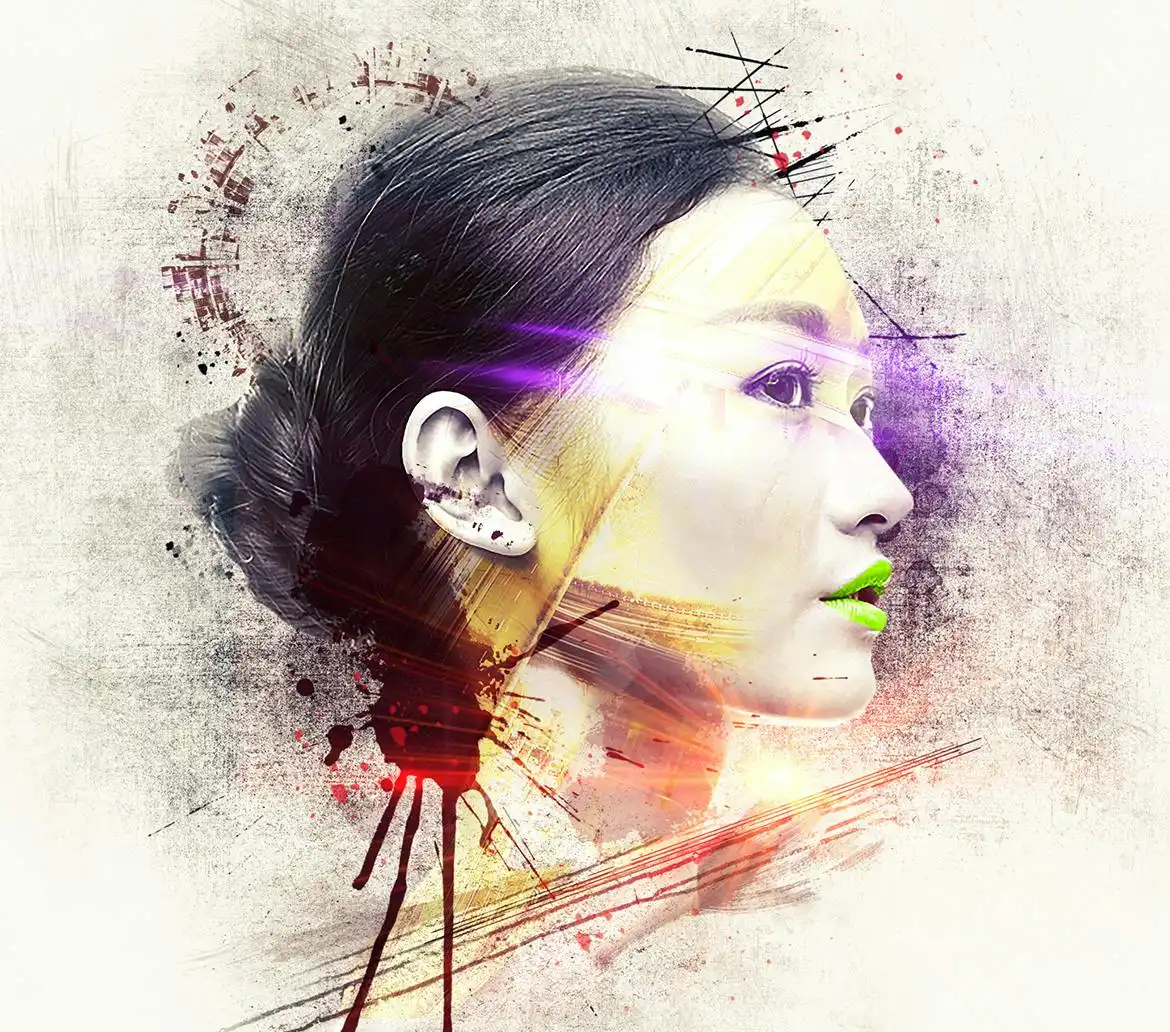
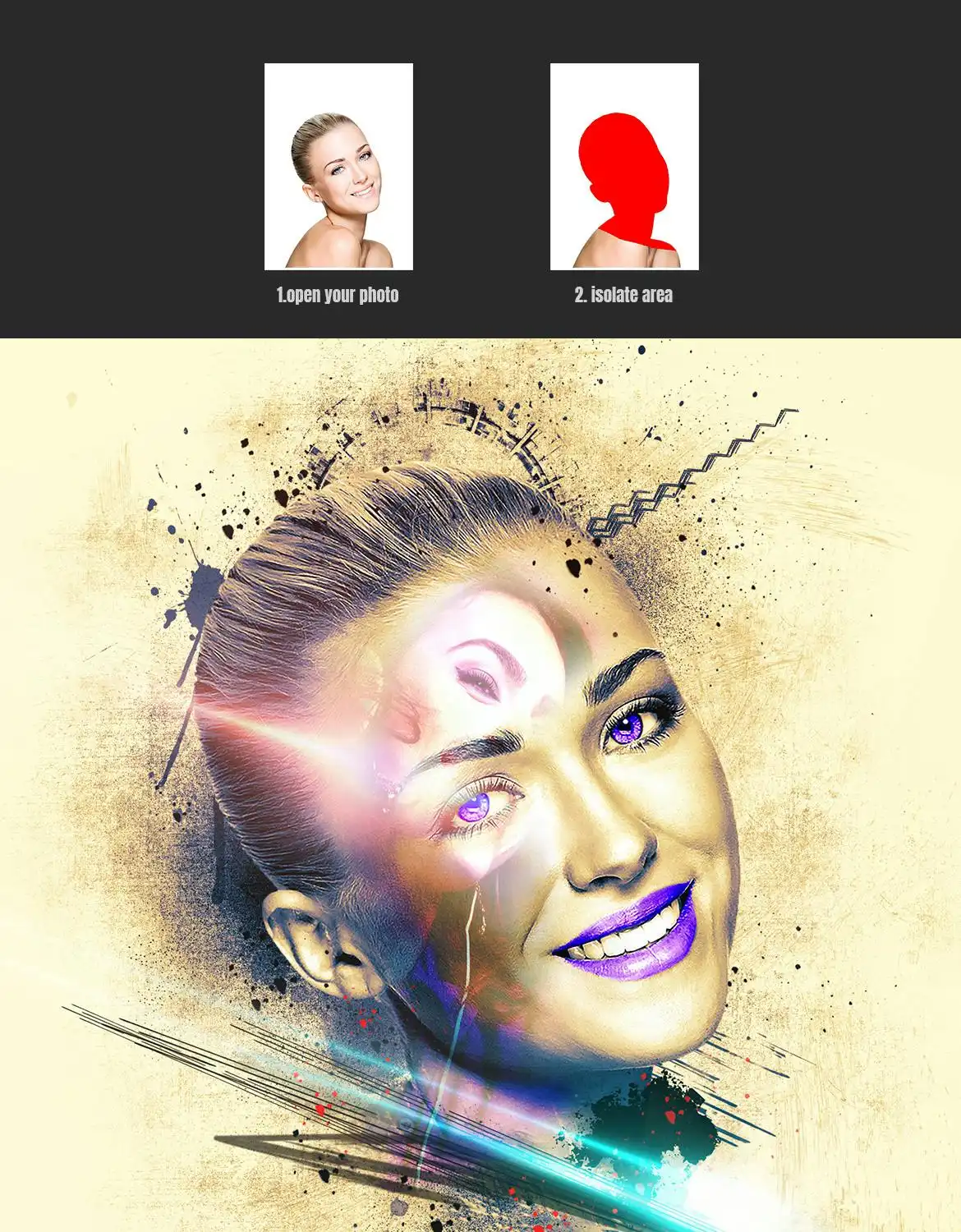
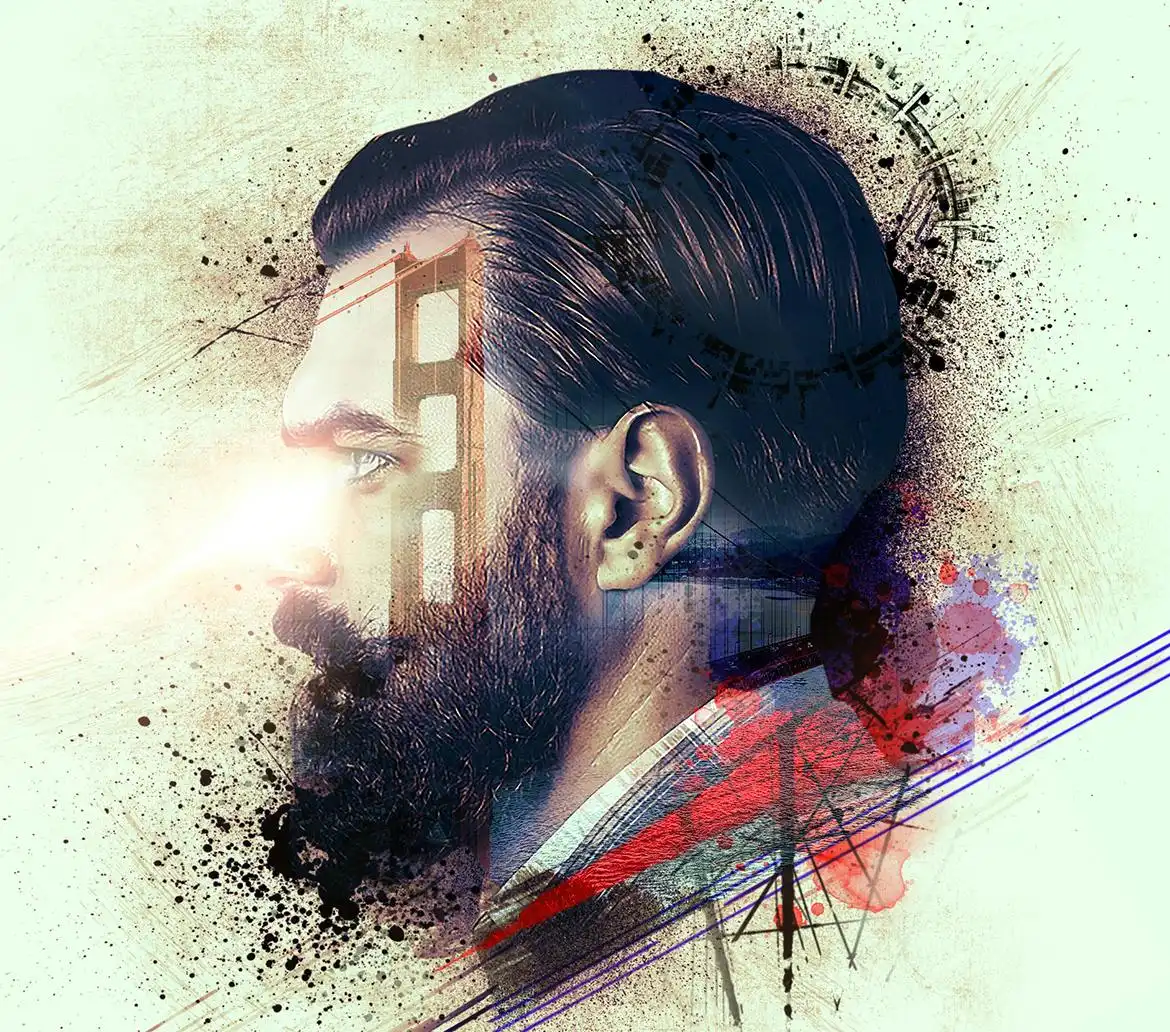
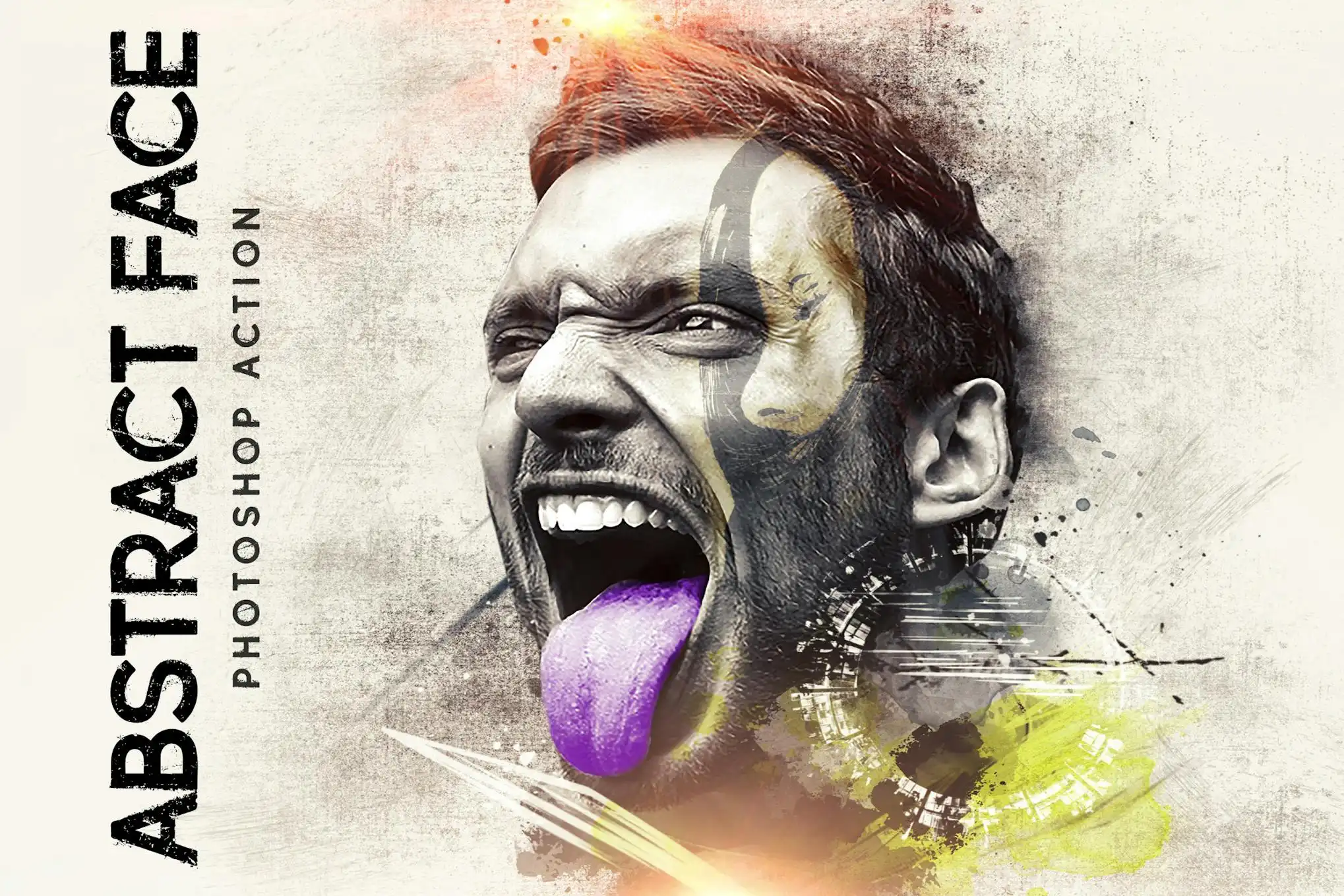
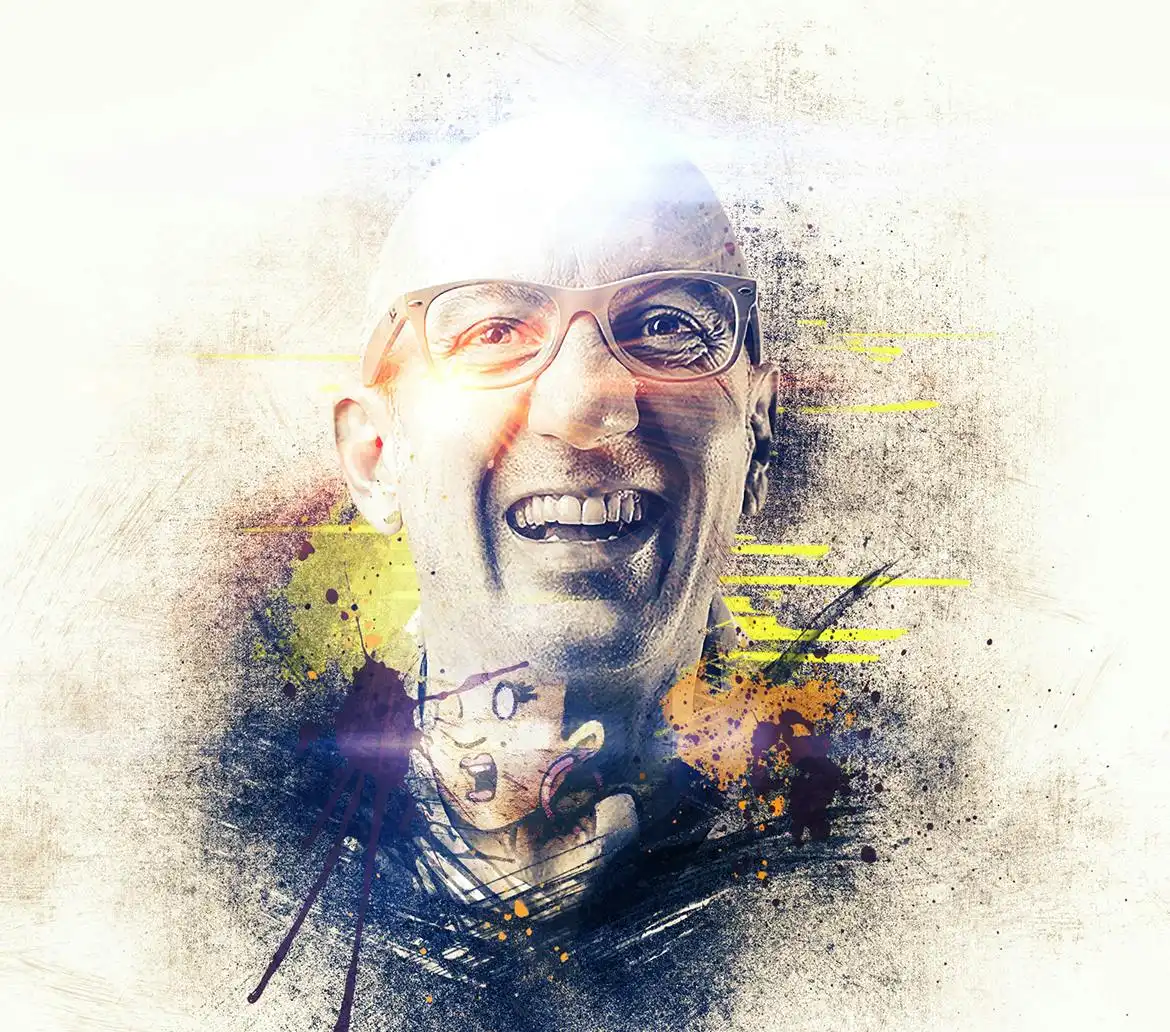
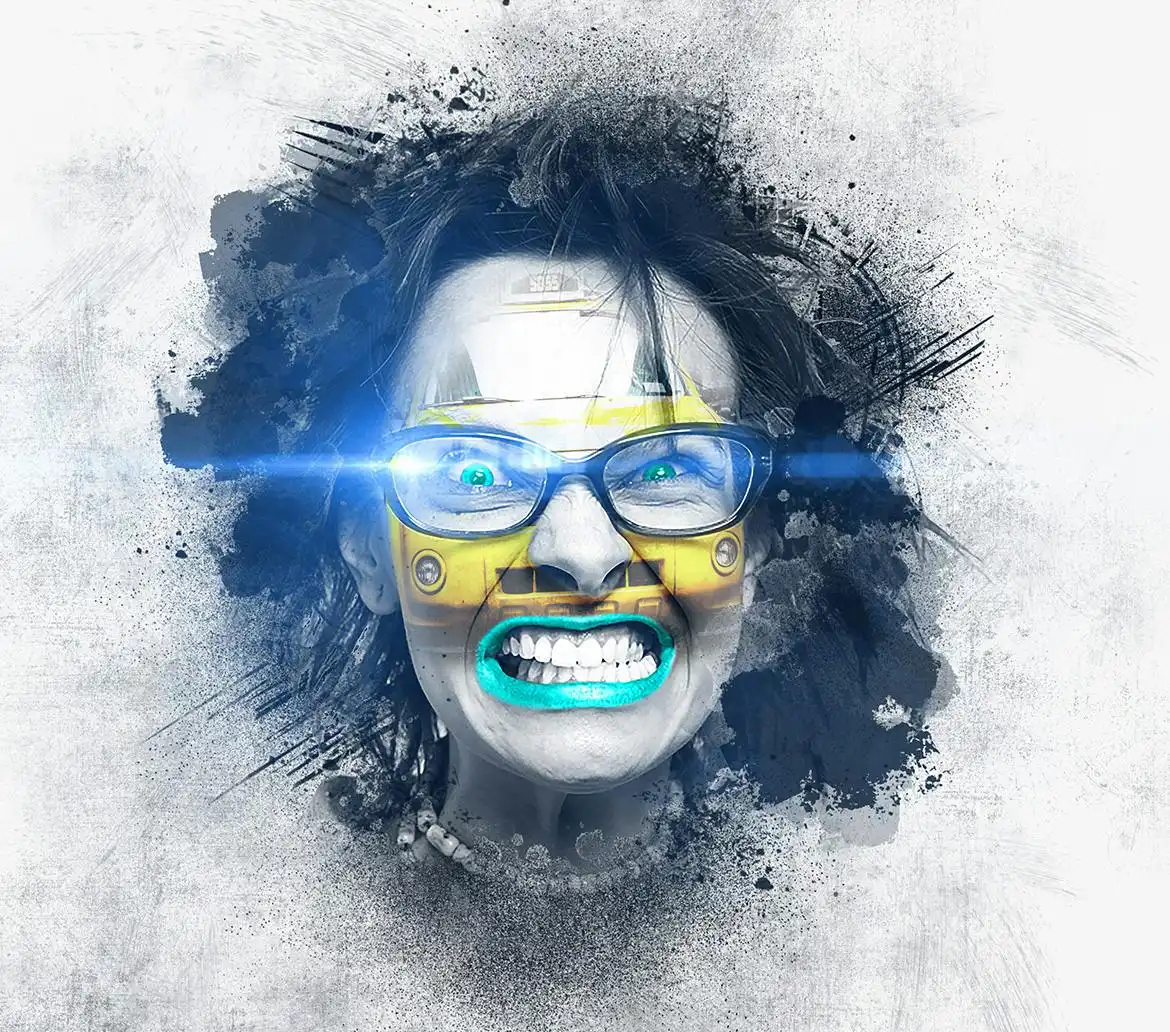
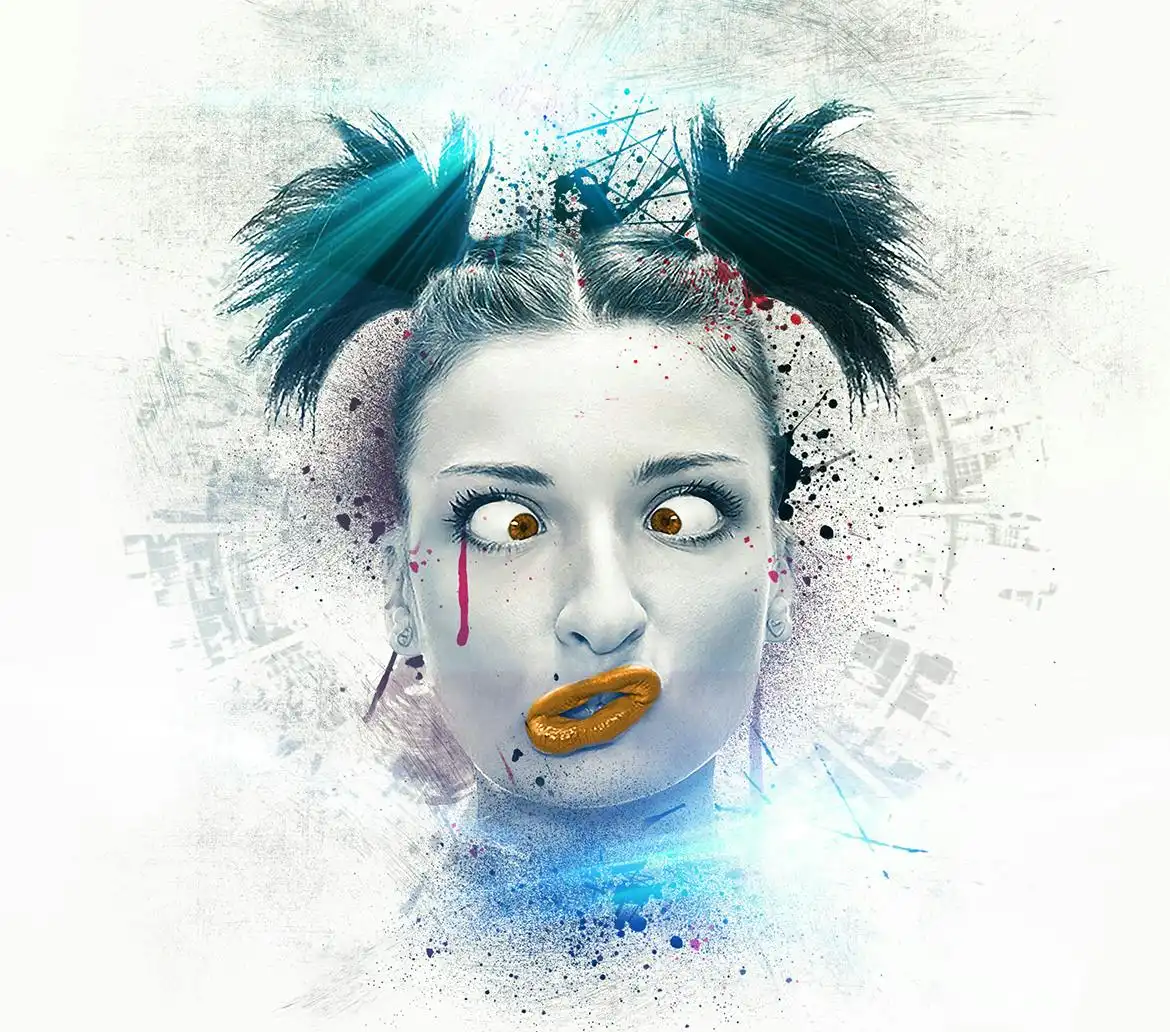
Transform your photos into stunning abstract art with the Abstract Face – Photoshop Action. This powerful tool is designed for artists and designers who want to elevate their creative projects effortlessly. With just a few clicks, you can create vibrant, modern artworks that stand out.
Product Overview
The Abstract Face – Photoshop Action is a digital design asset tailored for Photoshop users. Whether you’re a seasoned professional or a budding artist, this action simplifies the process of creating unique abstract faces. It’s perfect for enhancing your portfolio, social media graphics, or any creative endeavor.
Key Features & Benefits
- ✅ Easy to Use → Quickly apply the action to your images for instant results.
- ✅ High-Quality Output → Achieve professional-grade artwork that captures attention.
- ✅ Customizable Settings → Adjust brush opacity and flow to suit your style.
- ✅ Compatible with CS and CC+ → Works seamlessly with various Photoshop versions.
- ✅ Includes Video Tutorial → Step-by-step guidance to maximize your results.
Why Choose This Product
The Abstract Face – Photoshop Action is not just another tool; it’s a creative partner that empowers you to express your artistic vision. Trusted by artists worldwide, it simplifies complex processes, allowing you to focus on what you love—creating. With this action, you can transform ordinary photos into extraordinary pieces of art, enhancing your projects with minimal effort.
Specifications
| File Type | ATN, ABR, PAT |
|---|---|
| Compatibility | Photoshop CS and CC+ |
| Recommended Photo Dimensions | 2000-4000px |
What’s Included
- 📦 Action ATN file
- Brush ABR file
- Pattern PAT file
- Help file
- Video tutorial link
Perfect For
- Graphic designers
- Digital artists
- Social media marketers
- Photographers looking to enhance their images
How to Use
- Ensure your Photoshop is set to English.
- Use RGB Mode and 8 Bits color (Image > Mode).
- Set brush opacity and flow to 100% (Brush Tool > Opacity & Flow sliders).
- Prepare your photo by creating a background layer (Layer > New > Background from Layer).
- Apply the action and watch your image transform!
FAQ
- Can I use this action on any photo? Yes, it works best with high-resolution images.
- Is the video tutorial easy to follow? Absolutely! It provides clear, step-by-step instructions.
Ready to create stunning abstract art? Add to cart now and start transforming your images today! 🚀
User Reviews
Be the first to review “Abstract Face – Photoshop Action”
You must be logged in to post a review.

Ink Scratch – Photoshop Action
Sold by D Gas
Adobe Photoshop Actions and Templates Bundle – 34 Items
Sold by D Gas
Memento – Photoshop Action
Sold by D Gas
Geometrico – Photoshop Action
Sold by D Gas
Abstract Face – Photoshop Action
Sold by D Gas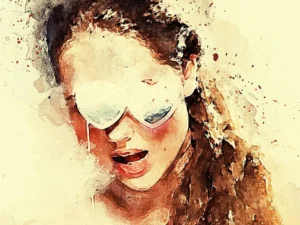
Watercolor – Photoshop Action
Sold by D Gas Original price was: $5.00.$2.50Current price is: $2.50.


There are no reviews yet.