
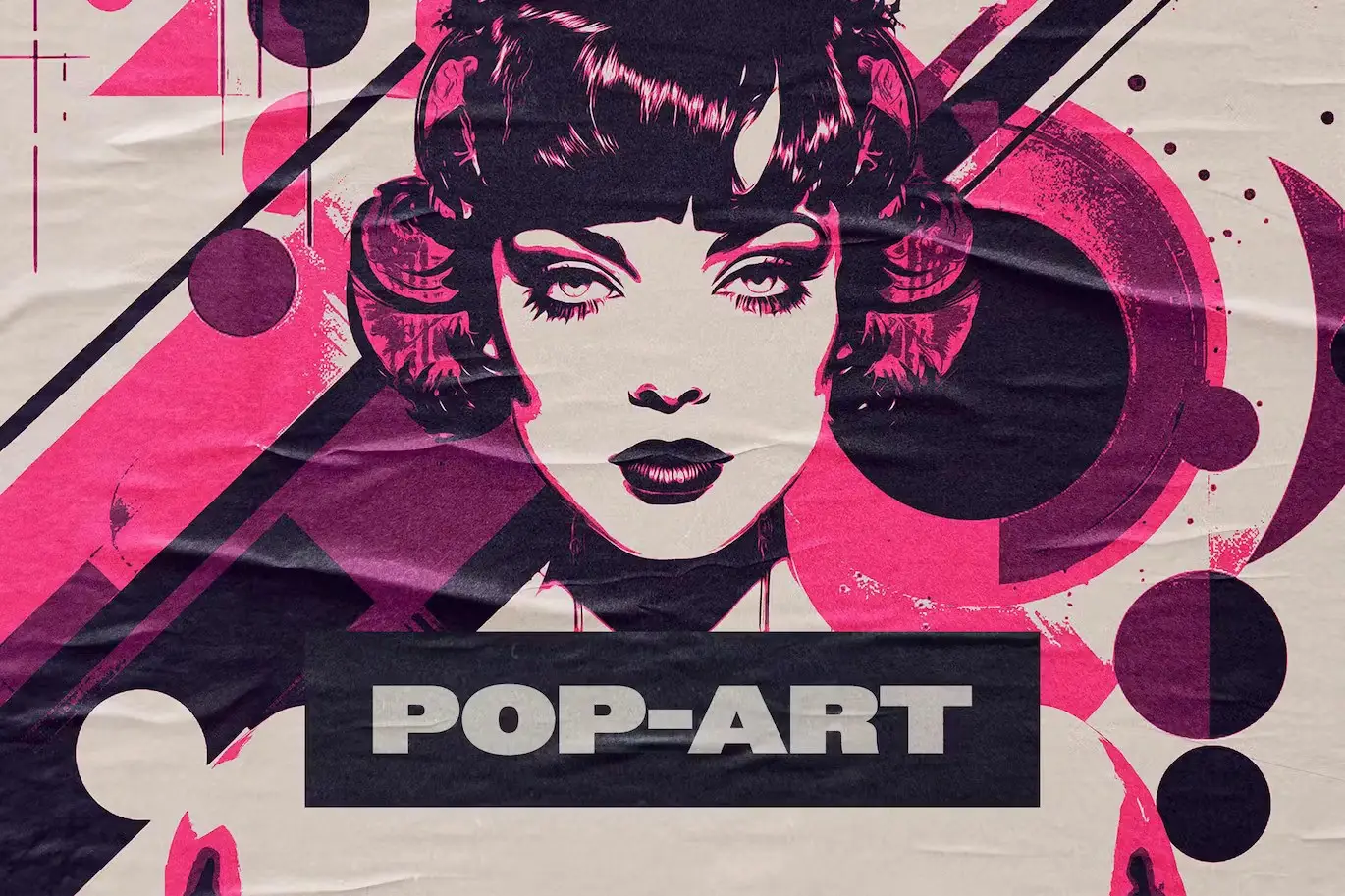
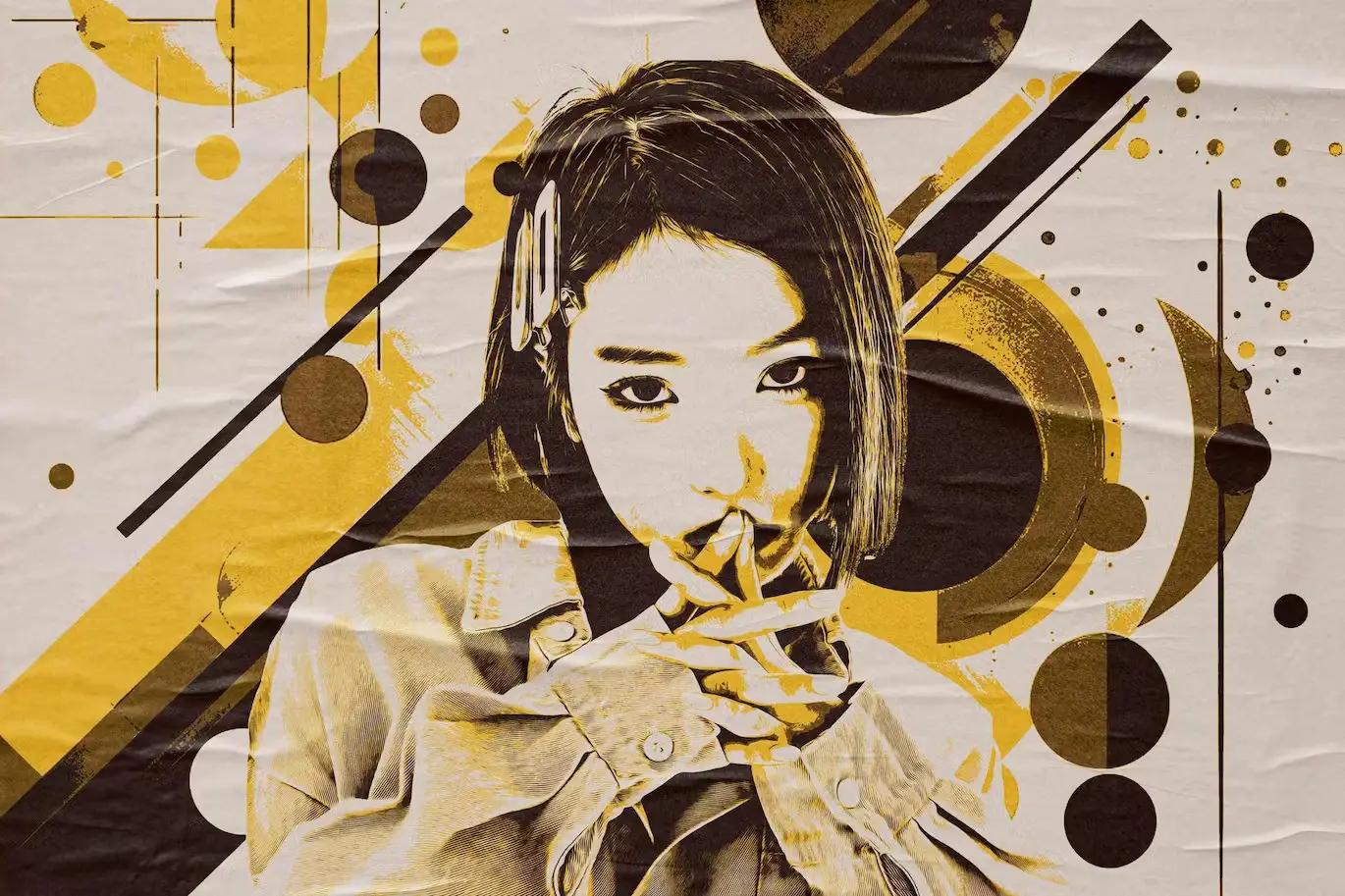
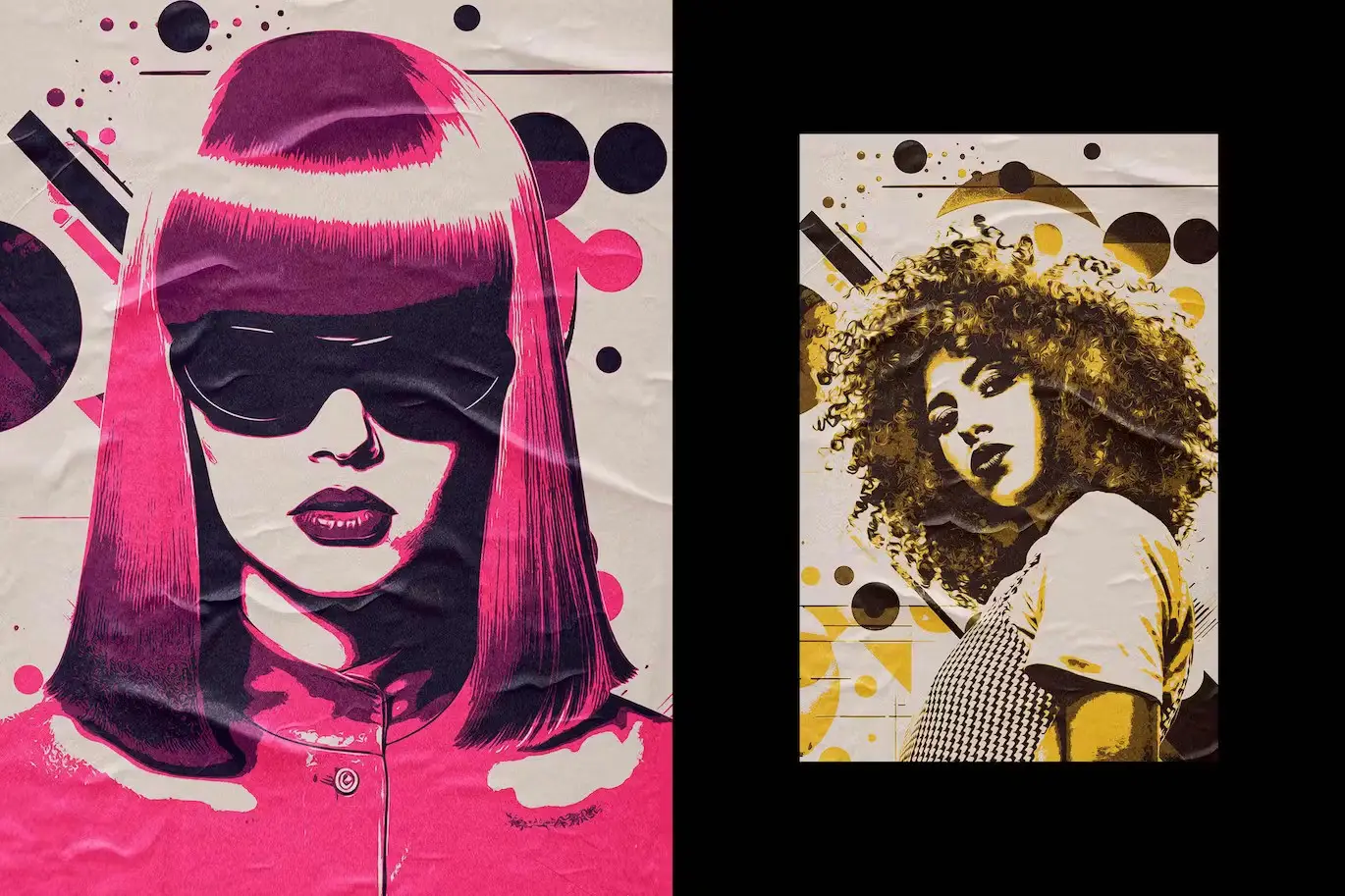
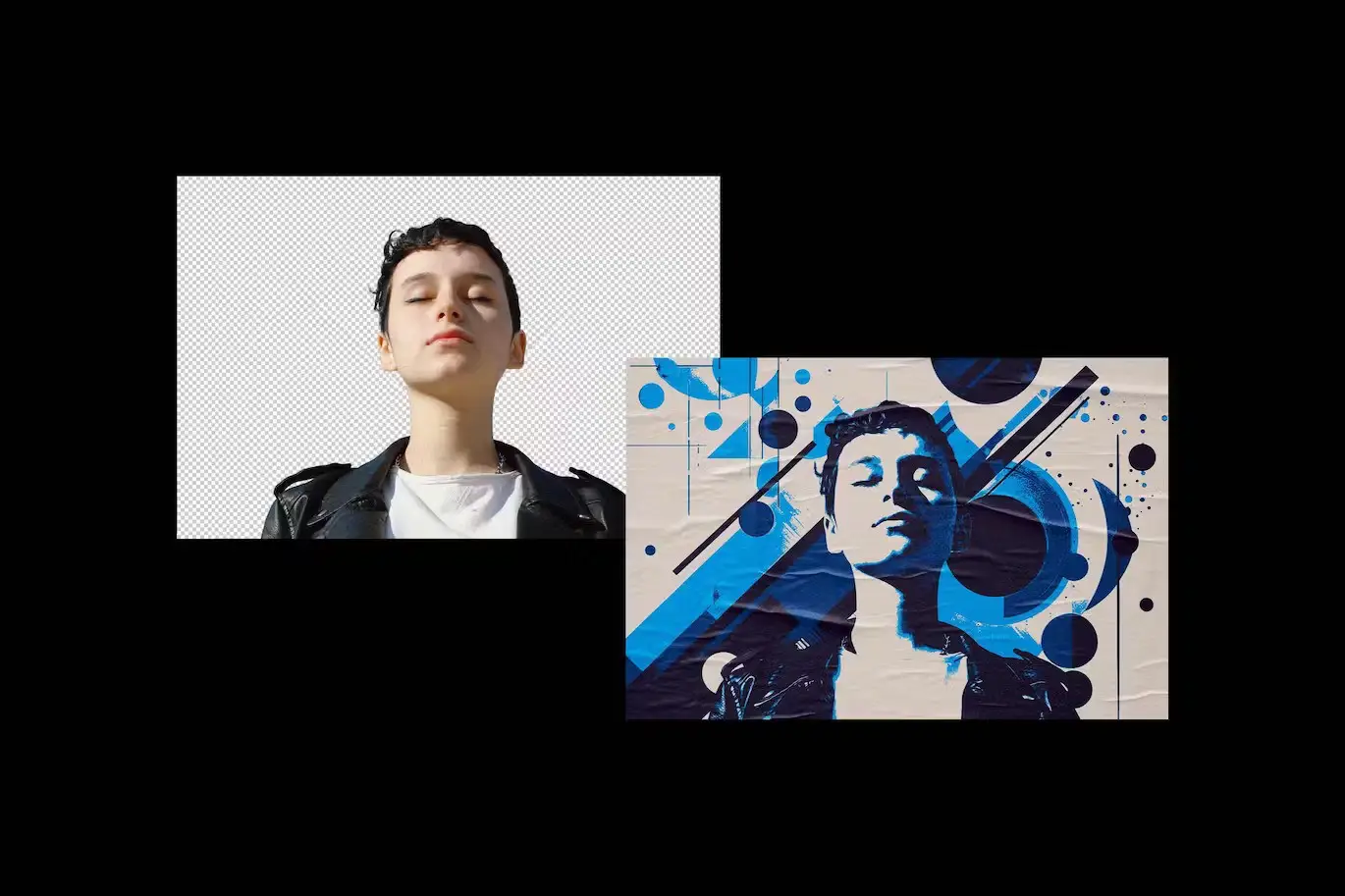

Pop-Art Paint Photo Effect
Transform your images into stunning pop-art masterpieces with the Pop-Art Paint Photo Effect. This digital design asset allows you to create mesmerizing, high-quality visuals in just a few clicks, making it perfect for artists, designers, and anyone looking to add a unique touch to their photography.
Product Overview
The Pop-Art Paint Photo Effect is designed for those who want to infuse their photos with a vibrant, retro flair. With its easy-to-use Smart Object layers, you can customize your artwork effortlessly, ensuring a seamless and enjoyable creative process.
Key Features & Benefits
- ✅ Smart Object Layers → Effortlessly customize your images by double-clicking the layer thumbnail.
- ✅ High-Quality PSD Files → Includes two files (4500×3000 px and 3000×4500 px) at 300 dpi for professional results.
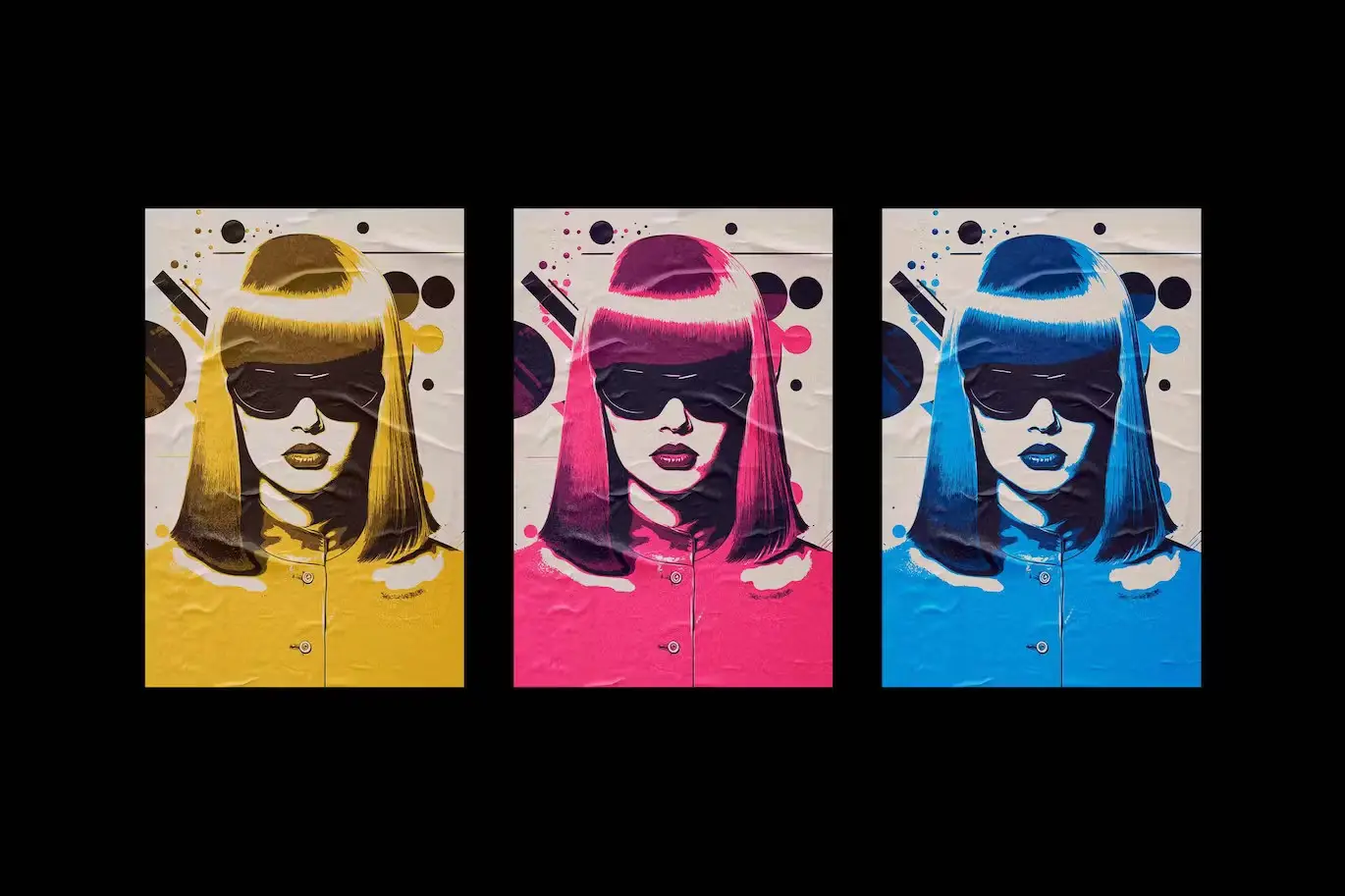
- ✅ Multiple Color Options → Choose from three vibrant color schemes to suit your style.
- ✅ User-Friendly → Simple process to replace placeholder images and add your graphics.
- ✅ Comprehensive Help File → Get step-by-step guidance to maximize your use of the effect.
Why Choose This Product
This Pop-Art Paint Photo Effect stands out due to its versatility and ease of use. Whether you’re a professional designer or a hobbyist, this effect allows you to create eye-catching artwork without the need for extensive technical skills. Plus, with the vibrant pop-art style, your images will capture attention and spark interest.
Specifications (Technical Details)
| File Type | PSD |
|---|---|
| Dimensions | 4500×3000 px, 3000×4500 px |
| DPI | 300 |
| Color Options | 3 |
| Included Files | 2 PSD files, Help file |
What’s Included / What’s in the Box
- 📦 2 High-quality PSD files
- 📦 Help file for easy setup
- 📦 3 Color options for diverse styling
Perfect For
- Graphic designers
- Photographers looking to enhance their work
- Artists wanting to explore pop-art styles
- Social media content creators
How to Use
Using the Pop-Art Paint Photo Effect is straightforward:
- Open the PSD file in Photoshop.
- Double-click the Smart Object layer to edit.
- Replace the placeholder image with your own graphics.
- Save and close the Smart Object to see the effect applied.
- Adjust any additional features to finalize your composition.
FAQ
- Can I use this effect for commercial projects? Yes, the effect can be used for both personal and commercial projects.
- Is Photoshop required to use this product? Yes, this effect is designed specifically for Adobe Photoshop.
Add to cart now and start creating your unique pop-art designs today! 🚀
User Reviews
Be the first to review “Pop-Art Paint Photo Effect”
You must be logged in to post a review.


Printed Mess Text & Logo Effects Collection
Sold by


Original price was: $5.00.$2.50Current price is: $2.50.


There are no reviews yet.