
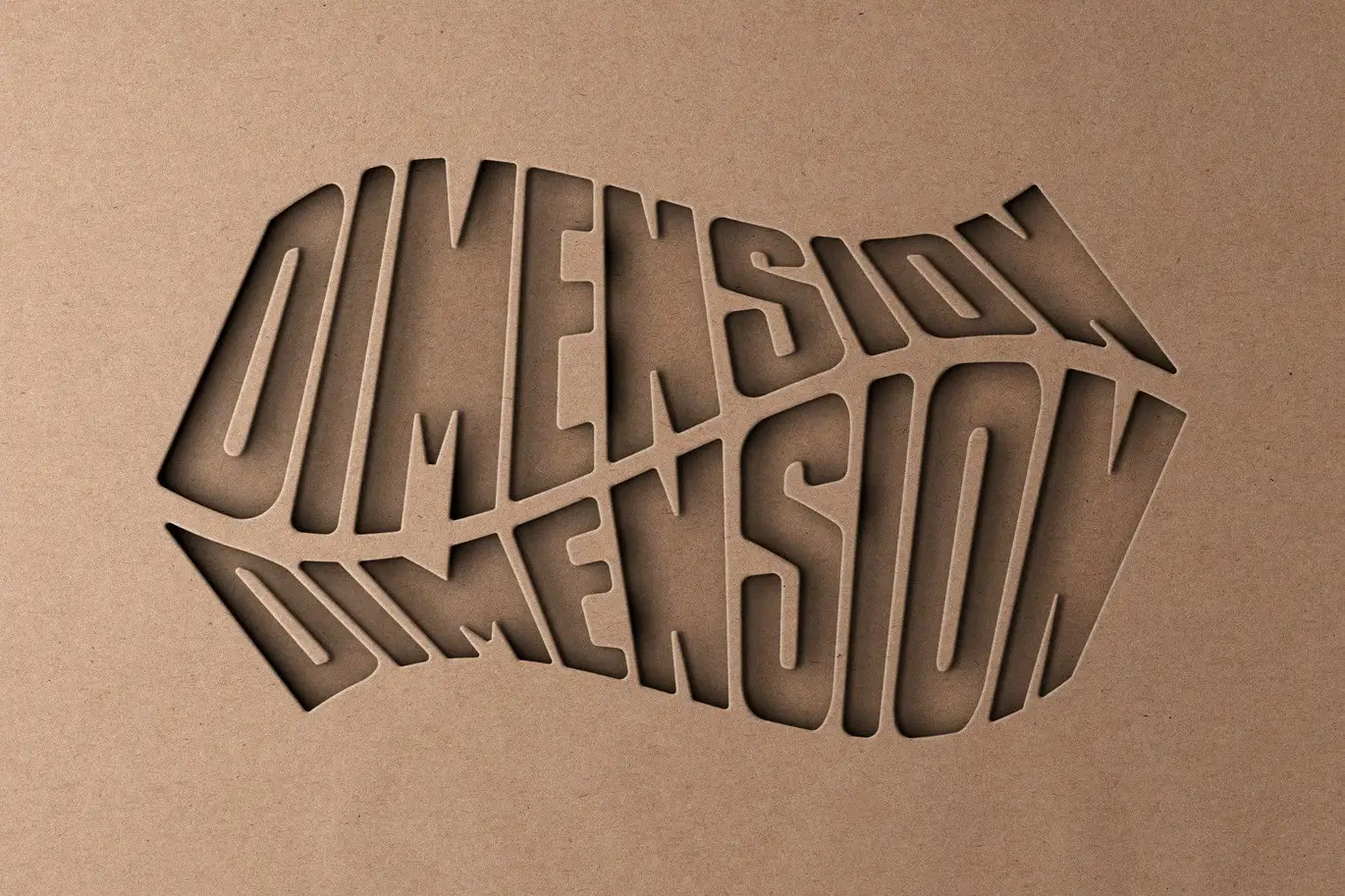
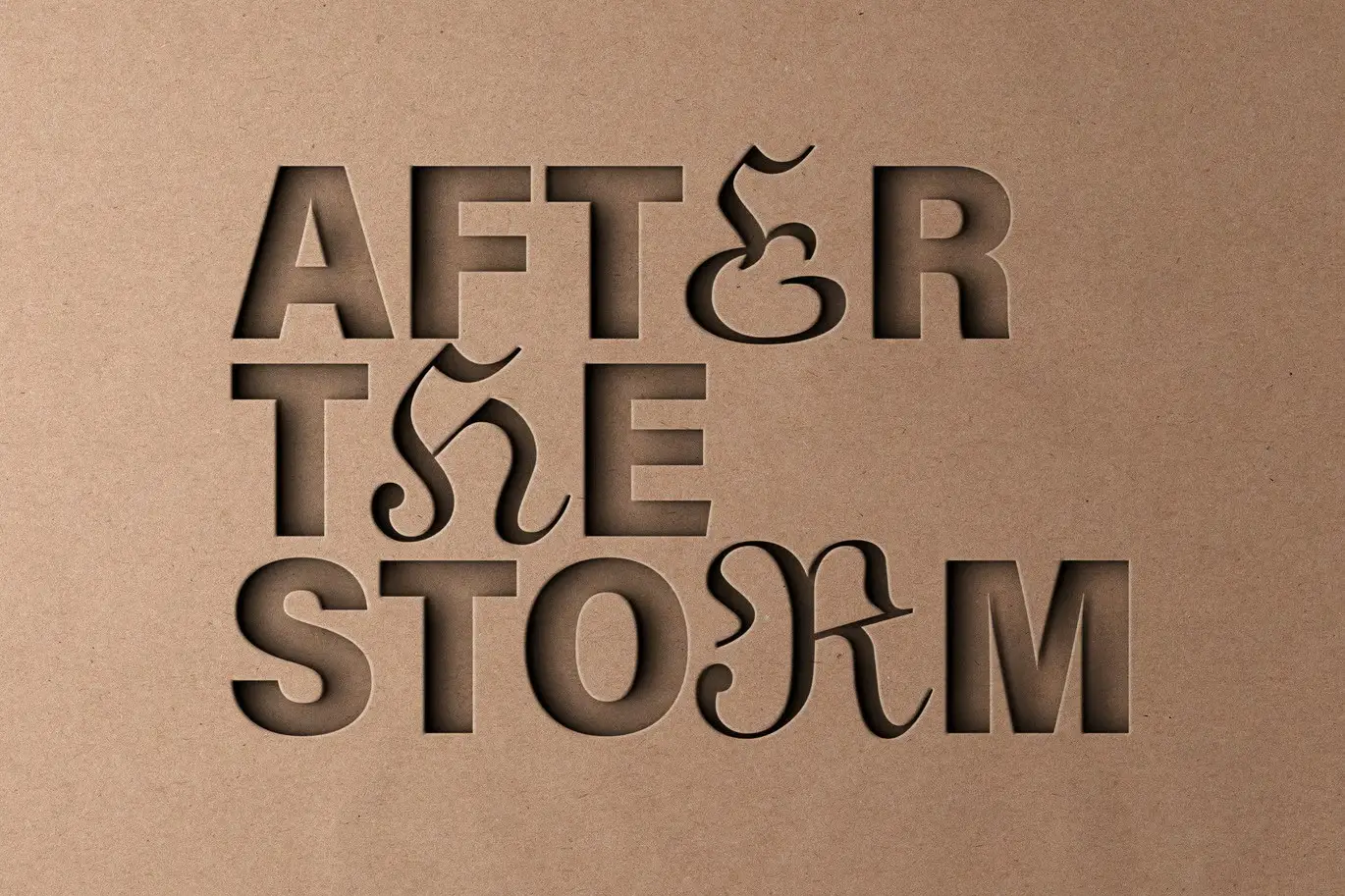
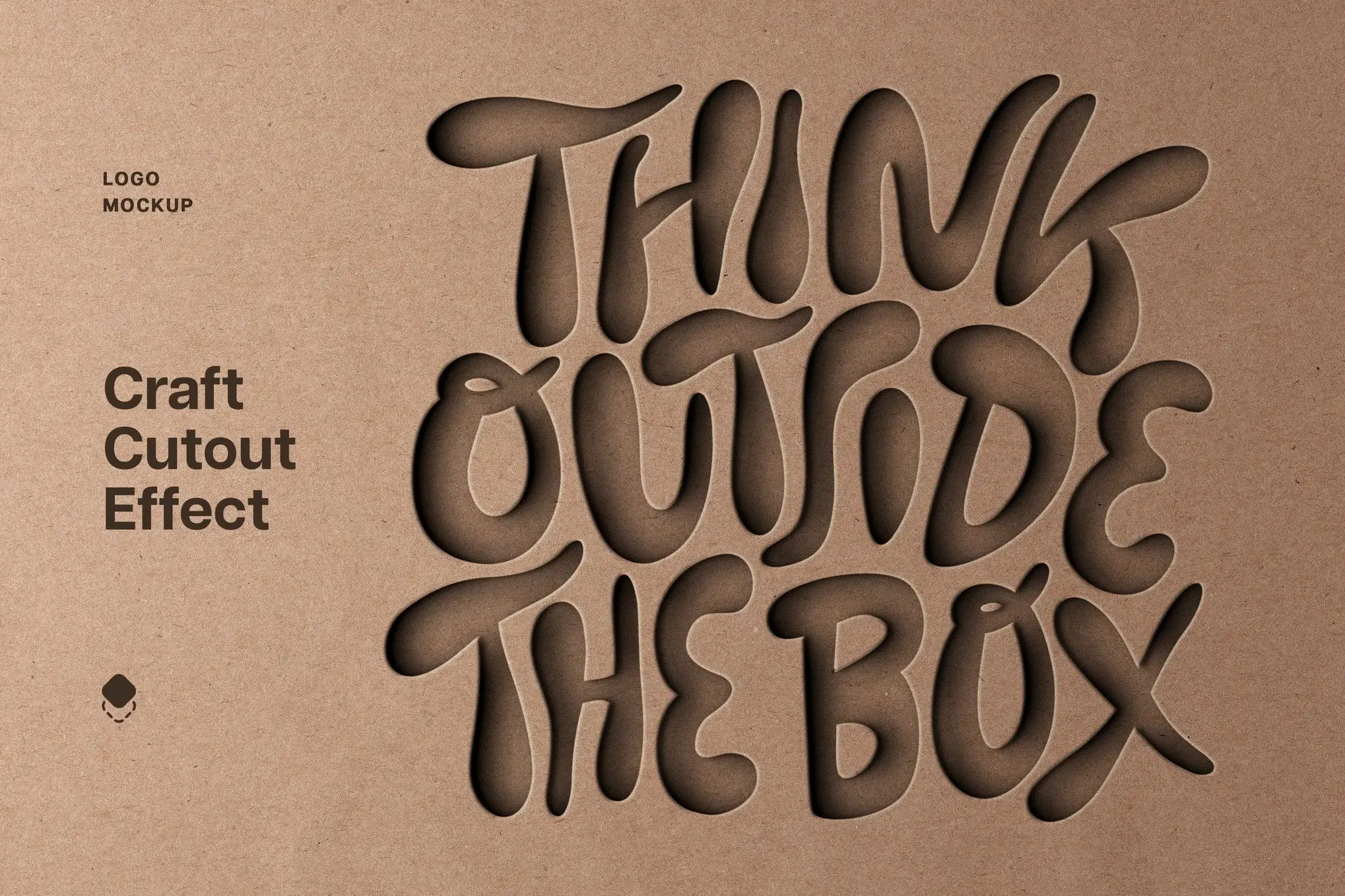

Cardboard Cutout Mockup: Showcase Your Designs with Realism
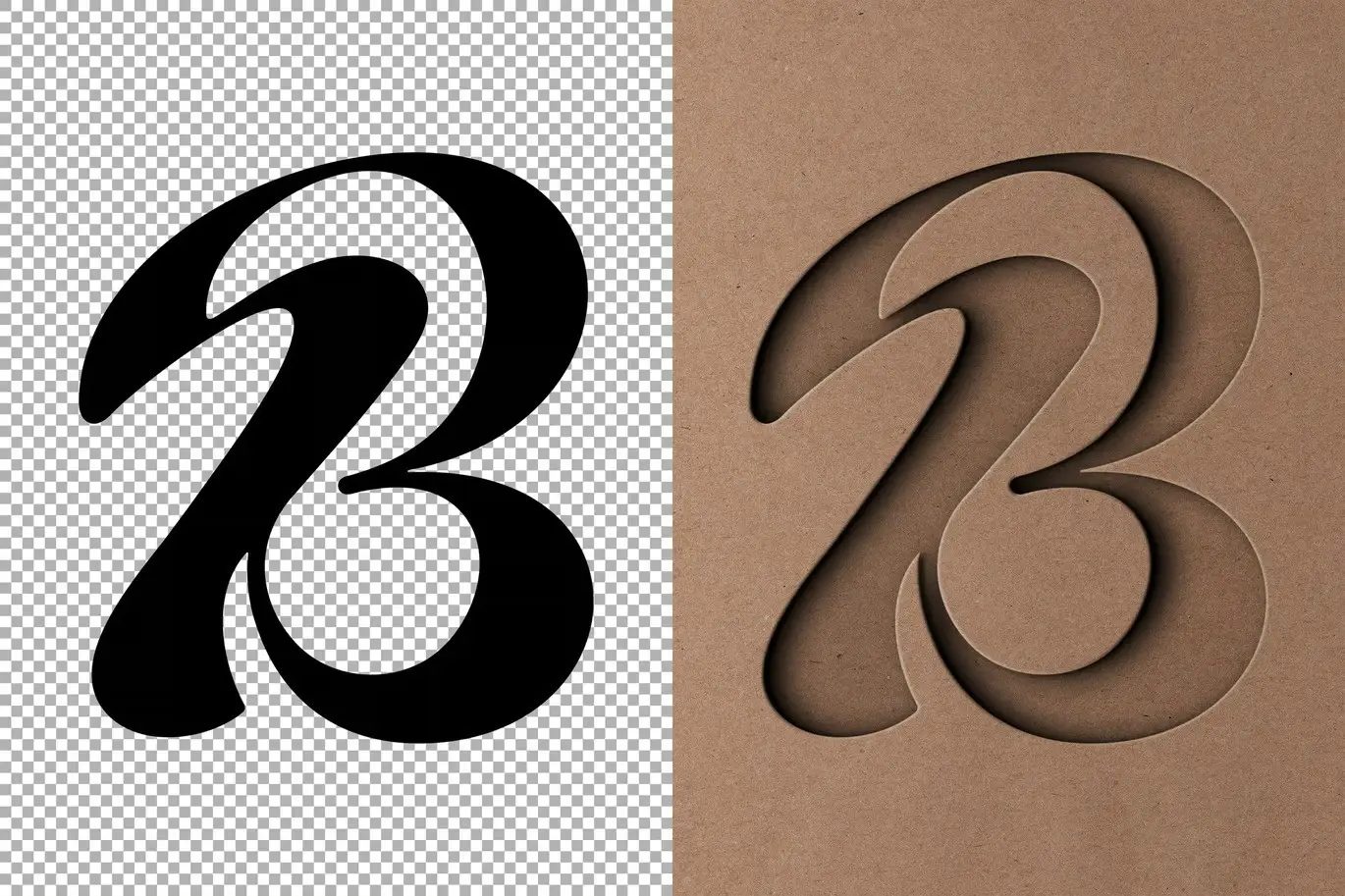
Presenting your ideas effectively is crucial, and a high-quality mockup can make all the difference. The Cardboard Cutout Mockup provides you with the versatility, realism, and stunning textures needed to showcase your designs beautifully.
Product Overview
This mockup is designed for designers, marketers, and creatives who want to elevate their presentations. With its realistic cardboard texture and customizable features, it allows you to create an inspiring showcase scene that captivates your audience.
Key Features & Benefits
- ✅ High-Resolution PSD File → Perfect for print and digital use, ensuring your designs look sharp and professional.
- ✅ 4500×3000 px, 300 dpi → Provides exceptional detail and clarity for your graphics.
- ✅ Easy Customization → Simply double-click the Smart Object layer, replace the placeholder graphics, and save your changes.
- ✅ Realistic Textures → Enhance your designs with authentic cardboard effects that add depth and interest.
- ✅ User-Friendly Help File → Get started quickly with easy-to-follow instructions included in the package.
Why Choose This Product
The Cardboard Cutout Mockup stands out due to its attention to detail and ease of use. Whether you’re a professional designer or just starting, this mockup simplifies the process of presenting your ideas. Trusted by creatives worldwide, it helps you convey your vision with confidence and style.
Specifications
| Attribute | Details |
|---|---|
| File Format | PSD |
| Dimensions | 4500×3000 px |
| Resolution | 300 dpi |
| Included Files | Help file, Mockup file |
What’s Included 📦
- High-quality PSD mockup file
- Comprehensive help file for easy customization
Perfect For
- Graphic designers
- Marketing professionals
- Branding projects
- Creative presentations
How to Use
- Open the PSD file in Adobe Photoshop.
- Double-click the Smart Object layer to edit.
- Replace the placeholder graphics with your own.
- Save the changes to see your design in the mockup.
FAQ
- Can I use this mockup for commercial projects? Yes, you can use it for both personal and commercial purposes.
- Is Photoshop required to edit the mockup? Yes, Adobe Photoshop is necessary to customize the mockup.
Add to cart now and start showcasing your designs with the Cardboard Cutout Mockup! 🚀
User Reviews
Be the first to review “Cardboard Cutout Mockup”
You must be logged in to post a review.

Cyberpunk Distortion Photo Effect
Sold by
Nostalgic Watercolor Photo Effect
Sold by

Original price was: $5.00.$2.50Current price is: $2.50.


There are no reviews yet.