
Papercraft Photoshop Styles

Original price was: $5.00.$2.50Current price is: $2.50.

Design Dell
Product Specs:
- Compatible with: Templates
- File Type: ZIP
- File Size: 131.7 MB
- Instant Download
Papercraft Photoshop Styles: Transform Your Designs with Ease
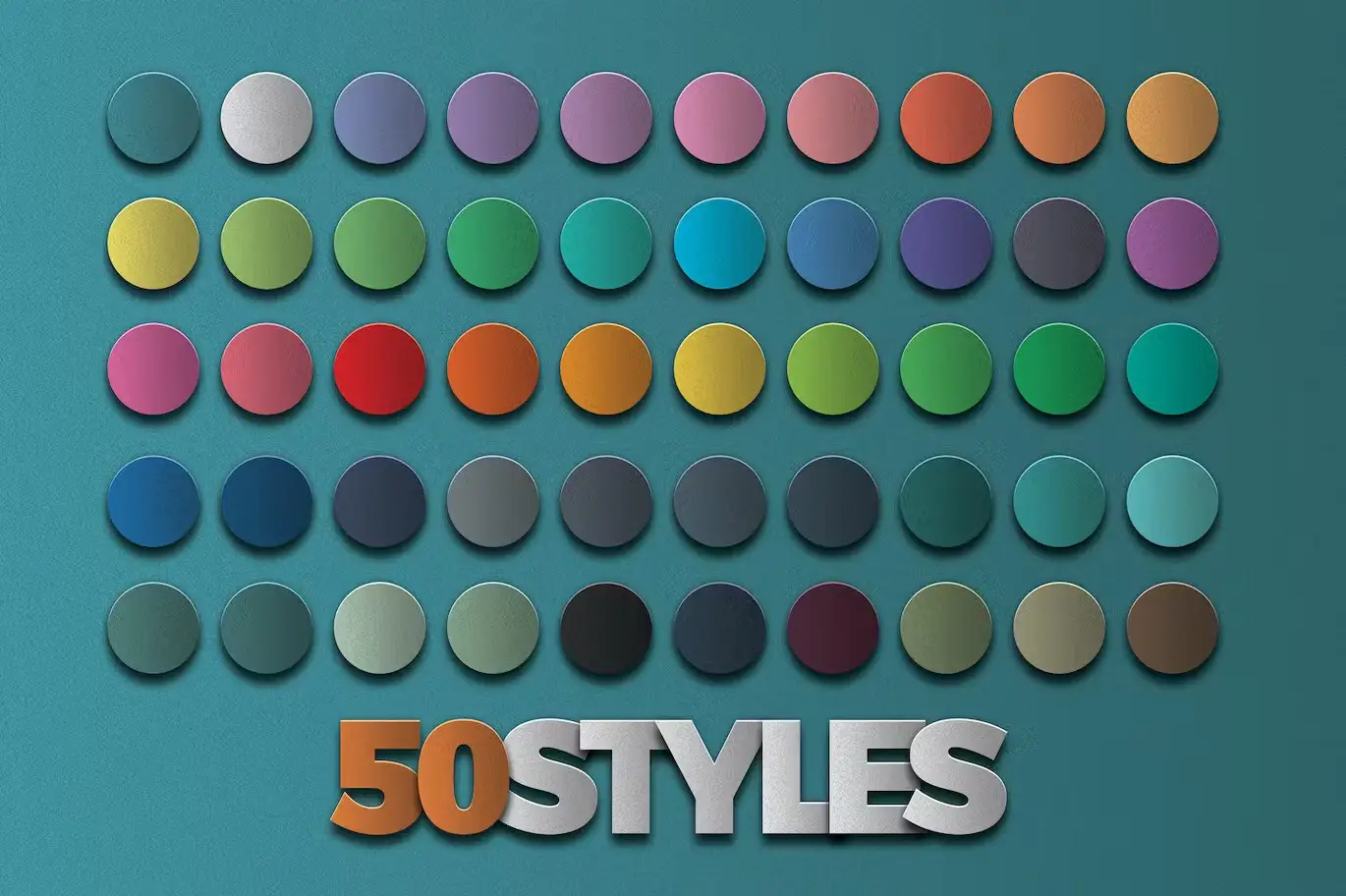
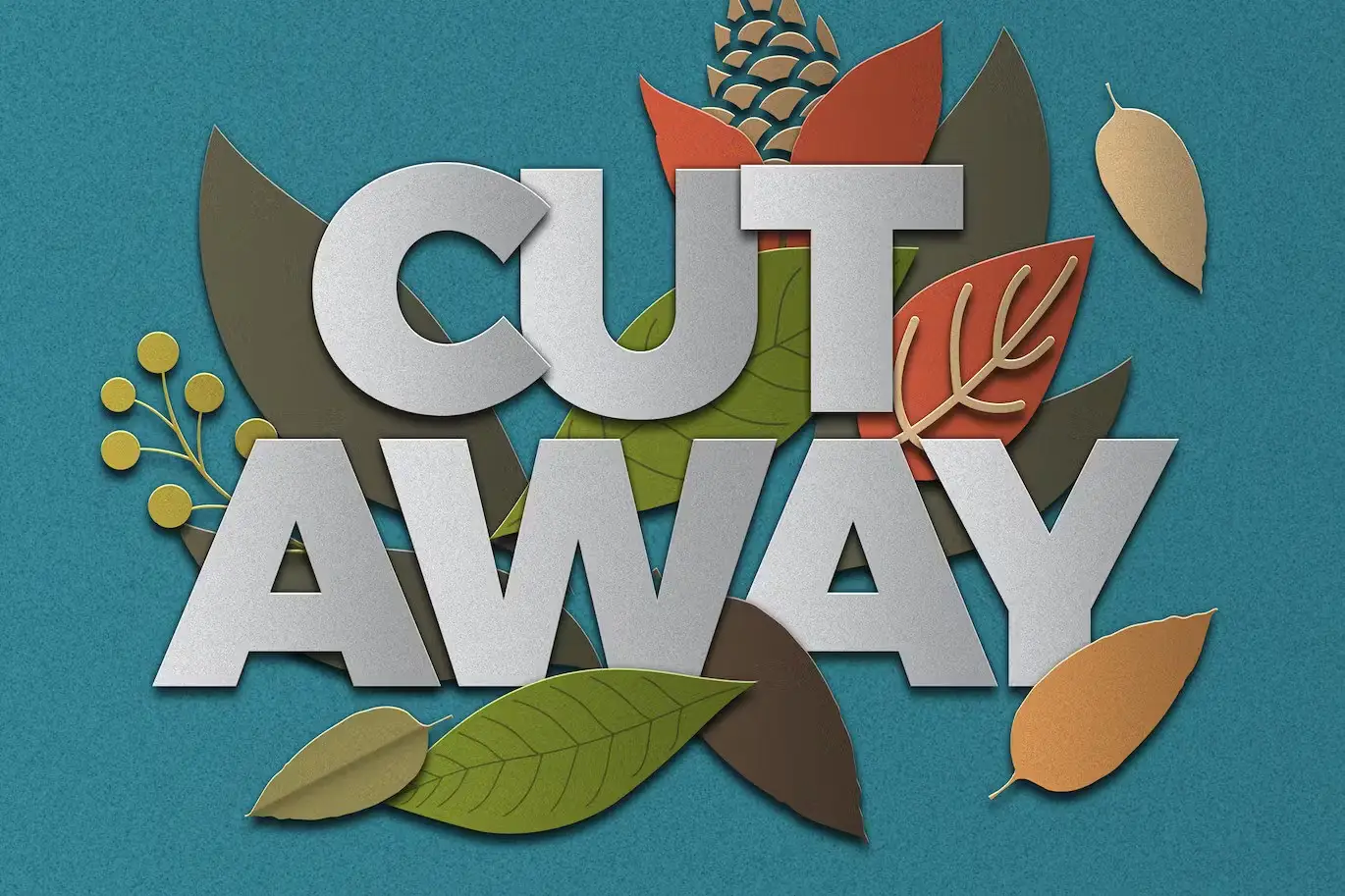
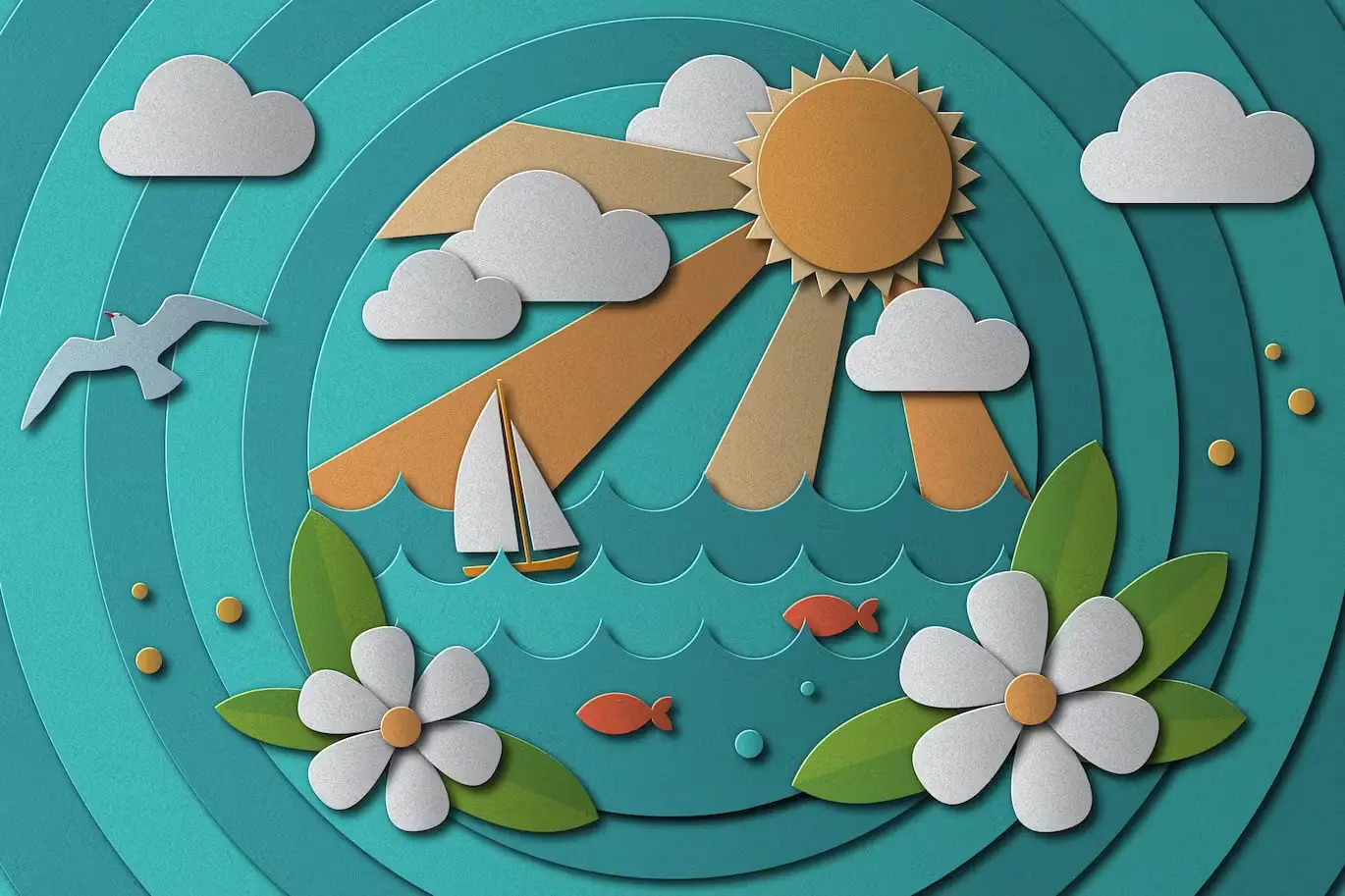
Elevate your creative projects effortlessly with our Papercraft Photoshop Styles. This collection allows you to turn your designs into stunning paper collages in just one click, making it an essential tool for any designer looking to add a unique touch to their work.
Product Overview
The Papercraft Photoshop Styles package includes 50 meticulously crafted paper styles, along with an additional overlay style. These styles are designed to instantly convert your digital designs into beautiful paper textures, perfect for scrapbooking, collages, and various artistic projects. Whether you’re a professional designer or a hobbyist, this asset is tailored for you.
Key Features & Benefits
- ✅ 50 Unique Paper Styles → Instantly transform your designs with a variety of paper textures.
- ✅ One Overlay Style → Enhance your projects with an additional layer of depth and creativity.
- ✅ Easy to Use → Apply styles with just one click, saving you time and effort.
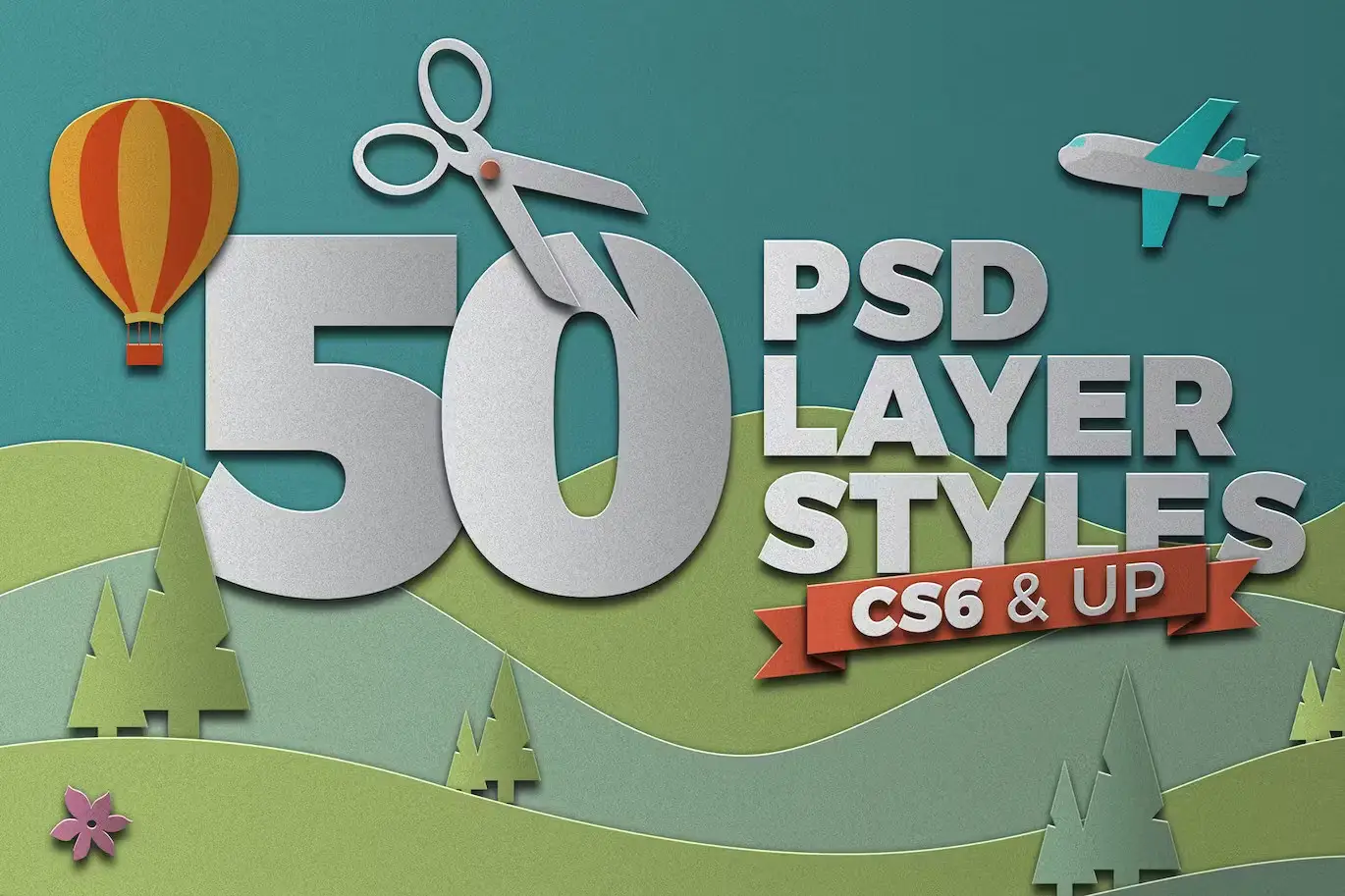
- ✅ Compatible with Photoshop CS6 and Later → Works seamlessly with the latest versions of Photoshop.
- ✅ PDF Help File Included → Get started quickly with our easy-to-follow guide.
Why Choose This Product
Our Papercraft Photoshop Styles stand out due to their high-quality textures and ease of use. Trusted by designers worldwide, these styles are perfect for creating eye-catching visuals that resonate with your audience. Whether you’re crafting a digital scrapbook or designing promotional materials, these styles will enhance your creativity and streamline your workflow.
Specifications (Technical Details)
| Format | Photoshop Styles (.ASL) |
|---|---|
| Compatibility | Photoshop CS6 and later |
| Included Files | 50 Paper Styles, 1 Overlay Style, PDF Help File |
What’s Included / What’s in the Box
- 📦 50 Unique Papercraft Styles
- 📦 1 Overlay Style
- 📦 PDF Help File for Easy Setup
Perfect For
- Graphic Designers
- Scrapbook Enthusiasts
- Artists and Crafters
- Marketing Professionals
How to Use
Applying the Papercraft Photoshop Styles is simple. Follow these steps for best results:
- Open your design in Photoshop.
- Select the layer you want to apply the style to.
- Choose your desired paper style from the styles panel.
- Enjoy your new paper texture!
FAQ
- Can I use these styles in older versions of Photoshop?
No, these styles are compatible with Photoshop CS6 and later versions only.
- Is there a money-back guarantee?
Yes, we offer a satisfaction guarantee on all our digital products.
Add a creative flair to your designs with our Papercraft Photoshop Styles. Get started today and transform your artwork into stunning paper masterpieces! 🚀
User Reviews
Be the first to review “Papercraft Photoshop Styles”
You must be logged in to post a review.

Adobe Photoshop Styles Brushes Bundle – 12 Packs
Sold by Design Dell
Cookie PSD Text Effect
Sold by Design Dell
Grit Photoshop and Illustrator Brushes
Sold by Design Dell
Realistic Neon Photoshop Effect
Sold by Design Dell
Sand Type Photoshop Action
Sold by Design Dell
Foil Photoshop Layer Styles
Sold by Design Dell Original price was: $5.00.$2.50Current price is: $2.50.


There are no reviews yet.