
Foil Photoshop Layer Styles

Original price was: $5.00.$2.50Current price is: $2.50.

Design Dell
Product Specs:
- Compatible with: Layer Styles | Photoshop
- File Type: ZIP
- File Size: 14.2 MB
- Instant Download
Foil Photoshop Layer Styles: Elevate Your Designs
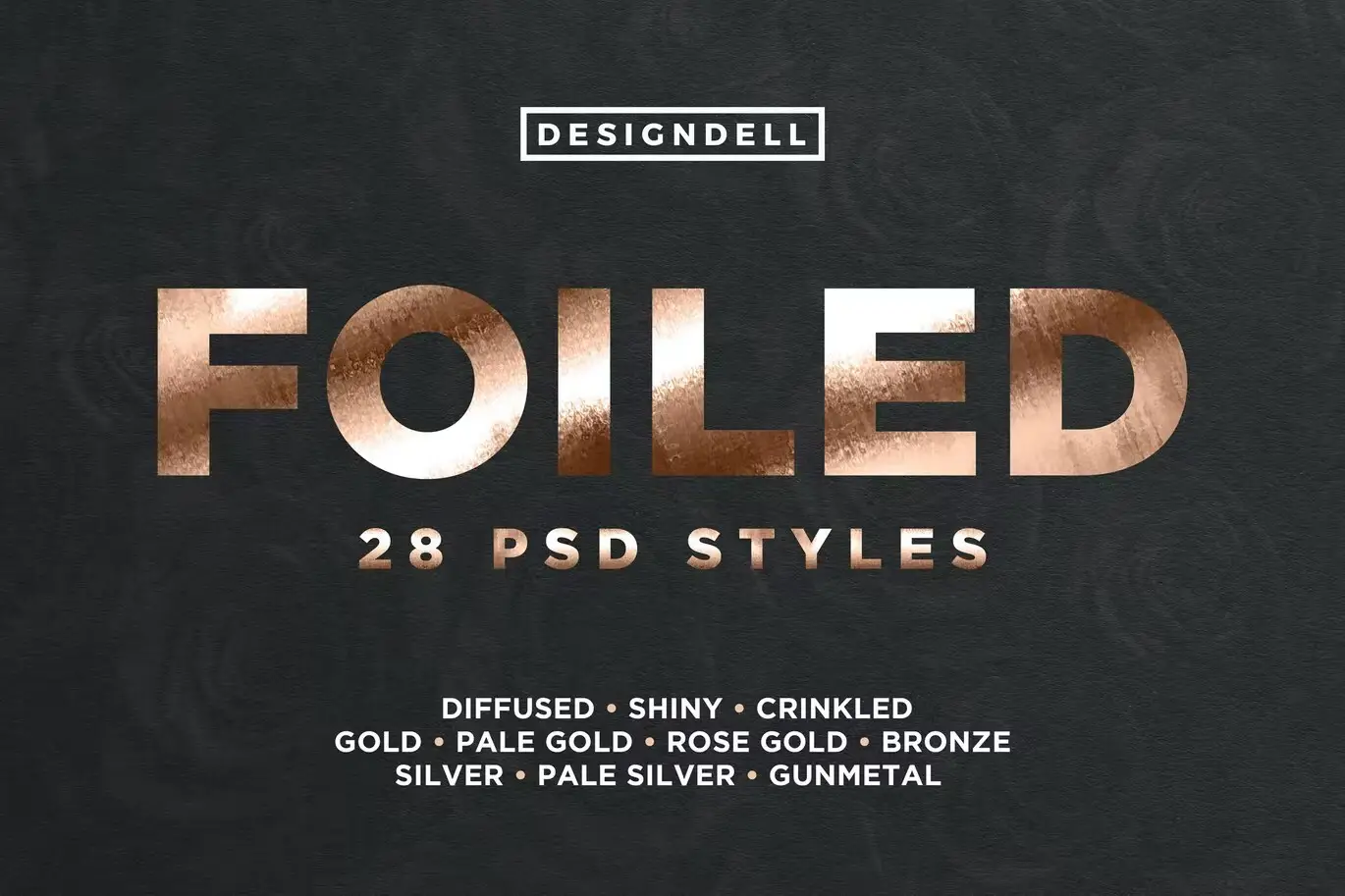
Transform your projects with our Foil Photoshop Layer Styles. This collection features 28 stunning foiled layer styles designed to bring a touch of elegance and shine to your designs. Whether you’re creating logos, text effects, or graphic elements, these styles are the perfect solution for achieving a premium look.
Product Overview
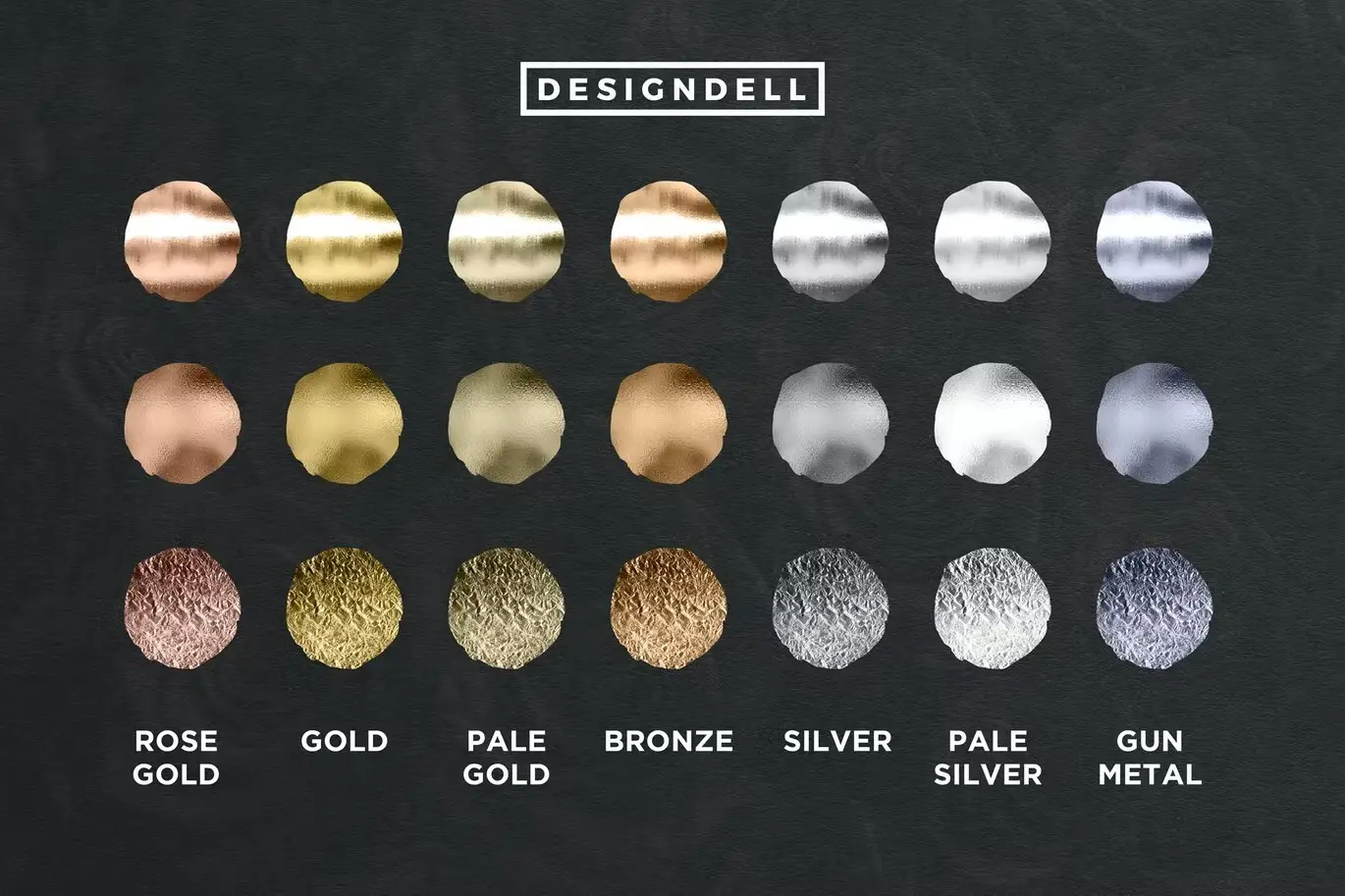
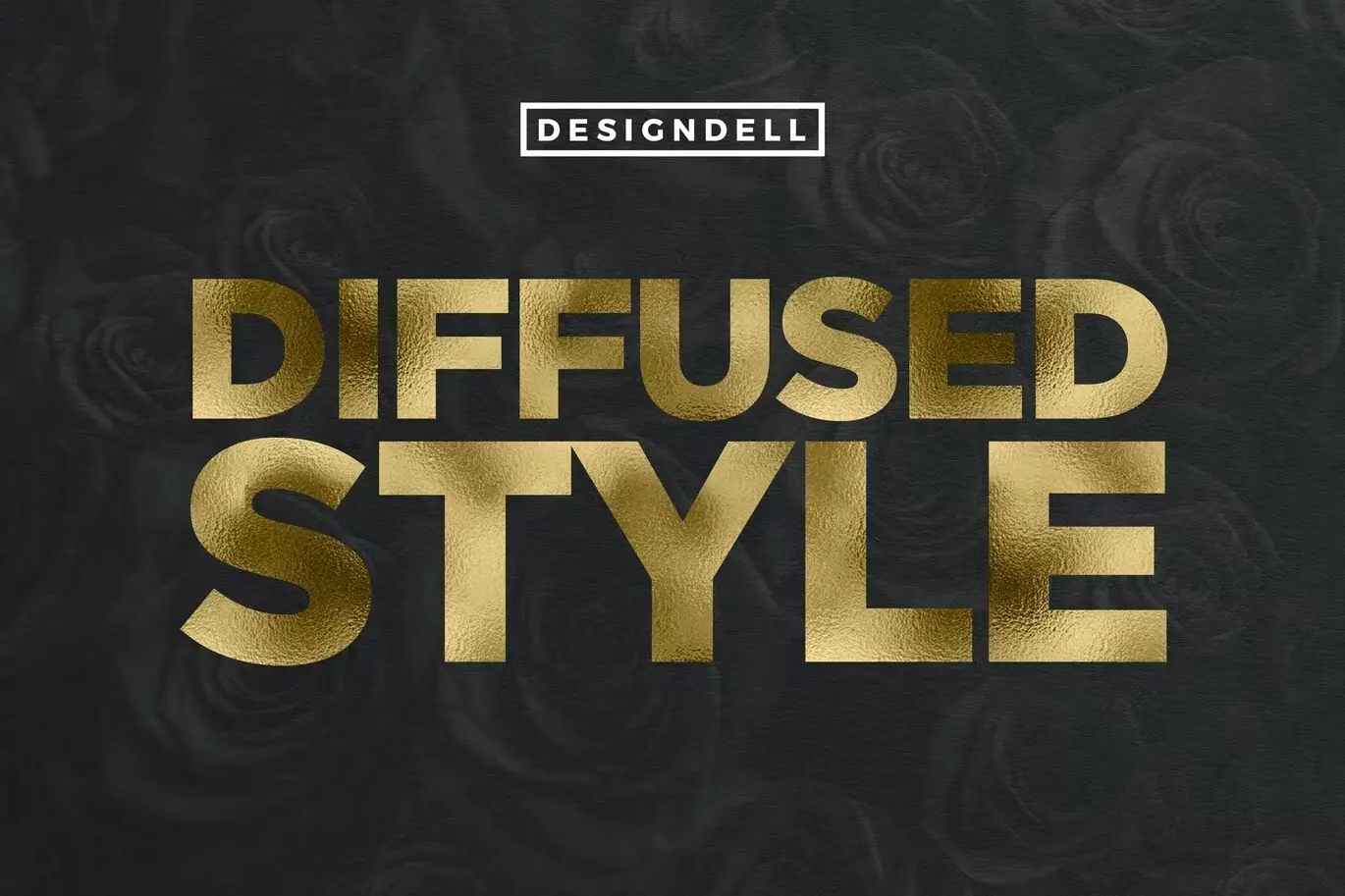
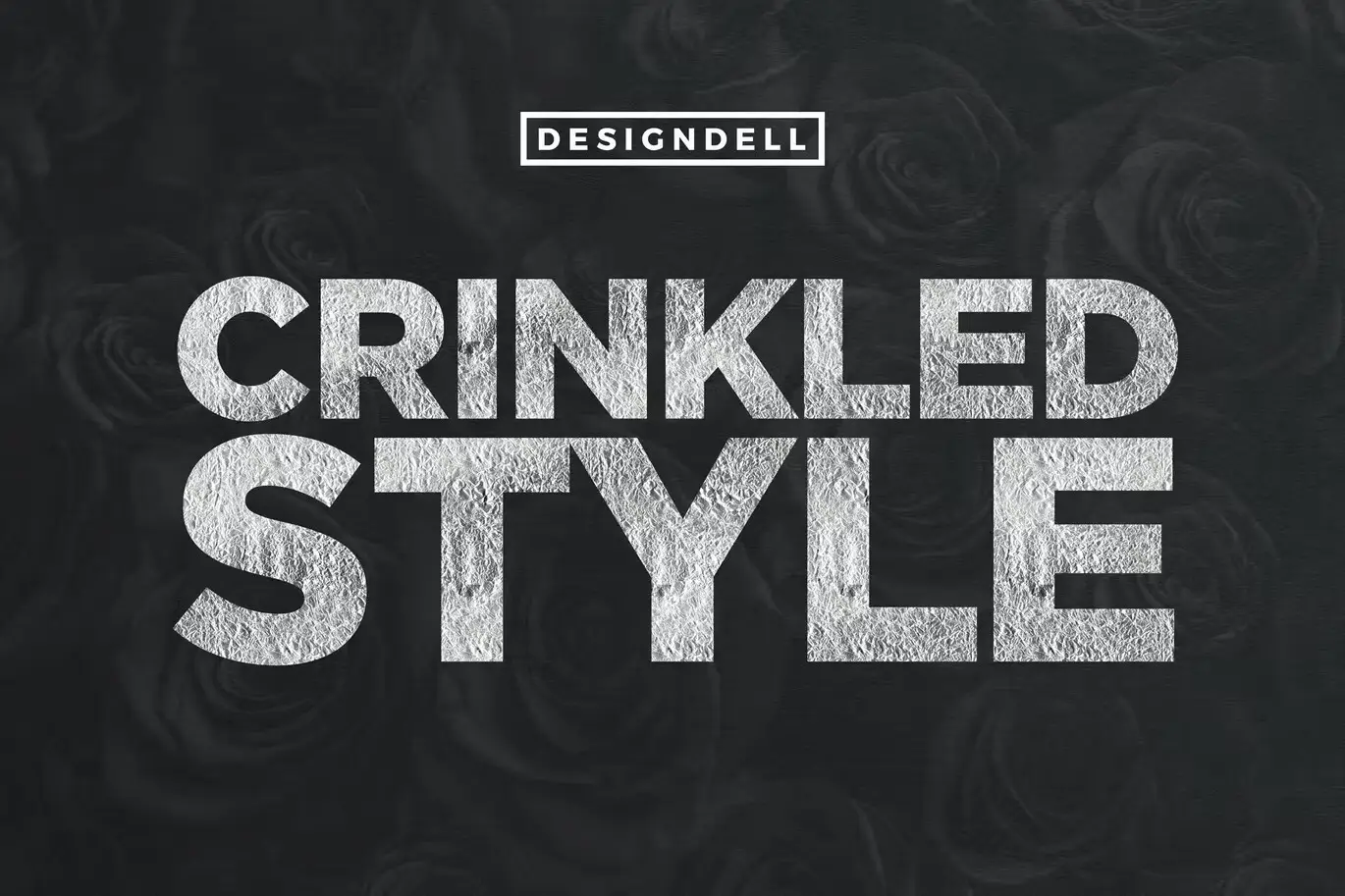
Our Foil Photoshop Layer Styles offer a versatile library of shiny, diffused, and crinkled variations. With options like Gold, Pale Gold, Rose Gold, Bronze, Silver, Pale Silver, and Gunmetal, you can easily enhance any design. Plus, you have the flexibility to customize colors by simply adjusting the color overlay values, making it easy to match your brand or project requirements.
Key Features & Benefits
- ✅ Diverse Color Options → Choose from a variety of metallic shades to suit your design needs.
- ✅ Easy Customization → Adjust color overlays effortlessly to create the perfect hue.
- ✅ High-Quality Textures → Achieve a realistic foil effect with shiny, diffused, and crinkled styles.
- ✅ Compatible with Photoshop → Seamlessly integrate these styles into your existing projects.
- ✅ User-Friendly → Designed for both beginners and professionals, making it easy to elevate your work.
Why Choose This Product
Our Foil Photoshop Layer Styles stand out due to their exceptional quality and ease of use. They are trusted by designers worldwide who seek to add a luxurious touch to their projects. With these styles, you can create eye-catching designs that capture attention and convey professionalism. Whether you’re working on branding, marketing materials, or personal projects, these layer styles will enhance your creative expression.
Specifications
| Style Variations | 28 |
|---|---|
| Color Options | Gold, Pale Gold, Rose Gold, Bronze, Silver, Pale Silver, Gunmetal |
| Software Compatibility | Adobe Photoshop |
What’s Included
- 📦 28 Foil Layer Styles
- Layer Style Library
- Instructions for Use
Perfect For
- Graphic Designers
- Branding Professionals
- Marketing Creatives
- Anyone looking to enhance their design projects
How to Use
To apply the foil styles, simply load the layer styles into Photoshop, select the layer you want to enhance, and click on your desired foil style. Experiment with different color overlays to find the perfect match for your project.
FAQ
- Can I use these styles for commercial projects? Yes, you can use them for both personal and commercial designs.
- Are these styles compatible with older versions of Photoshop? These styles are optimized for recent versions of Photoshop, but may work with older versions depending on the features.
Add to cart now and start creating stunning designs today! 🚀
User Reviews
Be the first to review “Foil Photoshop Layer Styles”
You must be logged in to post a review.

Cookie PSD Text Effect
Sold by Design Dell
Papercraft Photoshop Styles
Sold by Design Dell
Adobe Photoshop Styles Brushes Bundle – 12 Packs
Sold by Design Dell
Topographic Map Vector Textures
Sold by Design Dell
Sand Type Photoshop Action
Sold by Design Dell
Realistic Neon Photoshop Effect
Sold by Design Dell Original price was: $5.00.$2.50Current price is: $2.50.


There are no reviews yet.