
Paper Cutout Text Effects
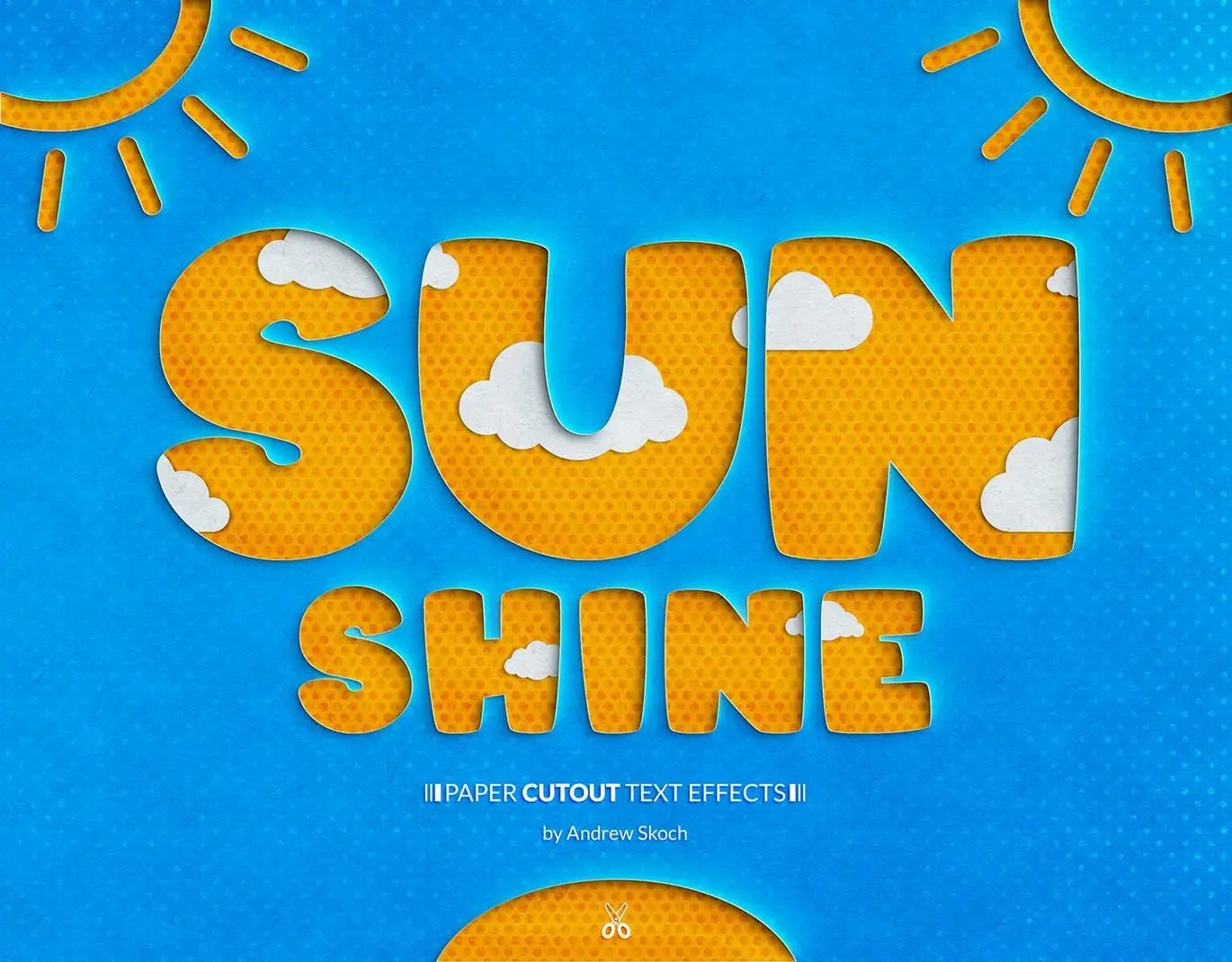
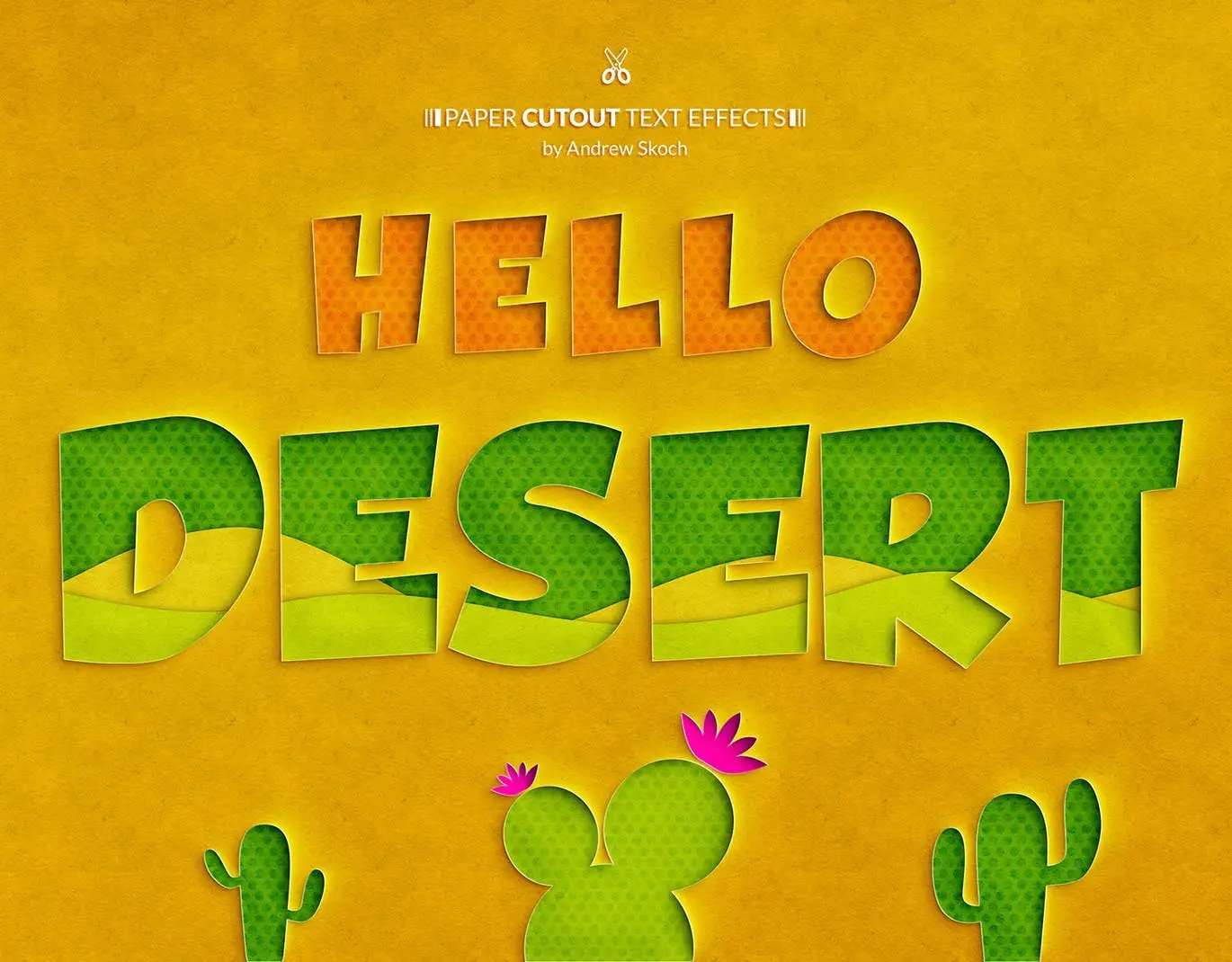
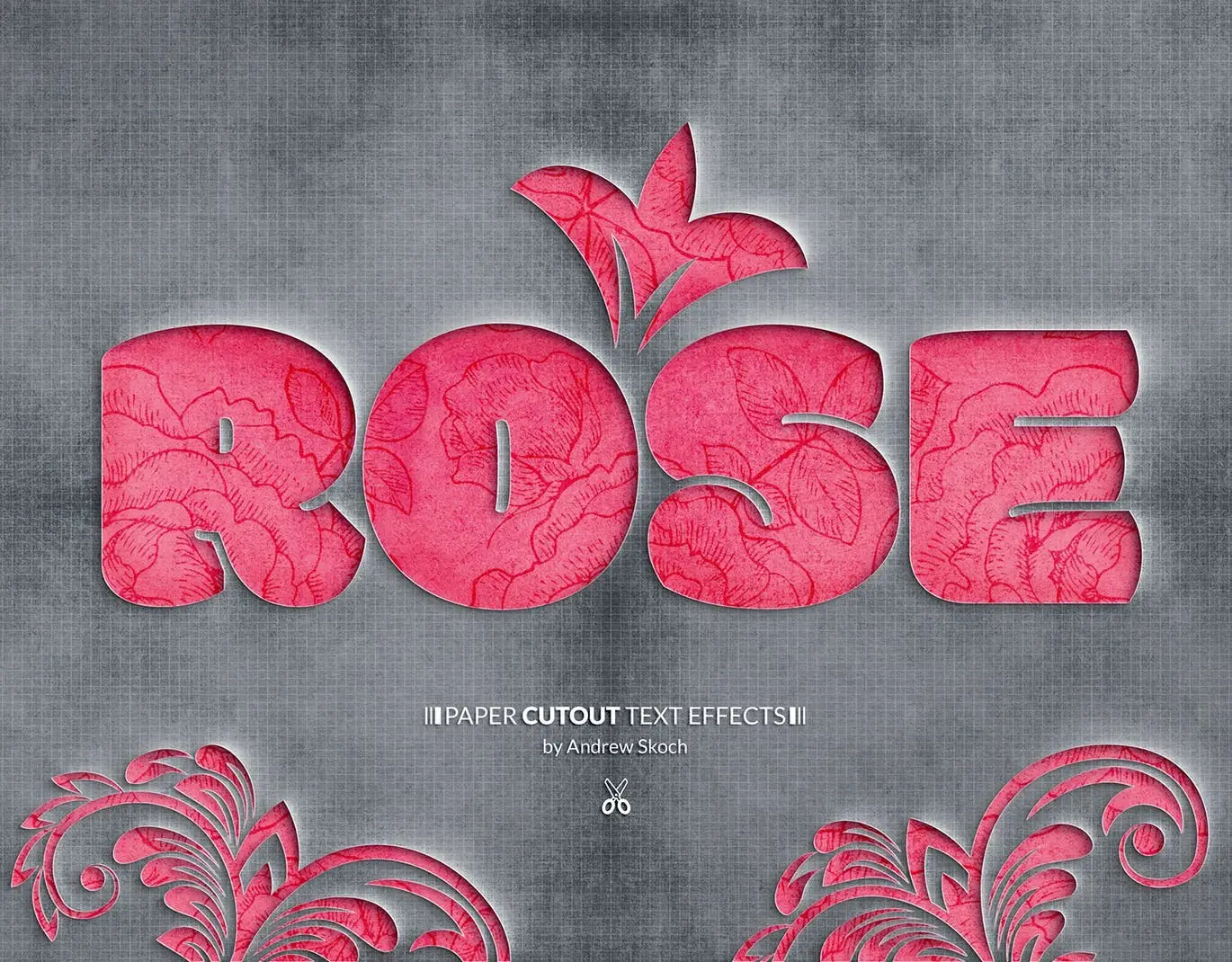
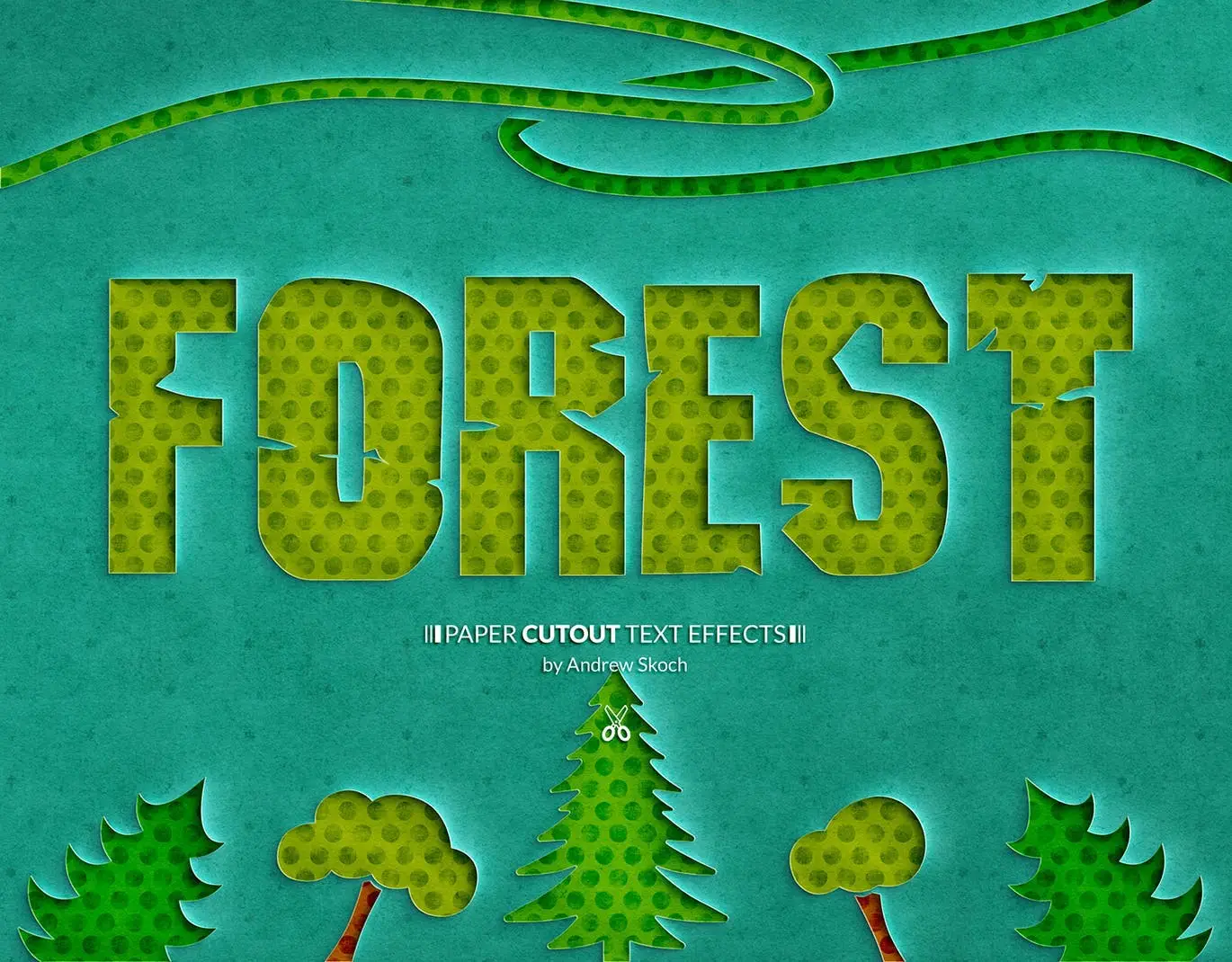
Original price was: $5.00.$2.50Current price is: $2.50.

Andrew Skoch Design
Product Specs:
- Compatible with: Templates
- File Type: ZIP
- File Size: 315.9 MB
- Instant Download
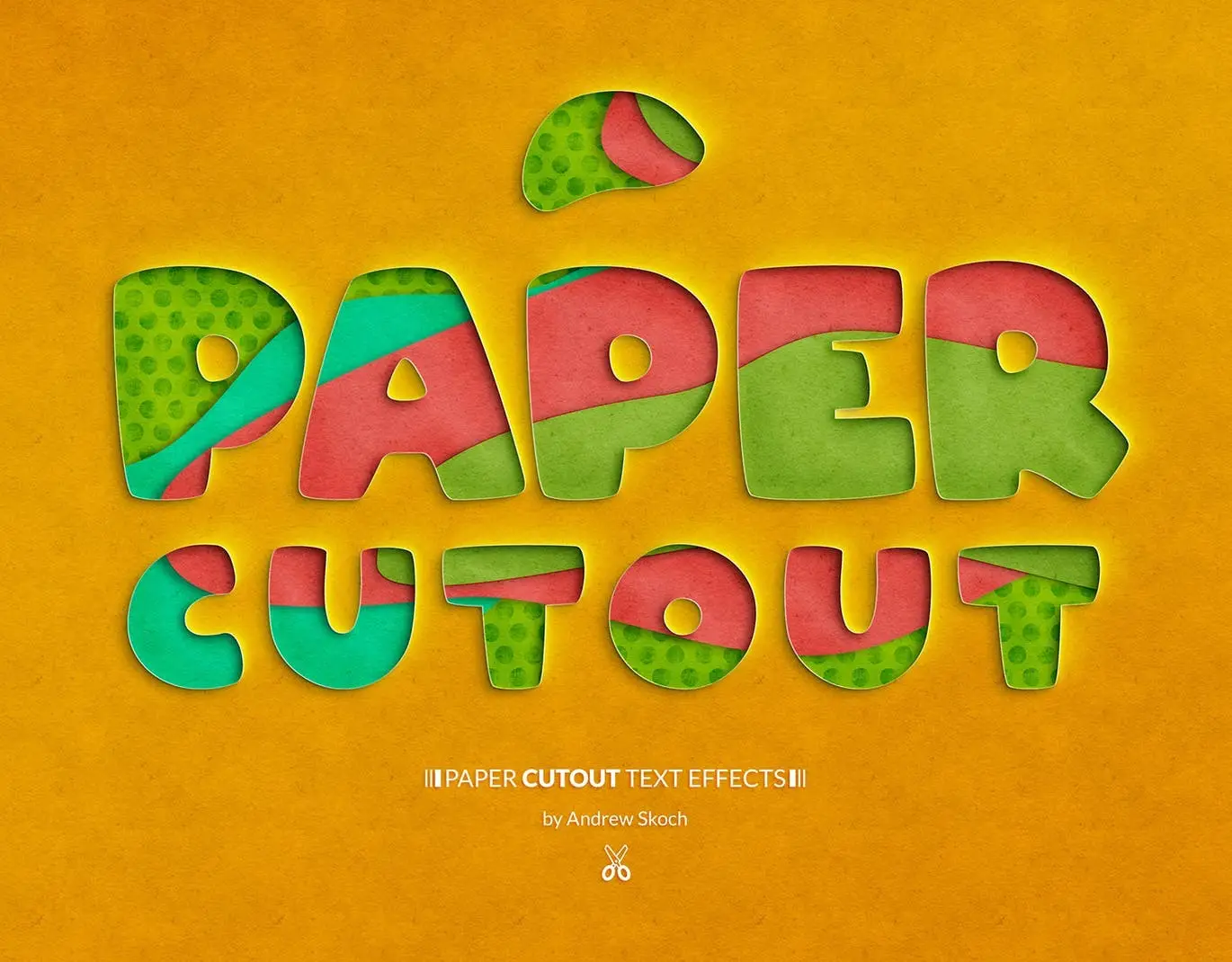
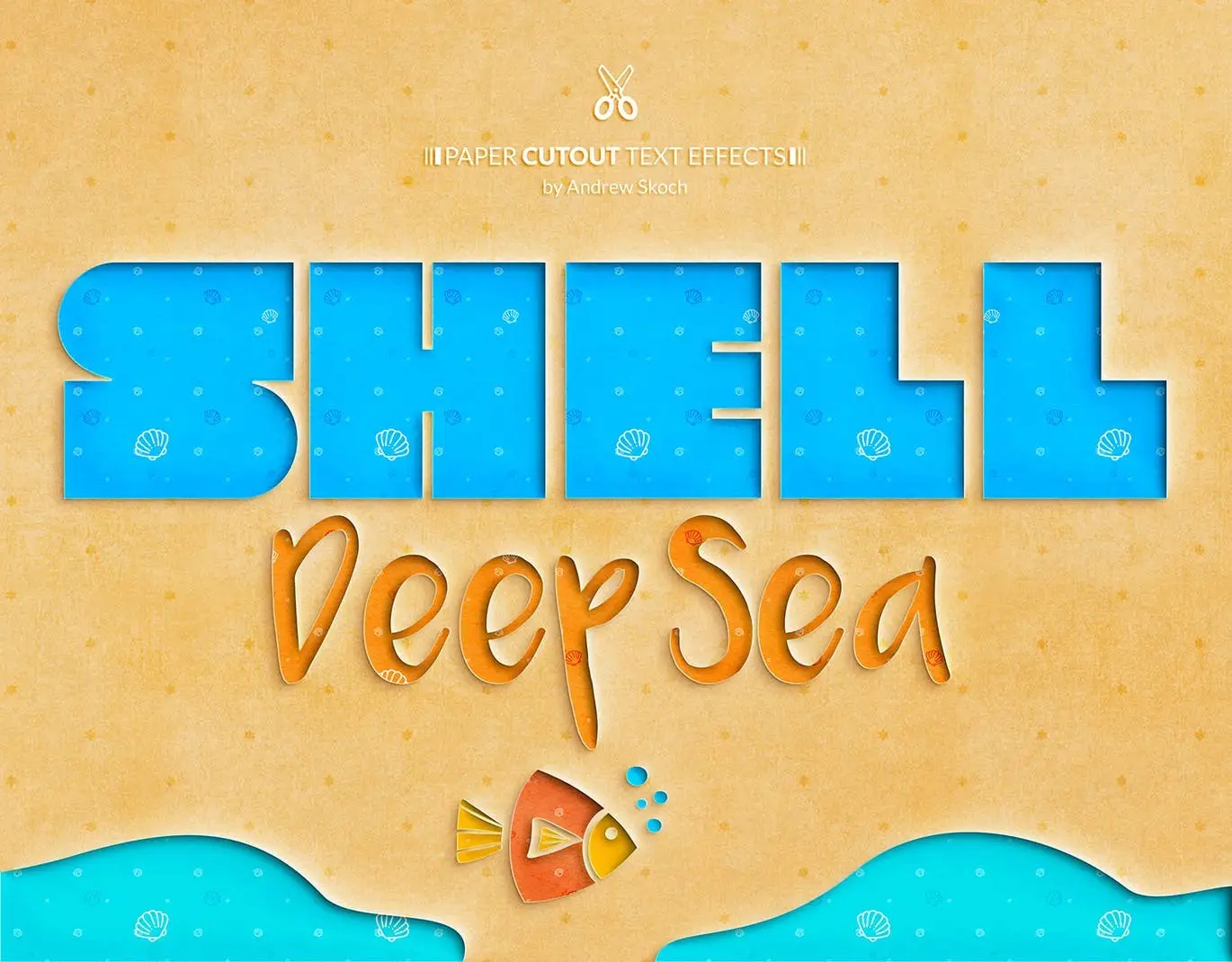
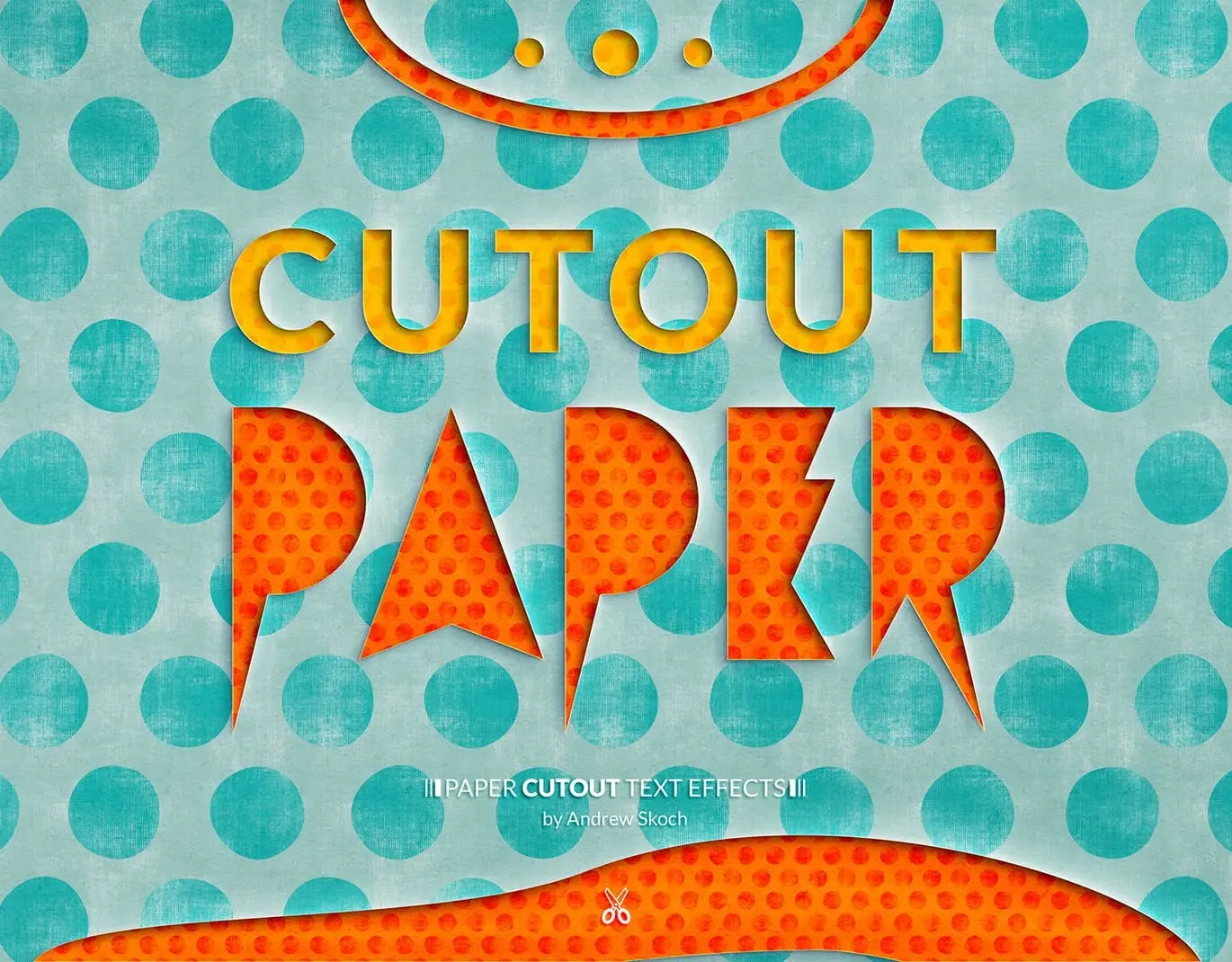
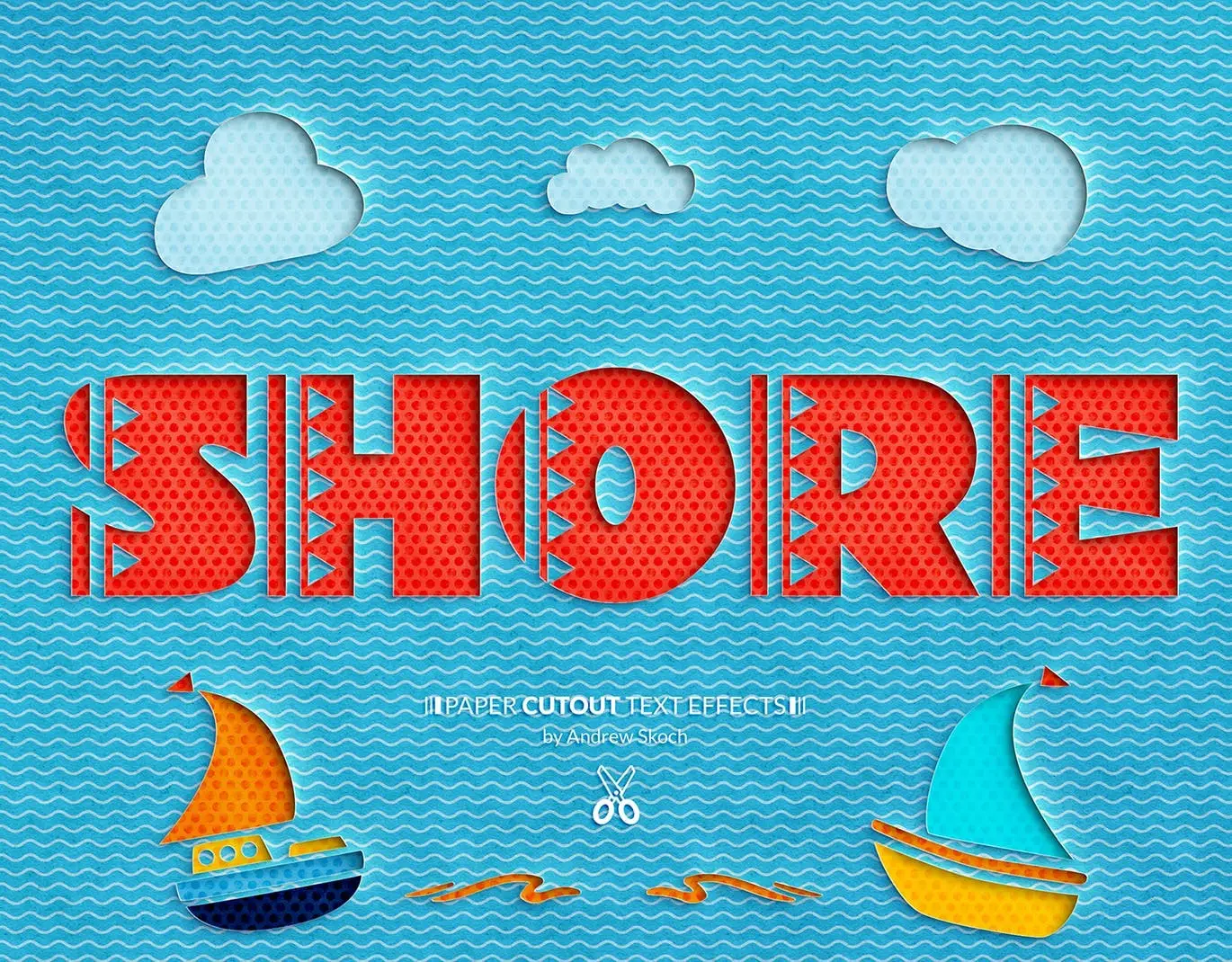
Paper Cutout Text Effects: Transform Your Text with Realistic Style
Are you looking to enhance your designs with a unique and creative touch? The Paper Cutout Text Effects offers you a simple solution to achieve stunning paper cutout effects for your text, logos, and shapes. With just a few clicks, you can elevate your lettering style and impress your audience.
Product Overview
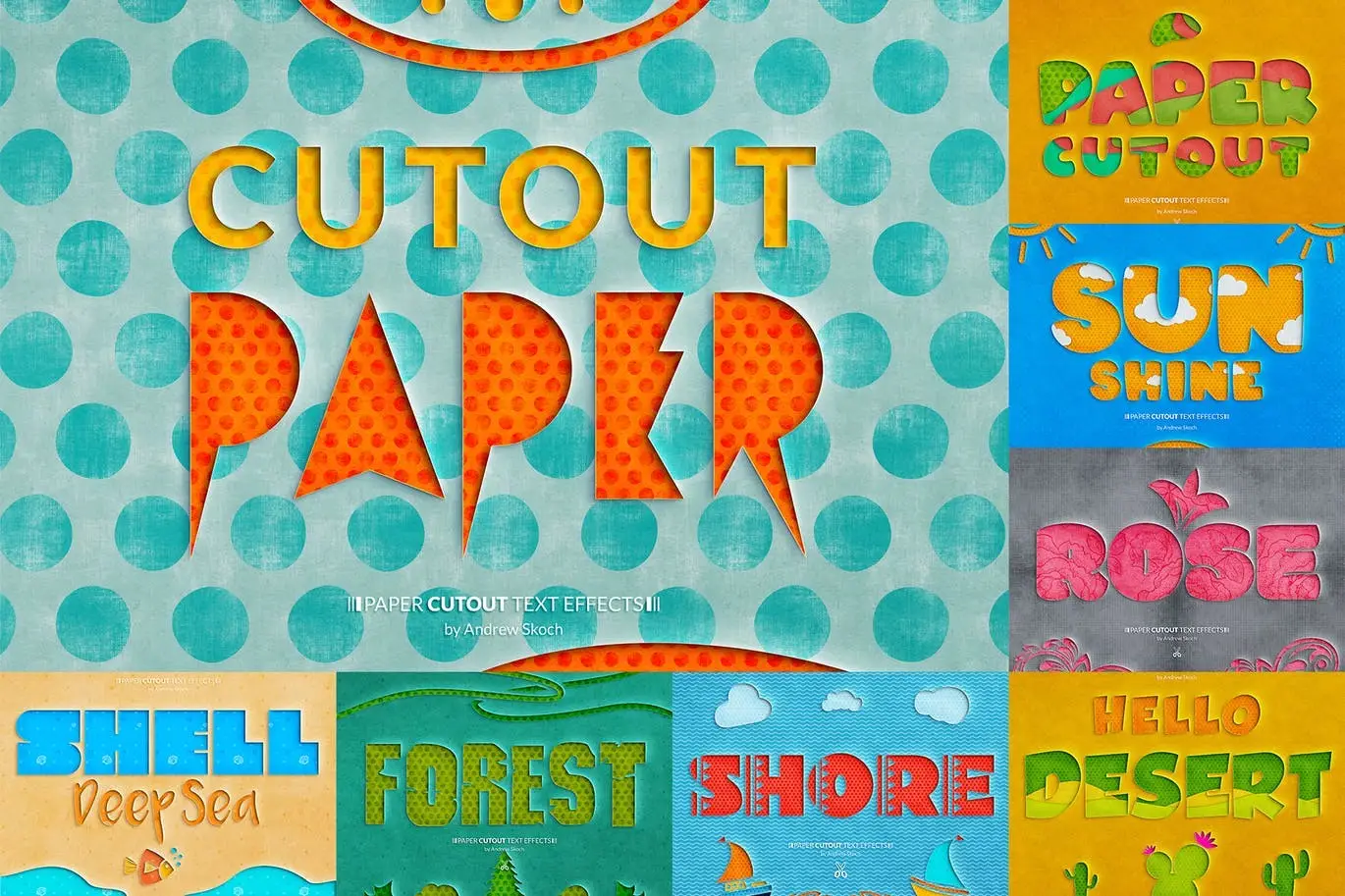
This collection includes 8 easy-to-edit PSD templates designed to provide a realistic paper cutout effect. Whether you’re working with vector or raster layers, these templates are versatile and user-friendly, making them perfect for both beginners and experienced designers.
Key Features & Benefits
- ✅ 8 Compositions → A diverse range of styles to choose from for any project.
- ✅ Easy Editing via Smart Objects → Effortlessly customize your designs by placing your text into smart objects.
- ✅ Free Fonts Included → Use the included fonts to maintain a cohesive look in your designs.
- ✅ High Resolution → 300 dpi ensures your designs are print-ready and look great in any format.
- ✅ Dimensions → Each template is sized at 2560×2000 px for optimal quality.
Why Choose This Product
The Paper Cutout Text Effects stand out due to their realistic appearance and ease of use. These templates are trusted by designers for creating eye-catching posters, flyers, social media covers, and more. Imagine the impact of your designs with this unique paper cutout style, making your projects not only visually appealing but also memorable.
Specifications (Technical Details)
| Feature | Details |
|---|---|
| File Format | PSD |
| Resolution | 300 dpi |
| Dimensions | 2560×2000 px |
| Editable | Yes, via Smart Objects |
| Fonts | Free fonts included |
What’s Included / What’s in the Box
- 📦 8 PSD mockups
- PDF Help file for easy guidance
- Free Author Support for any questions
Perfect For
- Graphic designers looking for unique text effects
- Marketers creating promotional materials
- Artists seeking to add a creative touch to their projects
- Anyone interested in crafting personalized invitations, posters, or covers
How to Use
Using the Paper Cutout Text Effects templates is straightforward:
- Open the PSD file in Adobe Photoshop.
- Double-click on the smart object layer to edit.
- Replace the placeholder text with your own.
- Save and close the smart object to see the changes applied.
FAQ
- Can I use these templates for commercial projects? Yes, you can use them for both personal and commercial designs.
- Are the fonts included in the package free to use? Yes, all fonts included are free and can be used in your projects.
Transform your designs today! Add the Paper Cutout Text Effects to your cart now and start creating stunning visuals effortlessly! 🚀
User Reviews
Be the first to review “Paper Cutout Text Effects”
You must be logged in to post a review.
Cyberpunk Neon Logo
Sold by Andrew Skoch Design
Embroidery Sticker Photoshop Action
Sold by Andrew Skoch Design
Glitch Text or Logo Effects
Sold by Andrew Skoch Design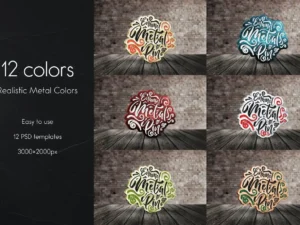
Enamel Metal Pin Mockups
Sold by Andrew Skoch Design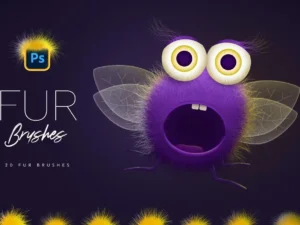
Fur Photoshop Brushes
Sold by Andrew Skoch Design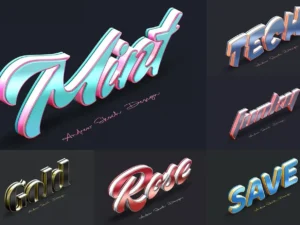
Color Metal Text Effects
Sold by Andrew Skoch Design Original price was: $5.00.$2.50Current price is: $2.50.


There are no reviews yet.