

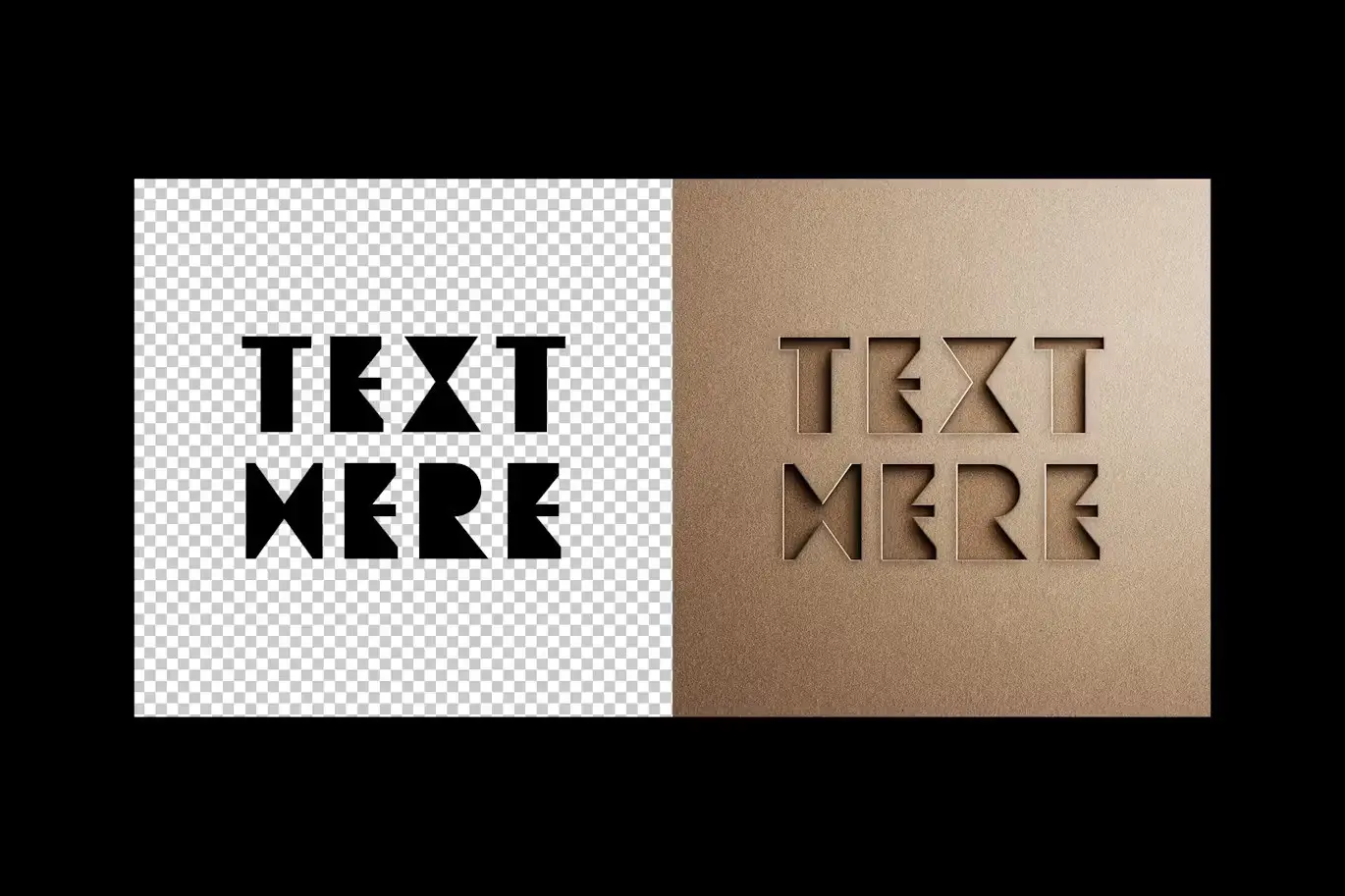

Minimalist Cut Out Mockup
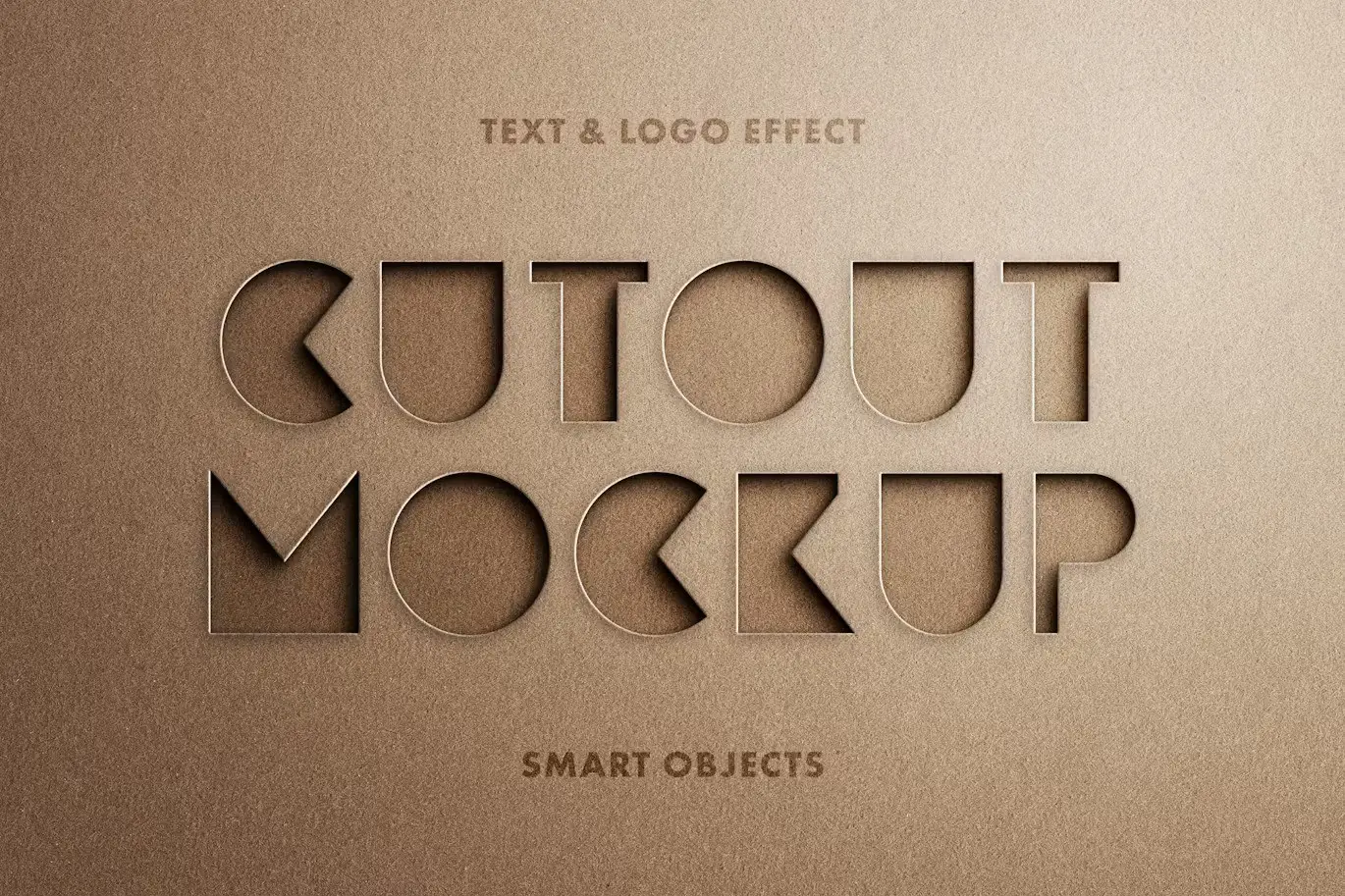
Presenting your finished project effectively is crucial, and the Minimalist Cut Out Mockup is designed to help you do just that. This mockup combines versatility, realism, and high-quality textures to create an inspiring showcase for your ideas.
Product Overview
The Minimalist Cut Out Mockup is perfect for designers looking to highlight their logos or text in a unique and stylish way. With its clean and modern aesthetic, this mockup enhances your visuals, making them stand out in any portfolio or presentation.
Key Features & Benefits
- ✅ High-Quality PSD File → Ensure your designs look professional and polished.
- ✅ 4500×3000 px, 300 dpi Resolution → Perfect for both digital and print applications.
- ✅ Easy to Customize → Simply open the Smart Object layer, replace the placeholder, and save your changes.
- ✅ Realistic Textures → Adds depth and authenticity to your designs.
- ✅ Versatile Use → Ideal for logos, text effects, and branding presentations.
Why Choose This Product
Choosing the Minimalist Cut Out Mockup means opting for quality and ease of use. It allows you to create stunning visuals without the hassle of complex editing. Trusted by designers worldwide, this mockup is your go-to solution for showcasing your creative work in a compelling way.
Specifications
| File Type | PSD |
|---|---|
| Resolution | 4500×3000 px |
| DPI | 300 |
| Included Files | Help file included |
What’s Included / What’s in the Box
- 📦 High-quality PSD file
- 📦 Help file for easy customization
Perfect For
- Graphic Designers
- Branding Professionals
- Marketing Agencies
- Freelancers
How to Use
To get started with the Minimalist Cut Out Mockup, follow these simple steps:
- Open the PSD file in Adobe Photoshop.
- Double-click the Smart Object layer thumbnail.
- Replace the placeholder graphics with your own.
- Save the changes to see your design in the mockup.
FAQ
- Can I use this mockup for commercial projects? Yes, you can use it for both personal and commercial purposes.
- Is Photoshop required to edit the mockup? Yes, Adobe Photoshop is necessary for customization.
Ready to showcase your designs in style? Add to cart now and start creating stunning presentations today! 🚀
User Reviews
Be the first to review “Minimalist Cut Out Mockup”
You must be logged in to post a review.
Circular Motion Blur Photo Effect
Sold by
Glitching Anaglyph Photo Effect
Sold by

Original price was: $5.00.$2.50Current price is: $2.50.


There are no reviews yet.