

Tilt Shift Effect for Posters: Transform Your Photos into Miniature Landscapes
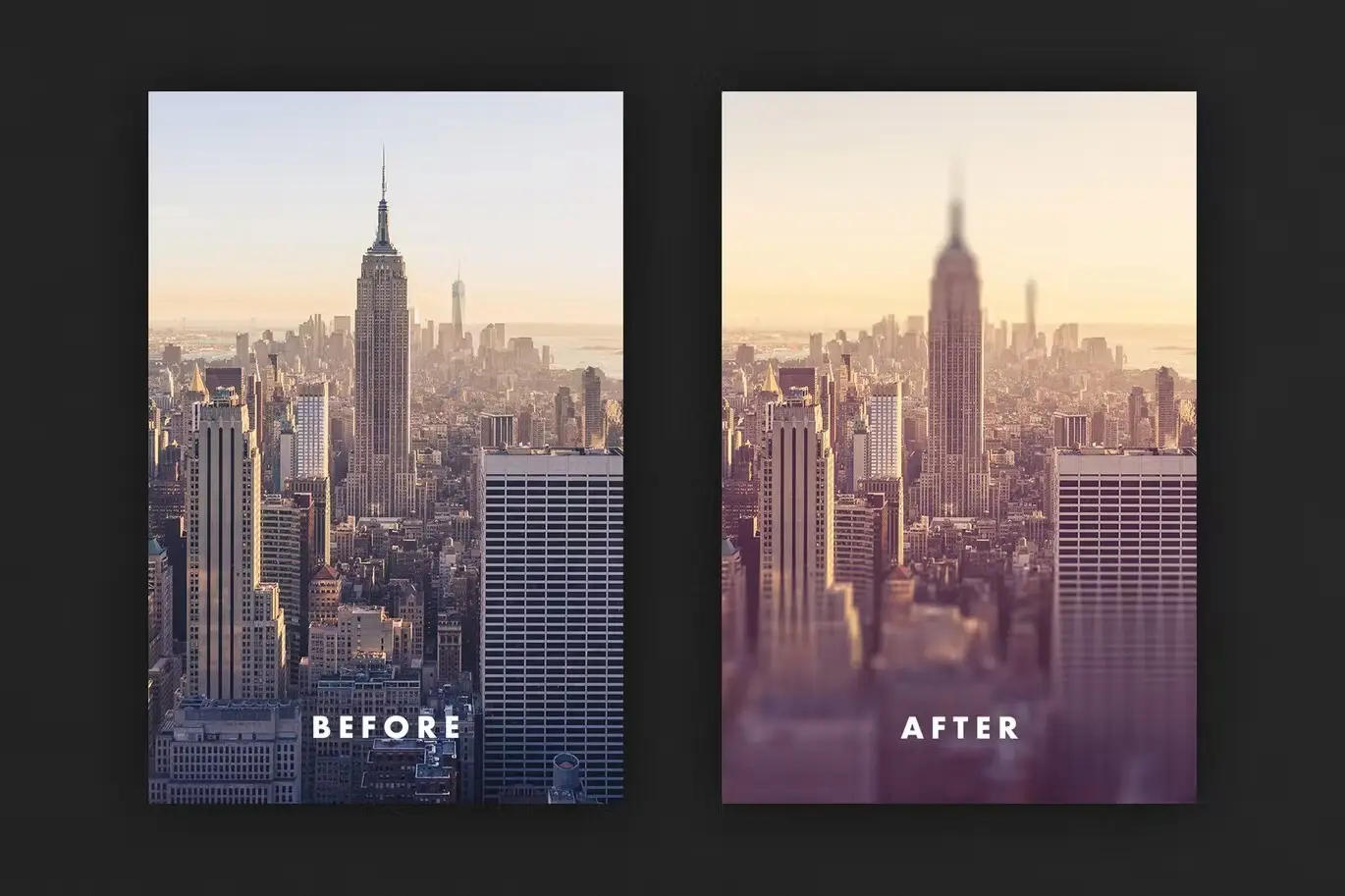
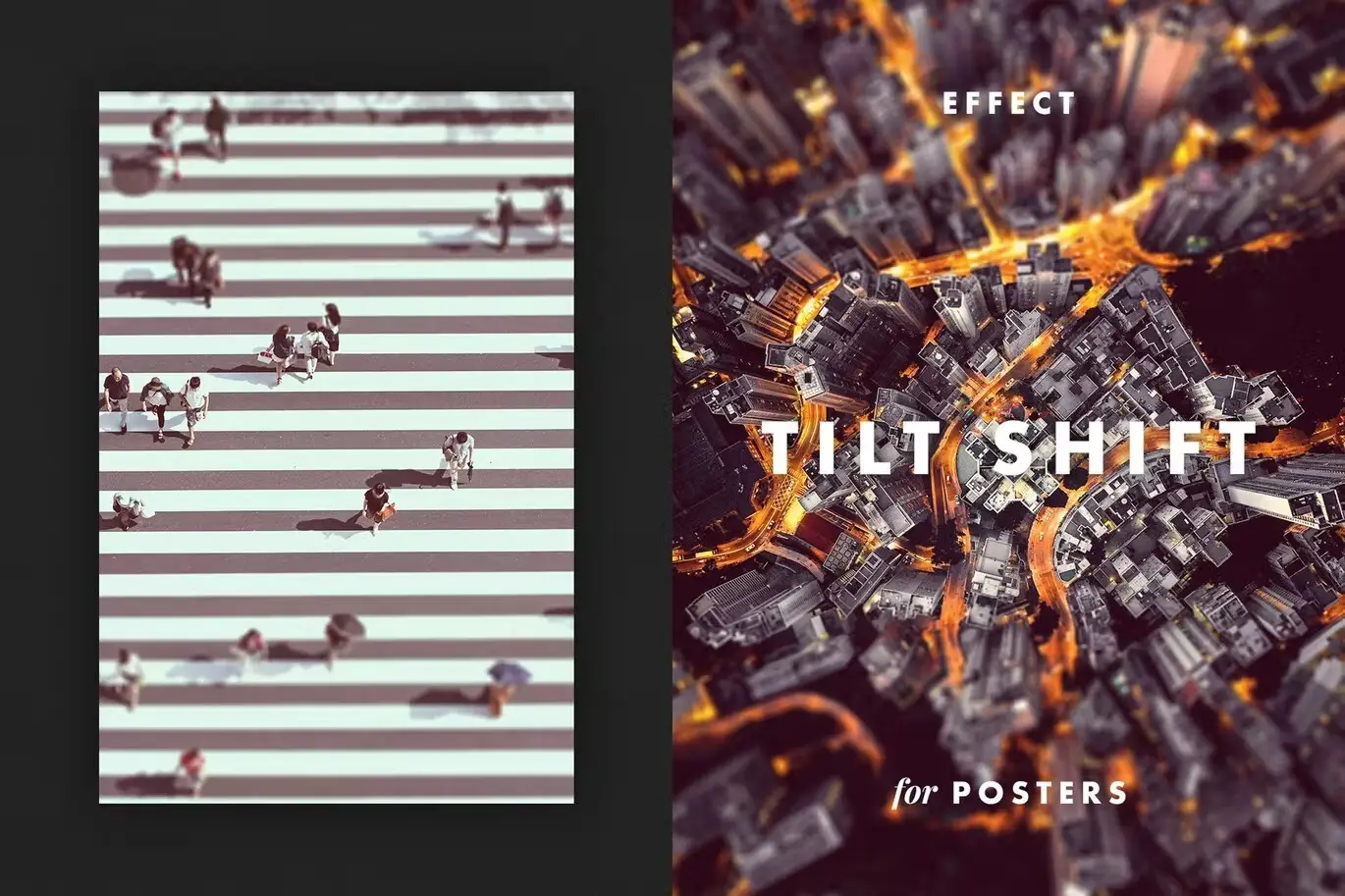
Are you looking to add a unique touch to your landscape photography? The Tilt Shift Effect for Posters is your perfect solution! This innovative digital design asset allows you to create stunning miniature landscapes that will captivate your audience and elevate your presentations.
Product Overview
The Tilt Shift Effect for Posters is designed for photographers and graphic designers who want to enhance their images with a playful and artistic flair. By applying this classic effect, your landscape photos will transform into charming dollhouse-like miniatures, providing a fresh perspective that is sure to impress.
Key Features & Benefits
- ✅ Smart Object Layers → Easily edit and customize your images without losing quality.
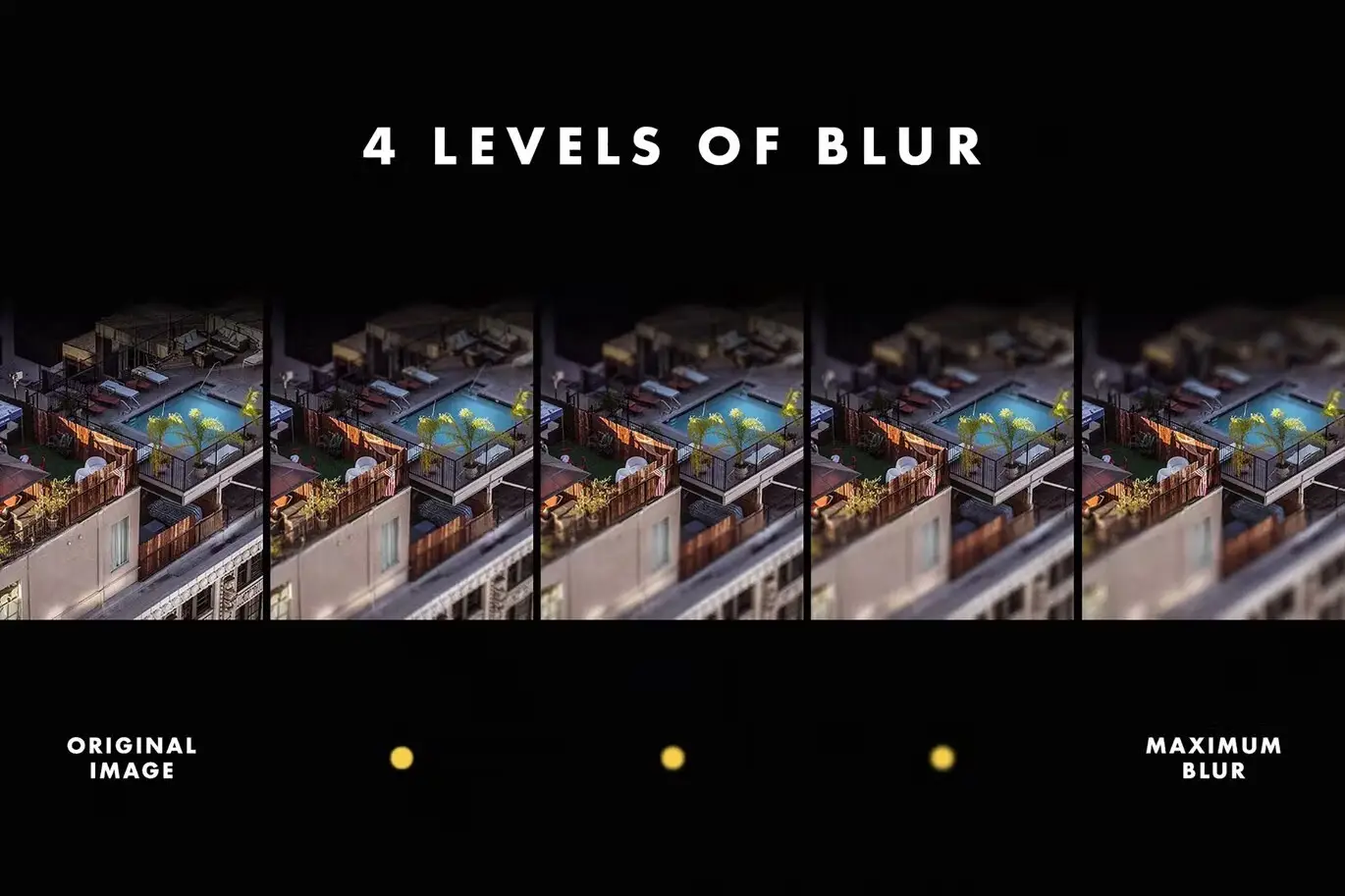
- ✅ Four Levels of Blur → Choose the perfect amount of focus to create your desired miniature effect.
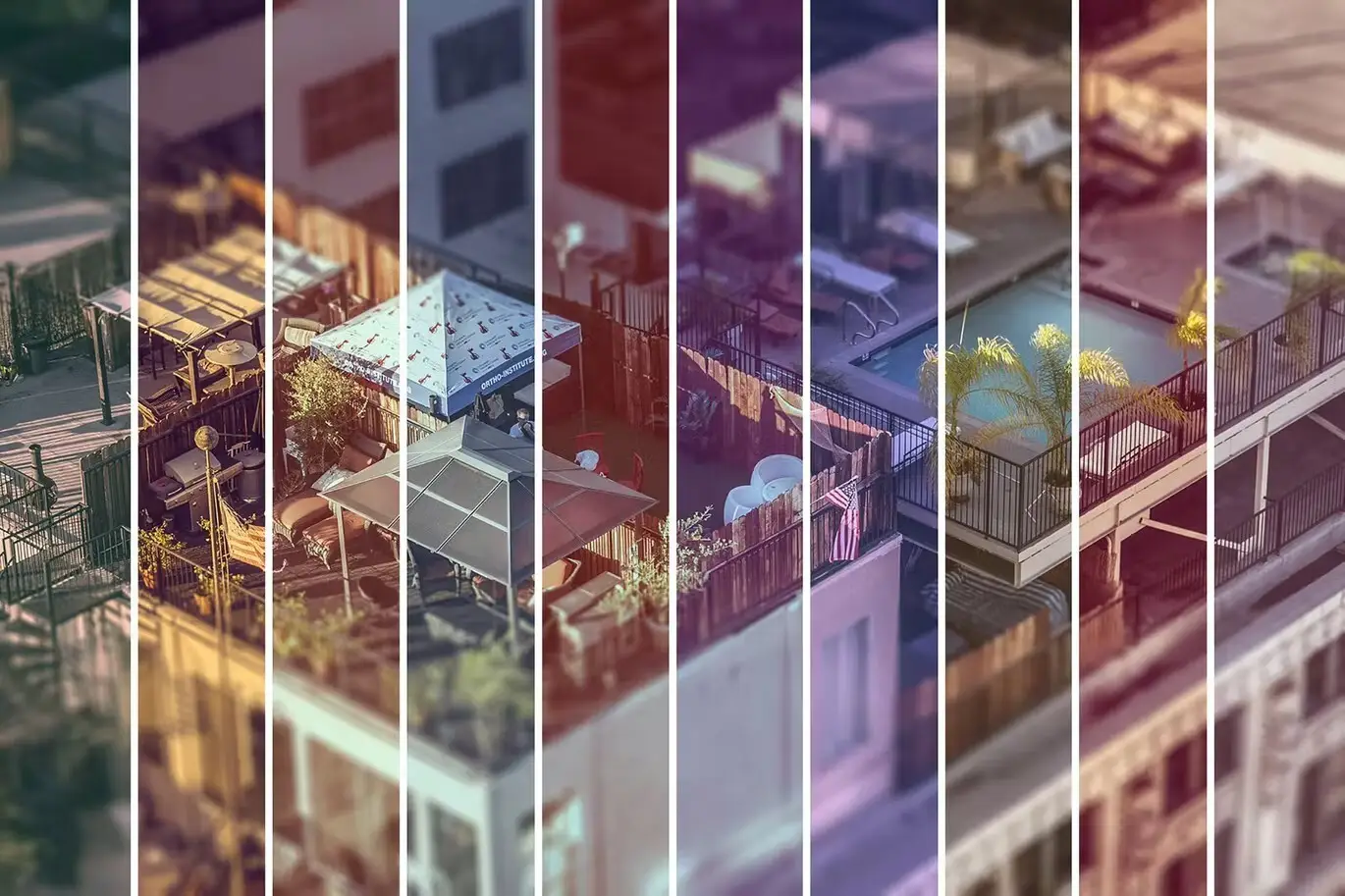
- ✅ Ten Color Palettes → Select from a variety of color filters to match your style and enhance your images.
- ✅ High-Quality PSD File → Enjoy a resolution of 3000×4500 px at 300 dpi for professional results.
- ✅ User-Friendly Help File → Get started quickly with easy-to-follow instructions.
Why Choose This Product
This Tilt Shift Effect for Posters stands out due to its versatility and ease of use. Whether you’re a beginner or a professional, this asset simplifies the process of creating eye-catching visuals. Trusted by photographers and designers alike, it offers a unique way to showcase your work and engage your audience. Imagine the delight of your viewers as they explore the whimsical world of miniature landscapes crafted from your own photos!
Specifications
| Item | Details |
|---|---|
| File Type | PSD |
| Dimensions | 3000 x 4500 px |
| Resolution | 300 dpi |
| Blur Levels | 4 |
| Color Palettes | 10 |
What’s Included / What’s in the Box
- 📦 High-quality PSD file
- 📦 Four different levels of blur
- 📦 Ten color filters
- 📦 User-friendly help file
Perfect For
- Photographers looking to enhance their portfolio
- Graphic designers seeking unique presentation effects
- Anyone wanting to create engaging social media content
How to Use
To achieve the best results, simply open the PSD file in Adobe Photoshop, select the Smart Object layer, and apply your desired blur level and color palette. Experiment with different combinations to find the perfect look for your images!
FAQ
- Can I use this effect on any photo? Yes, while it works best on landscapes, you can experiment with other types of images as well.
- Do I need advanced skills to use this product? Not at all! The included help file guides you through the process step by step.
Add the Tilt Shift Effect for Posters to your toolkit today and start creating stunning visuals that stand out! 🚀
User Reviews
Be the first to review “Tilt Shift Effect for Posters”
You must be logged in to post a review.

Defocus Motion Effect for Posters
Sold by

Original price was: $5.00.$2.50Current price is: $2.50.




There are no reviews yet.