

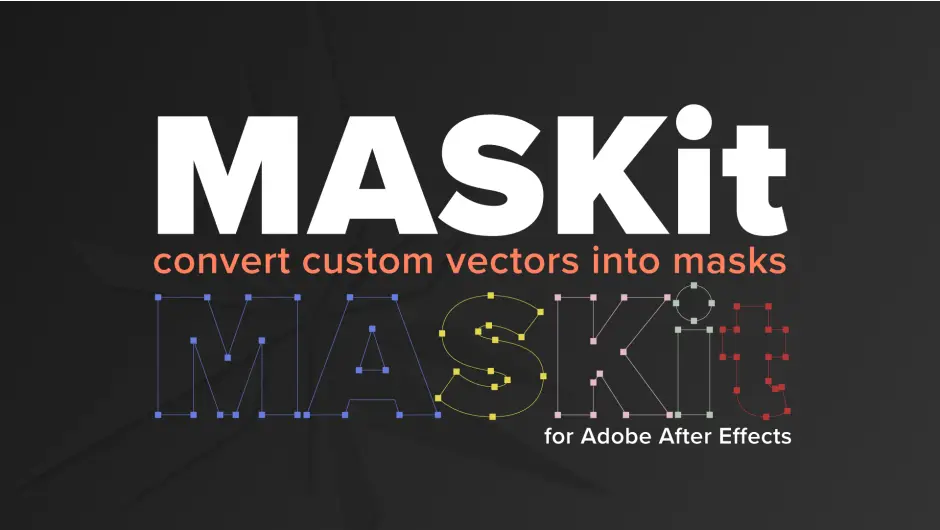
Transform your workflow in After Effects with MASKit, the ultimate tool for creating masks from custom vector shapes effortlessly. This innovative asset allows you to convert, align, and label layer masks on selected shape layers with just a click, making your animation process smoother and more efficient.
Product Overview
MASKit is a powerful script designed for After Effects users who want to streamline their masking process. Whether you’re a professional animator or a hobbyist, this tool simplifies the creation of masks, allowing you to focus on your creative vision without getting bogged down by tedious tasks.
Key Features & Benefits
- ✅ One-Click Mask Generation → Quickly convert custom vector shapes into masks without hassle.
- ✅ Batch Processing → Mask multiple shape layers at once, saving you valuable time.
- ✅ Easy Integration → Seamlessly copy and paste masks to any layer or use them with your favorite plugins.
- ✅ User-Friendly Interface → Intuitive buttons like CENTERit and SNAPit make alignment and orientation a breeze.
- ✅ Compatible with Multiple Versions → Works with After Effects 2020 through 2024, ensuring broad usability.
Why Choose This Asset
MASKit stands out with its unique ability to handle complex masking tasks quickly and efficiently. Unlike traditional methods, this tool eliminates the need for manual path adjustments, allowing you to generate masks in bulk. Its compatibility with various After Effects versions ensures that you can integrate it into your existing workflow without any issues. Plus, the straightforward interface means you can start using it right away, maximizing your productivity.
Specifications
| Compatible with | After Effects 2020, 2021, 2022, 2023, 2024 |
|---|---|
| File Type | ZIP |
| File Size | 1.2 MB |
| Instant Download | Yes |
Perfect For
- Animators
- Motion Graphics Designers
- Video Editors
- Graphic Designers
- Hobbyists looking to enhance their After Effects skills
Original price was: $19.99.$9.99Current price is: $9.99.


There are no reviews yet.