
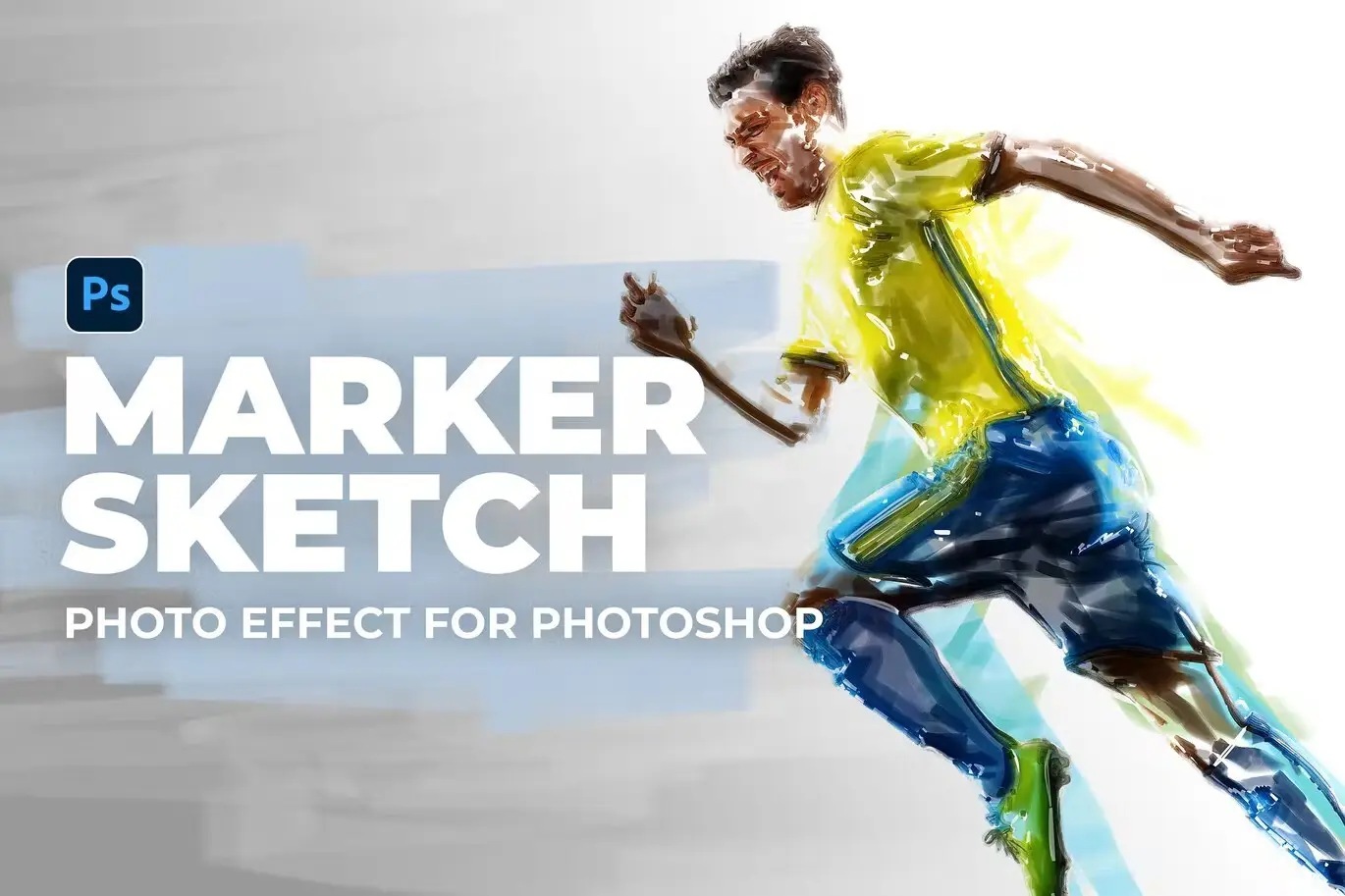
Marker Sketch Photo Effect for Photoshop

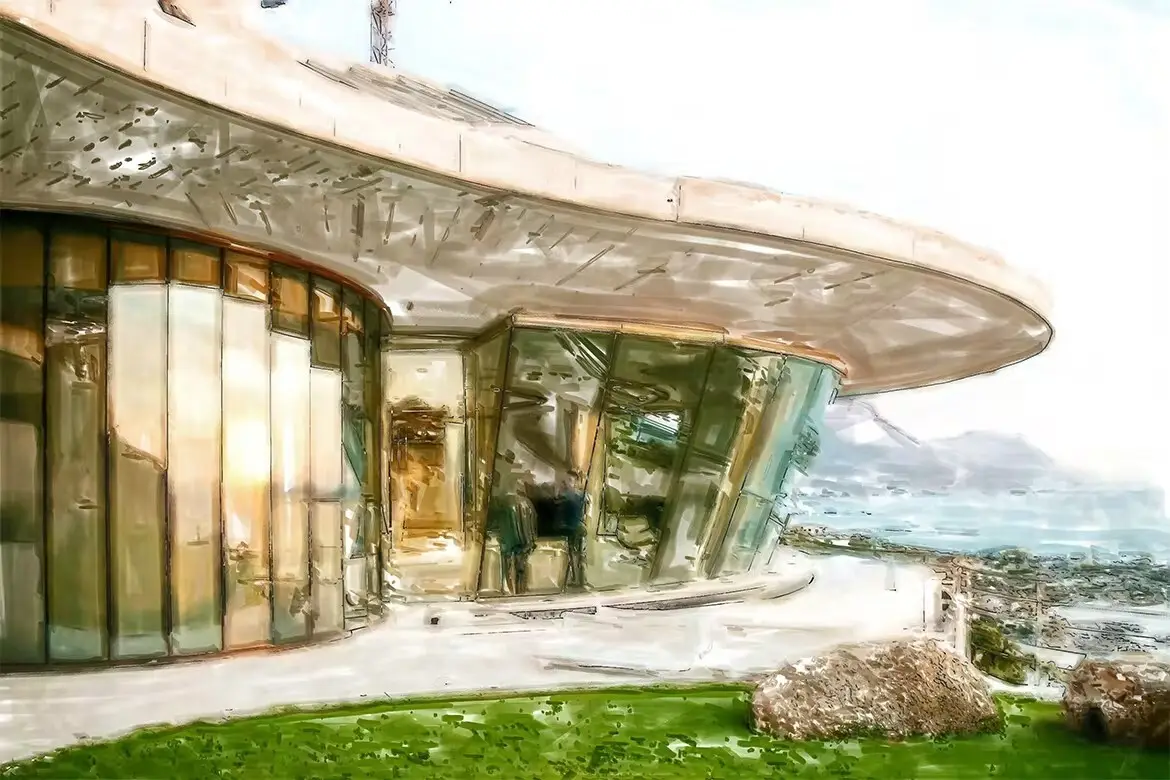
Marker Sketch Photo Effect for Photoshop
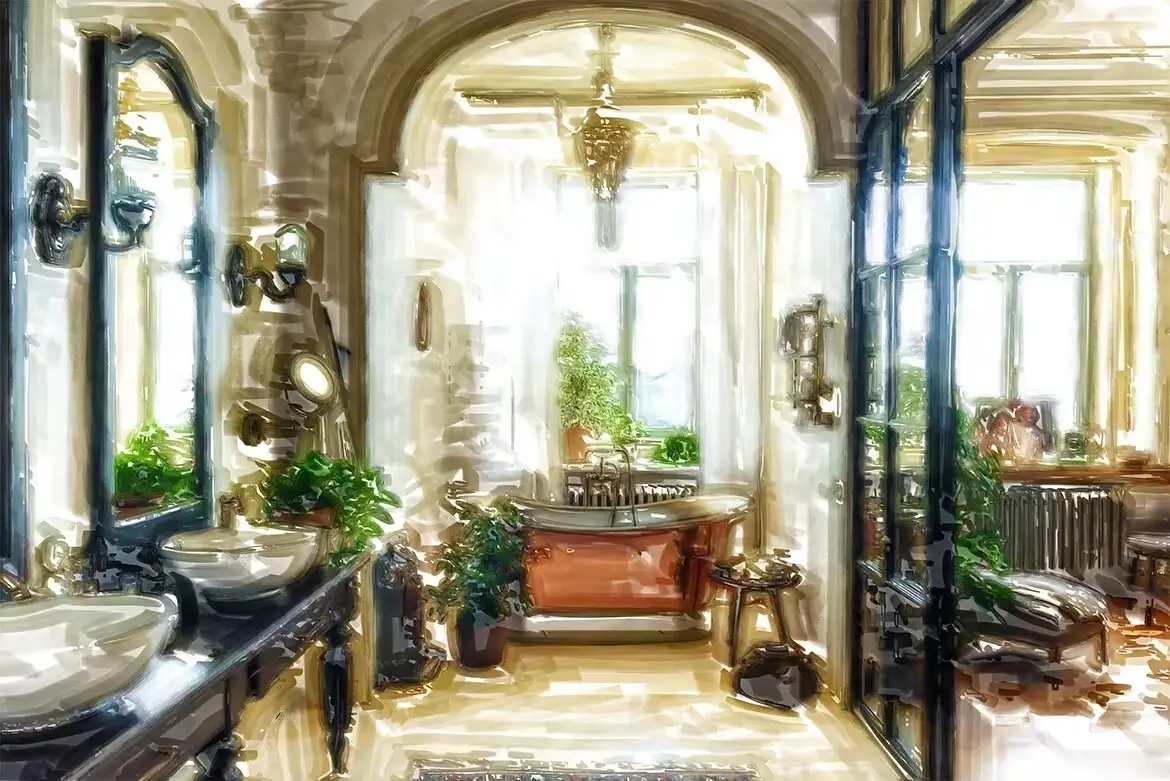
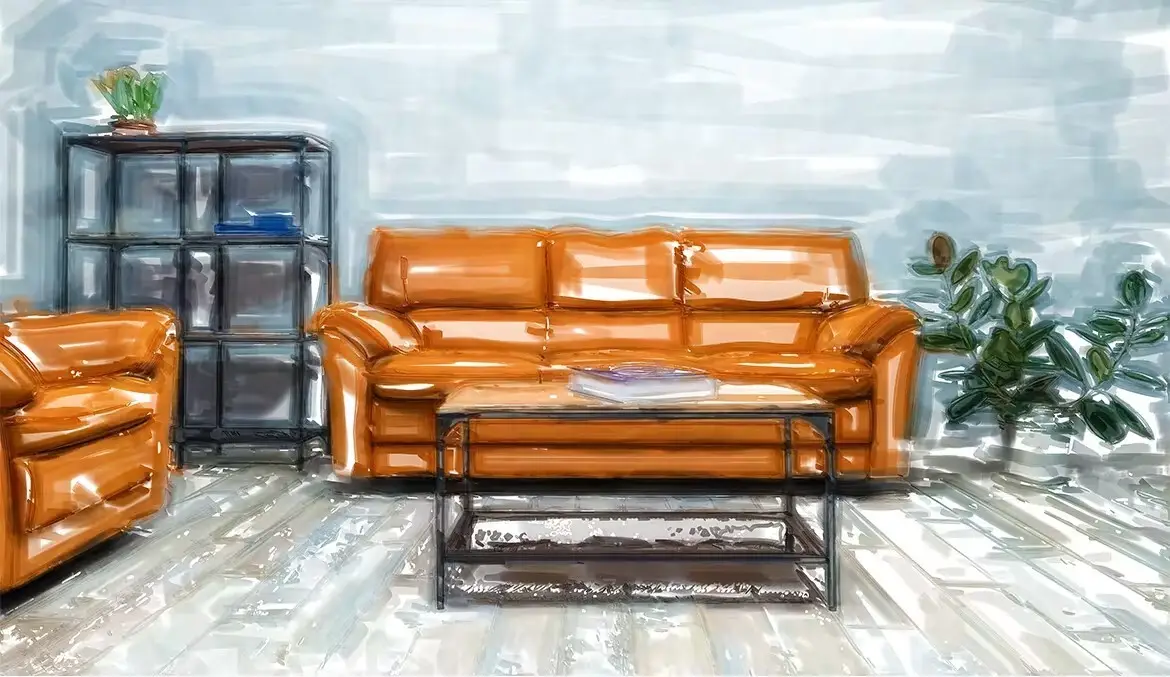
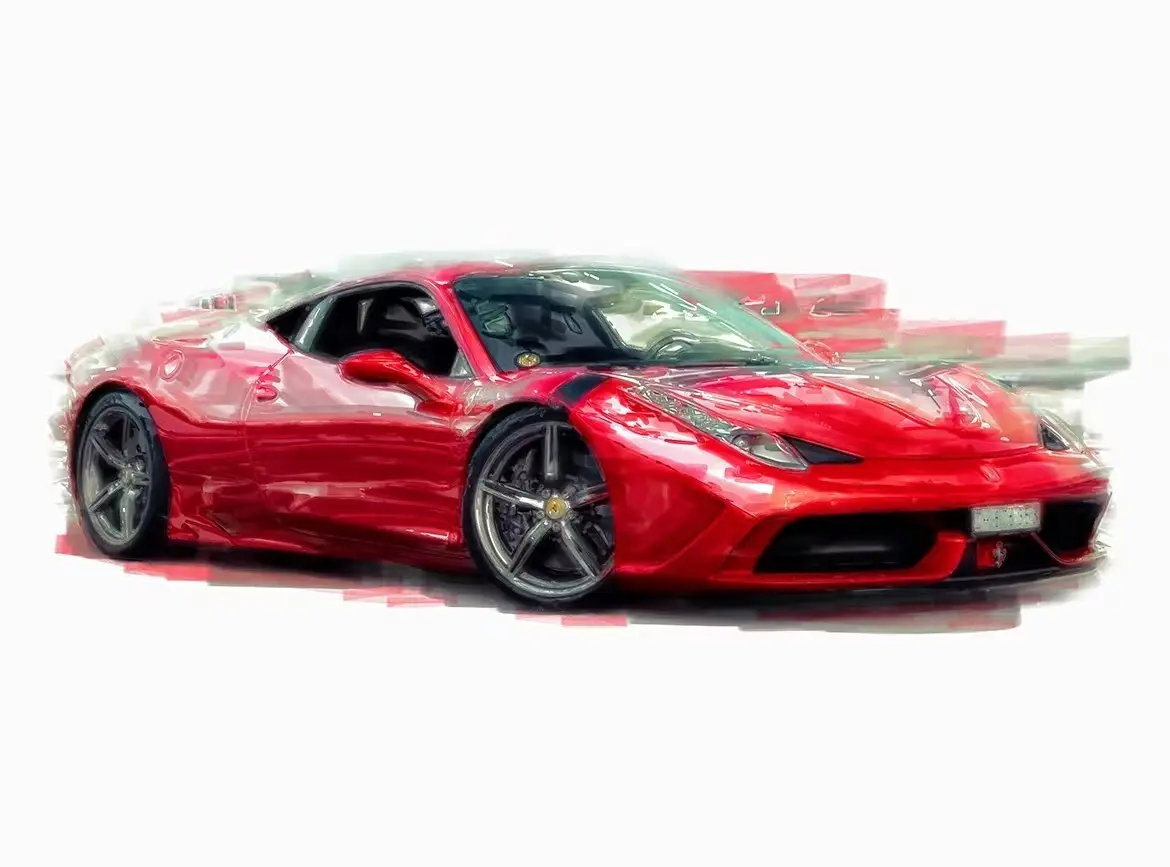
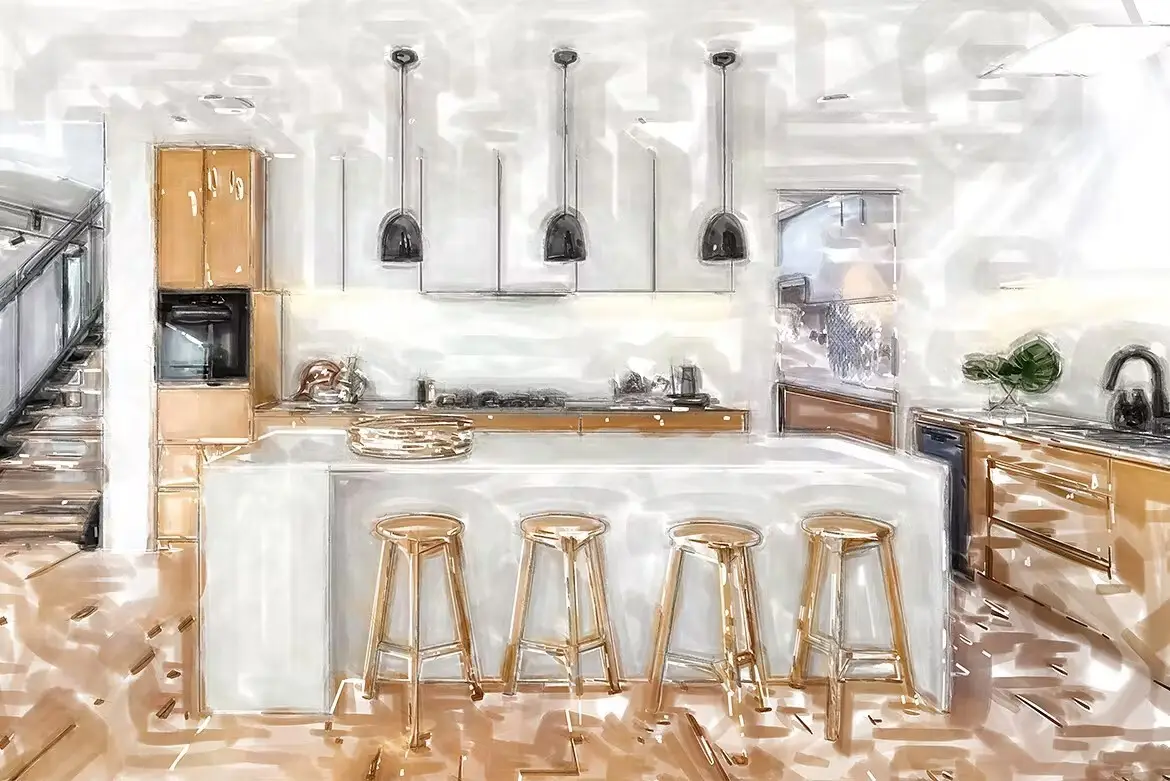
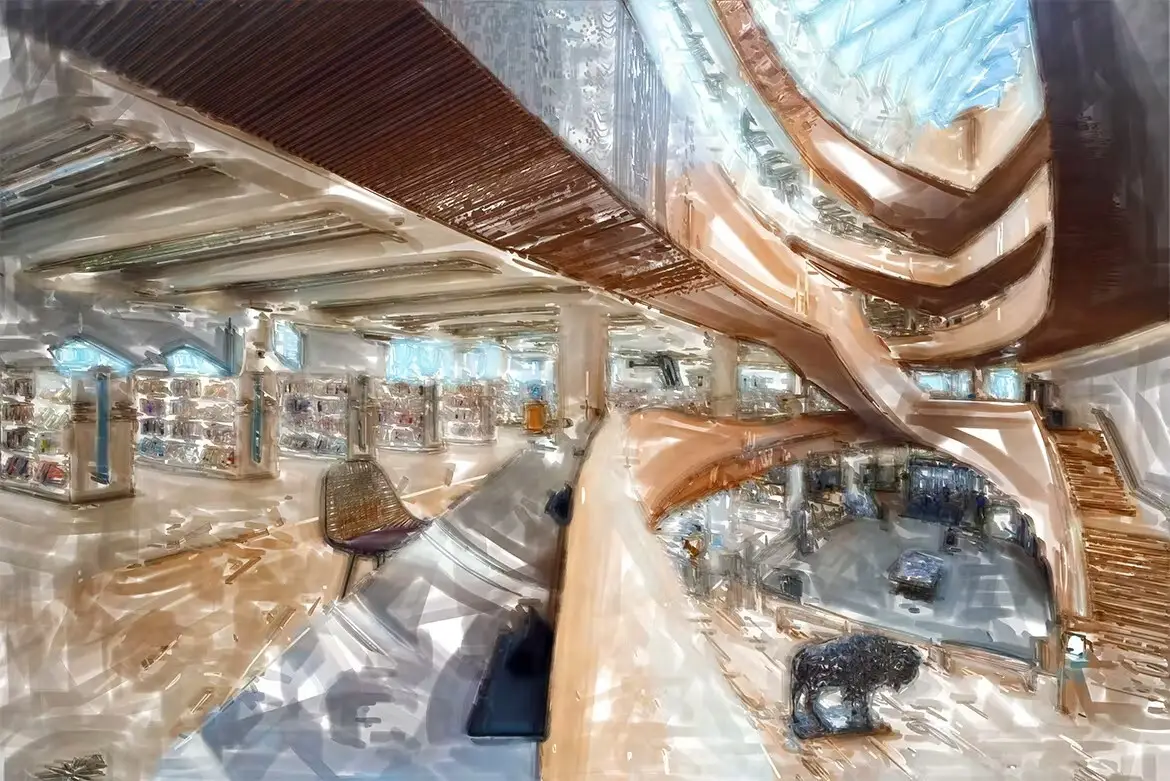
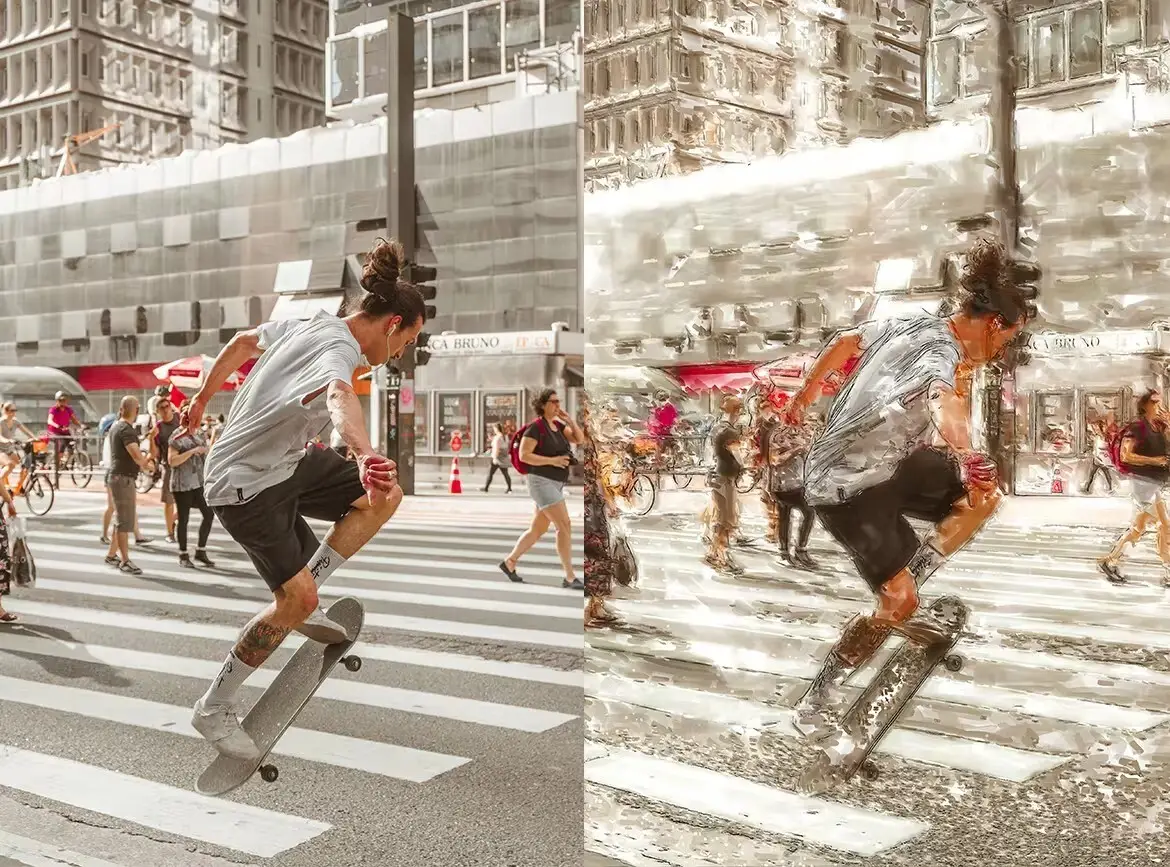
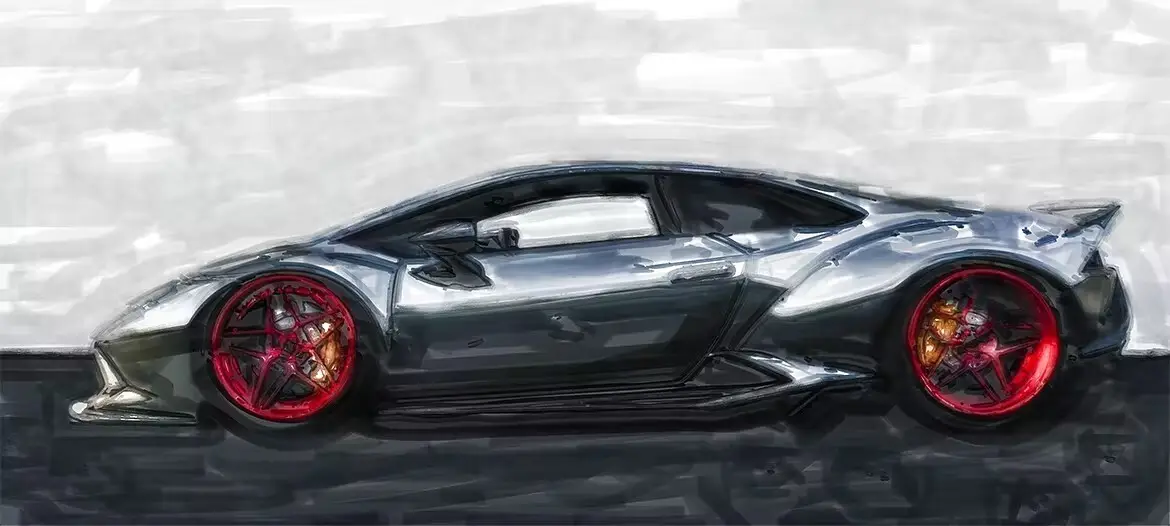
Transform your images into stunning marker sketch illustrations effortlessly with the Marker Sketch Photo Effect for Photoshop. This Photoshop Action allows you to create unique artistic effects that bring your photos to life in just a few simple steps.
Product Overview
This powerful Photoshop Action is designed for artists, designers, and anyone looking to add a creative touch to their images. With its user-friendly functionality, you can easily convert your photos into beautiful marker sketches, making it perfect for both personal and professional projects.
Key Features & Benefits
- ✅ Easy to Use → Simply load the required files into Photoshop and press play to create your effect.
- ✅ Versatile Application → Apply the marker sketch effect to your entire image or just select portions for a more targeted approach.
- ✅ Layer Control → Marker strokes are organized into separate layers, allowing you to adjust opacity and visibility for customized looks.
- ✅ Brightness Adjustment → Control the brightness of marker strokes in different areas of your image for enhanced depth and detail.
- ✅ Custom Brush Included → Brush on your own marker strokes with the included suitable brush for added creativity.
- ✅ Line Art Layers → Easily incorporate outlines into your artwork with pre-set line art layers.
- ✅ Comprehensive Video Tutorial → A detailed tutorial guides you through the installation process and demonstrates how each layer contributes to your final artwork.
Why Choose This Product
The Marker Sketch Photo Effect stands out due to its ease of use and flexibility. Whether you’re a beginner or a seasoned professional, this action simplifies the artistic process, allowing you to focus on your creativity. Trusted by artists worldwide, this tool not only saves time but also enhances your workflow, making it an essential addition to your digital design toolkit.
Specifications
| Compatibility | Photoshop CC 2018 and above |
|---|---|
| File Type | Photoshop Action (.atn) |
| Included Files | Action file, brush file, video tutorial |
What’s Included / What’s in the Box
- 📦 Photoshop Action file
- 📦 Custom brush file
- 📦 Comprehensive video tutorial
Perfect For
- Artists looking to enhance their digital artwork
- Graphic designers wanting to add a unique effect to their projects
- Photographers aiming to create artistic renditions of their images
How to Use
- Load the required files into Photoshop.
- Open your desired image.
- Press the play button in the Actions panel to apply the effect.
FAQ
- Is this compatible with older versions of Photoshop? No, this action is compatible with Photoshop CC 2018 and above.
- Can I customize the marker strokes? Yes, the marker strokes are on separate layers, allowing for full customization.
Take your digital artwork to the next level with the Marker Sketch Photo Effect for Photoshop. Add to cart now and start creating stunning illustrations today! 🚀
User Reviews
Be the first to review “Marker Sketch Photo Effect for Photoshop”
You must be logged in to post a review.
Original price was: $5.00.$2.50Current price is: $2.50.


There are no reviews yet.