
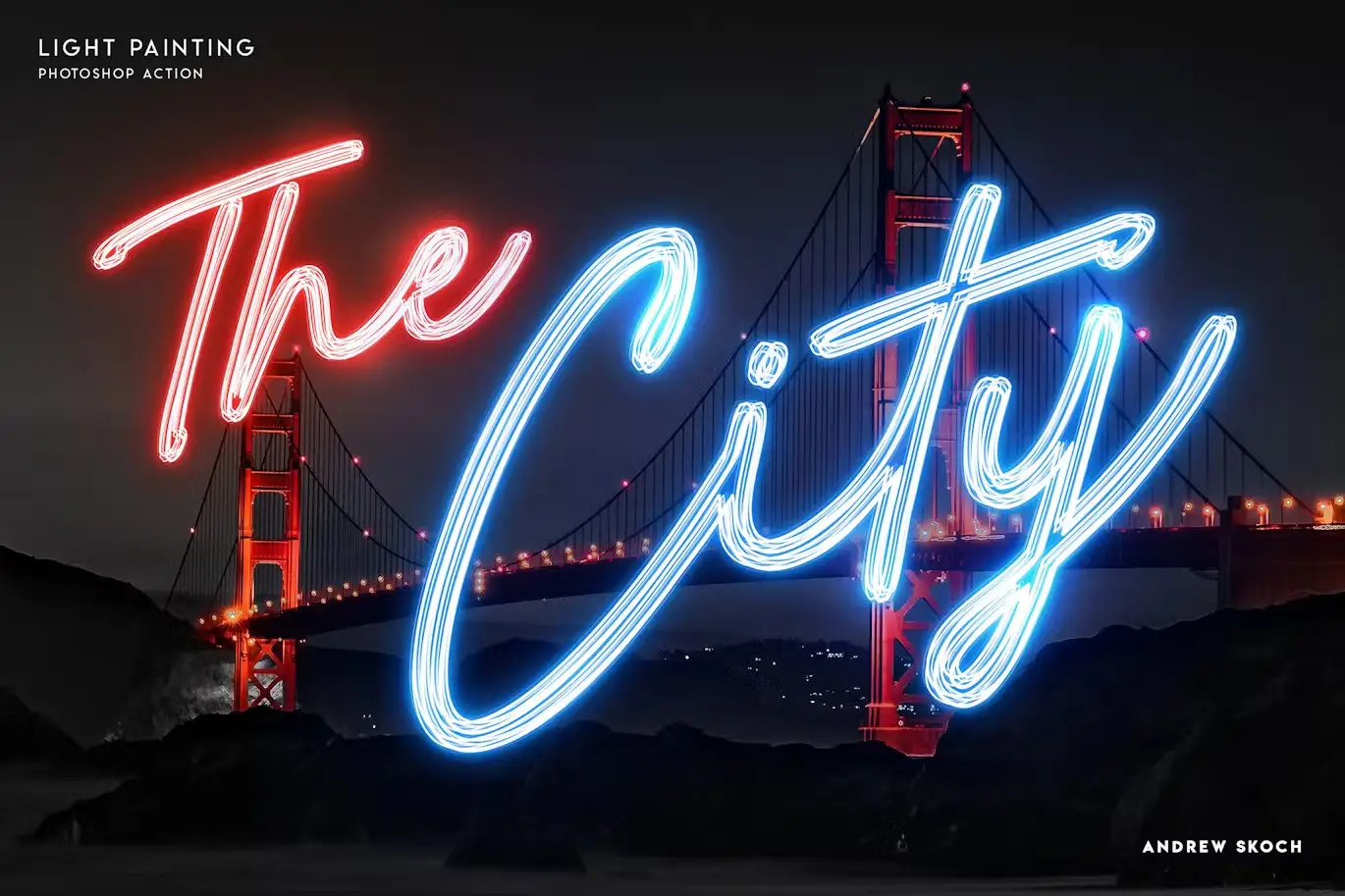
Light Painting – Photoshop Action
Original price was: $5.00.$2.50Current price is: $2.50.

Andrew Skoch Design
Product Specs:
- Compatible with: Actions
- File Type: ZIP
- File Size: 1.5 MB
- Instant Download
Light Painting – Photoshop Action
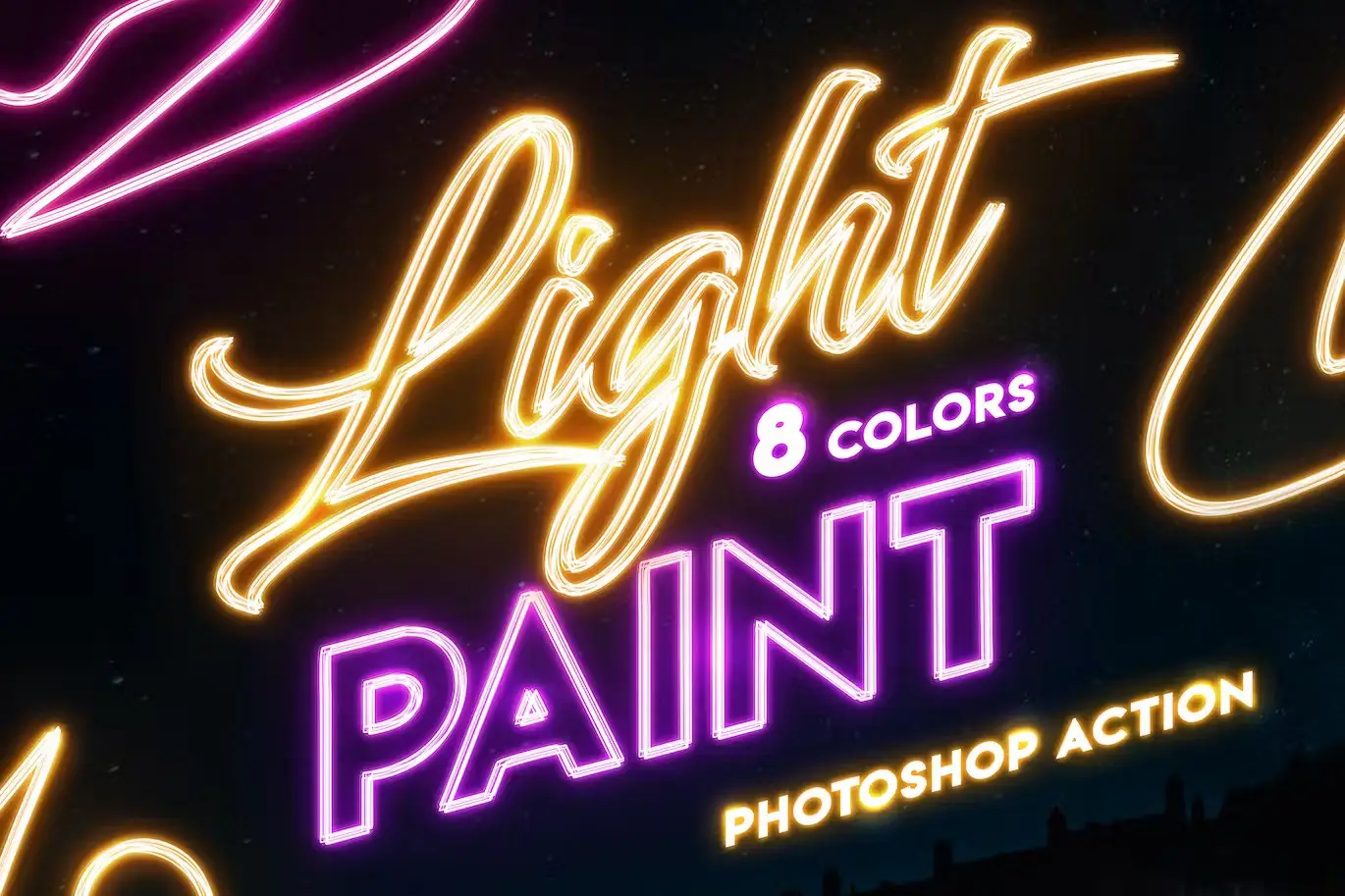
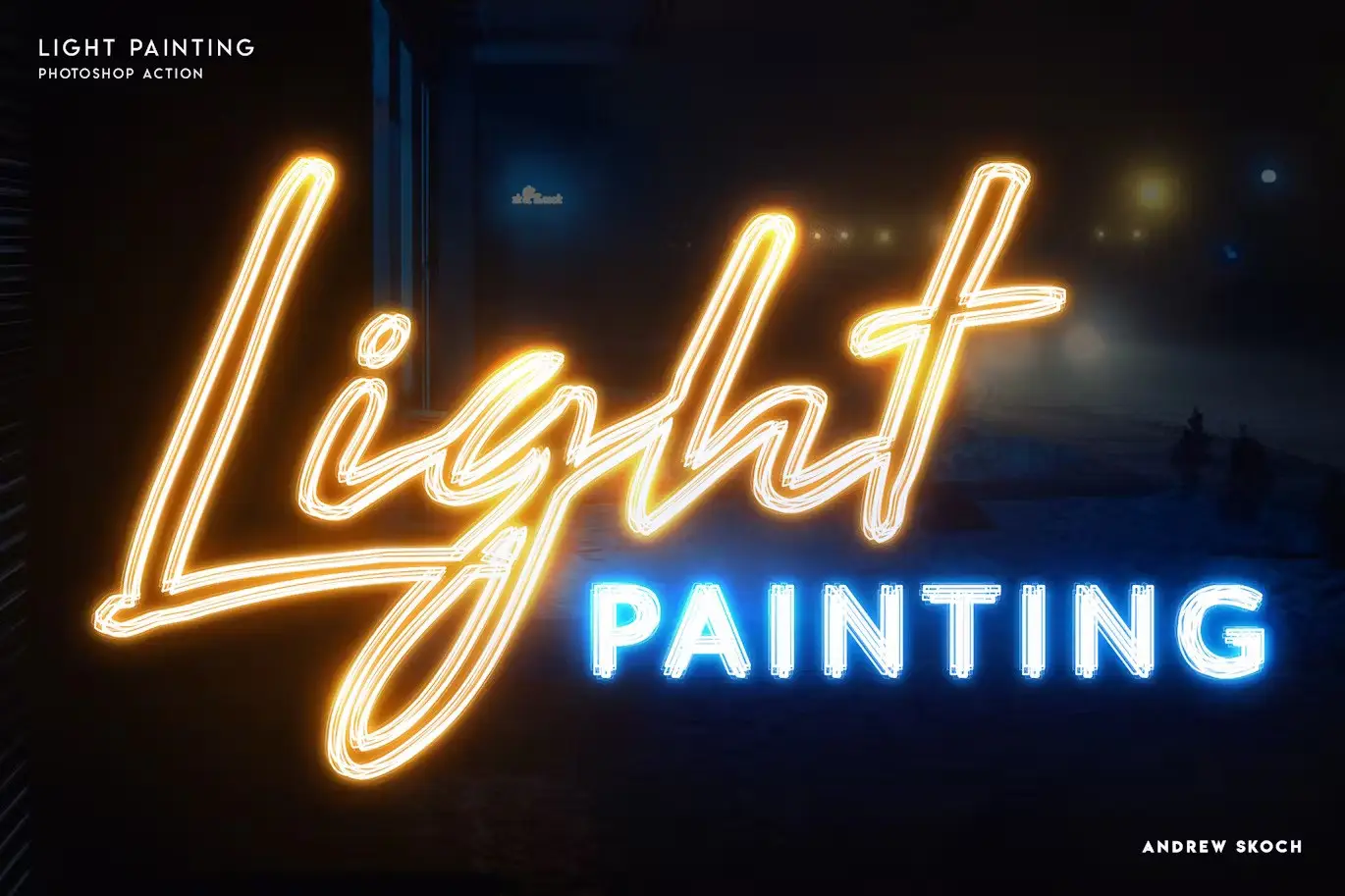
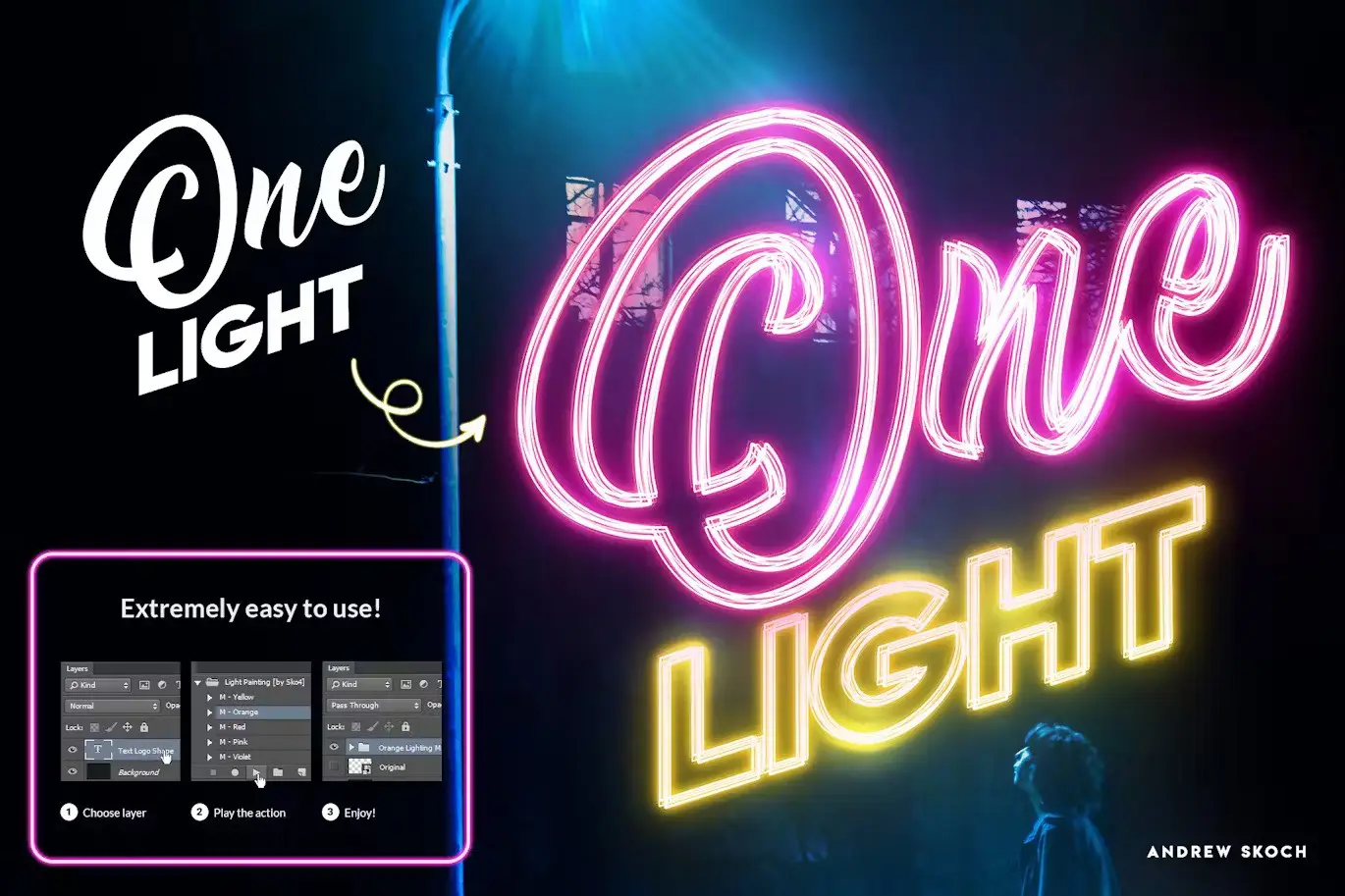
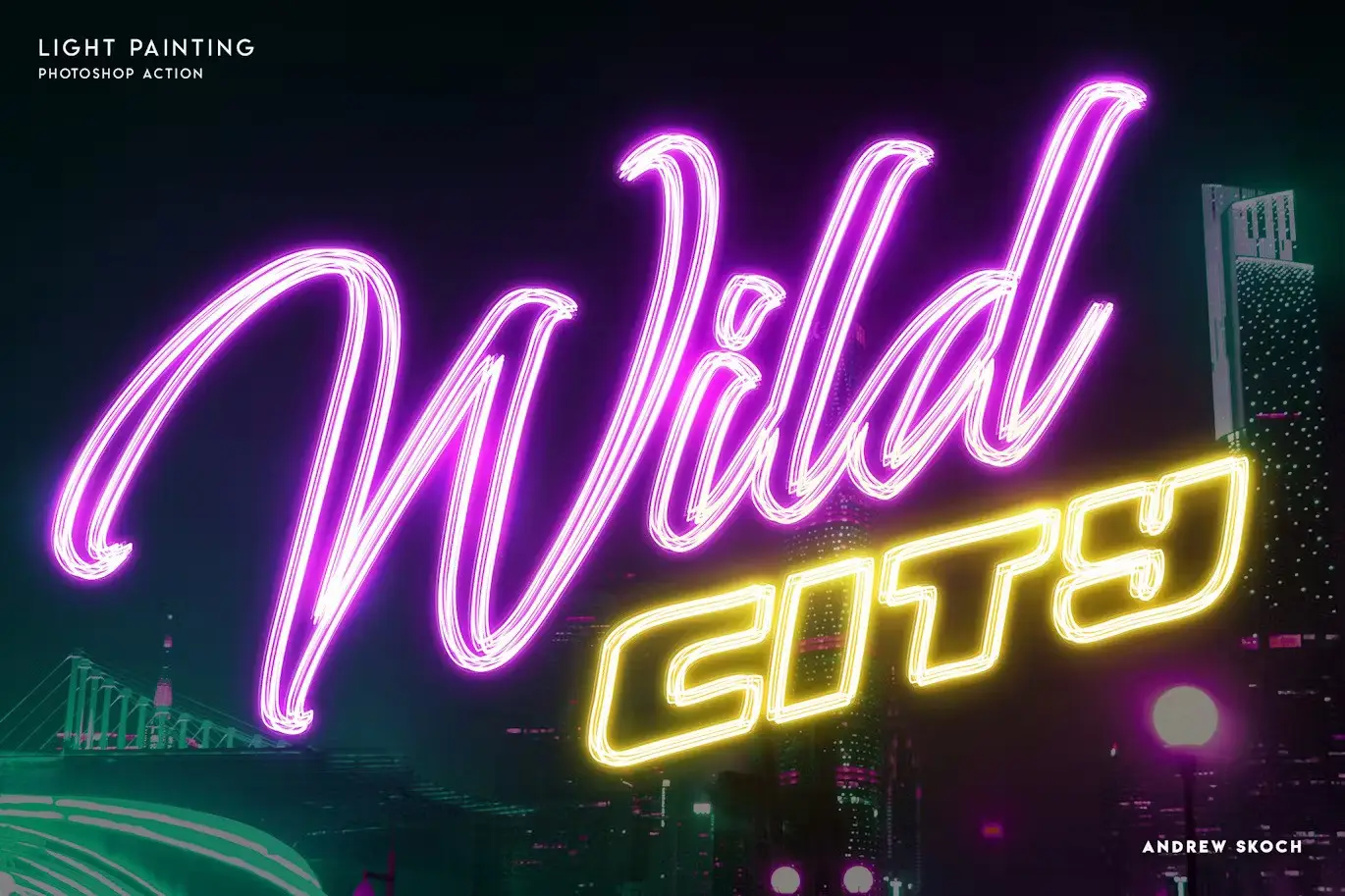
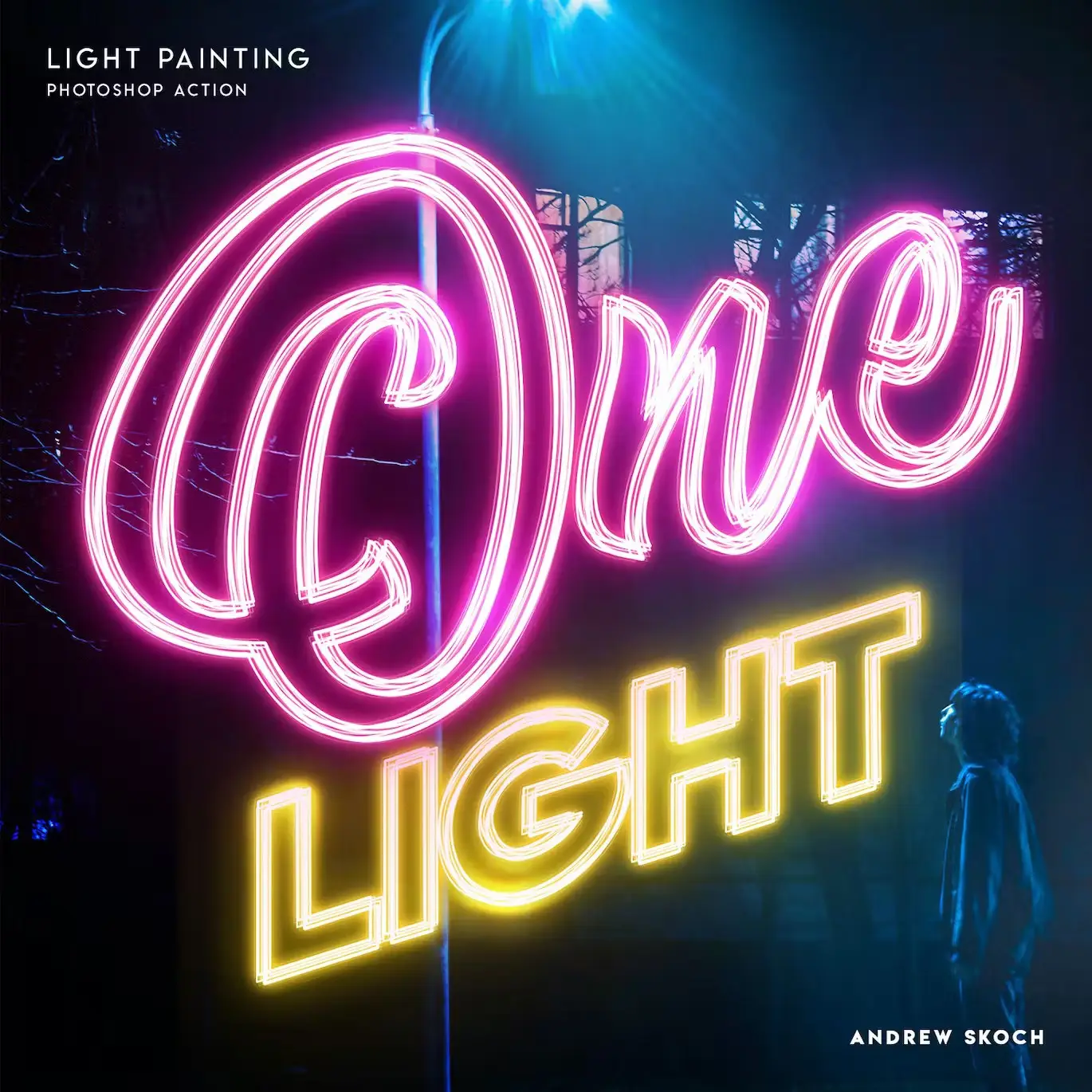
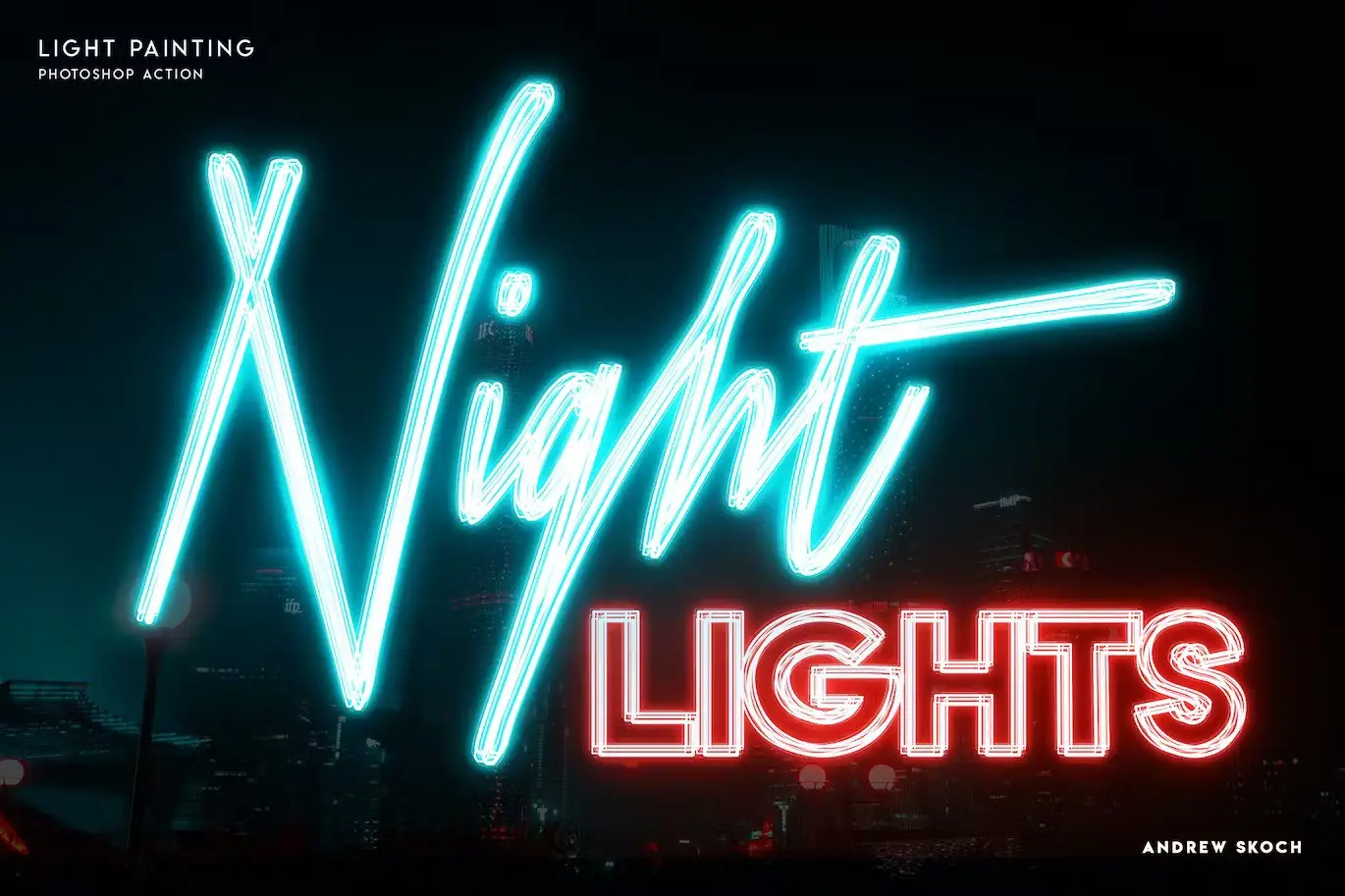
Transform your text or logo into a stunning light painting effect with our Light Painting – Photoshop Action. This innovative tool allows you to create vibrant color light effects on any layer, whether it’s text, logos, or shapes, with just a single click. Perfect for adding a unique glow to your designs!
Product Overview
This professional-grade Photoshop action is compatible with various versions, including CS3, CS4, CS5, CS6, CC, and up to CC2019. It’s designed for users looking to effortlessly enhance their designs with captivating light effects, making it suitable for both beginners and experienced designers.
Key Features & Benefits
- ✅ One-Click Action → Quickly apply stunning light effects to your designs.
- ✅ Versatile Compatibility → Works with text layers, vector shapes, pixel layers, smart objects, and folder groups.
- ✅ Multifunctional Use → Perfect for creating eye-catching lettering and logos.
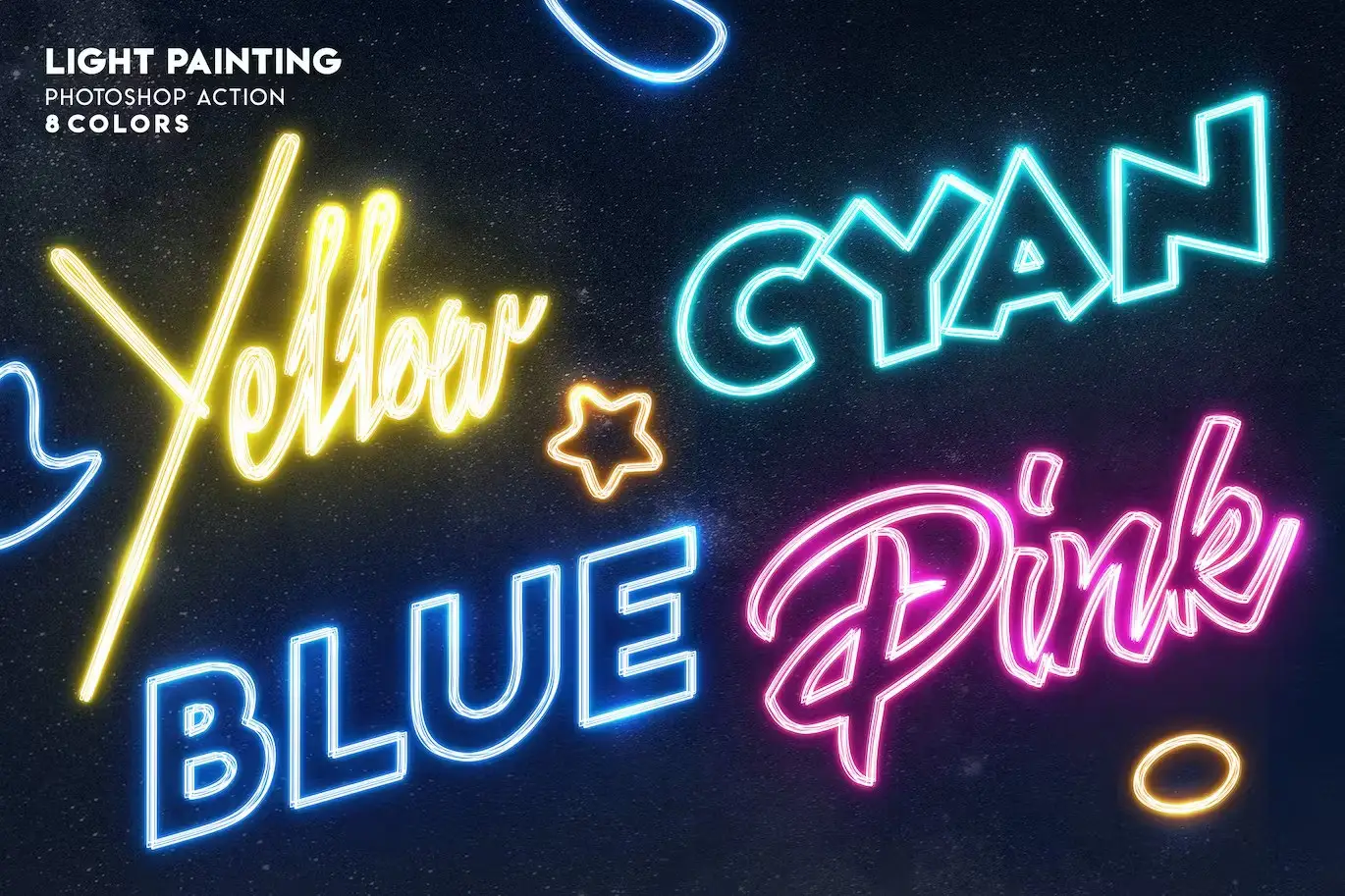
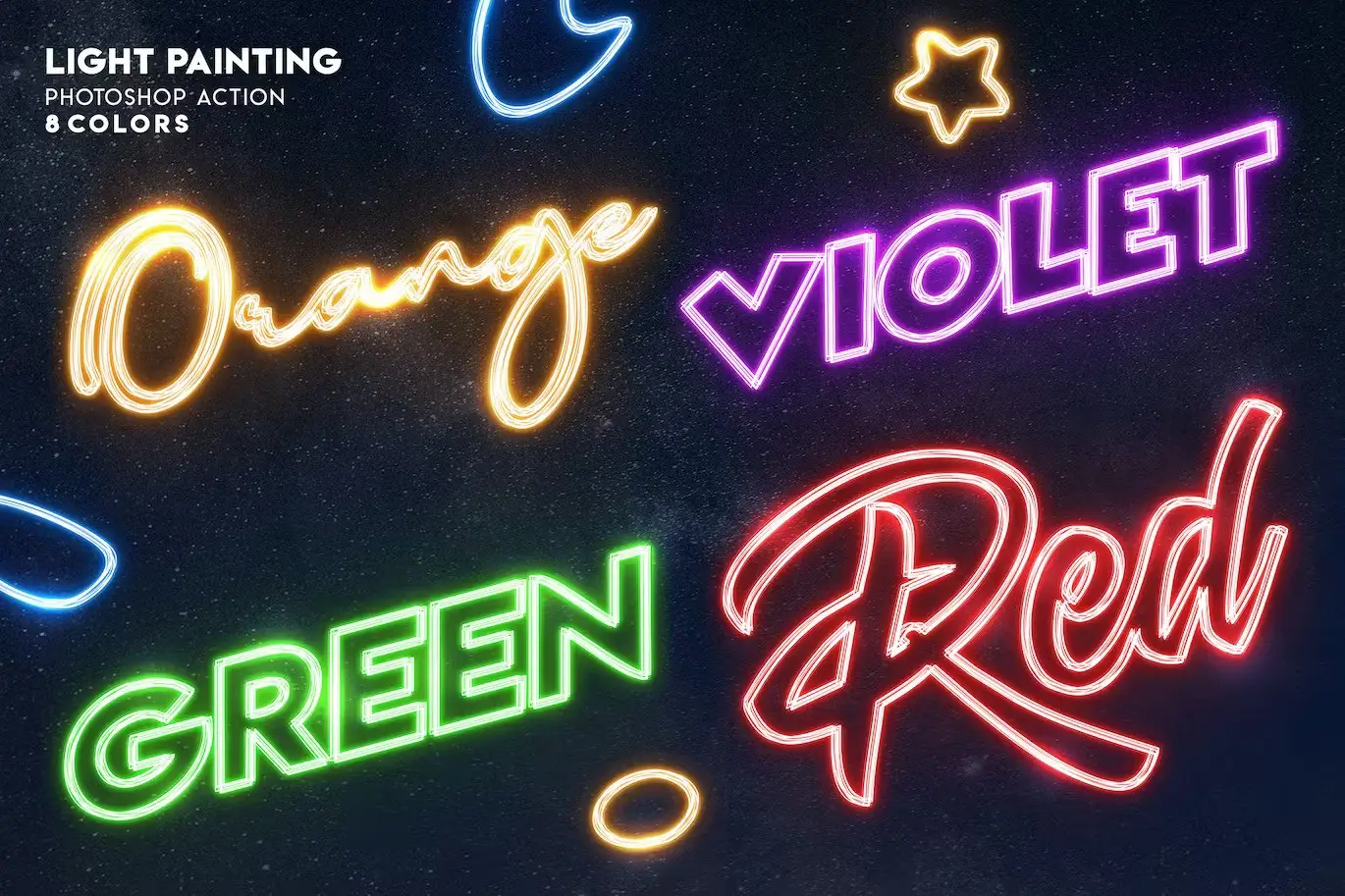
- ✅ 8 Vibrant Colors → Choose from Yellow, Orange, Red, Pink, Violet, Blue, Cyan, and Green to fit your design needs.
- ✅ Comprehensive Help File → Includes a PDF guide with instructions and font links for easy setup.
Why Choose This Product
The Light Painting – Photoshop Action stands out due to its ease of use and professional results. Whether you’re designing for personal projects or professional clients, this action provides a quick way to create impressive visuals that capture attention. Trusted by designers worldwide, it’s a must-have for anyone looking to elevate their graphic design work.
Specifications (Technical Details)
| File Type | ANT, ABR, PSD, PDF |
|---|---|
| Compatibility | Photoshop CS3, CS4, CS5, CS6, CC (2014-2019) |
| Included Files | Action file, Brushes file, Template, Help file |
What’s Included / What’s in the Box
- 📦 ANT File – Action file
- 📦 ABR File – Brushes file
- 📦 PSD File – Template for easy start
- 📦 PDF – Help file with fonts links and instructions
Perfect For
- Graphic Designers
- Digital Artists
- Marketing Professionals
- Social Media Managers
- Anyone looking to enhance their creative projects
How to Use
- Open your Photoshop and load the action file.
- Select the layer you want to apply the effect to.
- Run the action and watch your design come to life!
FAQ
- Can I use this action on any version of Photoshop? Yes, it is compatible with CS3 through CC2019.
- Is there a help file included? Yes, a comprehensive PDF help file is included with instructions and font links.
Don’t miss out on the chance to elevate your designs! Add the Light Painting – Photoshop Action to your cart now and start creating stunning visuals today! 🚀
User Reviews
Be the first to review “Light Painting – Photoshop Action”
You must be logged in to post a review.
Holographic Photoshop Action
Sold by Andrew Skoch Design
Gradient And Geometry Backgrounds Vol 2
Sold by Andrew Skoch Design
Grass Effect Photoshop Action
Sold by Andrew Skoch Design
Enamel Pin Photoshop Action
Sold by Andrew Skoch Design
Glitch YouTube Thumbnails
Sold by Andrew Skoch Design
Mosaic Photo Template
Sold by Andrew Skoch Design Original price was: $5.00.$2.50Current price is: $2.50.


There are no reviews yet.