
Enamel Pin Photoshop Action



Original price was: $5.00.$2.50Current price is: $2.50.

Andrew Skoch Design
Product Specs:
- Compatible with: Actions | Adobe Photoshop
- File Type: ZIP
- File Size: 18.7 MB
- Instant Download
Enamel Pin Photoshop Action: Create Stunning Metal Pins Effortlessly
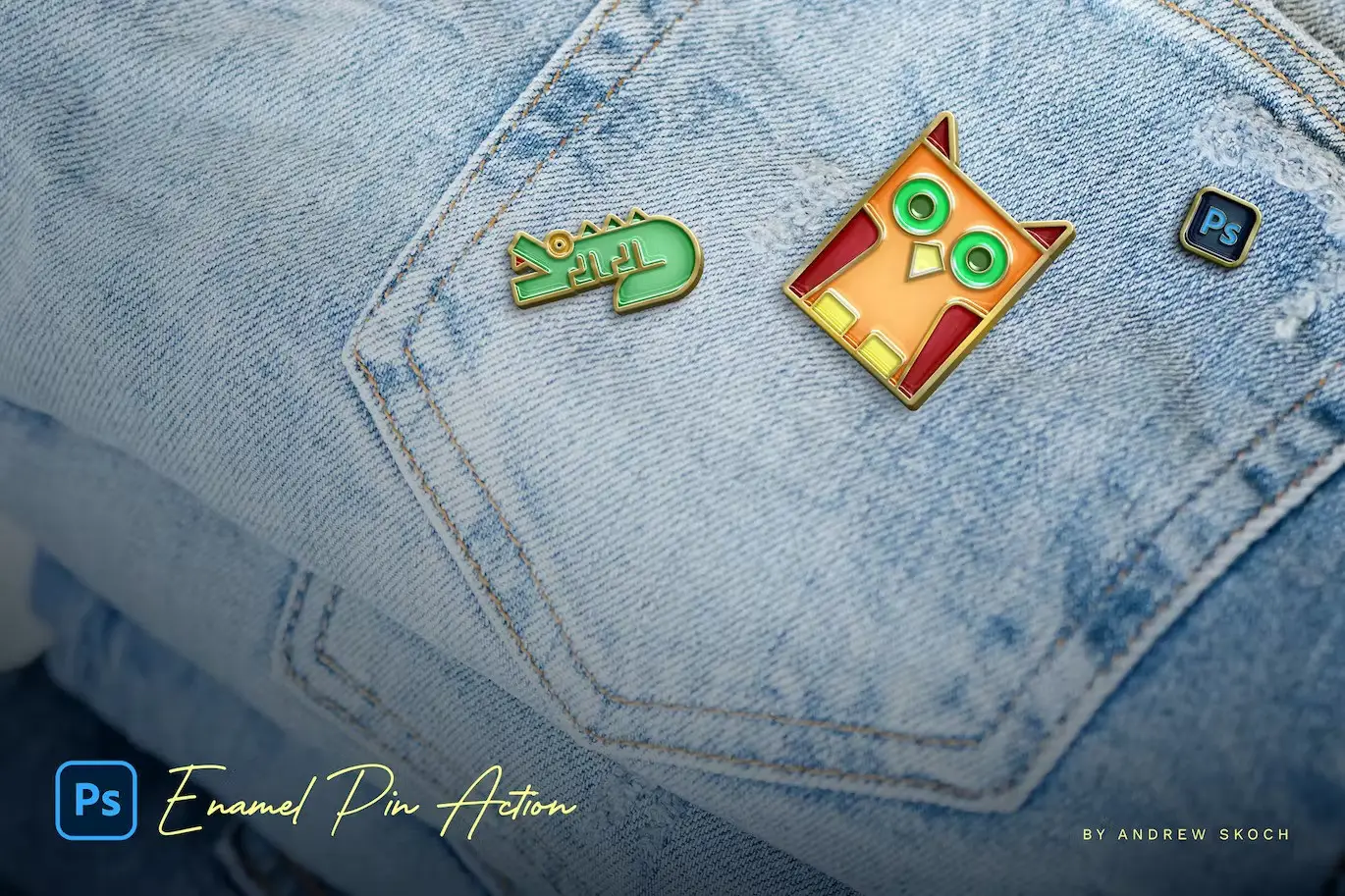
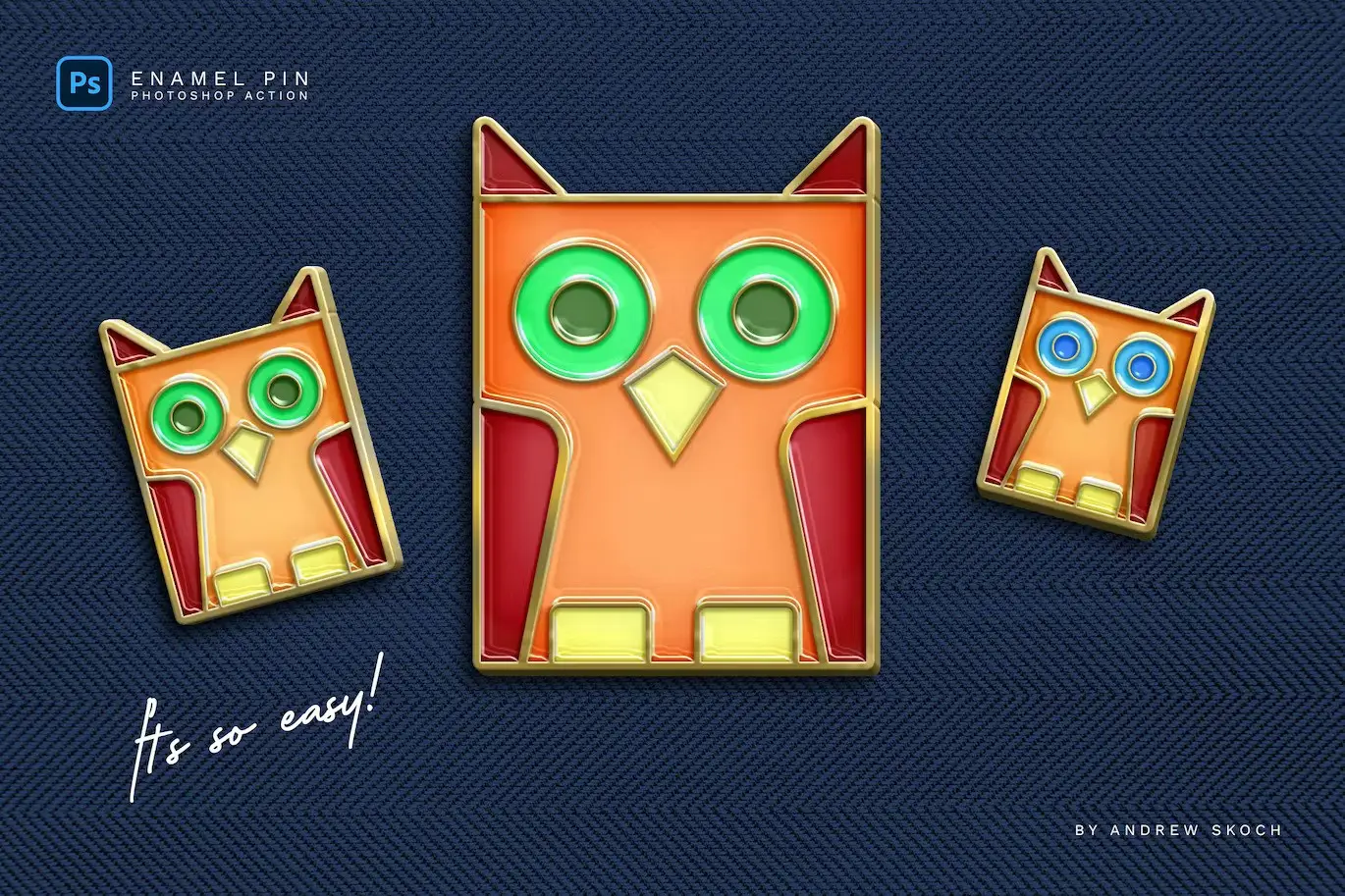
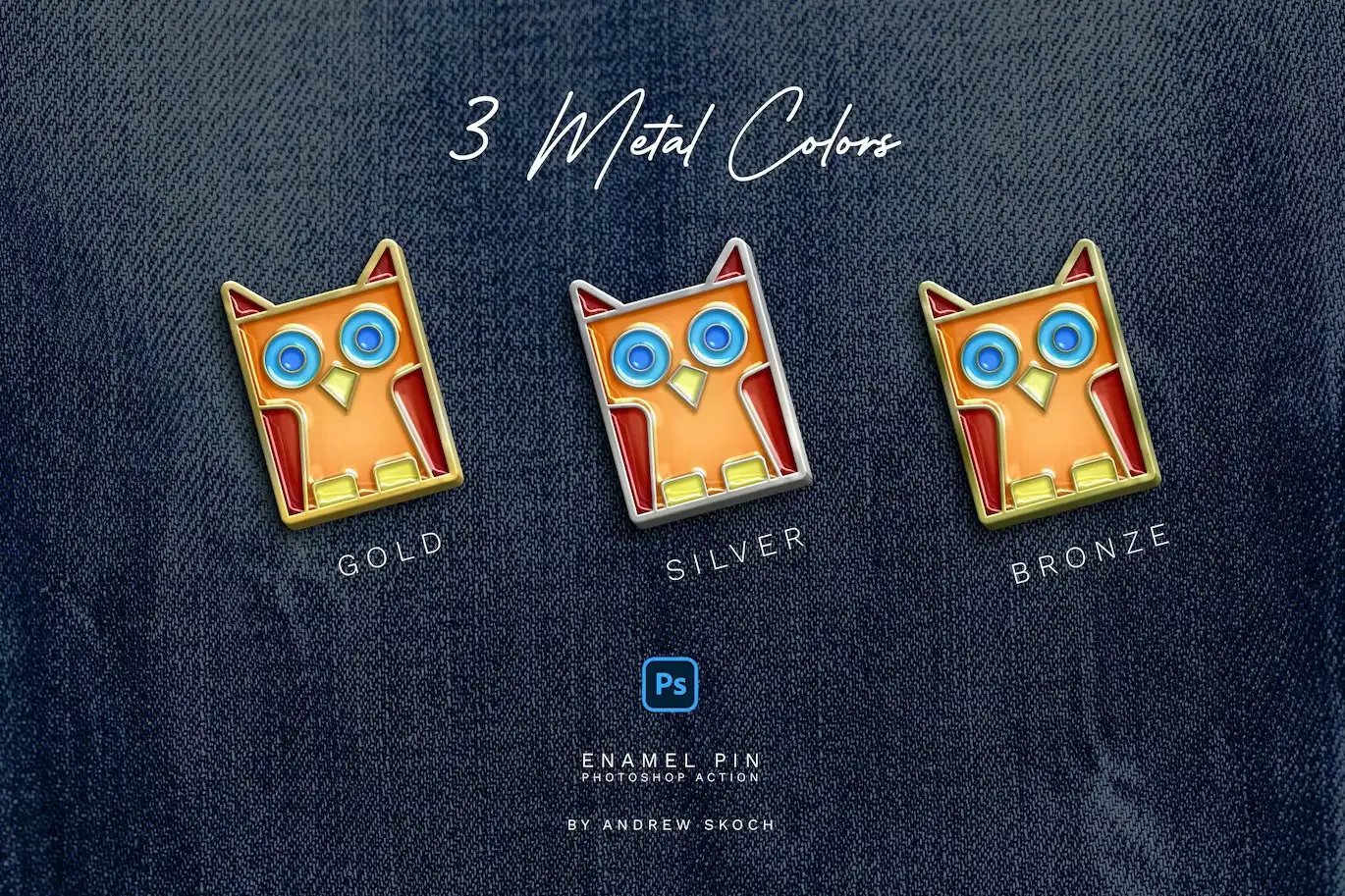
Transform your designs with the Enamel Pin Photoshop Action, a premium tool that allows you to create shiny metal pins with vibrant enamel colors quickly and easily. Whether you’re a designer looking to enhance your projects or a hobbyist wanting to add a unique touch, this action is the perfect solution for you!
Product Overview
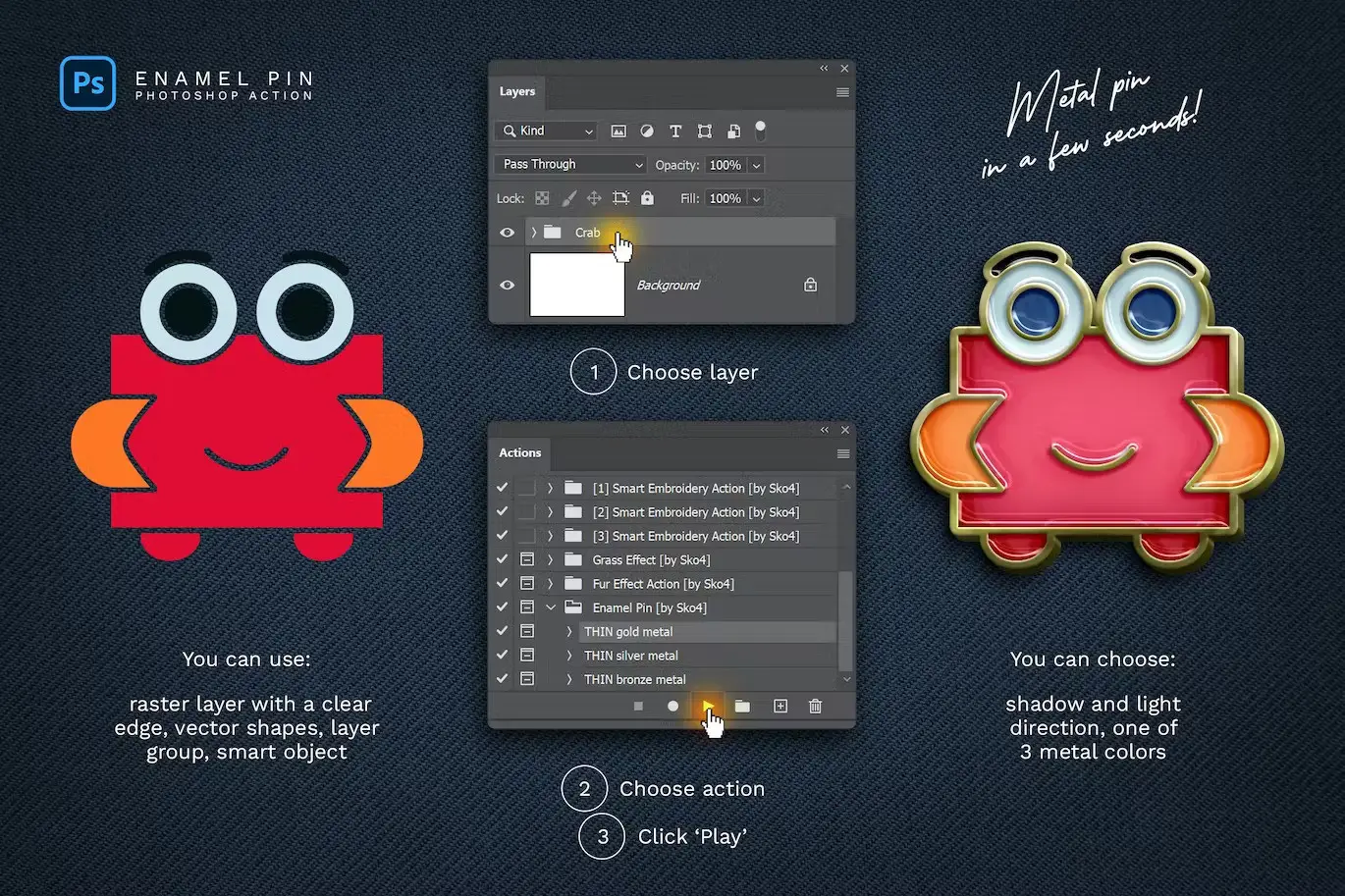
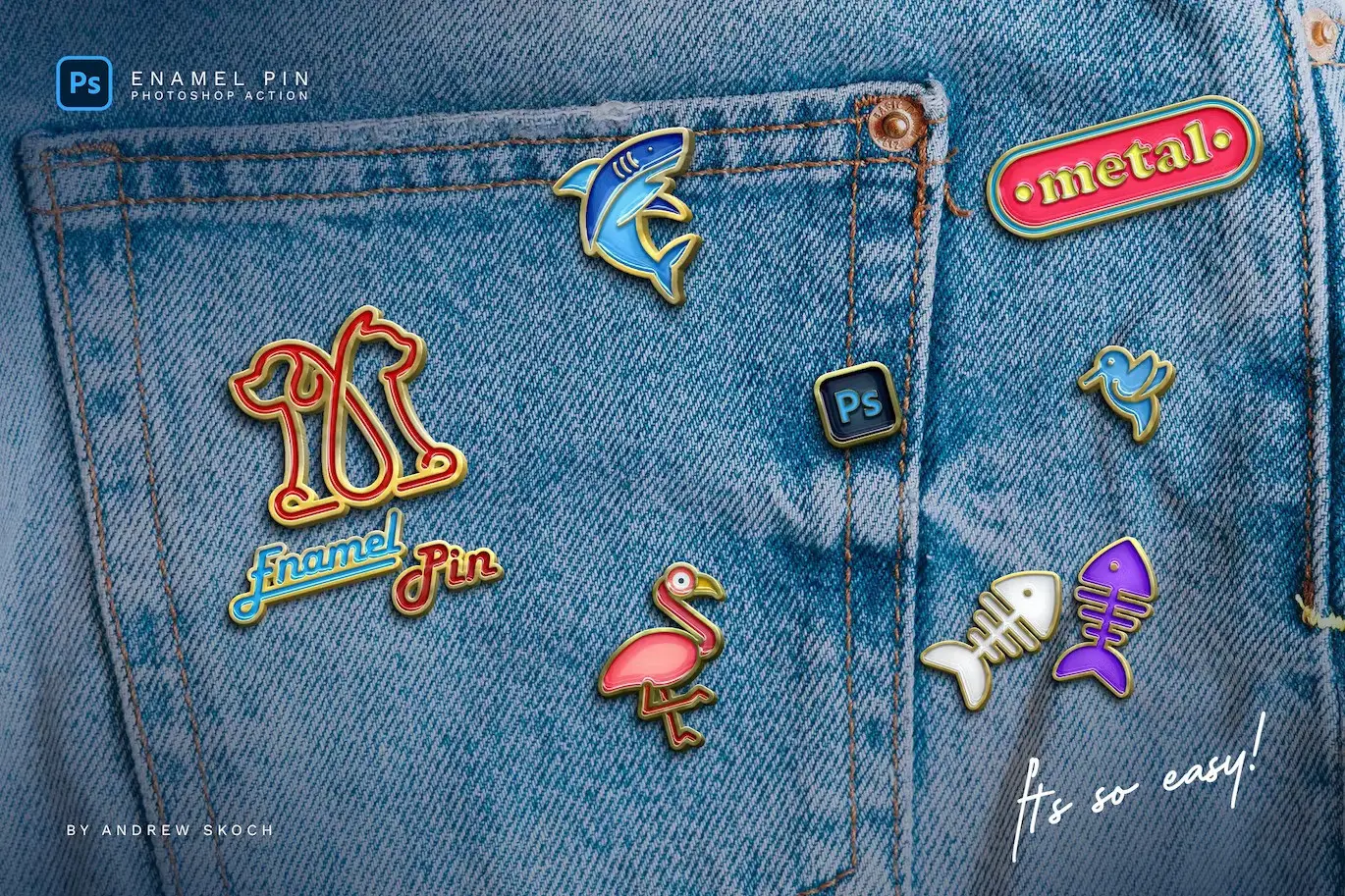
The Enamel Pin Photoshop Action is designed for users who want to generate realistic enamel pins from various elements, including raster images, vector shapes, layer groups, texts, or logos. With just a few clicks, you can create professional-looking pins that stand out.
Key Features & Benefits
- ✅ Multiple Metal Colors → Automatically generates Gold, Silver, or Bronze outlines for a polished look.
- ✅ Versatile Usage → Works seamlessly with text layers, vector shapes, pixel layers, and smart objects.
- ✅ Customizable Shadows and Light → Choose the direction of shadow and light to enhance your design’s depth.
- ✅ Multilingual Support → Compatible with any language for your Photoshop interface, making it accessible for global users.
- ✅ Time-Saving → Play the action multiple times in the same PSD document to create various designs quickly.
Why Choose This Product
This Enamel Pin Photoshop Action is not just another add-on; it’s a reliable tool that saves you time while delivering high-quality results. Trusted by designers worldwide, it allows you to focus on creativity rather than technical details. Imagine transforming your logos or text into eye-catching enamel pins in seconds!
Specifications (Technical Details)
| Requirements | Supported Versions |
|---|---|
| Adobe Photoshop | CS6, CC, CC2014, CC2015, CC2015.5, CC2017, CC2018, CC2019, CC2020, CC2021 |
| Compatibility | Windows or Mac |
What’s Included / What’s in the Box
- 📦 ANT File – Action file
- PSD Template for easy start
- PDF – Help file with instructions
Perfect For
- Graphic Designers
- Hobbyists
- Brand Owners
- Marketing Professionals
How to Use
- Open your design in Adobe Photoshop.
- Load the Enamel Pin Photoshop Action.
- Select the layer you want to transform.
- Run the action and watch your design come to life!
FAQ
- Can I use this action with any version of Photoshop? Yes, it works with Adobe Photoshop CS6 and later versions.
- Is it easy to customize the colors? Absolutely! You can use any colors to create your unique enamel designs.
Add to cart now and start creating stunning enamel pins today! 🚀
User Reviews
Be the first to review “Enamel Pin Photoshop Action”
You must be logged in to post a review.

Color Instagram Store
Sold by Andrew Skoch Design
Embroidery Patch Mockup
Sold by Andrew Skoch Design
Snow Procreate Brushes
Sold by Andrew Skoch Design
Pencil 3D Lettering – Photoshop Action
Sold by Andrew Skoch Design
Holo Gradient Backgrounds
Sold by Andrew Skoch Design
Gradient Blurred Text Effect
Sold by Andrew Skoch Design Original price was: $5.00.$2.50Current price is: $2.50.


There are no reviews yet.