
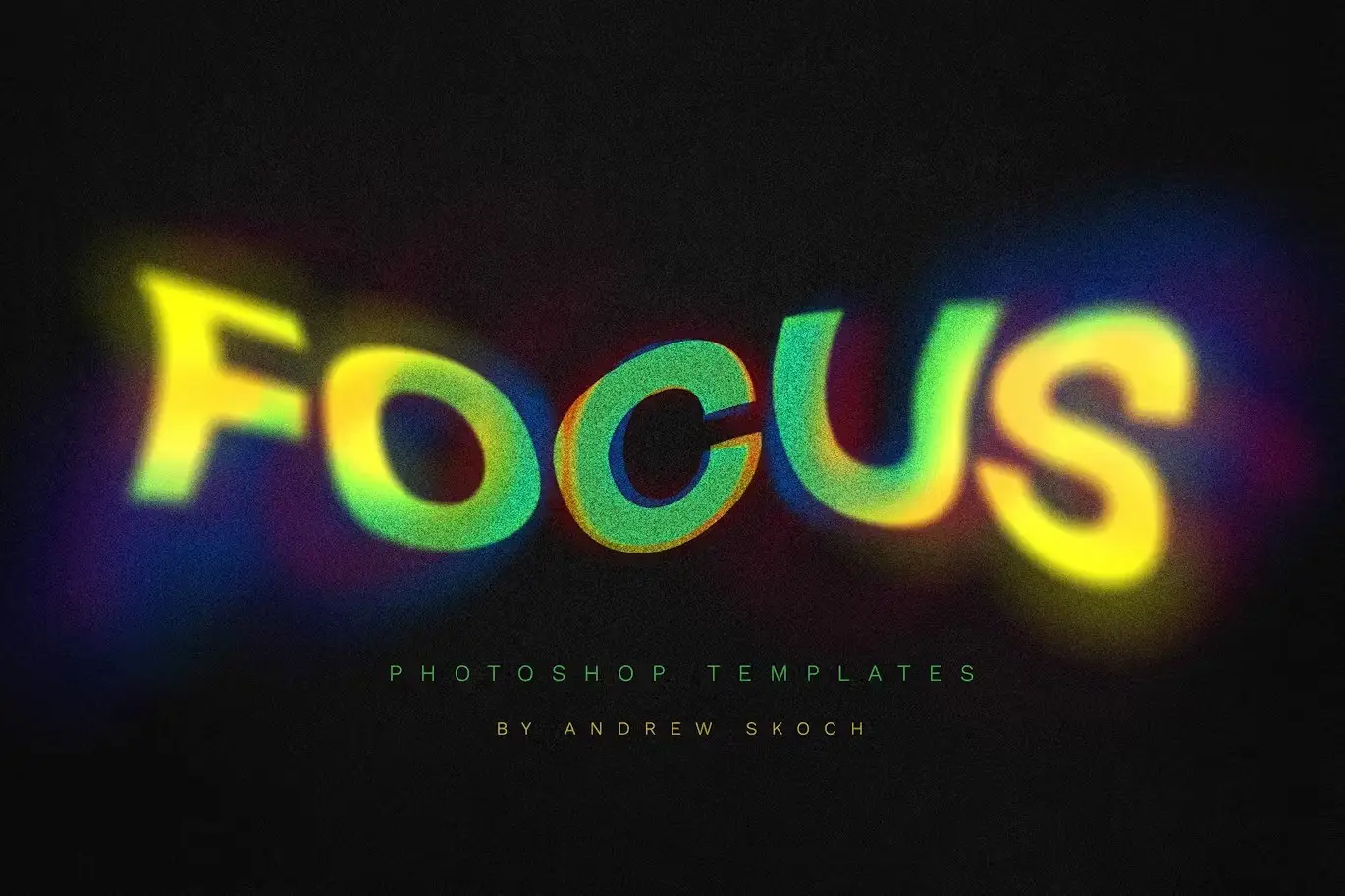
Gradient Blurred Text Effect
Original price was: $5.00.$2.50Current price is: $2.50.

Andrew Skoch Design
Product Specs:
- Compatible with: Templates
- File Type: ZIP
- File Size: 644.7 MB
- Instant Download
Gradient Blurred Text Effect for Stunning Designs
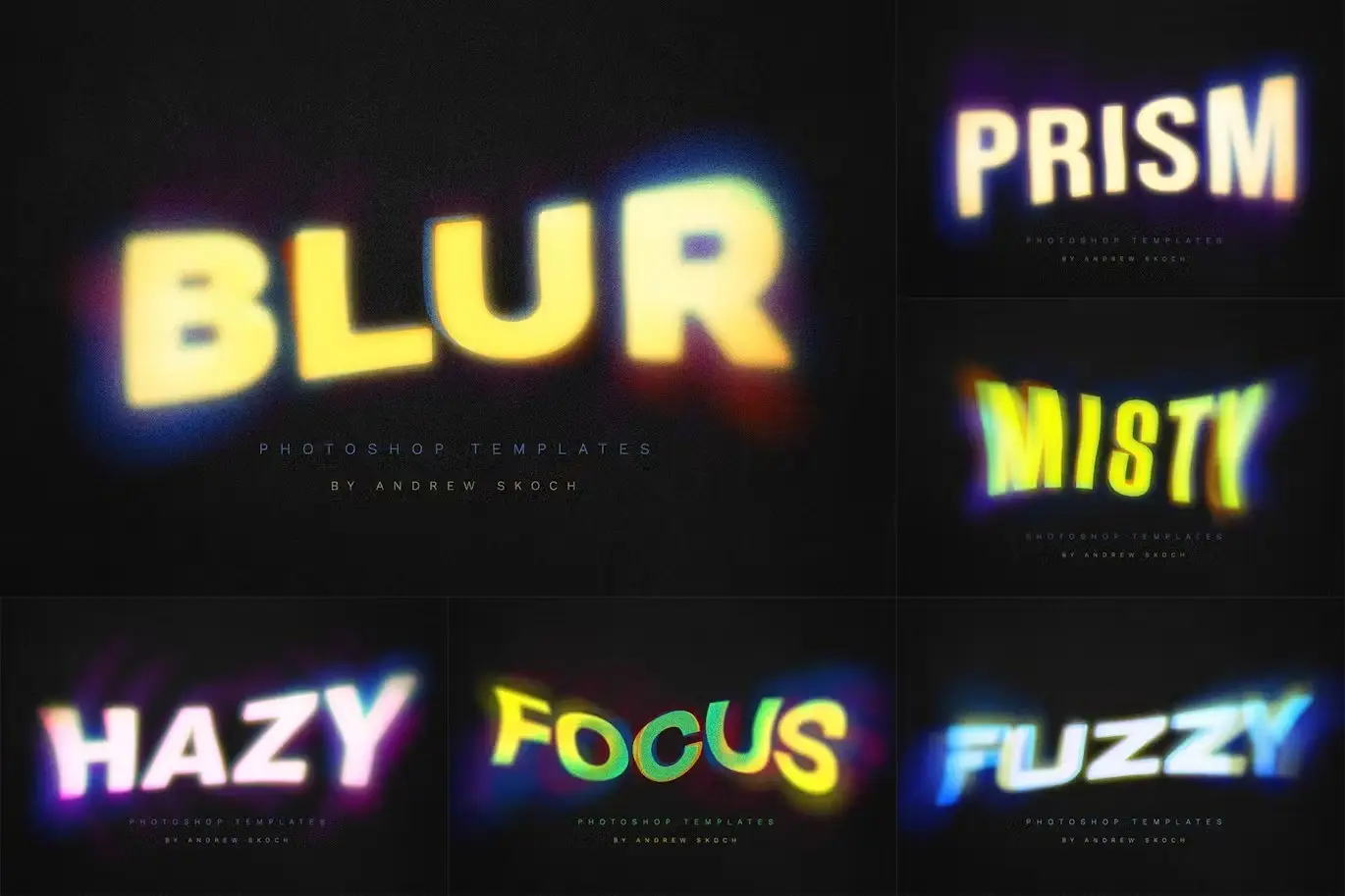
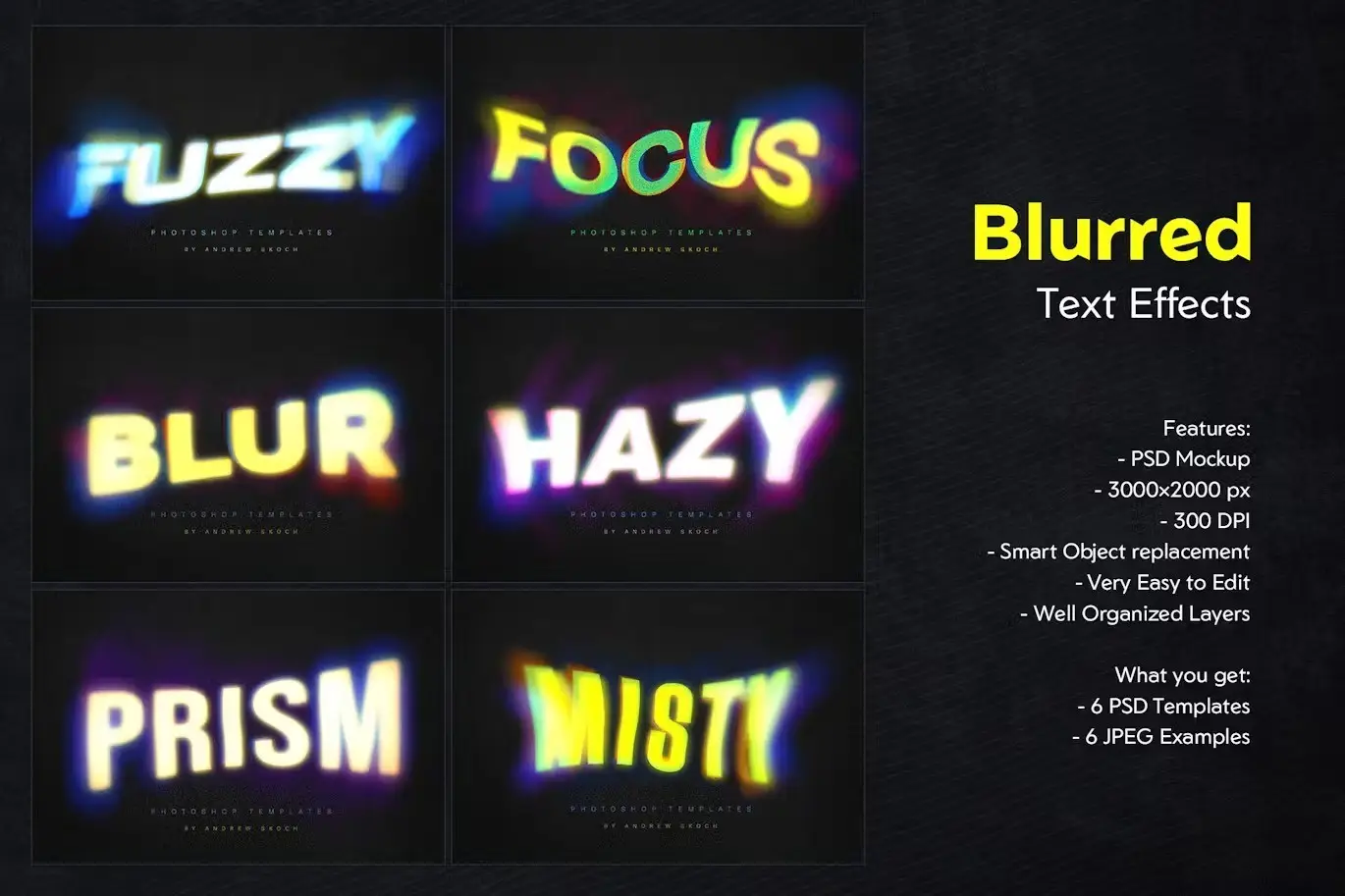
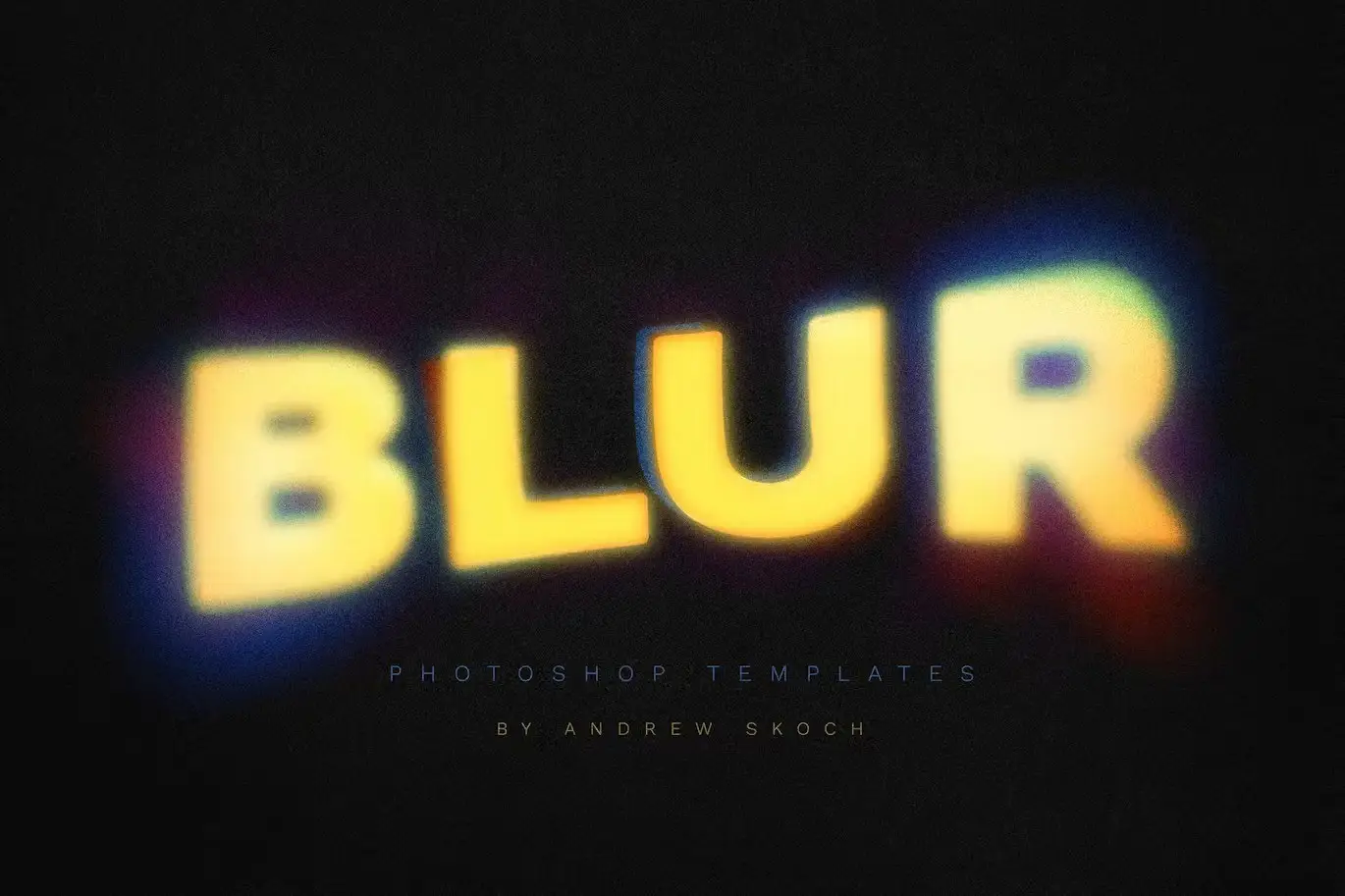
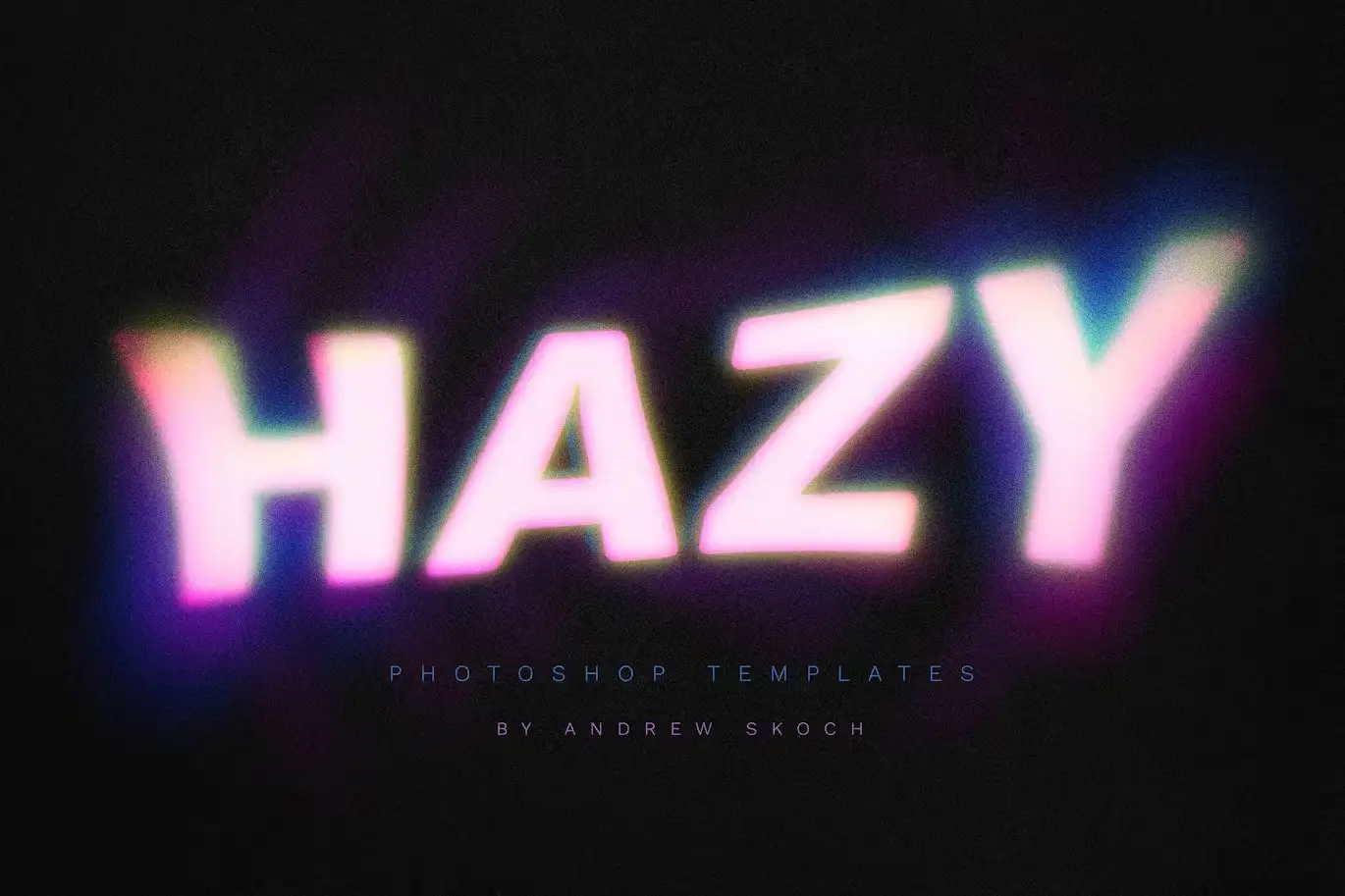
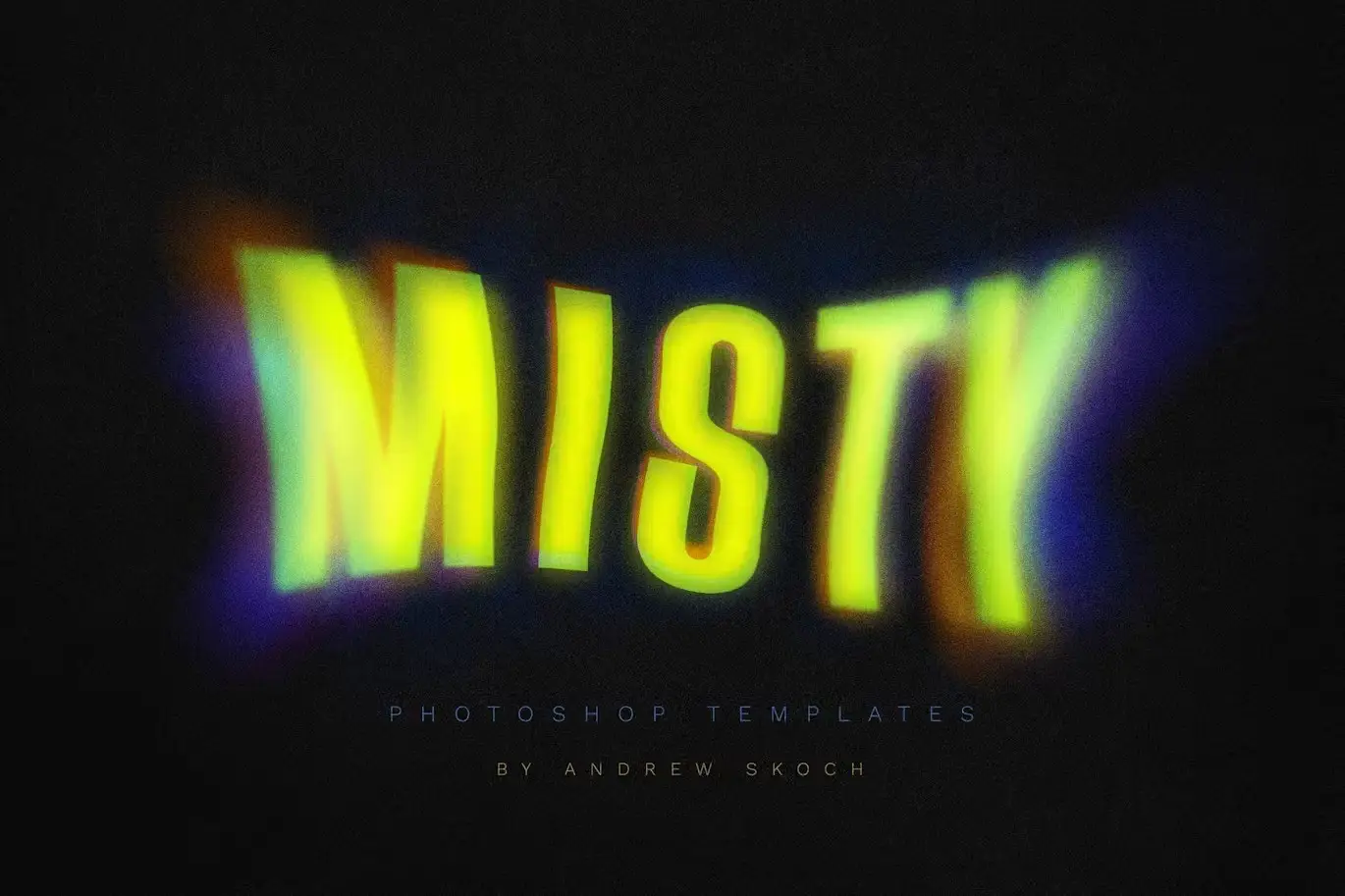
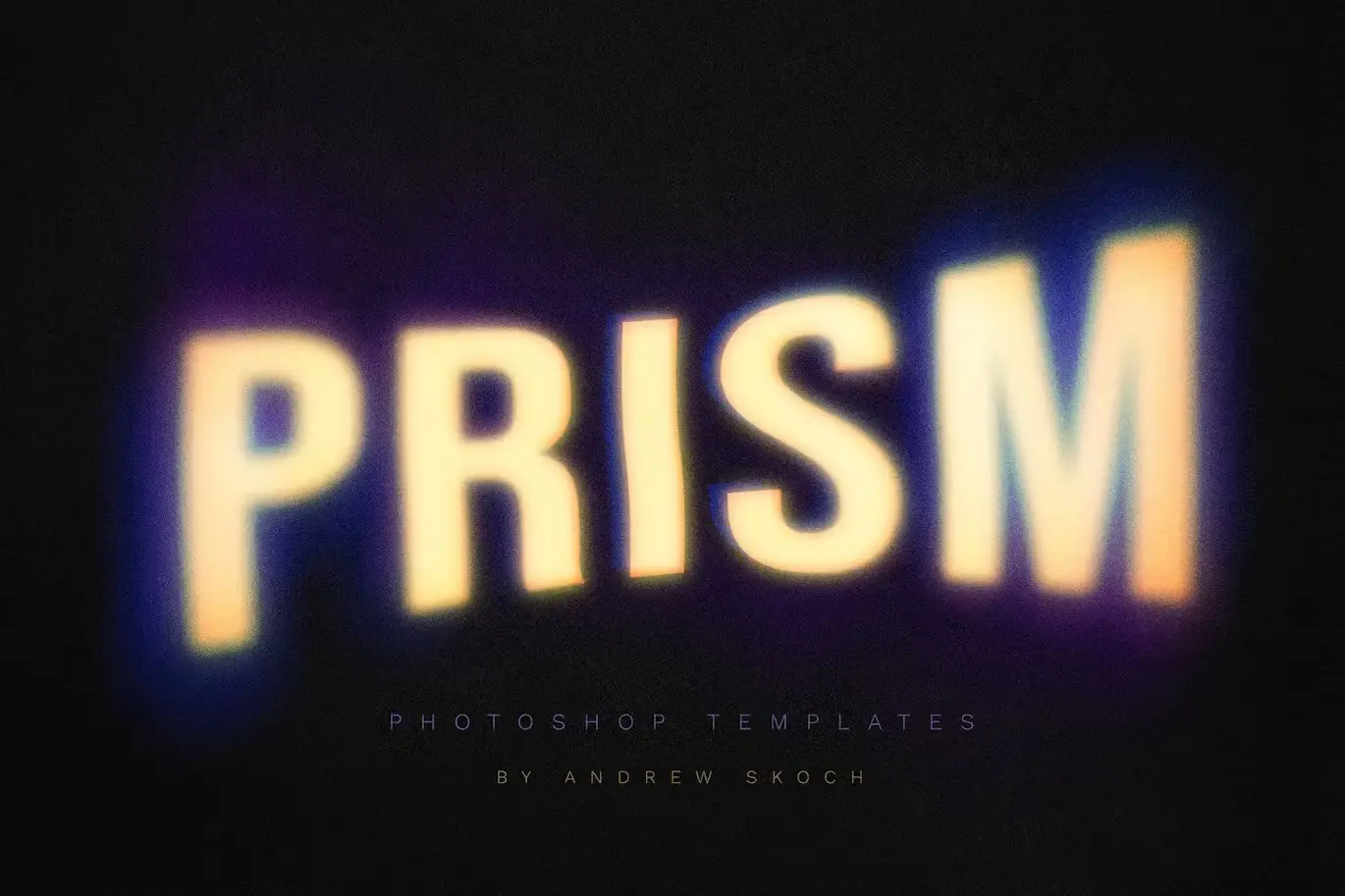
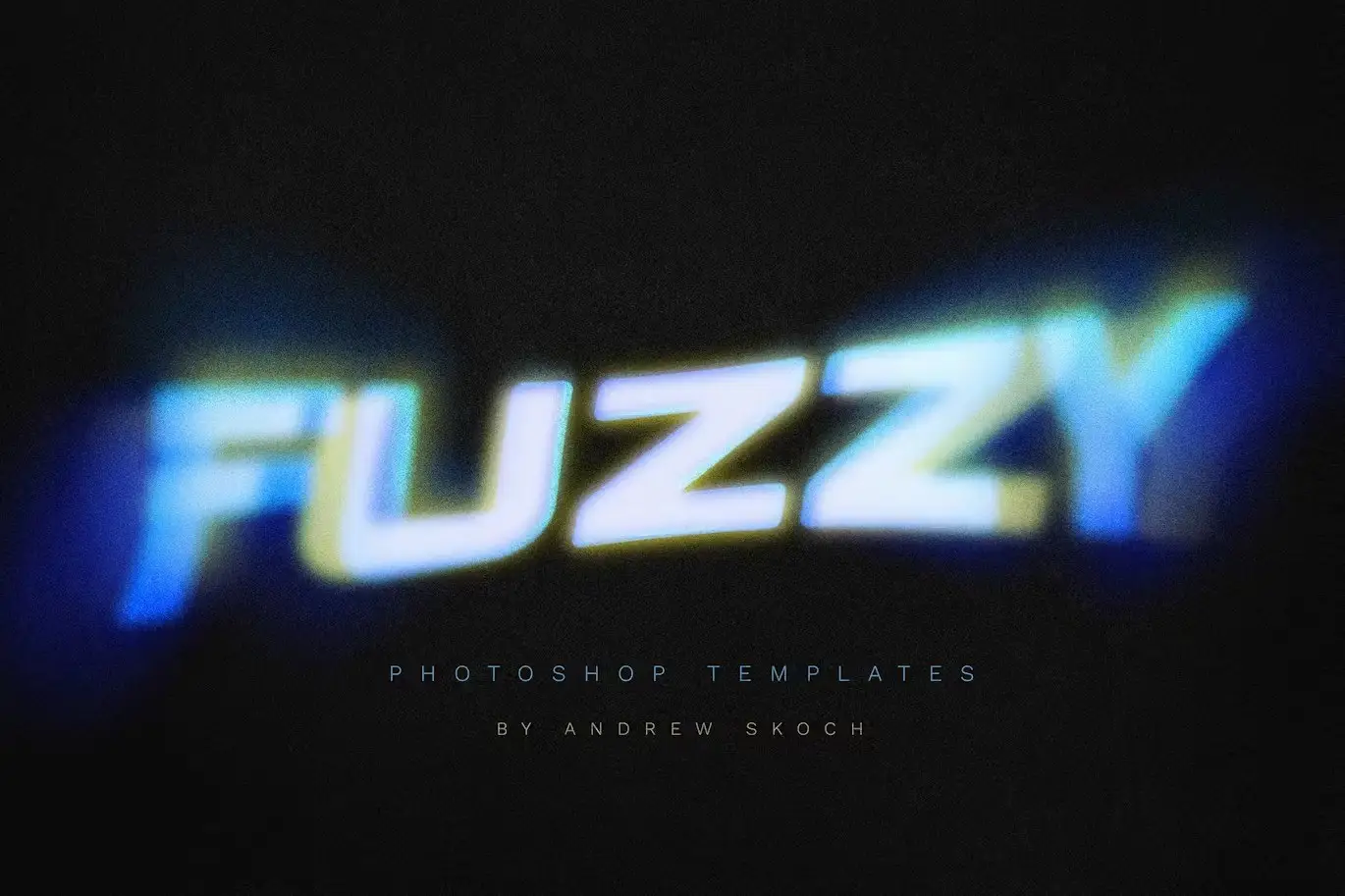
Transform your text into captivating visuals with our Gradient Blurred Text Effect. This collection features six expertly crafted Photoshop templates that allow you to create stylish text effects with gradient blurs. Perfect for various design projects, these templates enable you to customize your text effortlessly using smart objects, making your designs stand out.
Product Overview
The Gradient Blurred Text Effect collection is tailored for designers seeking to add depth and dimension to their projects. Whether you’re working on posters, social media graphics, video titles, or promotional materials, these templates provide the perfect solution for eye-catching lettering.
Key Features & Benefits
- ✅ 6 PSD Files → Versatile templates for diverse design needs.
- ✅ 300 DPI → High-resolution quality for professional results.
- ✅ 3000×2000 Pixels → Ideal dimensions for print and digital use.
- ✅ Smart Objects → Simplifies editing and customization.
- ✅ Very Easy to Edit → User-friendly design for all skill levels.
- ✅ Well Organized Layers → Streamlined workflow for efficient editing.
- ✅ 100% Editable → Tailor every aspect to fit your vision.
Why Choose This Product
This Gradient Blurred Text Effect collection stands out due to its ease of use and professional quality. Trusted by designers worldwide, it enhances your creative projects with minimal effort. Imagine creating stunning visuals that capture attention and convey your message effectively. With these templates, you can achieve that effortlessly.
Specifications (Technical Details)
| File Type | PSD, JPG |
|---|---|
| Resolution | 300 DPI |
| Dimensions | 3000×2000 Pixels |
| Compatibility | Adobe Photoshop |
What’s Included / What’s in the Box
- 📦 6 PSD – Photoshop Templates
- 6 JPG – Example Images
- PDF – Help file with fonts links and instructions
Perfect For
- Graphic Designers
- Social Media Managers
- Marketers
- Content Creators
- Anyone looking to enhance their text designs
How to Use
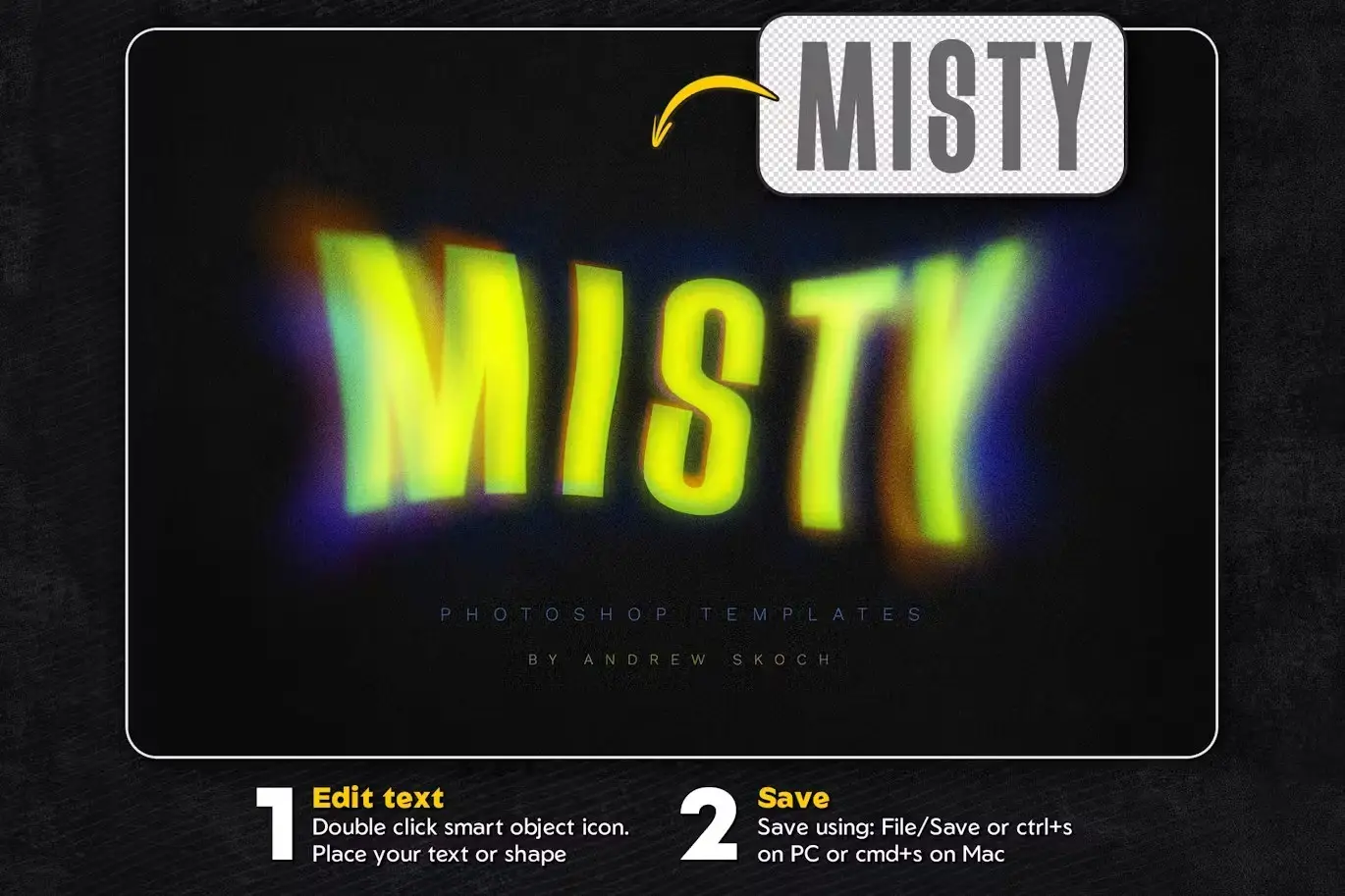
Using the Gradient Blurred Text Effect templates is simple. Just open the PSD file in Adobe Photoshop, double-click the smart object layer, and replace the placeholder text with your own. Adjust the gradient settings as desired and save your changes to see the stunning results.
FAQ
- Can I use these templates for commercial projects? Yes, you can use them for both personal and commercial projects.
- Do I need advanced Photoshop skills to use these templates? No, the templates are designed for easy editing, making them accessible for all skill levels.
Add to cart now and start creating stunning text effects today! 🚀
User Reviews
Be the first to review “Gradient Blurred Text Effect”
You must be logged in to post a review.
Jelly Photosop Action
Sold by Andrew Skoch Design
Graffiti Text Effects 1
Sold by Andrew Skoch Design
Wood Logo Wall Mockup
Sold by Andrew Skoch Design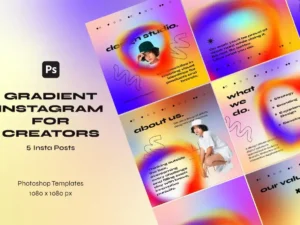
Gradient Instagram Templates for Creators
Sold by Andrew Skoch Design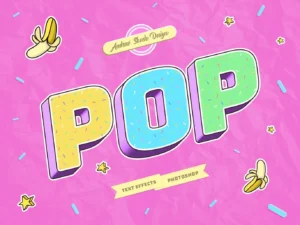
Pop Art Text Effects
Sold by Andrew Skoch Design
Smoke Procreate Brushes
Sold by Andrew Skoch Design Original price was: $5.00.$2.50Current price is: $2.50.


There are no reviews yet.