
Jelly Photosop Action
Original price was: $5.00.$2.50Current price is: $2.50.

Andrew Skoch Design
Product Specs:
- Compatible with: Actions
- File Type: ZIP
- File Size: 80.5 MB
- Instant Download
Jelly Photoshop Action – Transform Your Designs with Tasty Effects
Are you looking to add a fun and vibrant touch to your designs? The Jelly Photoshop Action is the perfect solution for you! This action creates a realistic jelly effect on your text, logos, and shapes in just seconds, making your designs pop with color and creativity.
Product Overview
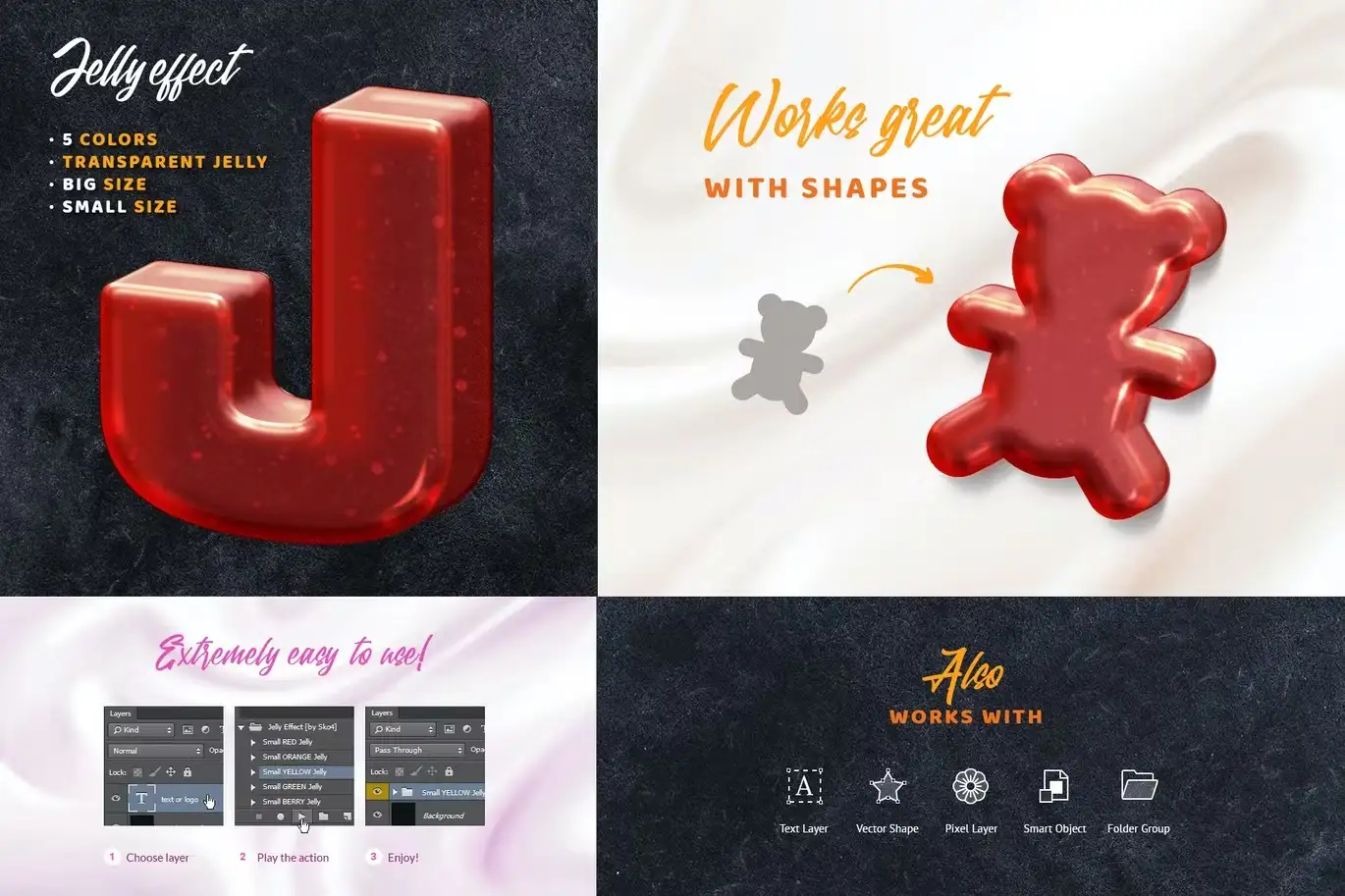
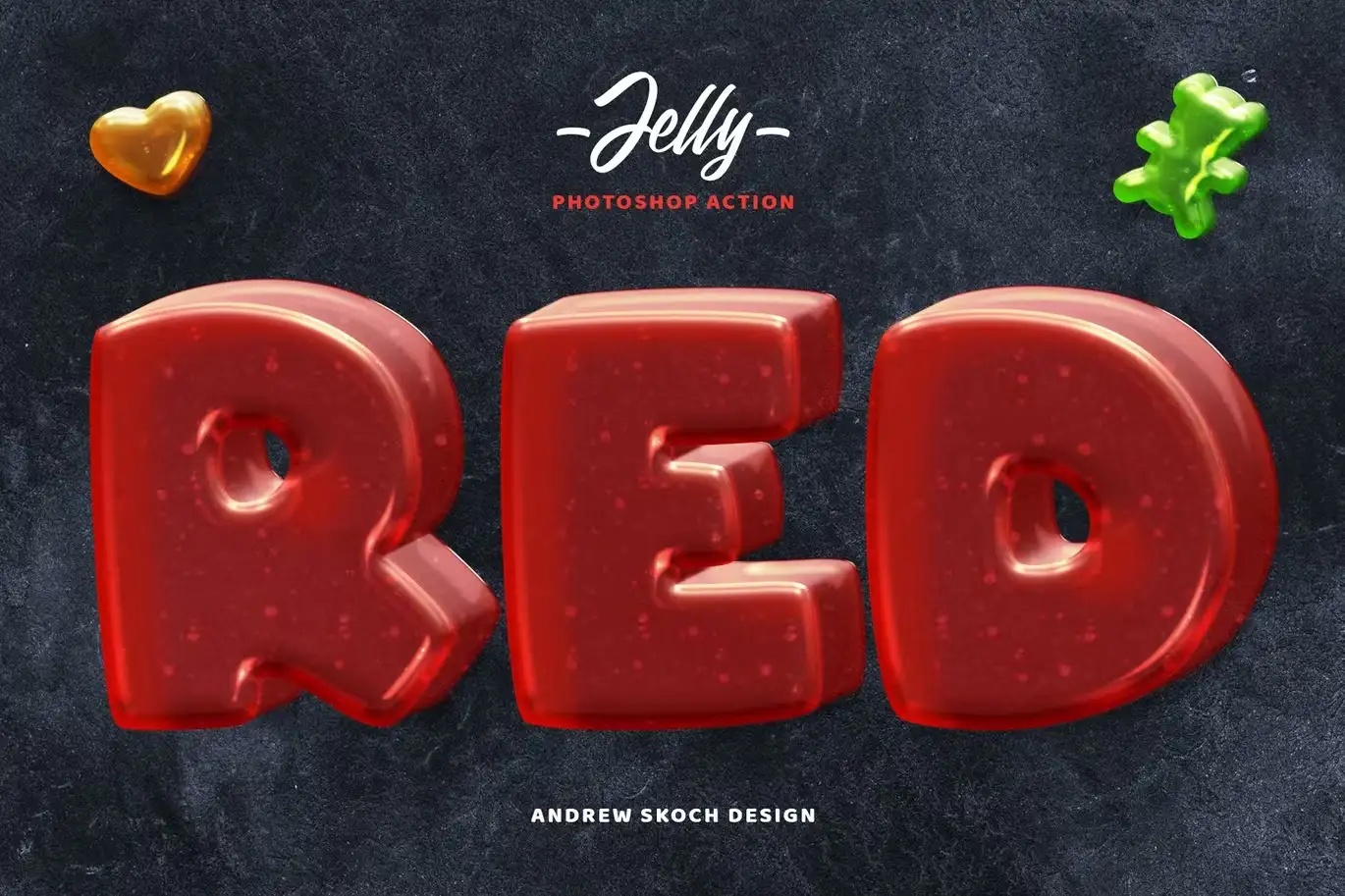
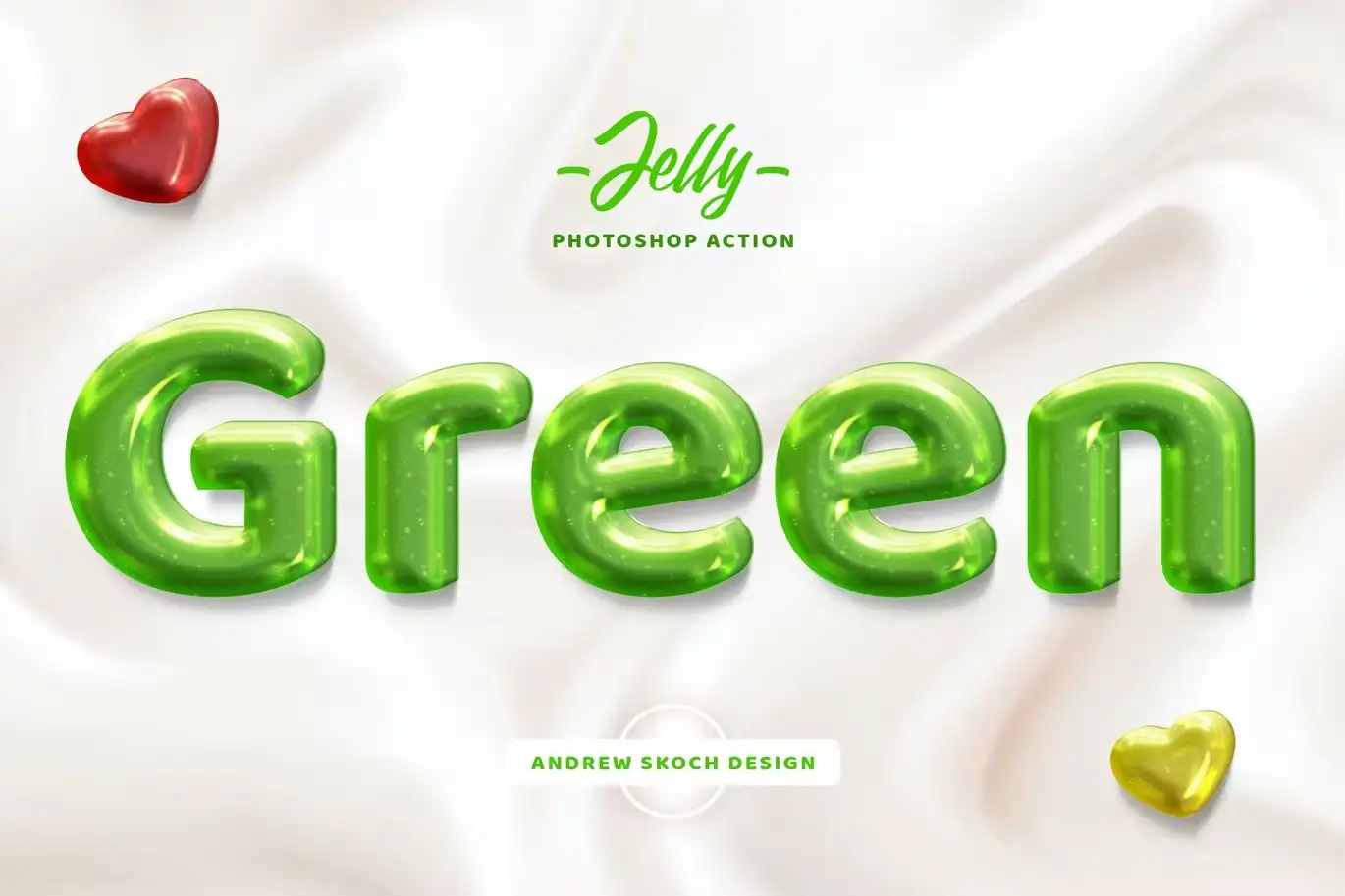
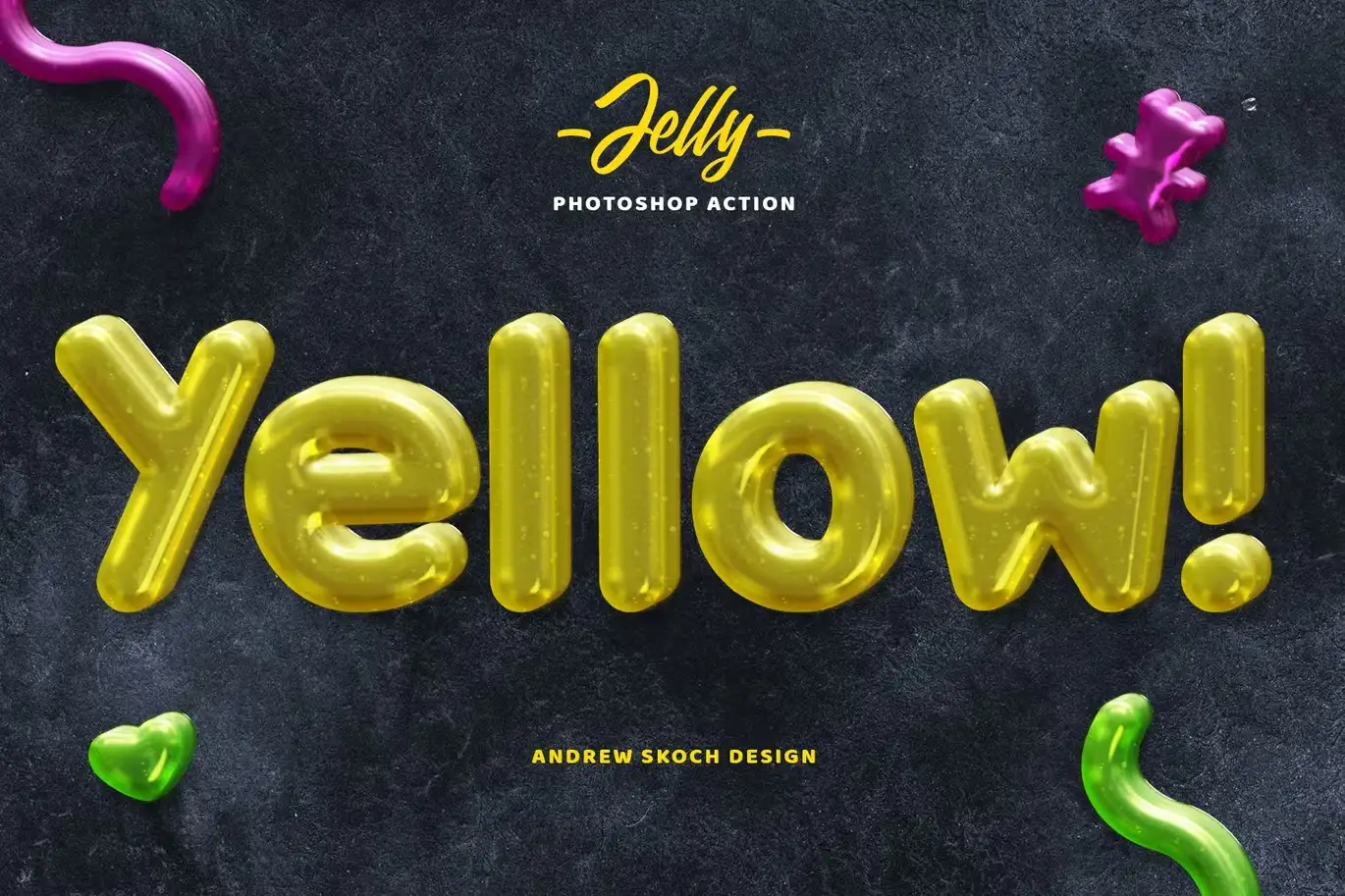
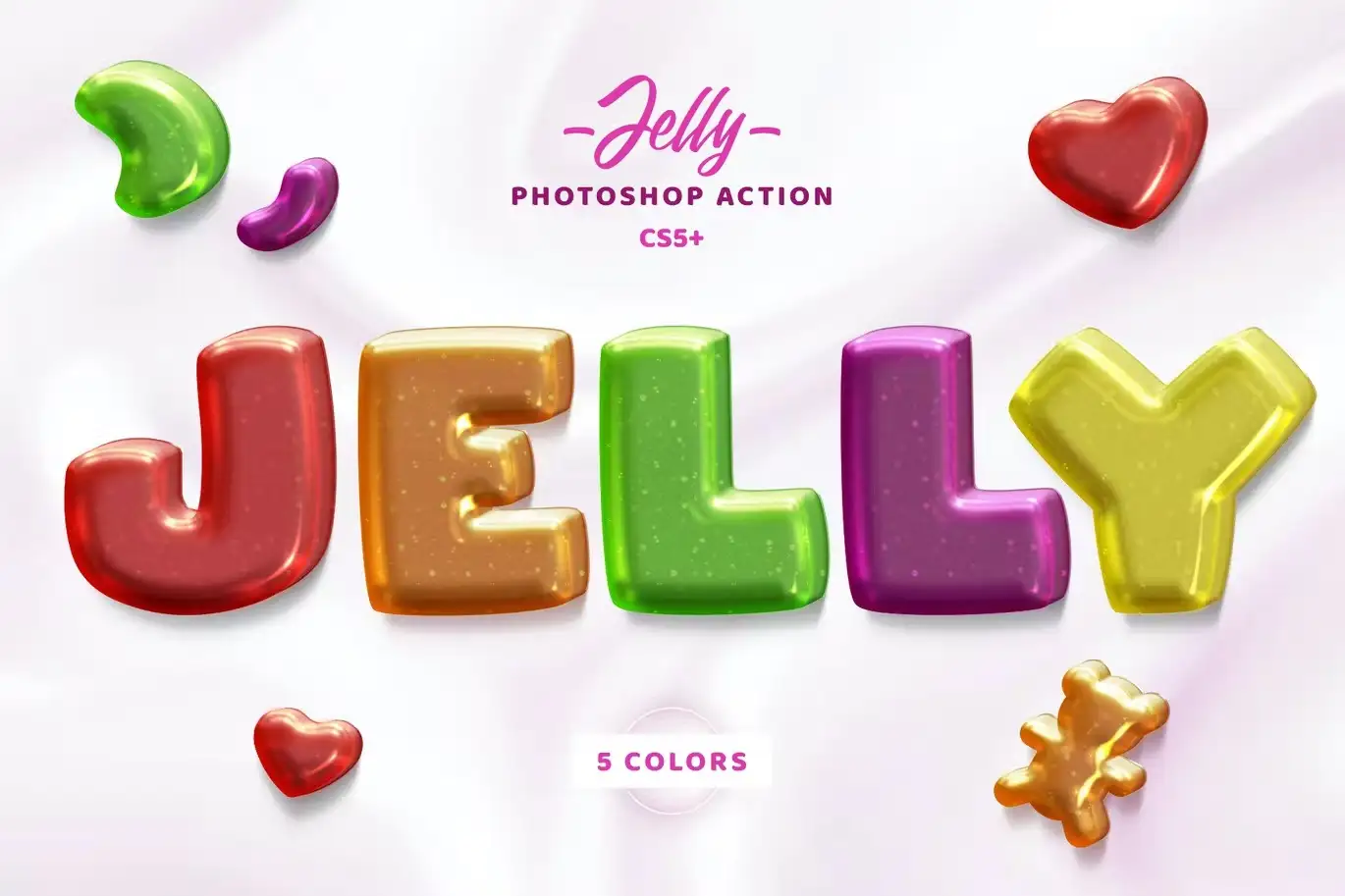
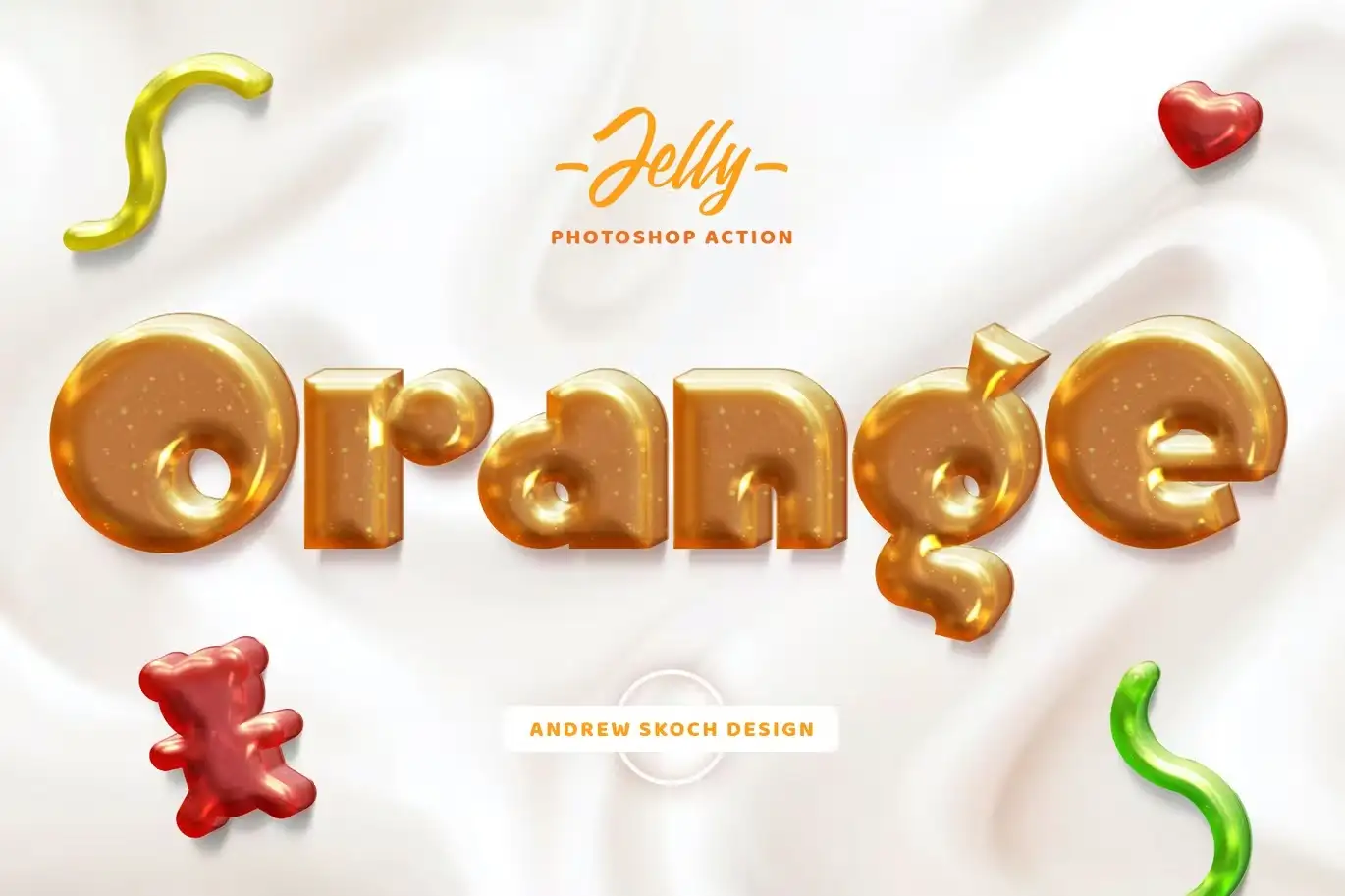
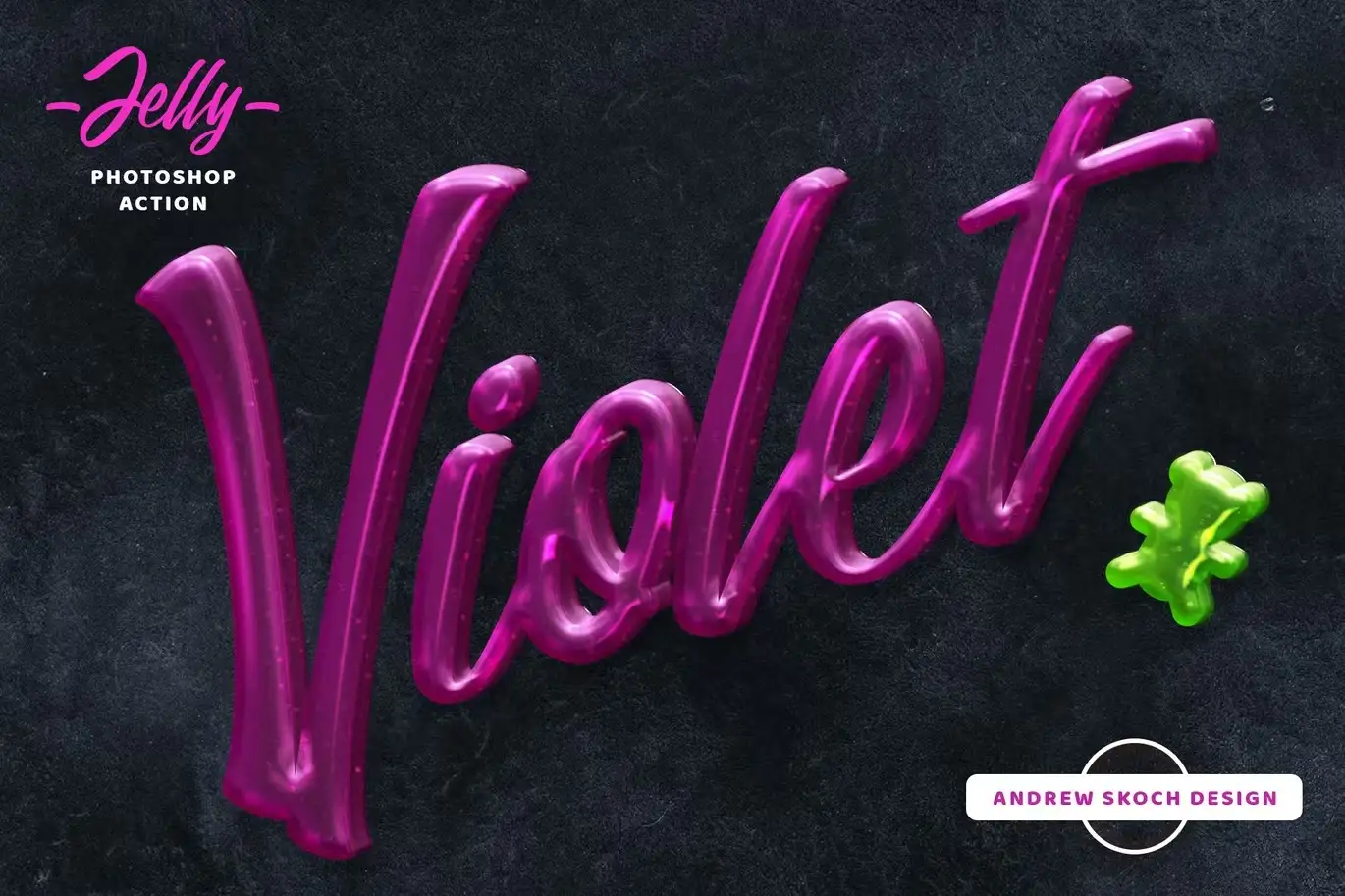
The Jelly Photoshop Action allows you to transform any text or shape into a delicious-looking jelly effect. With five mouth-watering colors to choose from—red, orange, yellow, green, and berry—you can create eye-catching designs that stand out. This action is suitable for both large and small text, making it versatile for various design projects.
Key Features & Benefits
- ✅ Five Tasty Colors → Choose from red, orange, yellow, green, and berry for a vibrant look.
- ✅ Versatile Compatibility → Works seamlessly with text layers, vector shapes, pixel layers, smart objects, and folder groups.
- ✅ Quick and Easy Setup → Apply the jelly effect in just a couple of seconds, saving you time on design.
- ✅ Comprehensive Package → Includes action file, patterns file, template, examples, and a help PDF.
- ✅ High-Quality Results → Achieve a professional look with realistic jelly textures that enhance your designs.
Why Choose This Product
The Jelly Photoshop Action stands out for its ease of use and high-quality results. Whether you’re a beginner or a professional designer, this action simplifies the process of creating stunning jelly effects. It’s trusted by designers worldwide who appreciate its versatility and vibrant output. Elevate your projects with this fun and engaging design tool!
Specifications
| File Type | ANT, PAT, PSD, JPEG, PDF |
|---|---|
| Included Colors | Red, Orange, Yellow, Green, Berry |
| Compatibility | Adobe Photoshop |
What’s Included / What’s in the Box 📦
- ANT File – Action file for easy application
- PAT File – Patterns file for texture
- PSD File – Template to kickstart your design
- 5 PSD and 5 JPEG examples showcasing the jelly effect
- PDF – Help file with font links and instructions
Perfect For
- Graphic Designers
- Social Media Creators
- Marketing Professionals
- Anyone looking to add a playful touch to their designs
How to Use
To get started with the Jelly Photoshop Action, simply load the action in Photoshop, select your desired text or shape, and apply the action. Follow the instructions in the included PDF for best results!
FAQ
- Can I use this action on any version of Photoshop? Yes, it is compatible with most versions of Adobe Photoshop.
- Is there a money-back guarantee? Yes, we offer a satisfaction guarantee on all our products.
Add the Jelly Photoshop Action to your design toolkit today and start creating vibrant, eye-catching designs! 🚀
Gradient and Geometry Backgrounds Vol.2
Sold by Andrew Skoch Design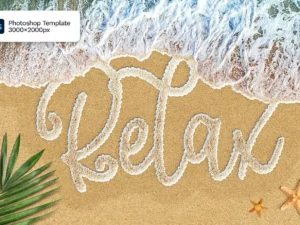
Sea Foam Text on Sand Photoshop Template
Sold by Andrew Skoch Design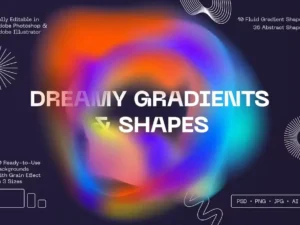
Dreamy Gradients & Shapes
Sold by Andrew Skoch Design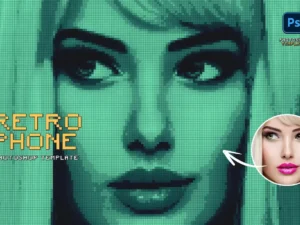
Retro Phone Photo Effect
Sold by Andrew Skoch Design
Gradient Blurred Text Effect
Sold by Andrew Skoch Design
Holographic Text Effects vol 3
Sold by Andrew Skoch Design Original price was: $5.00.$2.50Current price is: $2.50.


There are no reviews yet.