
Isometric Illustration Photoshop Action


Original price was: $12.00.$6.00Current price is: $6.00.

Andrew Skoch
Product Specs
- Compatible with: Photoshop
- File Type: zip
- Instant Download
- File Size: 11 MB
Are you ready to dive into the vibrant world of isometric illustrations? 🎉 The Isometric Illustration Photoshop Action is here to help you create stunning 3D isometric designs in just a few clicks! This digital download gives you instant access to a powerful tool that transforms your shapes, vectors, and text into eye-catching 3D visuals without the need for complex 3D engines. 🌟
Product Overview
This amazing Photoshop action allows you to generate trendy isometric illustrations effortlessly. Whether you’re working with pixel layers, smart objects, or group layers, this action is designed to streamline your creative process. With a simple click, you can create 3D objects that look professional and polished, making your designs stand out! 🖌️
Key Features & Benefits
- 4 Isometric Directions: Choose from multiple perspectives to enhance your illustrations.
- 10 Depth Sizes: Adjust depth from 10 PX to 100 PX for the perfect look.
- Global Light Function: Control lighting for realistic 3D effects.
- 40 Actions in Total: A comprehensive toolkit for all your isometric illustration needs.
- Multilingual Action: Works in any language, making it user-friendly for everyone.
- Color and Size Preservation: Retain your original colors and sizes for consistency.
Technical Specifications
| Compatible with | Photoshop |
|---|---|
| File Type | zip |
| Instant Download | Yes |
| File Size | 11 MB |
What’s Included
- ATN file with 40 actions
- 10 Depth sizes for each direction
- PSD template for easy start
- PDF help file
- Video Tutorial
Perfect For
This action is perfect for graphic designers, illustrators, and anyone looking to create stunning isometric drawings in Photoshop. Whether you’re crafting illustrations for marketing materials, web design, or personal projects, this tool will make your workflow more efficient and enjoyable! 🎨
FAQ
- Is this a physical product? No, it’s a digital download!
- What is isometric illustration? Isometric illustration is a method of depicting three-dimensional objects in two dimensions, often used in design and architecture.
- How to make isometric images in Photoshop? Simply choose your layer, select your desired direction and depth, and click ‘Play’ to see the magic happen!
User Reviews
Be the first to review “Isometric Illustration Photoshop Action”
You must be logged in to post a review.
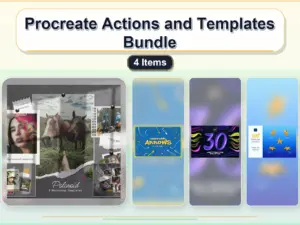
Procreate Actions and Templates Bundle – 4 Items
Sold by Andrew Skoch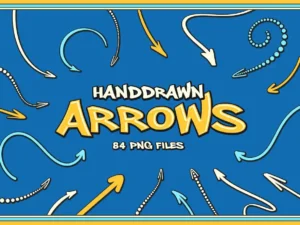
84 Hand Drawn Arrows
Sold by Andrew Skoch
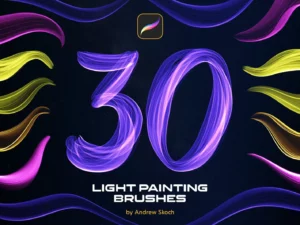
Light Painting Procreate Brushes
Sold by Andrew Skoch Original price was: $12.00.$6.00Current price is: $6.00.


There are no reviews yet.