
HopeArt – Photoshop Action

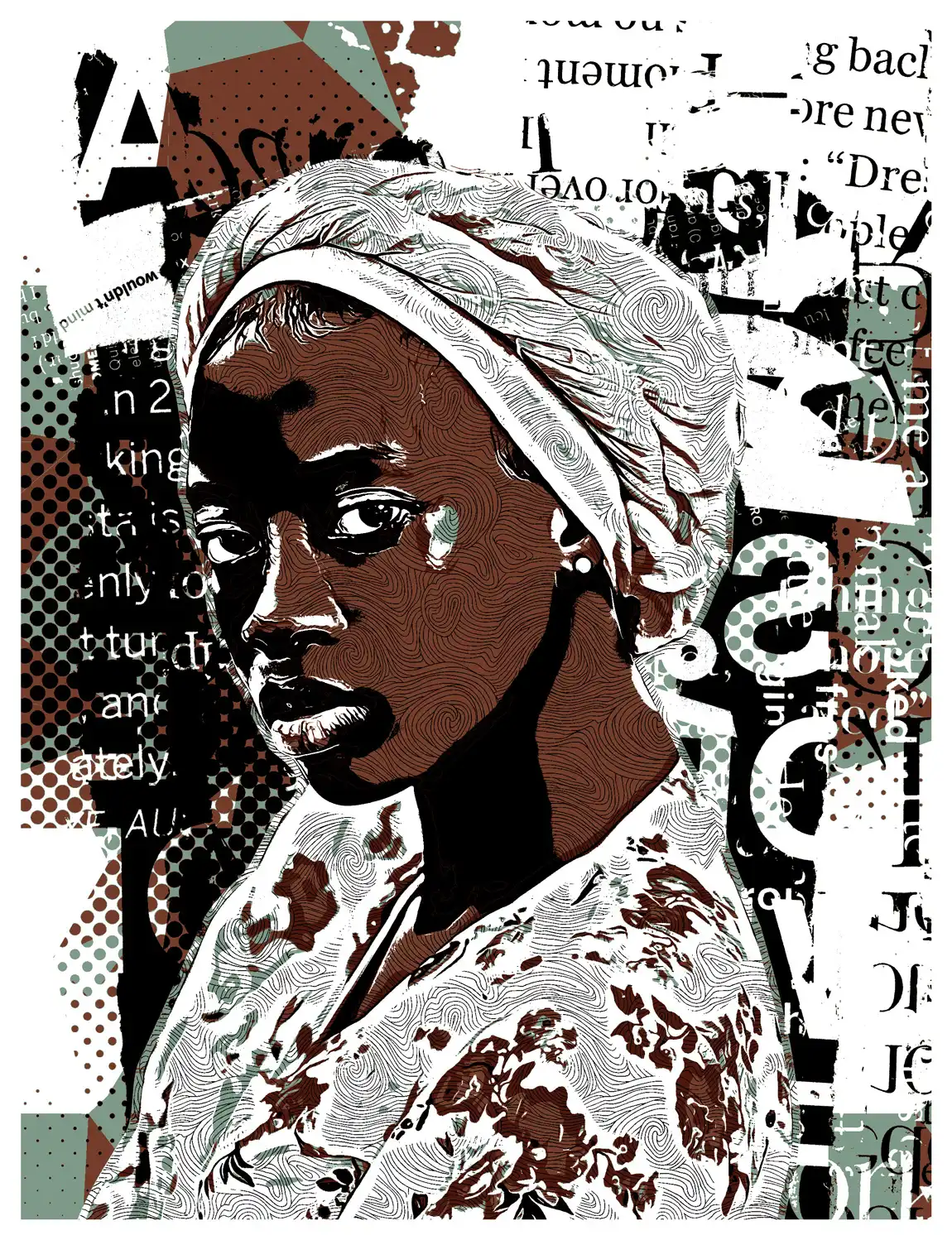
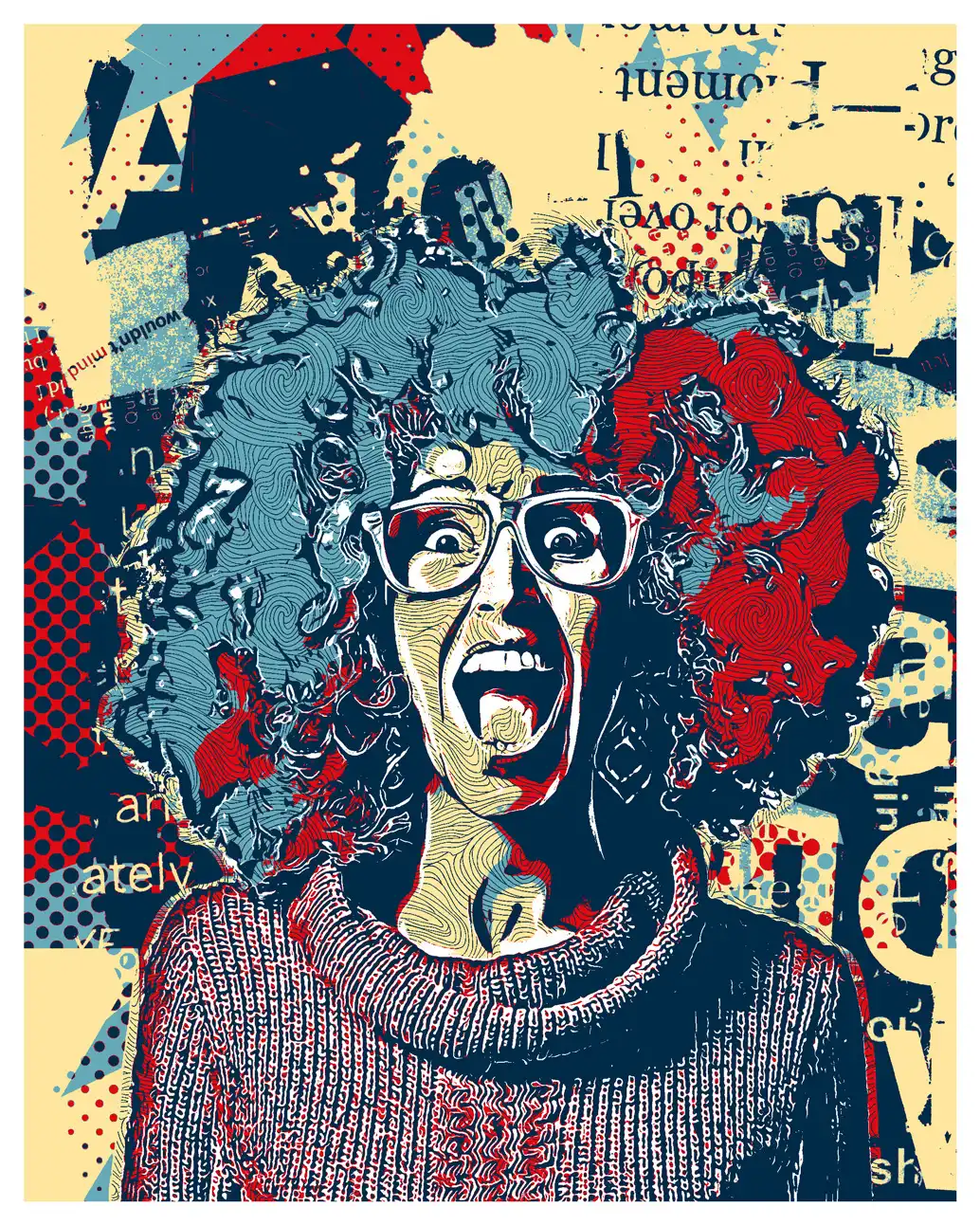
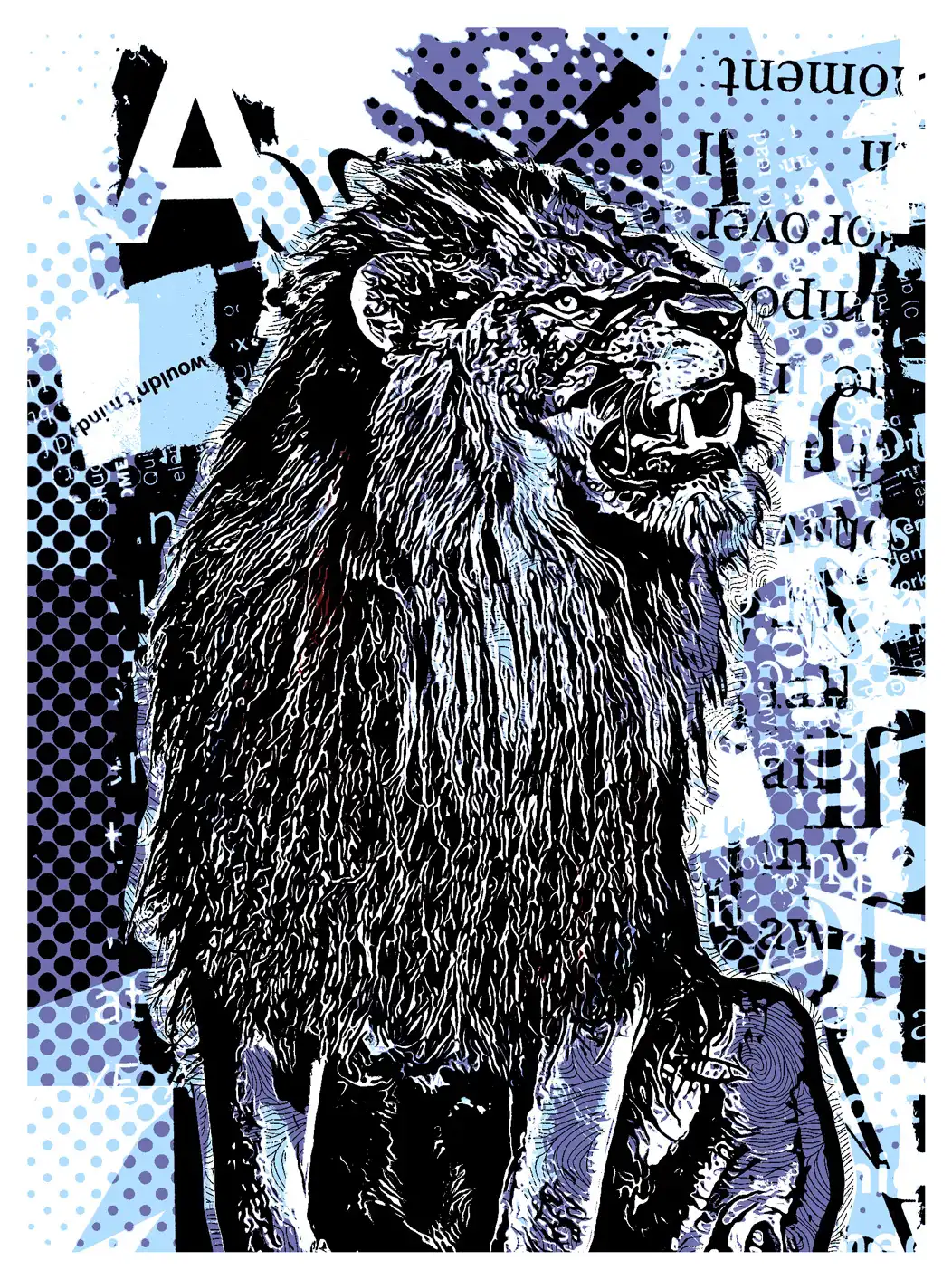
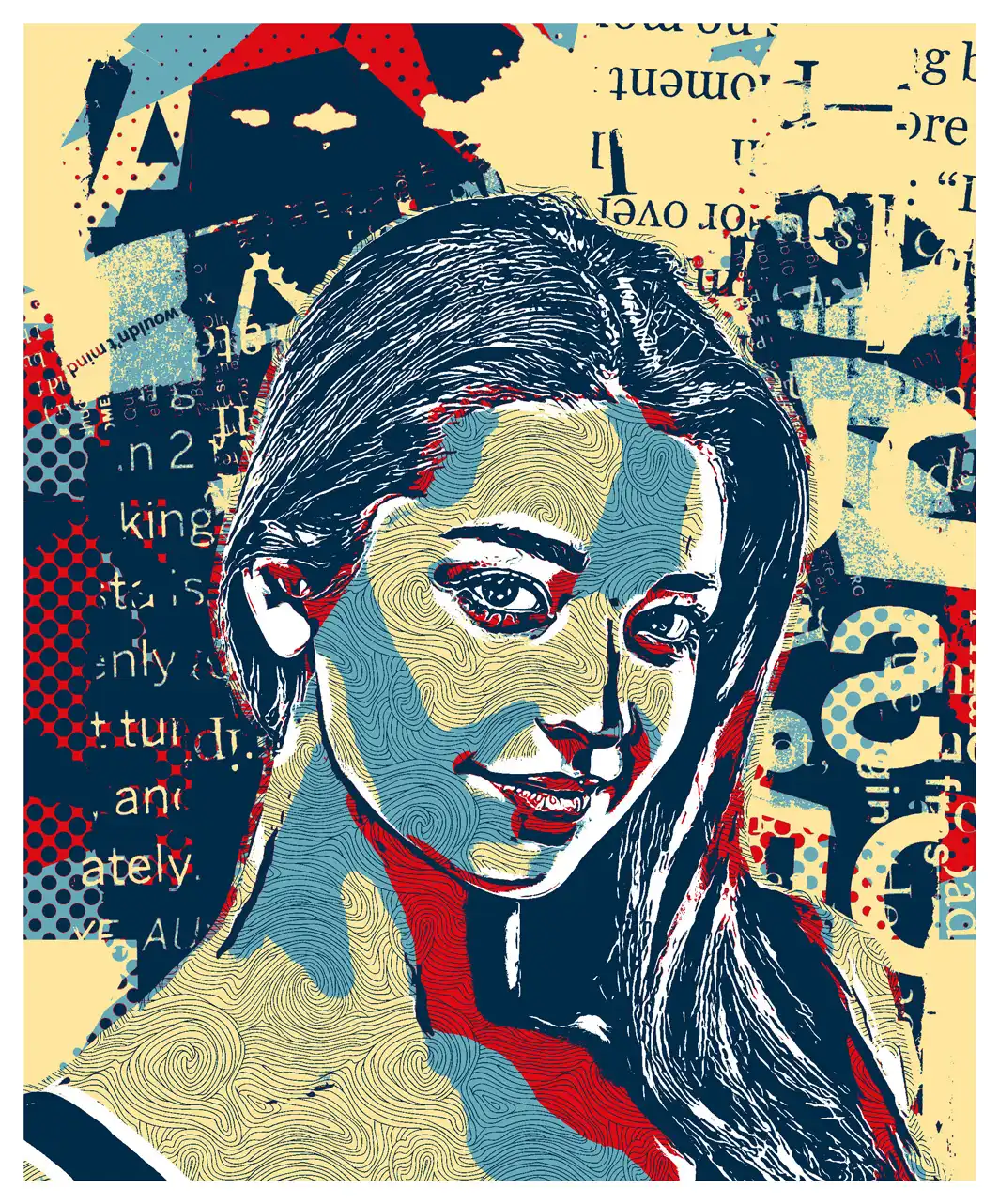
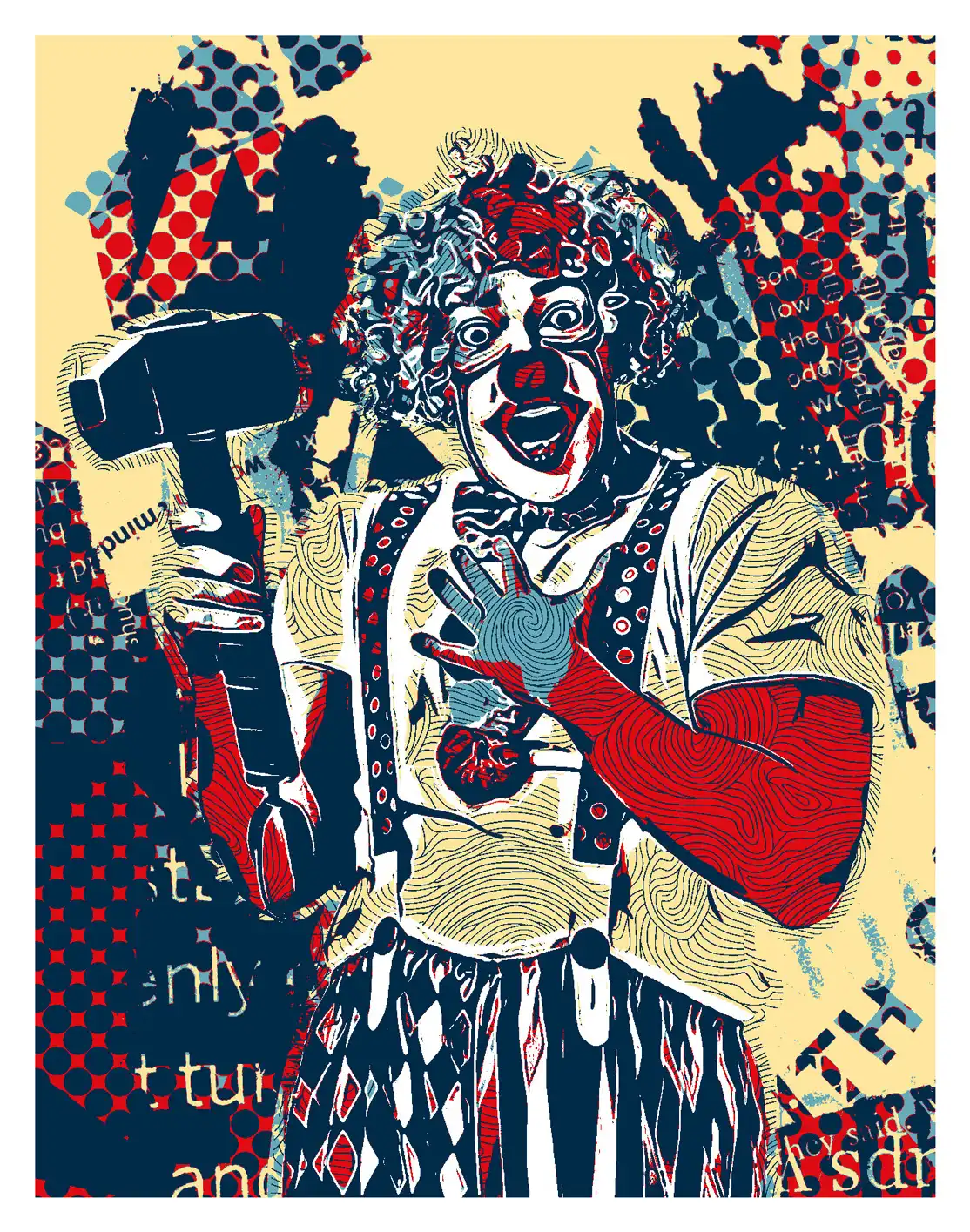
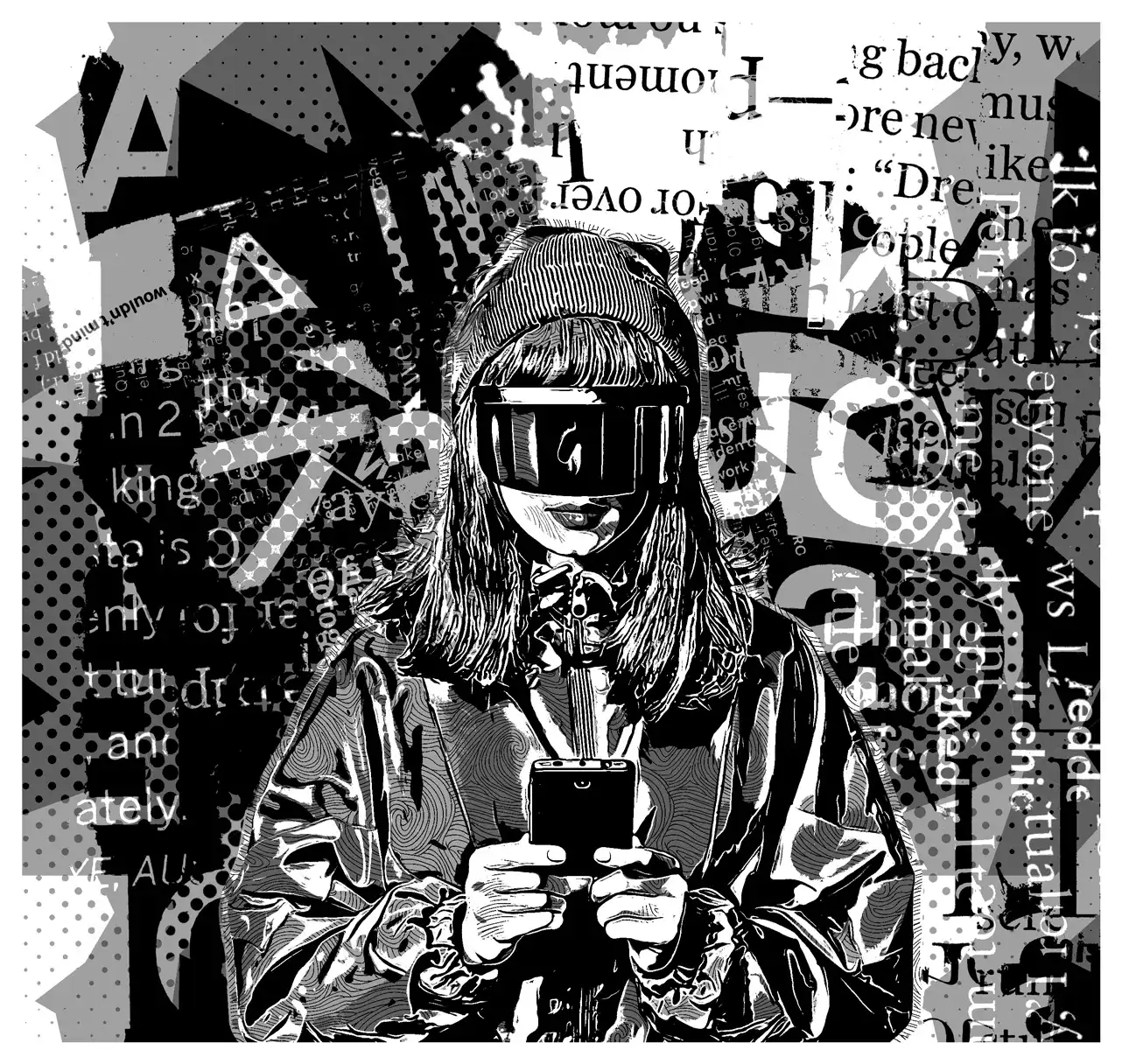
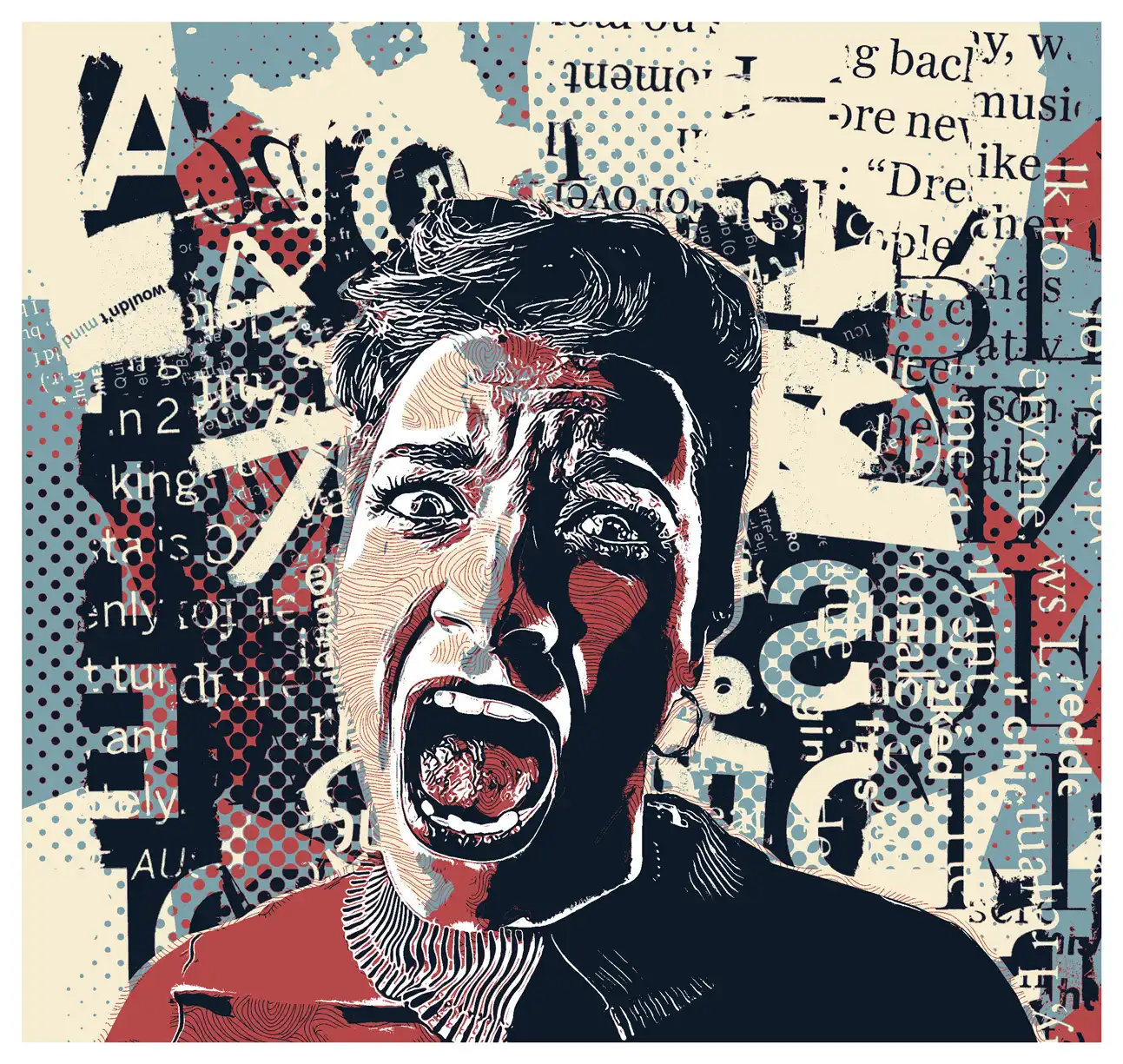
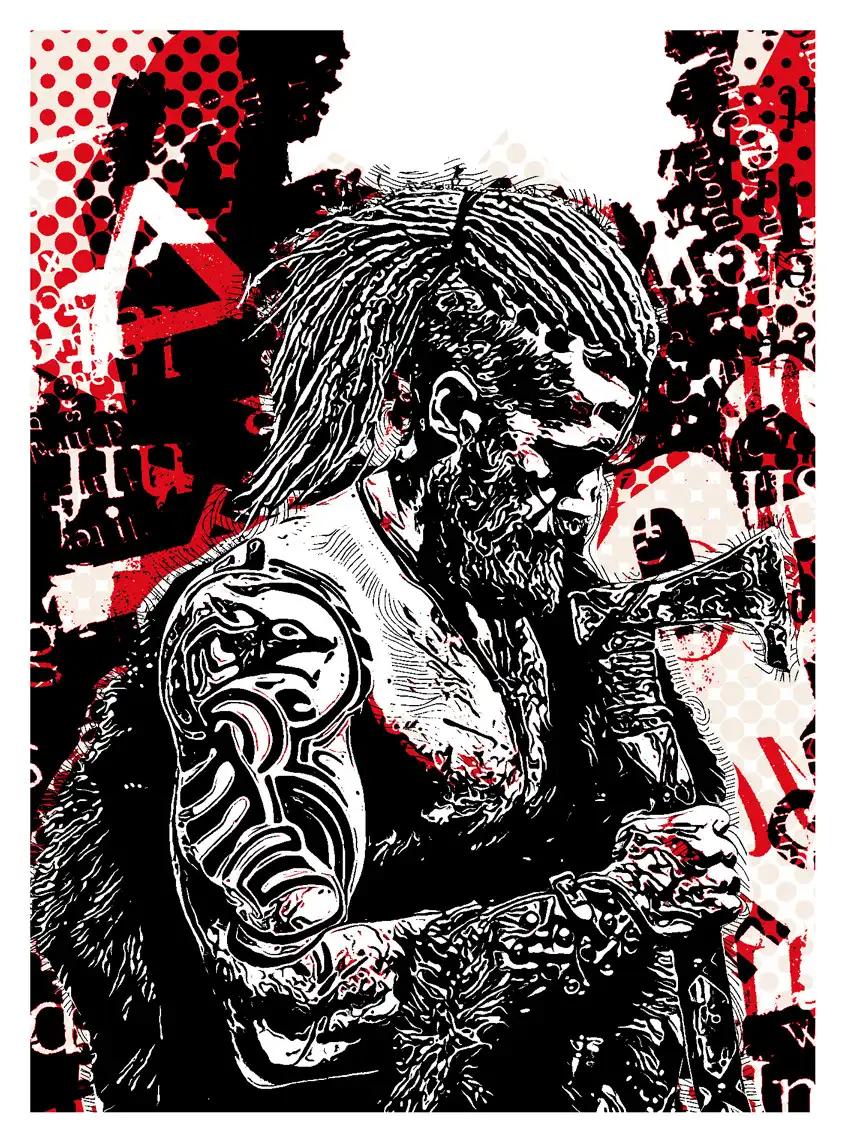
Welcome to HopeArt – Photoshop Action!
Are you ready to sprinkle some magic on your photos? ✨ This digital download features an amazing Photoshop action that helps you create breathtaking art with just a click! Perfect for artists, designers, and anyone looking to add a unique touch to their images. Instant access means you can start creating right away! 🎨
Product Overview
HopeArt is a versatile Photoshop action designed to transform your ordinary photos into stunning art pieces. With its user-friendly interface and powerful capabilities, you can achieve professional results without the hassle. Whether you’re crafting a poster or enhancing your portfolio, this action is your new best friend!
Key Features & Benefits
- Easy to Use: Just one click and watch your images turn into art! Perfect for both beginners and pros.
- High-Quality Results: Achieve a rich, artistic look that captivates viewers and brings your vision to life.
- Versatile Styles: From watercolor to sketch effects, customize your artwork to suit any project.
- Instant Download: Get started immediately with no waiting—your creativity can’t be paused!
Technical Specifications
| Compatible with | Adobe Photoshop |
|---|---|
| File Type | zip |
| Instant Download | Yes |
| File Size | 8.37 MB |
What’s Included
- Action ATN file
- Brush ABR file
- Pattern PAT file
- Help file
- Tested and working in CS and CC+ Photoshop versions.
- Preview image not included.
Perfect For
This action is ideal for:
- Graphic designers looking to create unique posters.
- Artists wanting to add a digital painting effect to their work.
- Photographers wishing to enhance their portfolios with artistic flair.
FAQ
- Is this a physical product? No, it’s a digital download!
- How do I install the action? Follow the included help file for step-by-step instructions.
- Can I use this in any version of Photoshop? It’s compatible with CS and CC+ versions.
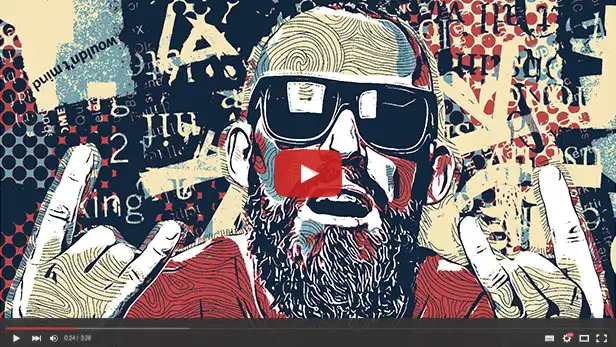
Video Tutorial
Some basic settings Photoshop
- Work only with ENGLISH language Photoshop (How to change language to English TUTORIAL).
- Use the RGB Mode and 8 Bits color (Go to Image/Mode and check the RGB color and 8 Bits/Channel).
- Set the Opacity brush and flow to 100% (Select Brush Tool and move Opacity and Flow slider to 100%).
- Be sure the photo is set as Background from layer (Go to Layer/New/Background from layer).
Ready to create stunning visuals? Grab HopeArt today and let your creativity flow! 🌈
User Reviews
Be the first to review “HopeArt – Photoshop Action”
You must be logged in to post a review.
Original price was: $8.00.$4.00Current price is: $4.00.


There are no reviews yet.