
Glitterstorm Photoshop Action








Original price was: $5.00.$2.50Current price is: $2.50.

Seven Styles
Product Specs:
- Compatible with: Actions
- File Type: ZIP
- File Size: 2.4 MB
- Instant Download
Glitterstorm Photoshop Action
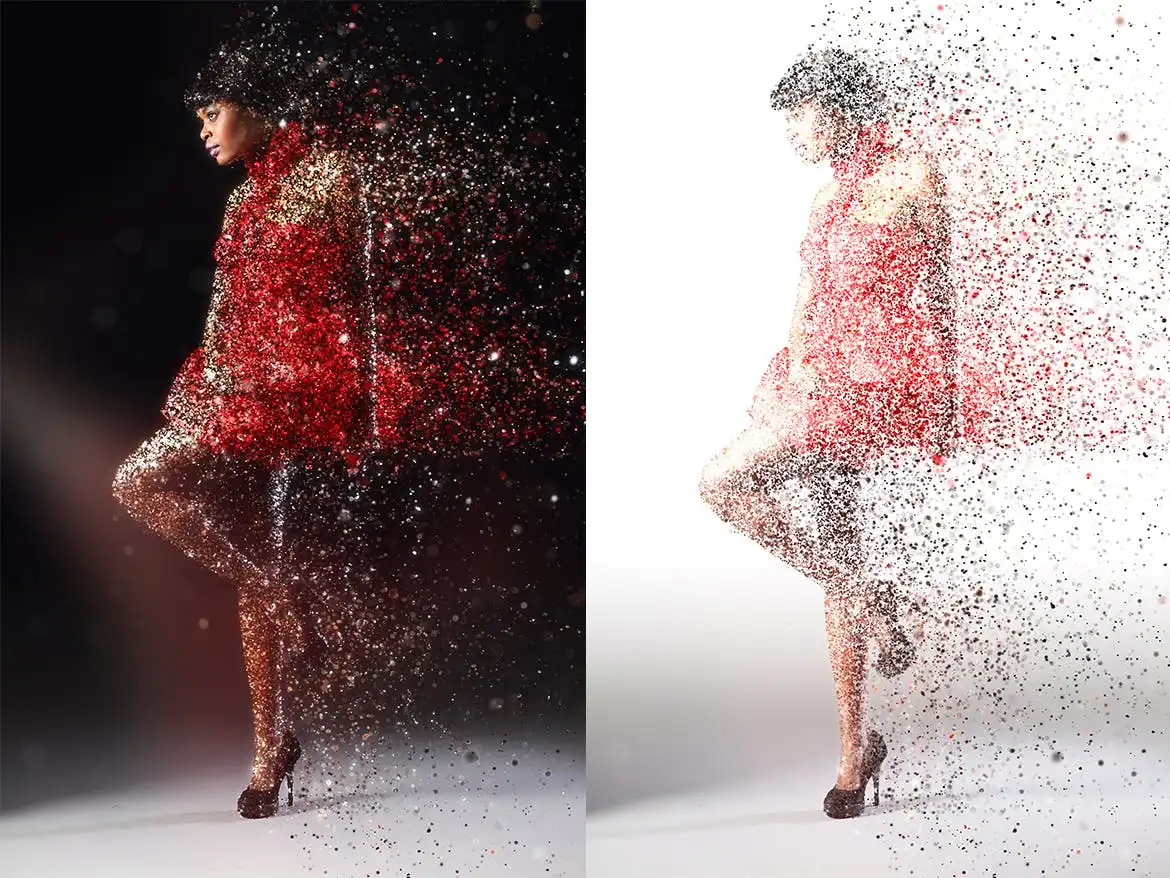
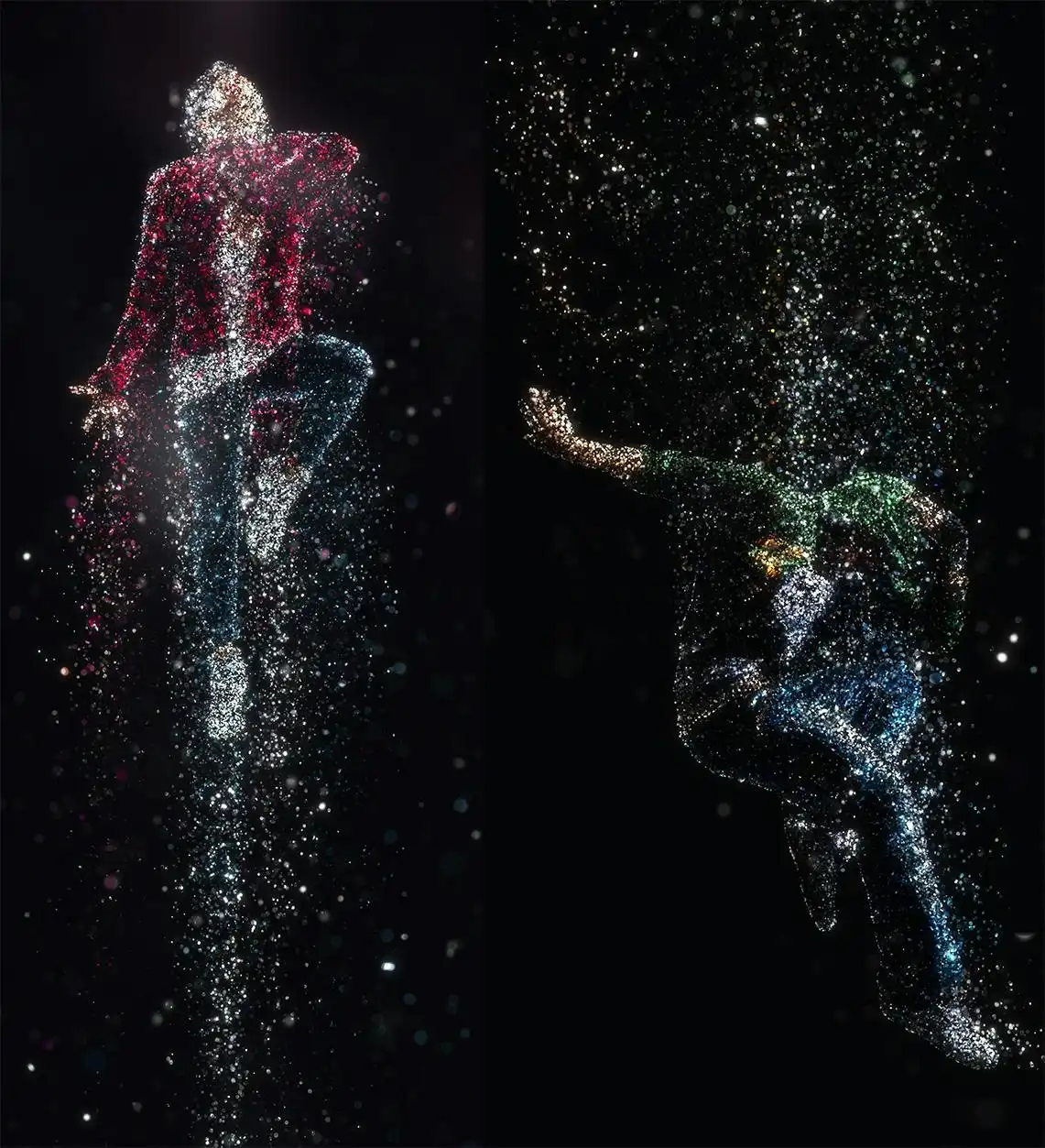
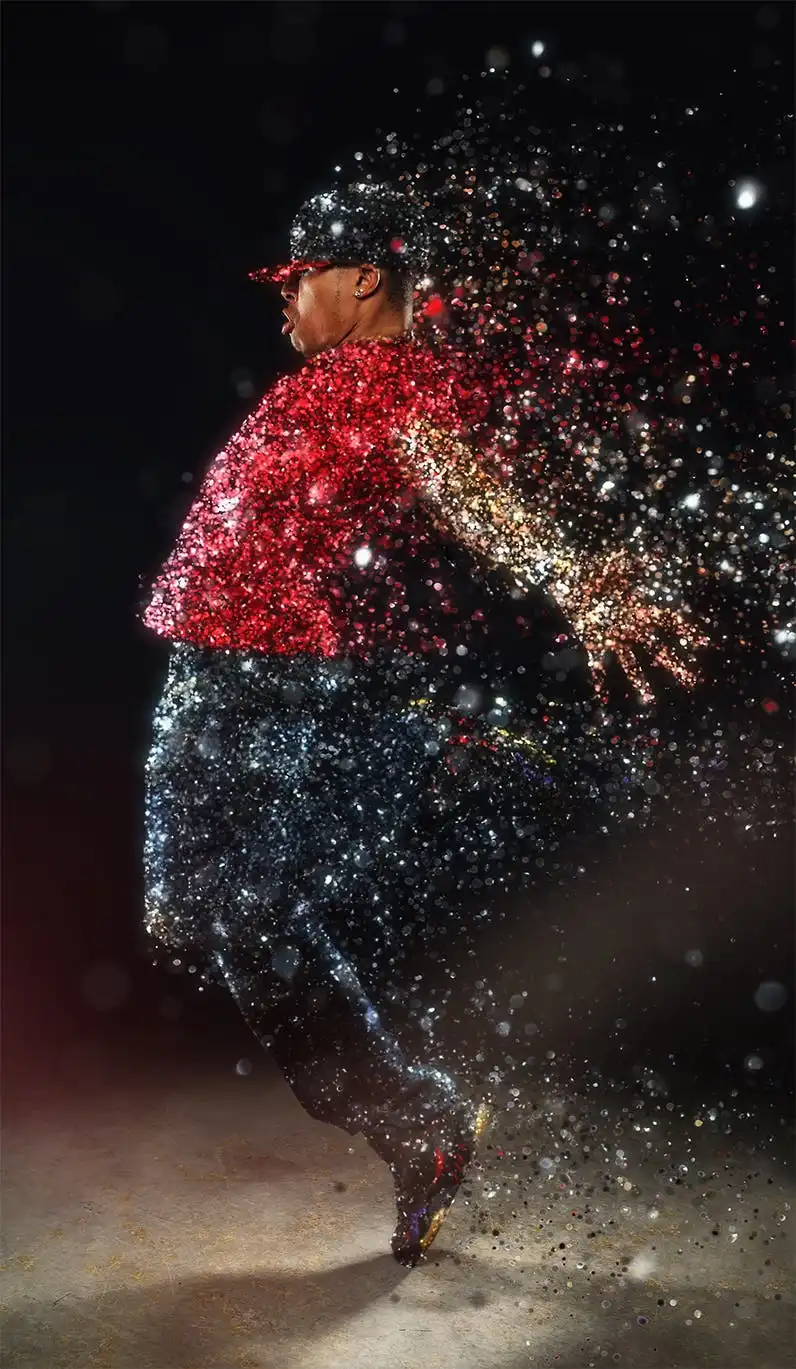
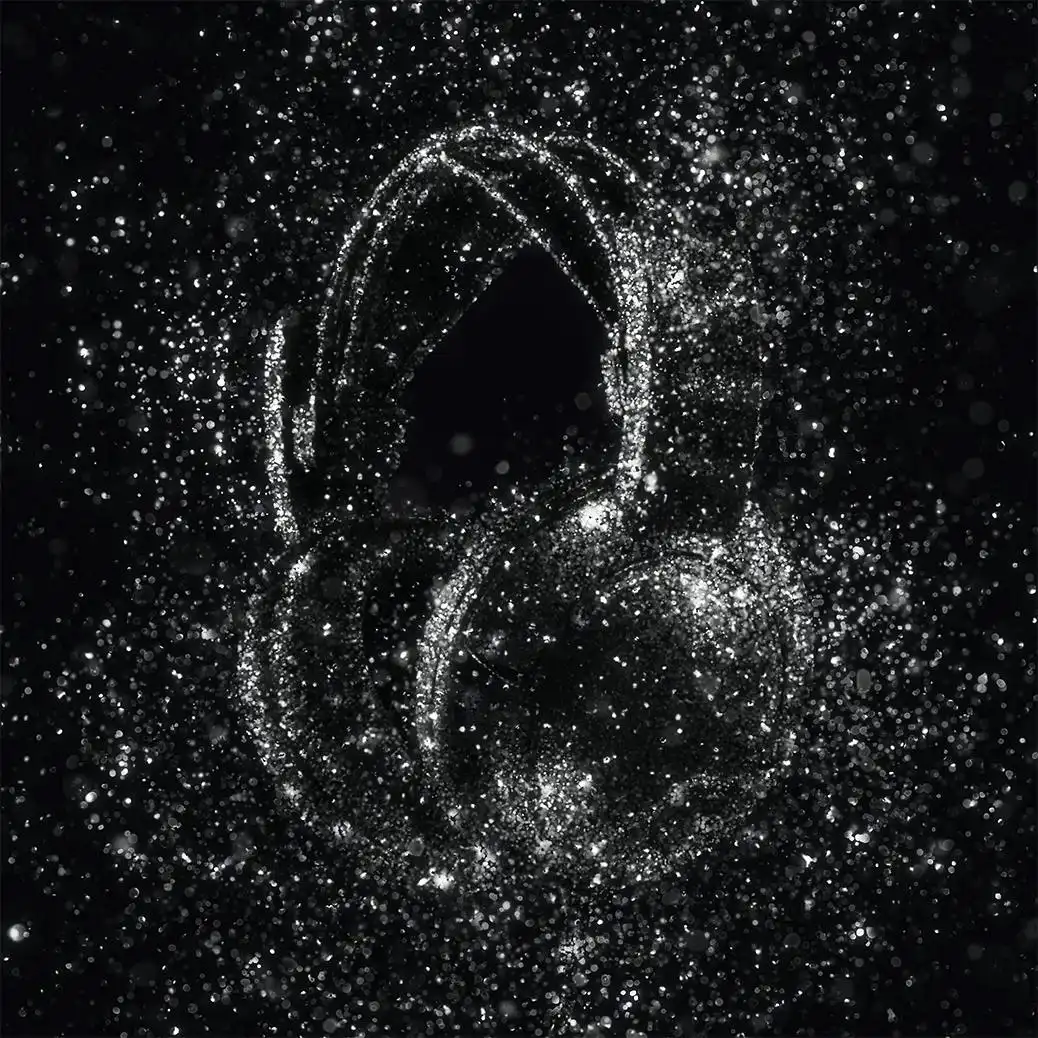
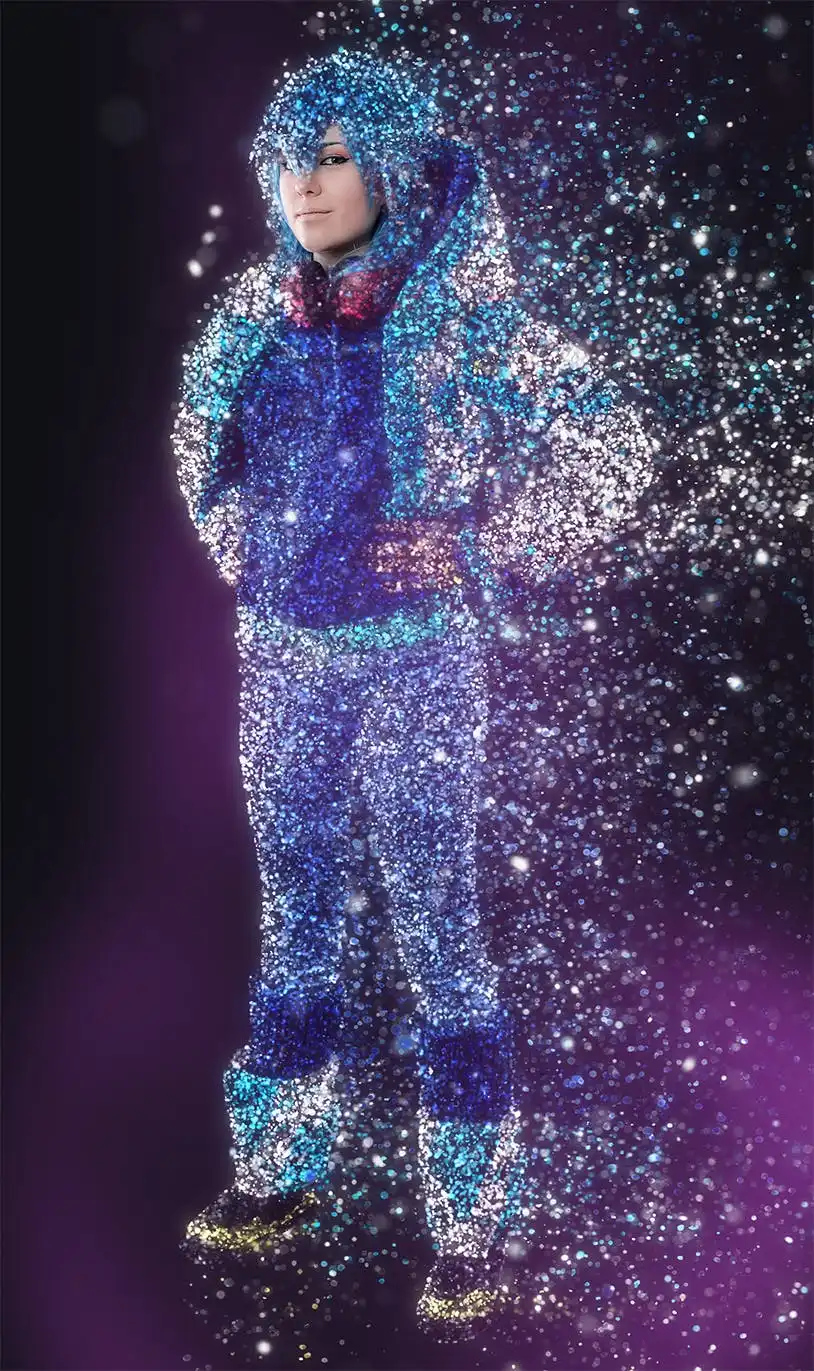
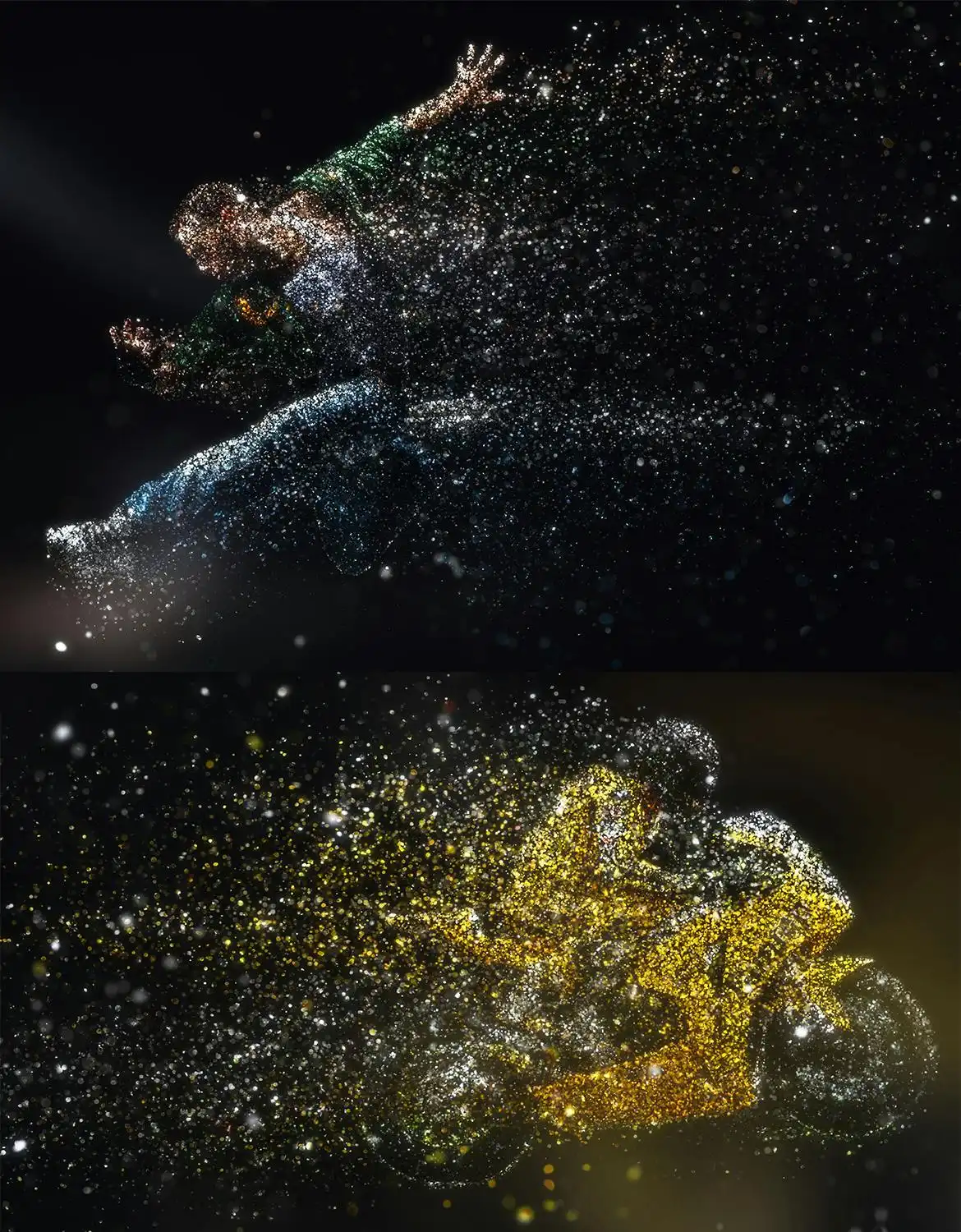
Transform your photos into stunning works of art with the Glitterstorm Photoshop Action. This powerful tool allows you to easily create mesmerizing glitter effects that add a touch of sparkle to your images. Whether you’re enhancing a portrait or adding flair to a landscape, this action is your go-to solution for vibrant visual effects.
Product Overview
The Glitterstorm Photoshop Action is designed for photographers and digital artists who want to elevate their work effortlessly. With just a few clicks, you can apply beautiful glitter effects to your images, making them stand out in any portfolio or social media feed.
Key Features & Benefits
- ✅ Multiple Effect Directions → Choose from five directions: left, right, up, down, or middle to customize your glitter effect.
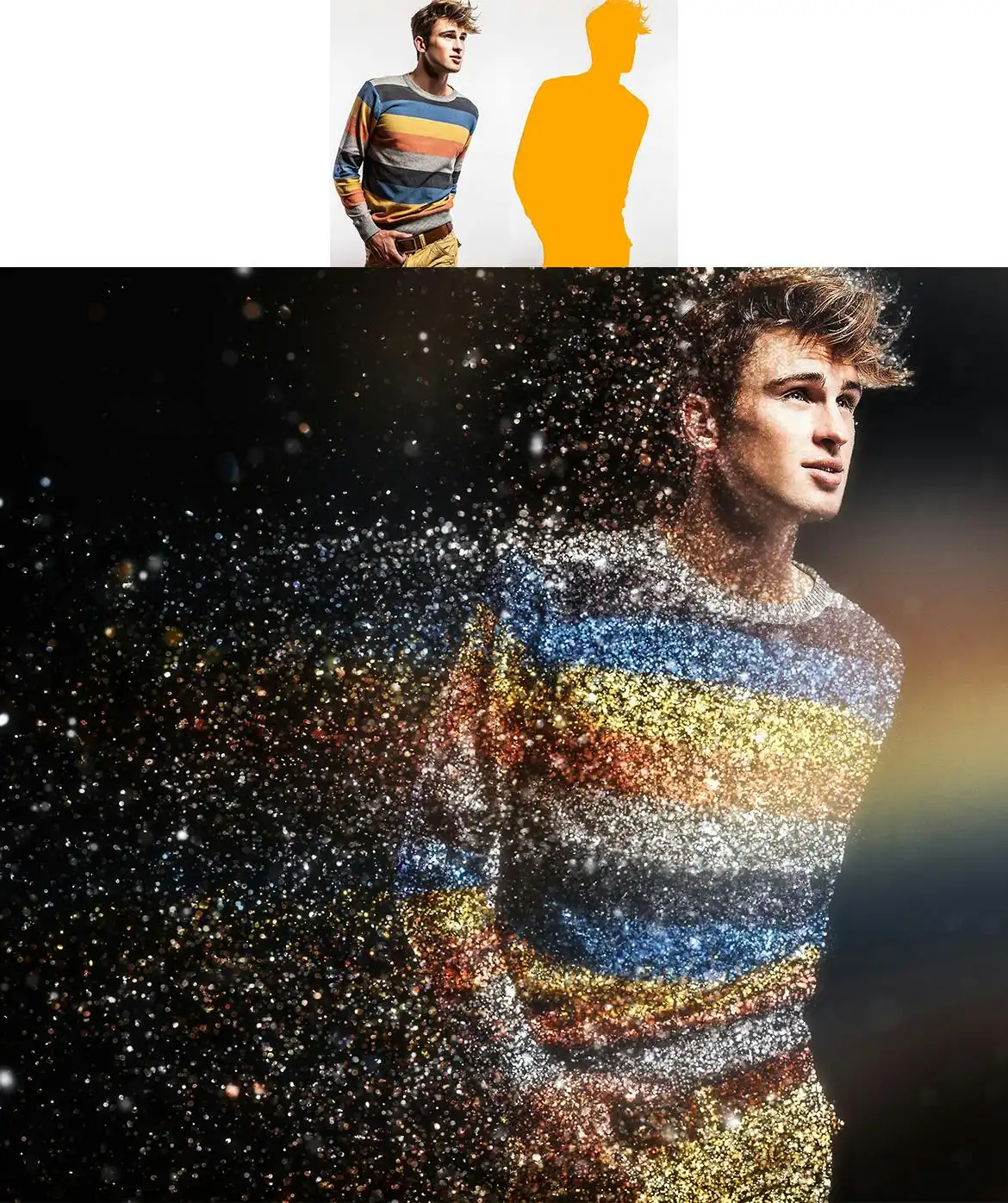
- ✅ User-Friendly → Simply fill in your subject with a color and play the action for instant results.
- ✅ Comprehensive Video Tutorial → Included in the ‘Readme.txt’ file, guiding you through setup and customization.
- ✅ Compatibility → Works seamlessly with Photoshop CS3, CS4, CS5, CS6, CC, CC 2015.5, CC 2017+, specifically in the English version.
- ✅ Support Resources → Access additional help through the support page link provided in the download.
Why Choose This Product
With the Glitterstorm Photoshop Action, you gain access to a professional-grade tool that simplifies the process of creating eye-catching effects. This action is trusted by photographers and designers alike, ensuring that your images will shine with a unique brilliance. Plus, the included tutorial makes it easy for anyone, from beginners to experts, to achieve stunning results.
Specifications
| Software Compatibility | Photoshop CS3, CS4, CS5, CS6, CC, CC 2015.5, CC 2017+ |
|---|---|
| Language Requirement | English version of Photoshop only |
What’s Included / What’s in the Box
- 📦 Glitterstorm Photoshop Action file
- 📦 Readme.txt file with installation instructions
- 📦 Link to video tutorial
Perfect For
- Photographers looking to enhance their images
- Graphic designers wanting to add unique effects
- Artists seeking to create stunning visual art
How to Use
1. Open your image in Photoshop.
2. Fill your subject with a color.
3. Choose your desired effect direction.
4. Play the action to apply the glitter effect.
FAQ
- Can I use this action in other languages? No, it only works in the English version of Photoshop.
- What if I have trouble using the action? Ensure you watch the video tutorial first, then visit the support page if needed.
Add the Glitterstorm Photoshop Action to your toolkit today and start creating dazzling effects that captivate your audience! 🚀
User Reviews
Be the first to review “Glitterstorm Photoshop Action”
You must be logged in to post a review.
Sparkler Photoshop Action
Sold by Seven Styles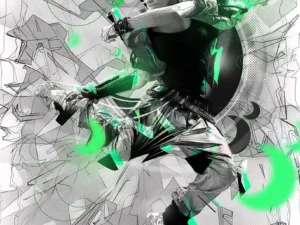
Architekt 2 Photoshop Action
Sold by Seven Styles
Sparkle Photoshop Action
Sold by Seven Styles
Mixed Media Photoshop Action
Sold by Seven Styles
Mixed Media Photoshop Action
Sold by Seven Styles
Soft Focus 2 Photoshop Action
Sold by Seven Styles Original price was: $5.00.$2.50Current price is: $2.50.


There are no reviews yet.