
Floral Garden Poster Effect

Original price was: $5.00.$2.50Current price is: $2.50.

Andrew Skoch Design
Product Specs:
- Compatible with: Templates
- File Type: ZIP
- File Size: 72.7 MB
- Instant Download
Floral Garden Poster Effect
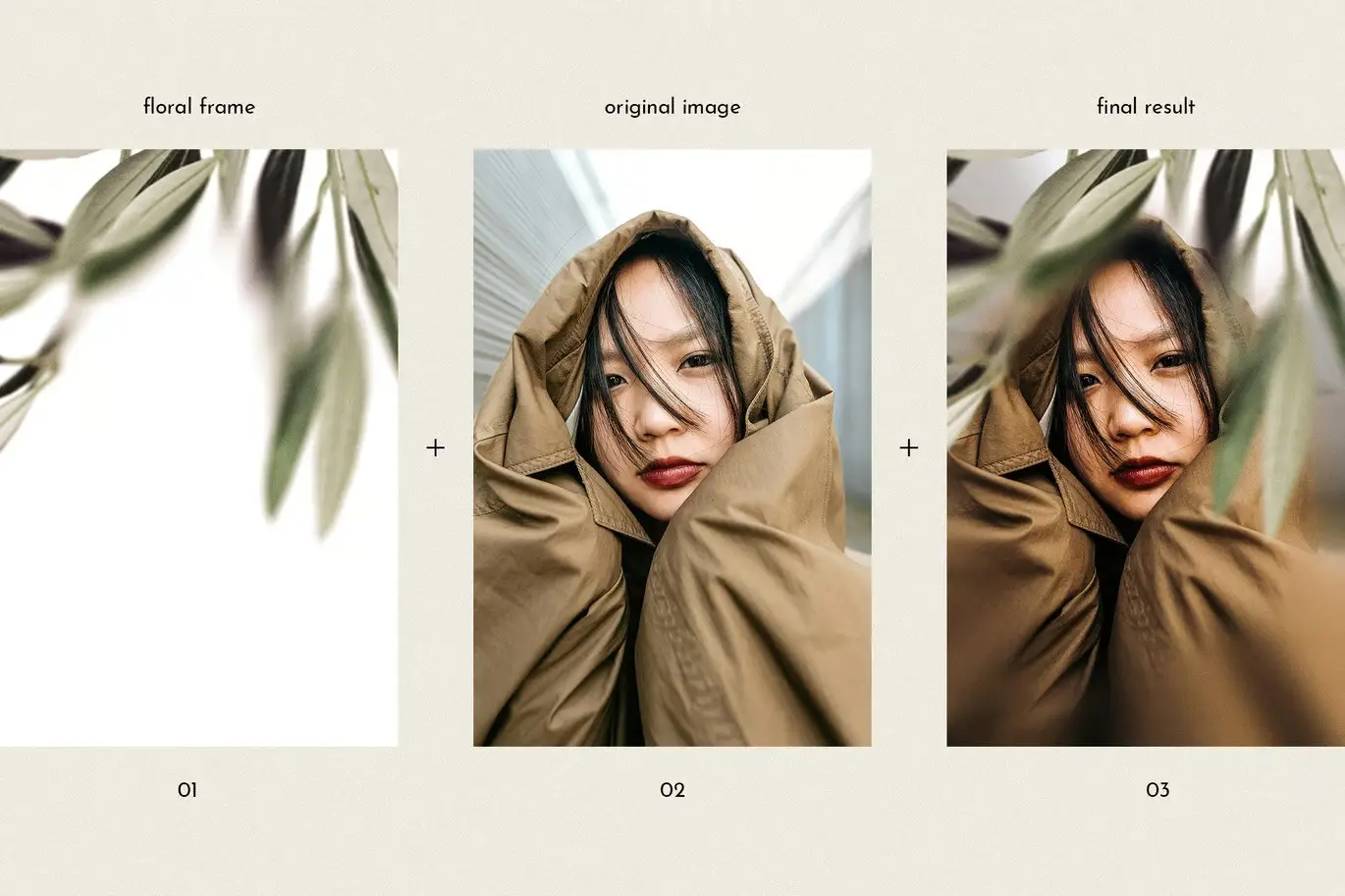
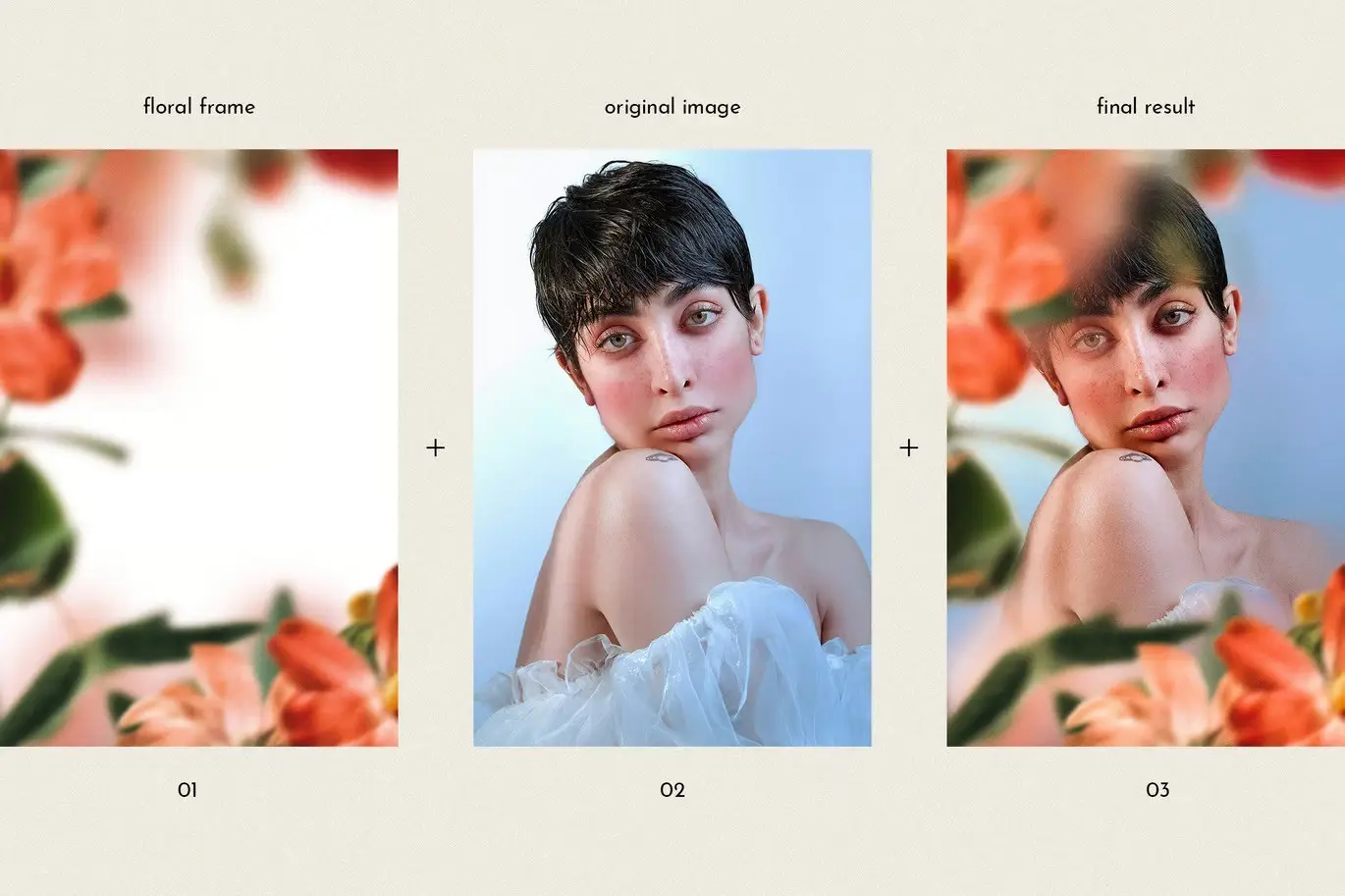
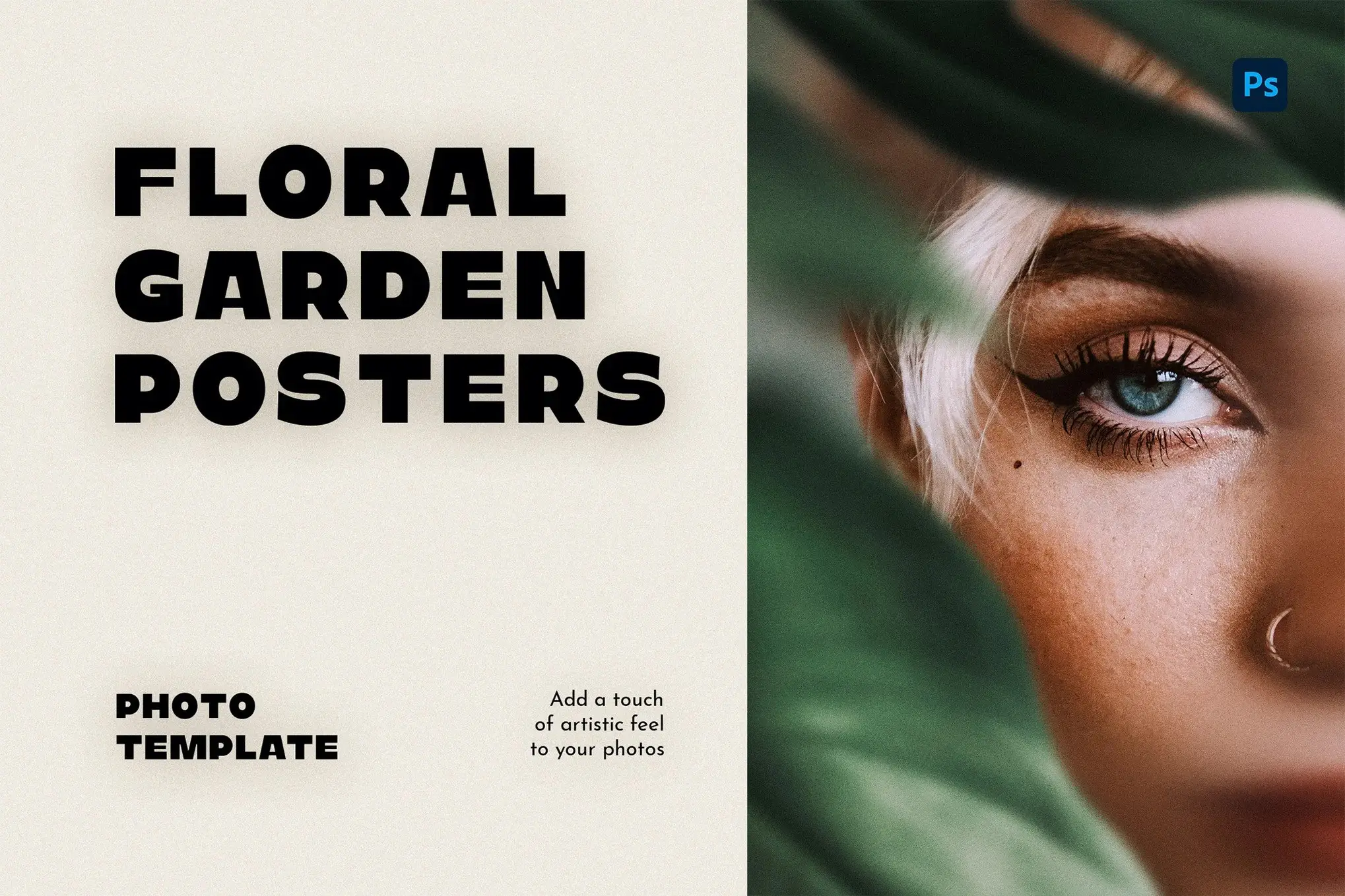
Transform your photos into captivating works of art with the Floral Garden Poster Effect, an elegant Photoshop template designed to elevate your imagery. This template features beautifully crafted floral frames and subtle grain textures, adding a touch of sophistication and charm to any image. Perfect for posters, prints, or promotional materials, you can achieve a lush, garden-inspired aesthetic with just a few clicks.
Product Overview
The Floral Garden Poster Effect is ideal for photographers, graphic designers, and anyone looking to enhance their visuals with a touch of nature. This template allows you to effortlessly create stunning artwork that resonates with elegance and artistic flair.
Key Features & Benefits
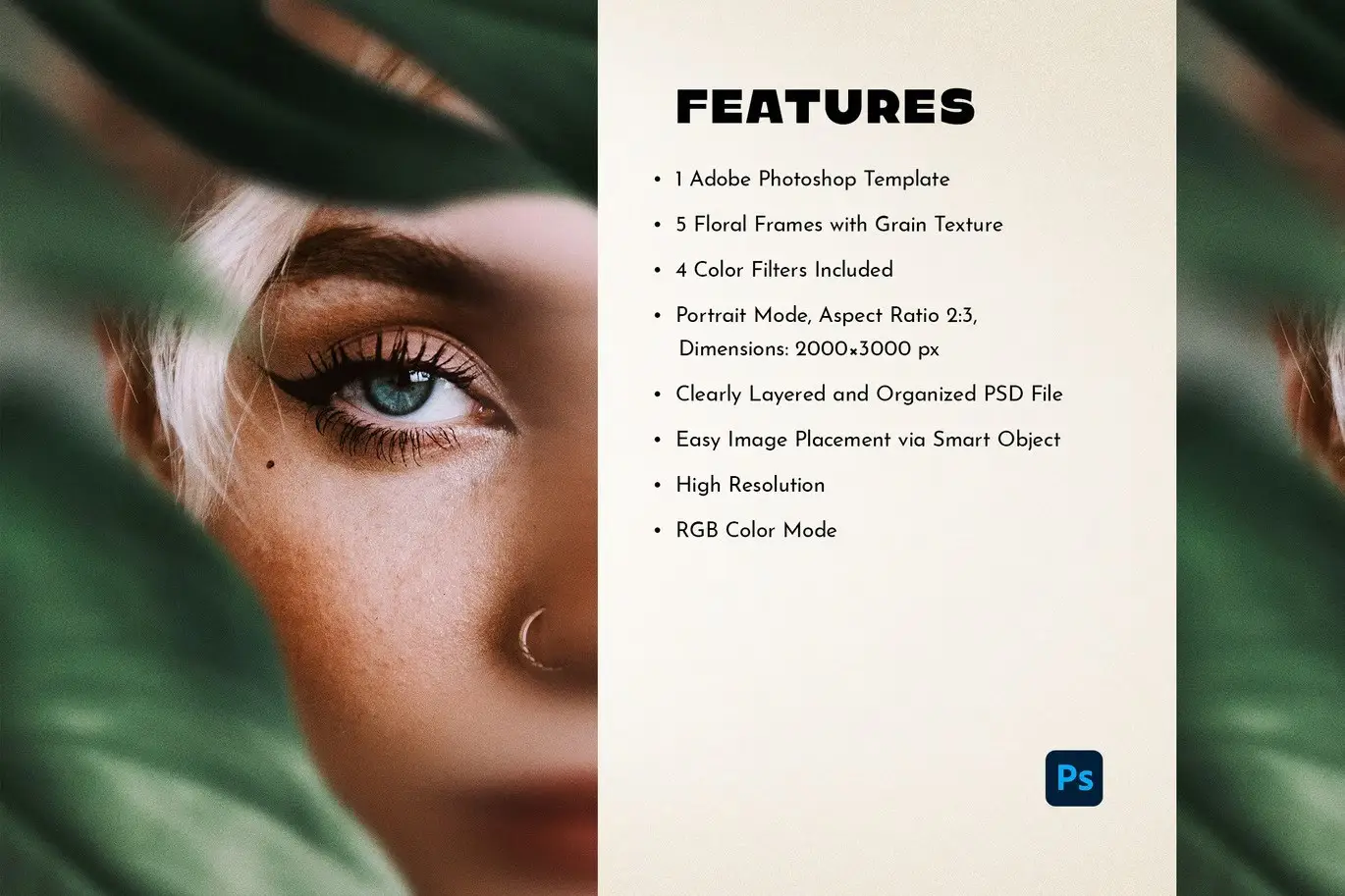
- ✅ 5 Floral Frames → Add intricate, stylish floral borders to your photos for a refined look.
- ✅ Grain Texture → A soft, vintage-inspired grain provides a timeless feel to your images.
- ✅ 4 Color Filters → Quickly change the mood and tone with customizable color overlays.
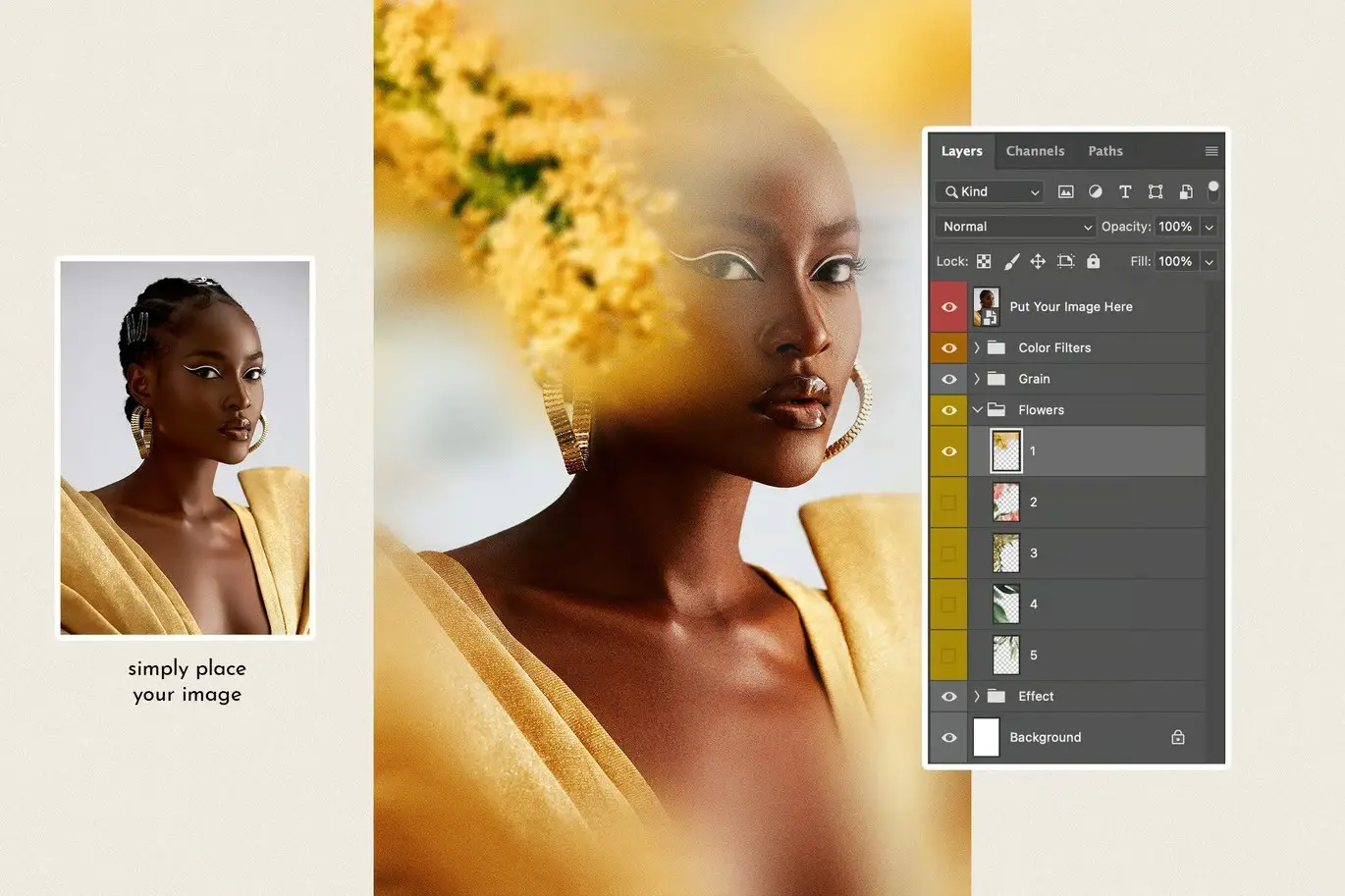
- ✅ Organized PSD File → Cleanly layered for seamless editing, making it user-friendly.
- ✅ Smart Object Placement → Easily insert your images without hassle.
Why Choose This Product
The Floral Garden Poster Effect stands out due to its unique combination of elegance and versatility. It’s trusted by artists and designers worldwide for creating stunning visuals that capture attention. Whether you’re designing for personal projects or professional needs, this template provides a reliable solution to enhance your creative work.
Specifications (Technical Details)
| File Type | PSD |
|---|---|
| Compatibility | Adobe Photoshop |
| Dimensions | Customizable |
| Layers | Organized Layers |
What’s Included / What’s in the Box
- 📦 5 Floral Frame Templates
- 📦 Grain Texture Overlay
- 📦 4 Color Filter Options
- 📦 Organized PSD File for Easy Editing
Perfect For
- Photographers
- Graphic Designers
- Artists
- Anyone looking to enhance their visual content
How to Use
Using the Floral Garden Poster Effect is simple:
- Open the PSD file in Adobe Photoshop.
- Insert your image using the Smart Object layer.
- Choose a floral frame and apply it to your image.
- Adjust the grain texture and color filters as desired.
- Save your final artwork!
FAQ
- Are the model images included? No, the model images are for presentation purposes only.
- Can I use this template for commercial projects? Yes, you can use it for both personal and commercial projects.
Ready to enhance your photos? Add the Floral Garden Poster Effect to your cart now and start creating stunning designs today! 🚀
User Reviews
Be the first to review “Floral Garden Poster Effect”
You must be logged in to post a review.
Grass Photoshop Action
Sold by Andrew Skoch Design
Realistic Watercolor Procreate Brush
Sold by Andrew Skoch Design
Neon Sign Board
Sold by Andrew Skoch Design
Dreamy Light Leak Overlays vol 1
Sold by Andrew Skoch Design
Halftone Procreate Brushes
Sold by Andrew Skoch Design
Spray Procreate Brushes
Sold by Andrew Skoch Design Original price was: $5.00.$2.50Current price is: $2.50.


There are no reviews yet.