
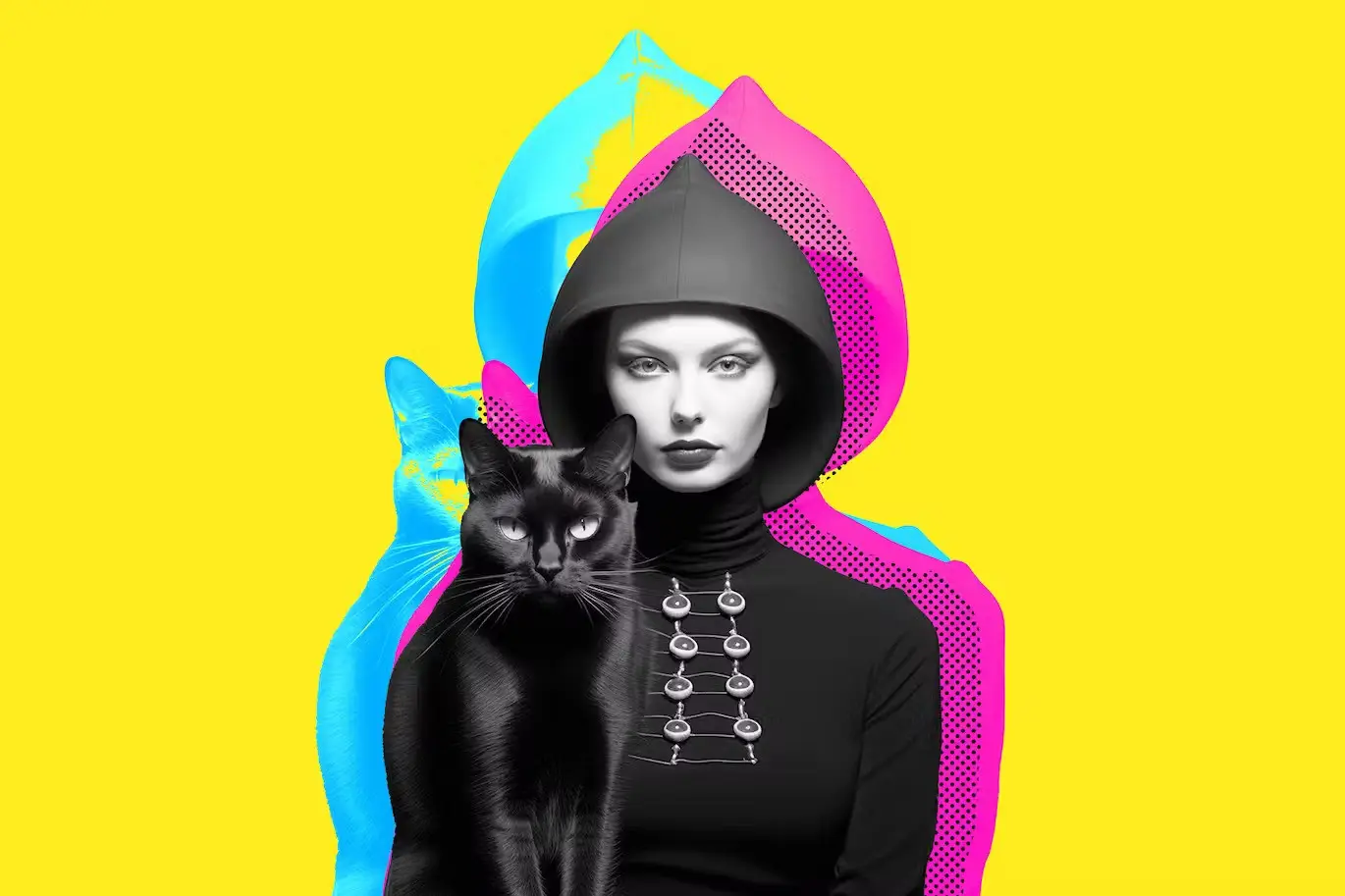
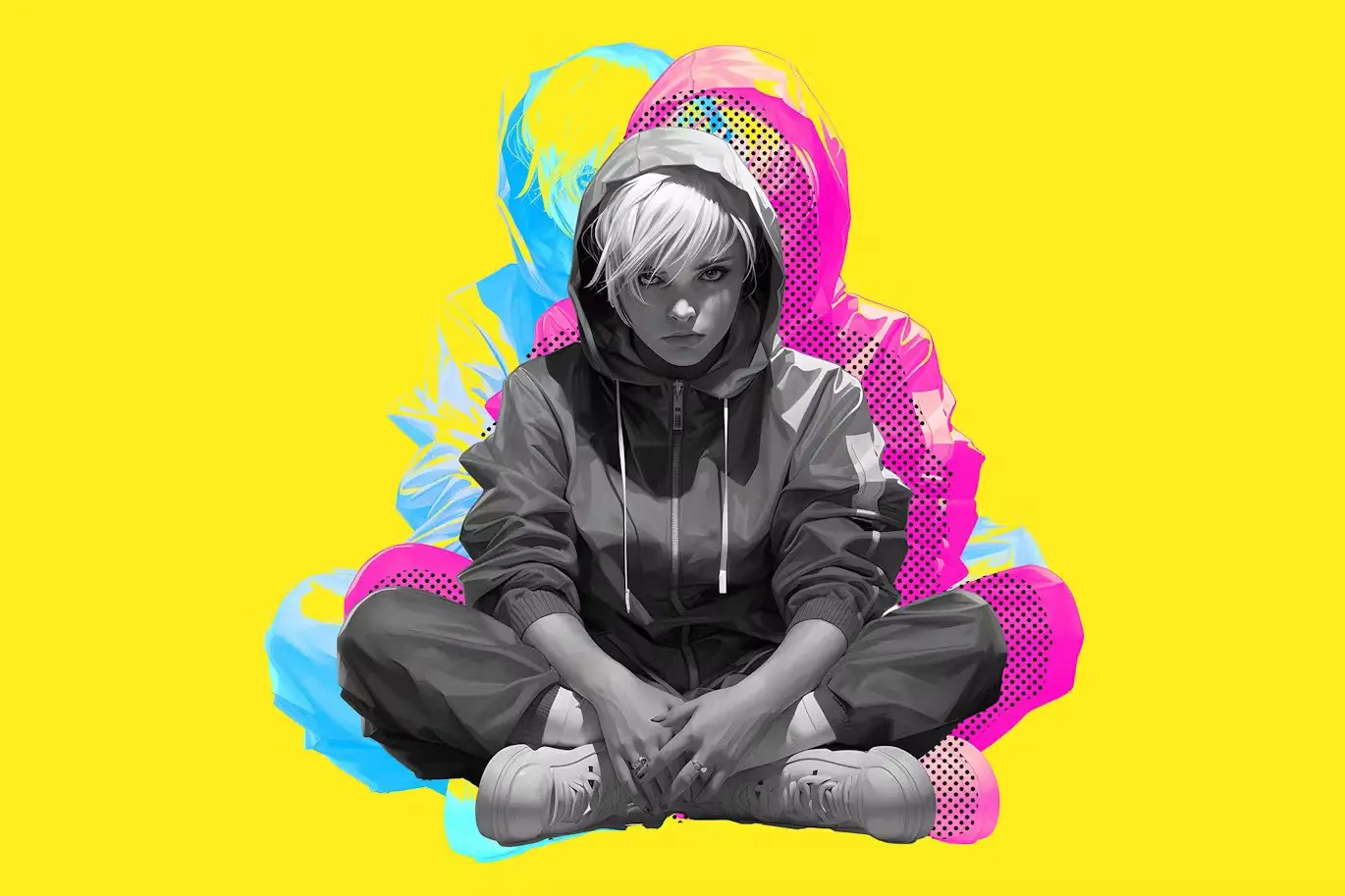
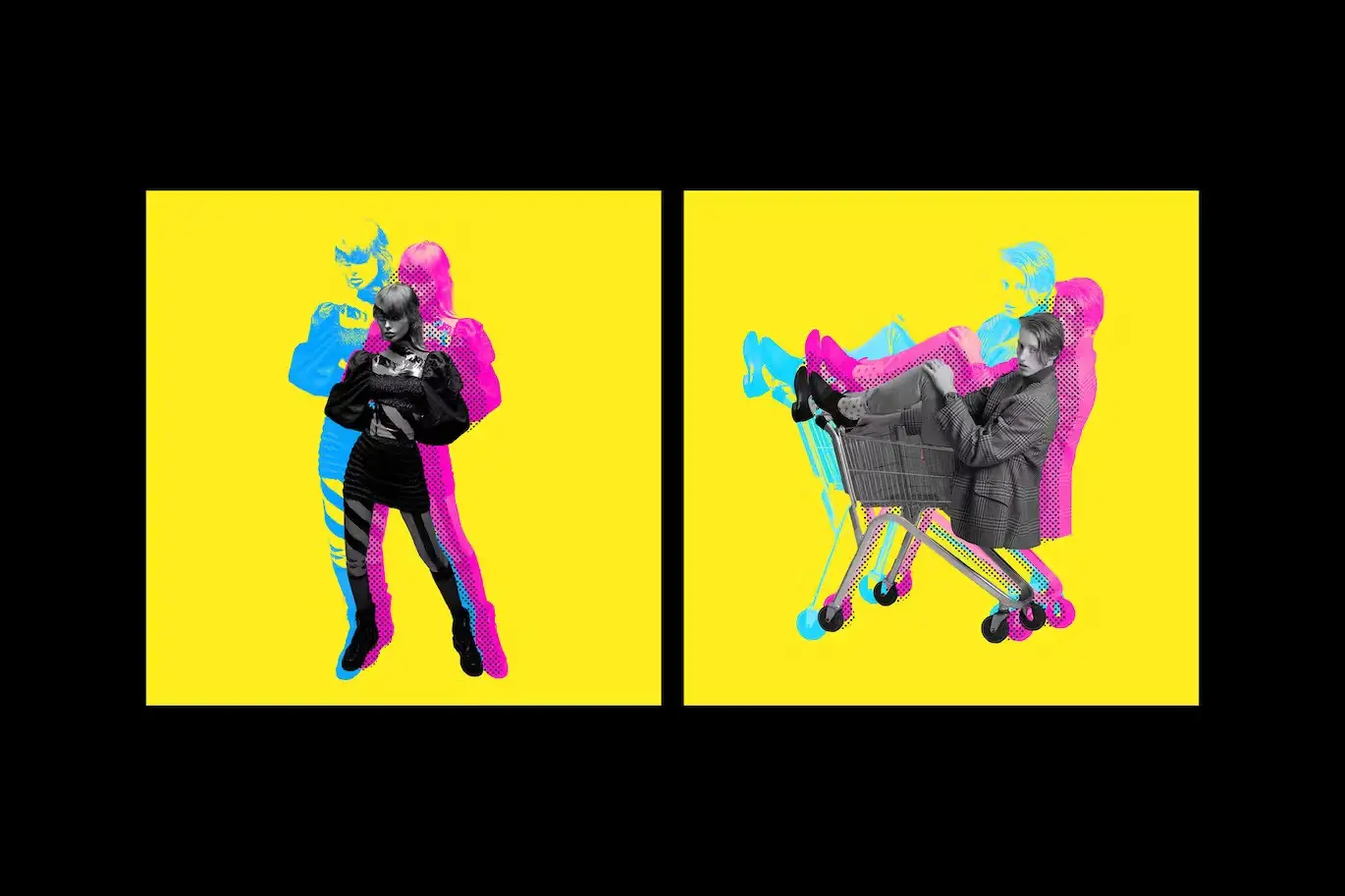
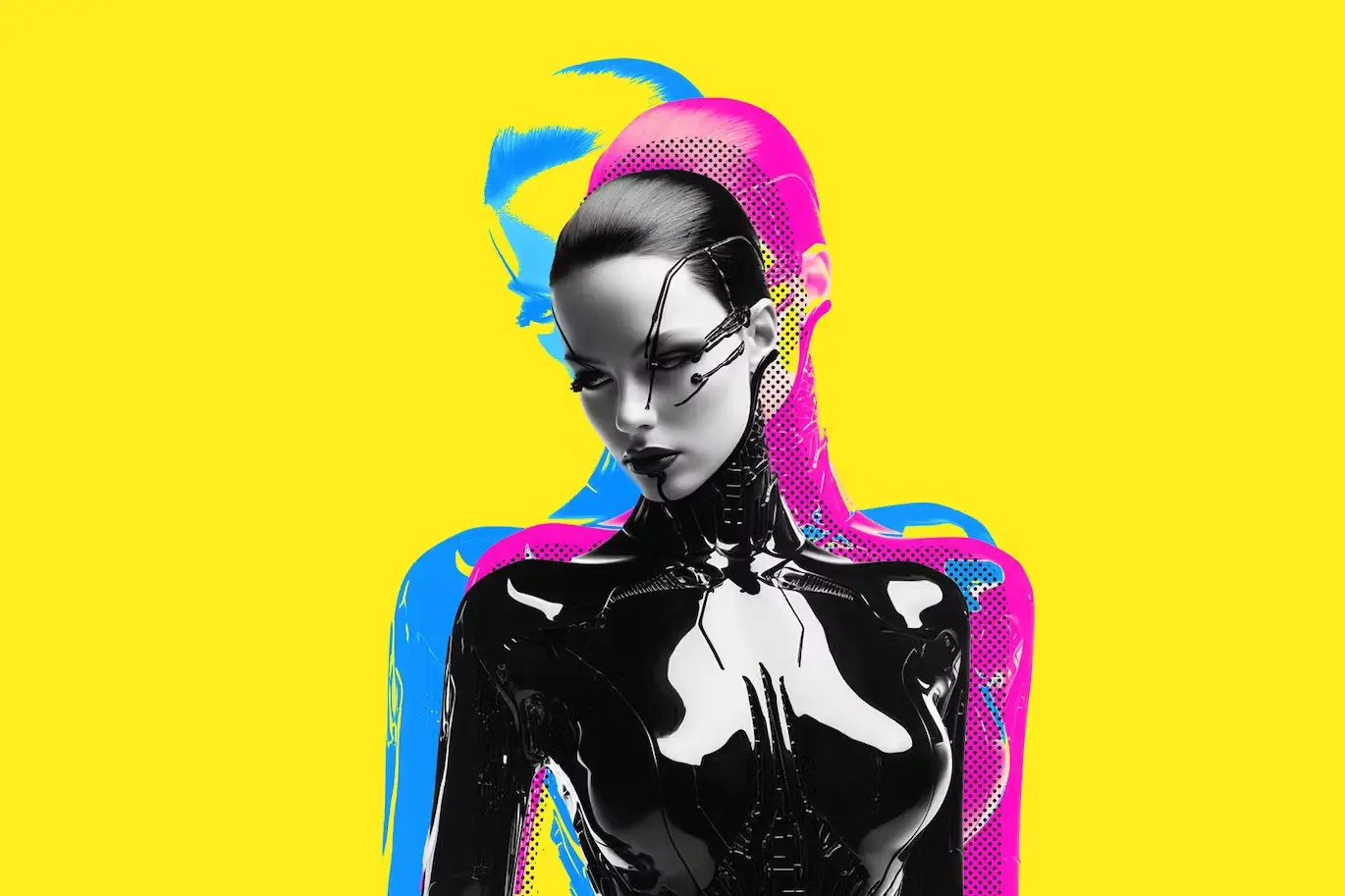
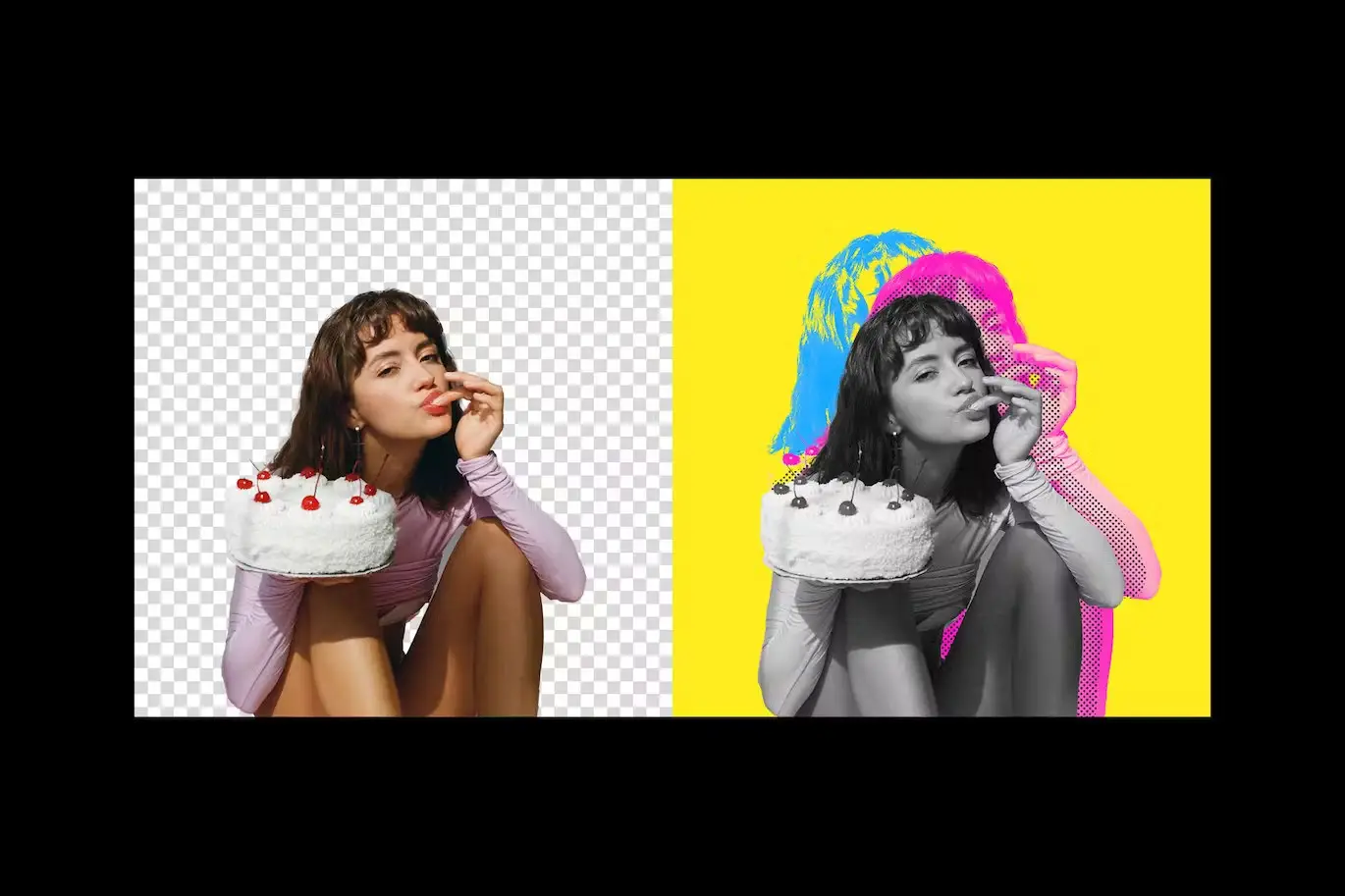

Double Halftone Exposure Photo Effect
Transform your images into stunning works of art effortlessly with the Double Halftone Exposure Photo Effect. This innovative photo effect allows you to create mesmerizing, high-quality visuals in just a few clicks, making it perfect for both beginners and seasoned designers.
Product Overview
The Double Halftone Exposure Photo Effect is designed for photographers and graphic artists who want to enhance their images with a unique, retro-inspired look. This effect utilizes Smart Object layers, offering complete customization and versatility throughout your creative process.
Key Features & Benefits
- ✅ Easy Customization → Simply double-click the Smart Object layer to replace the placeholder with your graphics, making the editing process quick and intuitive.
- ✅ High-Quality Output → Enjoy a stunning resolution of 4000×4000 px at 300 dpi, ensuring your designs look sharp and professional.
- ✅ Adjustable Colors → Tailor the color scheme to fit your brand or project needs, giving you complete control over the final appearance.
- ✅ Comprehensive Help File → Get started quickly with an included help file that guides you through the process of using the effect.
- ✅ Versatile Use → Ideal for creating eye-catching graphics for social media, marketing materials, or personal projects.
Why Choose This Product
This photo effect stands out due to its unique combination of simplicity and versatility. Trusted by creative professionals worldwide, the Double Halftone Exposure Photo Effect not only enhances your images but also saves you time, allowing you to focus on what matters most—your creativity.
Specifications (Technical Details)
| File Type | PSD |
|---|---|
| Dimensions | 4000×4000 px |
| DPI | 300 |
| Color Options | Changeable |
| Included Files | High-quality PSD file, help file |
What’s Included / What’s in the Box
- 📦 High-quality PSD file
- 📦 Help file for easy setup
Perfect For
- Photographers looking to enhance their portfolios
- Graphic designers creating unique marketing materials
- Social media managers wanting to create eye-catching posts
- Artists seeking to add a retro flair to their work
How to Use
- Open the PSD file in Photoshop.
- Double-click the Smart Object layer to edit.
- Replace the placeholder image with your own graphics.
- Save and enjoy your new design!
FAQ
- Can I use this effect for commercial projects? Yes, you can use it for both personal and commercial use.
- Is Photoshop required to use this effect? Yes, Adobe Photoshop is necessary to edit and apply the effect.
Ready to elevate your photography? Add the Double Halftone Exposure Photo Effect to your cart now and start creating stunning visuals today! 🚀
User Reviews
Be the first to review “Double Halftone Exposure Photo Effect”
You must be logged in to post a review.

Misterio Shader Photoshop Brushes
Sold by




Original price was: $5.00.$2.50Current price is: $2.50.


There are no reviews yet.