
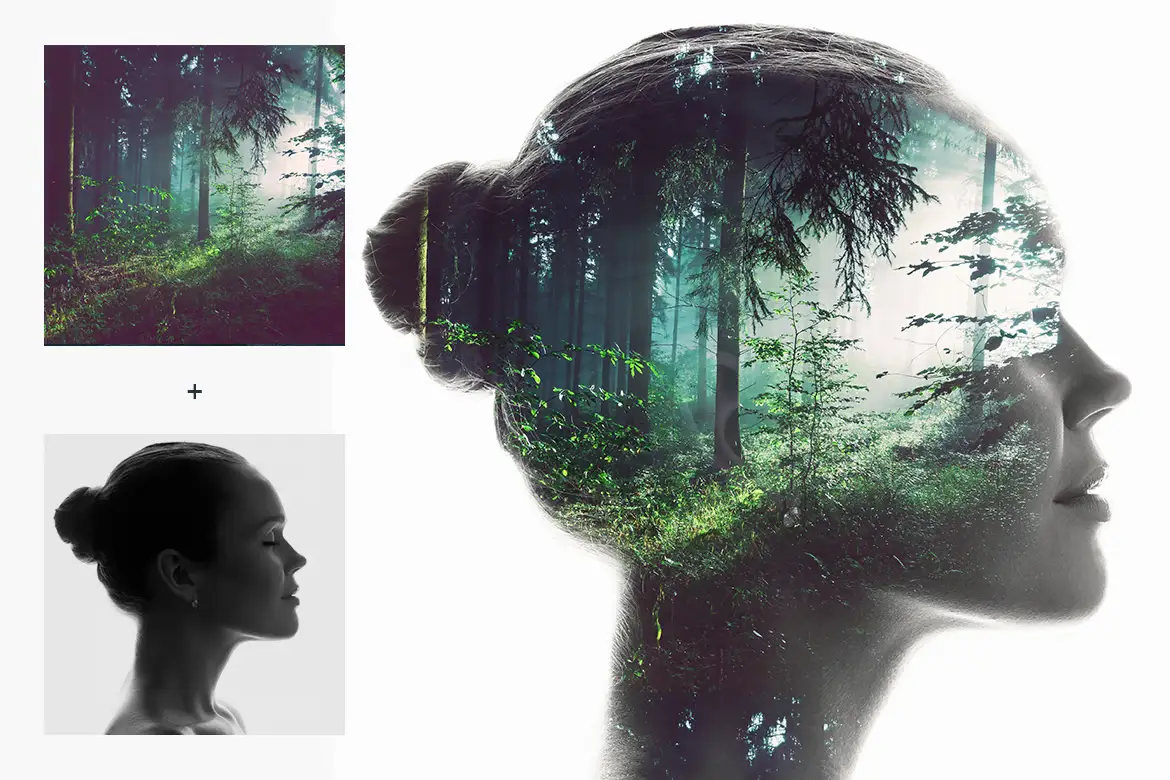

Double Exposure Action for Photoshop
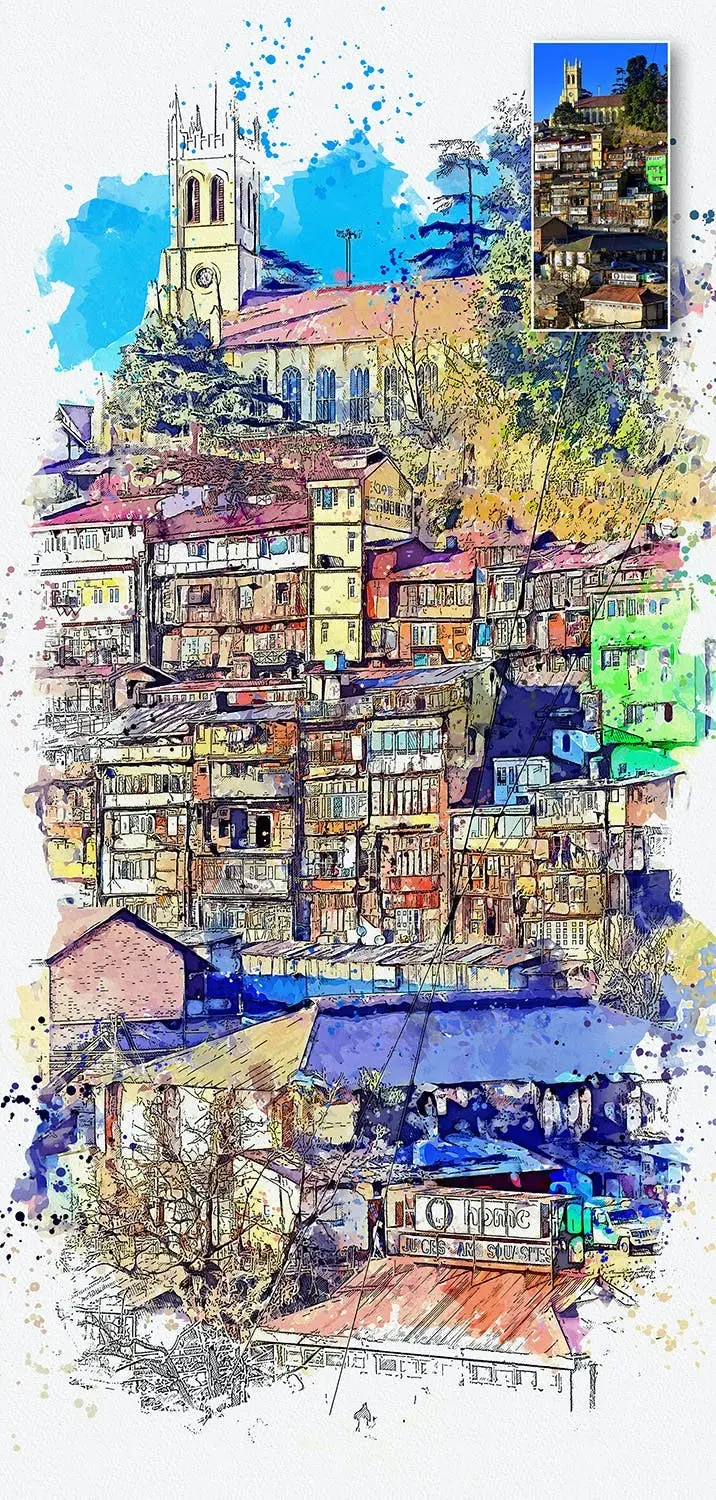
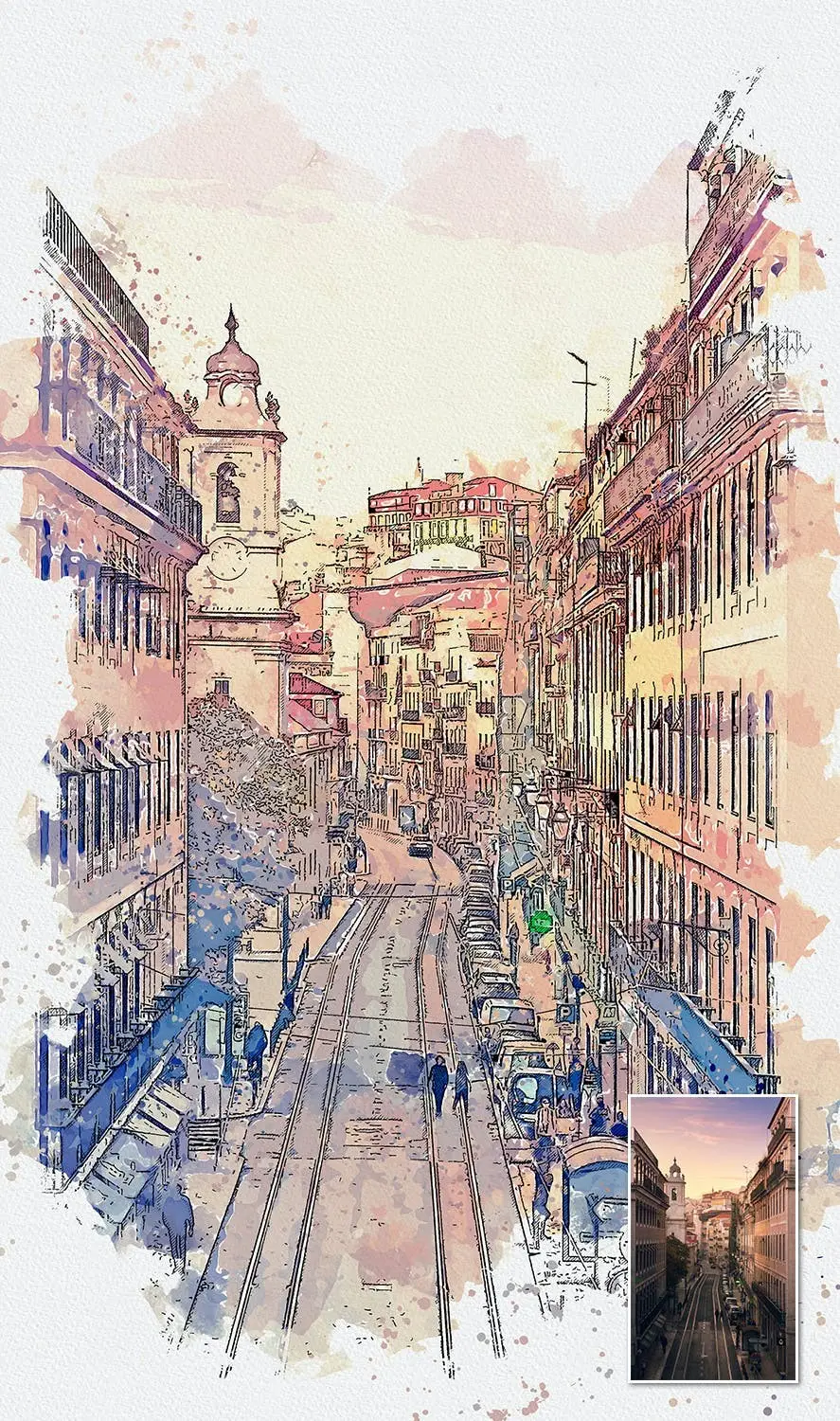
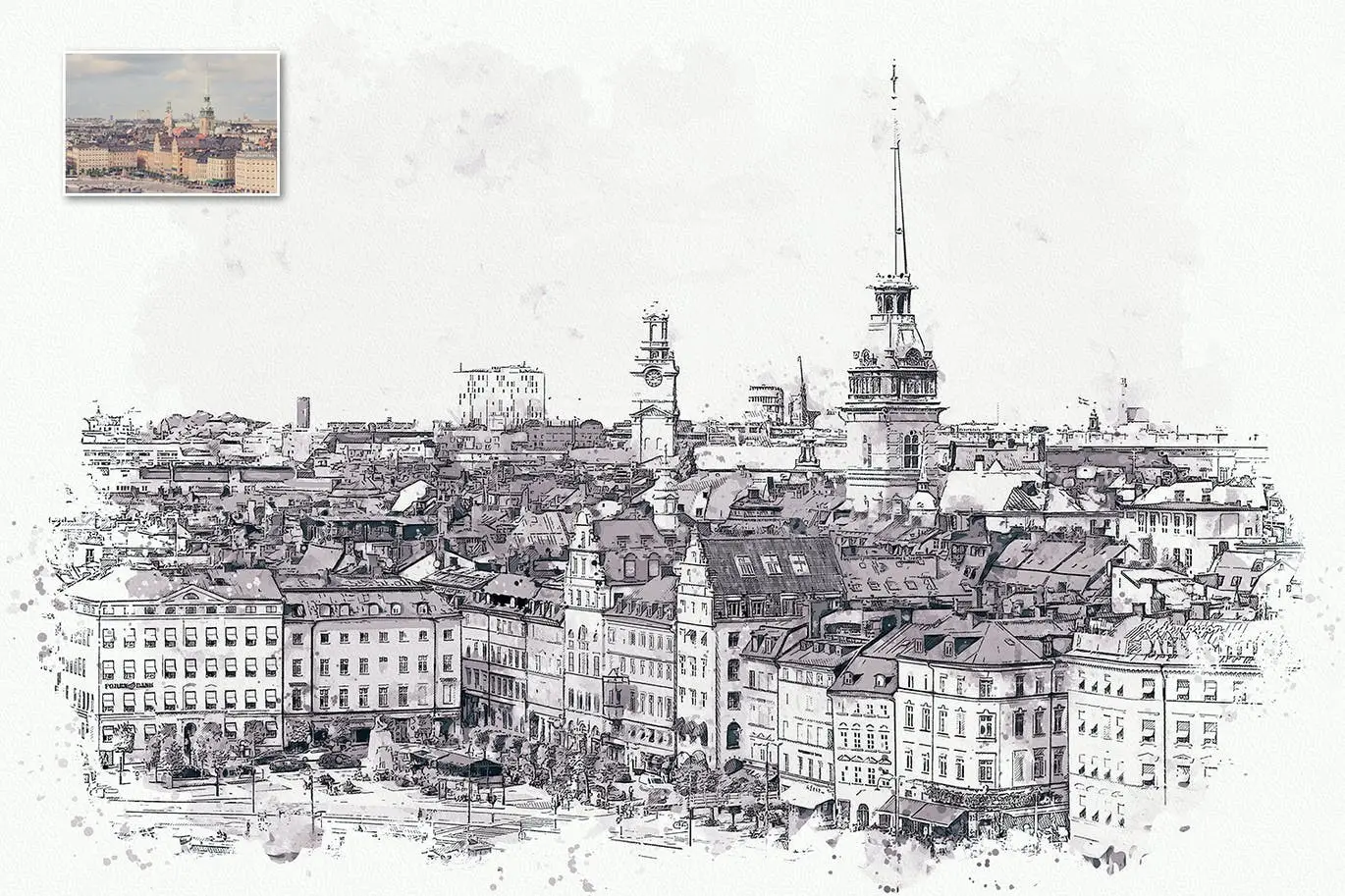
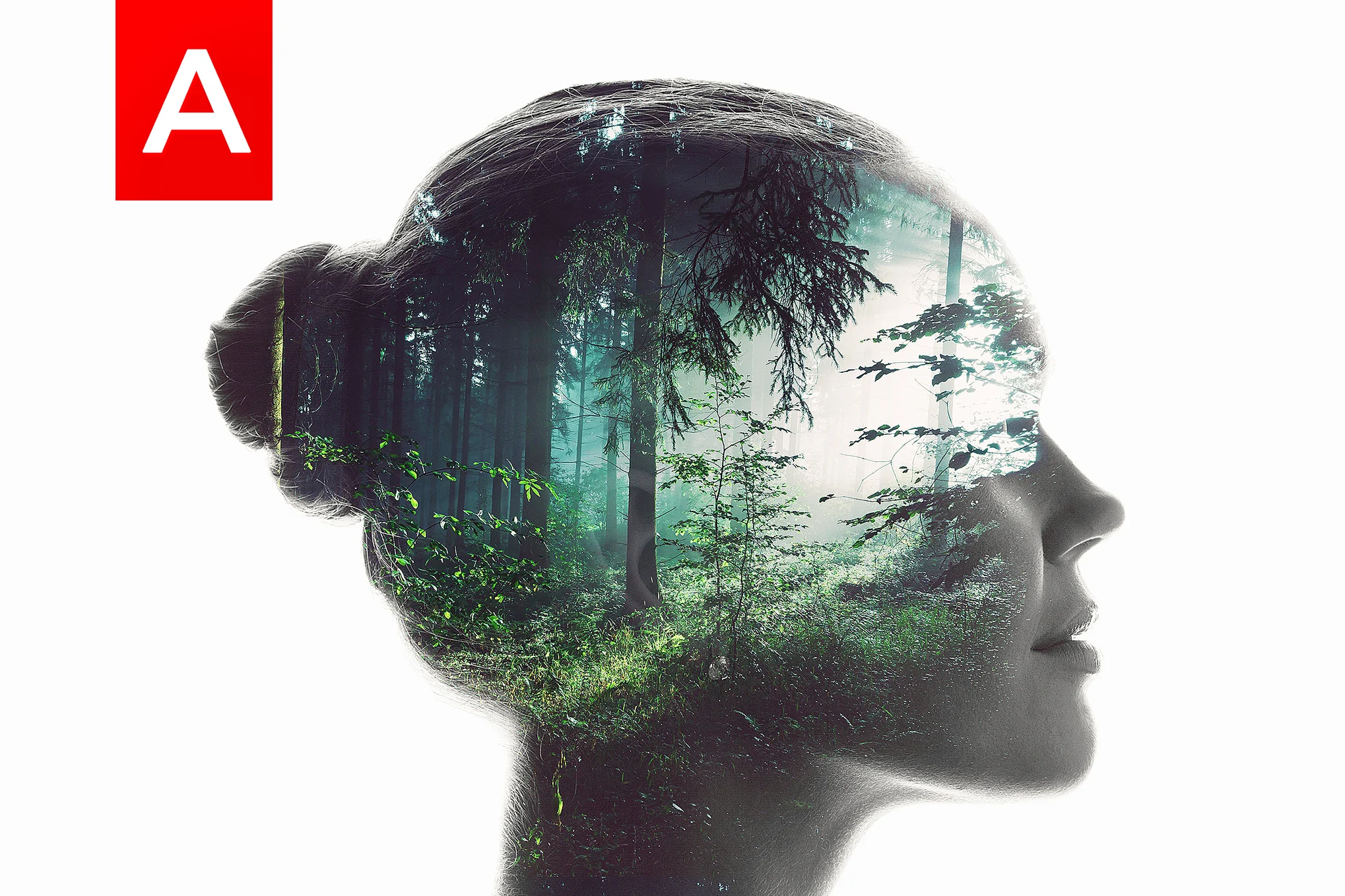
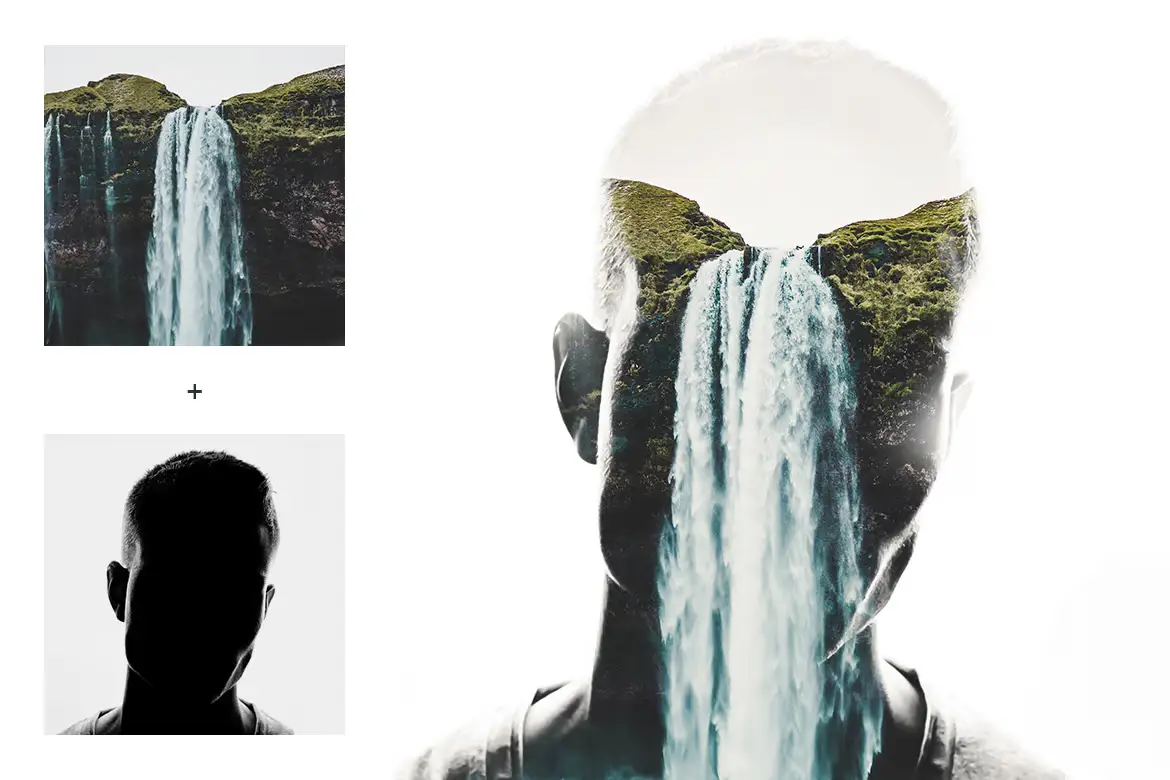
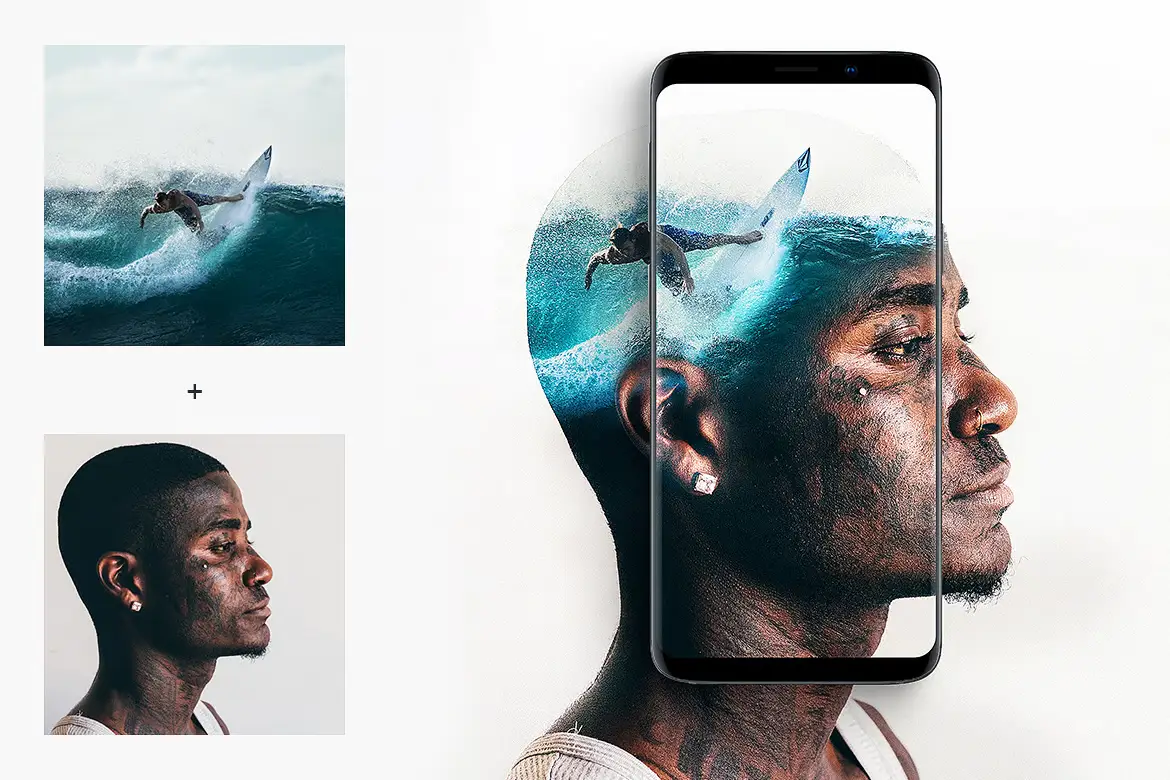
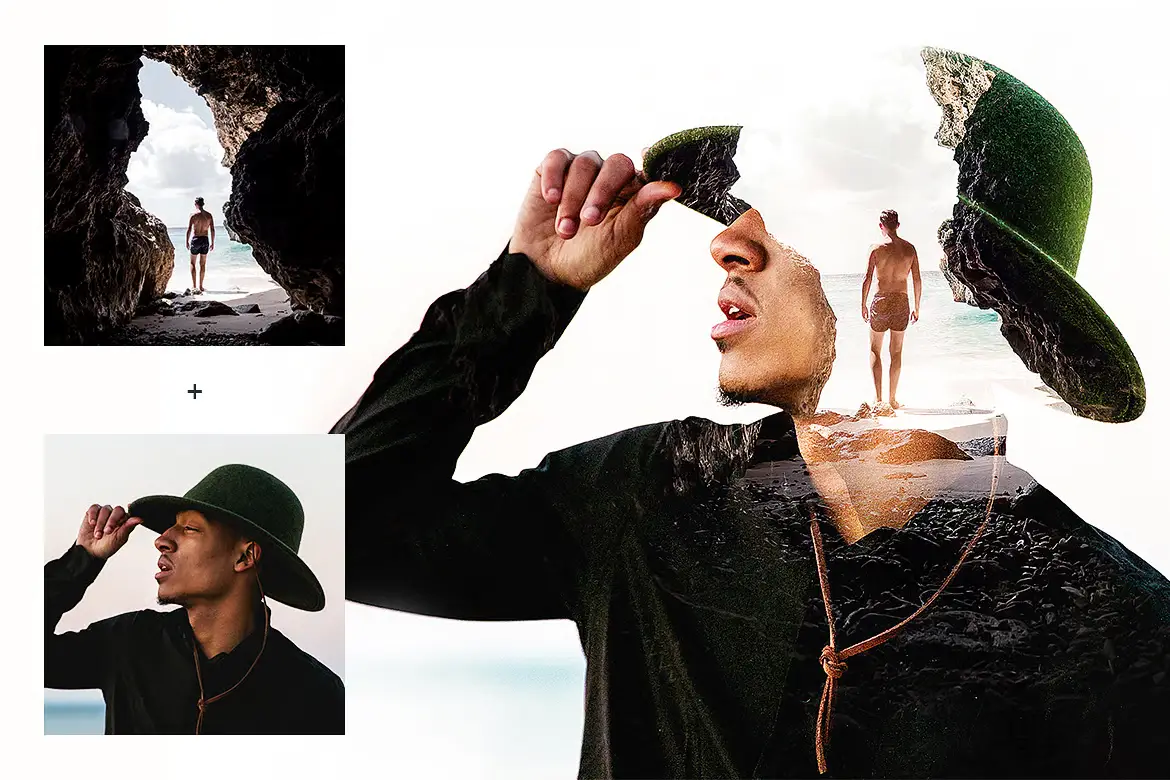
Unlock the power of creativity with our Double Exposure Action. This Photoshop action seamlessly blends two photographs to create stunning double exposure effects, perfect for designers and photographers looking to elevate their artwork. Whether you’re crafting unique CD covers, eye-catching posters, or engaging social media banners, this action provides a quick and effective solution.
Product Overview
The Double Exposure Action is designed for anyone who wants to create captivating images with ease. Its intuitive functionality allows you to achieve professional results without extensive editing skills. This action is especially beneficial for those in the photography and graphic design fields.
Key Features & Benefits
- ✅ Works with any Photoshop version → Enjoy compatibility across all platforms.
- ✅ Multi-language support → No need for additional files, regardless of your Photoshop language.
- ✅ Fully customizable → Tailor the effects to fit your artistic vision.
- ✅ Color grading options → Enhance your images with vintage effects and light leaks.
- ✅ PDF help file included → Access detailed instructions, tips, and tricks for optimal results.
- ✅ Fast and efficient → Achieve stunning double exposure effects in just a few clicks.
Why Choose This Product
This Double Exposure Action stands out for its ease of use and versatility. Trusted by artists worldwide, it simplifies the creative process, allowing you to focus on your vision. With this action, you can effortlessly create striking visuals that capture attention and convey emotion.
Specifications
| Compatibility | All versions of Photoshop |
|---|---|
| Language Support | Multi-language |
| File Type | Photoshop Action (.atn) |
| Included Documentation | PDF guide |
What’s Included / What’s in the Box
- 📦 Double Exposure Photoshop Action file
- 📦 PDF help file with instructions
Perfect For
- Photographers looking to enhance their portfolio
- Graphic designers creating promotional materials
- Social media marketers aiming for standout visuals
- Artists wanting to explore new creative techniques
How to Use
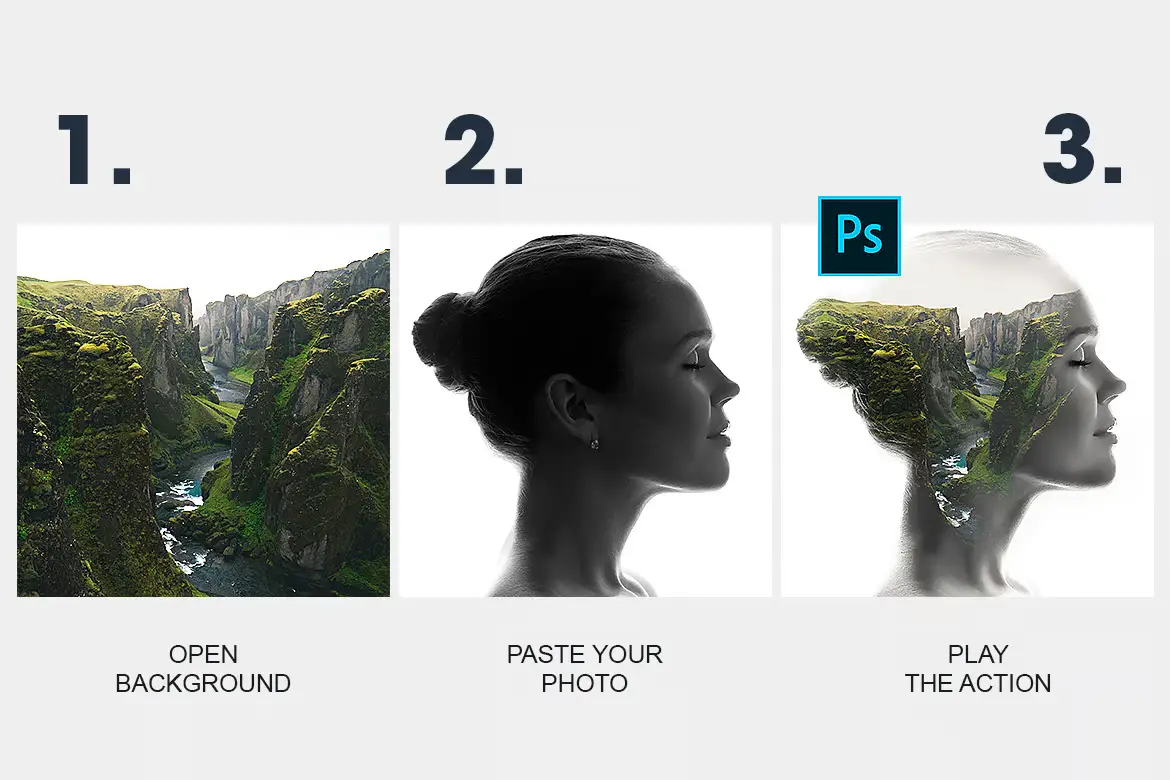
- Ensure your image is in RGB mode and 8 bits/channel (Image > Mode > RGB).
- Load the action in your Actions panel (Window > Actions or Alt+F9).
- Open your background image and the photo you wish to blend.
- Select the photo and click play on the action in the Actions panel.
FAQ
- Can I use this action in any language version of Photoshop? Yes, it is designed to work in all languages without additional files.
- Is there a tutorial available? Absolutely! You can find a helpful tutorial on YouTube here.
Ready to transform your images? Add to cart now and start creating stunning visuals today! 🚀
User Reviews
Be the first to review “Double Exposure Action”
You must be logged in to post a review.


Animated Double Exposure Action
Sold by
Adobe Photoshop Double Exposure Actions and Templates Bundle – 2 Items
Sold by
Original price was: $5.00.$2.50Current price is: $2.50.


There are no reviews yet.