
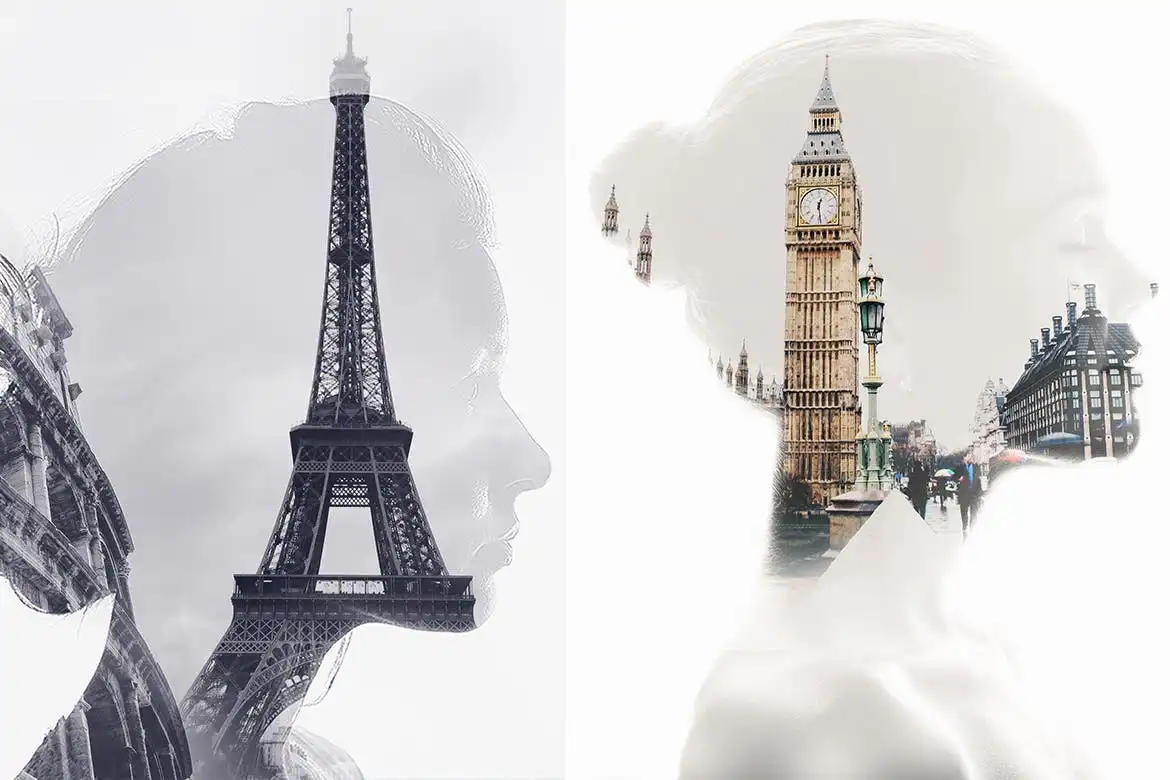
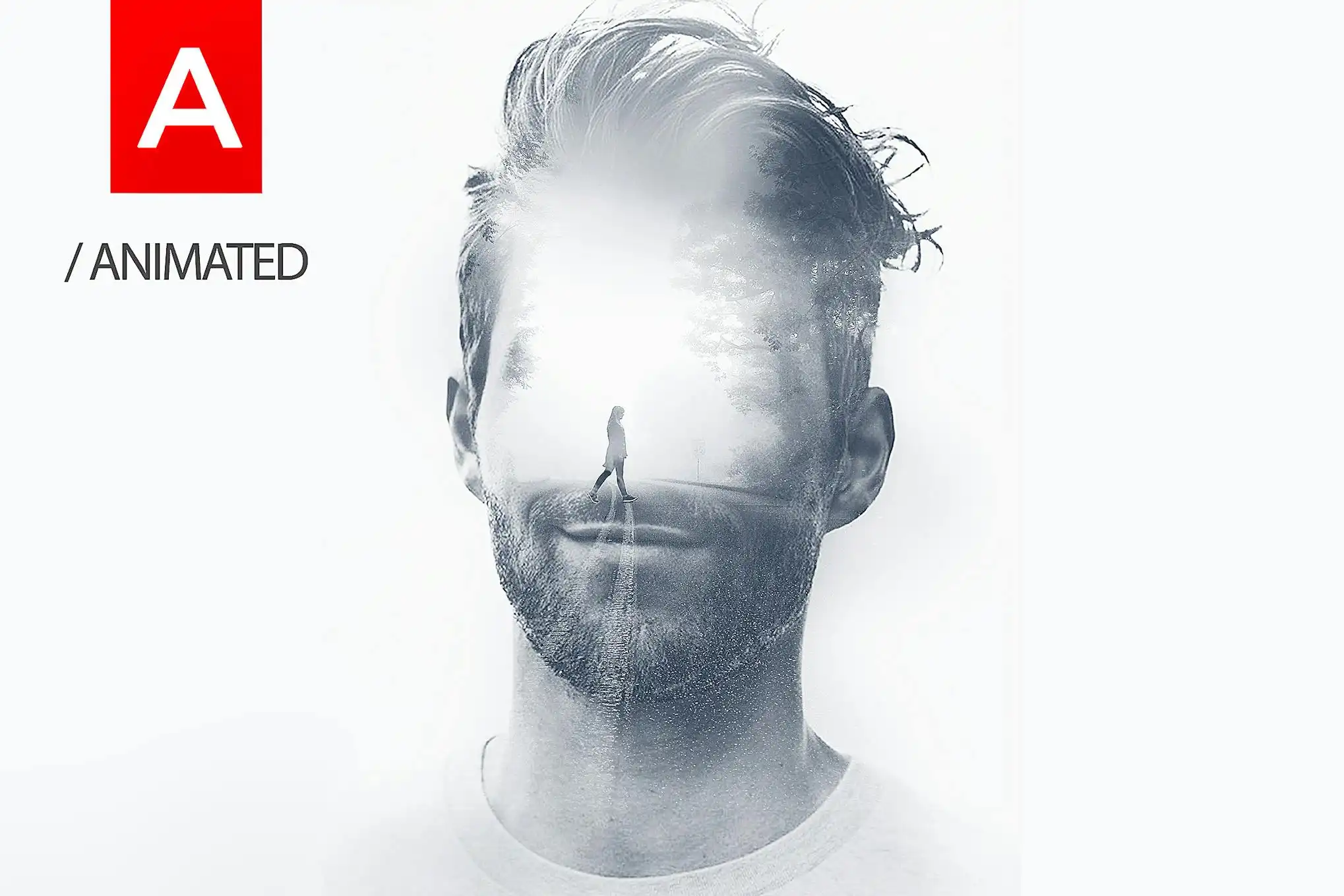
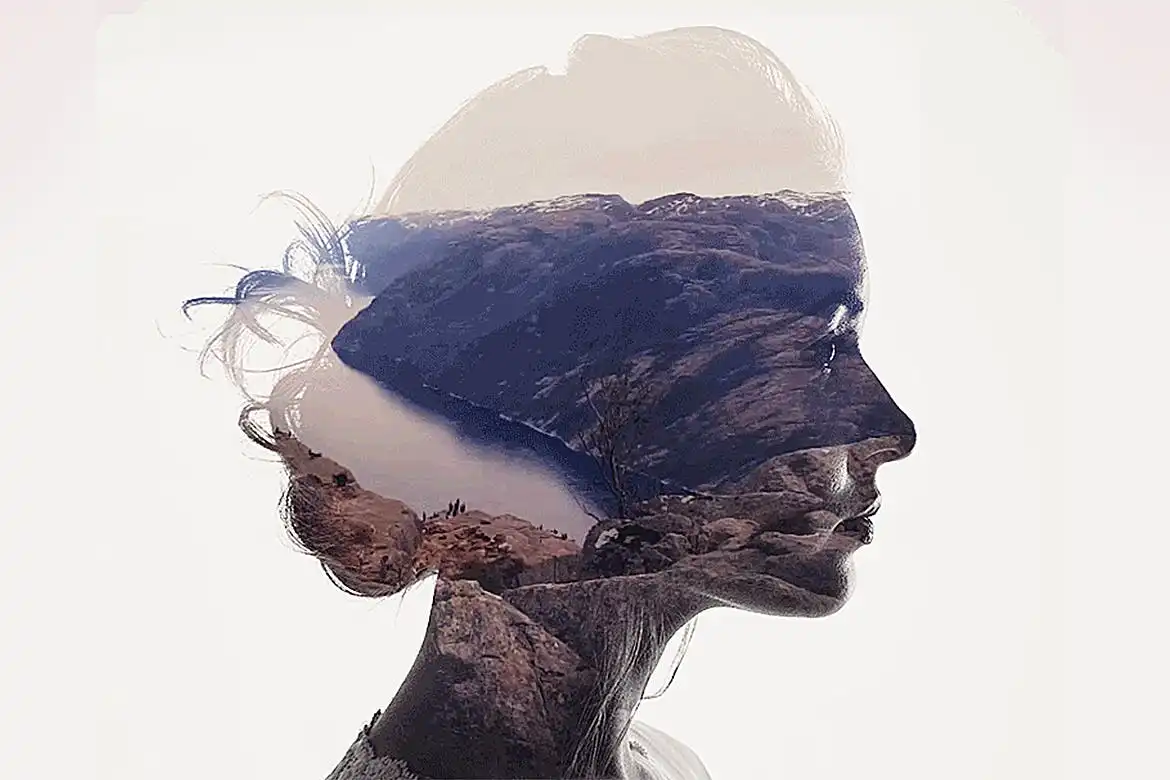

Animated Double Exposure Action for Photoshop
Transform your images and videos with the Animated Double Exposure Action. This Photoshop action seamlessly blends visuals to create stunning double exposure effects that captivate and engage. Whether you’re a designer or photographer, this action is perfect for producing unique, eye-catching moving images for YouTube intros, music videos, or web GIFs.
Product Overview
The Animated Double Exposure Action allows you to effortlessly combine two images or videos into a mesmerizing double exposure effect. It’s designed for creative professionals who want to enhance their projects with dynamic visuals. This action is not only user-friendly but also versatile, making it suitable for various creative applications.
Key Features & Benefits
- ✅ Compatible with all Photoshop versions → No need for specific files or language settings.
- ✅ Fully customizable settings → Tailor the color grading, vintage effects, and light leaks to match your vision.
- ✅ Comprehensive PDF guide included → Access detailed instructions, tips, and tricks for optimal results.
- ✅ Fast and efficient workflow → Quickly achieve a stunning video double exposure effect without hassle.
- ✅ Works in any Photoshop language version → Enjoy seamless functionality without additional files.
Why Choose This Product
This Animated Double Exposure Action stands out due to its ease of use and flexibility. Trusted by creative professionals worldwide, it allows you to create professional-grade animations with minimal effort. Whether you’re looking to enhance your portfolio or create engaging content, this action is your go-to solution for dynamic visual storytelling.
Specifications
| Feature | Details |
|---|---|
| Software Compatibility | All versions of Adobe Photoshop |
| Language Support | Works in any language version |
| Documentation | PDF help file included |
| Mode Requirement | RGB mode, 8 bits/channel |
What’s Included
- 📦 Animated Double Exposure Action file
- 📦 PDF help documentation
Perfect For
- Photographers looking to enhance their portfolio
- Designers creating engaging visual content
- Content creators for YouTube and social media
How to Use
- Ensure your document is in RGB mode (Image > Mode > RGB).
- Load the action in the Actions panel (Window > Actions, then click “Load Actions..”).
- Open your background image and photo image.
- Select your photo and click play on the action in the Actions panel.
FAQ
- Can I use this action in any Photoshop version? Yes, it works with all versions of Photoshop.
- Is there a language requirement? No, this action supports all language versions without additional files.
Ready to elevate your creative projects? Add to cart now and start creating stunning double exposure effects today! 🚀
User Reviews
Be the first to review “Animated Double Exposure Action”
You must be logged in to post a review.


Adobe Photoshop Double Exposure Actions and Templates Bundle – 2 Items
Sold by
Original price was: $5.00.$2.50Current price is: $2.50.


There are no reviews yet.