

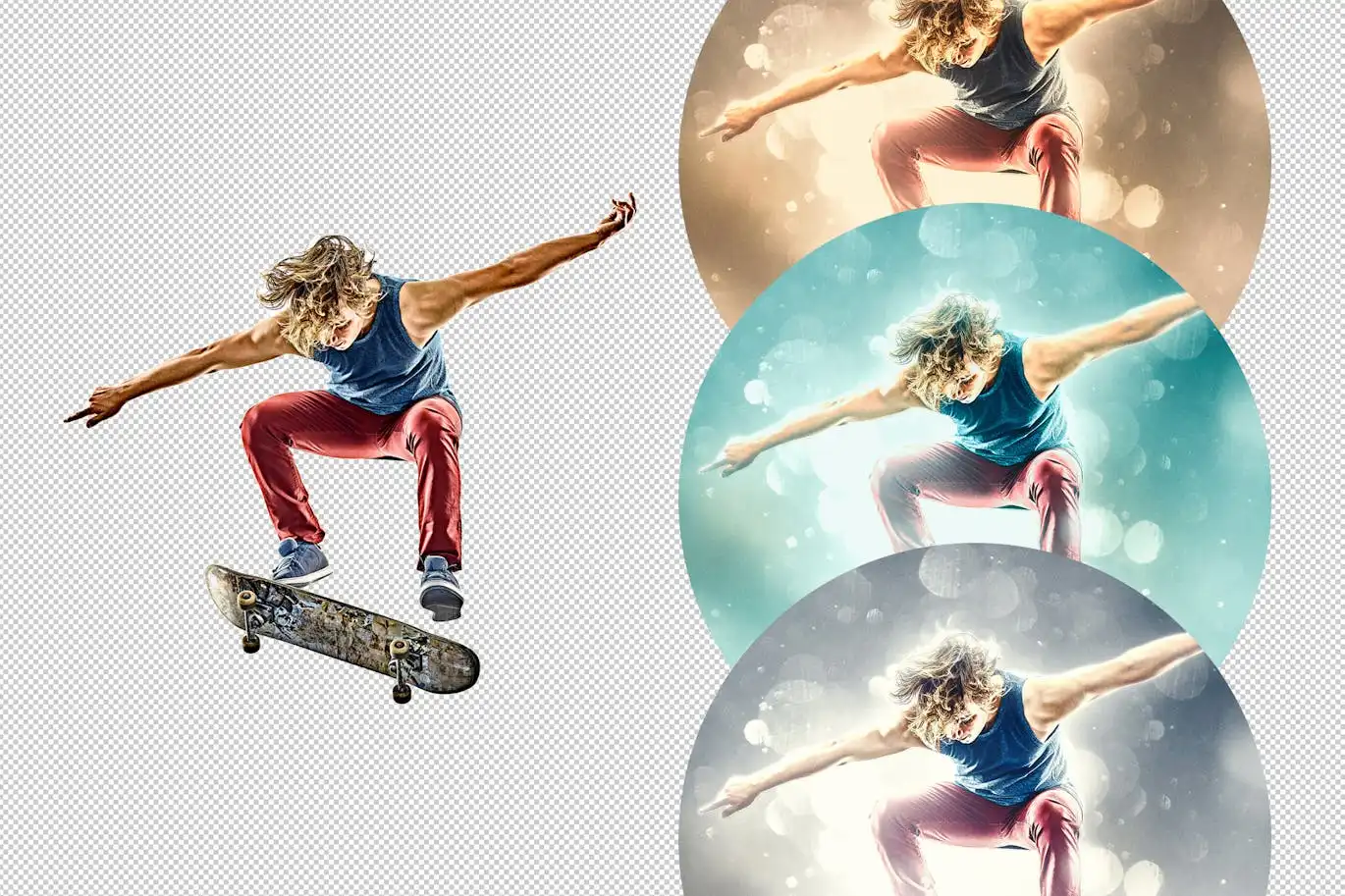



Cinematic Photo Effect: Transform Your Images Effortlessly
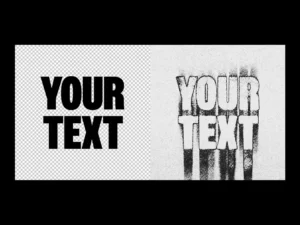
Elevate your photography with our Cinematic Photo Effect, designed to create stunning visuals in just a few clicks! This versatile photo effect utilizes Smart Object layers, allowing you to customize your images with ease and precision. Simply double-click the desired layer thumbnail, remove the placeholder image, insert your graphics, save your work, and witness the transformation unfold on your Photoshop artboard. Enhance your composition further by adjusting various features for that perfect finishing touch.
Product Overview
The Cinematic Photo Effect is perfect for photographers and designers looking to add a professional touch to their images. Whether you’re creating promotional materials, social media content, or personal projects, this effect will help you achieve a polished and captivating look.
Key Features & Benefits
- ✅ High-Quality PSD File → Ensures your images maintain their clarity and detail.
- ✅ 4500×3000 px, 300 dpi → Perfect resolution for print and digital use.
- ✅ Three Color Options → Choose the perfect hue to match your project’s theme.
- ✅ Easy-to-Use Smart Object Layers → Customize effortlessly without compromising quality.
- ✅ Comprehensive Help File → Get started quickly with clear instructions.
Why Choose This Product
This Cinematic Photo Effect stands out due to its user-friendly design and high-quality output. Trusted by professionals worldwide, it allows you to create visually striking images that capture attention. Whether you’re a beginner or an experienced designer, this effect simplifies the editing process, enabling you to focus on your creativity.
Specifications
| Dimension | 4500×3000 px |
|---|---|
| Resolution | 300 dpi |
| File Format | PSD |
| Color Options | 3 |
What’s Included
- 📦 High-quality PSD file
- 📦 Three color options
- 📦 Help file for easy setup
Perfect For
- Photographers looking to enhance their portfolio
- Graphic designers creating promotional materials
- Social media managers aiming for eye-catching content
How to Use
- Open the PSD file in Photoshop.
- Double-click the Smart Object layer to edit.
- Replace the placeholder image with your graphics.
- Save and close the Smart Object to see the effect applied.
- Adjust layers as needed for the perfect finish.
FAQ
- Can I use this effect for commercial projects? Yes, you can use it for both personal and commercial projects.
- Is Photoshop required to use this effect? Yes, this effect is designed specifically for Adobe Photoshop.
Ready to transform your images? Add the Cinematic Photo Effect to your cart now and start creating stunning visuals today! 🚀
User Reviews
Be the first to review “Cinematic Photo Effect”
You must be logged in to post a review.

Misterio Shader Photoshop Brushes
Sold by
Double Color Effect for Posters
Sold by

Original price was: $5.00.$2.50Current price is: $2.50.


There are no reviews yet.