
Poster Studio for Photoshop

Original price was: $15.00.$7.50Current price is: $7.50.

MiksKS
Product Specs
- Compatible with: Adobe Photoshop
- File Type: zip
- Instant Download
- File Size: 543 MB
Welcome to Poster Studio for Photoshop! 🎉
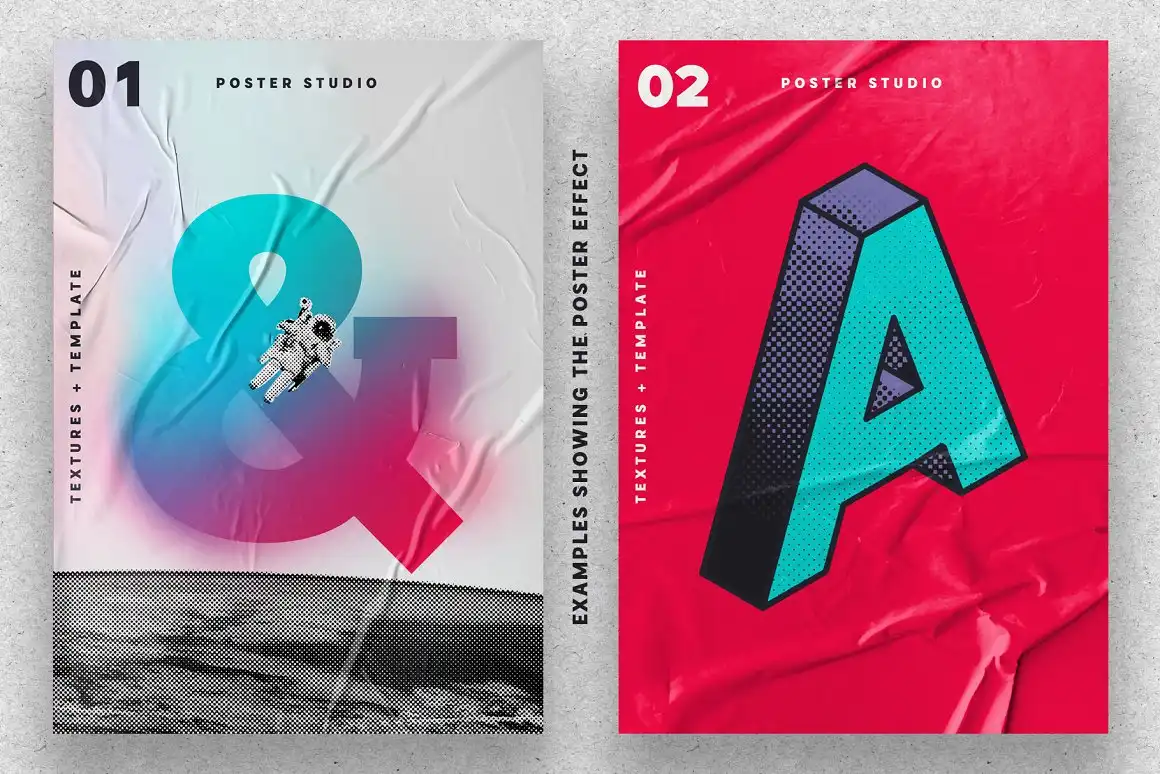
This digital download brings you an incredible tool for creating stunning glued poster effects in your designs! With instant access, you can start crafting eye-catching visuals right away. Whether you’re wondering how to design a poster in Photoshop or looking for inspiration, this kit has everything you need!
Product Overview
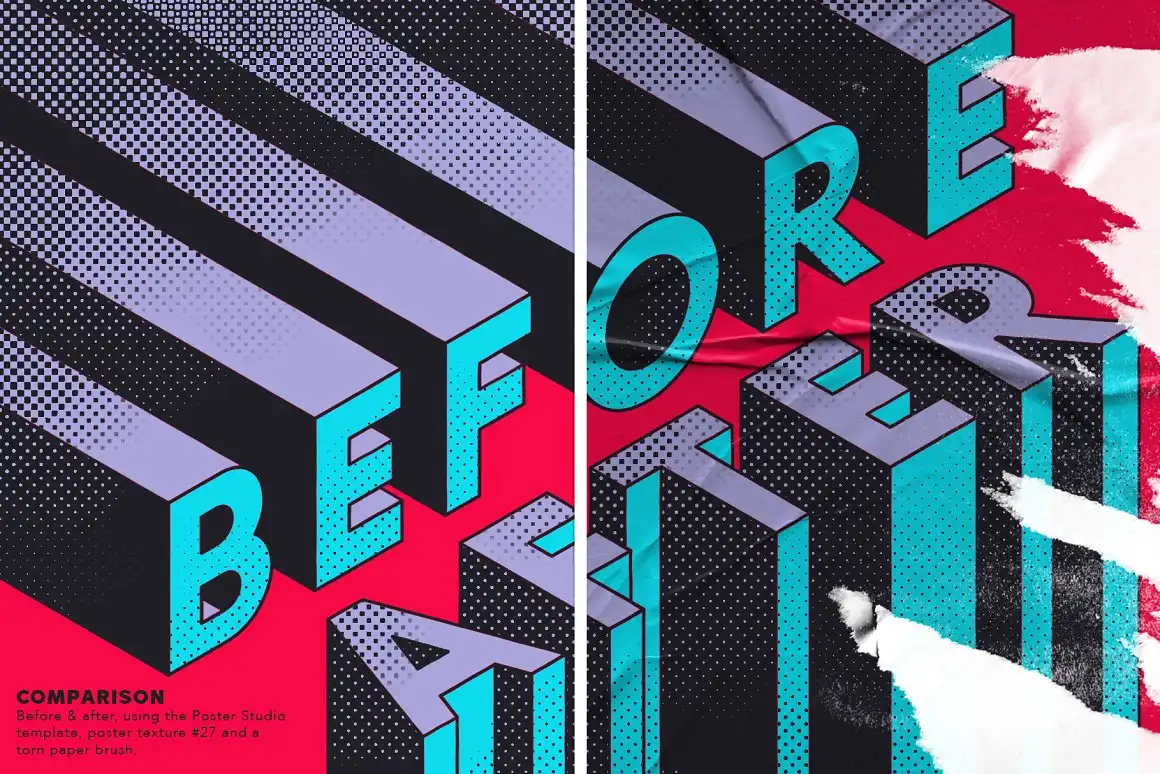
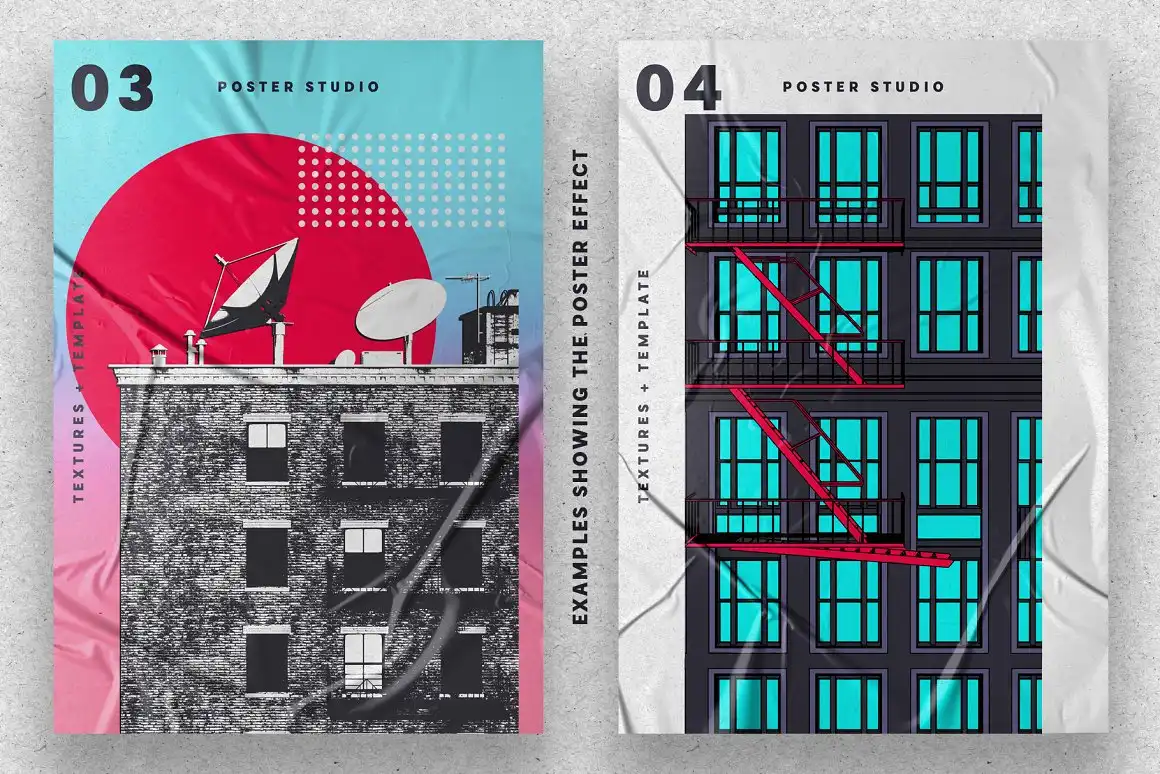
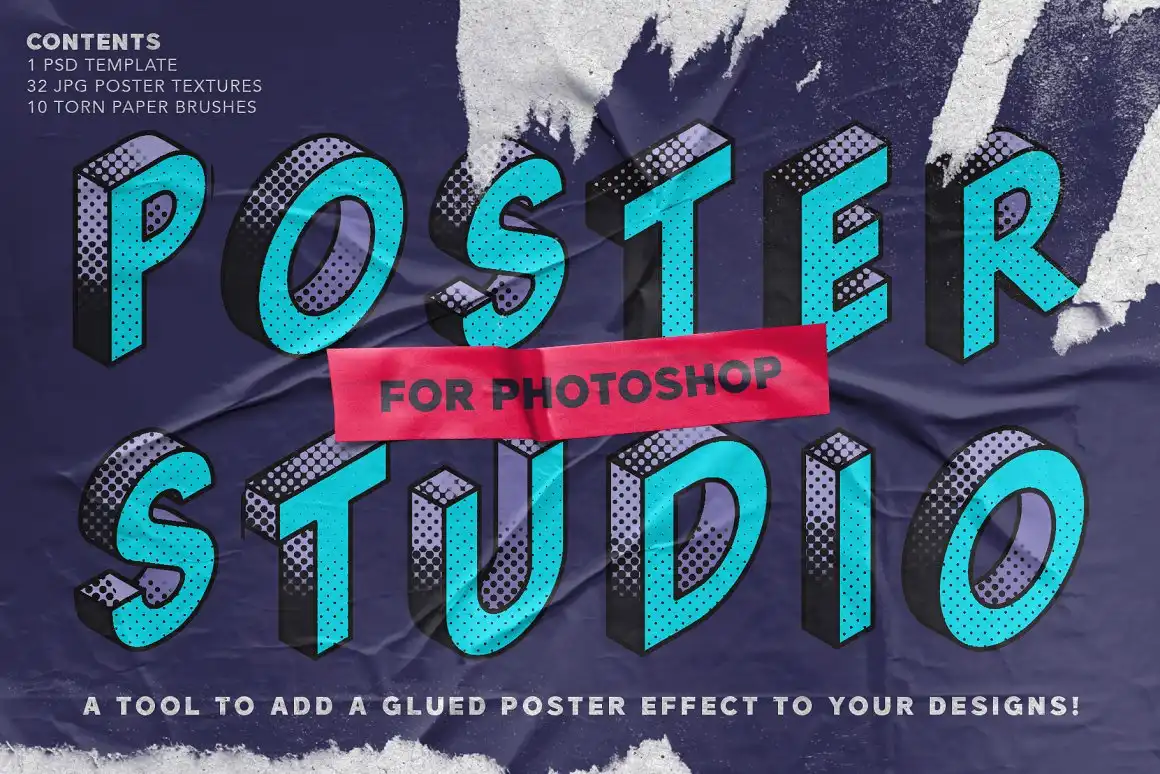
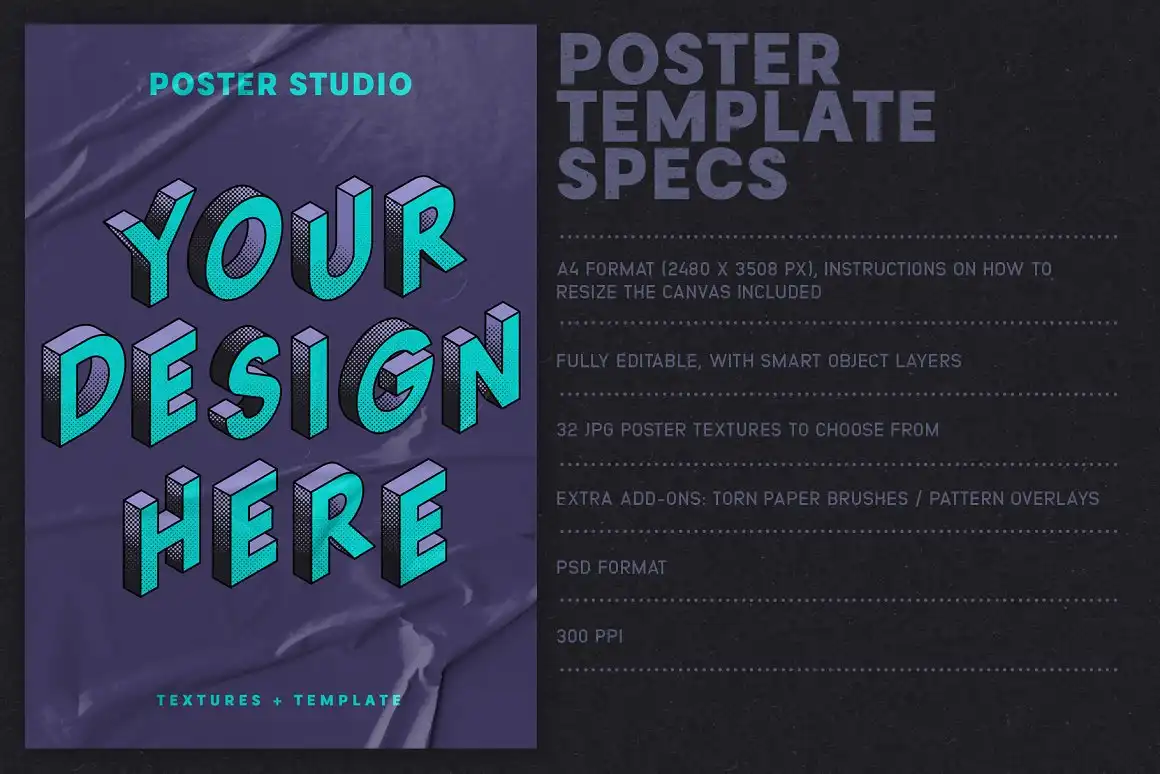
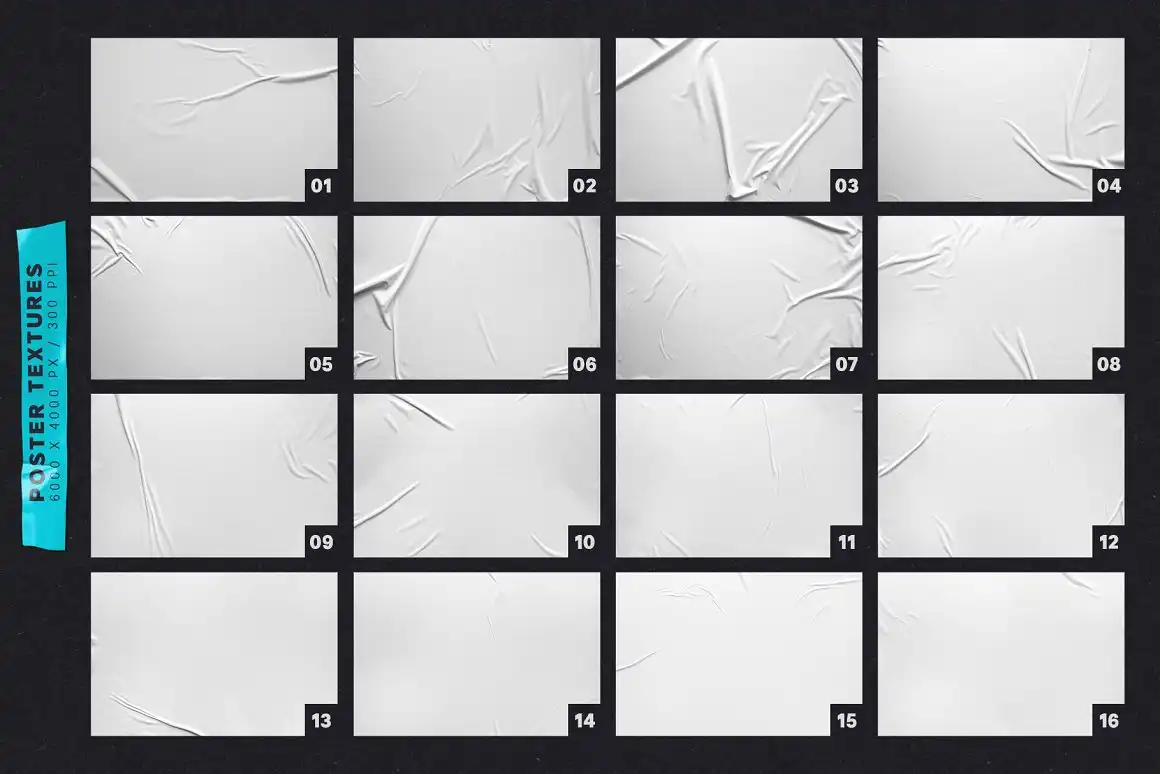
Poster Studio is a versatile tool designed specifically for Adobe Photoshop users. It features a fully editable PSD template with smart object replacement, allowing you to easily insert your own designs. With 32 unique poster textures, pattern overlays, and torn paper brushes, you can achieve that authentic, worn-out look that adds character to your artwork!
Key Features & Benefits
- Editable PSD Template: Easily customize your poster with smart object replacement.
- 32 Handmade Textures: Beautifully crafted from real folds and creases to give your designs depth.
- Pattern Overlays: 6 seamless overlays to add extra texture and interest to your images.
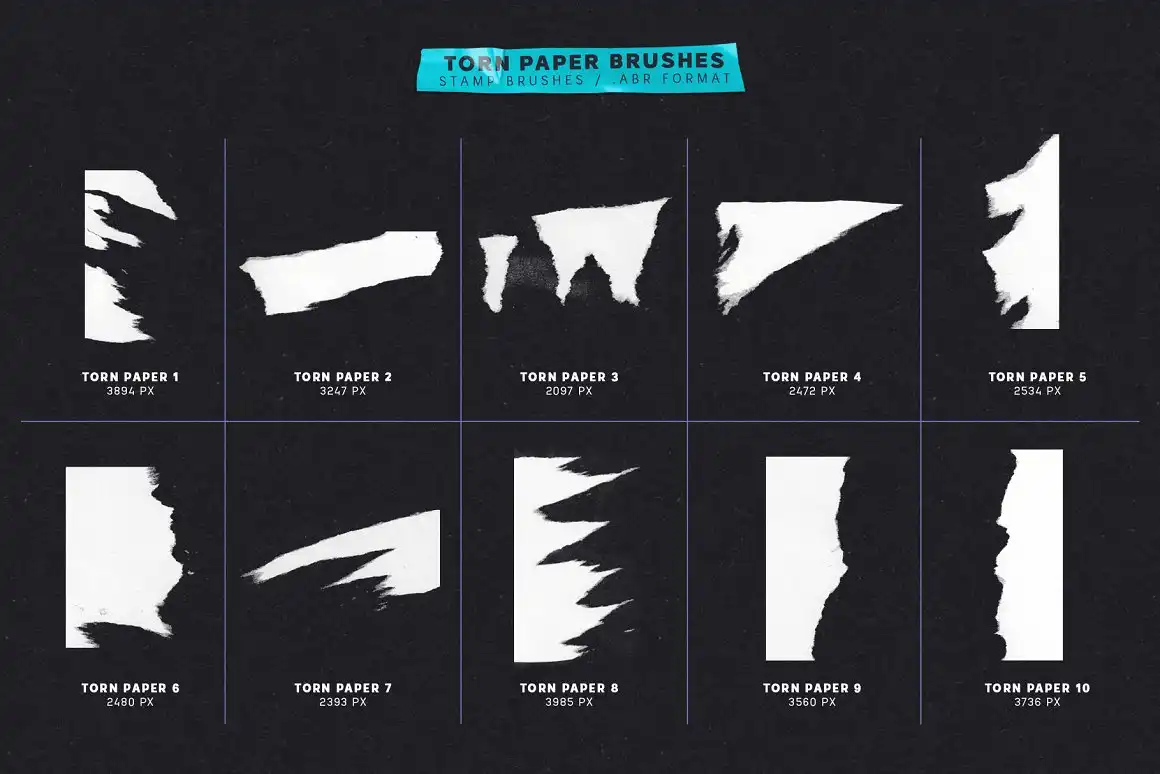
- Torn Paper Brushes: A set of 10 brushes to create a “worn out” look effortlessly.
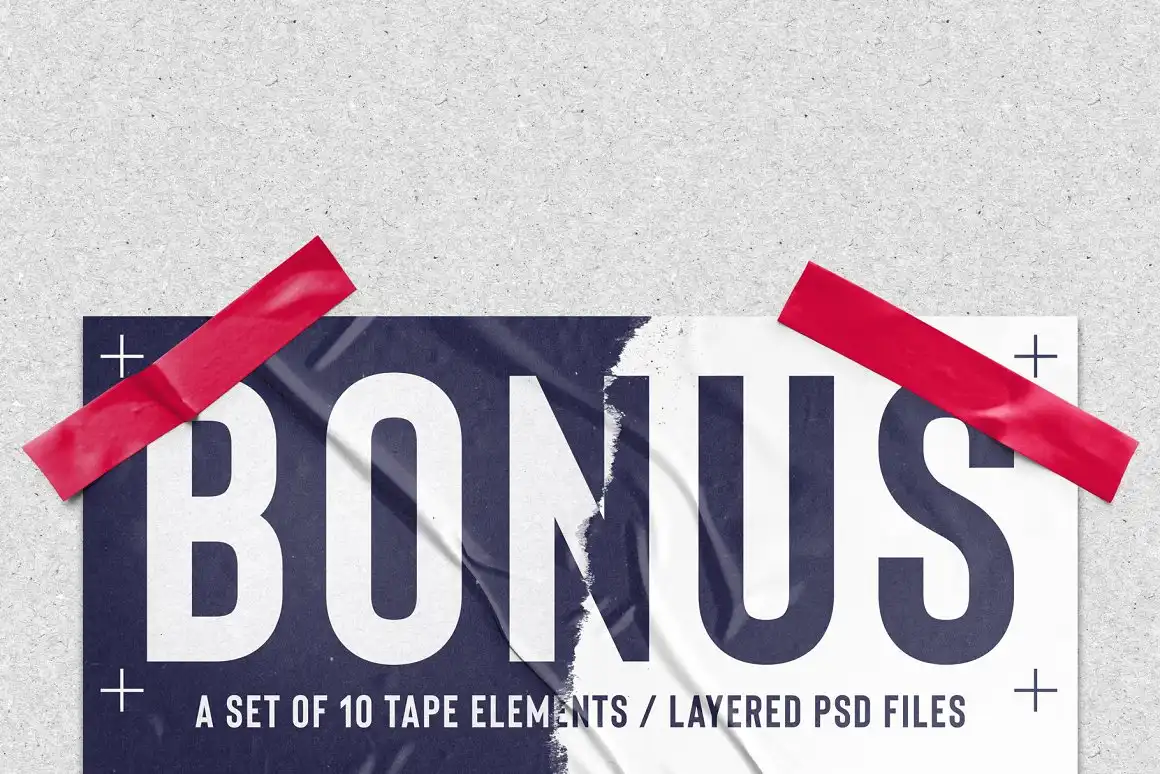
- Bonus Tape Elements: 10 layered PSD files of tape pieces that you can colorize to fit your design.
- User Guide: A detailed guide with tips and images to help you navigate the Poster Studio template.
Technical Specifications
| Compatible with | Adobe Photoshop |
|---|---|
| File Type | zip |
| Instant Download | Yes |
| File Size | 543 MB |
What’s Included
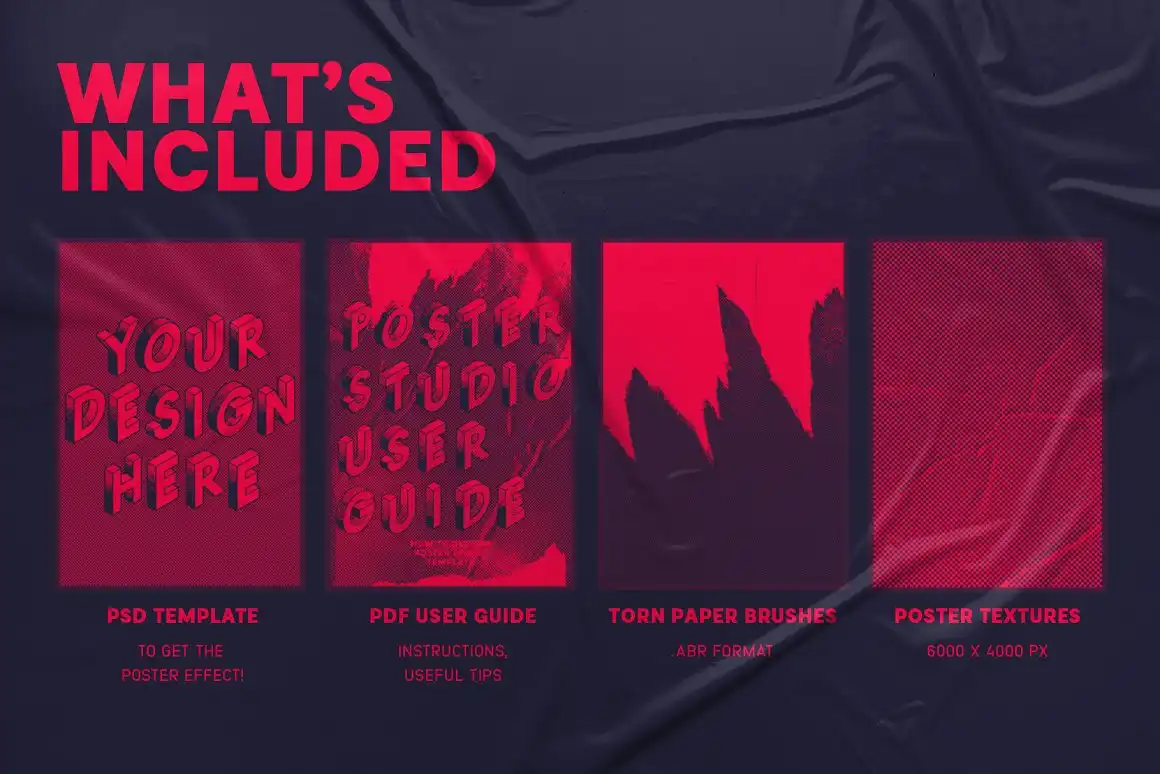
- 1 Poster Studio template with smart object replacement (A4 format, 300 PPI)
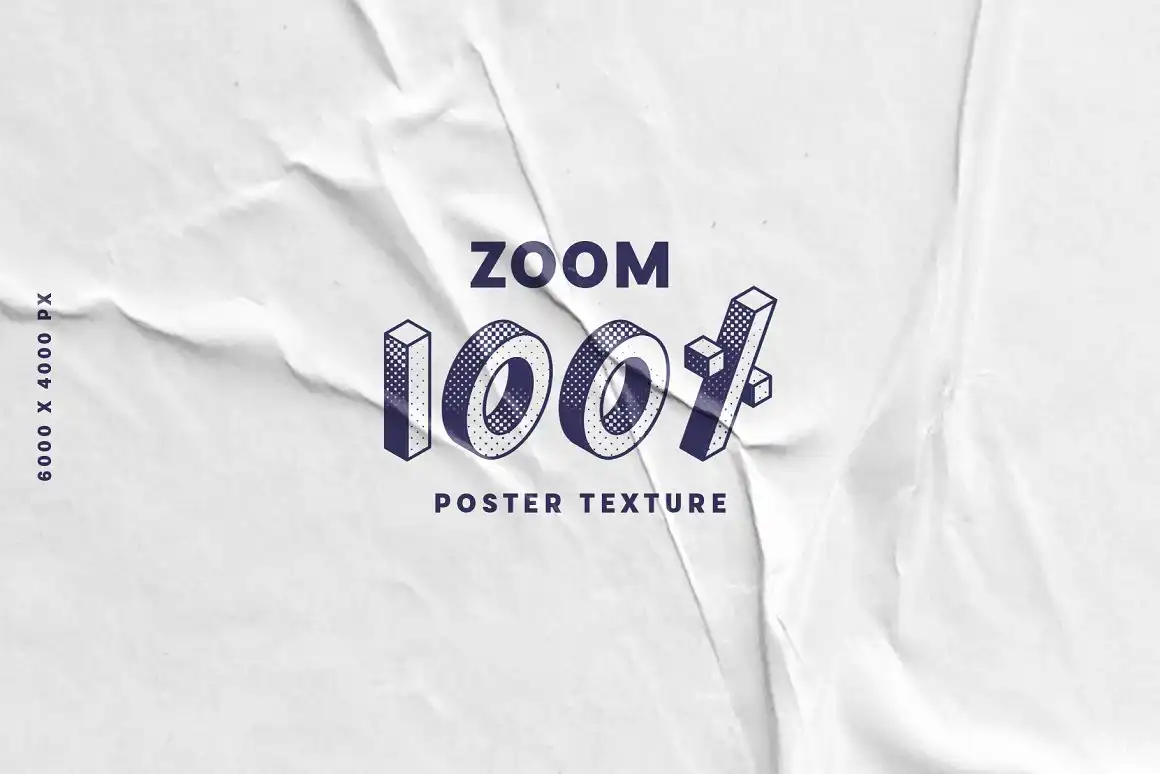
- 32 JPG poster textures (6000 x 4000 px, 300 PPI)
- 1 PDF user guide with instructions and reference sheets
- 1 ABR file containing the 10 torn paper Photoshop brushes
- 10 PSD bonus tape elements
Perfect For
This fantastic kit is ideal for graphic designers, artists, and anyone eager to learn how to make a professional poster in Photoshop. Whether you’re a seasoned pro or just starting out, Poster Studio will guide you through the process of creating stunning visuals!
FAQ
- Is this a physical product? No, it’s a digital download!
- What version of Photoshop is required? This product requires Photoshop CC to use the Poster Studio template and brushes.
User Reviews
Be the first to review “Poster Studio for Photoshop”
You must be logged in to post a review.


Stipple Machine for Procreate
Sold by MiksKS
Light brushes for Procreate
Sold by MiksKS
Ink Splatter Procreate Brushes – Set of 17
Sold by MiksKS
Dithering Automator
Sold by MiksKS Original price was: $15.00.$7.50Current price is: $7.50.


There are no reviews yet.