

Attach and align your layers to motion paths effortlessly with the Align to Path tool. This powerful path alignment tool simplifies your graphic design workflow, allowing you to create stunning animations with precision.
Product Overview
Align to Path is an innovative script designed for Adobe After Effects users who want to streamline their animation process. With this tool, you can easily attach layers to single or multiple motion paths, making your animations more dynamic and visually appealing.
Key Features & Benefits
- ✅ Effortless Layer Attachment → Quickly attach layers to motion paths for seamless animations.
- ✅ Auto-Orient to Path → Automatically orient layers along the motion path for a natural look.
- ✅ Update Paths Easily → Modify original mask paths and instantly update connected layers without losing keyframes.
- ✅ Control Motion Path Completion → Animate through paths sequentially, giving you precise control over timing.
- ✅ User-Friendly Interface → Navigate the script with ease, thanks to its intuitive design.
- ✅ Compatible with Multiple After Effects Versions → Works with After Effects 2024 down to CS4, ensuring broad usability.
Why Choose This Asset
Align to Path stands out among other vector graphic tools due to its simplicity and effectiveness. It saves you time by automating complex tasks, allowing you to focus on your creative vision. This tool is trusted by professionals for its reliability and proven performance in enhancing animation workflows.
Specifications
| Compatible with | Adobe After Effects 2024, 2023, 2022, 2021, 2020, CC 2019, CC 2018, CC 2017, CC 2015.3, CC 2015, CC 2014, CC, CS6, CS5.5, CS5, CS4 |
|---|---|
| File Type | ZIP |
| File Size | 750.3 KB |
| Instant Download | Yes |
Perfect For
- Animators
- Motion Graphic Designers
- Video Editors
- Graphic Designers
- After Effects Enthusiasts
Adobe After Effects Plugins Bundle – 2 Plugins
Sold by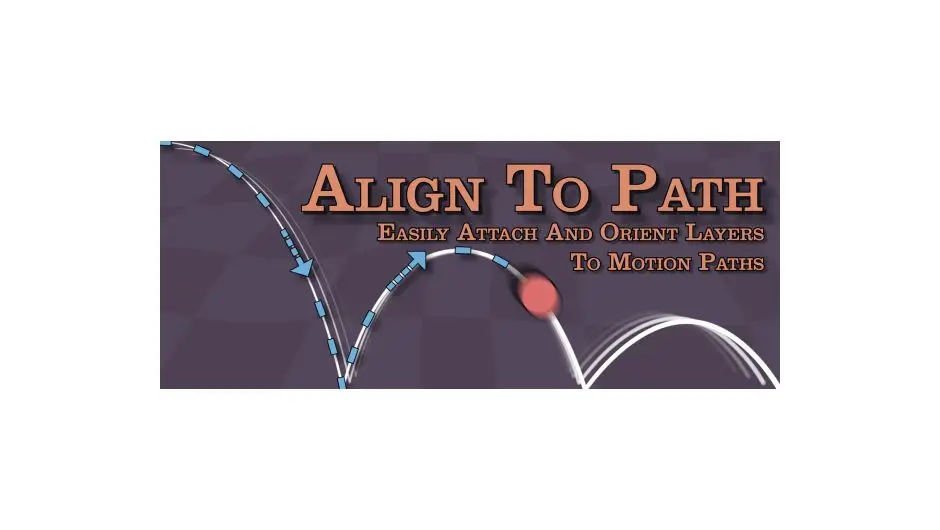
Original price was: $39.99.$20.00Current price is: $20.00.


There are no reviews yet.