
Align to Path
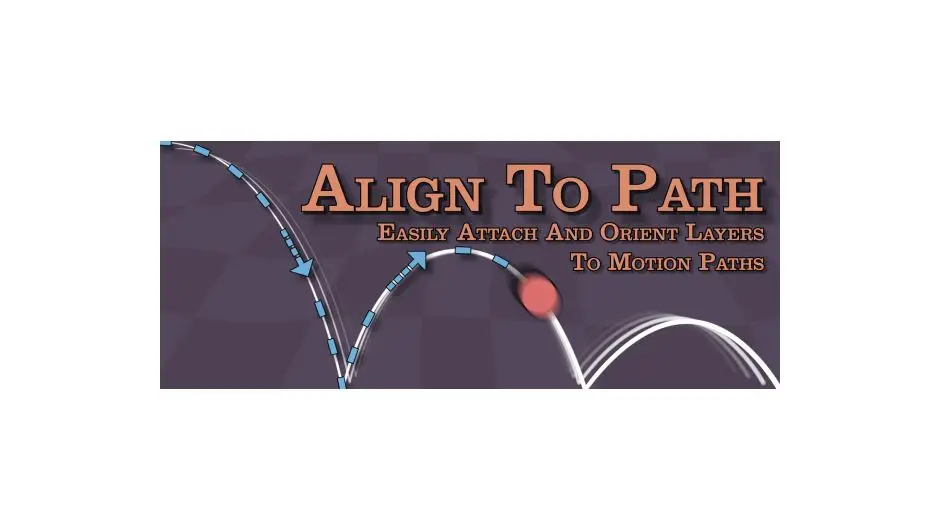
Align to Path is your go-to path alignment tool for After Effects, designed to streamline your graphic design alignment process. This powerful script allows you to effortlessly attach and align layers to single or multiple motion paths, making your design workflow smoother than ever.
Product Overview
Align to Path is an innovative tool for graphic designers and animators who want to simplify the process of aligning layers in After Effects. With this asset, you can easily manage motion paths, ensuring your animations are precise and visually appealing.
Key Features & Benefits
- ✅ Attach Layers to Motion Paths → Simplifies the alignment process, allowing for seamless animations.
- ✅ Auto-Orient to Path → Automatically adjusts layer orientation while following the path, enhancing visual coherence.
- ✅ Update Paths Easily → Quickly modify motion paths without losing existing keyframes, saving you time and effort.
- ✅ Control Motion Path Completion → Animate through paths sequentially, giving you precise control over your animations.
- ✅ User-Friendly Interface → Intuitive design makes it easy for both beginners and professionals to use.
Why Choose This Asset
Align to Path stands out among design software tools due to its user-friendly interface and powerful features. It is compatible with various versions of After Effects, ensuring that you can integrate it into your existing workflow without hassle. This tool is trusted by professionals for its reliability and efficiency in managing complex animations.
Specifications
| Compatible with | After Effects 2024, 2023, 2022, 2021, 2020, CC 2019, CC 2018, CC 2017, CC 2015.3, CC 2015, CC 2014, CC, CS6, CS5.5, CS5, CS4 |
|---|---|
| File Type | ZIP |
| File Size | 917.7 KB |
| Instant Download | Yes |
Perfect For
- Graphic Designers
- Animators
- Motion Graphics Artists
- Video Editors
- After Effects Users


There are no reviews yet.