
3D Wall Logo Creator

Original price was: $5.00.$2.50Current price is: $2.50.

Andrew Skoch Design
Product Specs:
- Compatible with: Templates
- File Type: ZIP
- File Size: 408.1 MB
- Instant Download
3D Wall Logo Creator: Transform Your Text into Stunning 3D Designs
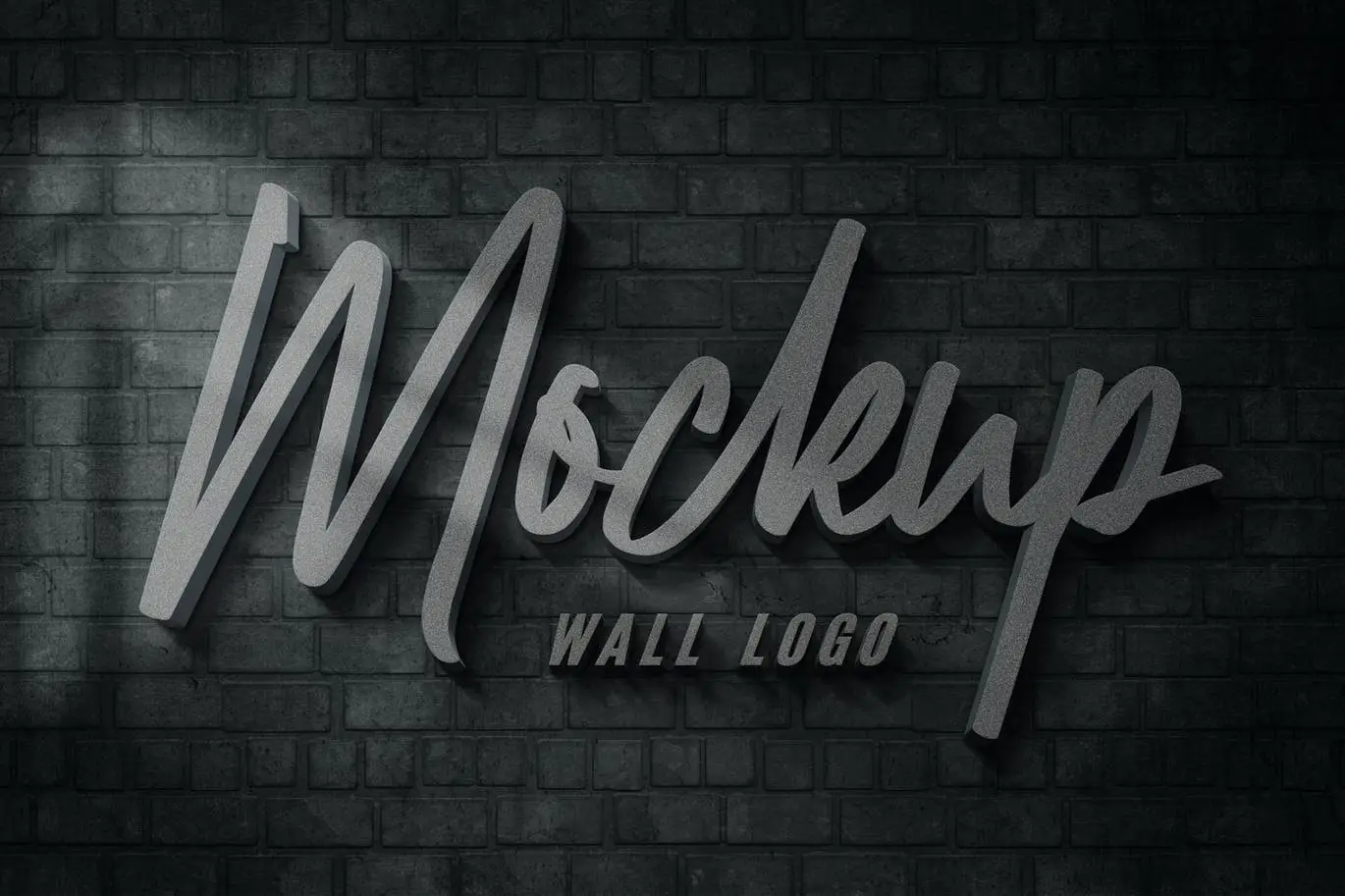
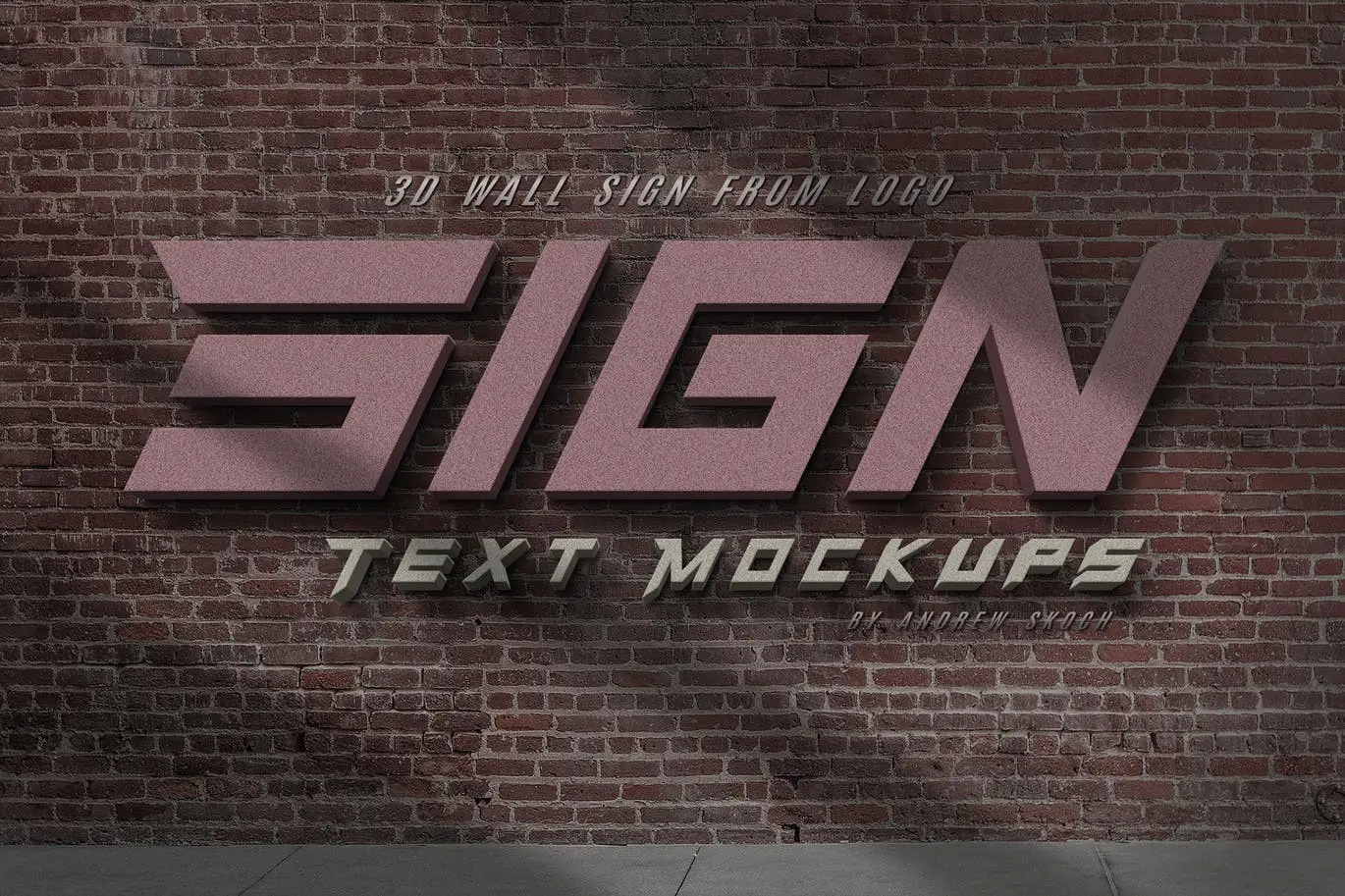
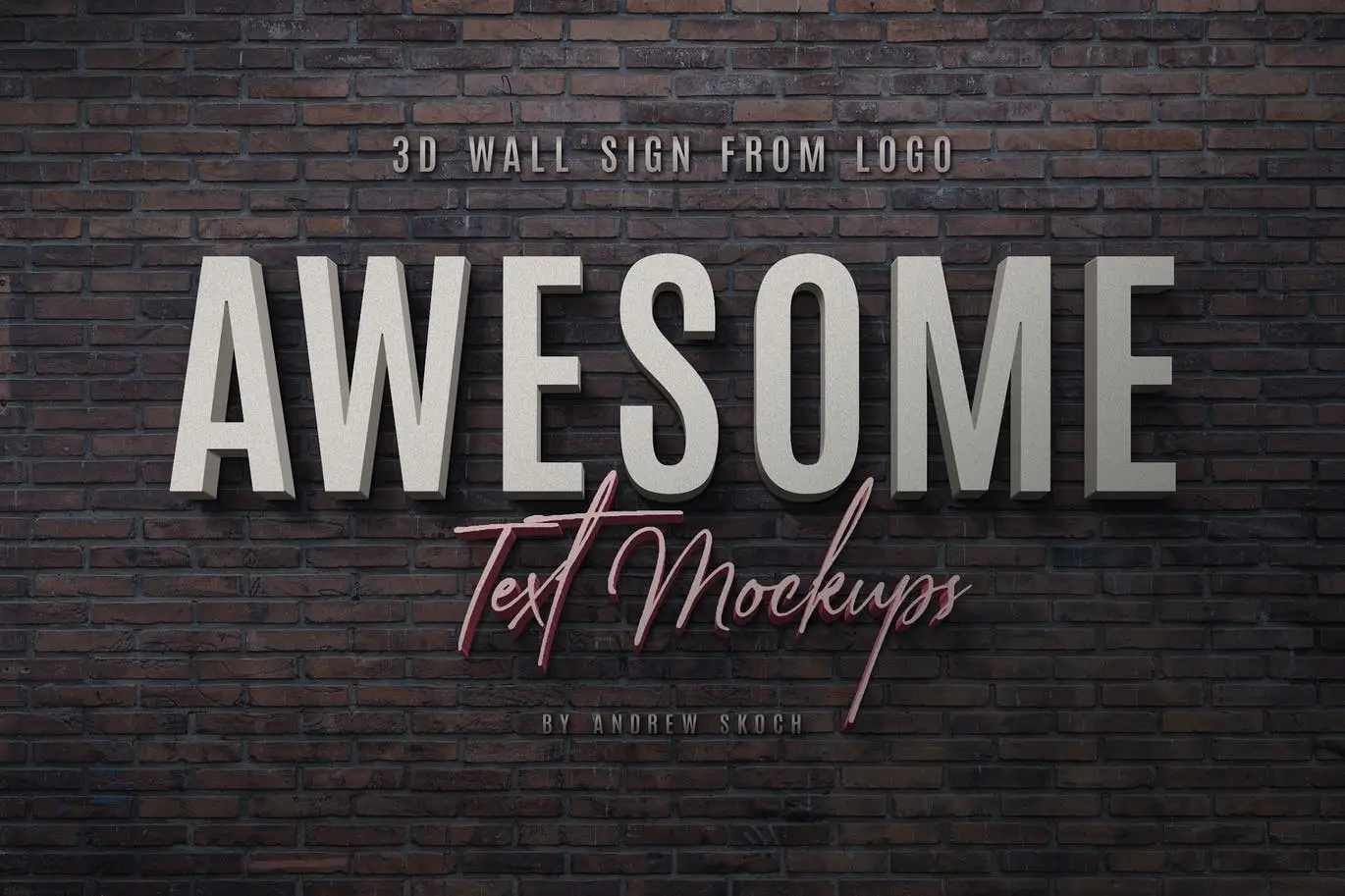
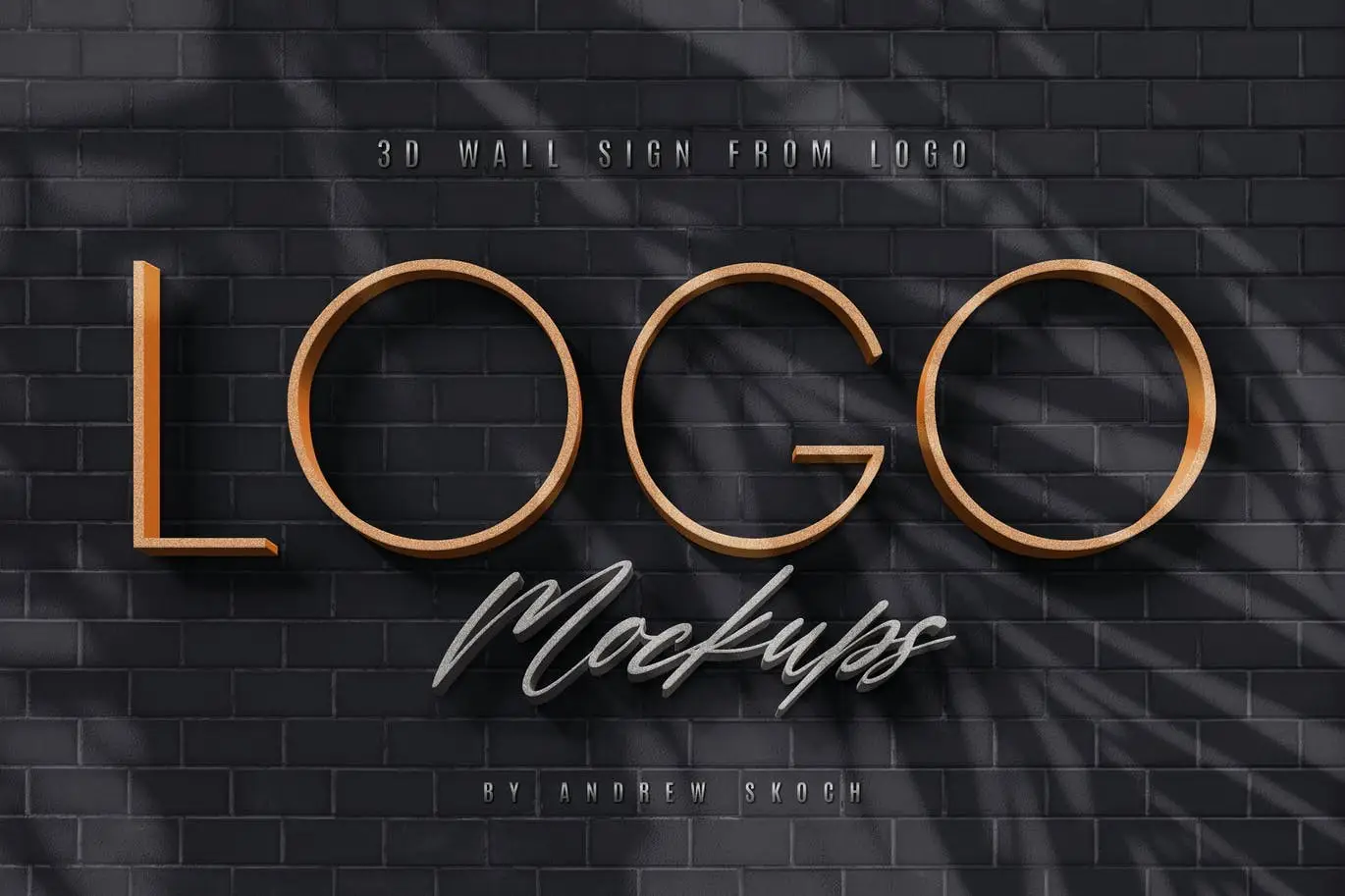
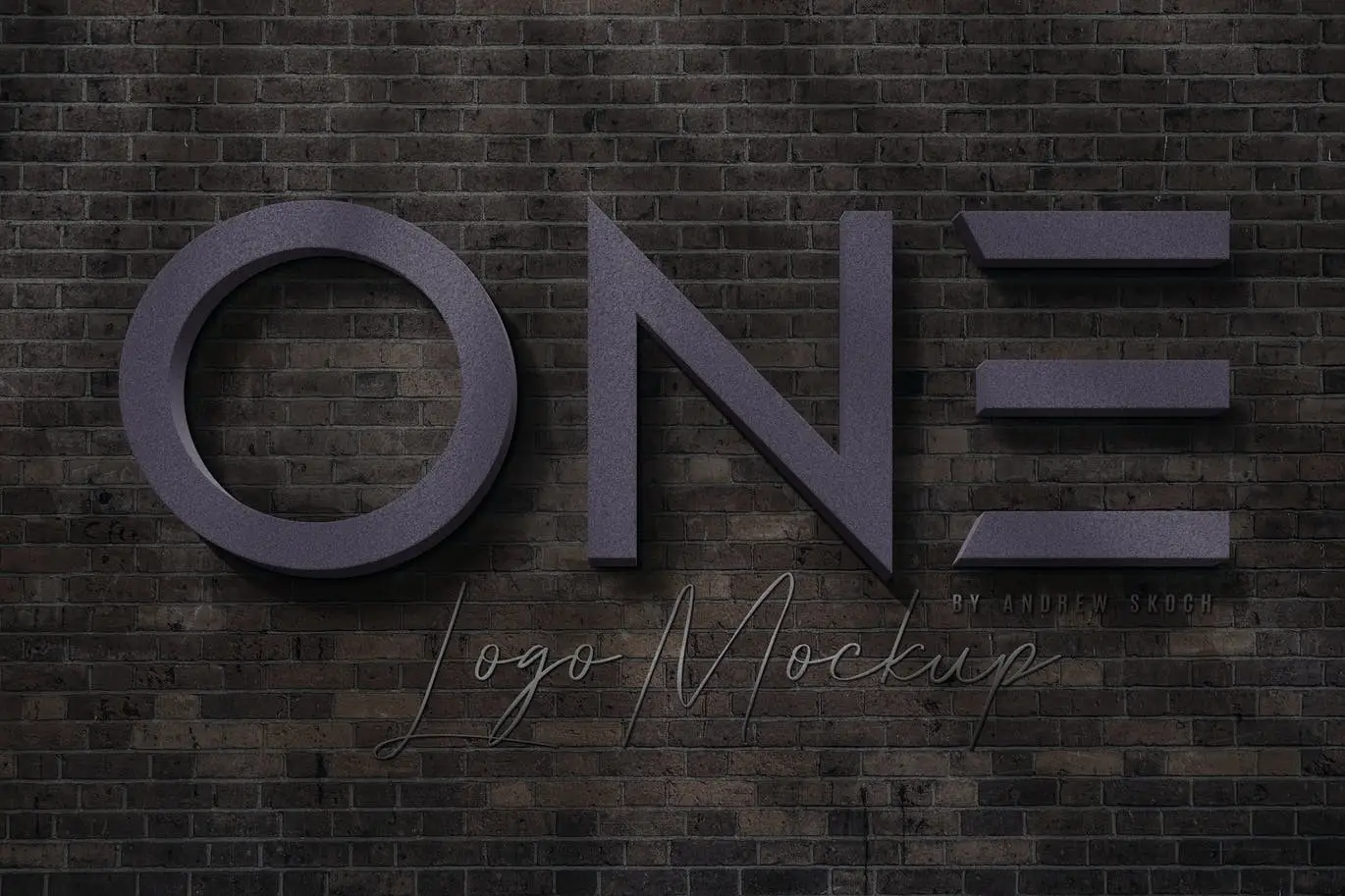
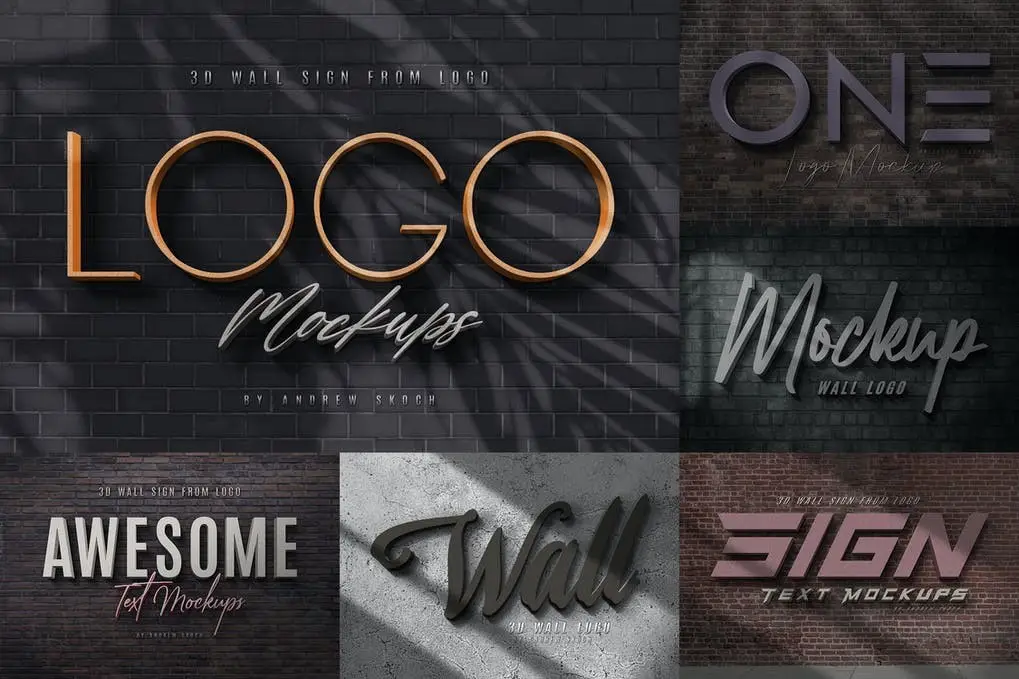
Are you looking to create eye-catching 3D wall logos effortlessly? The 3D Wall Logo Creator is the perfect solution for you! This user-friendly Photoshop template allows you to easily convert your text or logo into a realistic 3D wall sign with natural shadows, making your designs stand out.
Product Overview
The 3D Wall Logo Creator is designed for designers, marketers, and business owners who want to elevate their branding with minimal effort. With just a few clicks, you can achieve a professional look that captures attention and enhances your visual identity.
Key Features & Benefits
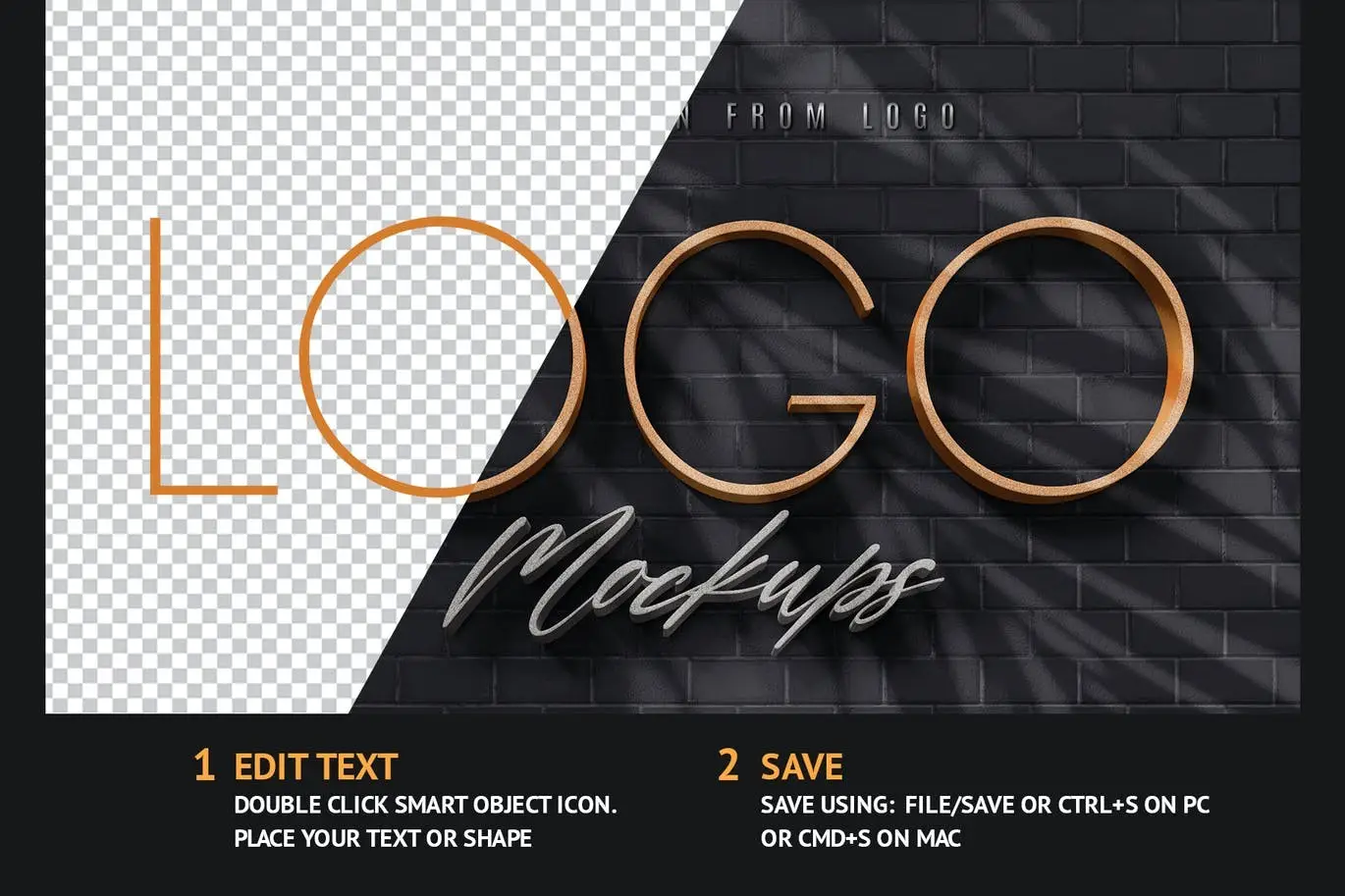
- ✅ Easy to Use: Simply edit the text inside the smart object and save to see your 3D design come to life.
- ✅ Realistic 3D Effects: Enjoy natural shadows on a brick wall, enhancing the depth and realism of your logo.
- ✅ Variety of Shadows: Choose from five trendy shadow overlays, including window, leaf, and soft light shadows.
- ✅ Color Flexibility: Use any colors for your logo, ensuring that all hues are preserved in the 3D rendering.
- ✅ Versatile Compatibility: Works seamlessly with text layers, vector shapes, pixel layers, and smart objects.
- ✅ High-Quality Output: Each PSD file is 300 DPI with dimensions of 2400×1600 pixels, ensuring crisp and clear designs.
Why Choose This Product
The 3D Wall Logo Creator stands out due to its simplicity and versatility. Whether you’re a professional designer or a beginner, this template provides a hassle-free way to create stunning 3D logos. Trusted by creatives worldwide, it helps you save time while delivering high-quality results that impress clients and audiences alike.
Specifications
| File Type | PSD, JPG |
|---|---|
| Resolution | 300 DPI |
| Dimensions | 2400×1600 Pixels |
| Editable | 100% Editable |
| Number of Files | 6 PSD Files |
What’s Included
- 📦 6 PSD – Photoshop Templates
- 📦 6 JPG – Example Images
- 📦 PDF – Help file with font links and instructions
Perfect For
- Graphic Designers
- Marketing Professionals
- Small Business Owners
- Social Media Managers
- Creative Enthusiasts
How to Use
- Open the PSD file in Photoshop.
- Edit the text inside the smart object.
- Choose your desired shadow overlay.
- Save your work and export your final design.
FAQ
- Can I use my own colors? Yes, you can use any colors for your logo, and they will be preserved in the 3D effect.
- Is this template beginner-friendly? Absolutely! The 3D Wall Logo Creator is designed for users of all skill levels.
Ready to elevate your branding? Add to cart now and start creating stunning 3D logos today! 🚀

Pop Art Text Effects
Sold by Andrew Skoch Design
Leaves Shadow Overlays
Sold by Andrew Skoch Design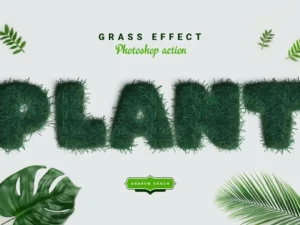
Grass Effect Photoshop Action
Sold by Andrew Skoch Design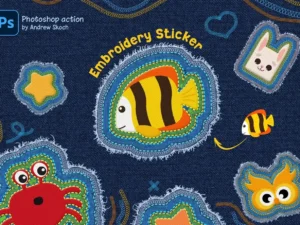
Embroidery Sticker Photoshop Action
Sold by Andrew Skoch Design
Polaroid Photo Templates Bundle
Sold by Andrew Skoch Design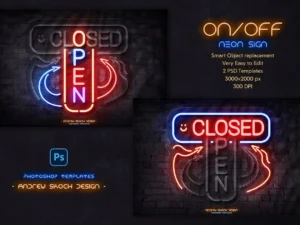
Neon On Off Switch Light – Photoshop Template
Sold by Andrew Skoch Design Original price was: $5.00.$2.50Current price is: $2.50.


There are no reviews yet.