
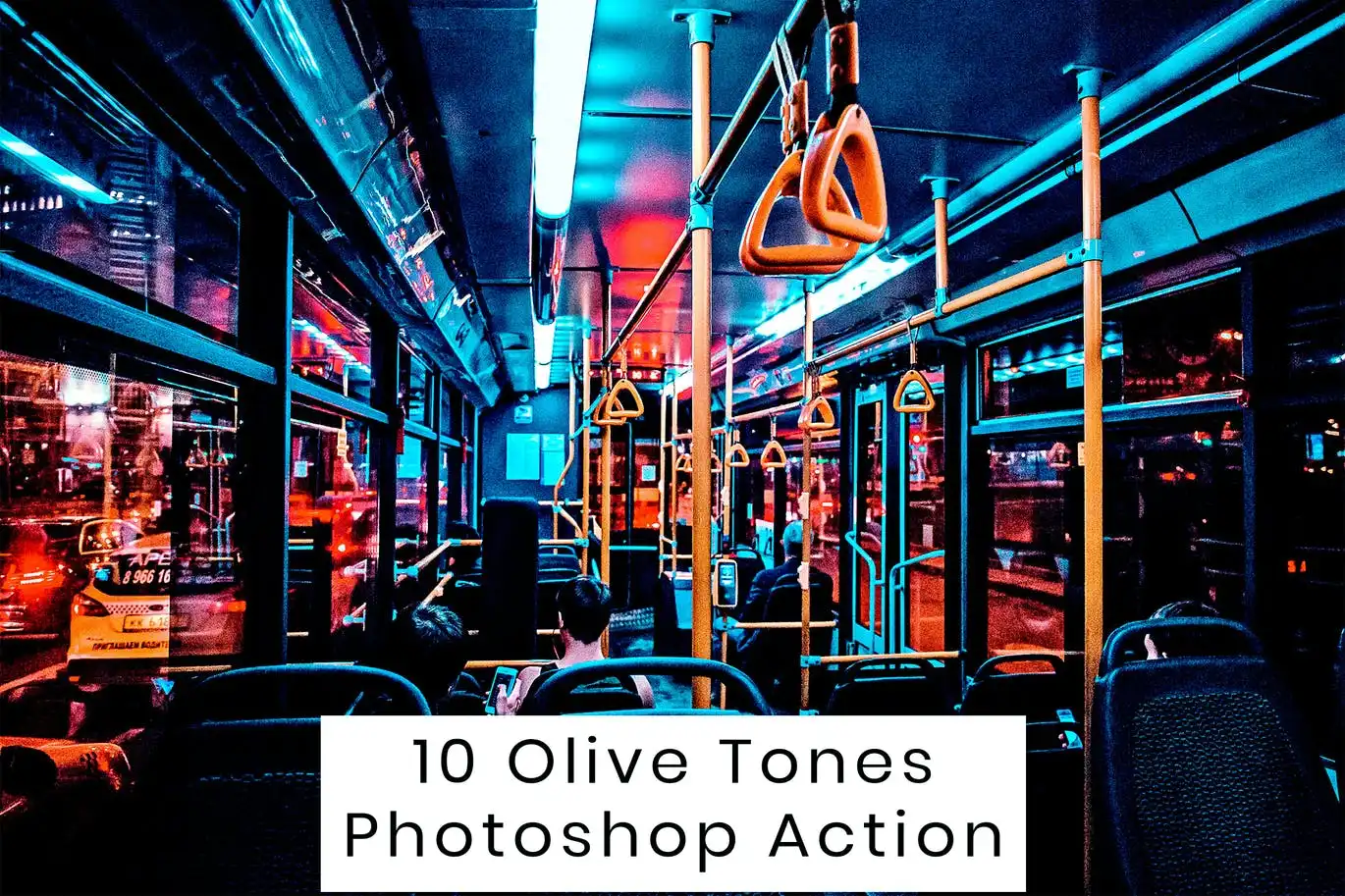
10 Olive Tones Photoshop Action
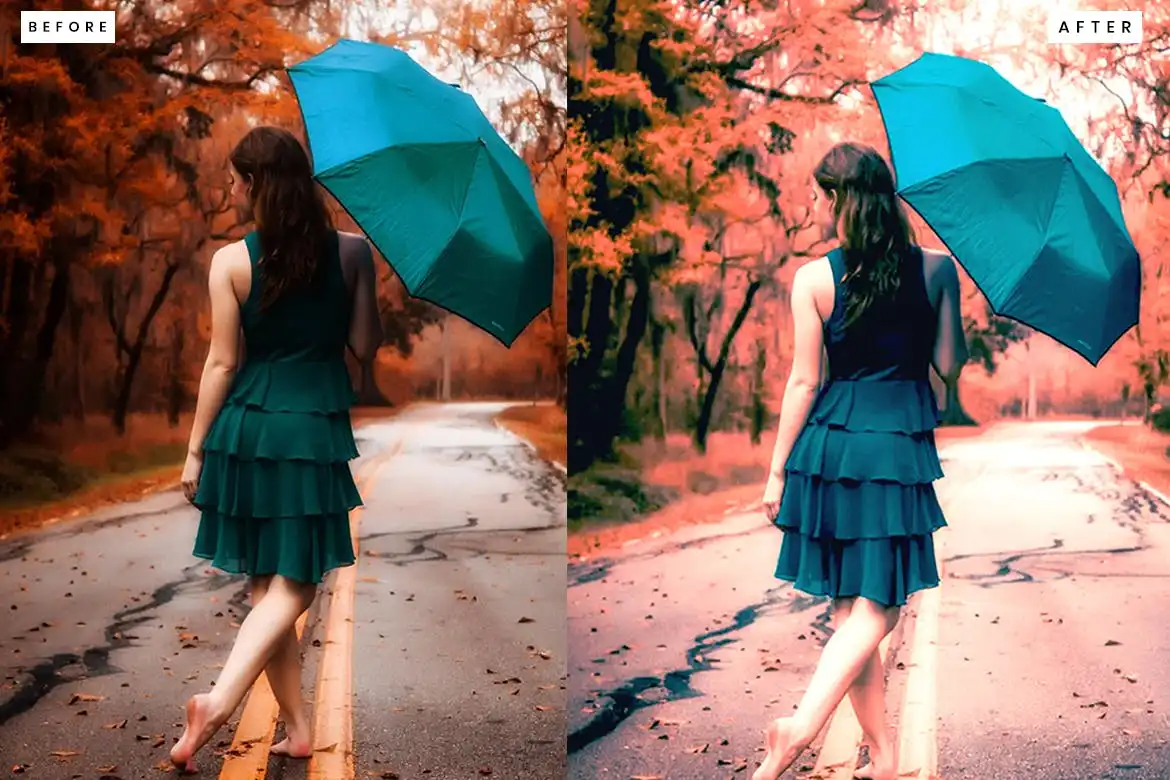
10 Olive Tones Photoshop Action
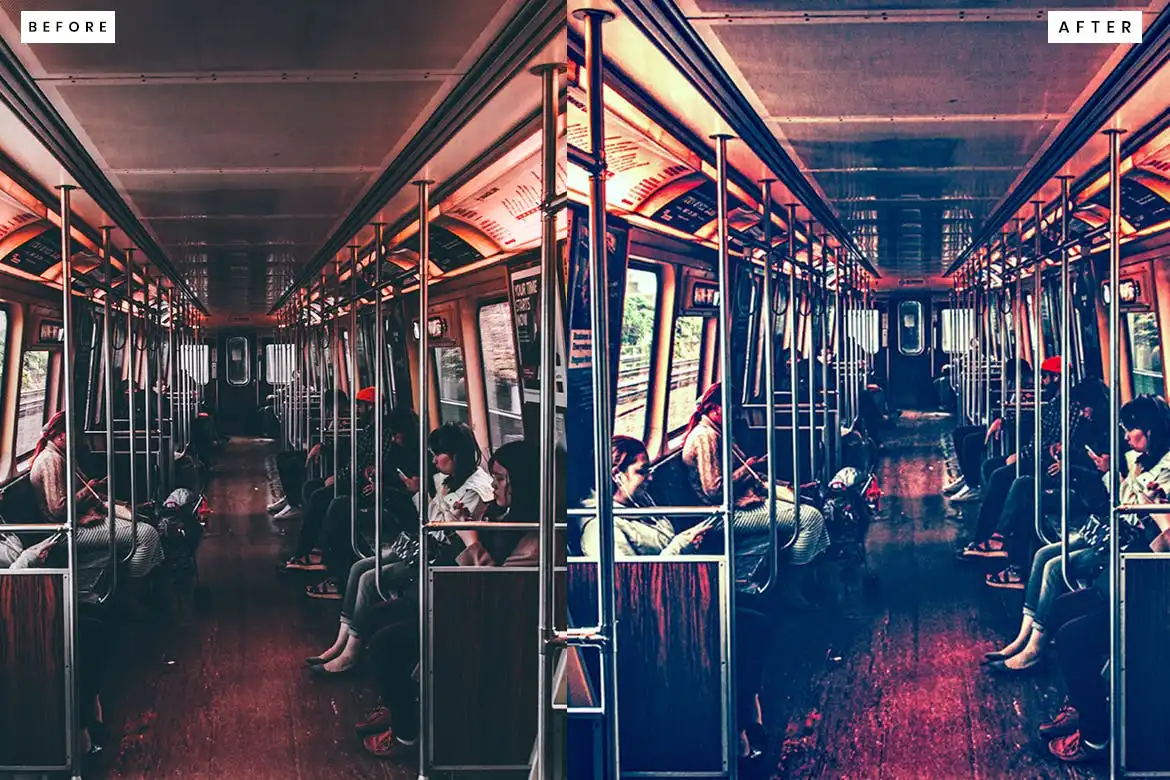
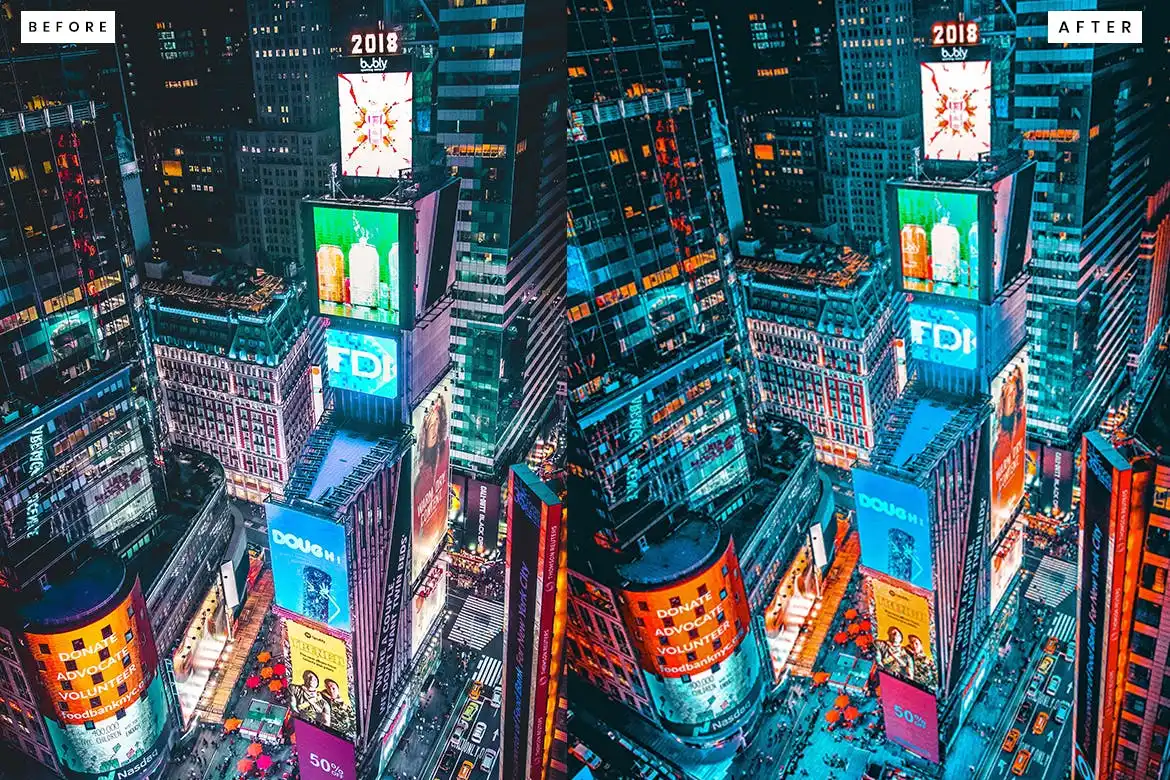
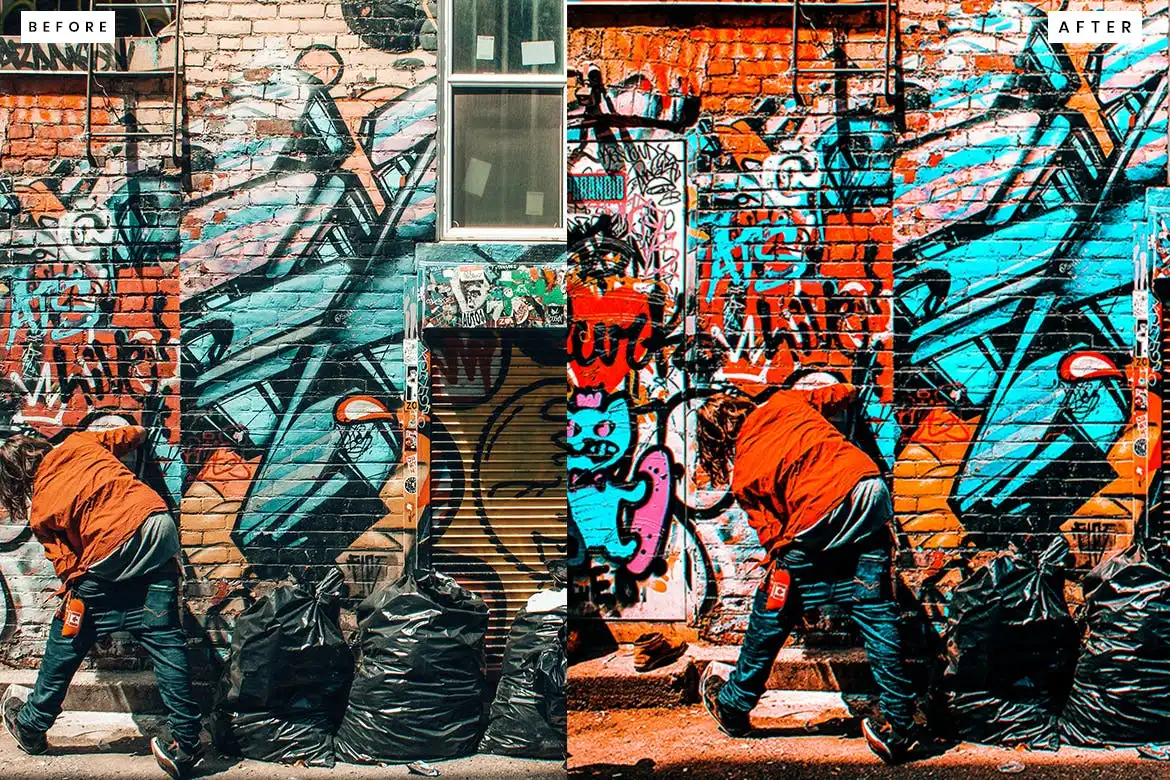
Transform your photos effortlessly with the 10 Olive Tones Photoshop Action. Designed for both photographers and designers, this action provides a professional and modern touch to your images. Each effect is meticulously crafted to enhance a wide variety of photos, allowing you to achieve stunning results with just a single click.
Product Overview
The 10 Olive Tones Photoshop Action is perfect for anyone looking to elevate their photography. Whether you’re capturing weddings, marketing images, or personal projects, these actions will help you achieve a unique and polished look. With the ability to adjust effects to suit individual photos, you maintain full creative control.
Key Features & Benefits
- ✅ One-Click Application → Instantly apply beautiful olive tones to your images.
- ✅ Customizable Effects → Adjust settings to fit your unique style and photo needs.
- ✅ Clean Actions → Designed for seamless integration into your workflow.
- ✅ High-Quality Results → Ideal for images sized between 2000px and 5000px.
- ✅ Compatible with 72 or 300 DPI → Perfect for both web and print use.
- ✅ Includes Help File → Easy-to-follow instructions for quick setup.
- ✅ ATN File Included → Ready to use with Adobe Photoshop.
Why Choose This Product
The 10 Olive Tones Photoshop Action stands out for its versatility and ease of use. Trusted by professionals, this action allows you to create dramatic effects without the need for complex plugins. Whether you’re enhancing a vintage look or adding a modern twist, this action is your go-to solution for stunning photography.
Specifications (Technical Details)
| Feature | Details |
|---|---|
| File Type | ATN |
| Recommended Image Size | 2000px to 5000px |
| Resolution | 72 or 300 DPI |
| Compatibility | Adobe Photoshop |
What’s Included / What’s in the Box
- 📦 10 Olive Tones Photoshop Action (ATN file)
- 📦 Help File for easy installation and usage
Perfect For
- Photographers looking to enhance their portfolio
- Designers wanting to add a unique touch to their projects
- Social media marketers aiming for eye-catching visuals
- Anyone interested in vintage or retro aesthetics
How to Use
- Open your image in Adobe Photoshop.
- Load the action file and select the desired effect.
- Click to apply the effect and adjust as needed.
FAQ
- Can I use this action on any image? Yes, it works well with a variety of images.
- Do I need any additional plugins? No, this action does not require any additional plugins.
Enhance your photography with the 10 Olive Tones Photoshop Action. Add to cart now and start creating stunning images today! 🚀
User Reviews
Be the first to review “10 Olive Tones Photoshop Action”
You must be logged in to post a review.
Original price was: $5.00.$2.50Current price is: $2.50.


There are no reviews yet.