
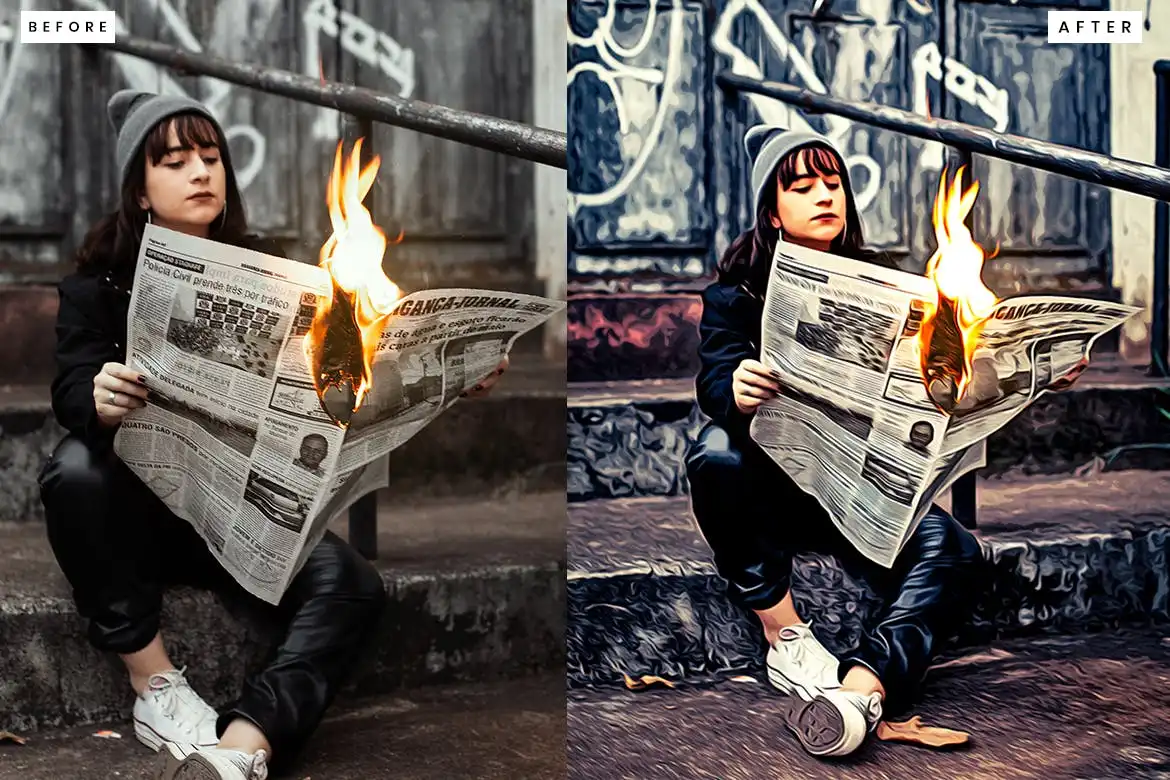
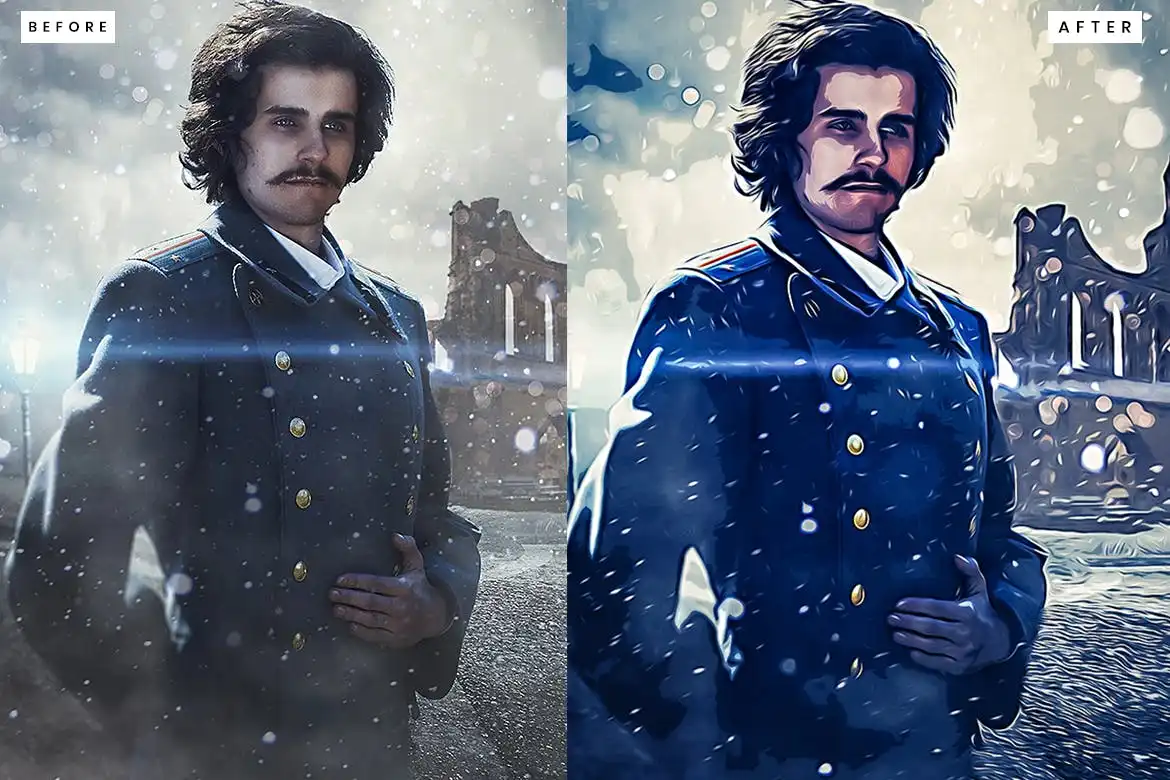
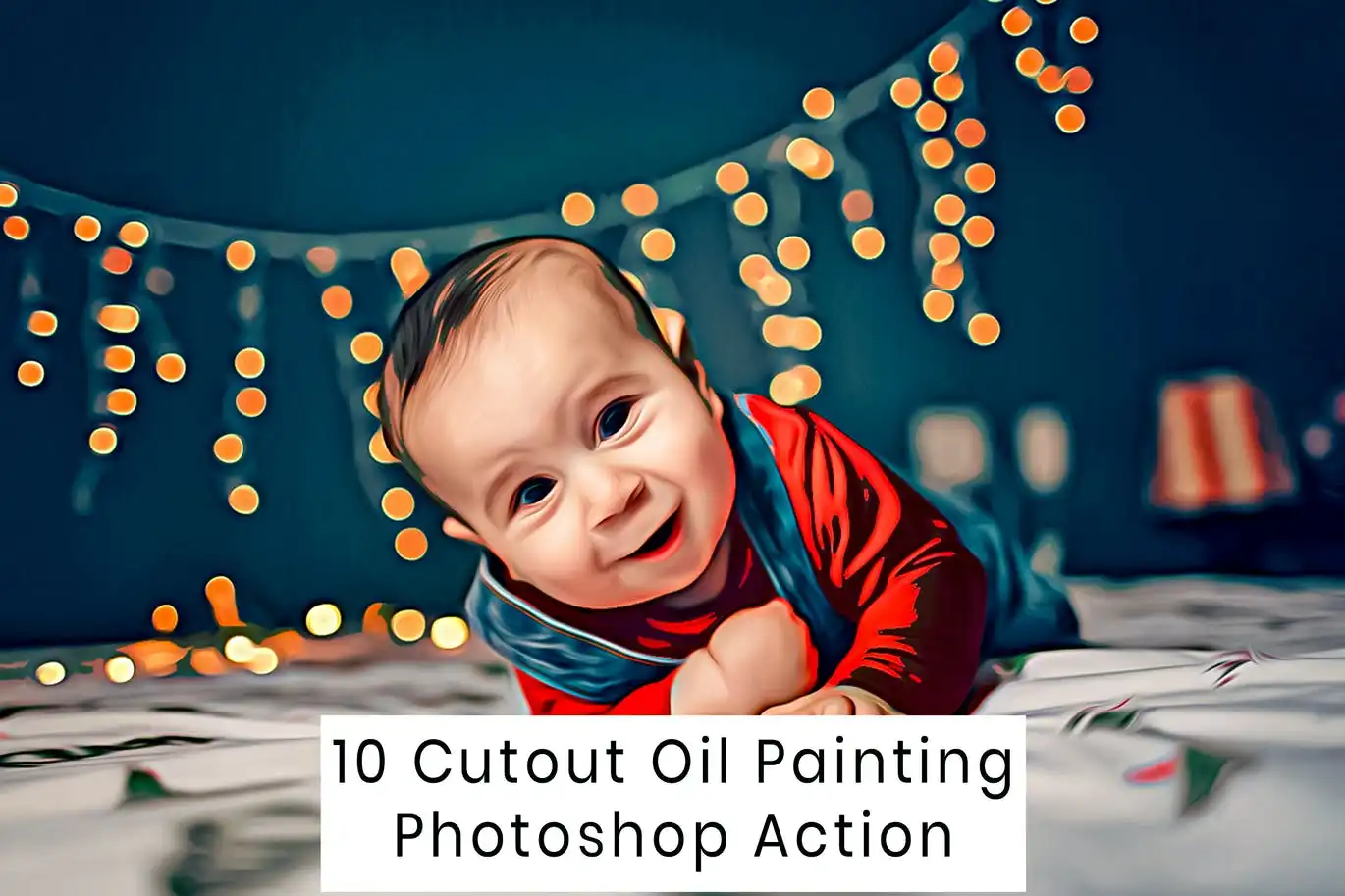
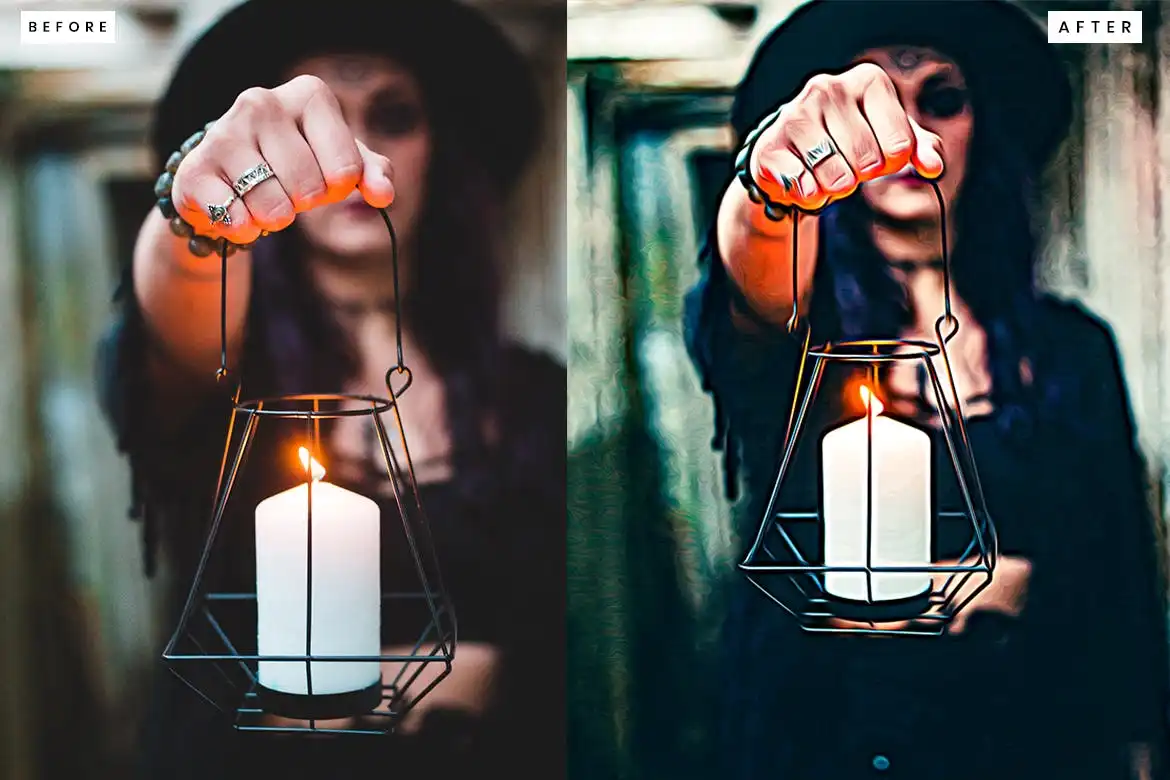
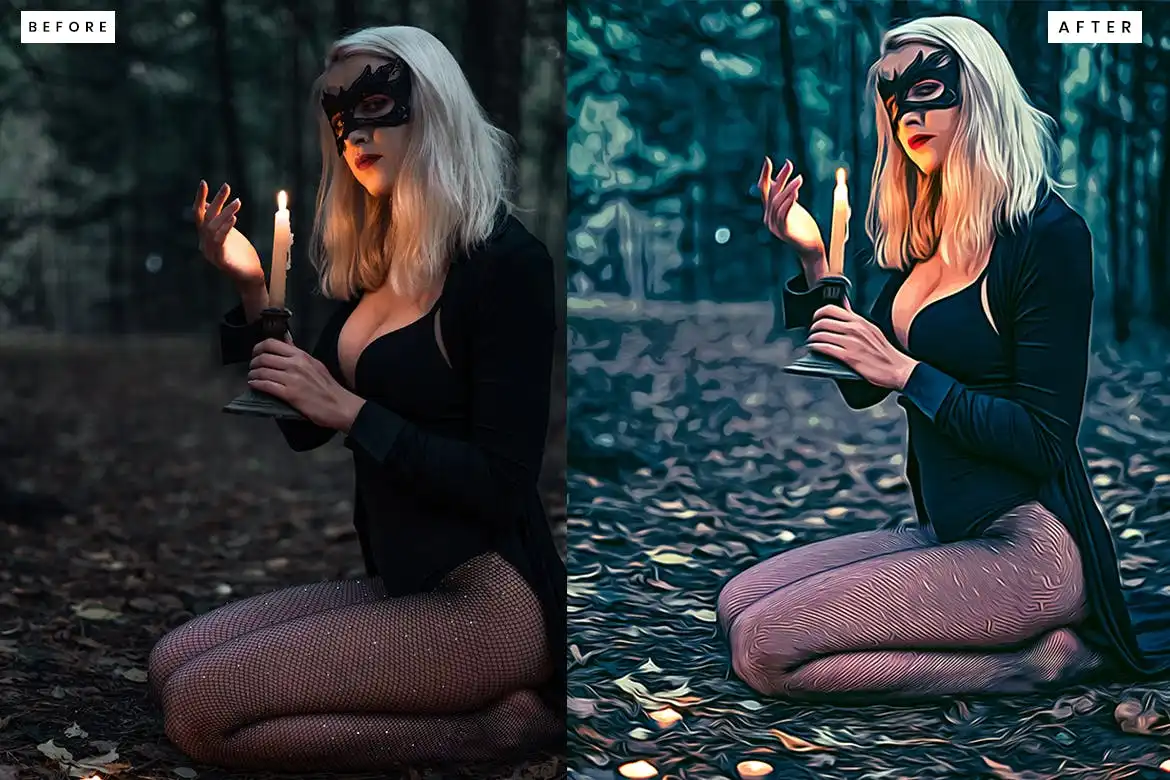

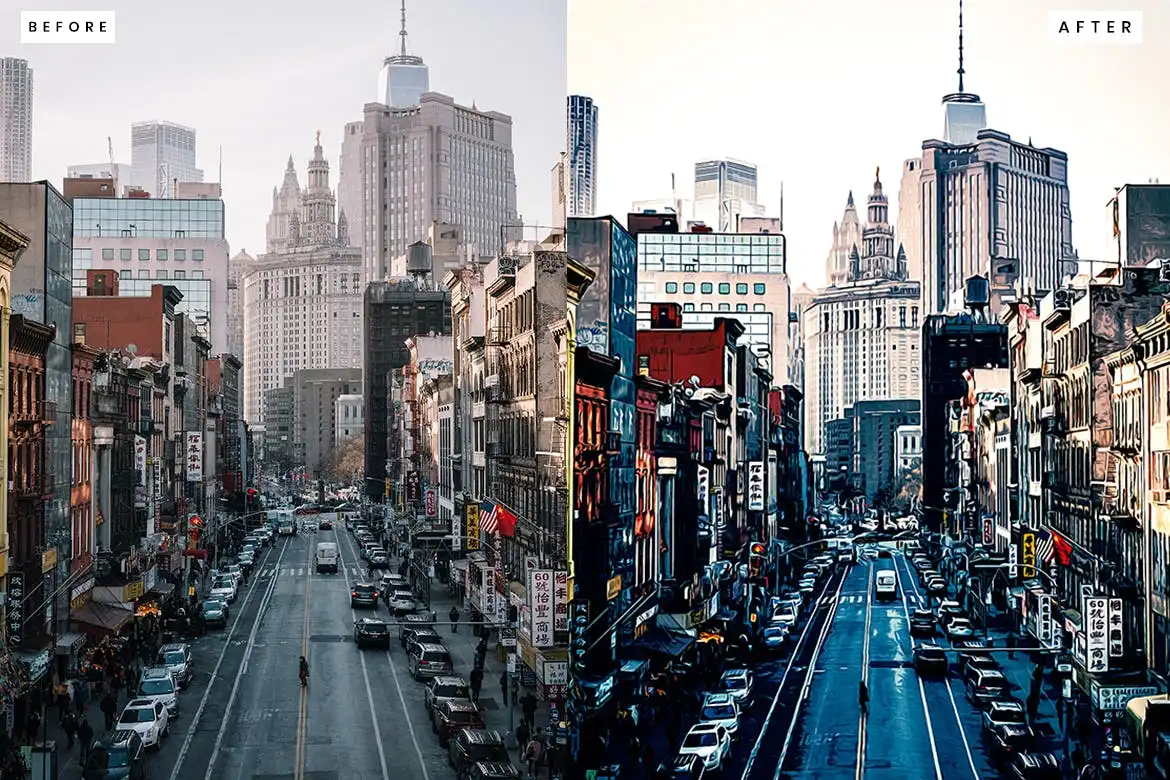
10 Cutout Oil Painting Photoshop Action
Transform your photos into stunning oil paintings effortlessly with the 10 Cutout Oil Painting Photoshop Action. This professional and modern tool is designed for photographers and designers who want to elevate their images with a unique artistic touch. Each effect is meticulously crafted to deliver exceptional results across a wide variety of images, allowing you to create beautiful artwork with just a single click.
Product Overview
The 10 Cutout Oil Painting Photoshop Action is perfect for anyone looking to add a creative flair to their photography. Whether you’re a professional photographer or a passionate hobbyist, this action enables you to achieve a polished, artistic look without extensive editing skills. With its user-friendly design, you can easily adjust the effects to match your individual style and preferences.
Key Features & Benefits
- ✅ One-Click Application → Quickly apply stunning oil painting effects to your images.
- ✅ Customizable Adjustments → Tailor the effects to suit your specific photos.
- ✅ Clean Actions → Enjoy a streamlined editing process with organized layers.
- ✅ Recommended Image Size → Ideal for images sized between 1500px to 2000px.
- ✅ High Resolution Options → Choose between 72 or 300 DPI for optimal quality.
- ✅ HDR and Dramatic Effects → Enhance your images with rich, vibrant colors.
- ✅ Includes Help File & ATN File → Get started quickly with included resources.
Why Choose This Product
With the 10 Cutout Oil Painting Photoshop Action, you can effortlessly turn your ordinary photos into extraordinary pieces of art. This action is trusted by photographers and designers worldwide, making it a go-to choice for those who want to impress their clients or enhance their portfolios. The versatility and ease of use make it an essential tool for anyone looking to explore their creative side.
Specifications (Technical Details)
| Feature | Details |
|---|---|
| File Type | ATN (Photoshop Action) |
| Recommended Image Size | 1500px to 2000px |
| Resolution | 72 or 300 DPI |
| Compatibility | Adobe Photoshop |
What’s Included / What’s in the Box
- 📦 10 Cutout Oil Painting Photoshop Action (ATN file)
- 📦 Help file for easy installation and usage
Perfect For
- Photographers looking to enhance their portfolio
- Designers wanting to add unique effects to images
- Hobbyists exploring creative photo editing
How to Use
1. Open your image in Adobe Photoshop.
2. Load the action by opening the Actions panel and selecting the 10 Cutout Oil Painting Action.
3. Click to apply the effect and make adjustments as desired.
FAQ
- Can I use this action on any image? Yes, it works best on images sized between 1500px to 2000px.
- Is there a help file included? Yes, a comprehensive help file is included for your convenience.
Start creating stunning oil painting effects today! Add to cart now and elevate your photography! 🚀
User Reviews
Be the first to review “10 Cutout Oil Painting Photoshop Action”
You must be logged in to post a review.


10 Matte Fashion Photoshop Action
Sold by
10 Skin Retouch Photoshop Action
Sold by


Original price was: $5.00.$2.50Current price is: $2.50.


There are no reviews yet.