Hey there, creative soul! 👋 Are you ready to transform your photos from “meh” to “MAGICAL” with just a single click? We’ve curated the ultimate collection—Part 295 of the brushespack universe—featuring 20 jaw-dropping Photoshop Actions that’ll save you hours of manual editing while giving your work that professional, high-end feel. Whether you’re a portrait wizard, a landscape lover, or a fashion-forward digital artist, this list is your golden ticket to effortless creativity. Let’s dive in! ✨🚀
Why Use These Photoshop Actions?
Let’s be real—who has time to tweak every single layer? These actions are your secret weapon, designed to add complex effects (think matte vibes, cinematic glows, and vibrant color grades) in seconds. 🌈 They’re perfect for speeding up your workflow, keeping your style consistent, and giving your images that “wow” factor that clients and followers can’t resist. Plus, they’re incredibly beginner-friendly, so you don’t need to be a Photoshop guru to create magic! 🎨
Top 20 Photoshop Action Picks
High Aesthetic Photoshop Action
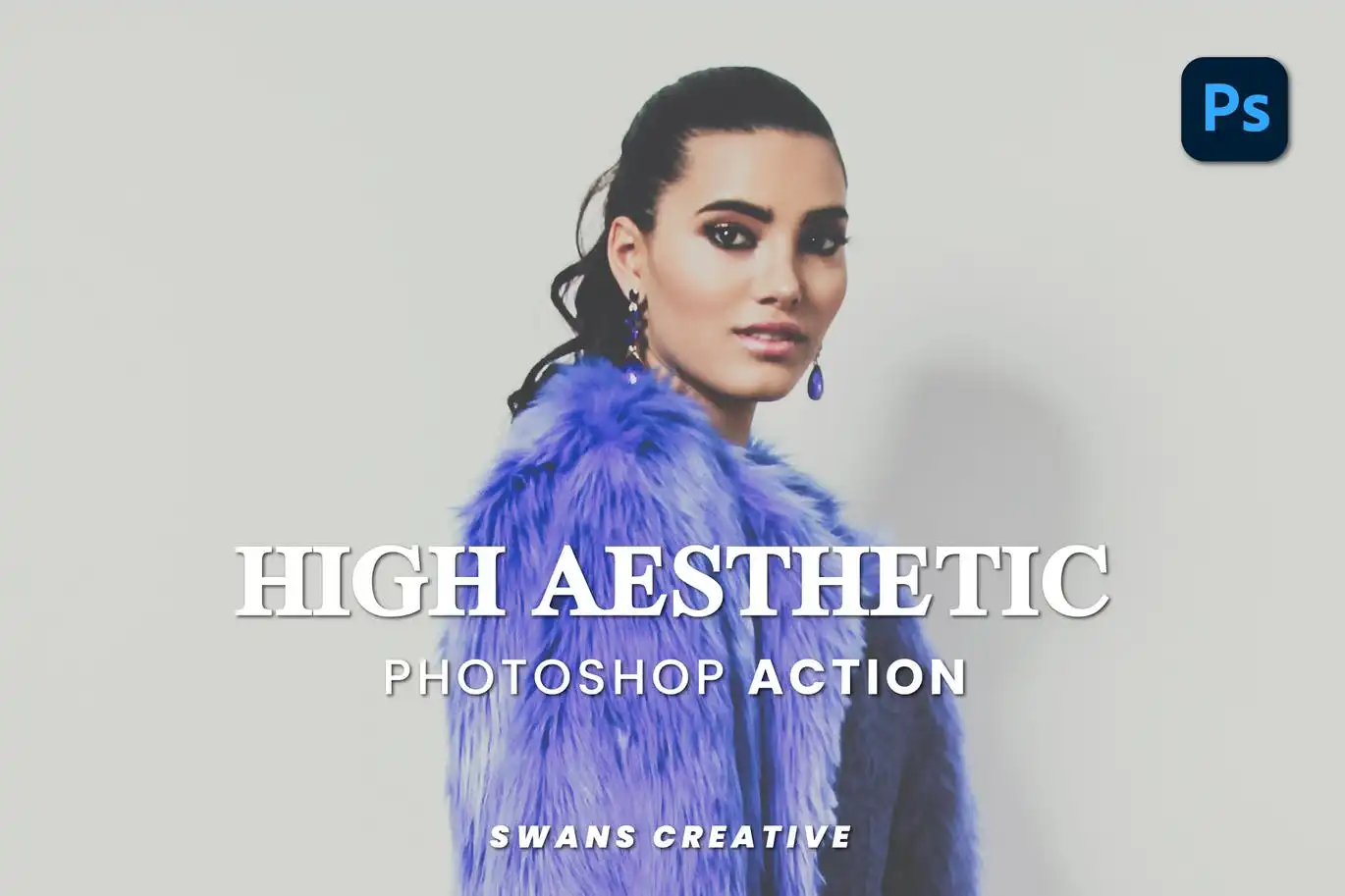
Give your artwork a clean, modern makeover with this one-click wonder! 🌟 Perfect for Instagram feeds and portfolios, it adds that polished, high-end look without the headache.
Light Flash Photoshop Action
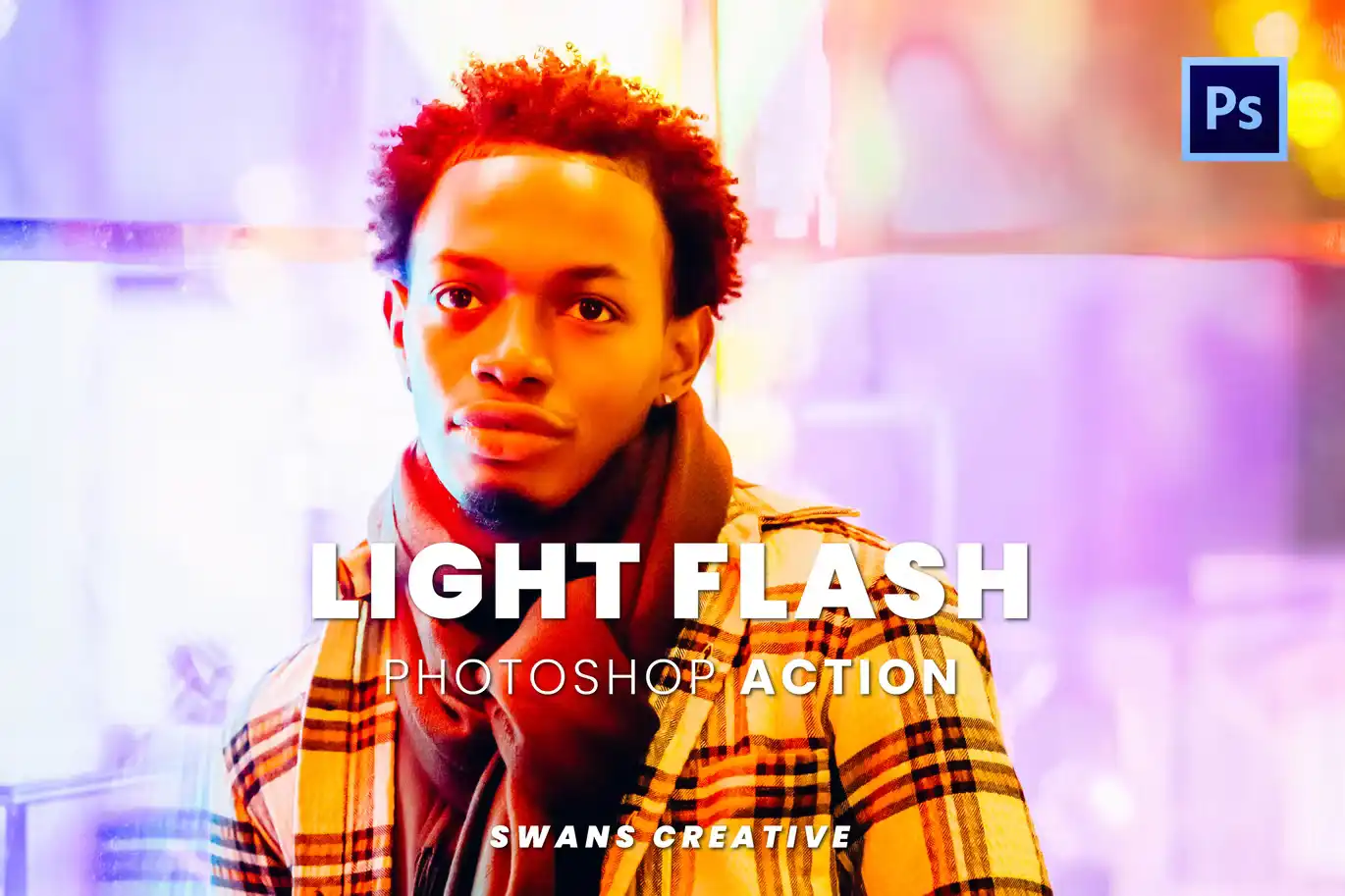
Make your images pop with gorgeous, dynamic light flares! ✨ Ideal for adding a dreamy or dramatic glow to portraits and product shots.
Matte Style Photoshop Action
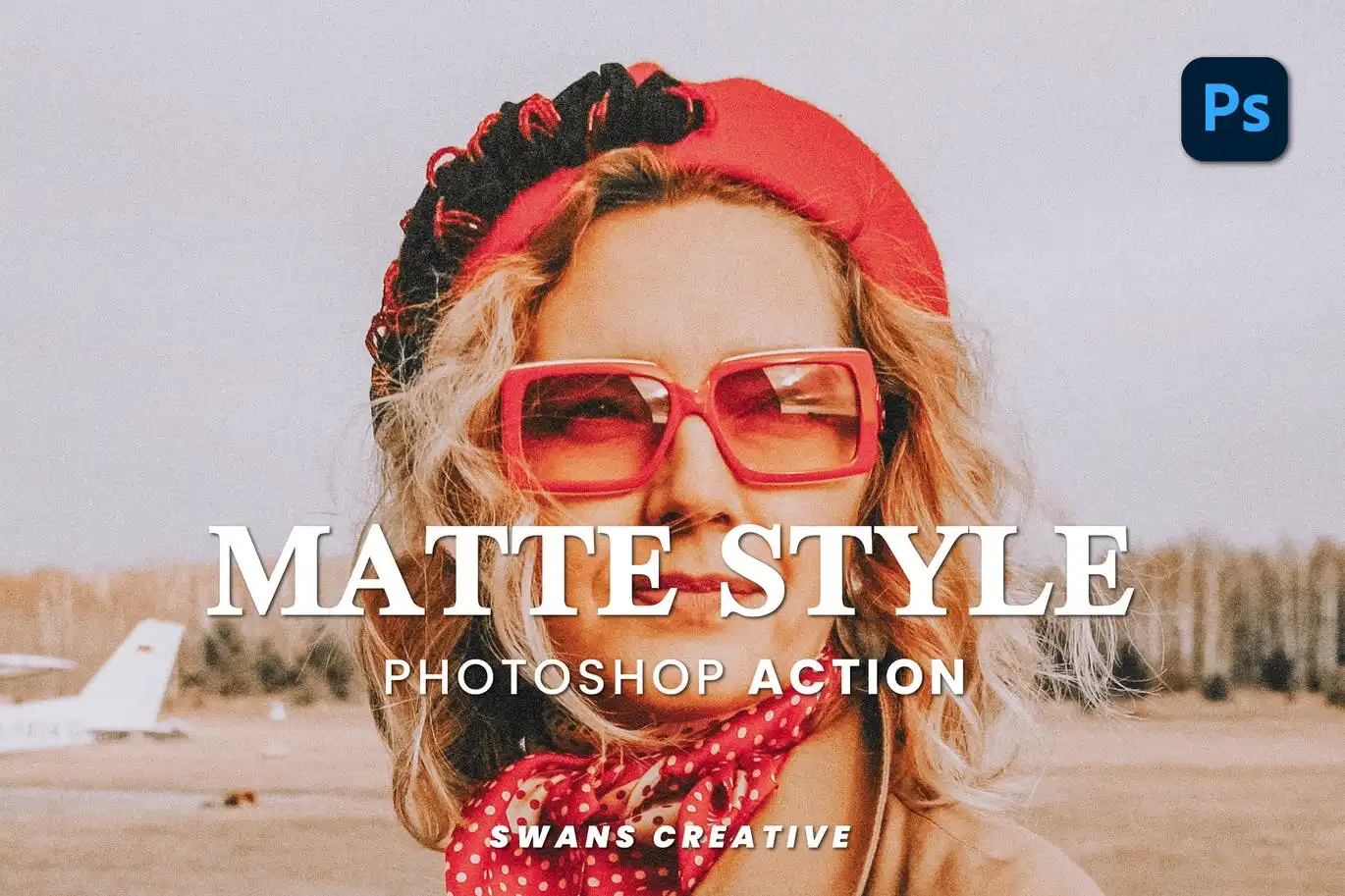
Achieve that smooth, timeless matte finish that looks incredible on portraits and landscapes. 🌟 Say goodbye to harsh glare and hello to elegance!
Matte Grey-Photoshop Action
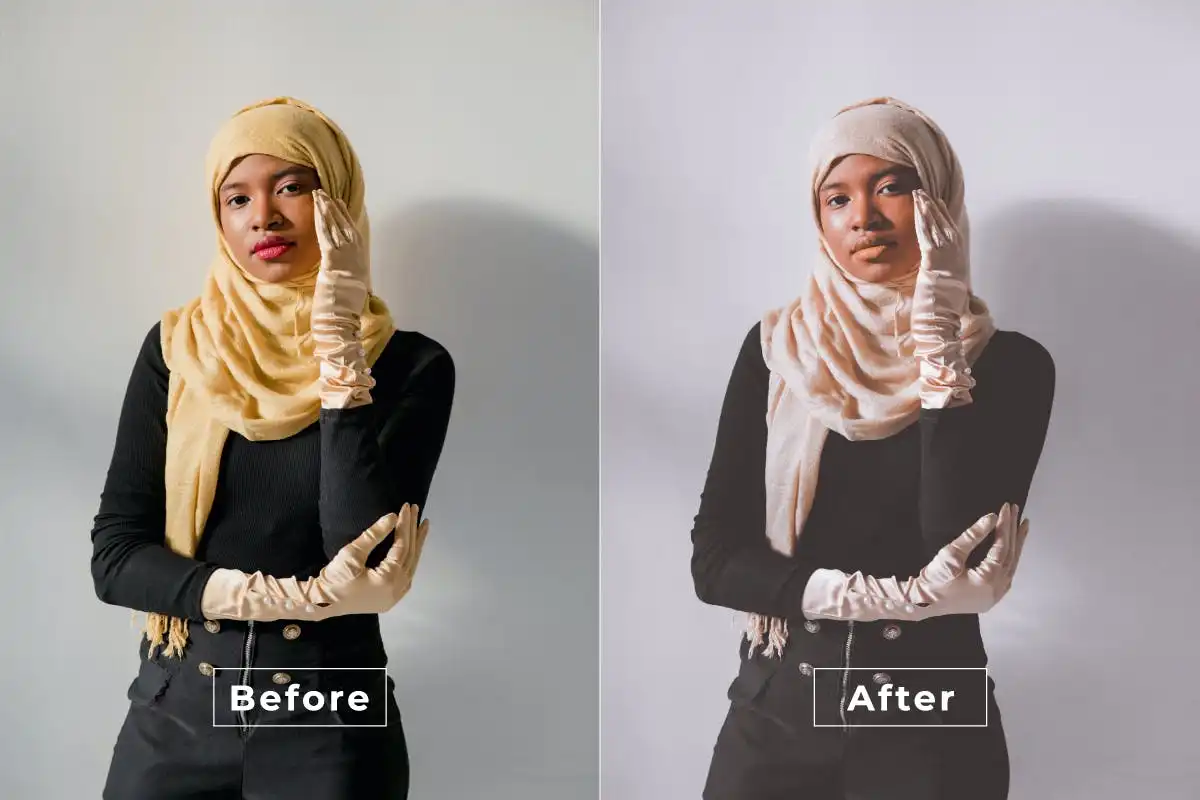
Get that super-chic, moody grey matte look that’s trending everywhere! 🎉 Perfect for moody portraits and urban photography.
High Brightness Photoshop Action
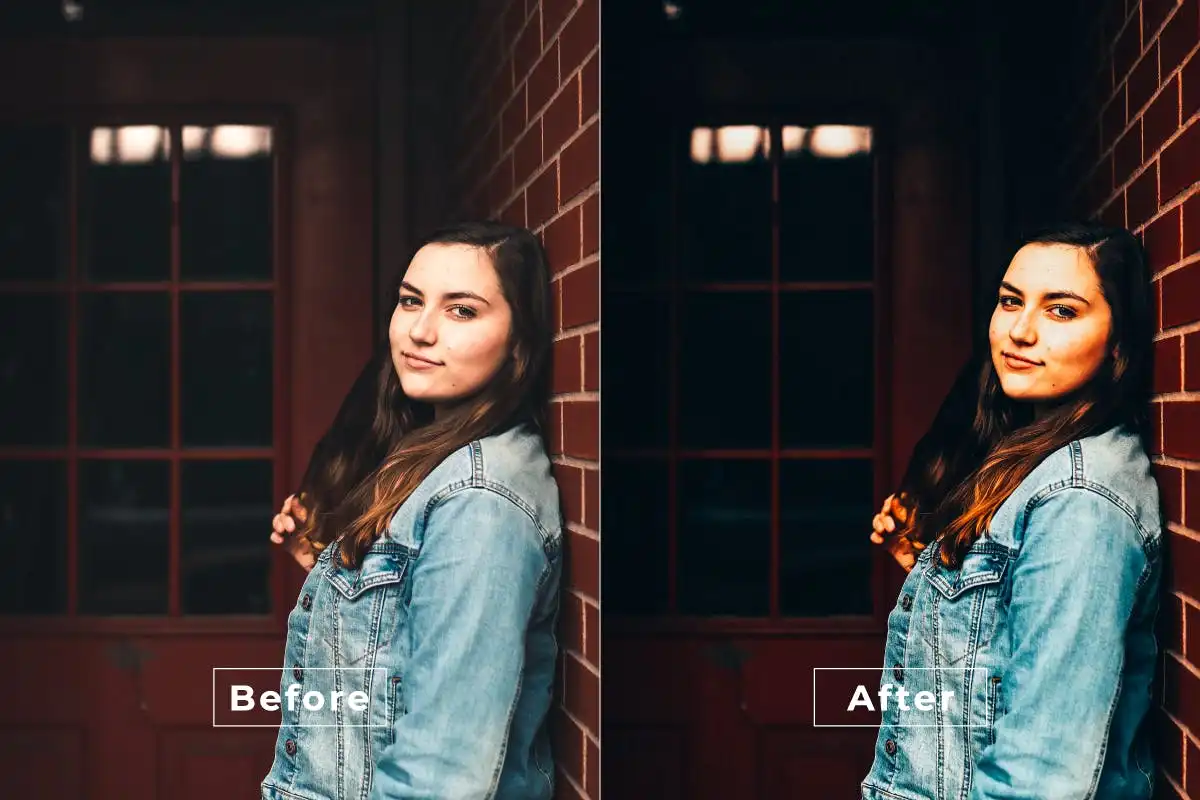
Need a serious brightness boost? 🌟 This action washes your images in vivid light and clarity, making dull photos look crisp and fresh instantly.
Mix Effect Photoshop Action
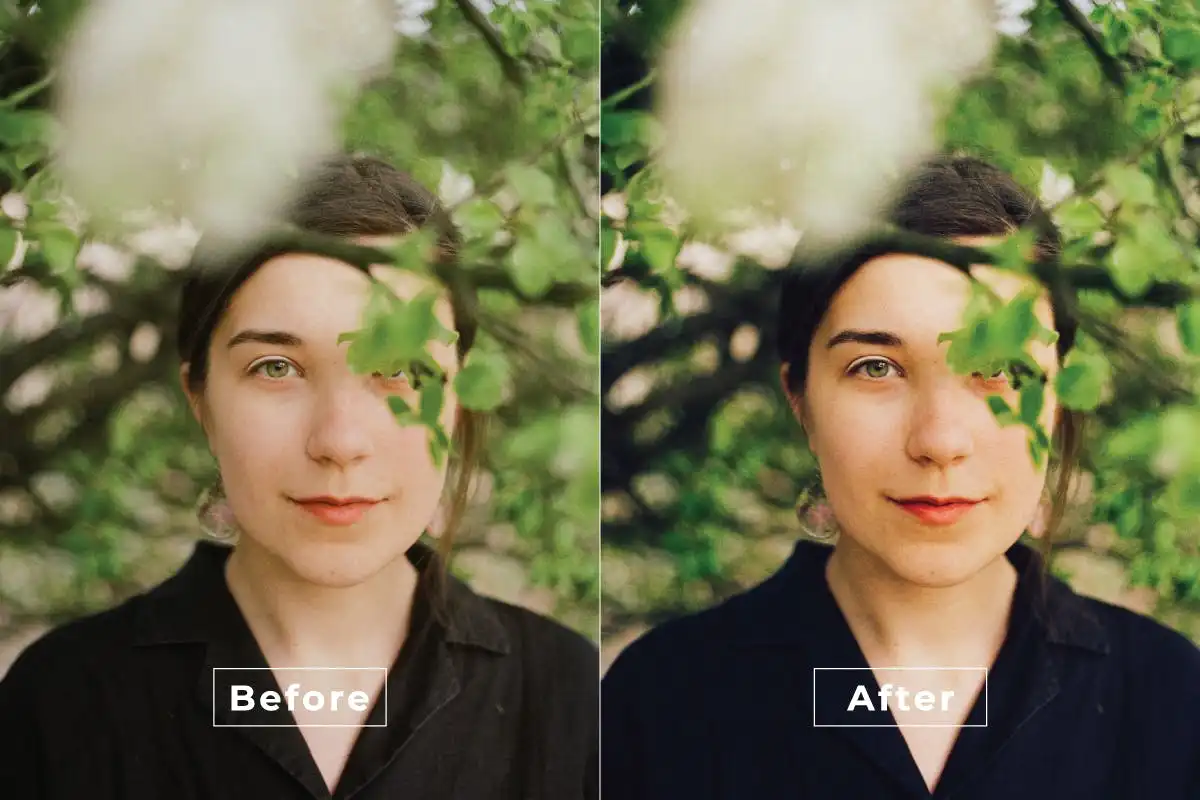
Get wild with creative color blends and abstract textures! 🎨 This action is your go-to for making eye-catching, artistic edits.
Moody Indie Photoshop Action
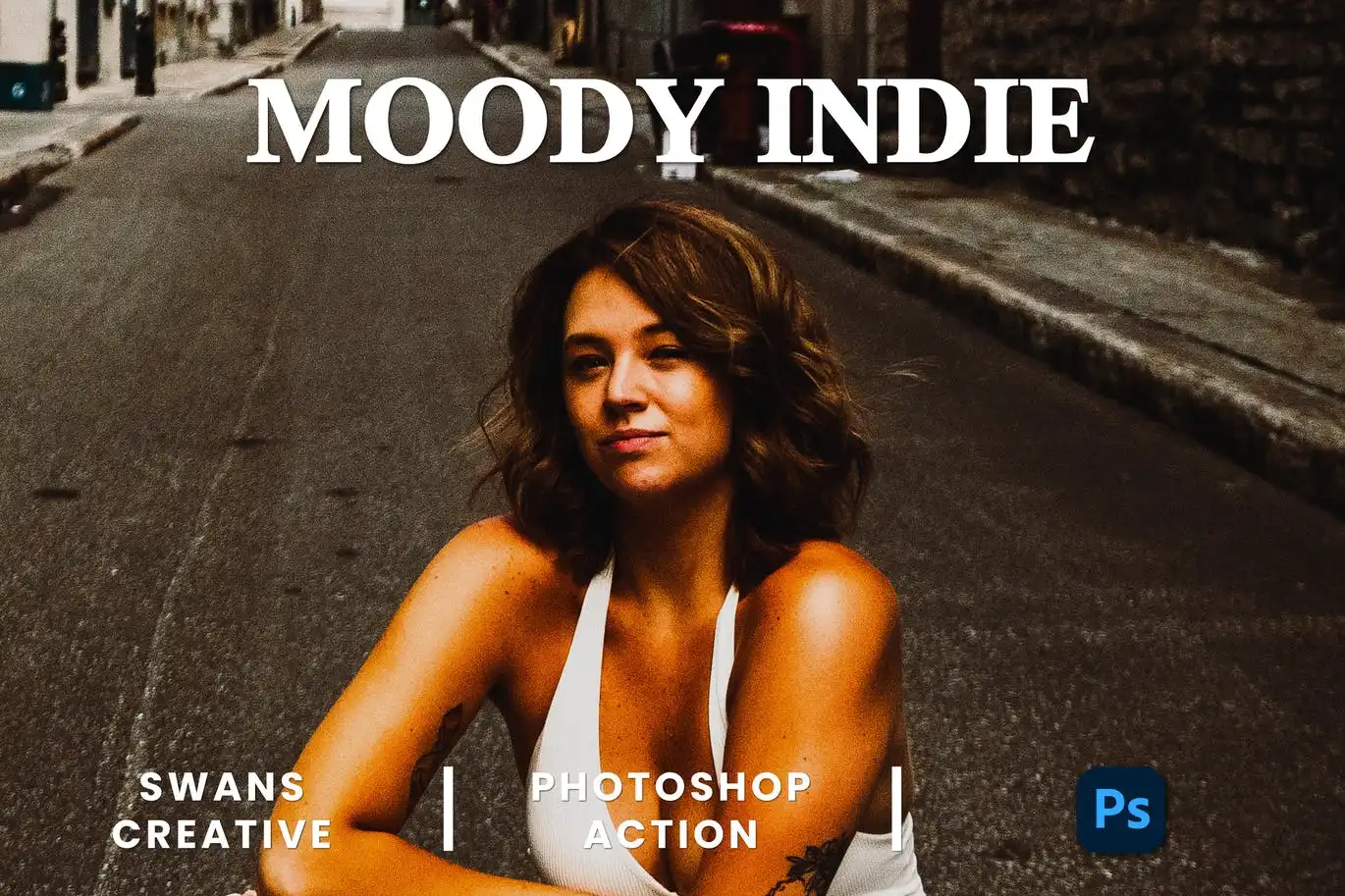
Channel your inner film director with deep, atmospheric tones! 🌚 Perfect for music-themed shoots or any project needing a touch of mystery.
Lens Cinematic Photoshop Action
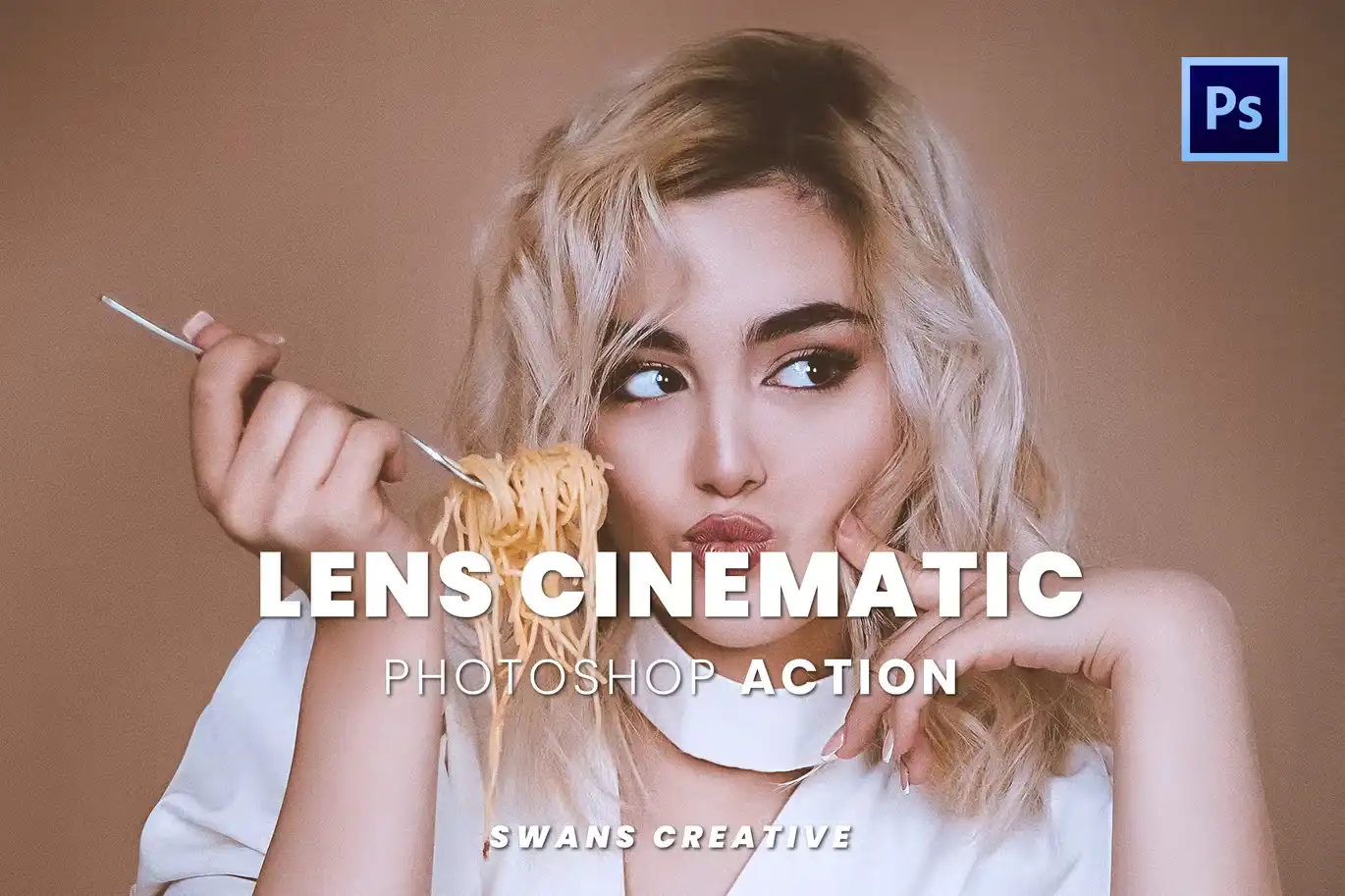
Add a stunning film-like quality to your photos with cinematic color grading! 📸✨ It’s like giving your images a blockbuster makeover.
Look Fashion Photoshop Action
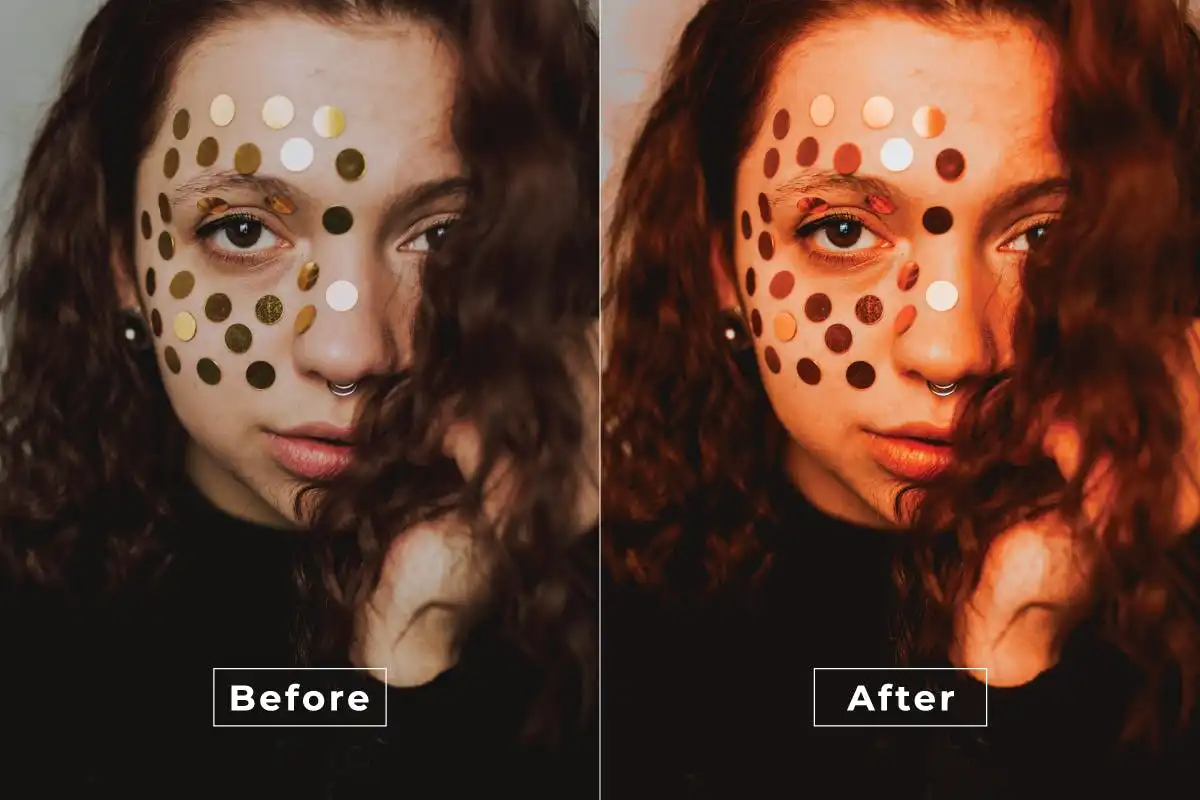
Bring the runway to your edits with this high-fashion action! 👗 It adds sleek, stylish tones that make any subject look editorial-ready.
Matte Magic Photoshop Action
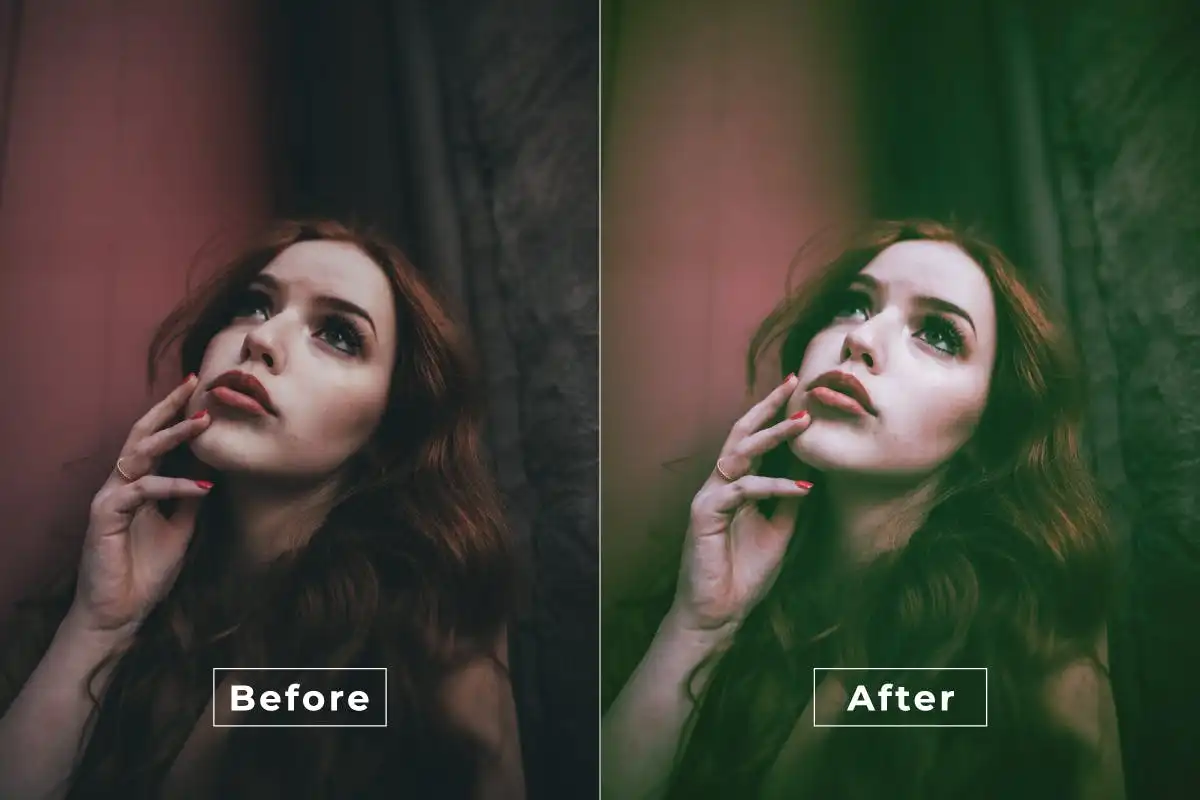
Enchant your audience with a subtle, magical matte finish that enhances depth and mood. ✨ Great for fairytale-style portraits!
Liquid Retro Photoshop Action
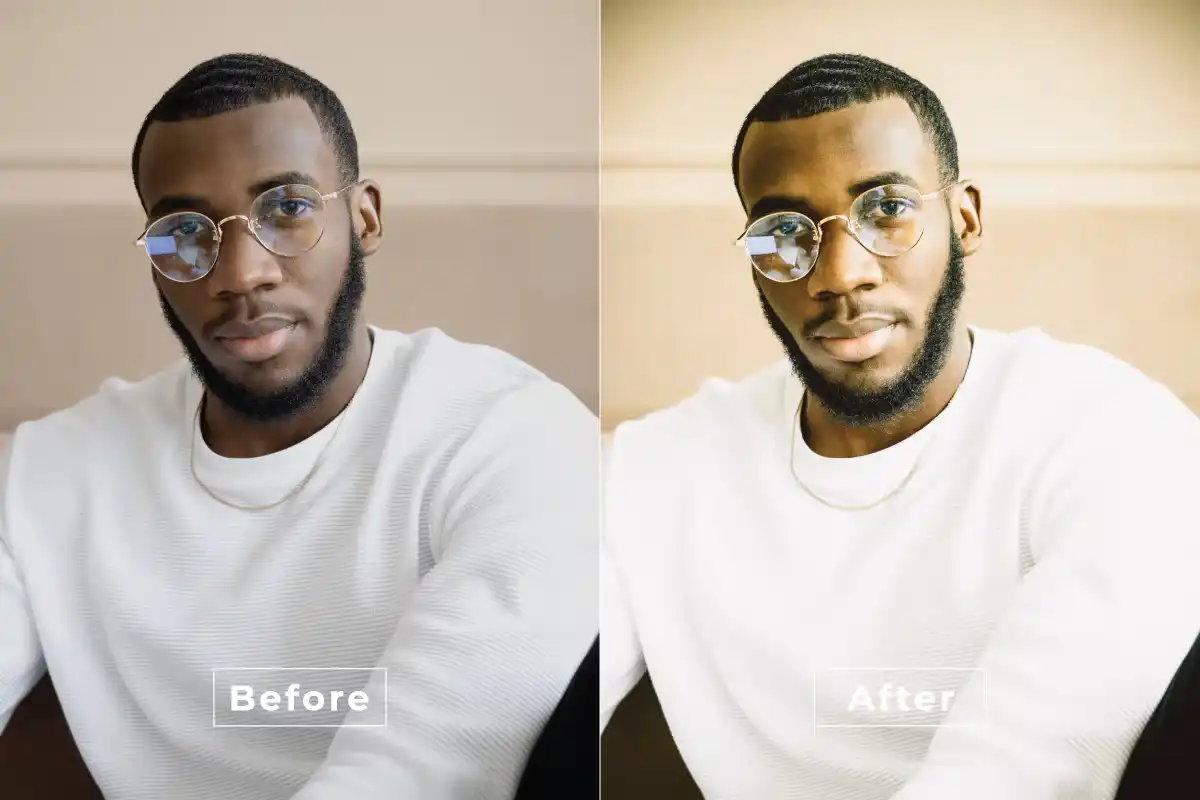
Go back in time with smooth, flowing retro textures and nostalgic colors! 🌊👾 It’s pure vibes for any groovy or vintage project.
Happy Cinematic Photoshop Action
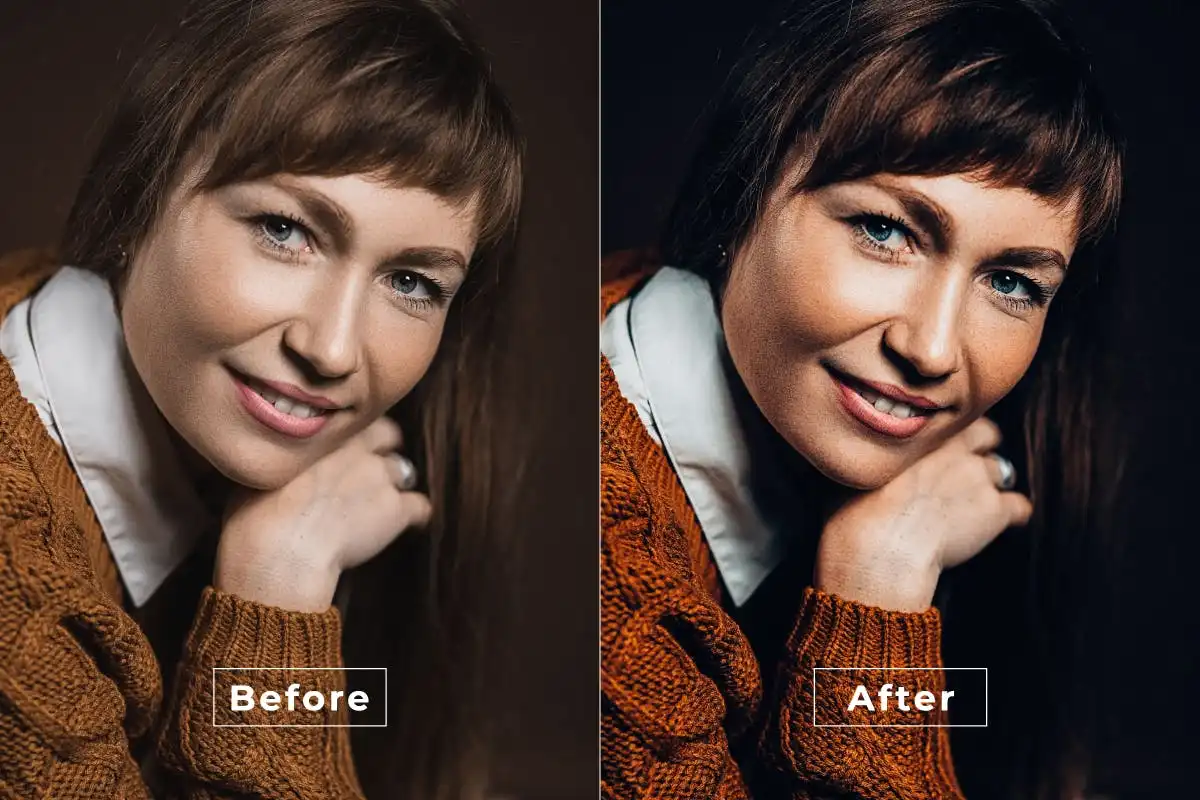
Infuse your photos with pure joy using warm, uplifting tones! 🌈🎬 Perfect for weddings, travel, or any shot that needs a feel-good boost.
Midsummer Photoshop Action
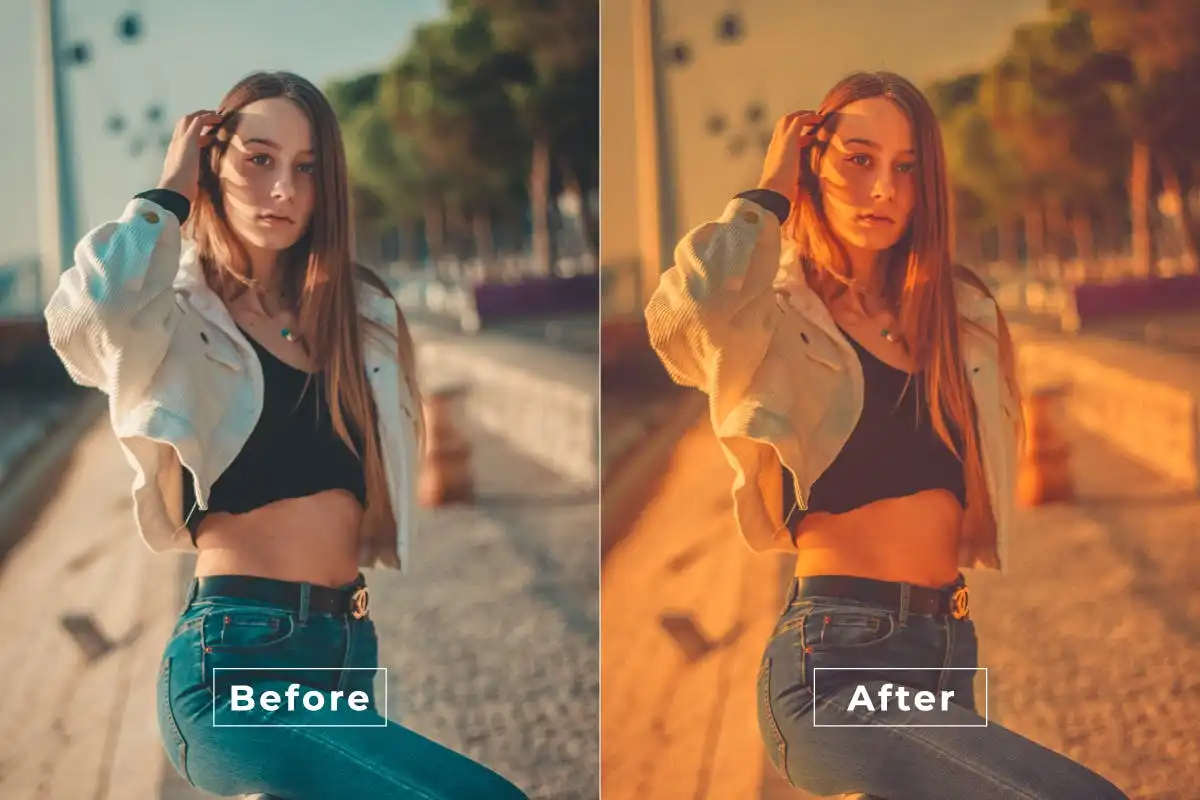
Capture that golden hour magic all year round! ☀️ This action adds dreamy, warm tones that scream summer fun.
Mercy Color Photoshop Action
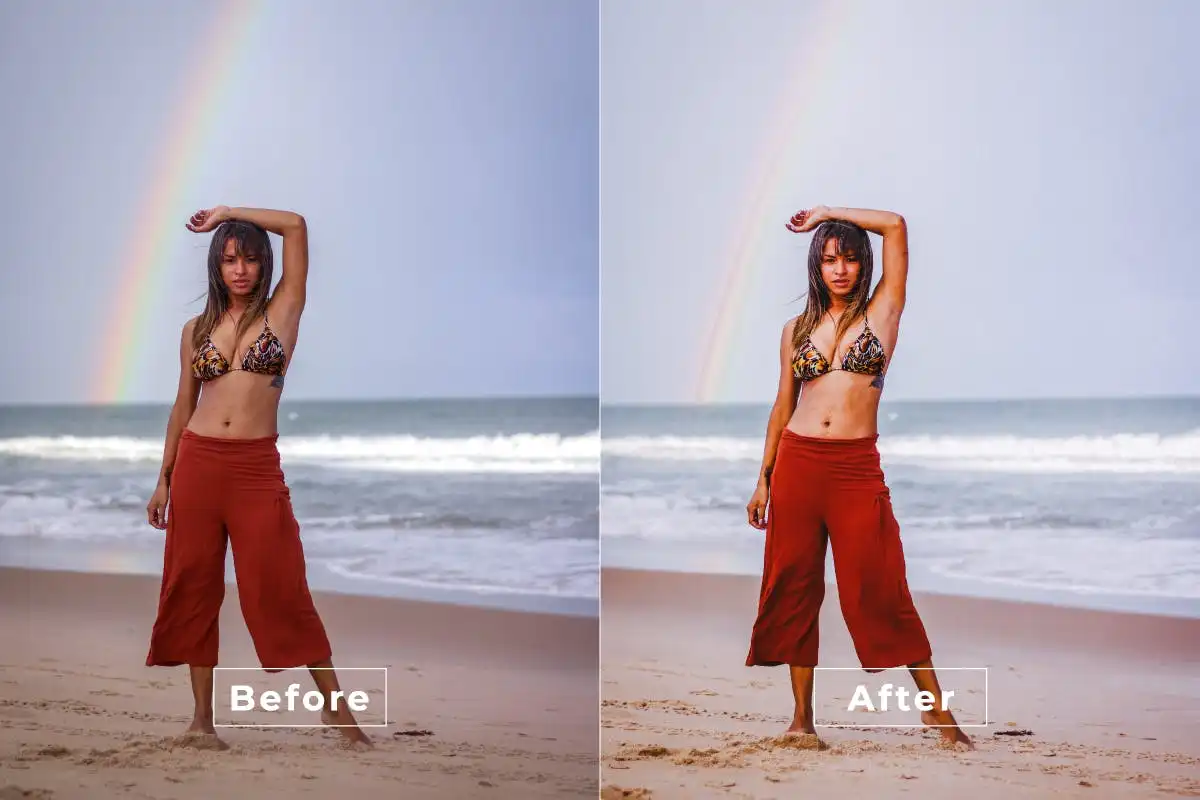
Add a splash of professional color grading that’s both vibrant and sophisticated! 🎨 Great for making your images truly pop.
Lover Photoshop Action
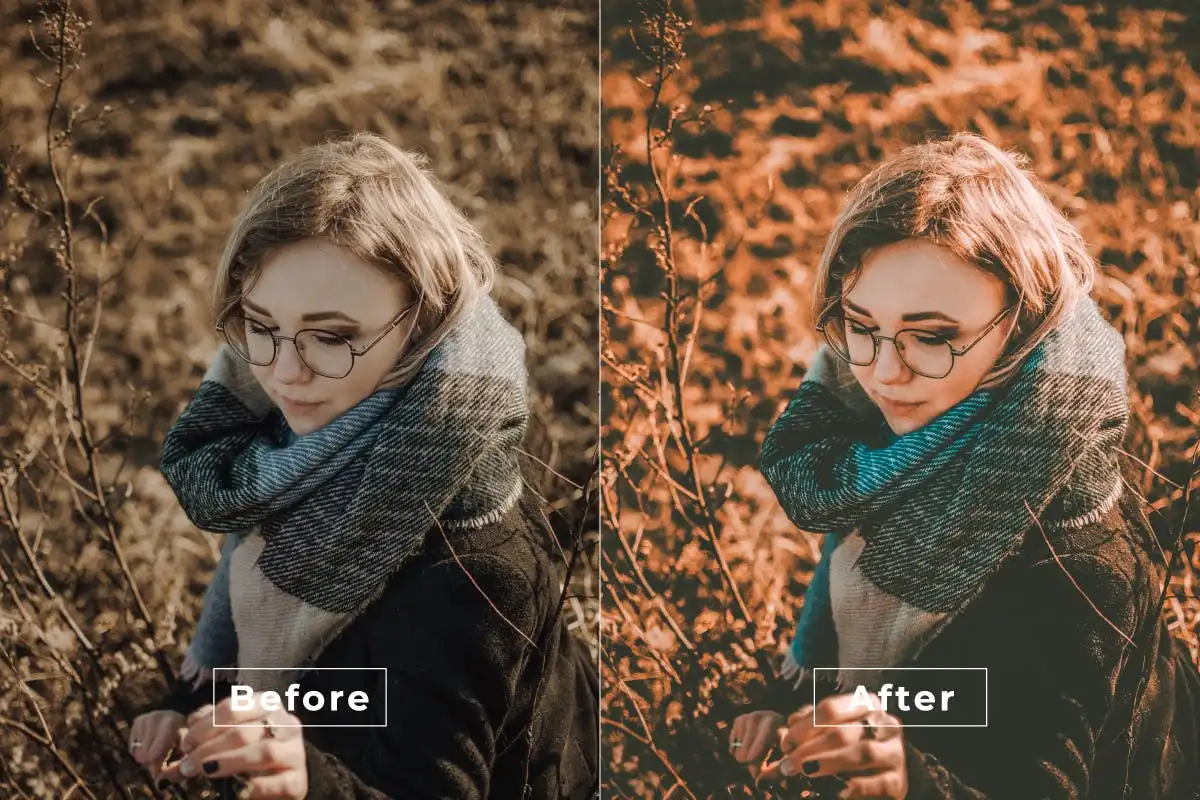
Soft, romantic, and dreamy—this action is perfect for engagements, bridals, and love-filled lifestyle shoots. 💕✨
Hdr Prewedding-Photoshop Action
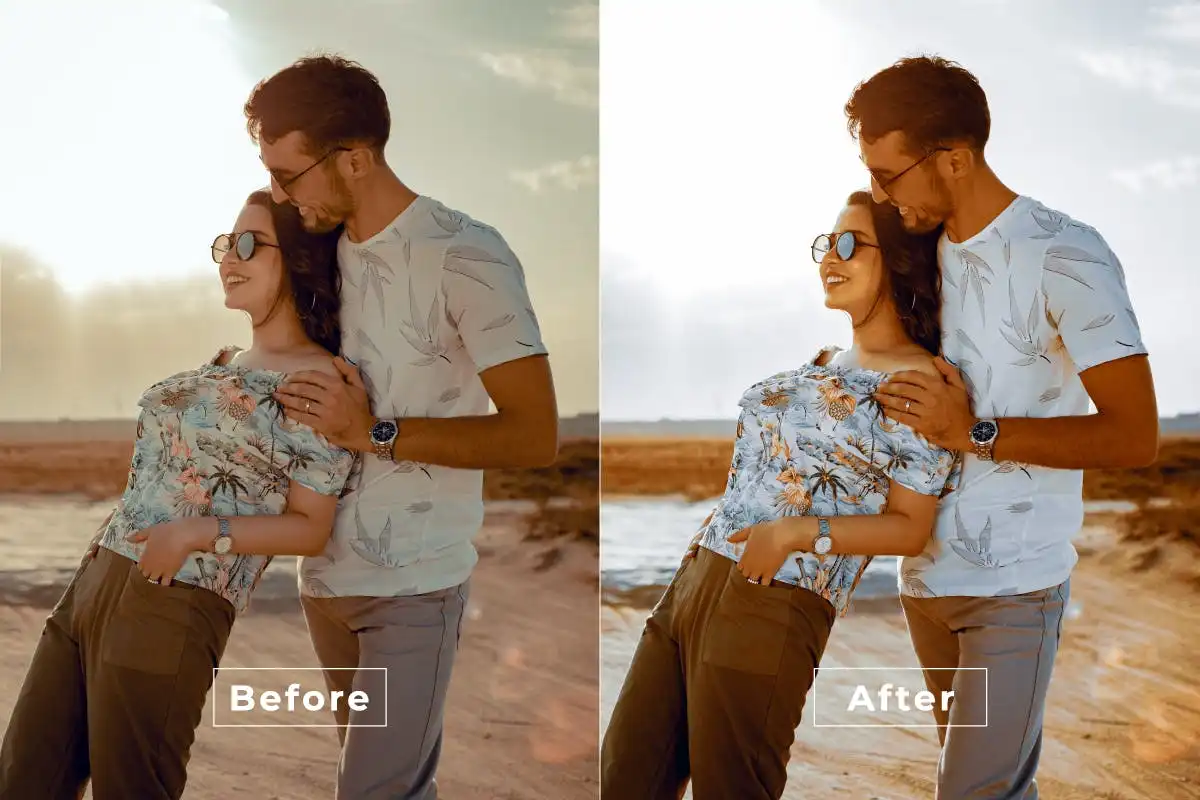
Make outdoor romance photos look larger than life with rich HDR contrast and color! 💍🌅 Absolutely stunning for couples.
Hand Painter Photoshop Action
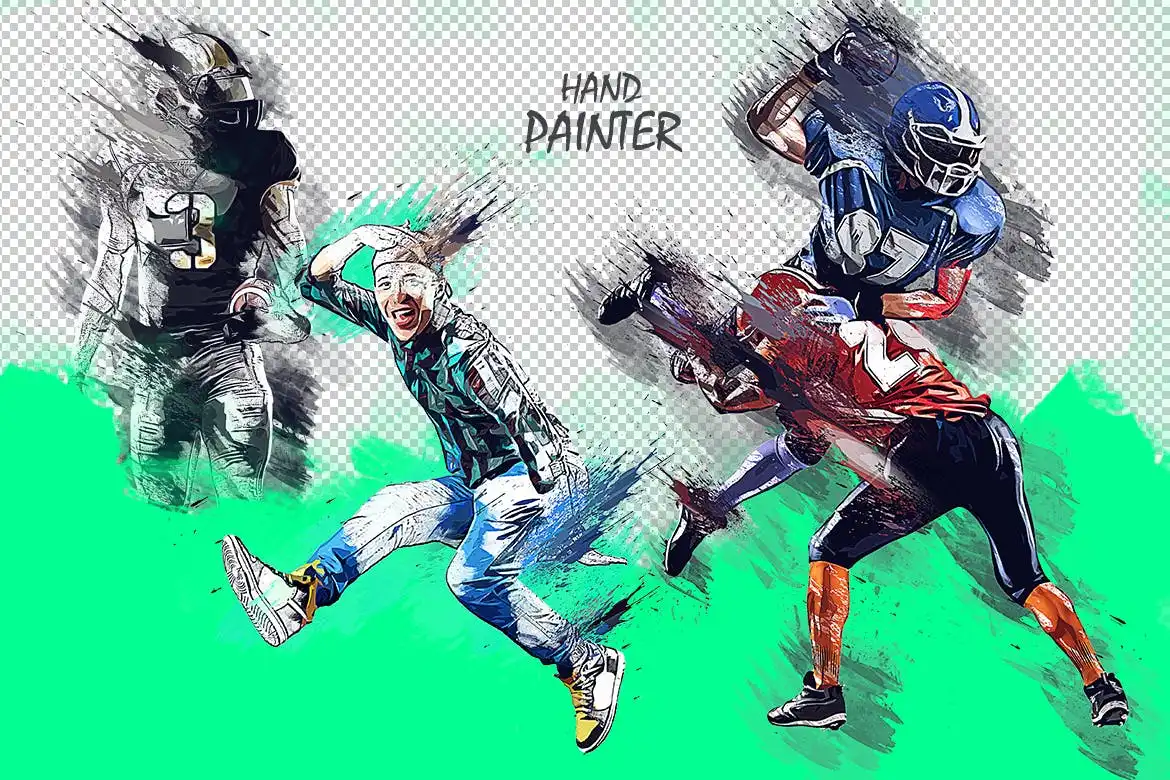
Turn your photos into beautiful hand-painted works of art! 🖌️🎨 It adds artistic brush strokes and texture that look totally original.
Light Panorama Photoshop Action
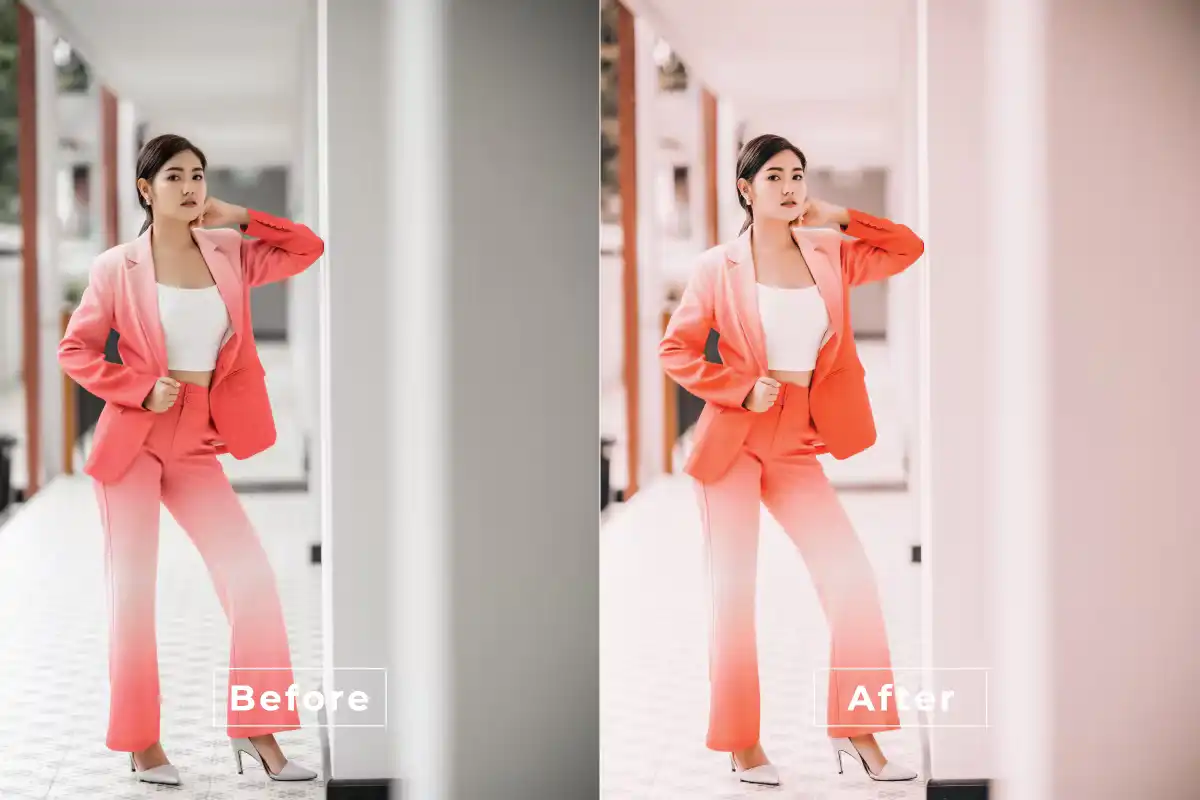
Breathe life into your wide-angle landscapes and cityscapes with stunning light effects! 🌅 Perfect for travel photographers.
Jewelry Style Photoshop Action
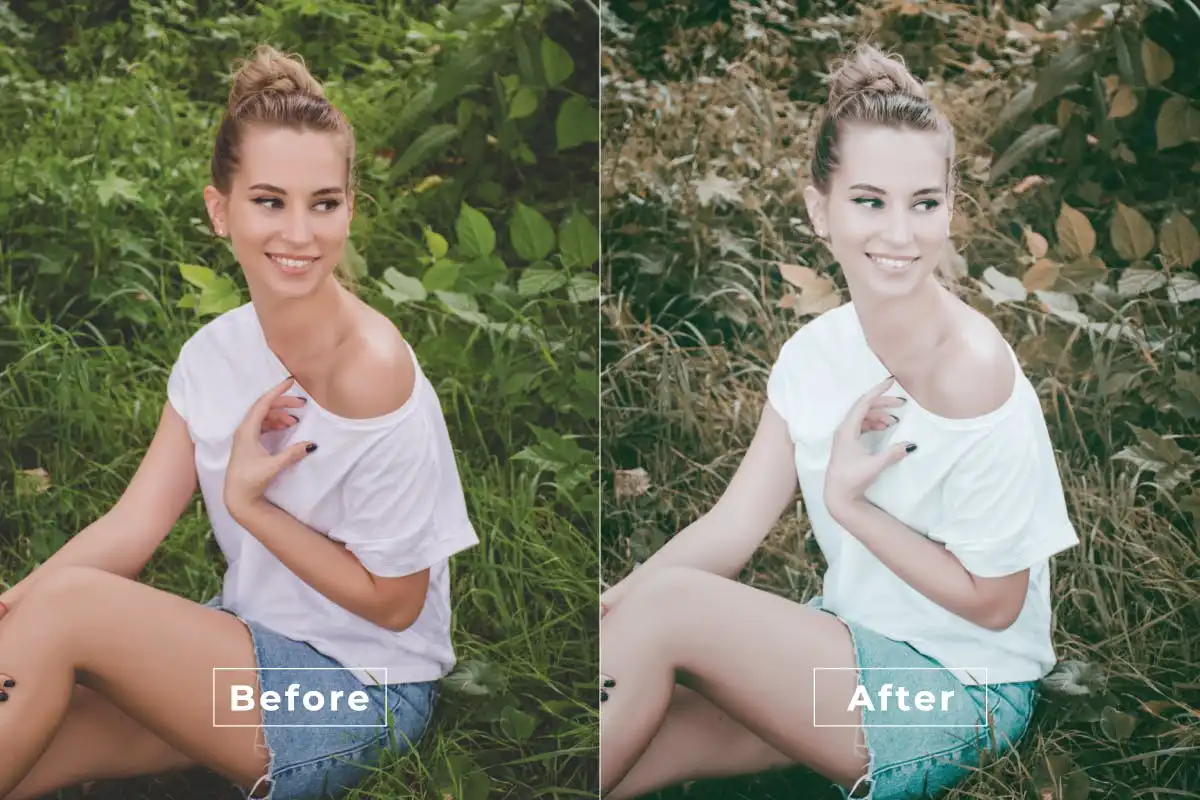
Add a touch of glamour and sparkle! 💎 This action enhances shine and detail, making jewelry and metallic objects look premium.
Light And Airy Photoshop Action
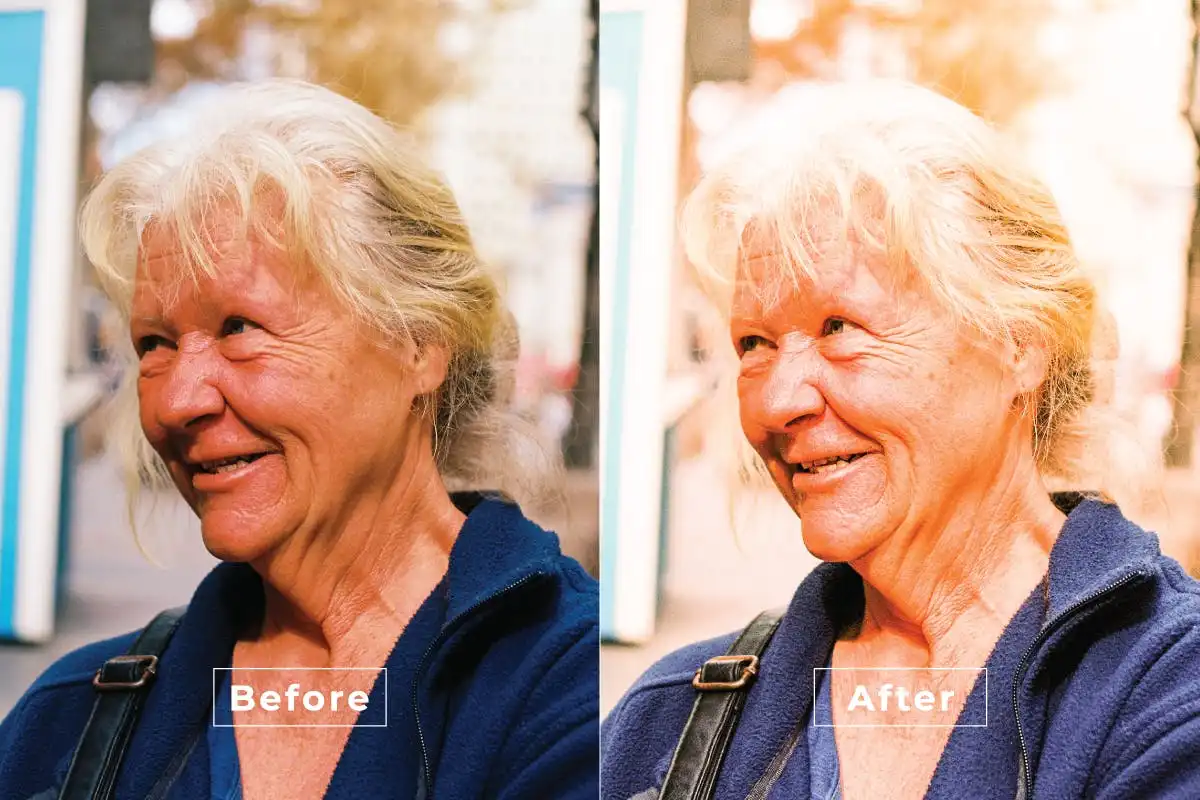
Bring the sunshine with a fresh, luminous look that’s soft and inviting! 🌟 Perfect for weddings, newborns, and lifestyle shots.
Conclusion
And there you have it—20 incredible Photoshop Actions that are ready to revolutionize your creative workflow! 🚀 Whether you’re aiming for a moody indie vibe, a high-fashion look, or a glowing cinematic feel, this collection from brushespack has got you covered. The best part? They work instantly, so you can spend less time editing and more time creating. Happy editing, and may your art always shine! ✨🎨
Frequently Asked Questions
How do I install these Photoshop Actions?
It’s super easy! After downloading the file, open Photoshop, go to the “Actions” panel (Window > Actions), click the menu icon, and select “Load Actions.” Navigate to the downloaded .atn file, and boom—you’re ready to click and create! 🚀
Are these actions compatible with older versions of Photoshop?
Yes, most of these actions work with Photoshop CS6 and later versions (including CC). Just make sure you have a basic understanding of layers, as some actions may ask you to select a base layer before running.
Can I use these actions for commercial projects?
Absolutely! These are digital tools designed to enhance your work. You can use them for client projects, social media content, or any commercial venture without restrictions. Go make that money! 💰✨