Welcome back, creative souls! 🎨✨ Today, we’re diving deep into the latest treasure trove from the brushespack universe: Collection Part 292. If you’re a photographer, digital artist, or just someone who loves making their images pop with zero hassle, you’ve landed in the right spot. This collection is packed with 20 brand-new Photoshop actions that will save you hours of editing while giving your work that undeniable “wow” factor. Let’s explore the magic together! 🚀
Why Use These Photoshop Actions?
Let’s face it—manual editing can be a massive time sink. These one-click actions are like having a professional retoucher in your back pocket. Whether you’re chasing moody cinematic vibes, retro film looks, or high-fashion aesthetics, these tools let you achieve complex effects instantly. Plus, they are fully customizable, so you can tweak them to match your unique style. 🎭
Top 20 Photoshop Action Picks
Losing Grip Photoshop Action
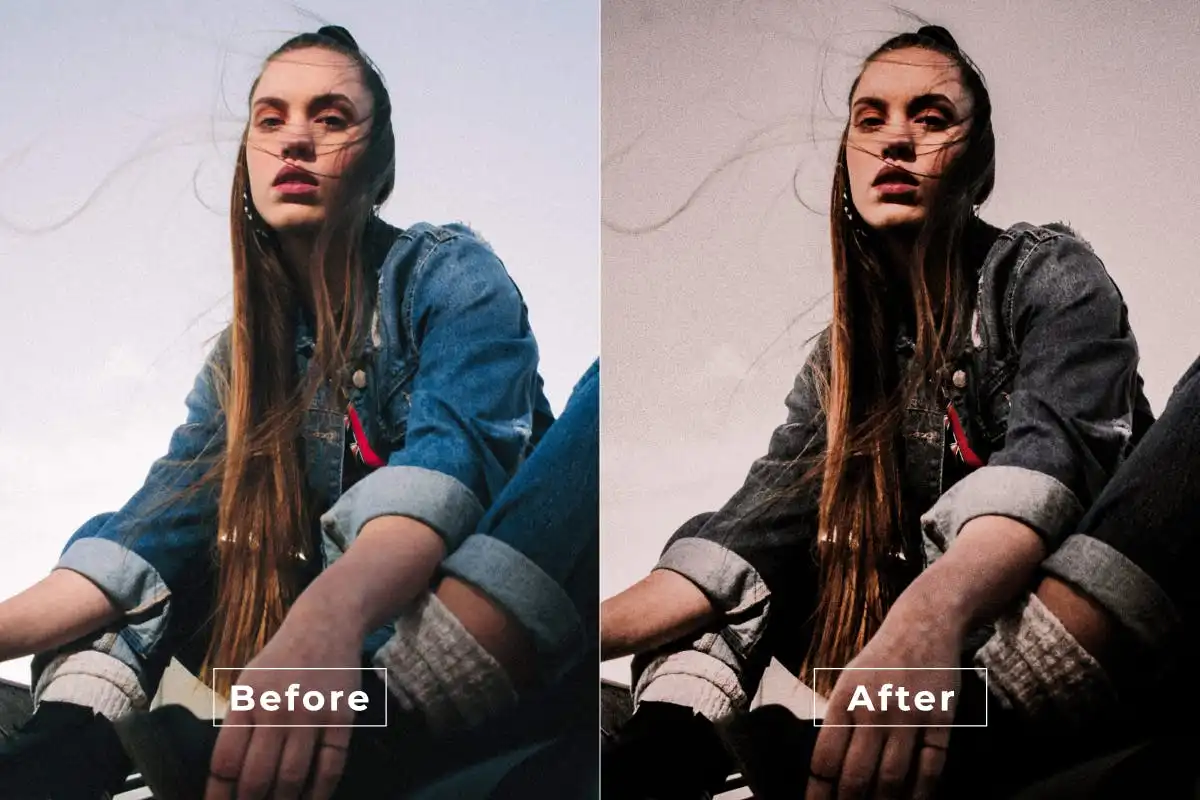
Get ready to unleash some serious drama! 🎭 The Losing Grip action pumps up contrast and texture to give your photos a gritty, edgy vibe that screams storytelling. Perfect for moody portraits and urban shots.
Model Retro Photoshop Action
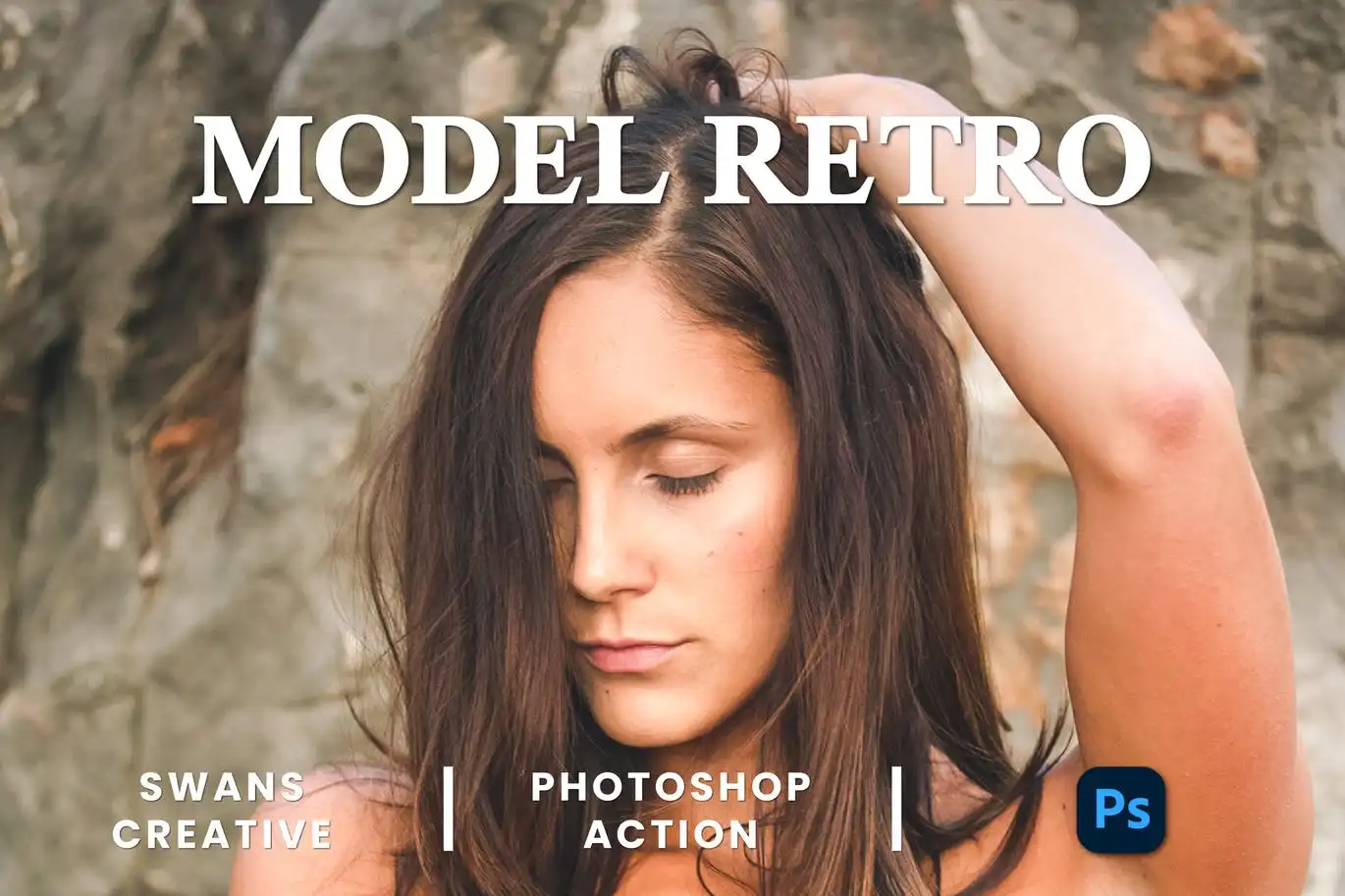
Channel your inner vintage goddess! 🕰️ This action adds gorgeous film grain and warm tints, making your portraits look like they stepped out of a 70s magazine. Instant nostalgia!
Motion Effect Photoshop Action
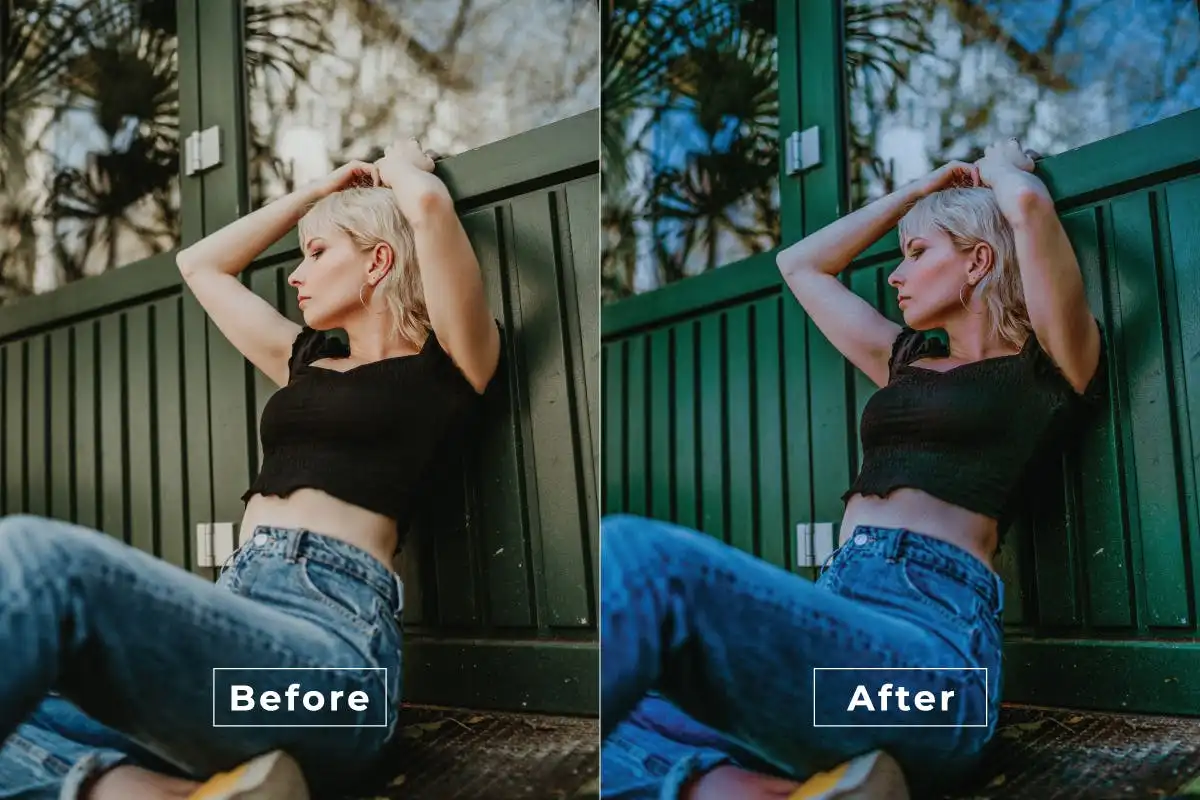
Need to add speed and energy? 🏃♂️ This action creates realistic motion blur and speed lines, making any static subject look like it’s racing through time. Action shots never looked better!
Insta Vintage Photoshop Action
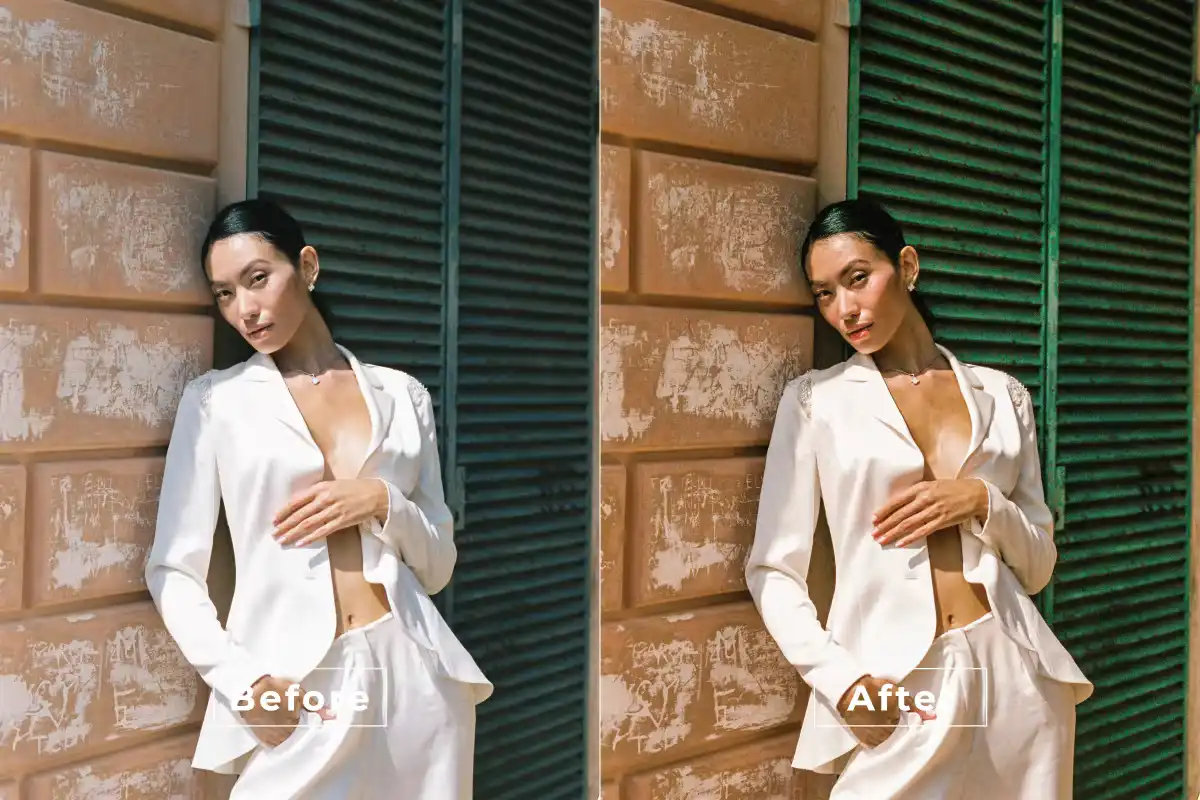
Bring that warm, fuzzy retro feel to your grid! 📸 It adds soft pastels and subtle light leaks, perfect for that dreamy Instagram aesthetic we all love. Pure vintage charm. 🌸
Moody Child-Photoshop Action
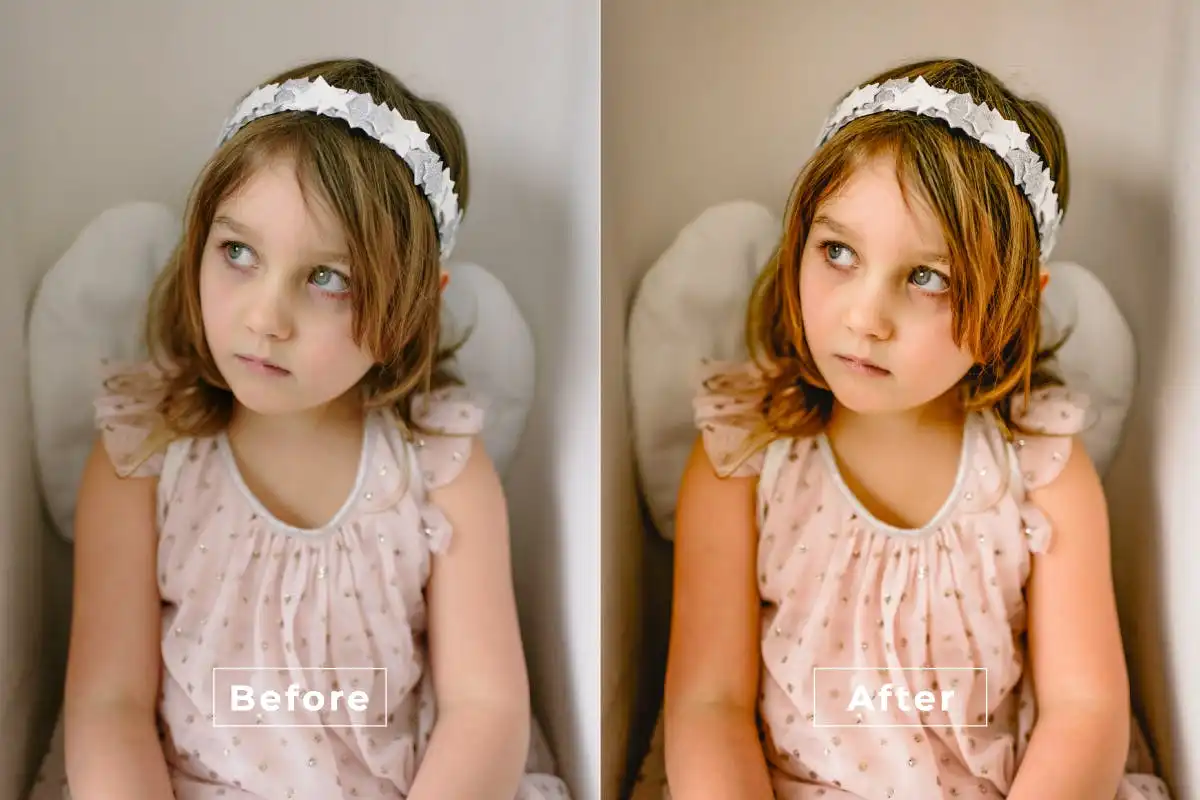
Don’t let the name fool you—this action adds a cinematic, deep-toned effect perfect for any portrait or landscape. 🌒 Rich shadows and moody highlights for that artistic flair.
Mosaic Retro Photoshop Action
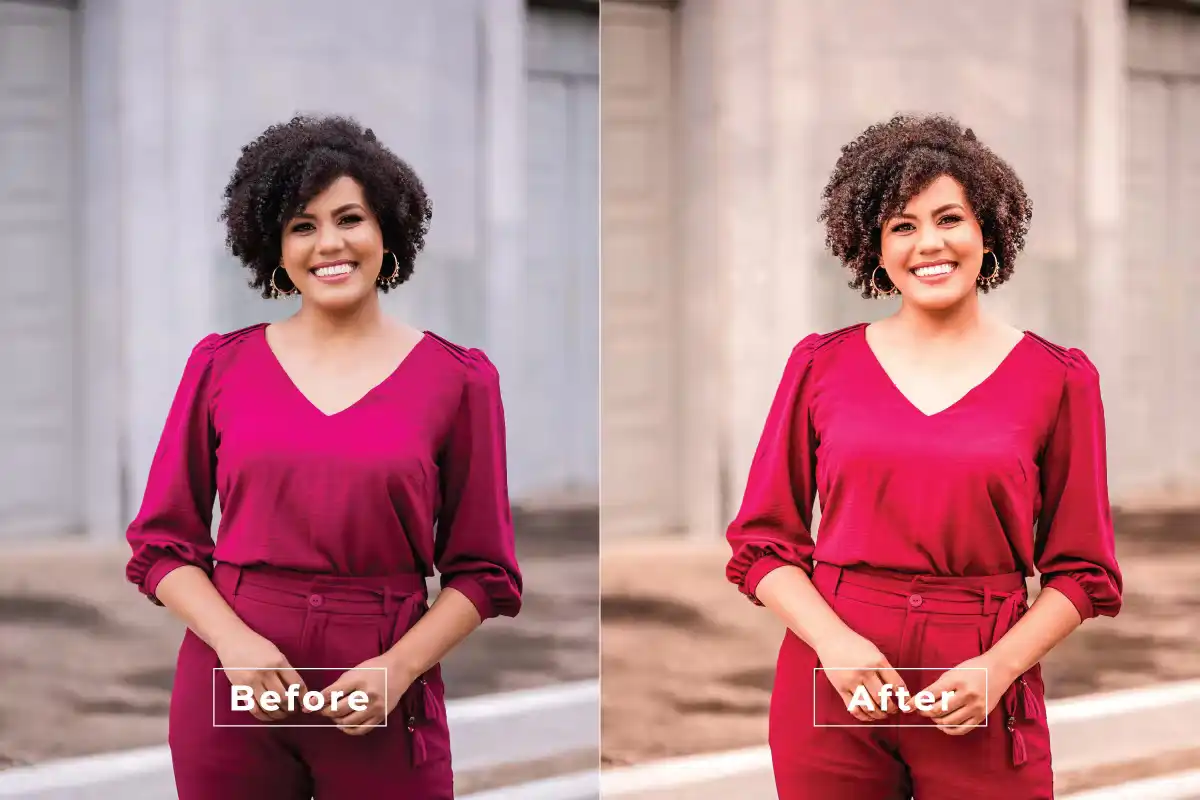
Add a splash of geometric fun! 🟦🟧 This action creates vibrant mosaic patterns with a vintage twist, making your images look like pop art from the 80s. Super unique!
Movie Clean Photoshop Action
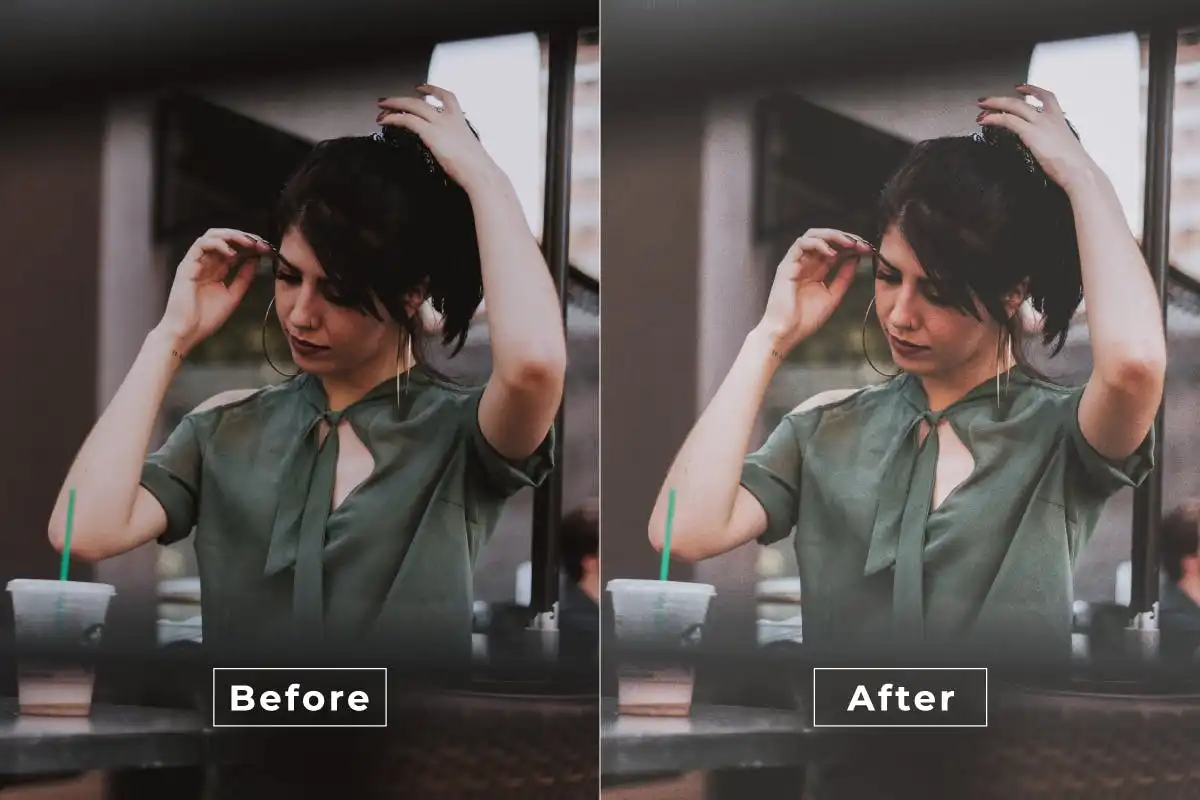
Lights, camera, action! 🎬 This tool gives your images that sleek, polished Hollywood look with perfect color grading and crisp contrast. Ideal for portraits and cityscapes.
Life Moody Photoshop Action
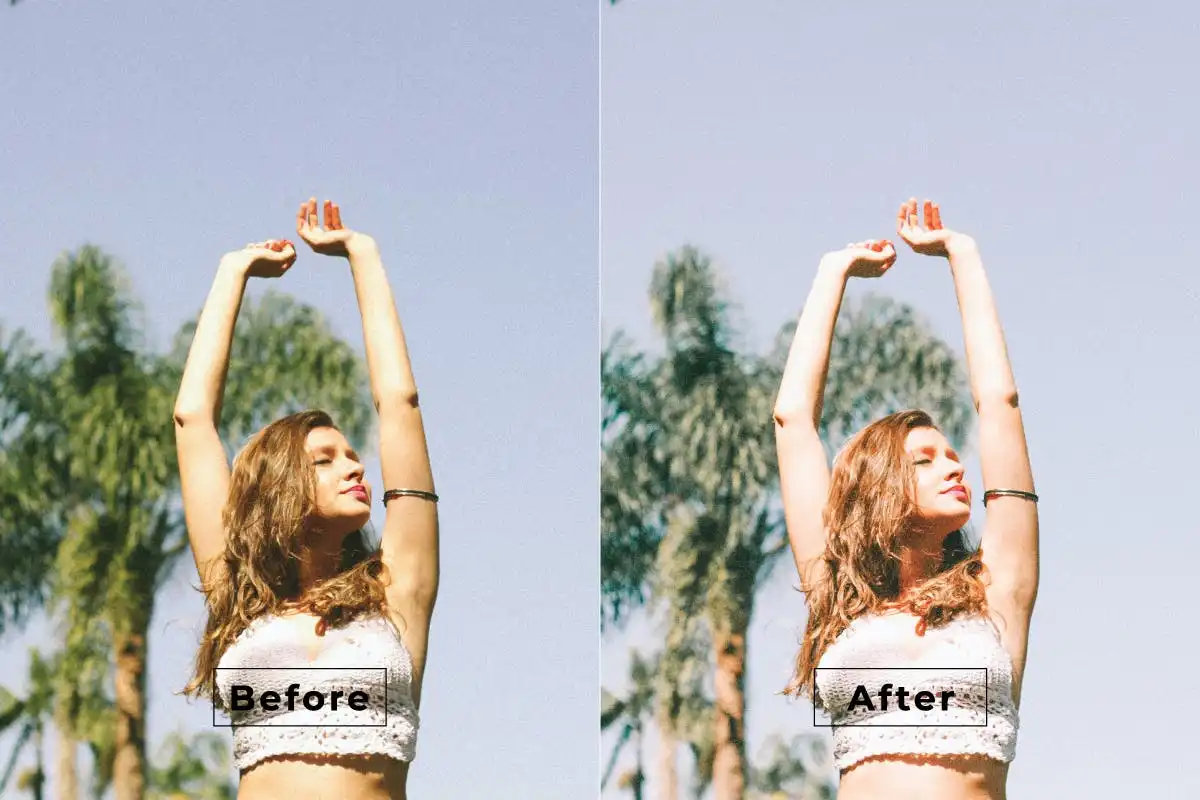
Embrace the dark and dramatic side of life. 🖤 This action adds rich, moody tones and intense color grading that turns ordinary scenes into powerful visual stories.
High Aesthetic Photoshop Action
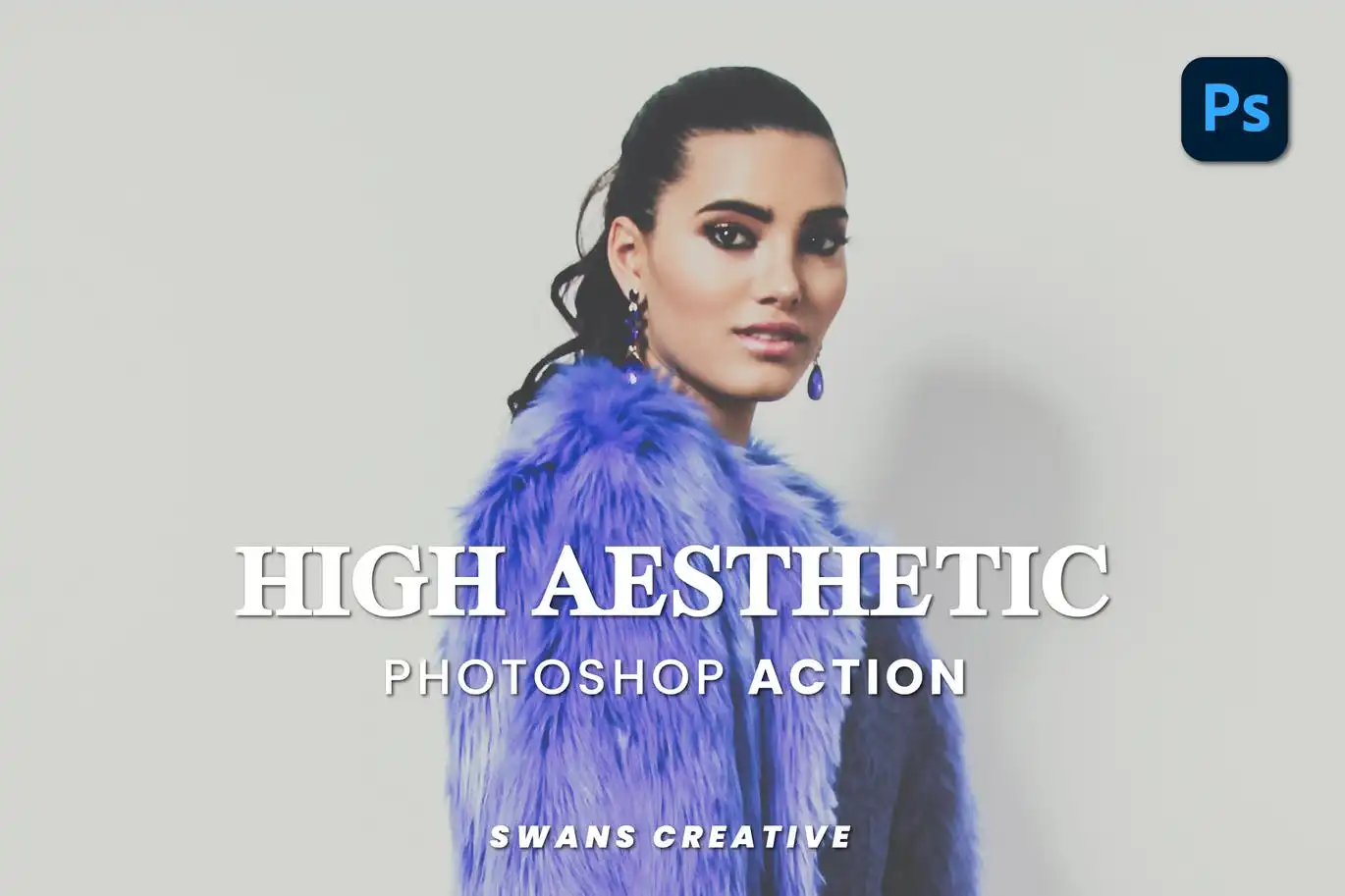
Elevate your feed with pure art vibes. 🎨 This action adds a sophisticated, polished look with lifted blacks and soft color tones. Perfect for those who love a minimalist aesthetic.
Matte Style Photoshop Action
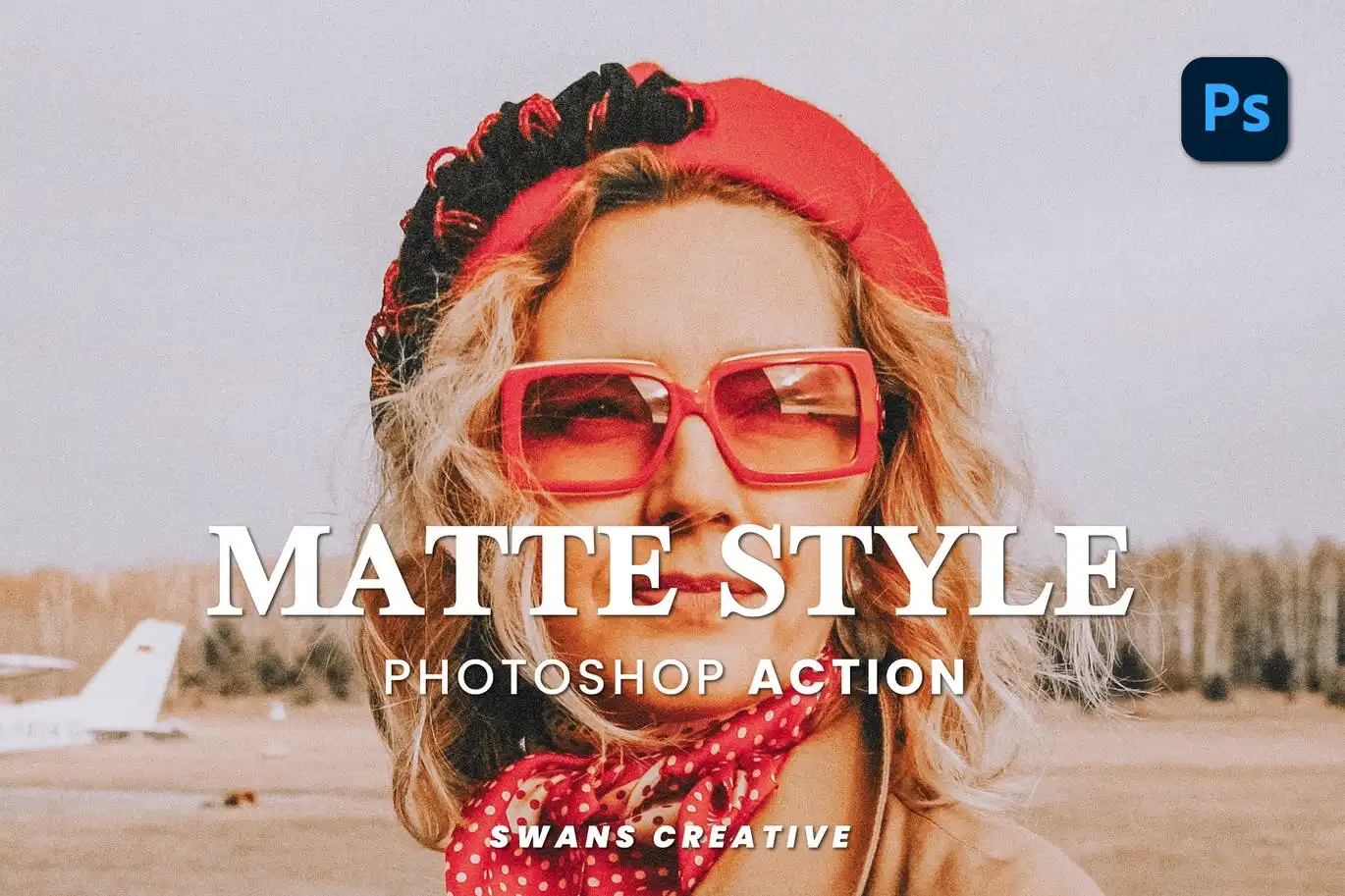
Who doesn’t love a good matte finish? 🖤 This action softly reduces contrast and highlights, giving your photos a modern, editorial feel. Perfect for fashion and lifestyle shots.
High Brightness Photoshop Action
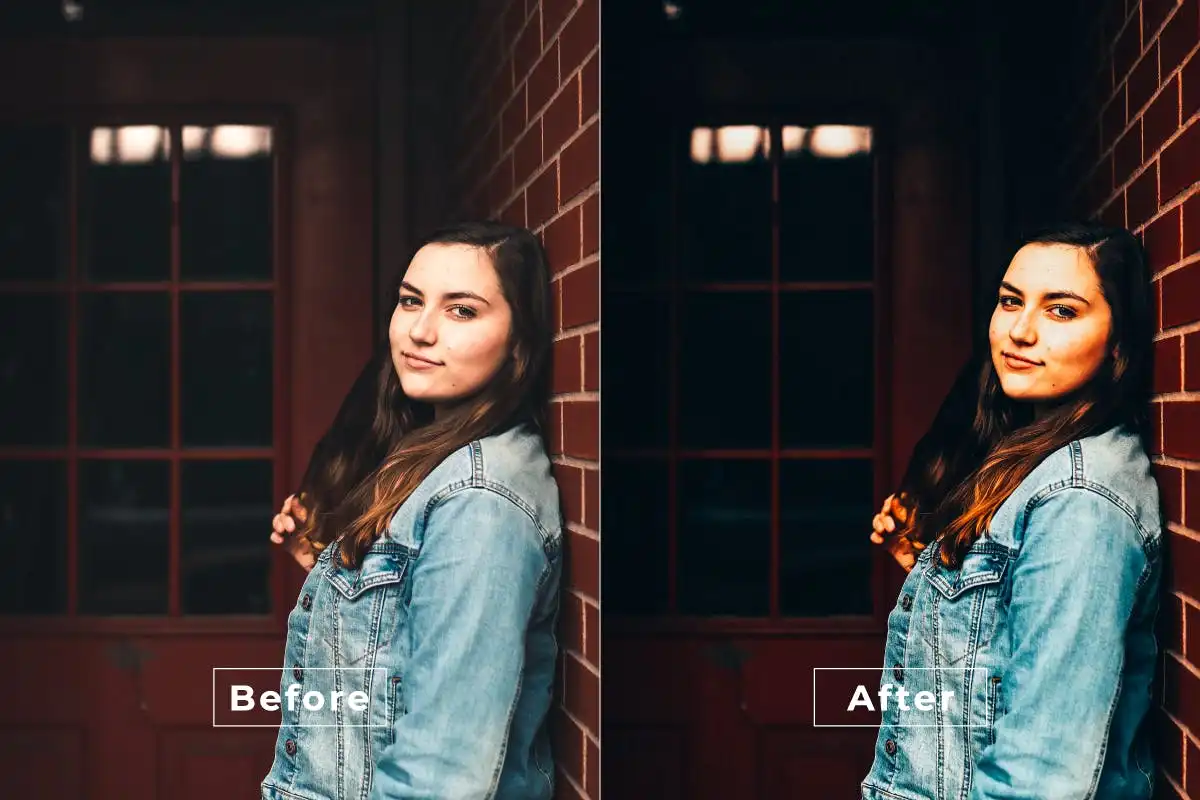
Let the sunshine in! 🌞 This action boosts brightness while keeping details sharp and colors natural. Ideal for beach photos, flowers, or any shot that needs a happy glow.
Moody Indie Photoshop Action
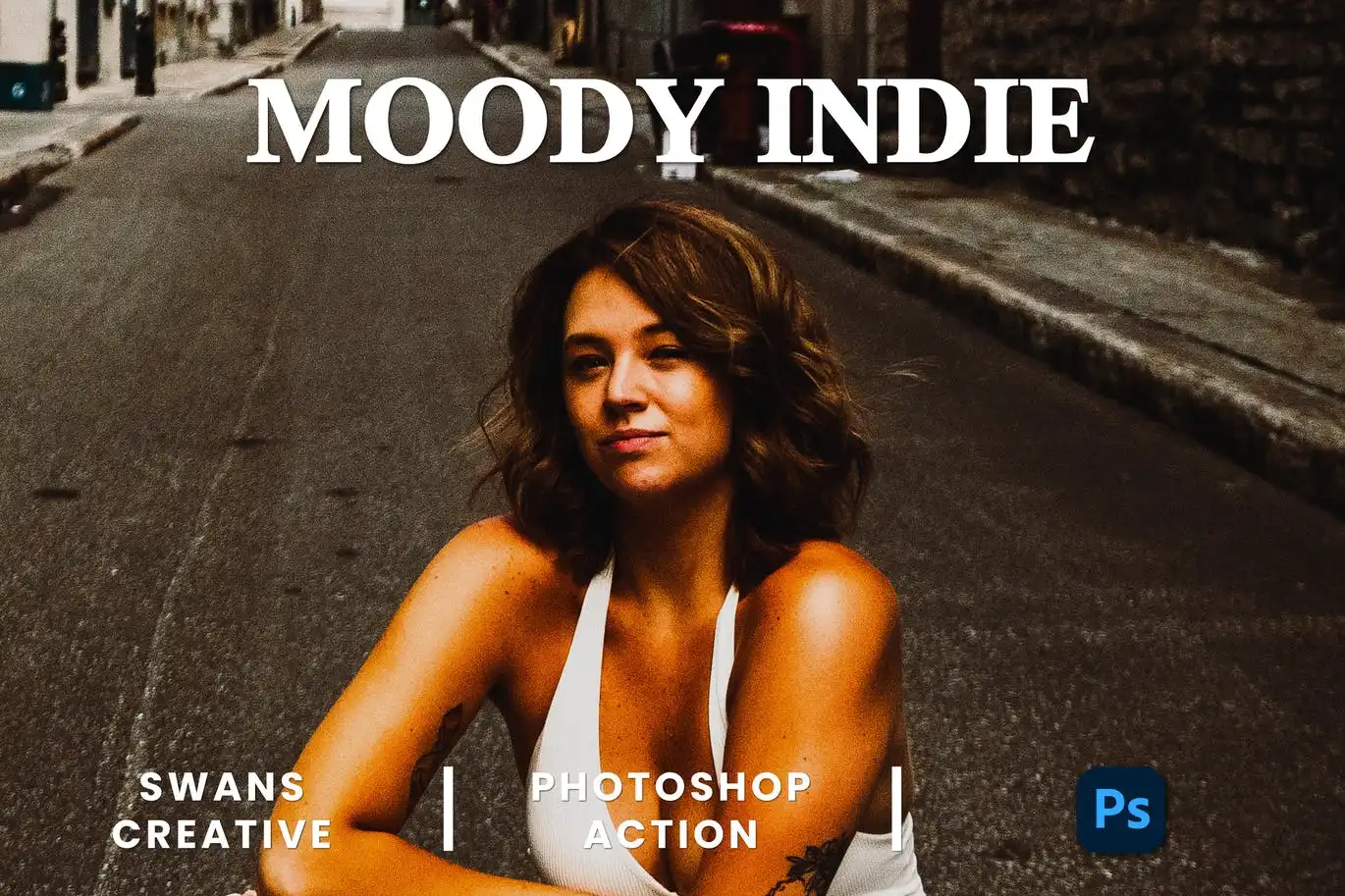
Get that cool, underground film look. 🎞️ This action infuses your photos with rich, dramatic tones and a touch of grain—perfect for music, art, and indie photography.
Look Fashion Photoshop Action
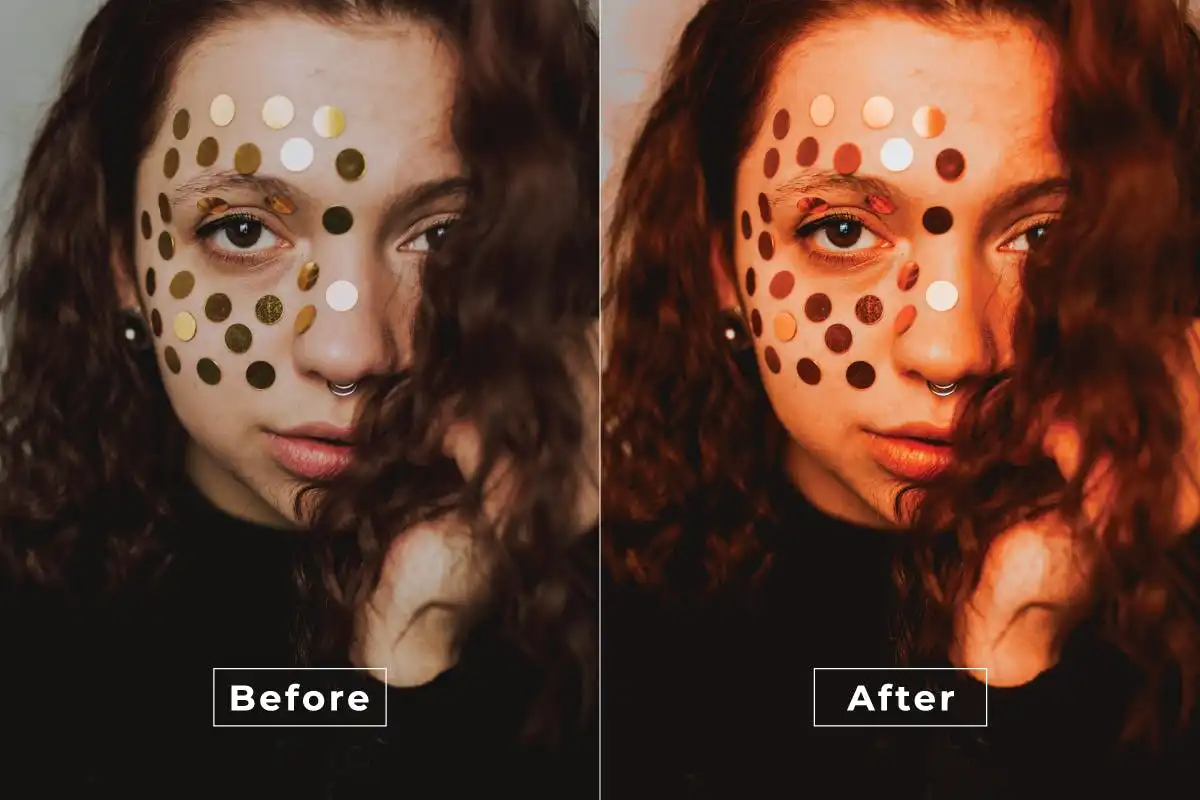
Strut your stuff! 👗 This action creates vibrant, high-contrast edits that make fashion photos pop right off the screen. Perfect for influencers and lookbooks.
Liquid Retro Photoshop Action
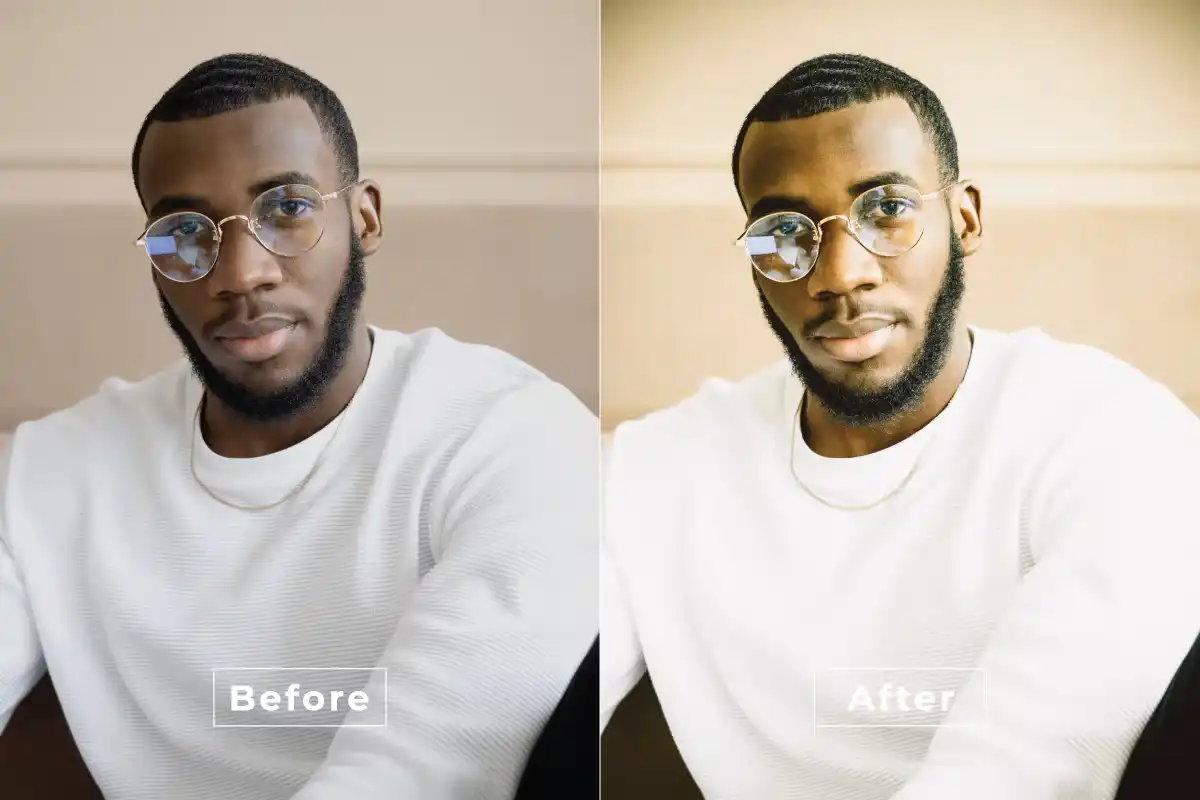
Get wavy with it! 🌊 This action adds fluid, flowing retro colors and distortions that make your images feel like a psychedelic dream. Super creative and playful.
Midsummer Photoshop Action
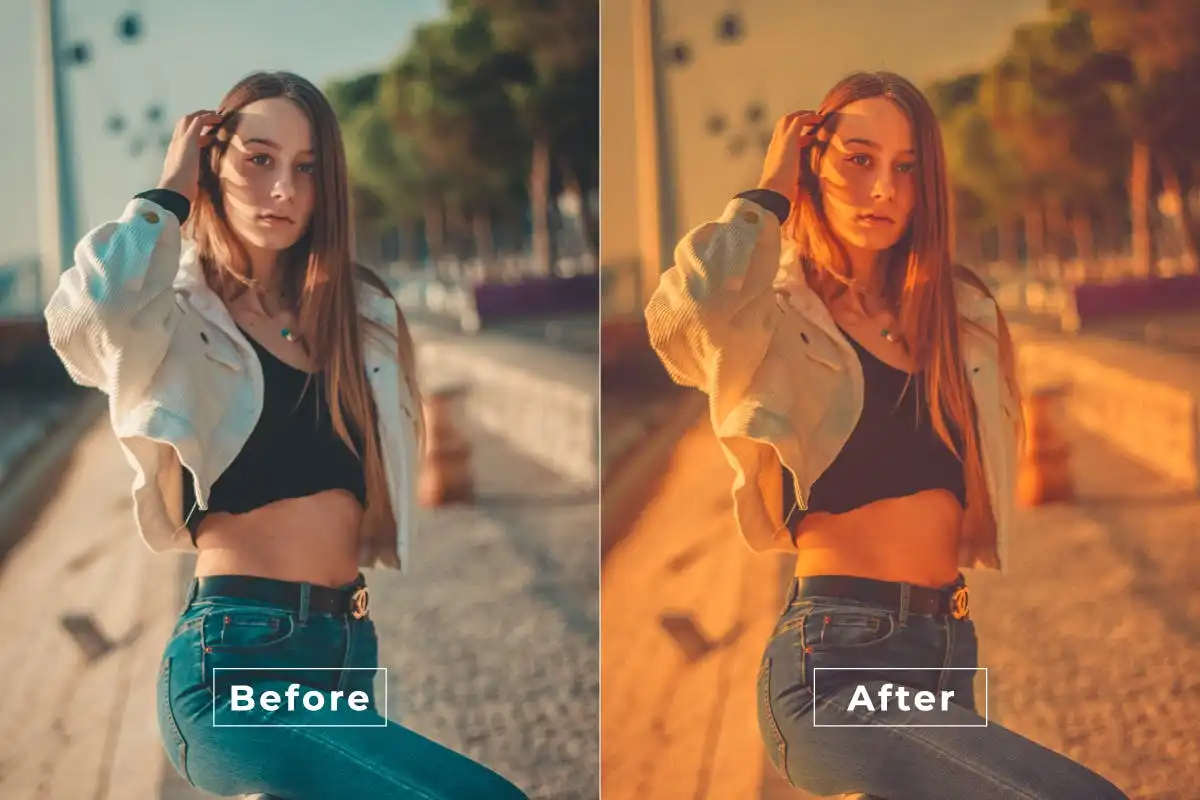
Capture that golden hour magic all year round. 🌅 This action adds warm, dreamy tones and soft glows that make every photo feel like a perfect summer day.
Lover Photoshop Action
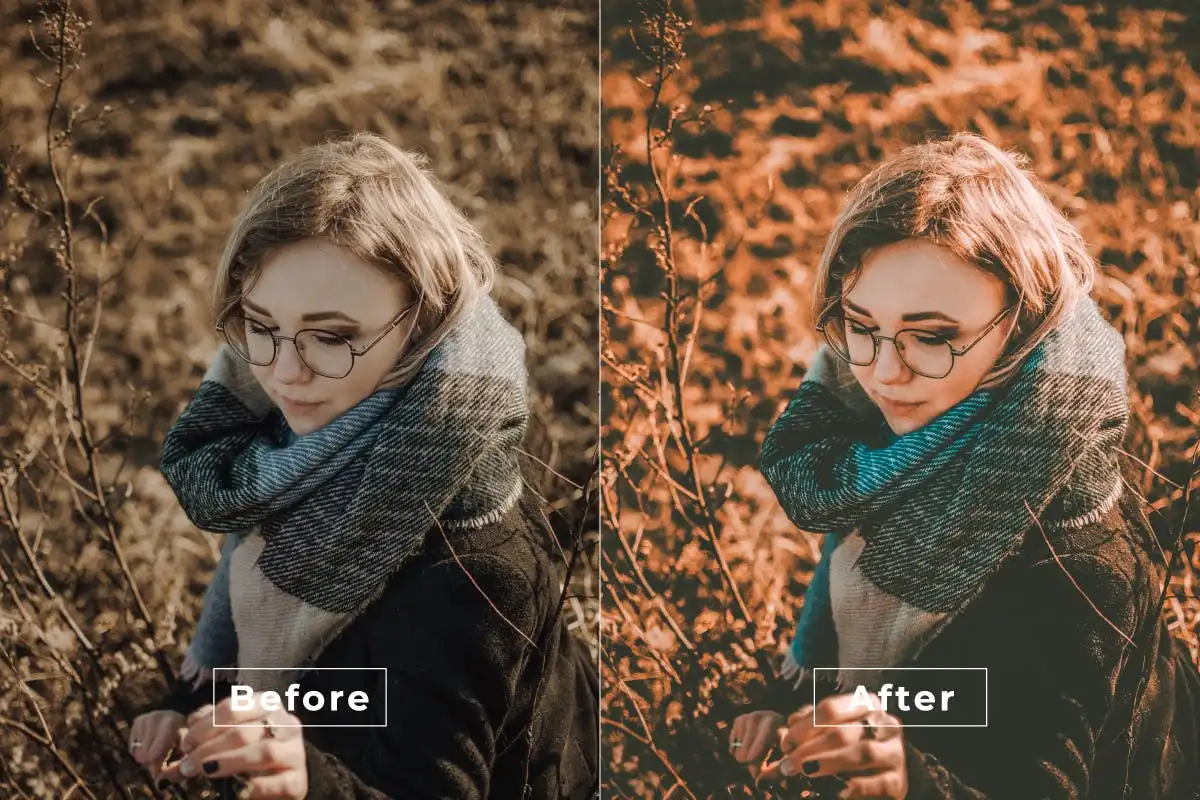
Spread the love with soft, romantic hues. 💖 This action adds a gentle warmth and dreamy softness—perfect for wedding, couple, or any heartfelt portrait session.
Hand Painter Photoshop Action
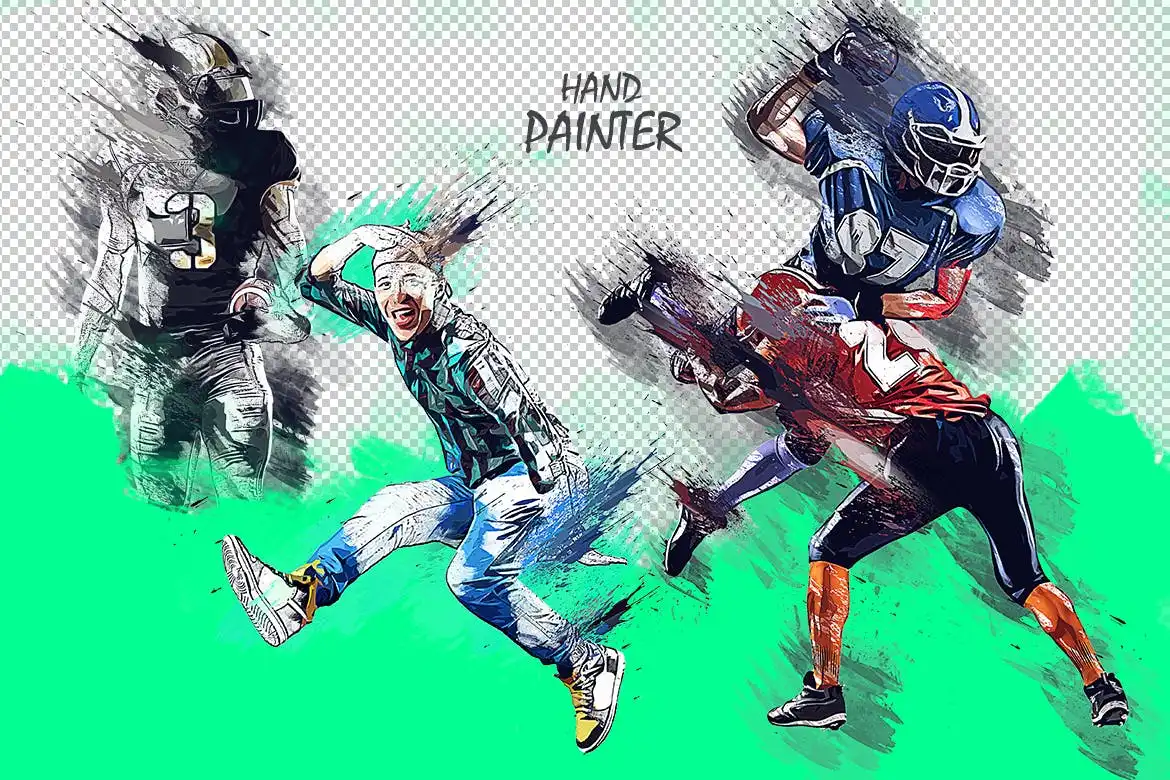
Turn your photos into beautiful digital paintings with one click! 🖌️ This action simulates brush strokes and canvas textures for that authentic hand-painted feel.
Jewelry Style Photoshop Action
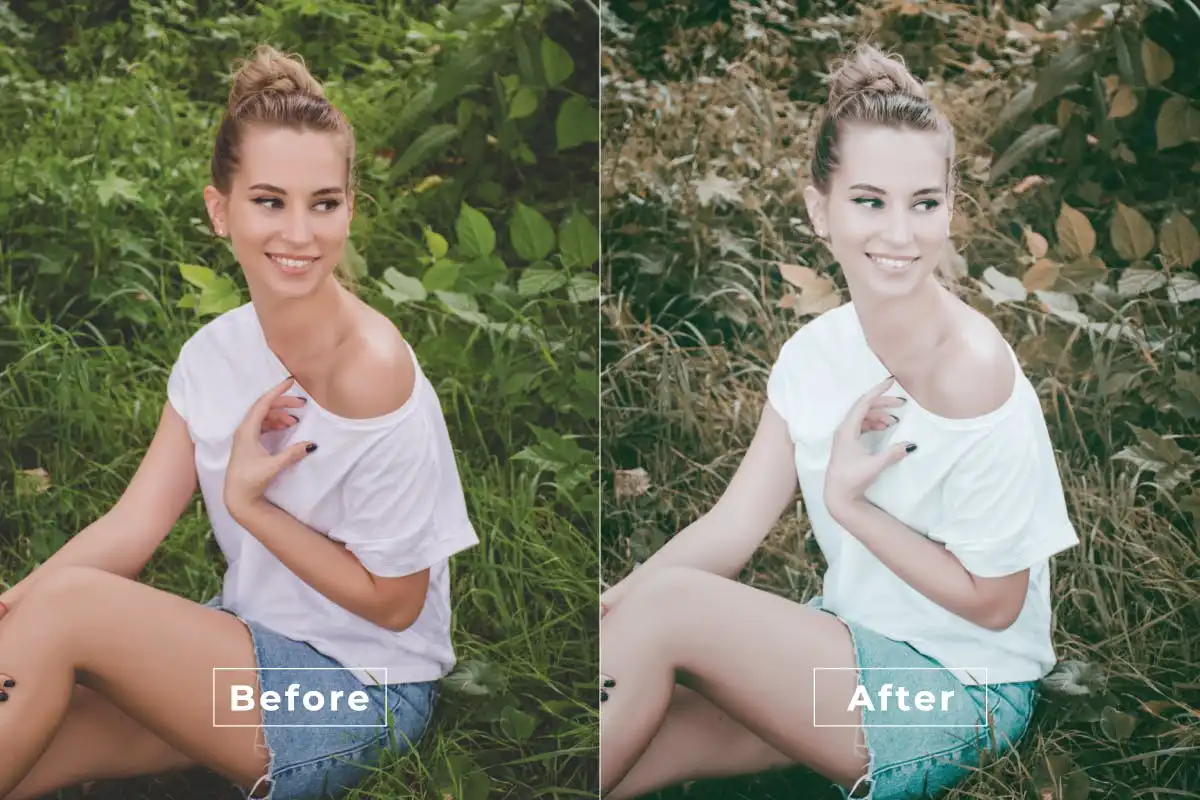
Make those gems and metals sparkle like never before! 💎 This action enhances highlights and contrast specifically for product photography, giving your jewelry that premium shine.
Indie Matte Photoshop Action
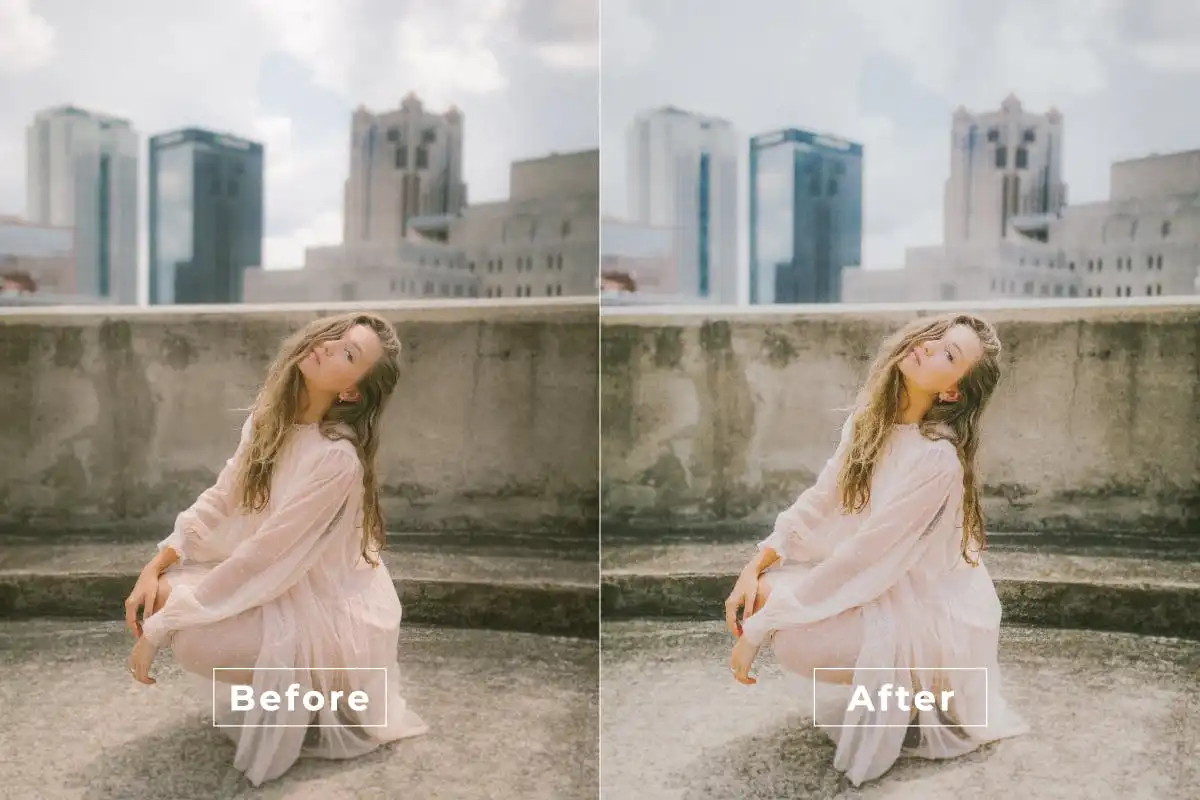
Vintage charm meets modern matte. 🎞️ This action creates soft, muted tones with a hint of grain, perfect for capturing that indie film vibe everyone loves.
Instagram Cinematic Photoshop Action
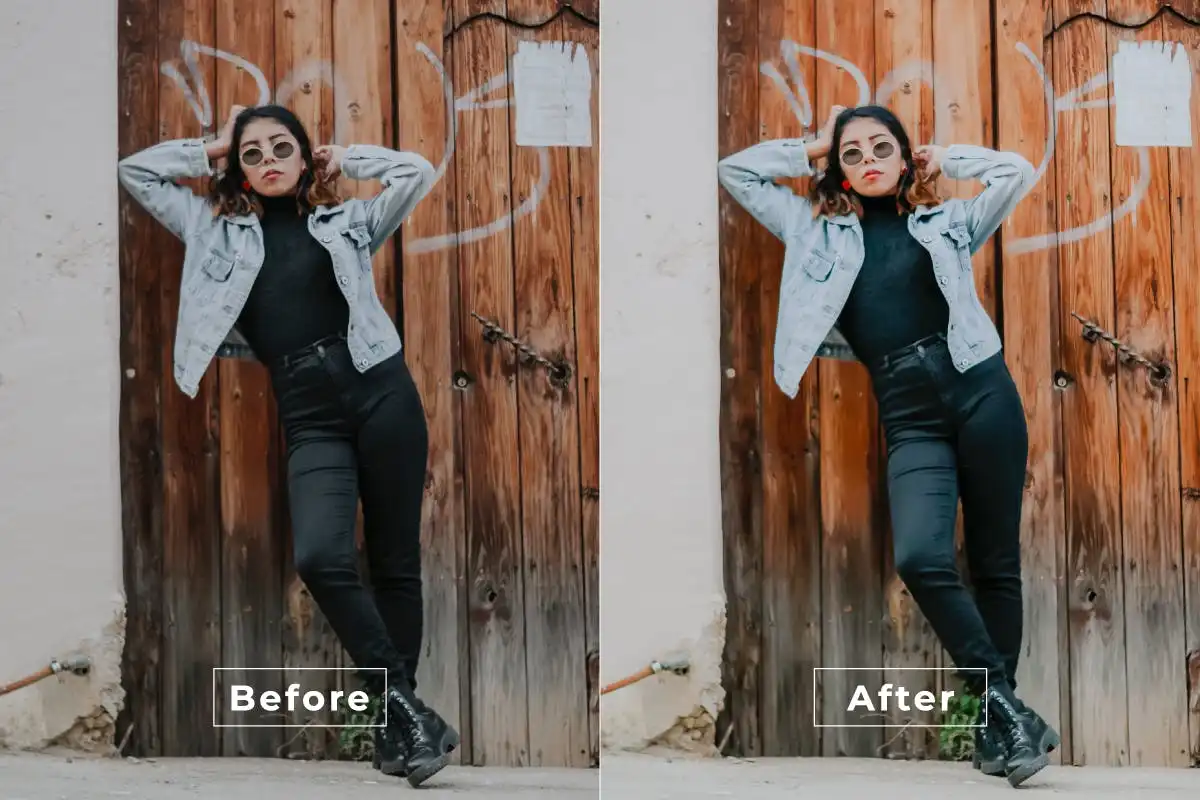
Stop the scroll with jaw-dropping cinematic edits! 📱 This action enhances color grading, contrast, and lighting to give your social media photos that blockbuster feel.
Conclusion
And there you have it—20 incredible Photoshop actions from the brushespack Collection Part 292 that will completely transform your workflow. 🚀 Whether you’re into moody drama, retro vibes, or clean cinematic looks, there’s something here for every creative soul. Don’t wait—grab your favorites today and start editing like a pro! 🎨✨
Frequently Asked Questions
How do I install a Photoshop action?
Installing is a breeze! After downloading, open Photoshop, go to the Actions panel (Window > Actions), click the menu icon, and select “Load Actions.” Navigate to your downloaded .atn file, and boom—you’re ready to go! 🖱️
Can I use these actions on any photo?
Absolutely! These actions work best with photos taken in good lighting, but they are designed to be versatile. Just make sure to work on a duplicate layer so you can tweak the effect to perfection. 📸
Do these actions work with Photoshop Elements?
Unfortunately, these actions are designed for the full version of Adobe Photoshop (CS6 and above). They may not be compatible with Photoshop Elements, but it’s always worth checking your version! 💻