
Welcome back, creative souls! 🎨✨ Today, I’m absolutely thrilled to dive into the Graphicsgol Collection Part 2, a treasure trove of Photoshop actions that will seriously level up your editing game. Whether you’re a portrait perfectionist, a moody landscape lover, or a neon dreamer, this collection has something magical waiting for you. Let’s unlock these creative superpowers together! 🚀
Why Use These Photoshop Actions?
Let’s be real for a second — who has time to manually tweak colors, shadows, and highlights for hours? These actions do the heavy lifting for you, delivering professional-grade results with just one click. They’re perfect for speeding up your workflow while keeping that “wow” factor intact, whether you’re editing for social media, client work, or just for fun. 🎯
Top 11 Must-Have Picks from the Graphicsgol Collection
10 Olive Tones Photoshop Action
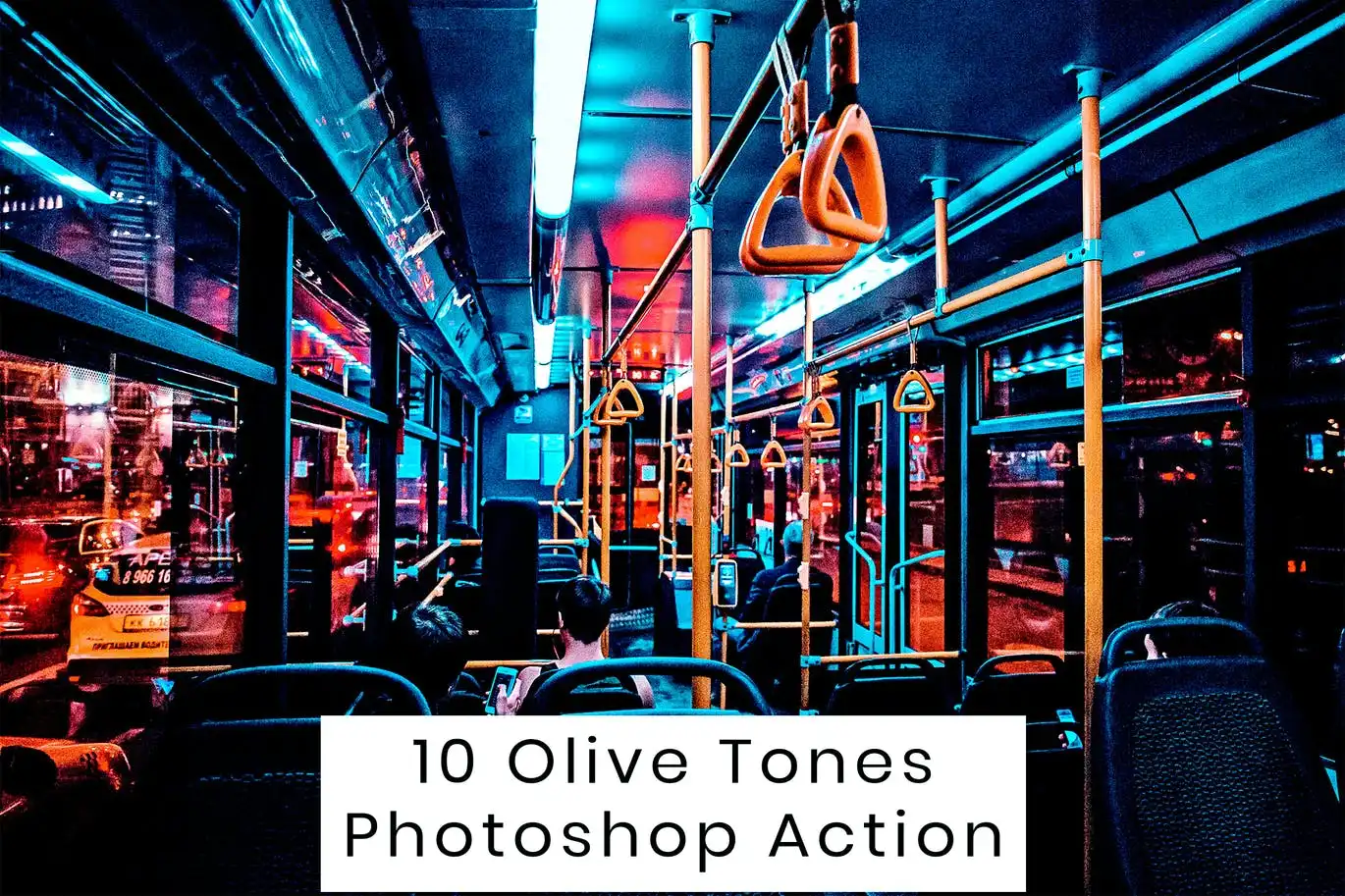
Oh, this one is a total gem! 💎 The 10 Olive Tones Photoshop Action gives your photos that rich, earthy, high-fashion vibe instantly. Perfect for portraits, outdoor shoots, and moody flat lays that need a sophisticated touch. 🌿
20 Portrait Glamour Action
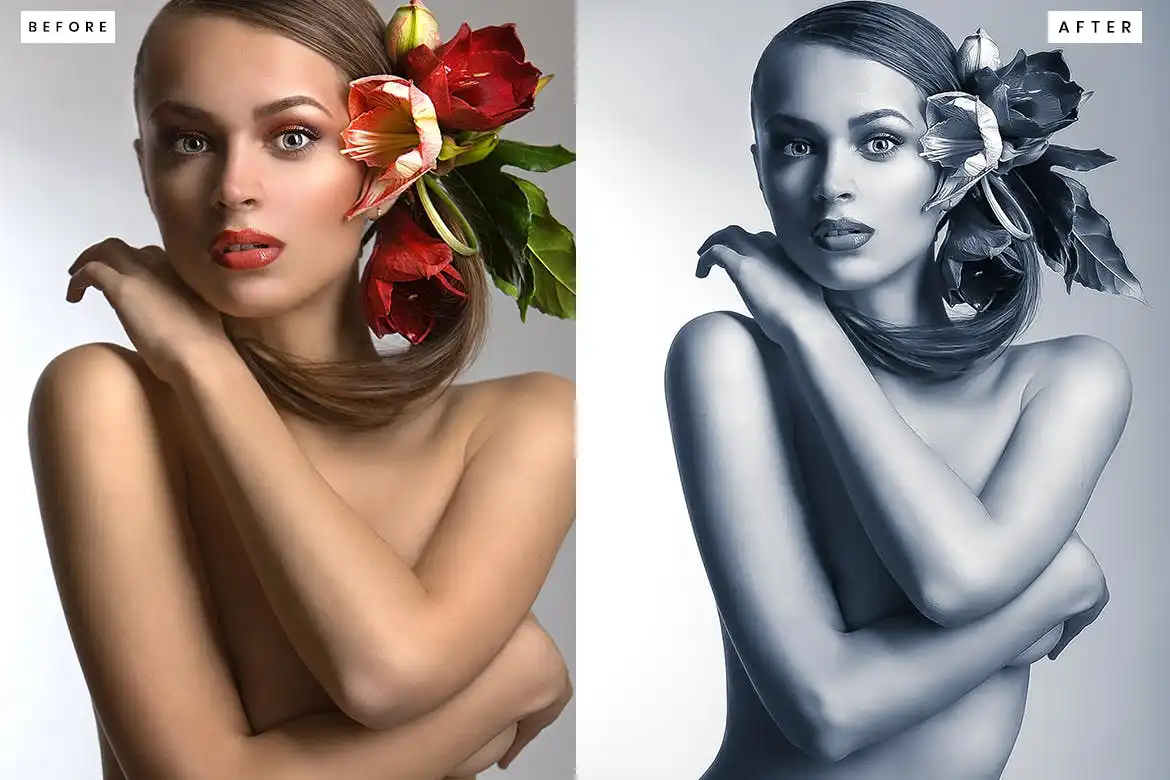
Get ready for some serious red-carpet energy! 🎬✨ This action adds silky skin tones, dreamy highlights, and a luxurious glow that makes everyone look like a superstar. Your portrait sessions will never be the same again! 💫
Instagram Color Tone Effect

Want that scroll-stopping feed aesthetic? 📱✨ This effect is pure magic for social media content — vibrant, fresh, and totally on-trend. Say hello to likes and comments pouring in! 🎨
Deep Dark Photoshop Action
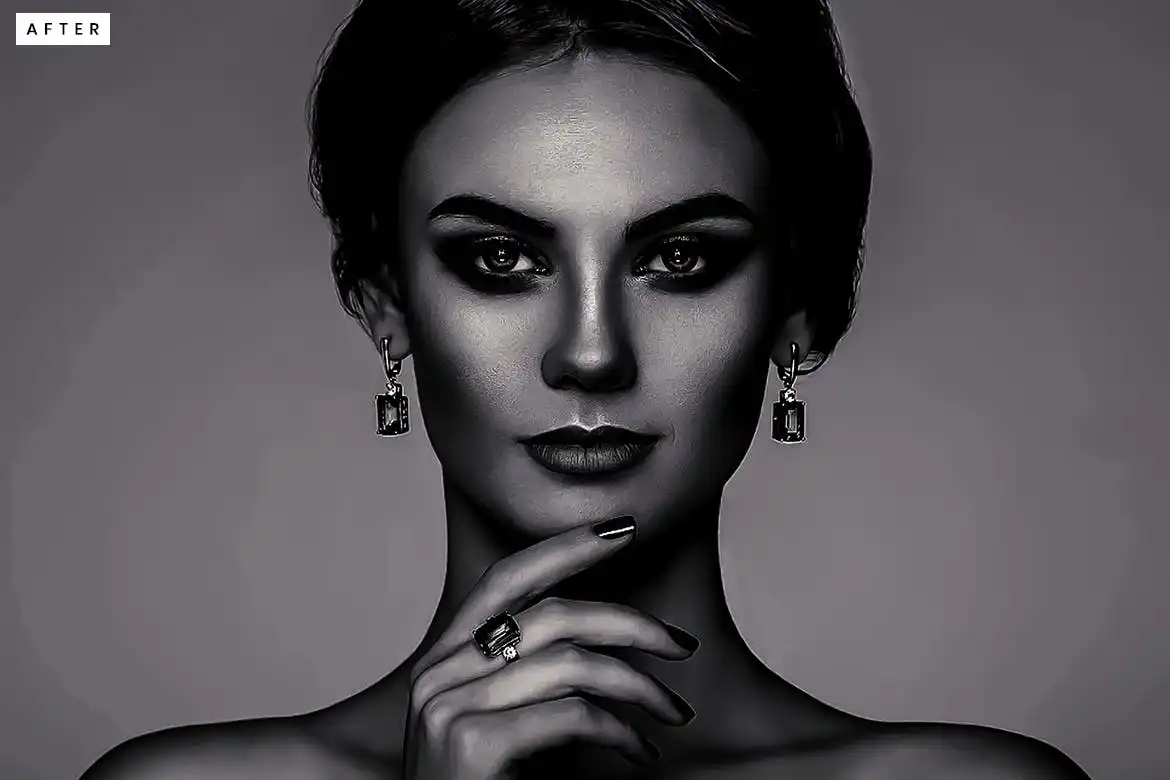
Drama alert! 🌌 This action adds deep, cinematic shadows and a moody atmosphere that’s perfect for storytelling portraits or eerie landscapes. One click and your image goes from flat to fantastic. 🖤
Deep Dark Photoshop Action
Another incredible take on the moody aesthetic! 🖤 This version brings a touch of mystery and enhanced depth while keeping those precious details crisp. Perfect for photographers who love a gothic or noir vibe. 🕯️
Cyberpunk Color Grade Photoshop Action
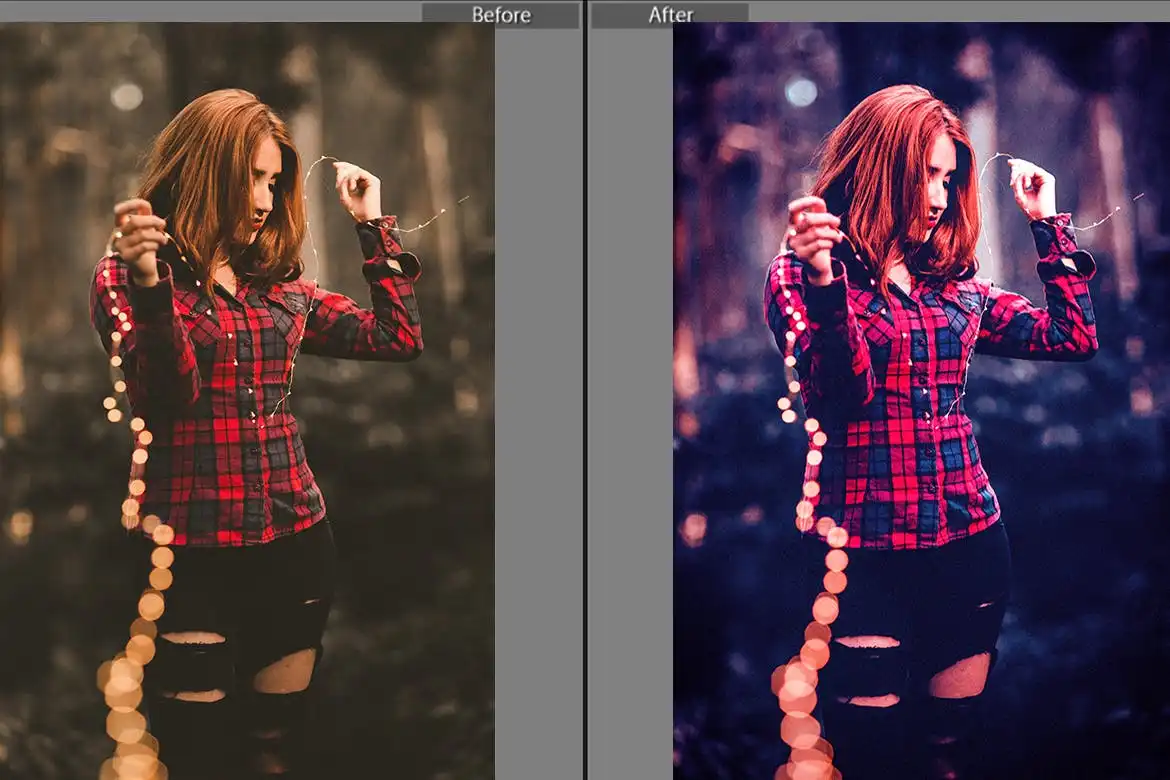
Neon dreams are made of this! 🌆💜 This action floods your images with electric blues, hot pinks, and glowing cyberspace vibes. Ideal for futuristic portraits, night photography, and gaming art. 🎮✨
Deep Dark Photoshop Action
We can’t get enough of this moody masterpiece! 🌚 This version is all about rich, velvety blacks and exquisite contrast that makes your subject pop like never before. Pure visual poetry. 📖
Cyberpunk Color Grade Photoshop Action
Ready to blast into the future? 🚀 This action delivers a neon-soaked, high-contrast look that turns your everyday photos into cyberpunk masterpieces. Your Instagram feed is about to get a serious glow-up! 💜🔥
Pop Art Portraits Photoshop Action
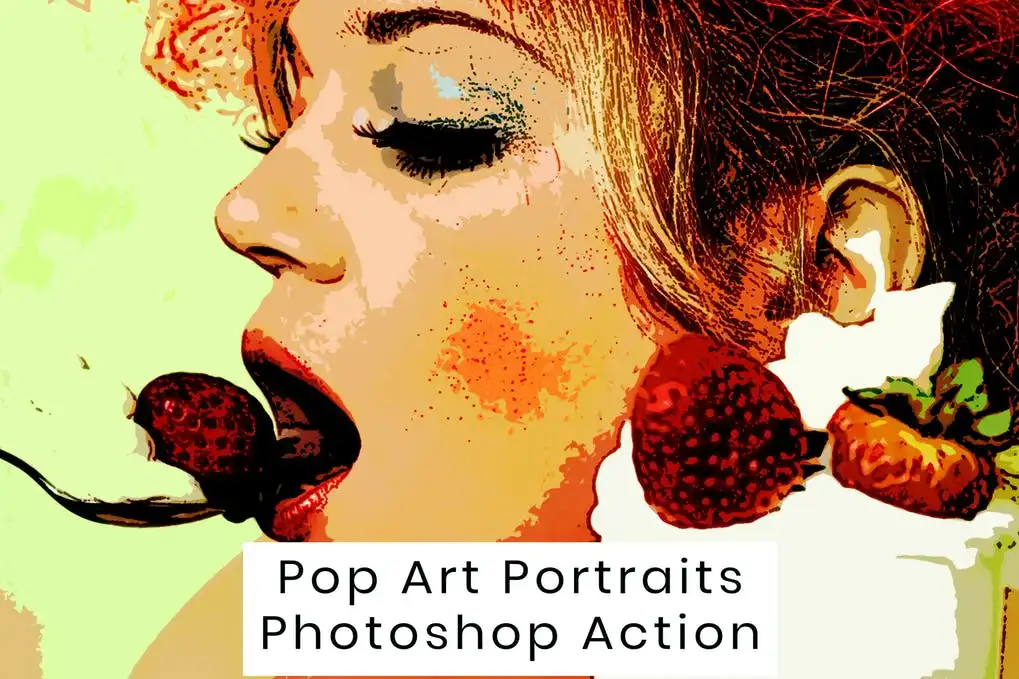
Warhol would be proud! 🎨✨ This fun, vibrant action turns your portraits into bold, comic-style works of art with punchy colors and halftone effects. Perfect for posters, album covers, or just goofing around with friends! 🖼️
Deep Dark Photoshop Action
Yes, another one — and it’s equally stunning! 🌑 This version focuses on a cinematic flair that works beautifully with everything from dramatic cityscapes to intimate portraits. Instant mood, no effort required. 🎞️
Vector Painting Photoshop Action
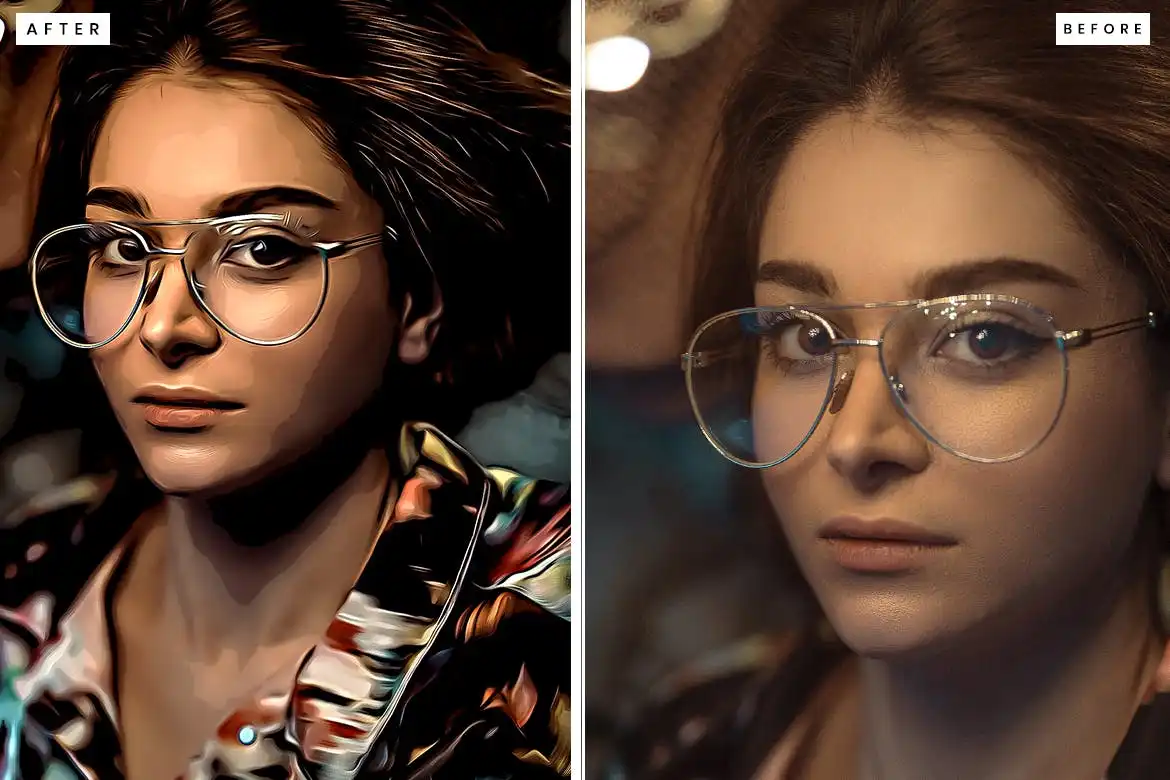
Love that smooth, illustrated look? 🖌️✨ This action transforms your photos into stunning vector-style paintings with clean lines and gorgeous color blocks. It’s a game-changer for artists who want a digital painting look in seconds! 🎨
Conclusion
And there you have it — the ultimate Graphicsgol Collection Part 2! 🎉 From sultry olive tones and glamorous portraits to neon cyberpunk worlds and dramatic depths, these 11 actions give you incredible creative freedom without the headache of manual editing. Whether you’re a seasoned pro or just starting out, each action is a one-click ticket to a stunning new look. Go ahead, grab your favorites, and let your art shine! 🌟
Frequently Asked Questions
Do I need to have the latest version of Photoshop to use these actions?
Not at all! These actions are designed to work with most recent versions of Photoshop (CS6 and above). Just make sure your software supports layers and you’re good to go! 🖥️✅
Can I customize the effects after applying the action?
Absolutely! Every action is non-destructive and creates separate layers. You can tweak the opacity, color balance, or even turn off certain layers to get your perfect look. Total creative freedom! 🎛️✨



