
If you’re a digital artist who lives for that perfect moody, textured, or vintage vibe, you’ve just stumbled onto a goldmine. ✨ The alviart Collection is a treasure trove of Photoshop Actions designed to transform your flat images into cinematic masterpieces, dark fantasy realms, and nostalgic works of art. Whether you’re a seasoned pro or a curious newbie, these one-click wonders will breathe new life into your workflow. Let’s dive in, shall we? 🎨🚀
Why Use These alviart Photoshop Actions?
Because time is precious and creativity should never be boxed in! 🕰️ These actions do the heavy lifting—layers, blending modes, textures—so you can focus on the fun stuff: storytelling and emotion. From gothic drama to vintage film grain, the alviart Collection gives you professional-grade results without the headache of manual tweaking. Perfect for portrait photographers, concept artists, and anyone who loves a little magic in their edits.
Top 5 alviart Photoshop Action Picks
Dark Gothic – Photoshop Action
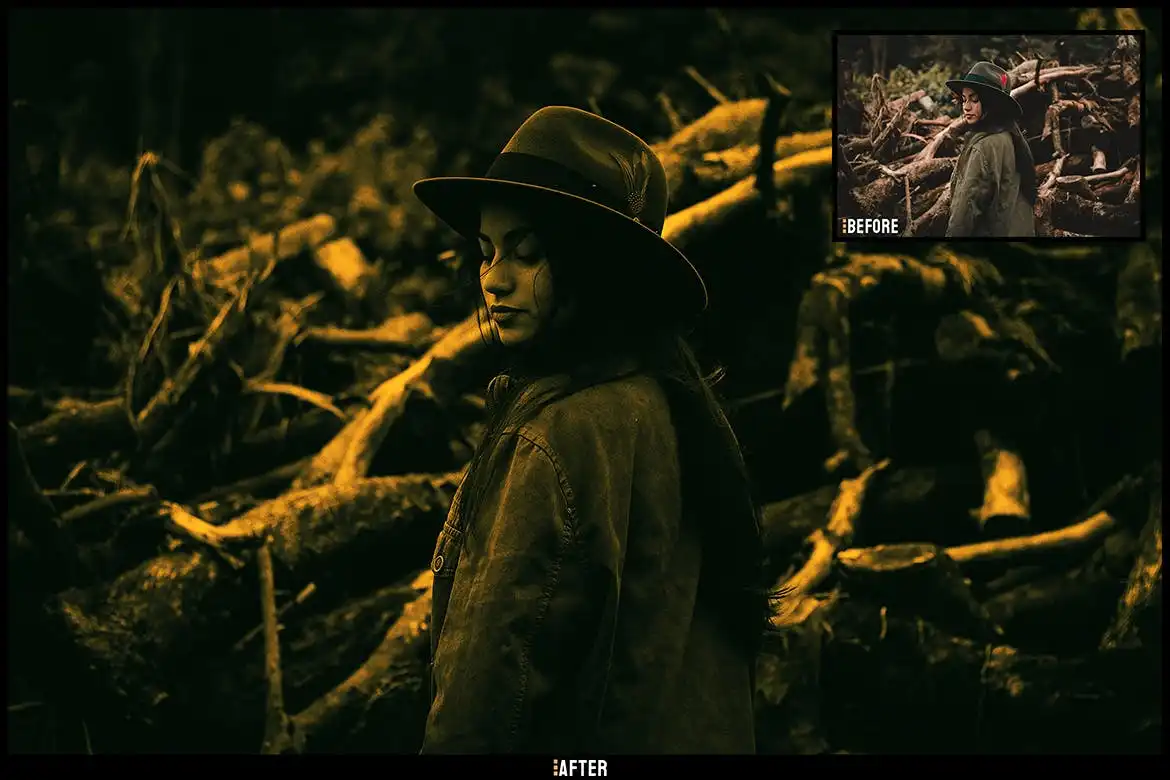
Ready to step into the shadows? 🖤 This action is pure dark fantasy fuel. It adds a moody, cinematic flair that makes your portraits look like they belong in a Tim Burton film or a gothic novel cover. The layers of deep blacks, cool tones, and haunting highlights will instantly elevate your spooky or mysterious edits. Trust me, your vampire-themed photoshoots are about to go next-level! 🦇✨
Monocromic Old – Photoshop Action (v1)
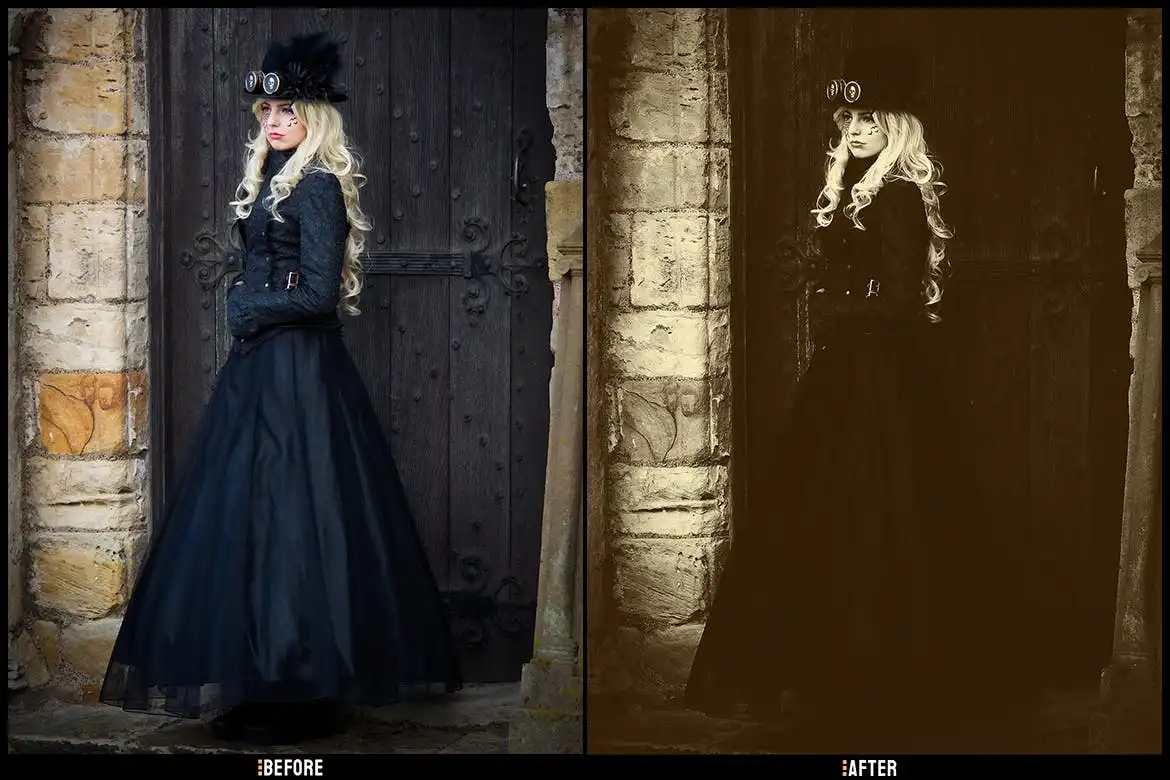
If you’re a sucker for vintage vibes, this one’s for you. 📸 The Monocromic Old action strips your photos down to beautiful black and white, then layers in that grainy, nostalgic texture of classic film photography. It’s like stepping into a time machine—your selfies will look like they were taken in the 1940s! Perfect for moody portraits, street photography, or any shot that deserves a timeless, emotional punch. 🎞️🖤
Painted ART-Artistic Photoshop Action Vol-4
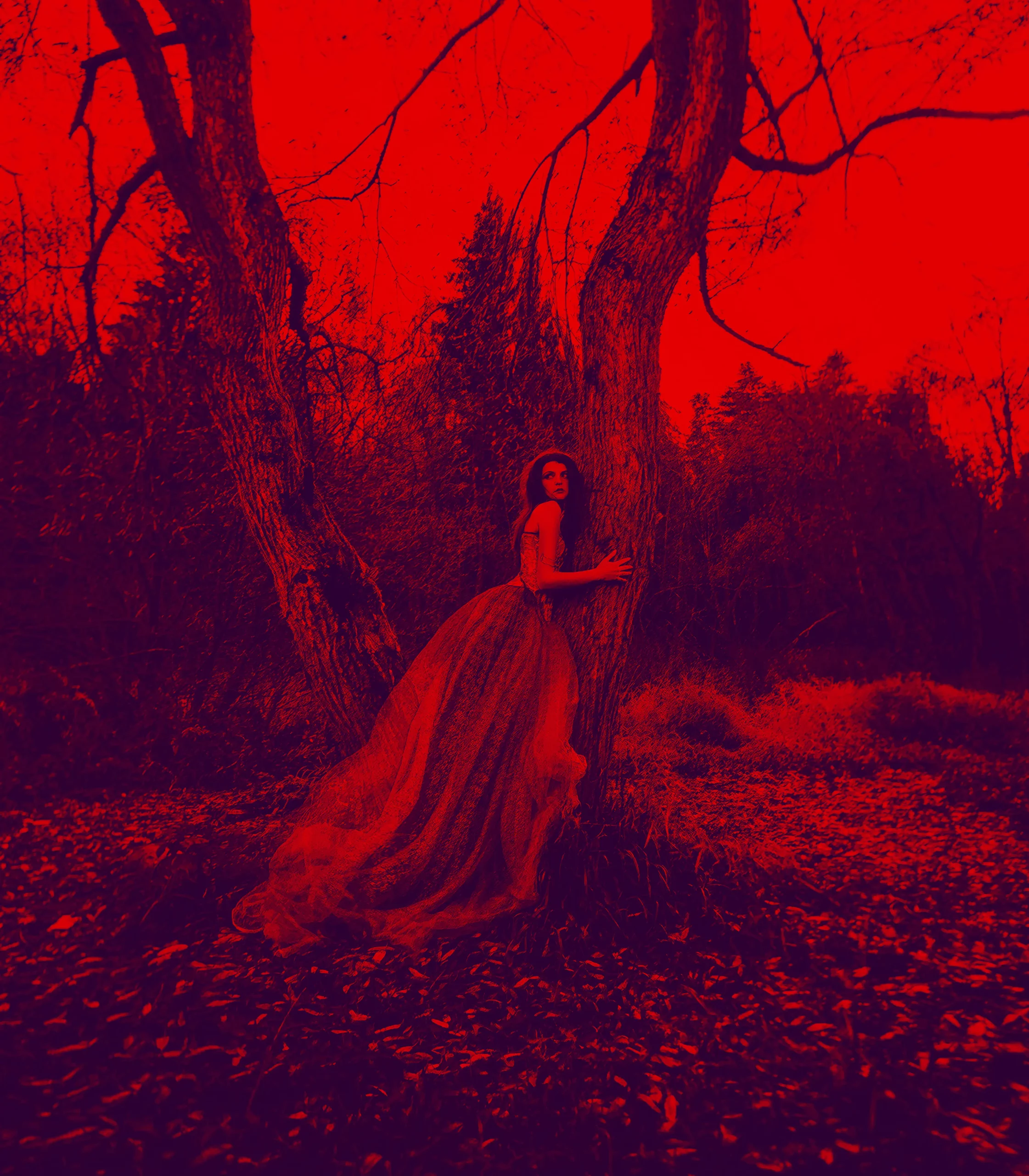
Welcome to the gallery of your dreams! 🎨 This action turns your photos into stunning painted masterpieces with just one click. Rich brush strokes, vibrant colors, and that “wet on canvas” feel—it’s perfect for creating digital art that looks like it was made with real oils or watercolors. Whether you’re making album covers, prints, or just want to wow your Instagram followers, Vol-4 delivers pure, unfiltered creativity. 🖌️✨
Old Fantasy – Photoshop Action
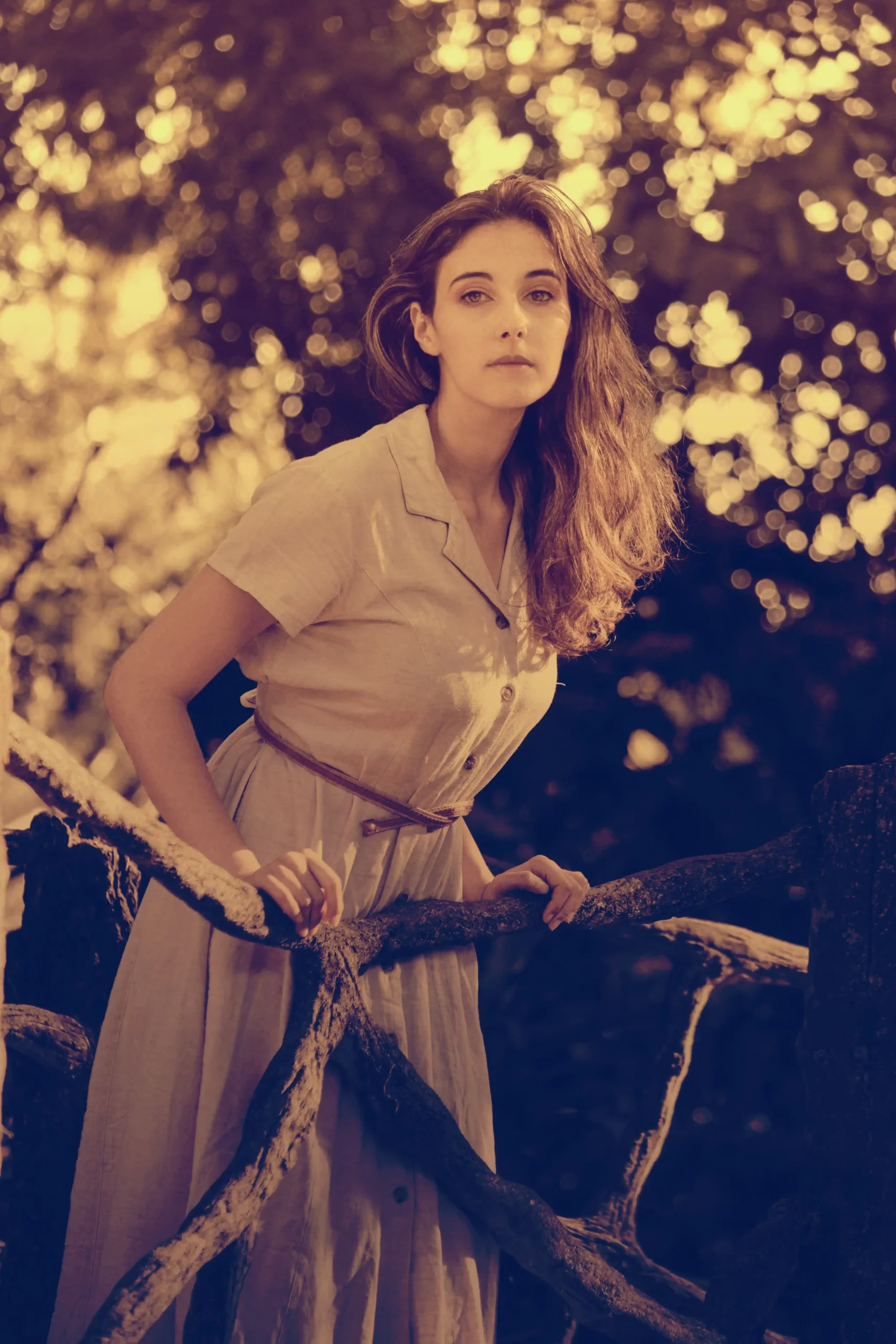
Close your eyes and imagine a dusty old storybook with gold-leaf edges and hand-painted illustrations. 📖✨ That’s exactly the vibe this action gives you. The Old Fantasy action adds warm, faded tones, soft halos, and a mythical aura that makes every image feel like a page from a forgotten legend. Perfect for fantasy portraits, cosplay edits, or just adding a touch of magic to your everyday photography. 🧝♂️🌲
Painted ART – Photoshop Action Vol-3

More art, more magic! 🌈 Vol-3 is the perfect companion to its sibling, offering a slightly different painterly style with softer textures and dreamier color palettes. It’s ideal for portraits that need a romantic, impressionist touch—think blurred edges, dappled light, and a canvas-like finish. Whether you’re editing wedding photos or just playing with selfies, this action will make you feel like a true artist. 🎨💫
Conclusion
The alviart Collection is a must-have for any digital artist or photographer who craves mood, texture, and instant creativity. From the brooding Dark Gothic to the nostalgic Monocromic Old and the dreamy Painted ART series, there’s something here for every creative mood. 🚀 So go ahead, give your photos a soul and your workflow a break—you deserve it!
Frequently Asked Questions
What exactly are Photoshop Actions?
Photoshop Actions are pre-recorded sequences of edits (like layers, adjustments, and filters) that you can apply to your images with a single click. They save you hours of manual work and are perfect for achieving consistent, professional looks. The alviart Collection actions are fully customizable, so you can tweak them to your liking! 🖱️
Are these actions compatible with my version of Photoshop?
Yes! These actions are designed to work with most versions of Adobe Photoshop (CS6 and later, including CC). They work on both Windows and Mac. Just load them via the Actions panel, hit play, and watch the magic unfold. 🎩✨
Do I need any special skills to use these alviart actions?
Not at all! Even if you’re a complete beginner, these actions are super easy to use. Simply open your image in Photoshop, click the action, and it does the rest. You can always adjust opacity or layer settings afterwards to fine-tune the result. It’s literally magic for lazy artists (and we say that lovingly)! 😉



