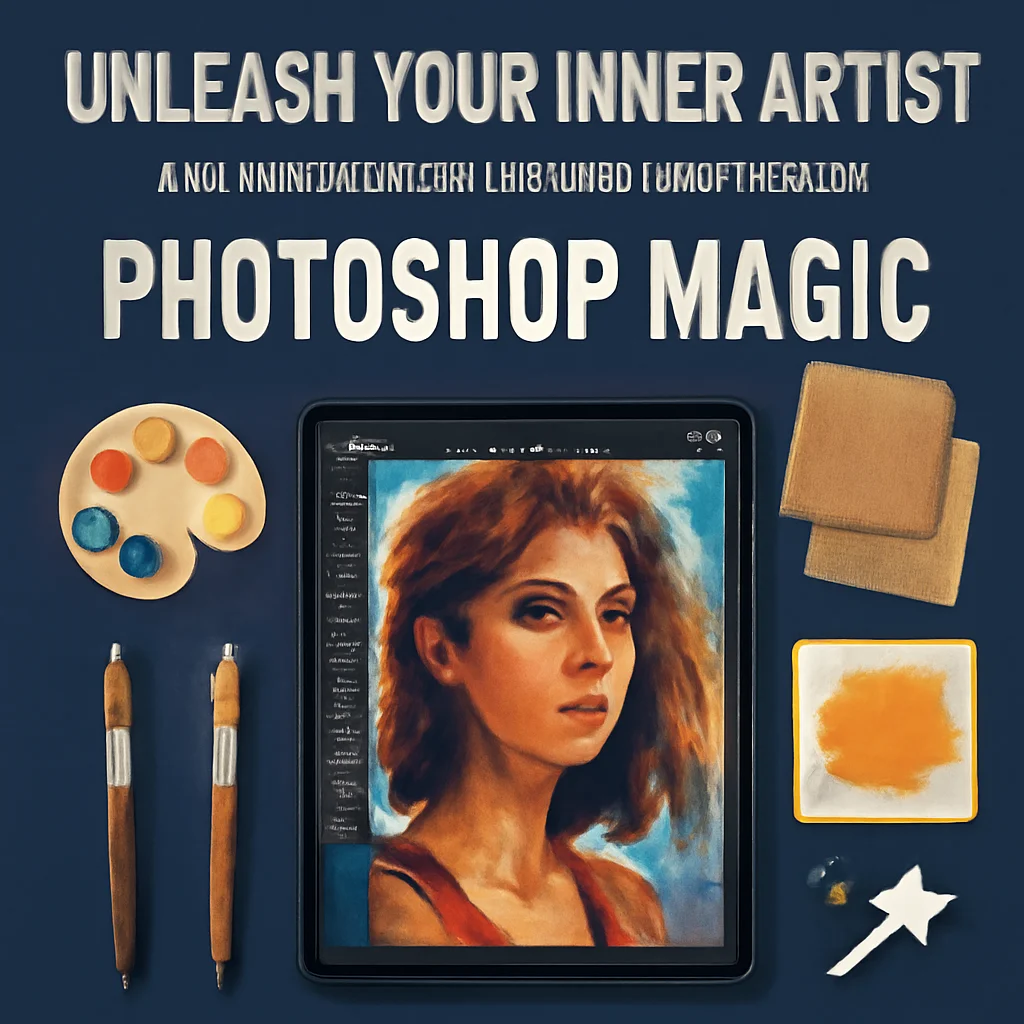
Are you tired of your photos looking just… ordinary? 😴 Do you dream of transforming your images into breathtaking digital paintings that scream “wow” without spending hours on manual brushstrokes? Well, grab your stylus and buckle up, because the kitket Collection is here to save the day! 🎉 This incredible suite of Photoshop Actions is like having a magic wand for your art, instantly turning your raw photos into gallery-worthy masterpieces with just one click. ✨
Why Use These Photoshop Actions?
Let’s be real: we all want our work to stand out, but who has the time to learn complex painting techniques from scratch? That’s where the kitket Collection shines! 🚀 These actions are designed for both beginners and seasoned pros, offering a shortcut to professional-grade effects like oil painting, watercolor, and double exposure. Whether you’re a photographer looking to boost your portfolio, a digital artist craving new textures, or a social media guru wanting to stop the scroll, these tools will save you hours of work while delivering jaw-dropping results. 🎯
Top 5 kitket Collection Picks
Oily Photography Action

Oh, this one is pure magic! 🌟 The Oily Photography Action gives your photos that dreamy, painterly oil slick effect that makes everything look like a high-fashion editorial. It’s perfect for portraits, landscapes, or even product shots—just click play and watch your image get drenched in gorgeous, buttery texture and rich colors. It’s like having a bottle of liquid creativity! 🎨
Oily Watercolor Painting Action

Can’t decide between oil and watercolor? Why choose?! 🤯 The Oily Watercolor Painting Action merges the best of both worlds into one stunning effect. It creates soft, flowing washes of color with the rich, blended depth of oil paints. Every click feels like watching a real canvas come to life—perfect for that artsy, bohemian vibe you’ve been craving. Seriously, your Instagram feed is about to get a major upgrade! 💧🎨
Texture Art Photoshop Action

If you love getting your hands dirty with gritty, tactile art, this one’s for you! 🖌️ The Texture Art Photoshop Action layers your images with stunning, handcrafted textures that look like real canvas, paper, or stone. It comes with unlimited color options, so you can tweak the mood from moody and dark to bright and ethereal. It’s the ultimate tool for creating mixed-media magic without the mess! 🌪️
Oil Painting Action

Classic, elegant, and oh-so-satisfying! 🖼️ The Oil Painting Action is your ticket to recreating the timeless beauty of Old Masters like Van Gogh and Rembrandt. It applies thick, luscious brushstrokes that make your photos feel like they belong in a museum. Whether you’re working on a pet portrait or a landscape, this action adds a level of depth and emotion that’s simply priceless. 🎭
Double Exposure Creative Action

Double exposure? Yes, please! 🌌 The Double Exposure Creative Action lets you blend two images into one surreal, dreamy masterpiece effortlessly. Imagine a silhouette filled with a starry sky, or a face slowly dissolving into a forest. It’s the perfect tool for storytelling, album covers, or just making your friends say “HOW did you do that?!” 🤯 It’s creativity on tap!
Conclusion
There you have it—the crème de la crème of the kitket Collection! 🎉 Whether you’re going for gooey oil textures, delicate watercolor washes, gritty tactile layers, classic brushstrokes, or surreal double exposures, these Photoshop Actions have got your back. They’re fast, easy to use, and designed to make you look like a pro even if you’re just starting out. So why wait? Pick your favorites, hit that download button, and let the magic begin! ✨💻
Frequently Asked Questions
What version of Photoshop do I need for kitket actions?
Most kitket actions are compatible with Adobe Photoshop CC2015 and above. Some older actions may work with CS versions, but for the best experience and full feature support, we recommend using a modern Creative Cloud version. 🖥️
Can I use these actions on any photo?
Absolutely! These actions work on any JPG, PNG, or TIFF image. For the best results, use high-resolution photos with good lighting and contrast. Just make sure you have the photo layer selected and named correctly (the instructions usually say to name it “Background”) before running the action. 📸