Hey there, fellow creative soul! 🎨✨ Are you ready to take your digital art game to a whole new dimension? If you’ve been scrolling through Pinterest or Instagram, wondering how artists get those jaw-dropping sketch effects, cosmic glows, or cozy knitted textures, I’ve got a little secret to share: the magic often lies in amazing Photoshop Actions from fd-design. 🚀
Today, I’m diving deep into Part 1 of the incredible fd-design Collection! This collection is like a treasure chest of 20 one-click wonders that will transform your photos into stunning works of art. Whether you’re a seasoned pro or just starting your digital journey, these tools are designed to save you hours of work while delivering professional, jaw-dropping results. Let’s explore the best Photoshop actions and scripts that deserve a permanent spot in your creative toolkit! 🖌️💫
Why Use These fd-design Photoshop Actions & Scripts?
Time is the most precious resource for any artist. Instead of spending countless hours manually layering brushes or tweaking filters, these actions do the heavy lifting for you—often with just a single click. 🕹️ From turning a plain photo into a realistic oil painting to adding a mystical “Teleport” effect, these tools are perfect for social media content, posters, T-shirt designs, or just impressing your followers with your newfound “skills.” Plus, they are compatible with older versions of Photoshop (CS3+ and CS4+), meaning you don’t need the latest subscription to create magic. Let’s jump right into the list! 🔥
Top 20 fd-design Collection Picks
Dark Sketch CS4+ Photoshop Action
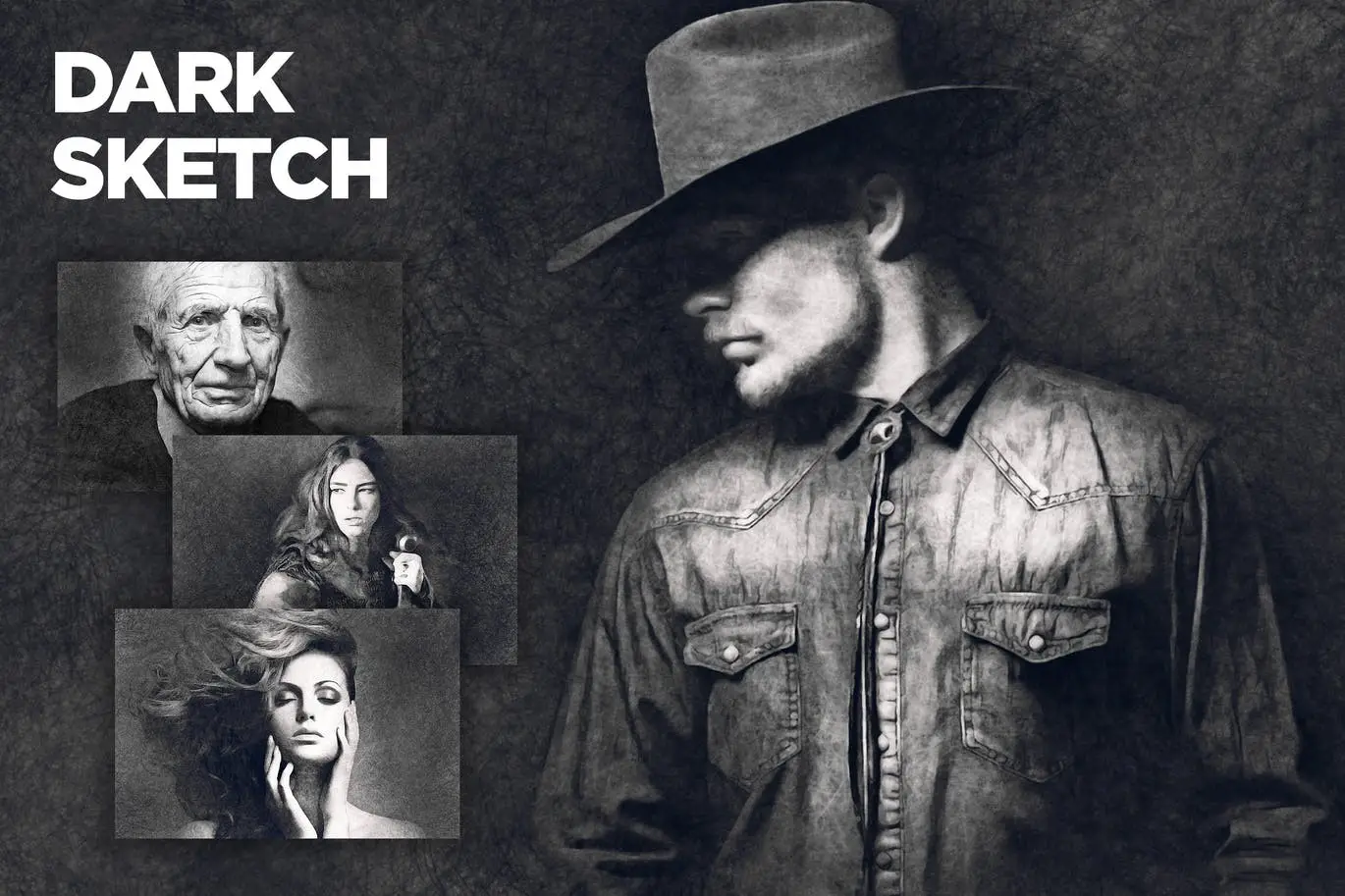
Turn your photos into moody, dramatic pencil sketches with this incredibly realistic action. It’s perfect for portrait artists or anyone wanting a grunge, editorial vibe. ✍️🖤
Shine CS3+ Photoshop Action
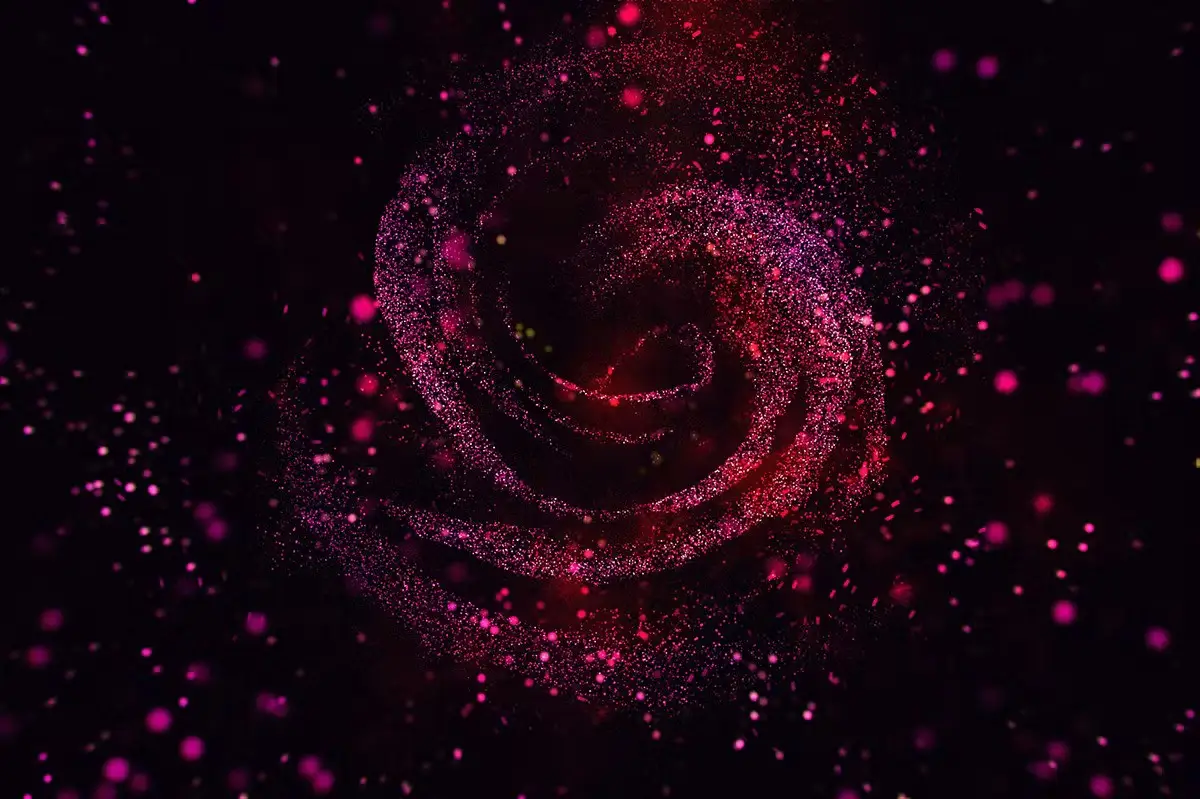
Want to add some Hollywood glamour or fairy-tale sparkle? This action scatters beautiful light sparkles across your photo effortlessly. 🌟✨ Just click and let the magic happen!
Supernova CS4+ Photoshop Action
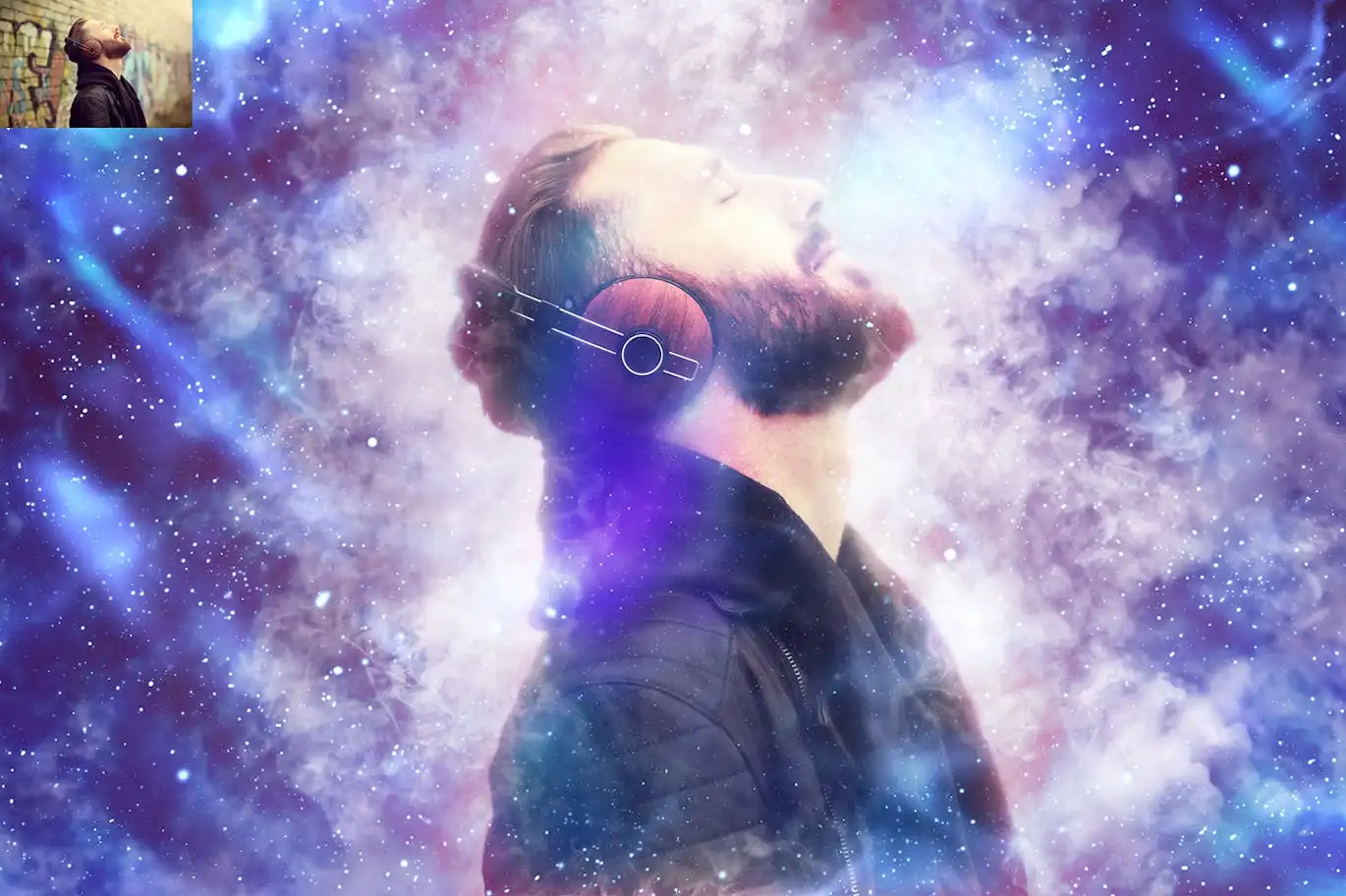
Create brilliant space and cosmic effects that look like they came straight from a sci-fi movie. Perfect for album covers, fantasy art, or making your subject look out-of-this-world. 🚀🌌
Symbolizer + Symbols Checker CS4+ Photoshop Script
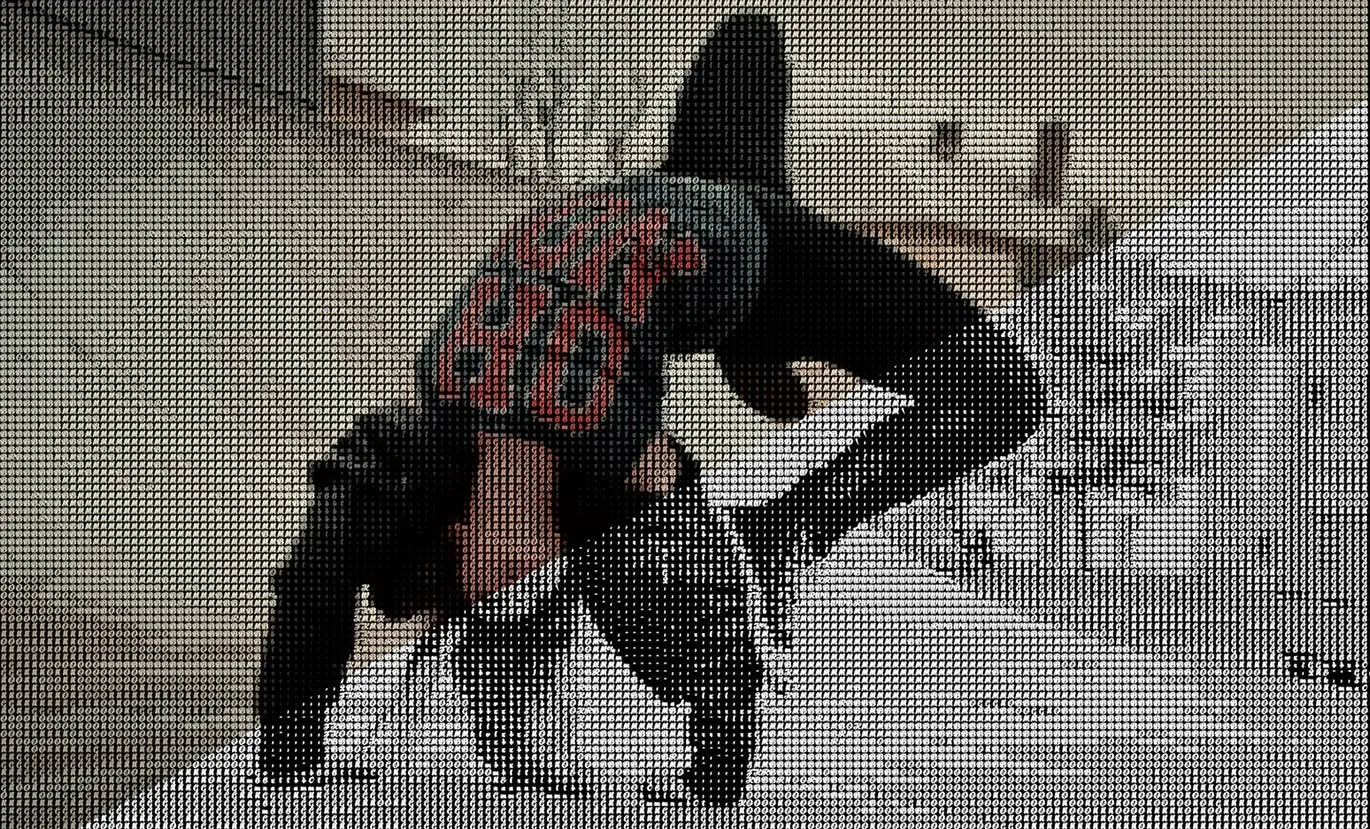
This isn’t just an action—it’s a full script that lets you create stunning text effects using symbols and patterns. It’s a game-changer for typography lovers and poster designers! 🔤✨
Fingerprint CS4+ Photoshop Action
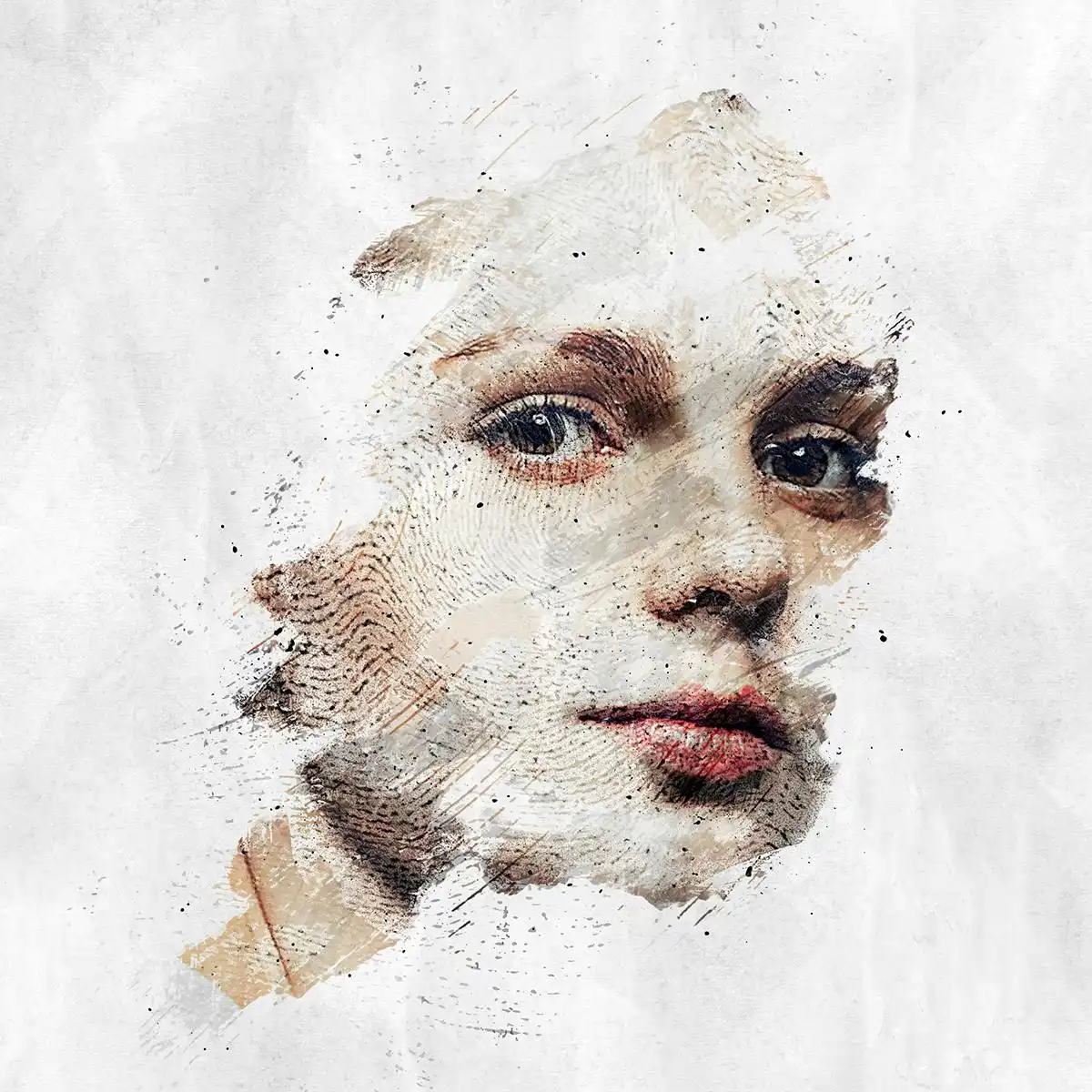
Add a unique, organic fingerprint texture to your images. This is fantastic for creating custom backgrounds, forensic-style art, or adding a subtle, tactile feel to your work. 🖐️🔍
Knitting CS3+ Photoshop Action
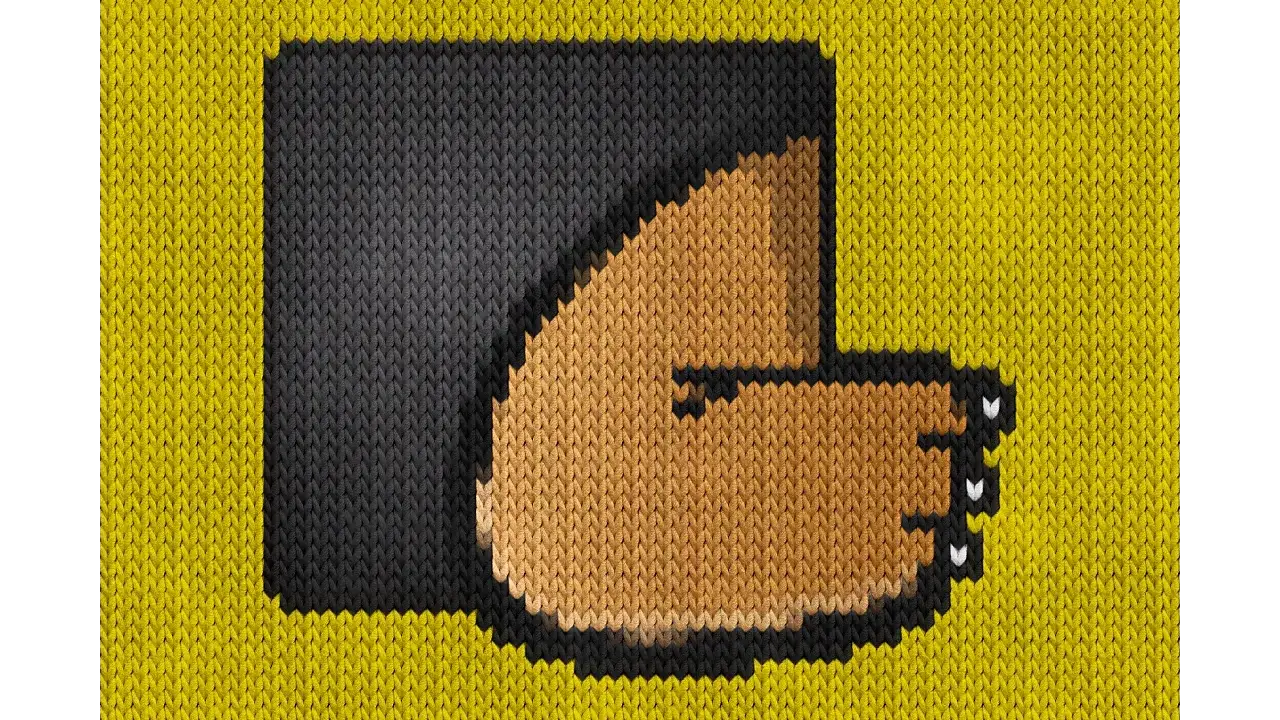
Give your photos a warm, cozy, knitted sweater effect without the yarn! This action creates beautiful textile-like patterns that are perfect for winter-themed projects or fabric design mockups. 🧶❤️
Knitting Photoshop Action CS3+
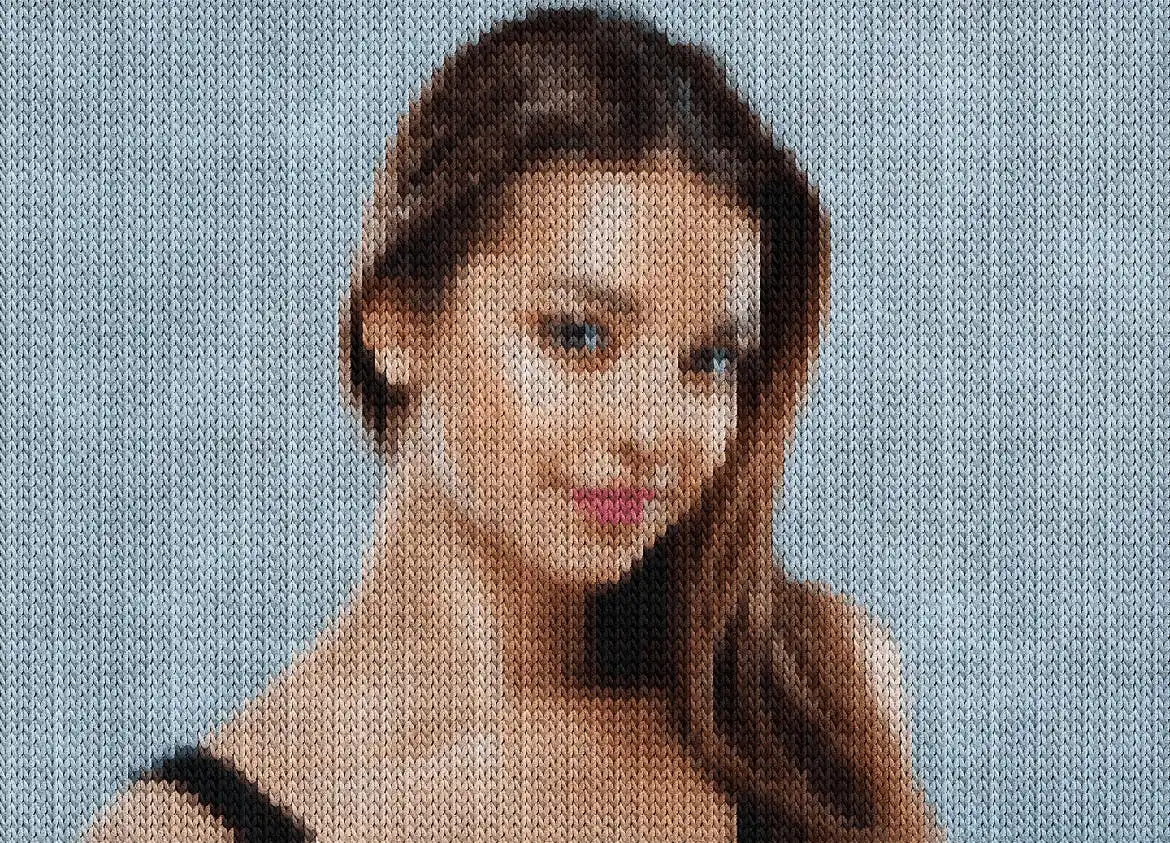
Another brilliant knitting effect, but with a slightly different stitch pattern. Double the coziness! Use this one for text overlays or making your photos look like they are stitched together. 🧵🪡
Night Fury Photoshop Action CS3+

Unleash the beast! This action creates awesome fire and energy effects that look like they jumped out of a fantasy RPG. Perfect for character art, sports graphics, or dramatic lighting. 🔥🐉
Fireborn CS4+ Photoshop Action
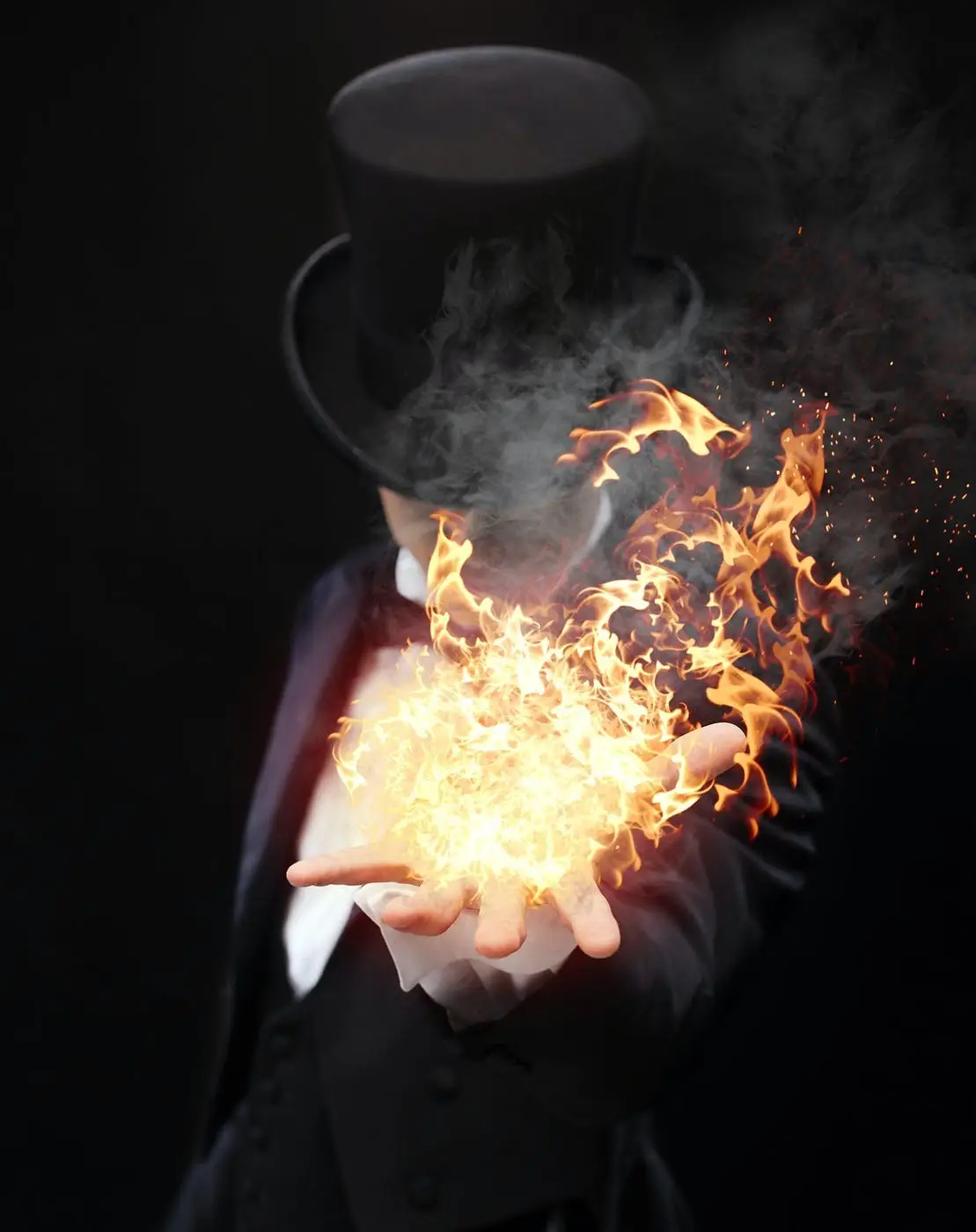
If you thought “Night Fury” was hot, wait until you see this. Fireborn gives you a more intense, glowing ember effect that makes your subjects look like they rose from the ashes. A must-have for dark fantasy lovers! 🔥🦅
Tech Sketch CS4+ Photoshop Action
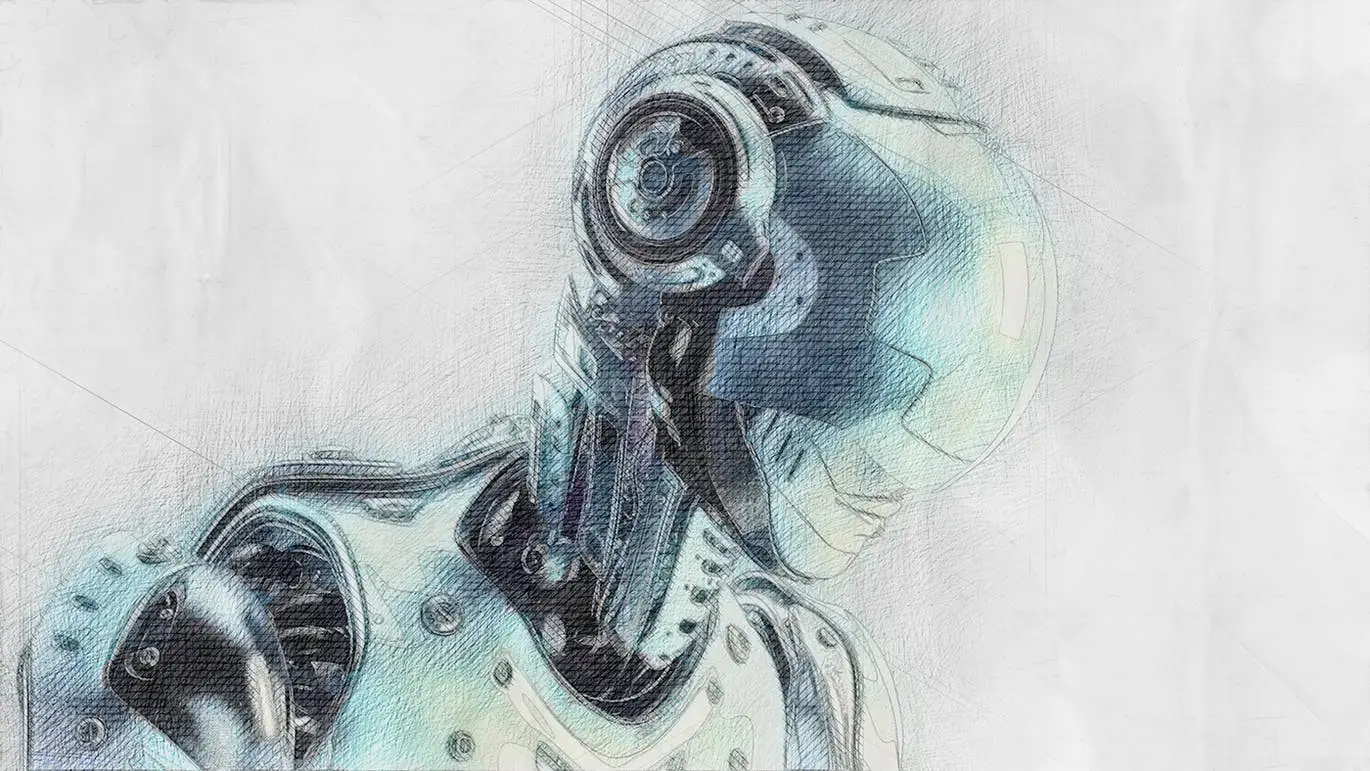
Transform your portraits or objects into detailed, blueprint-style technical sketches. This is excellent for logo design, engineering concepts, or giving your art a cool “patent drawing” aesthetic. 📐🔧
Sakura CS4+ Photoshop Action
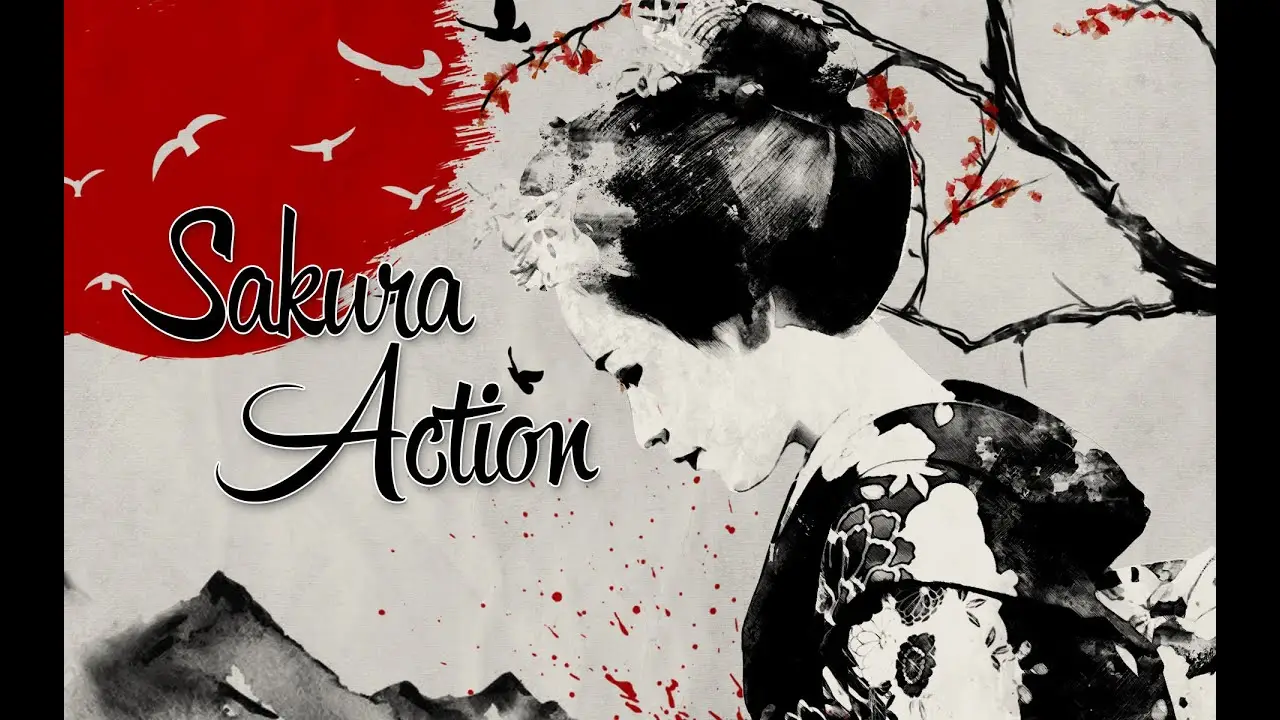
Bring the elegance of traditional Japanese art to your photos. This action mimics the delicate ink wash and watercolor style of cherry blossoms. Perfect for zen, floral, or minimalist designs. 🌸🖌️
Dry Brush Cs6+ Photoshop Action
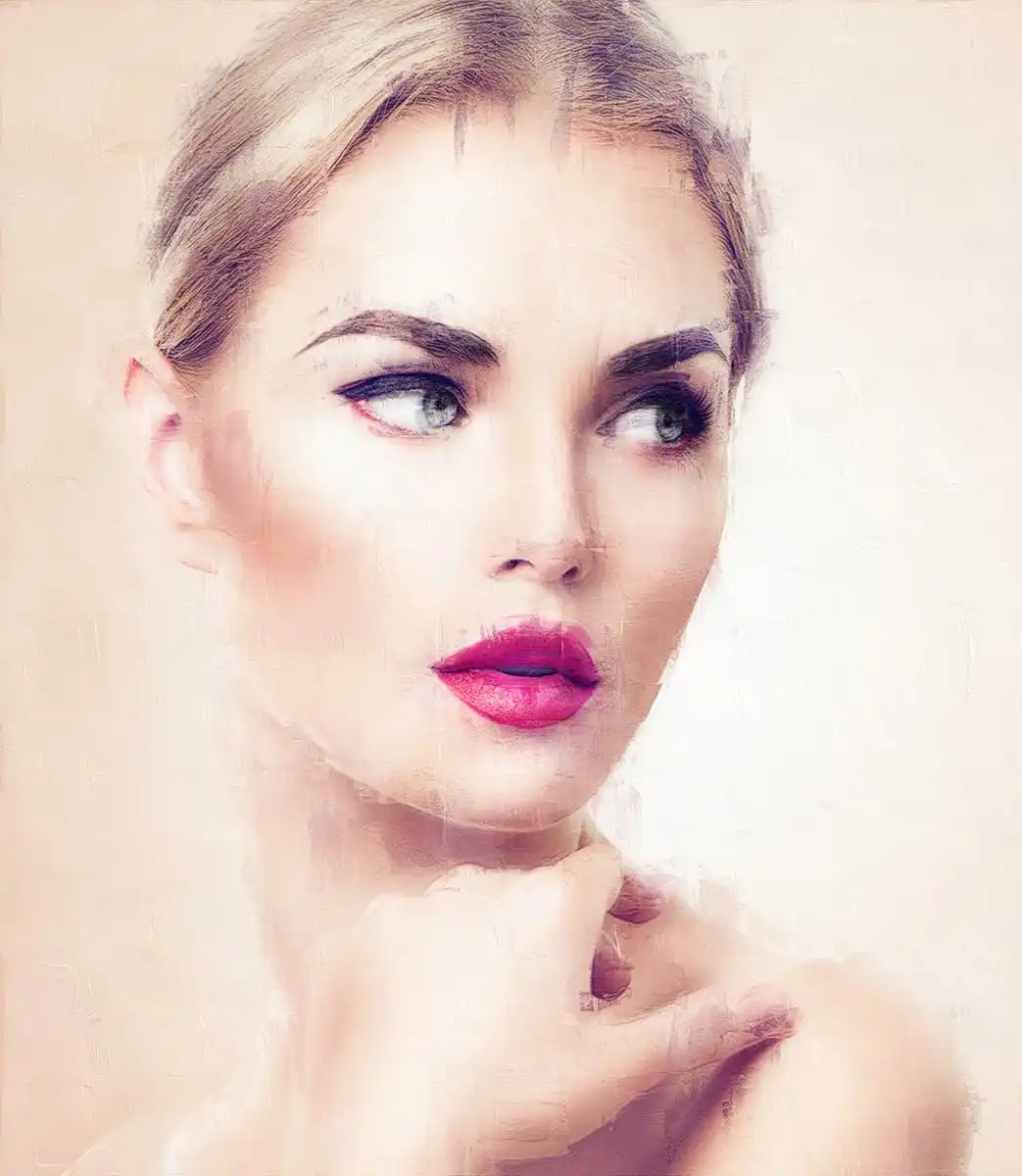
Love that textured, painterly look where you can see the canvas grain? This action applies a gorgeous dry brush effect that makes any photo look like a physical painting. 🎨🖼️
Pencil & Brush Cs4+ Photoshop Action
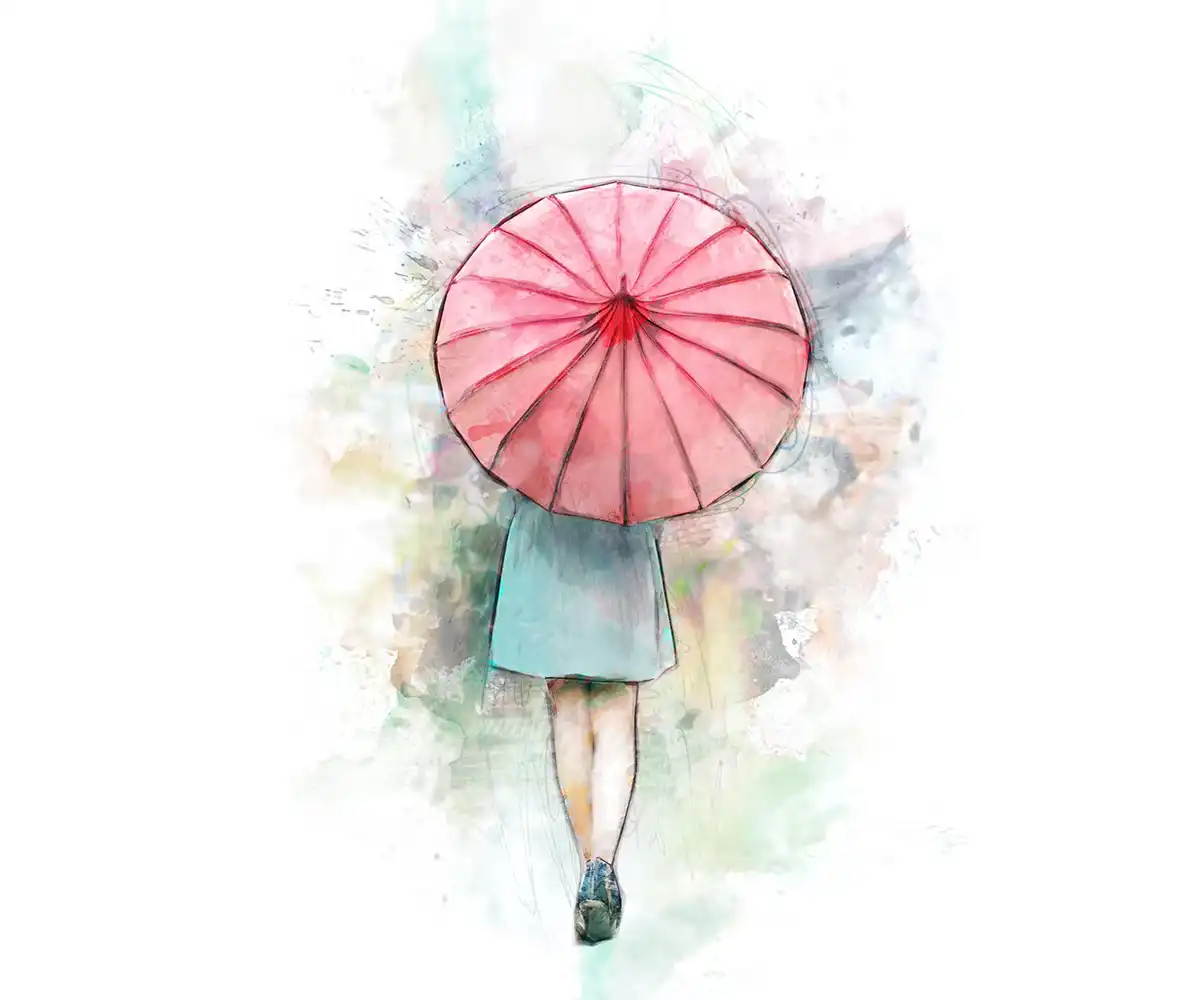
Why choose between pencils and brushes when you can have both? This action creates a hybrid hand-drawn look with fine pencil lines and soft brush strokes. It’s perfect for whimsical art and children’s book illustrations. ✏️🖌️
Dry Brush Cs6+ Photoshop Action
Yes, there’s another dry brush action here, and it’s just as incredible! This version offers a slightly different brush texture, perfect for layering or creating a more abstract, impressionist style. Double the texture, double the fun! 🌟
Zodiac CS4+ Photoshop Action

Are you a believer in the stars? This action adds celestial and astrological symbols to your photos. It’s perfect for creating mystical, bohemian, or spiritual-themed art that your followers will love. ♈✨
Teleport CS6+ Photoshop Action

Create stunning futuristic “warp” or movement effects that make your subject look like they are teleporting through space. This is a super fun effect for sci-fi posters, party flyers, or action shots. 🚀🌀
Sparkler Trace CS4+ Photoshop Action

Remember the joy of writing in the air with a sparkler on the Fourth of July? This action simulates that magical, glowing effect. It’s great for adding whimsy to photos of kids, weddings, or festive events. 🎇✨
Rebirth CS4+ Photoshop Action

Give your images a vibrant, colorful, and almost psychedelic makeover. It’s like a fresh start for your old photos—bringing out vivid colors and dreamlike textures. Perfect for album art or bold digital paintings. 🌈🦋
Real Oil Painting Photoshop Action CS3+

This is the holy grail for anyone who wants to simulate thick, luscious oil paint on canvas. The action creates deep, rich textures that look incredibly tactile and professional. You’ll fool even the most trained eye! 🎨👨🎨
Mix Art CS6+ Photoshop Action

And finally, the perfect all-rounder! Mix Art blends multiple artistic styles (pencil, paint, and texture) into one cohesive, chaotic-yet-beautiful effect. It’s perfect for T-shirt designs, posters, or when you just want a unique, mixed-media look. 🎭🖼️
Conclusion
And there you have it, my creative friend! 🎉 We’ve just scratched the surface with Part 1 of the incredible fd-design Collection. From the gritty mood of Dark Sketch to the galactic swirls of Teleport, these 20 actions and scripts prove that you don’t need to spend days on a single piece to create museum-worthy art. They are fast, reliable, and, best of all, they spark joy! 💖
Don’t forget to check out the entire fd-design store on BrushesPack for more hidden gems. Now go ahead, fire up Photoshop, and let the magic of these actions transform your world. Which one are you going to try first? Let me know in the comments! 🚀✨
Frequently Asked Questions
Are these Photoshop actions compatible with my version of Photoshop?
Yes! The beauty of the fd-design collection is that they support older versions, starting from CS3 and CS4. As long as you are using a version of Photoshop that is CS3 or later (including CC versions), these actions should work perfectly. Always check the product title for the specific version requirement!
Do I need advanced Photoshop skills to use these actions?
Not at all! One of the best things about the fd-design collection is its simplicity. Most actions require you to simply open your image, play the action, and watch the magic happen. Many of them also come with detailed video and text tutorials, making them perfect for beginners.
Can I use these actions for commercial projects?
Generally, yes. You can use these actions to create designs for T-shirts, posters, social media graphics, and other commercial works. However, it’s always a good idea to check the specific license agreement