Hey there, creative soul! 🌟 Are you ready to take your digital art game to the next level? I’ve got something incredibly exciting for you today—the mristudio Collection Part 7! This massive roundup features 20 jaw-dropping Photoshop actions that will turn your ordinary photos into extraordinary masterpieces. Whether you’re a seasoned pro or just starting out, these tools are your secret weapons for creating magic with just one click. Let’s dive in! 🚀🎨
Why Use These Photoshop Actions?
Imagine being able to transform a flat photo into a glowing neon wonder, a painterly oil canvas, or a gritty newspaper print in seconds. That’s the power of mristudio’s collection! ✨ These actions save you hours of manual work, giving you that “wow” factor without the headache. Perfect for social media, print, or just impressing your friends—these are a must-have for any digital artist. 🚀
Top 20 mristudio Collection Picks
Oil Acrylic Paint Photoshop Action

Turn your photos into vibrant, tactile oil and acrylic paintings in just one minute! 🖌️✨ This action is pure magic for anyone craving that thick, luscious paint texture without the mess. Absolutely beginner-friendly! 🎨
News Paper Effect Photoshop Action

Get that vintage, grunge vibe instantly with this one-click newspaper effect! 📰🔥 Perfect for mood boards, posters, or storytelling visuals. It’s like printing your photo on aged newsprint magic! ✨
Neon light Photo Effect
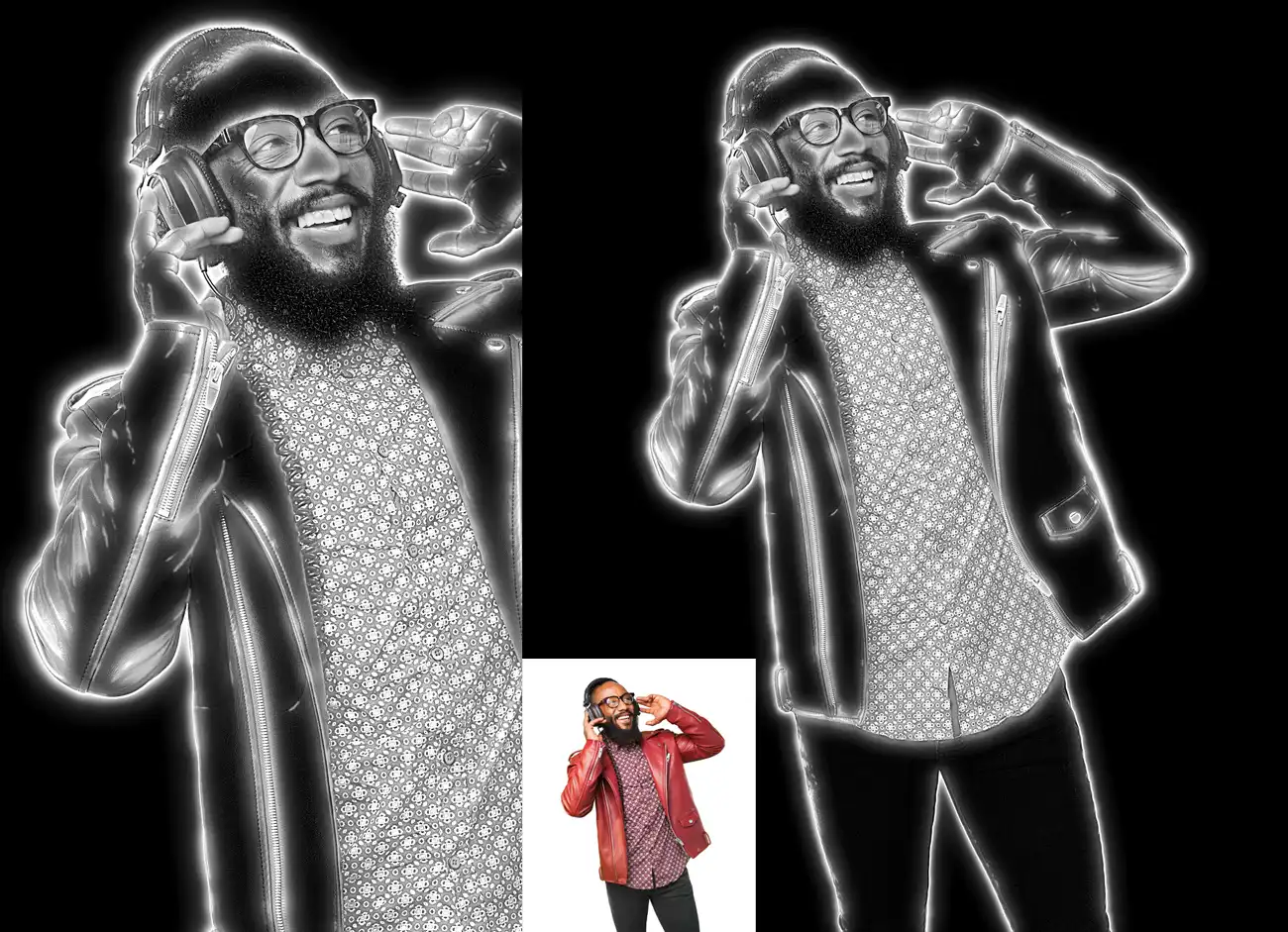
Add a sizzling, electrifying neon glow to your images that screams retro-futuristic cool! 🌟💡 This action is a total game-changer for club flyers, album art, or just making your photos pop off the screen. 🚀
Neon Light Manipulation PS Action

Take your neon game even further with full manipulation control! 🎛️🌈 This action lets you bend, shape, and layer glowing neon lines for truly custom artwork. A designer’s dream for eye-catching visuals! ✨
Multiple Exposure Photoshop Action 1
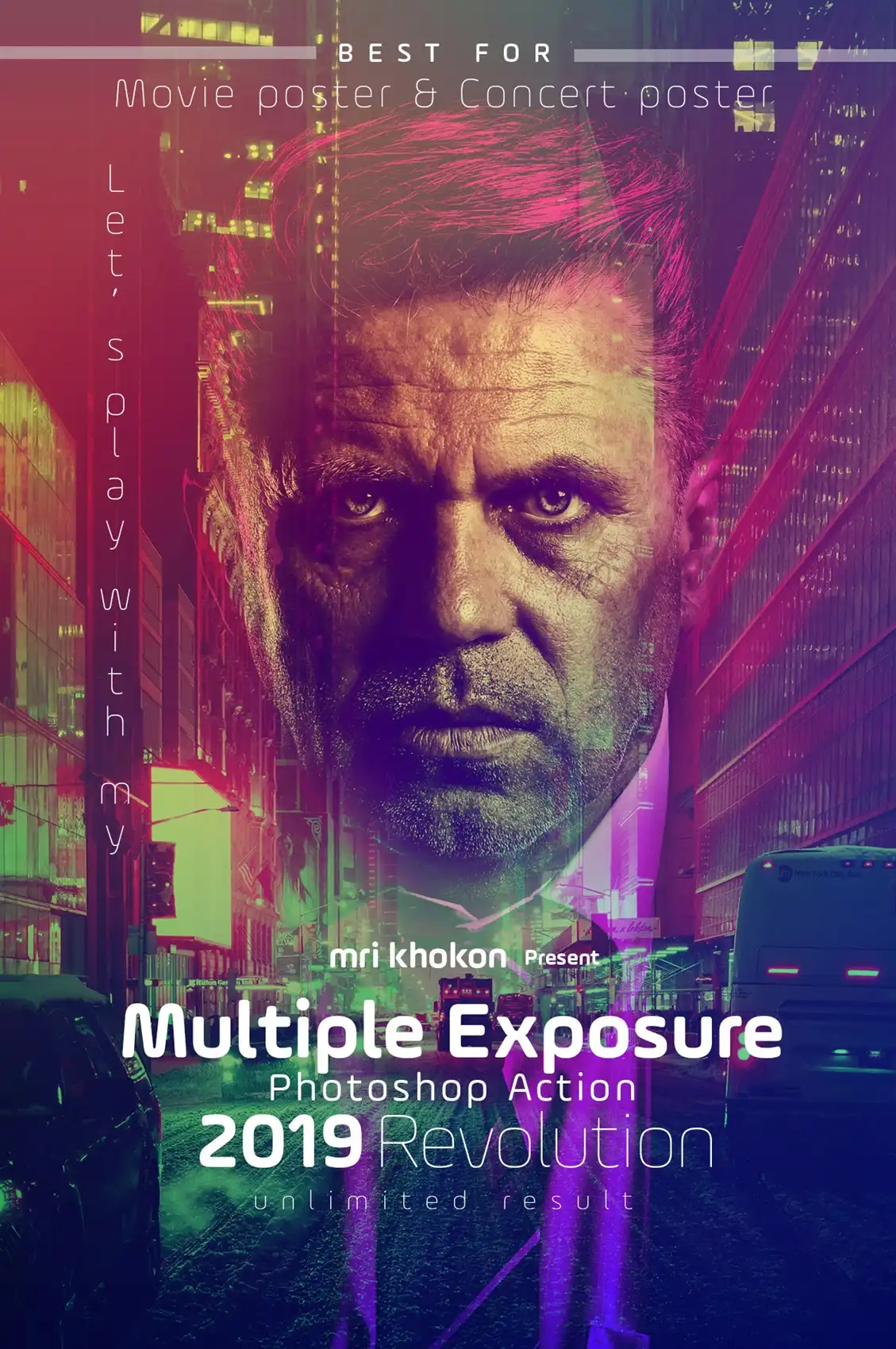
Create dreamy, ethereal double exposures that blend portraits with landscapes or textures seamlessly! 🌿👤 Perfect for surreal art. One click and you’re in a whole new dimension. 🚀
Modern Sketch Photoshop Action 2
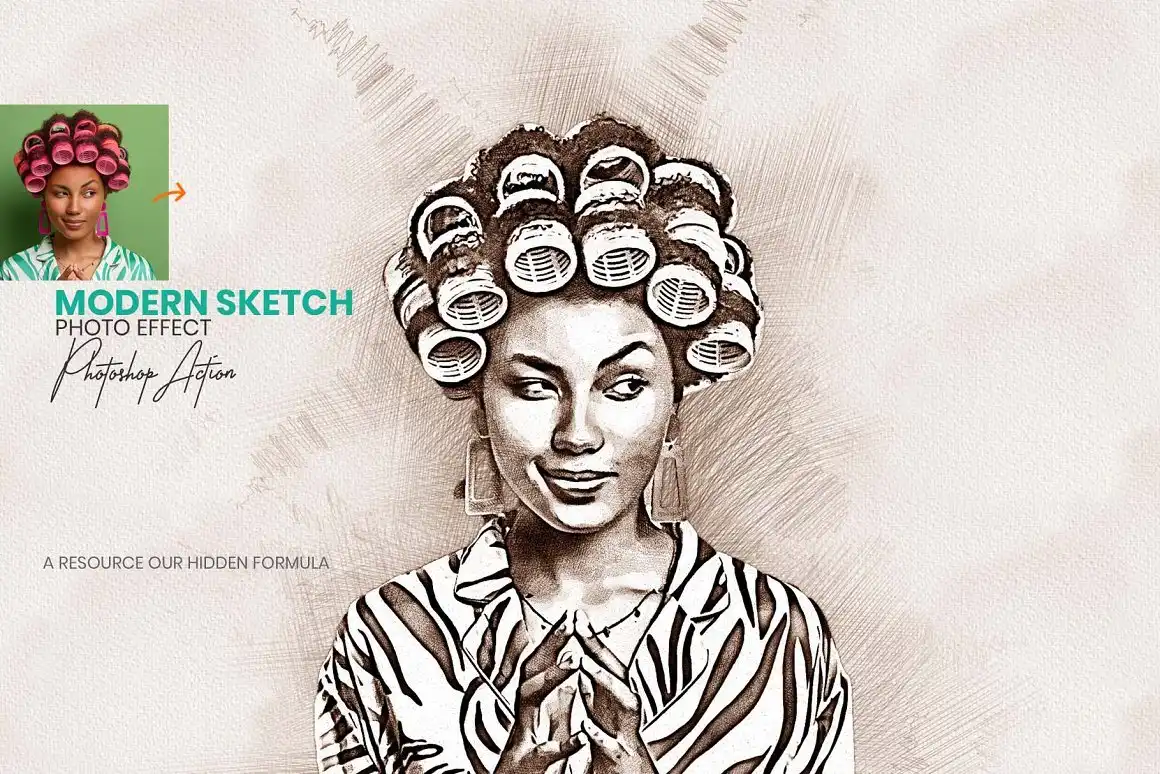
Turn any photo into a sleek, contemporary pencil sketch with a fresh, artistic flair! ✏️💫 This action is super clean and perfect for logos, illustrations, or gifting. Instant art, no drawing skills needed! 🎨
Modern Sketch Photoshop Action
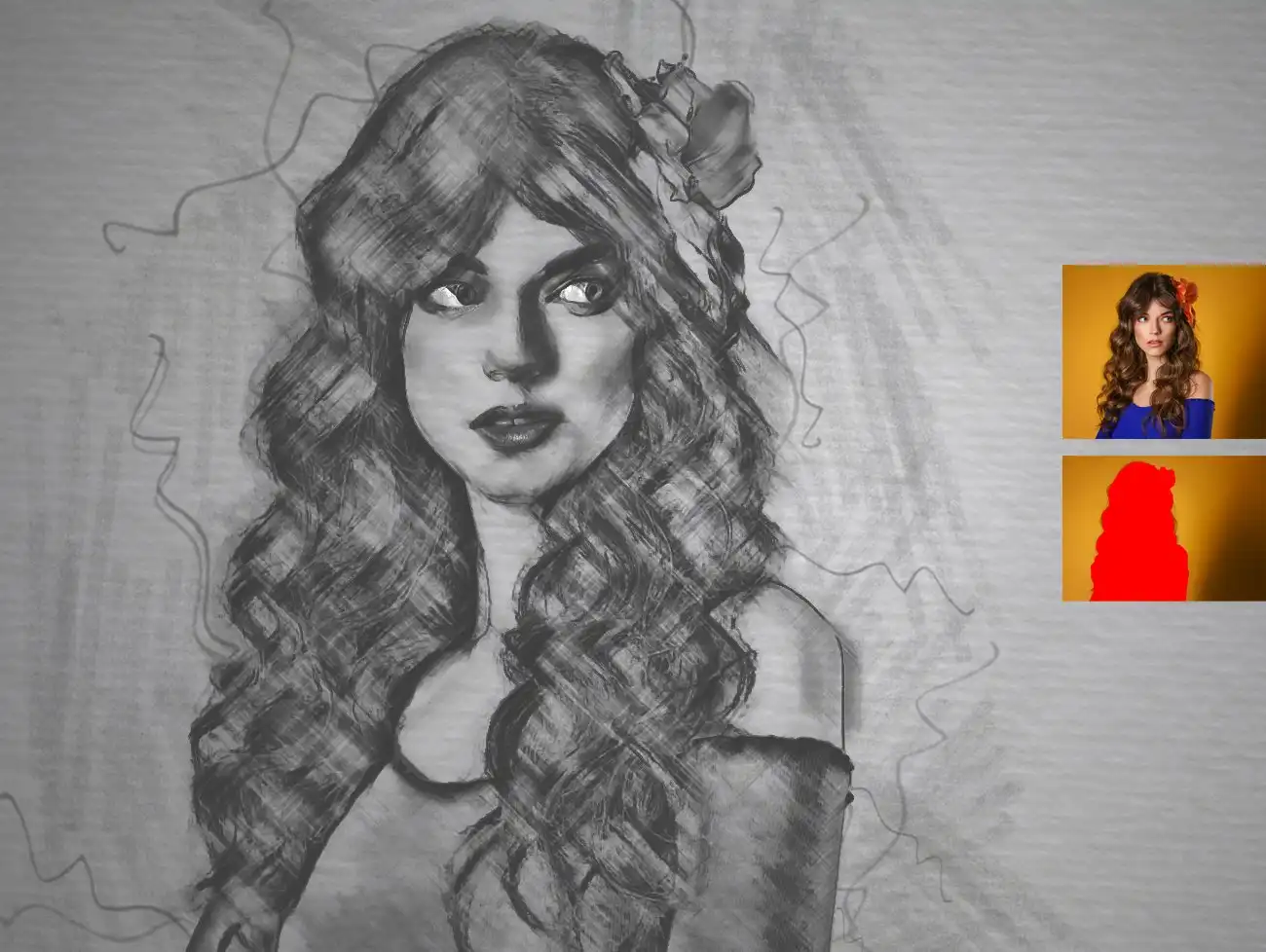
Another stunning sketch option, but this one brings a slightly different stroke style for unique looks! 🎨🖊️ Perfect for adding that hand-drawn charm to your portfolio. Simple, elegant, and highly effective! 🌟
Modern photoshop photo effect
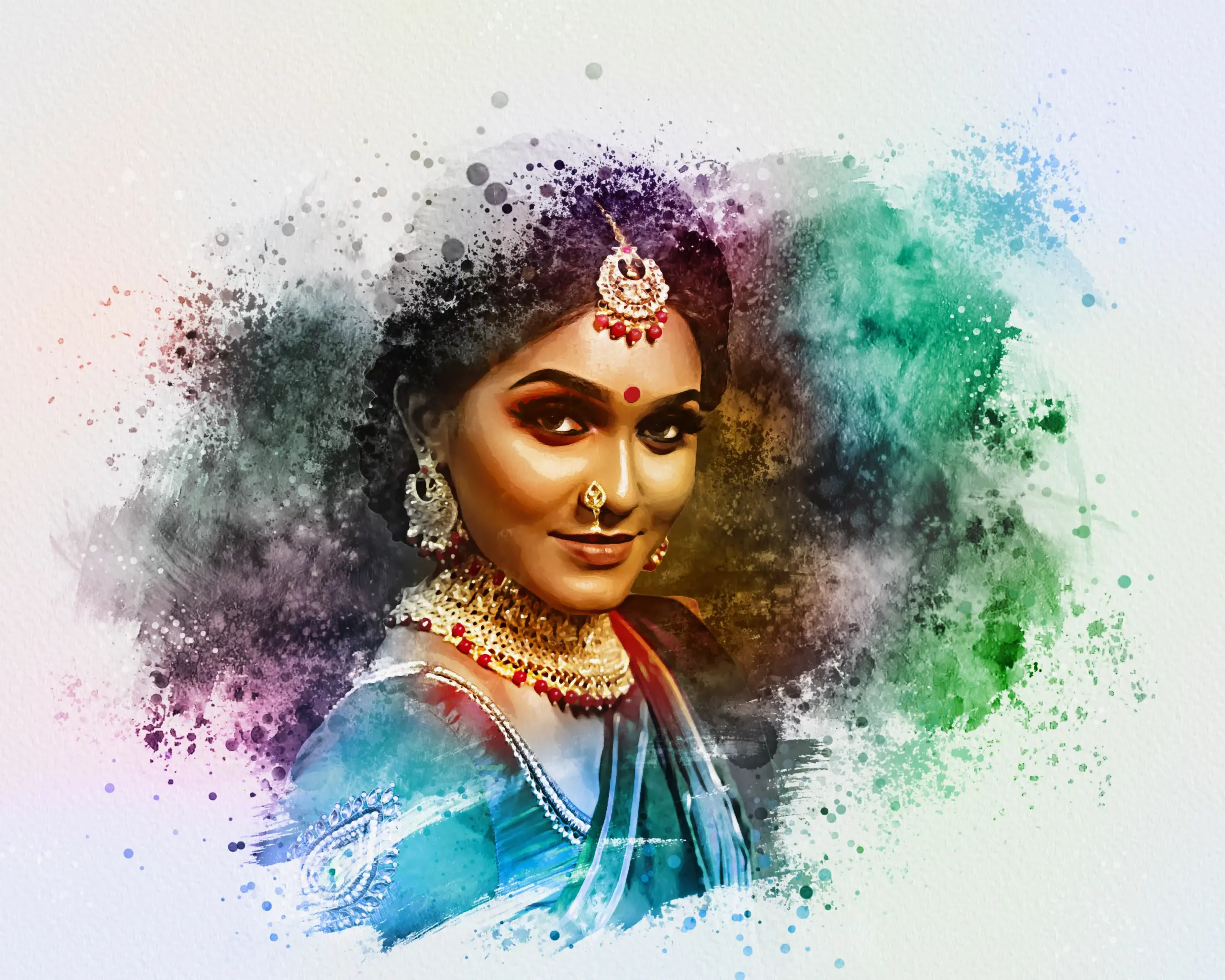
Give your images a soft, modern watercolor wash that feels both fresh and artistic! 🎨✨ This effect is incredibly versatile—great for wedding photos, brand imagery, or just a touch of painterly elegance. 🖼️
Mixed Art
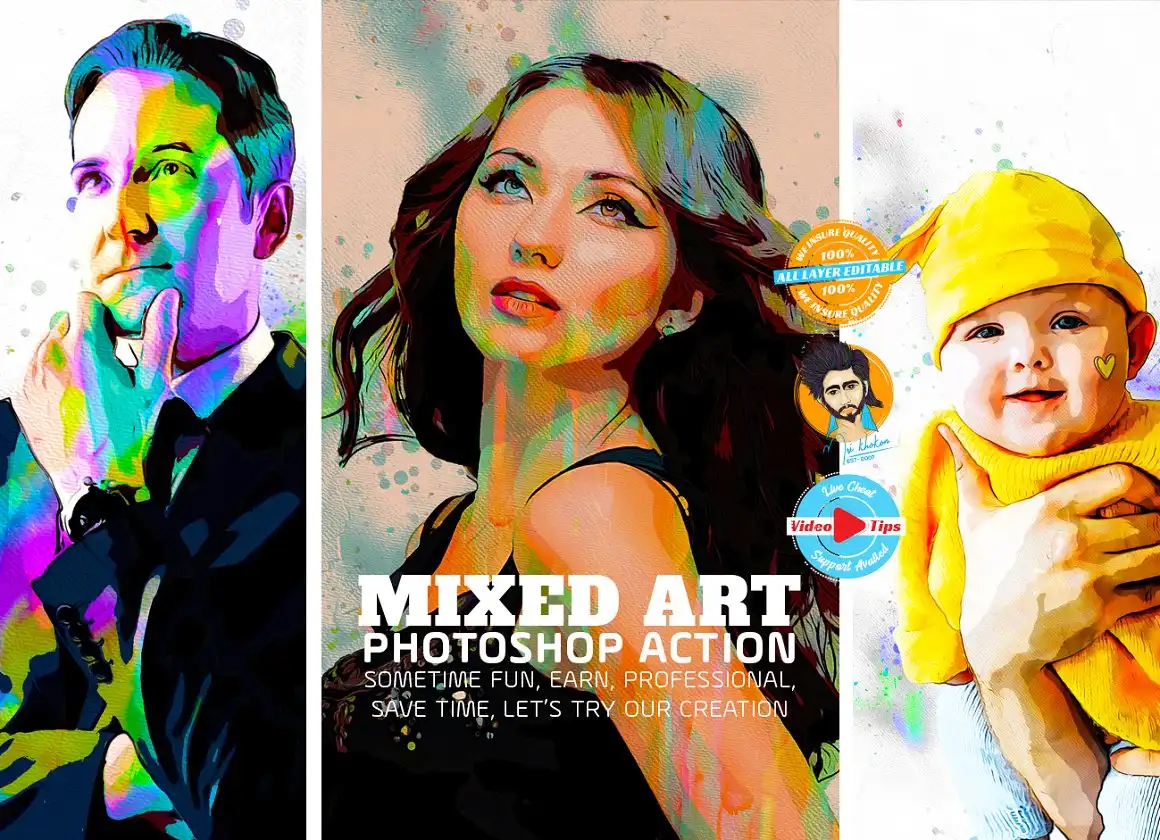
This one is a true creative cocktail! 🍹🎨 The Mixed Art action combines paint, charcoal, and texture into one explosive effect. Perfect for making loud, expressive artwork that demands attention. 🔥
Marker Sketch Photoshop Action

Love that bold, vibrant marker look? 🖍️✨ This action gives you thick, colorful strokes that look just like real alcohol markers. Ideal for vibrant illustrations and eye-catching social media posts! 🎨
Manipulation Effect Photoshop Action

Your ultimate control freak tool! 🎛️ This action gives you fully layered, editable manipulation effects—perfect for surreal compositions and fantasy art. Every element is separate, so you can tweak to your heart’s content. 🌌
Liquid Dispersion Ps Action
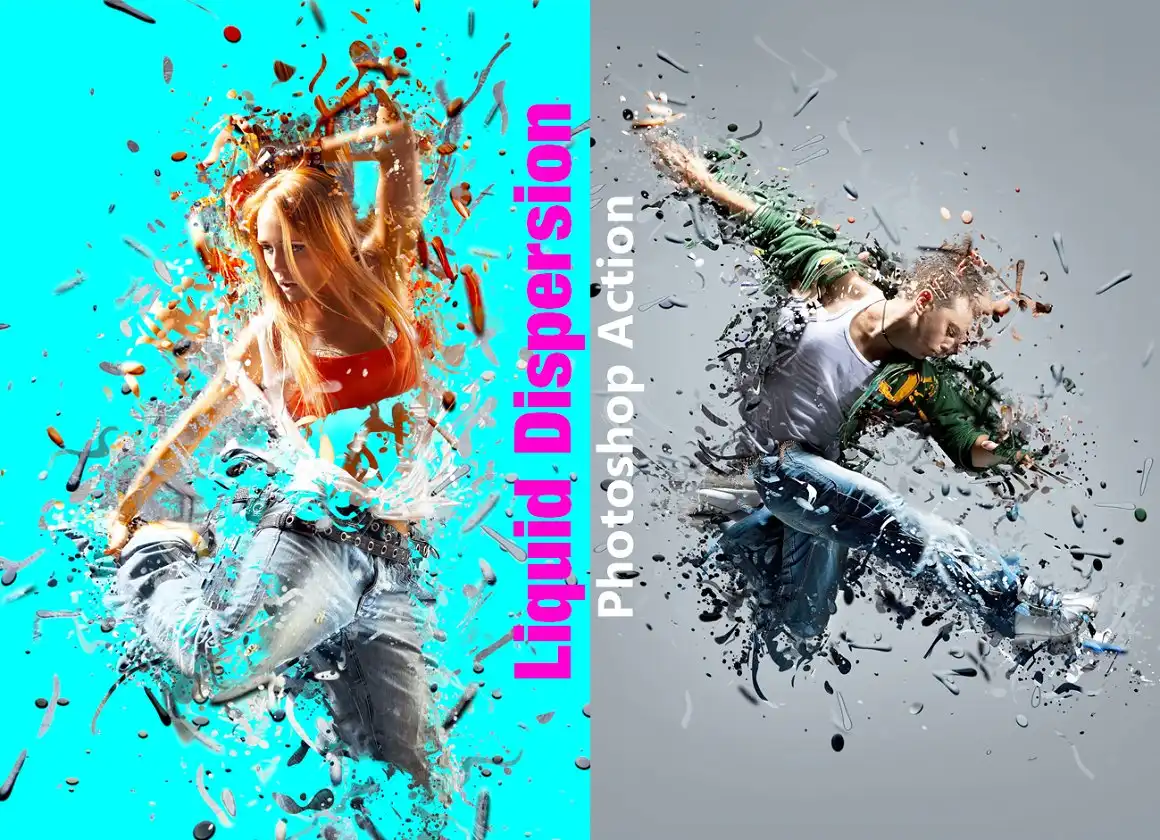
Watch your photos explode into beautiful, fluid splashes! 💧🌀 This action creates stunning liquid dispersion effects that look like ink dropping into water. Super dramatic and incredibly cool for album covers or posters. 🎵✨
Linoleum Block Prints Action
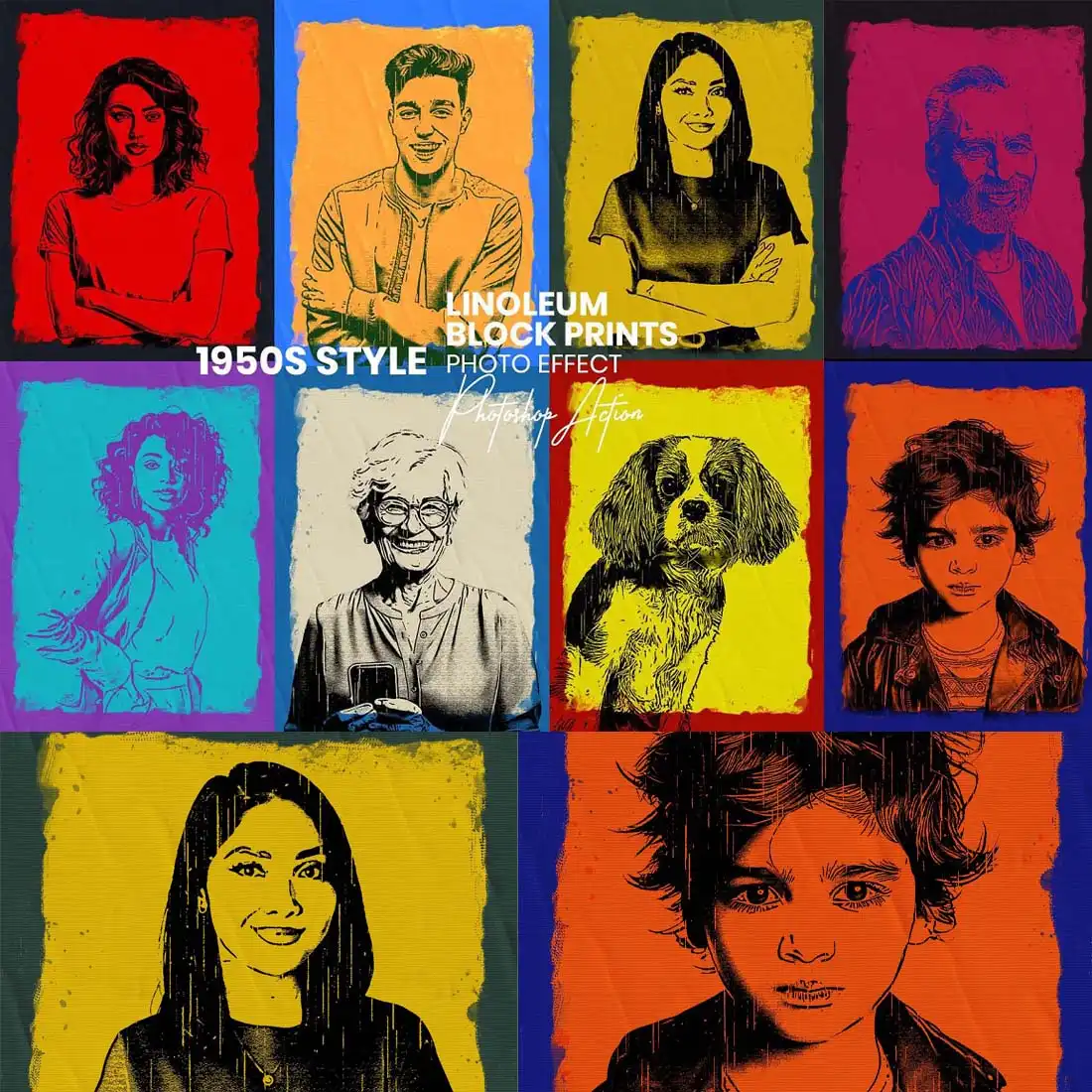
Get that retro, 1950s Pop Art vibe with a true linoleum stamp effect! 🖼️🎨 The chunky, graphic look is perfect for posters and t-shirts. One click and you’re back in the golden age of printmaking! 🌟
Line Drawing Effect Photoshop Action
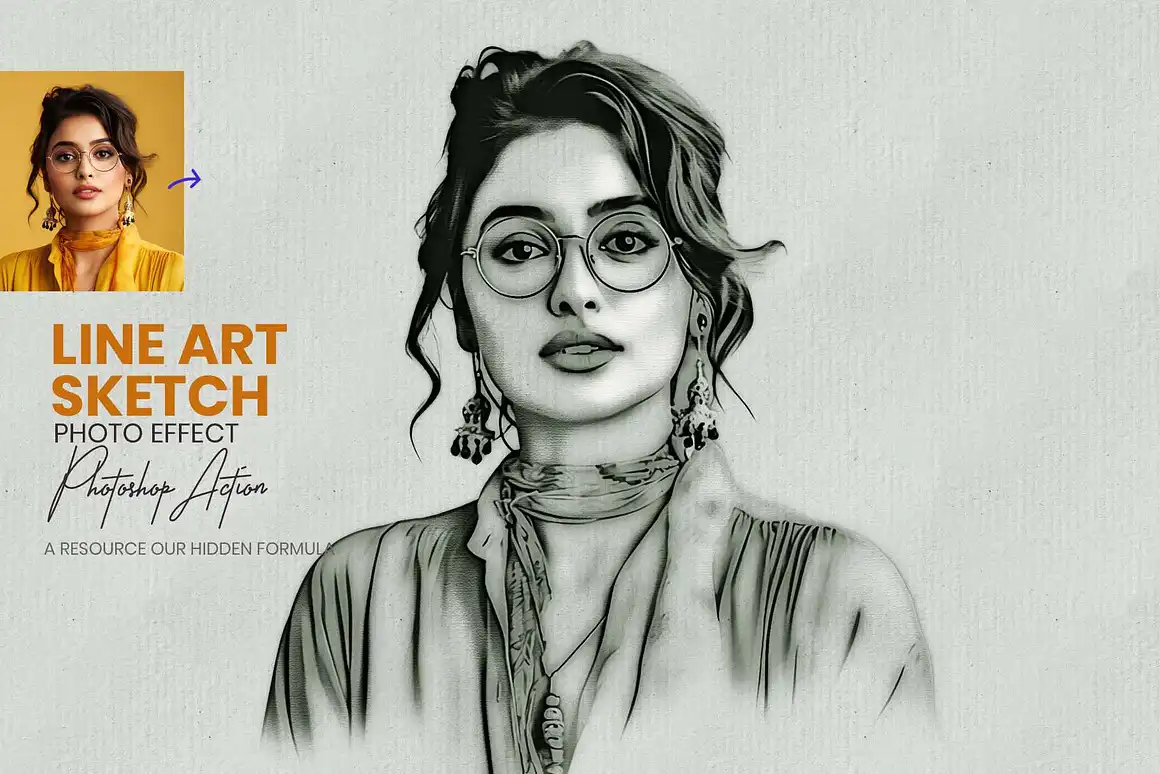
Create highly detailed, crisp line art from any photo in seconds! 🖊️✨ Perfect for coloring book pages, tattoos, or minimalist prints. It captures every contour beautifully. Absolutely stunning! 🎨
Light Photoshop Action

Add instant, magical light flares and beams to any photo! ☀️✨ This action is like having a sun machine in your toolbox. Perfect for boosting mood in wedding photos, landscapes, or fantasy scenes. 🌄
Light Glow Photoshop Action

Give your photos a soft, radiant glow that feels dreamy and ethereal! 🌙✨ This action is perfect for adding a mystical aura to portraits or product shots. Think fantasy meets elegance. 🌟
Lens Flare Brush Photoshop

Not an action, but a set of stunning lens flare brushes that let you paint light directly onto your canvas! 🖌️☀️ These are incredible for adding realistic sun flares, glints, and sparkles. Pure cinematic magic! 🎥✨
Landscape Photography Watercolor

Transform your scenic shots into delicate, flowing watercolor paintings! 🏞️🎨 This action is a dream for nature lovers—it softens edges and blends colors like a real wet-on-wet technique. Breathtaking results every time! 🌊
Ink Art Photoshop Photo Effect

Turn your photos into rich, flowing ink brush masterpieces! 🖋️✨ This action captures the organic, unpredictable beauty of real ink on paper. Perfect for calligraphy-style portraits or dramatic black-and-white art. 🎨
Ink Art Manipulation Photoshop Action

Take ink art to the next level with full manipulation capabilities! 🎛️🖋️ This action gives you layered ink splatters and drips that you can move, resize, and colorize. Perfect for dynamic, grunge-inspired compositions. 💥
Conclusion
And there you have it—the ultimate mristudio Collection Part 7, packed with 20 incredible Photoshop actions and tools that will revolutionize your creative workflow! 🚀 From gritty newspaper effects to dreamy watercolors and electric neon glows, there’s something here for every artist’s style. Don’t just take my word for it—grab your favorites and start turning your photos into pure art today! 🎨✨
Frequently Asked Questions
Are these Photoshop actions easy to use for beginners?
Absolutely! 🎉 Every action from mristudio is designed with a “one-click” philosophy. You just load the action, press play on your photo, and watch the magic happen. No advanced Photoshop skills required! Perfect for beginners and pros alike. 💪
Do these actions work on all versions of Photoshop?
Yes, they are built to work with most modern versions of Adobe Photoshop (CS6 and higher, including CC). Just make sure you have an English version of Photoshop for best compatibility. If you run into issues, the product pages often have helpful tutorials! 🖥️
Can I customize the effects after applying them?
Definitely! Most of these actions create separate, non-destructive layers. You can tweak colors, adjust opacity, add masks, or even remove certain effects entirely. You’re always in full control of your final masterpiece! 🎨✨