Hey there, creative soul! 🎨✨ Are you ready to supercharge your Photoshop workflow and breathe fresh life into your images? Welcome to BrushesPack Collection Part 282, where we’ve curated a stunning lineup of 20 Photoshop actions that will transform your edits from “meh” to “magical” in just one click. Whether you’re a seasoned photographer, a passionate digital artist, or someone who just loves making photos pop, this collection is about to become your new best friend. Let’s dive in and find the perfect action for your next masterpiece! 🚀
Why Use These Photoshop Actions?
Let’s be real—spending hours tweaking sliders and masks can kill your creative vibe. That’s where these incredible Photoshop actions come in! They automate complex editing processes, giving you professional-grade results with a single click. From dreamy cinematic tones to radiant portrait enhancements, these actions save you time, spark inspiration, and ensure your work stands out on social media or in print. It’s like having a magic wand for your photos! 🌟
Top 20 Photoshop Actions Picks
Smile Minimalist Photoshop Action
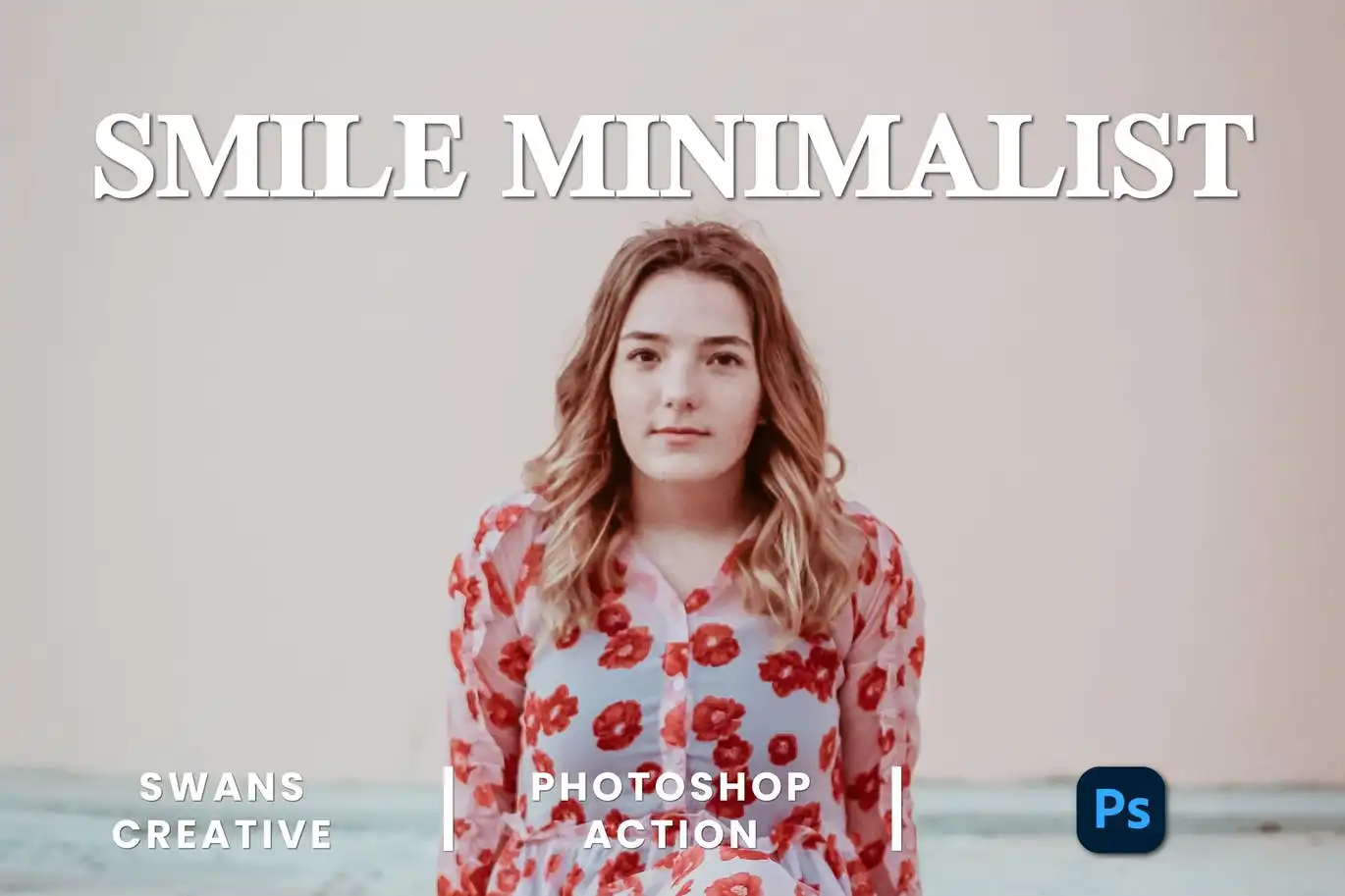
Say cheese! 😄 This action gently enhances smiles and facial features with a clean, natural touch. Perfect for portrait photographers who want bright, genuine expressions without over-editing.
Shine Tone Photoshop Action
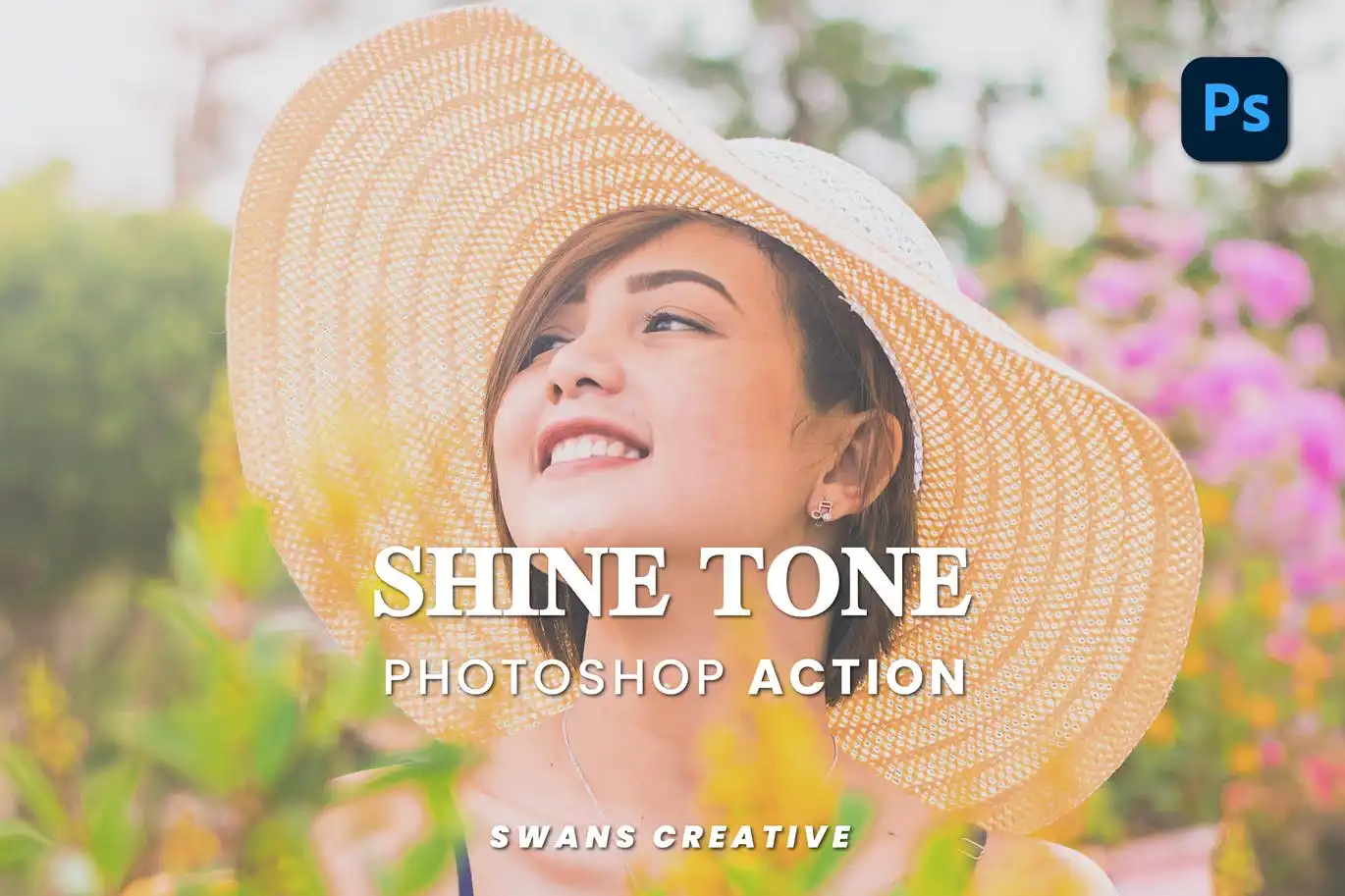
Let your images glow like never before! ✨ The Shine Tone action delivers a vibrant, luminous effect that boosts brightness and saturation, making every photo radiate with energy and life.
Summer Warm Photoshop Action
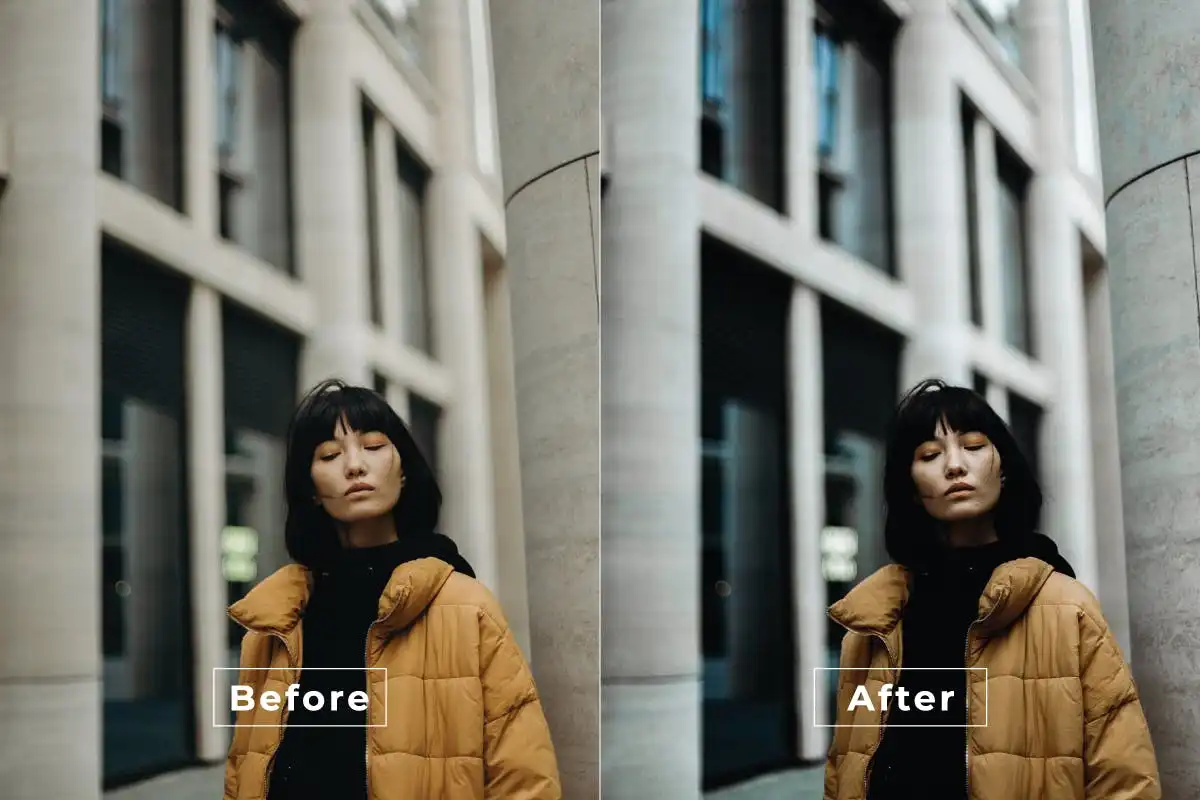
Bring the sunshine indoors with this gorgeous warm-toned action! ☀️ It bathes your photos in cozy, golden hues that scream lazy summer afternoons and happy memories.
Pure Portrait Photoshop Action
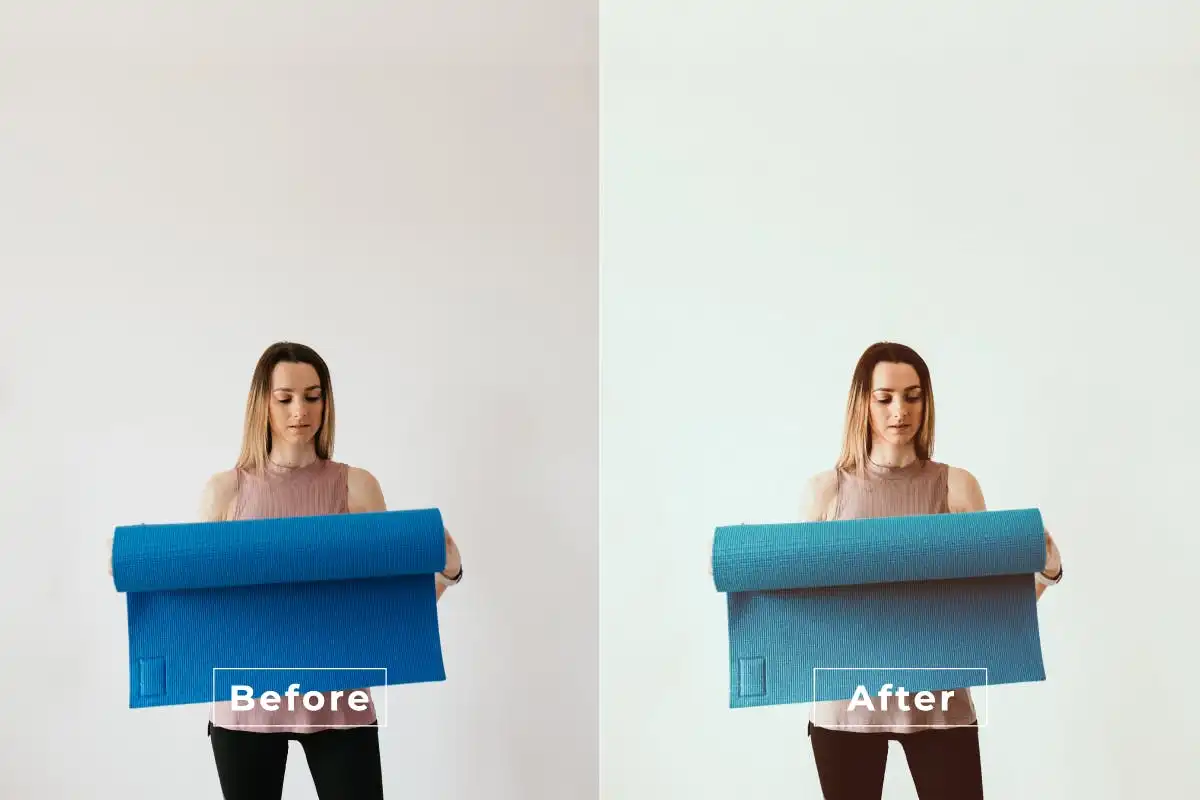
Your portraits deserve to shine! 🌟 This action brings out natural beauty with vibrant yet natural enhancements, giving your subjects that flawless, radiant glow without looking fake.
Sunset Photoshop Action
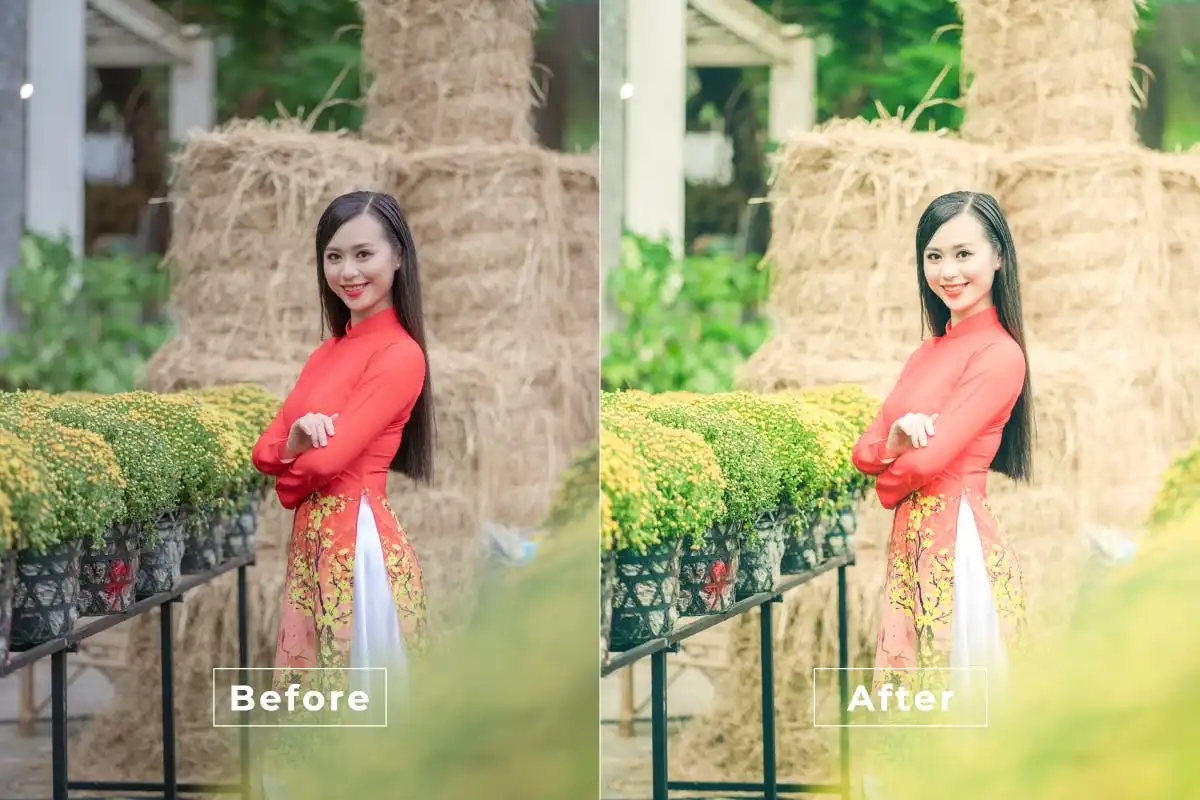
Capture that golden hour magic even when you didn’t shoot at sunset! 🌅 This action infuses your photos with stunning warm hues that make every image feel like a dreamy evening.
Summer Cinematic Photoshop Action
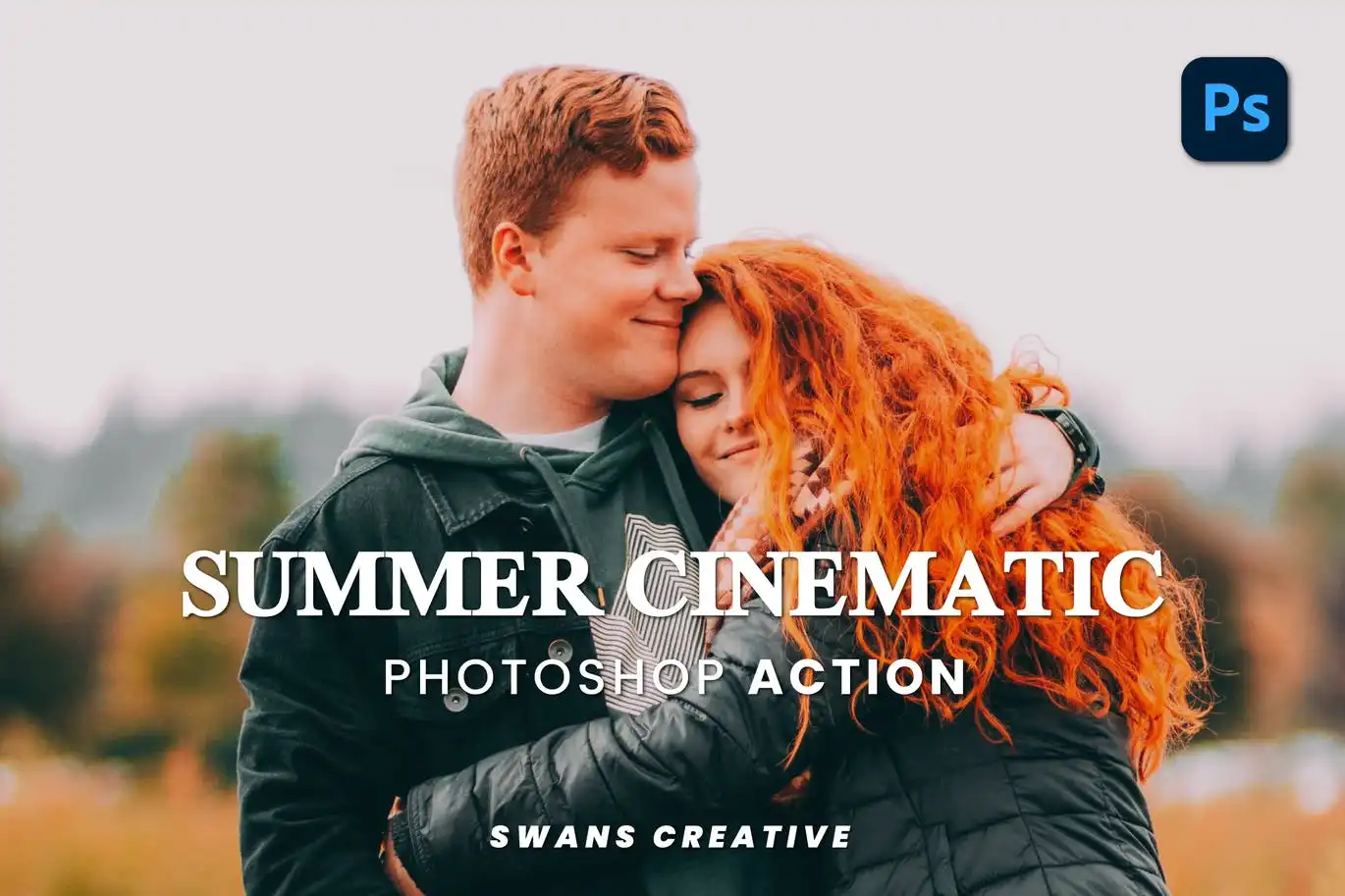
Want those gorgeous movie-like summer vibes? 🎬 This action adds rich, vibrant tones and cinematic depth that makes your photos look like they belong on the big screen.
Recolor Effect Photoshop Action
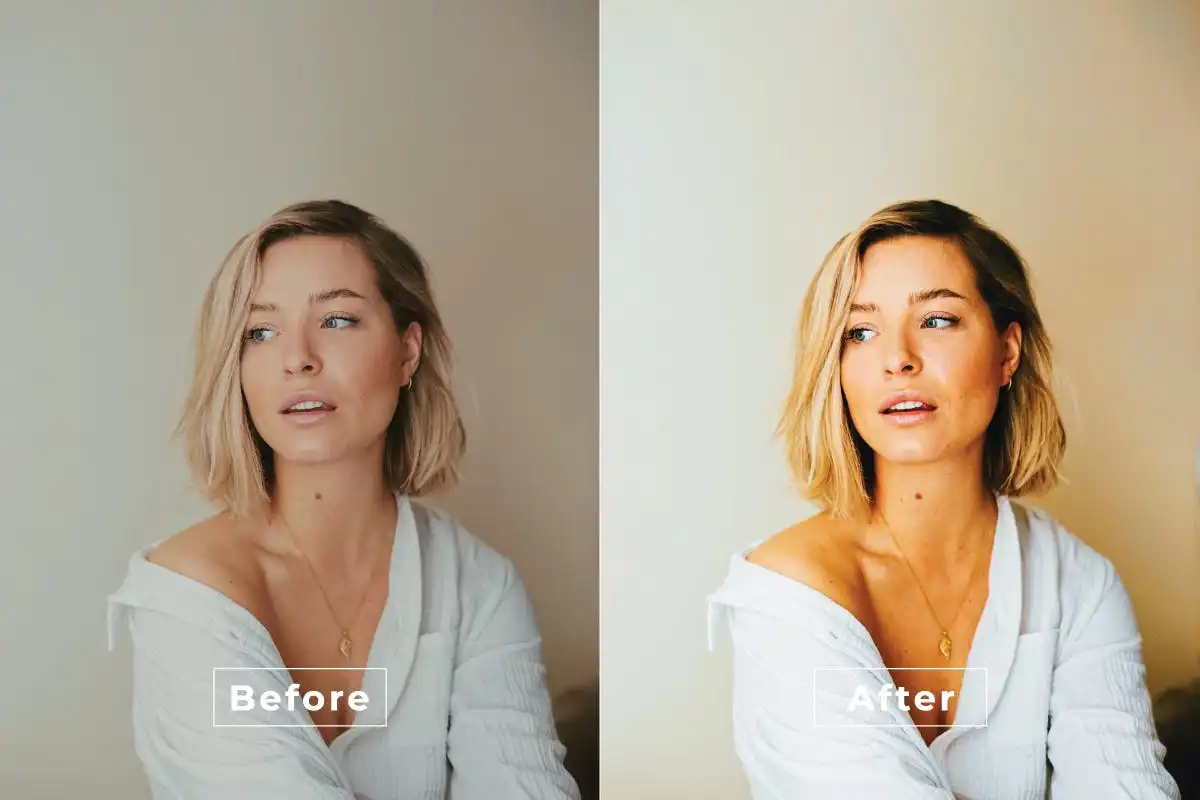
Color correction made effortless! 🚀 This powerful action lets you recolor images with professional results in seconds. Perfect for creatives who want total control over their palette.
Relax Actions Photoshop Action
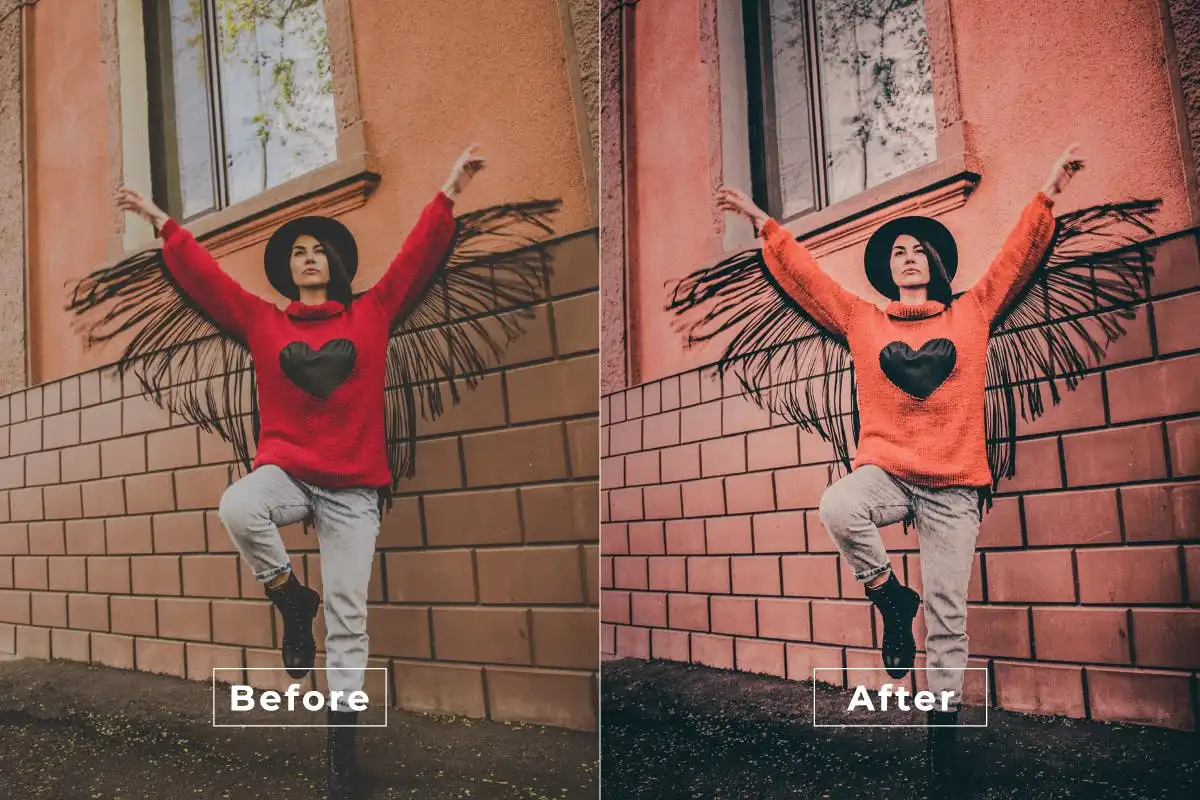
Breathe in, breathe out… 🌿 This action adds soothing, tranquil effects that give your photos a calm, polished finish. Ideal for lifestyle, wellness, and minimalist edits.
Summer Light Photoshop Action
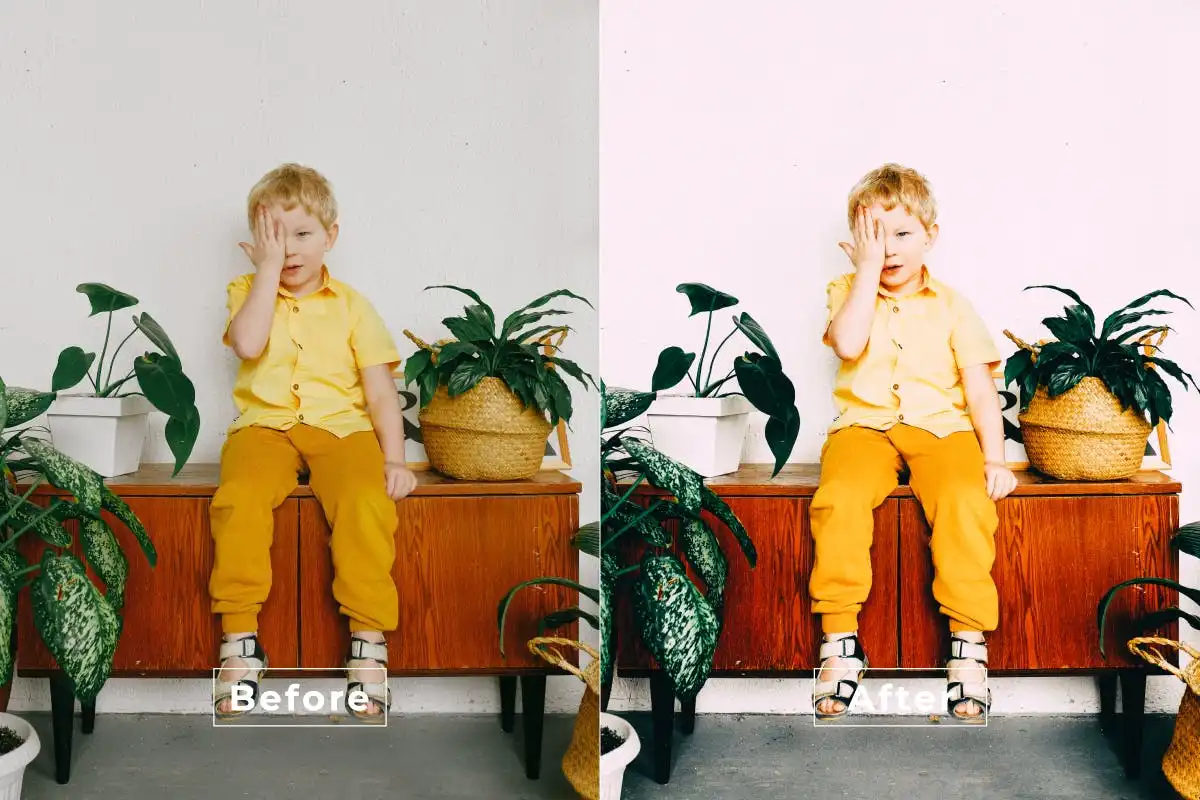
Inject that gorgeous sun-kissed aesthetic into any image! ☀️ This action creates vibrant, airy tones that make your photos feel fresh, bright, and full of summer joy.
Sweet Cinematic Photoshop Action
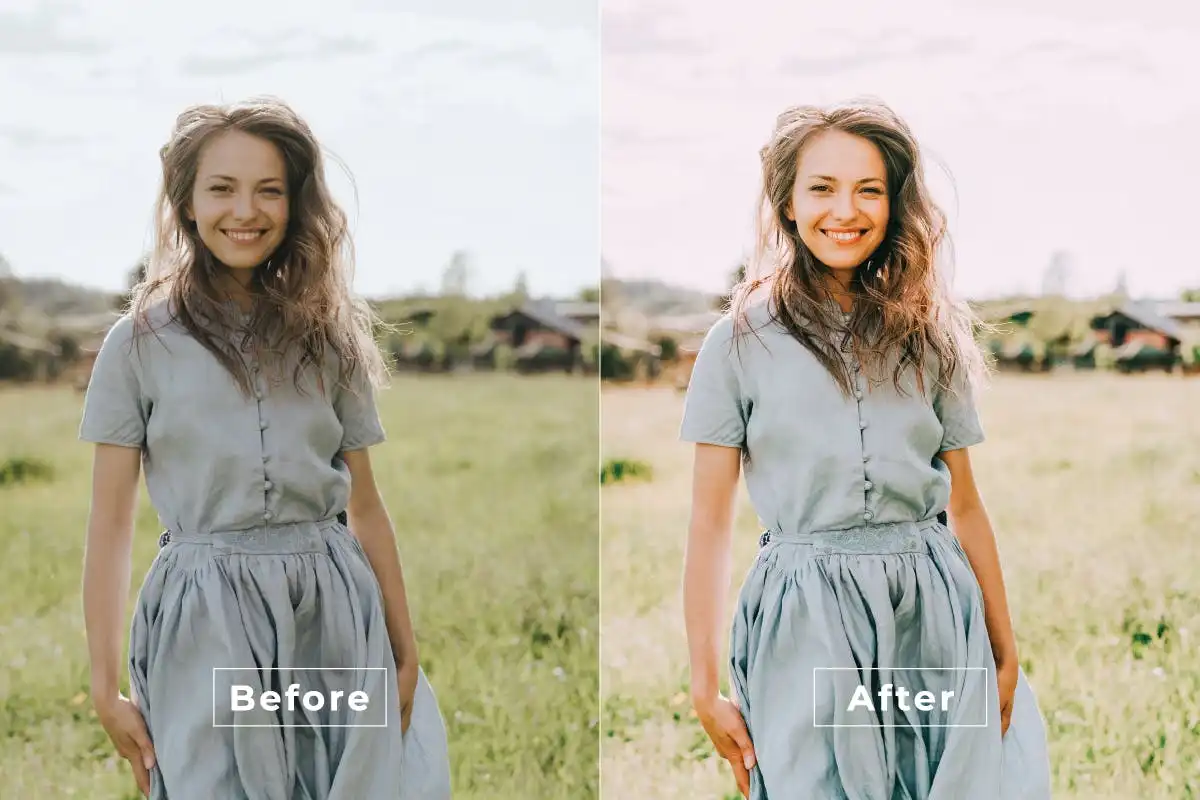
Add a touch of cinematic sweetness to your photos! 🍭 This action creates stunning, vibrant film-like effects that make every image pop with emotion and depth.
True Love Photoshop Action
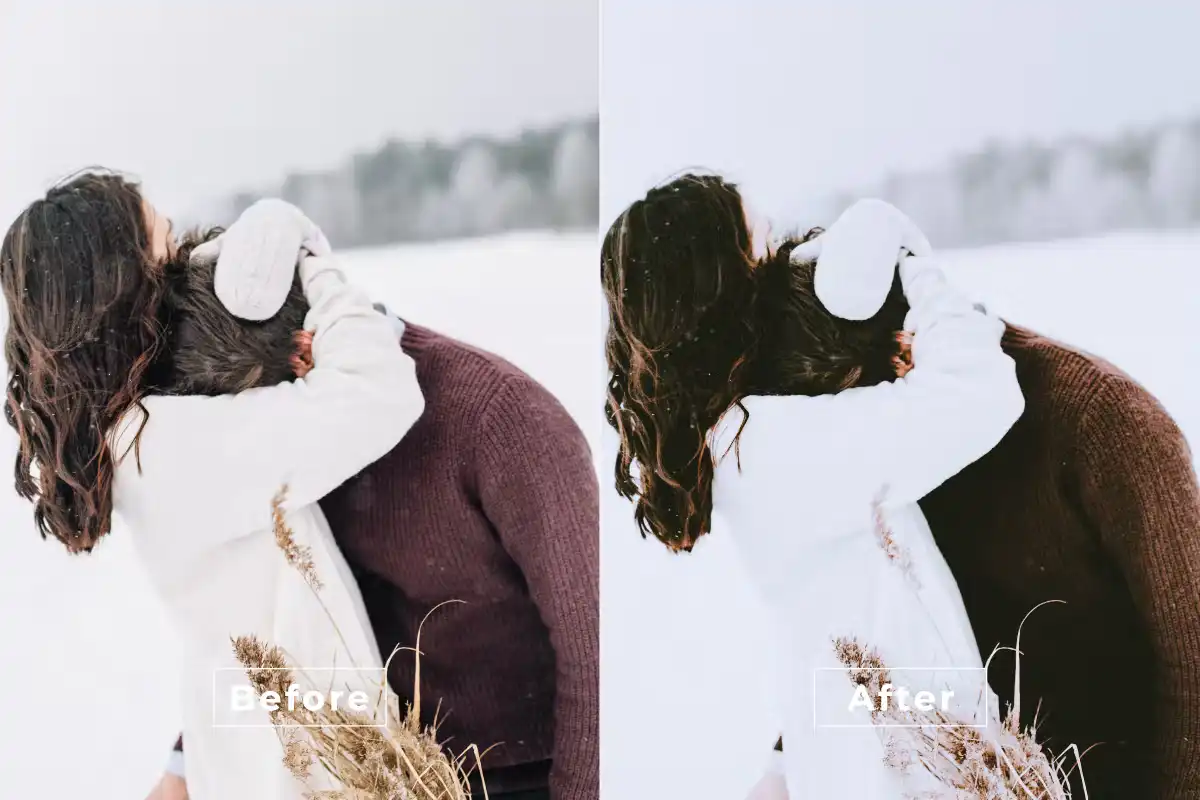
Spread the love with every edit! 💖 This action adds romantic, soft tones perfect for wedding, engagement, or any heartfelt portrait session. Instant magic for love-themed visuals.
Stylish Latte Photoshop Action
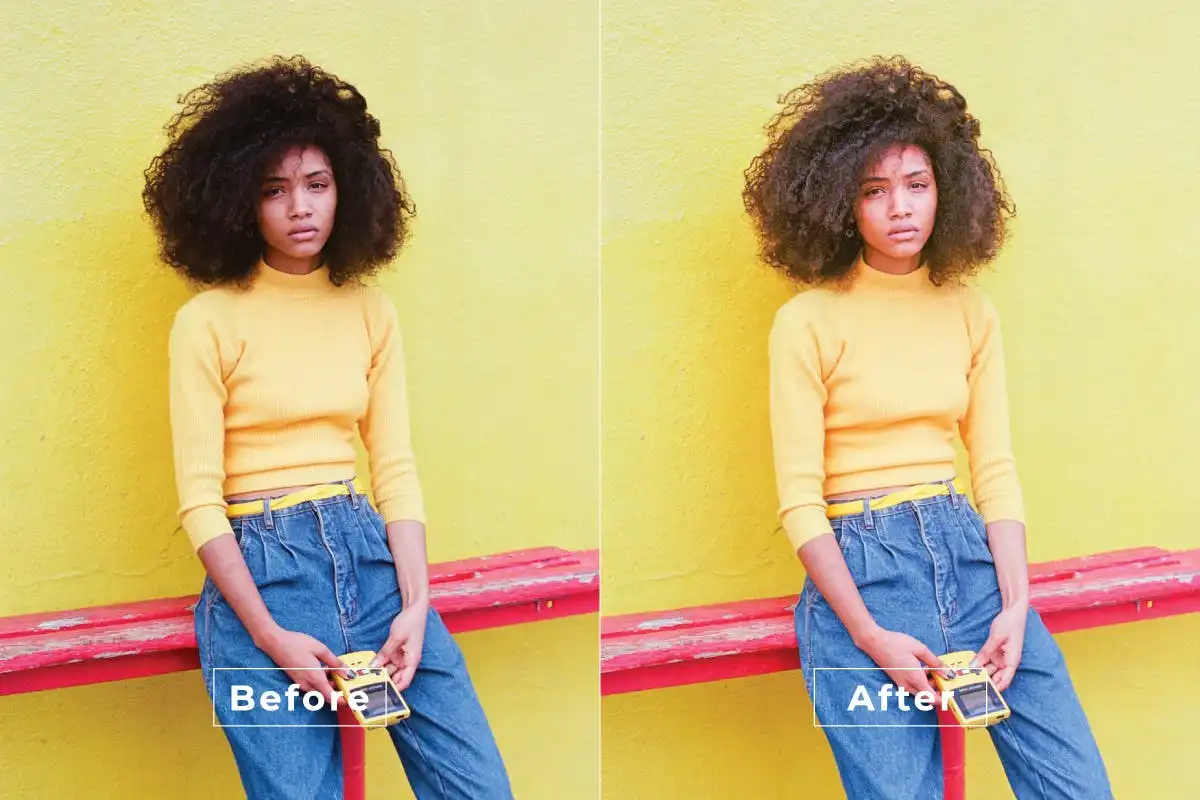
Coffee shop aesthetic, anyone? ☕ This action delivers warm, cozy latte tones that give your photos a trendy, Instagram-worthy vibe. Perfect for lifestyle and food photography!
Rustic Sweet Photoshop Action
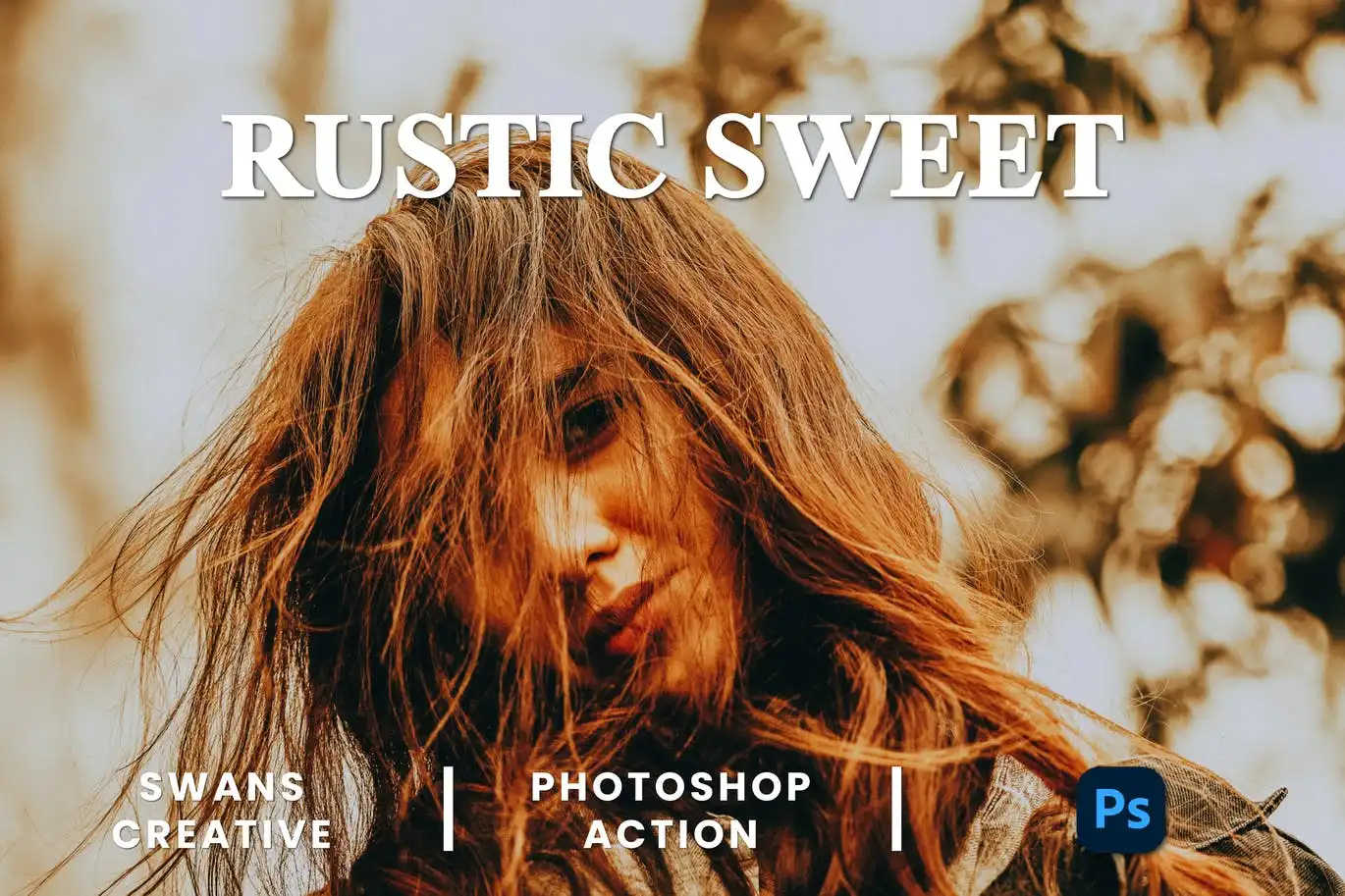
Charm and warmth at the click of a button! 🌾 This action adds cozy, vintage-inspired tones that radiate comfort and rustic beauty. Ideal for storytelling through your visuals.
Staring Color Photoshop Action
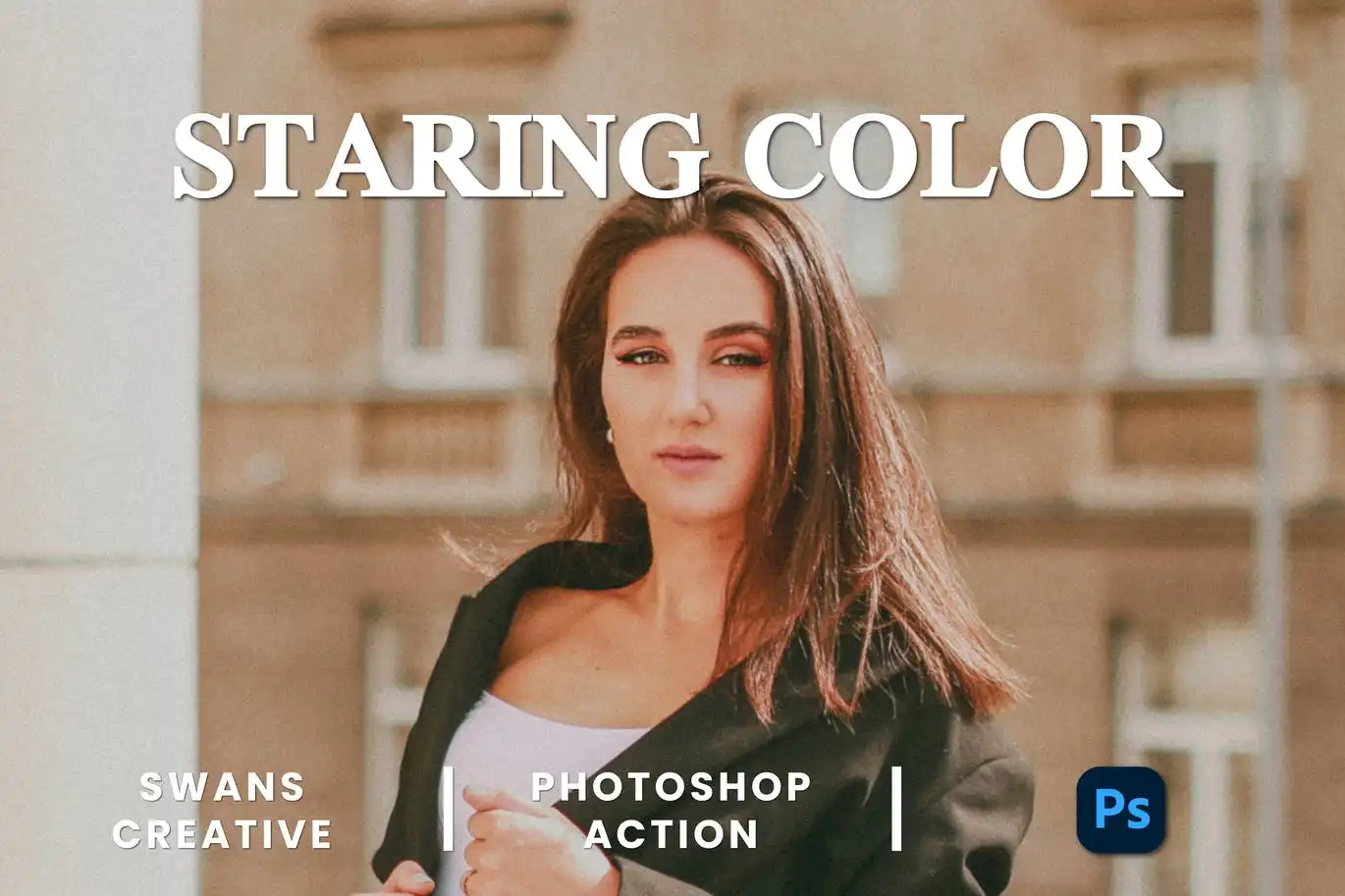
Make colors that truly captivate! 🌈 This action delivers vibrant, mesmerizing color effects that grab attention and leave your audience in awe. One click, instant wow factor!
Sugar Summer Photoshop Action
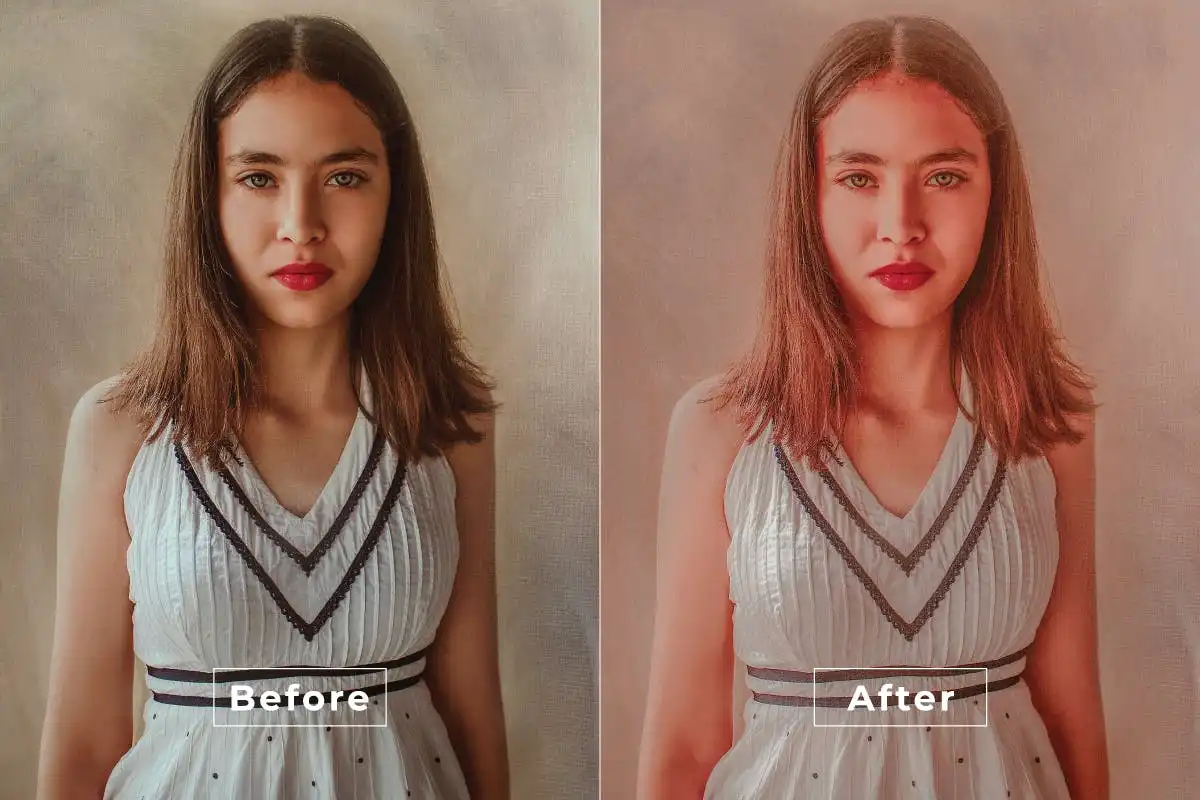
Sweeten your summer shots with dreamy, sun-kissed tones! 🍭 This action adds vibrant warmth and soft highlights that evoke memories of sunny beach days and blissful evenings.
Retro Urban-Photoshop Action
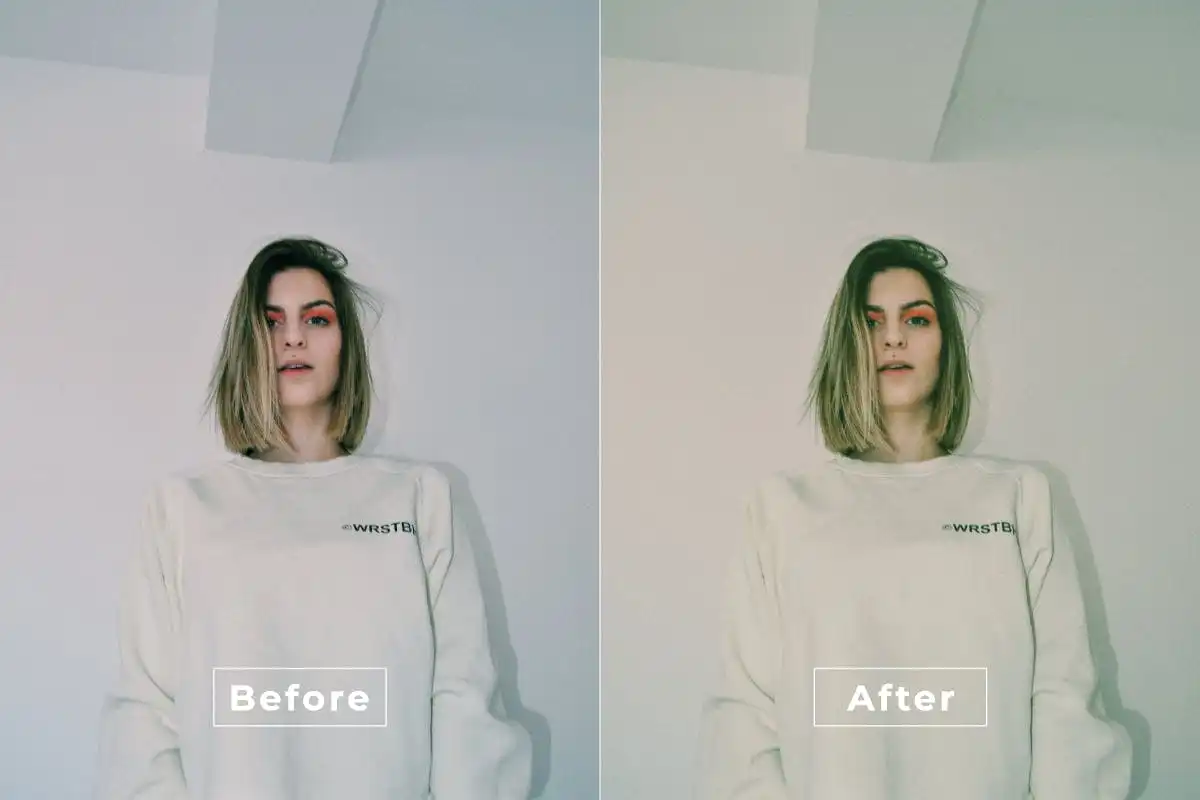
Channel that vintage city vibe! 🌆 This action adds nostalgic charm and urban edge to your photos, perfect for creating retro masterpieces that feel both timeless and fresh.
Strong Bright Photoshop Action
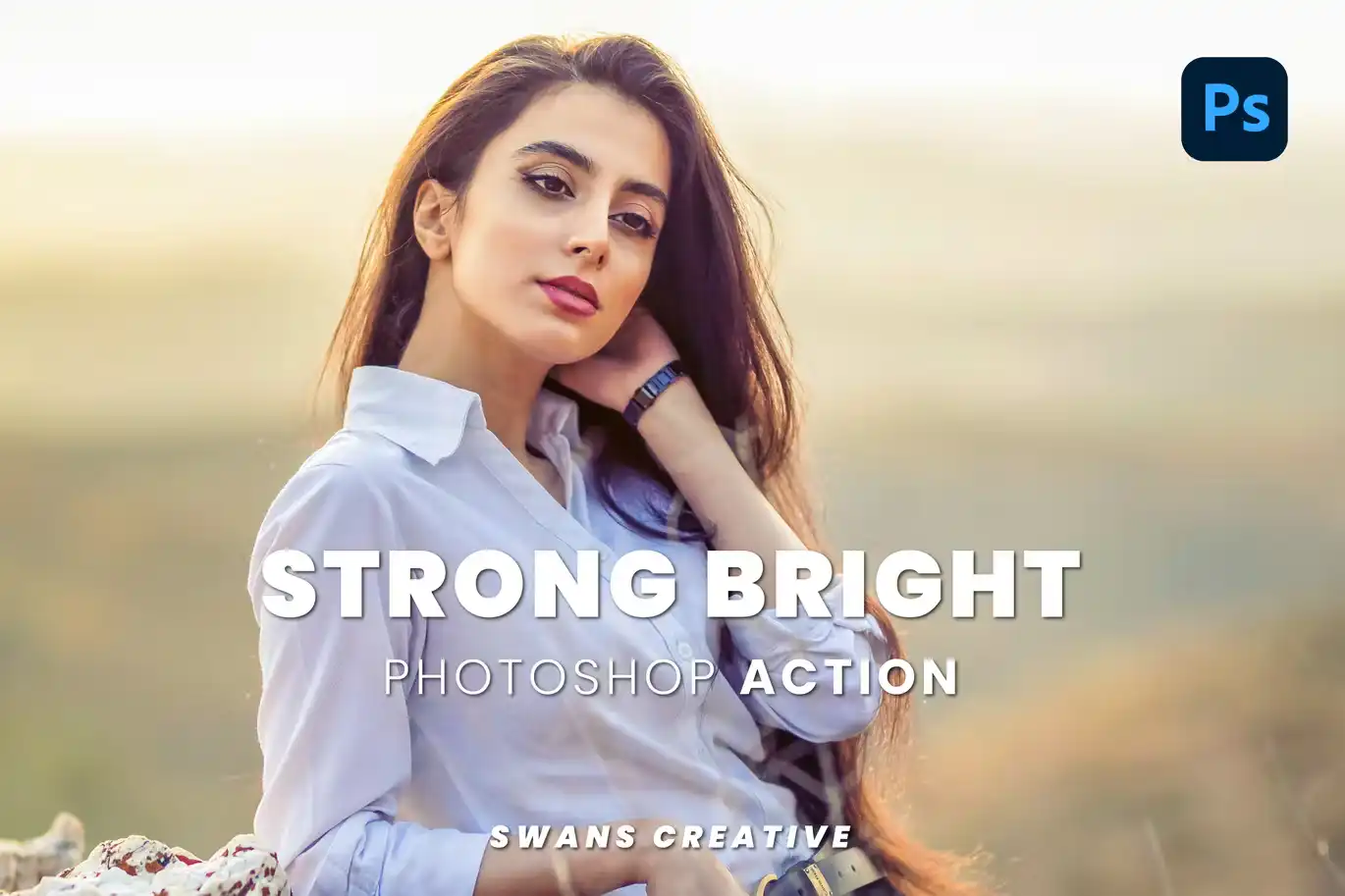
Make your images pop with vibrant, luminous energy! 💥 This action adds powerful brightness and punchy colors that demand attention. Perfect for bold, eye-catching edits.
Soft Vibes Photoshop Action
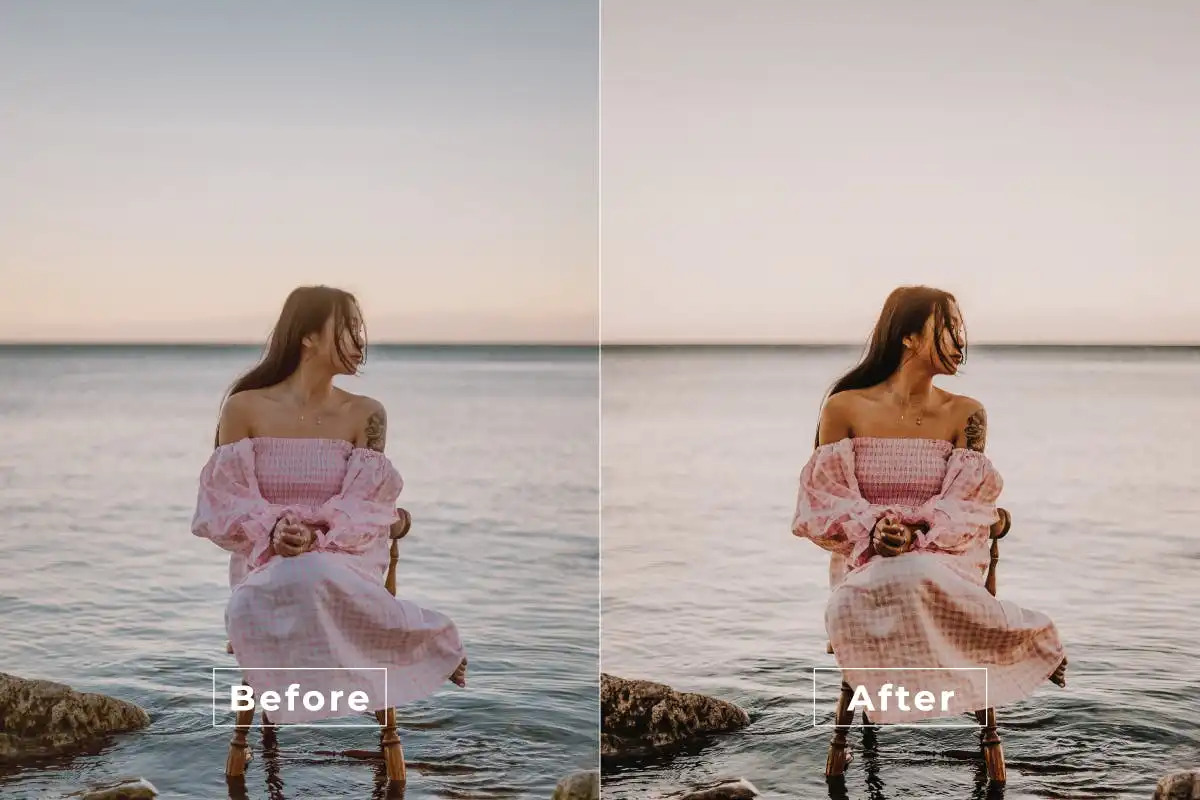
Add a sprinkle of delicate magic to your edits! 🌸 This action creates soft, warm tones that are perfect for portraits, landscapes, and lifestyle photos. Gentle, dreamy, and oh-so-beautiful.
Social Colors Photoshop Action
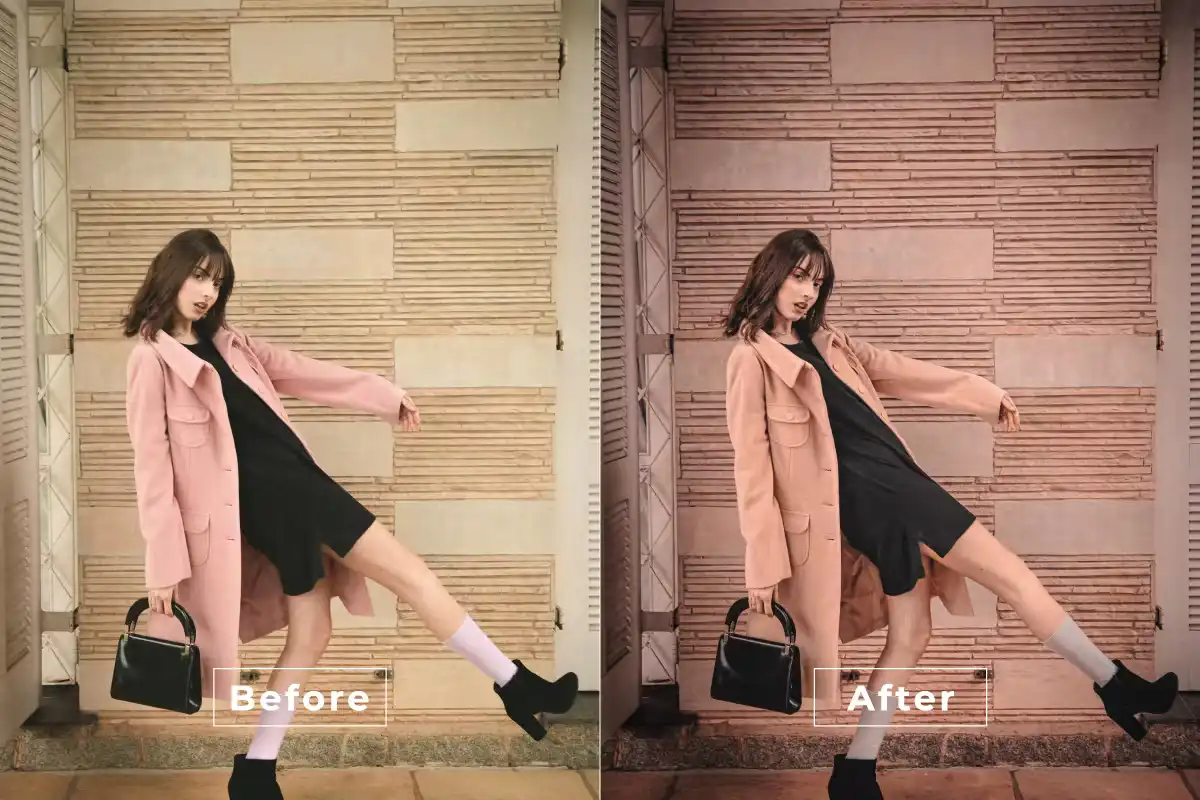
Get your social feed ready to shine! 📸 This action delivers vibrant, eye-catching color enhancements that make your photos pop on Instagram, TikTok, and beyond. Scroll-stopping perfection.
Street Outfit-Photoshop Action
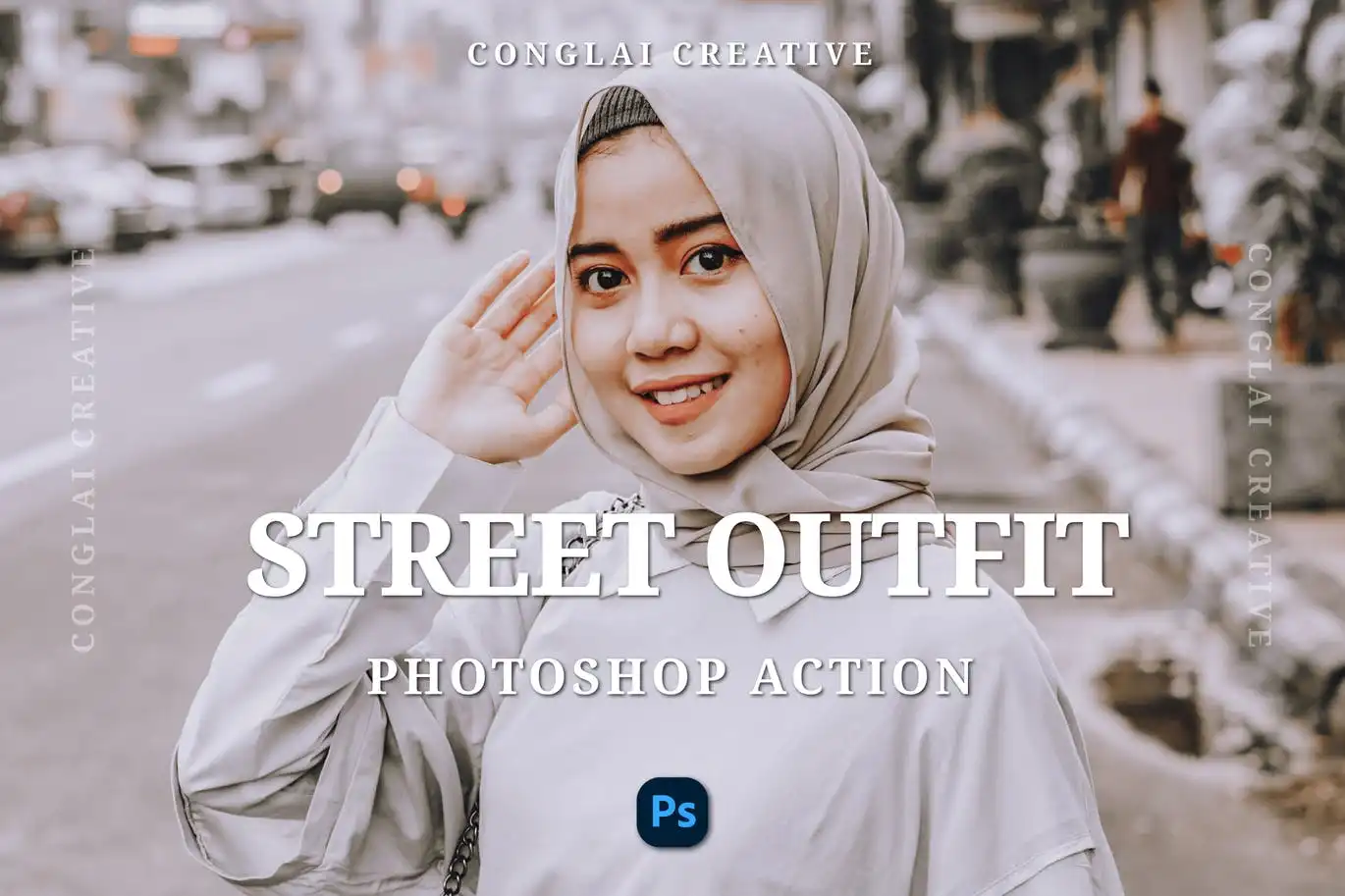
Take your urban fashion photography to the next level! 👟 This action adds vibrant, edgy effects that make street style photos burst with personality and attitude.
Conclusion
And there you have it, creative friend! 🎉 BrushesPack Collection Part 282 is packed with 20 incredible Photoshop actions that can completely transform your editing workflow. From dreamy cinematic tones to vibrant social media looks, and from romantic portraits to cozy rustic vibes, there’s truly something here for every project and mood. Each action is designed to save you time while delivering jaw-dropping results, so you can focus on what you do best—creating art! Don’t wait to level up your edits; grab your favorites today and let the magic happen! 🚀✨
Frequently Asked Questions
Are these Photoshop actions compatible with all versions of Photoshop?
Yes! All actions in the BrushesPack Collection are designed to work with Photoshop CS6 and newer versions, including all Creative Cloud editions. They are tested for compatibility so you can download and start using them instantly without any hassles. 🖥️
Can I use these actions on multiple photos or projects?
Absolutely! Once you purchase a Photoshop action, you can use it on as many images as you like. They are perfect for batch editing, maintaining a consistent aesthetic across a series of photos, or experimenting with different looks on a single image. The possibilities are endless! 🌟
Do I need any advanced editing skills to use these actions?
Not at all! These actions are designed for everyone—from complete beginners to seasoned pros. With just one click, the action automatically applies a series of adjustments and effects. You can always fine-tune the result to your liking, but no complex technical knowledge is required. Just download, click, and watch the magic happen! 🪄