Hey there, creative soul! 🎨✨ Are you tired of spending hours trying to get that perfect rain effect or a drop shadow that just won’t behave? Let me introduce you to a game-changer: the Bogdan Bogdanovic collection. This brilliant designer has cooked up a suite of Photoshop plugins and extensions that will supercharge your workflow, all available right now on Brushespack.com. 🚀 Whether you’re a seasoned digital artist or just getting your feet wet in compositing, these tools are the secret sauce to leveling up your game.
Why Use These Photoshop Plugins?🤔
Because life is too short for clunky, manual effects! These plugins are designed to save you time while giving you jaw-dropping results. From realistic weather overlays to lightning-fast shadow creation, the Bogdan Bogdanovic collection handles the heavy lifting so you can focus on what you love: making art that pops. 🖌️🔥
Top 6 Bogdan Bogdanovic Collection Picks
RainFX Photoshop Extension
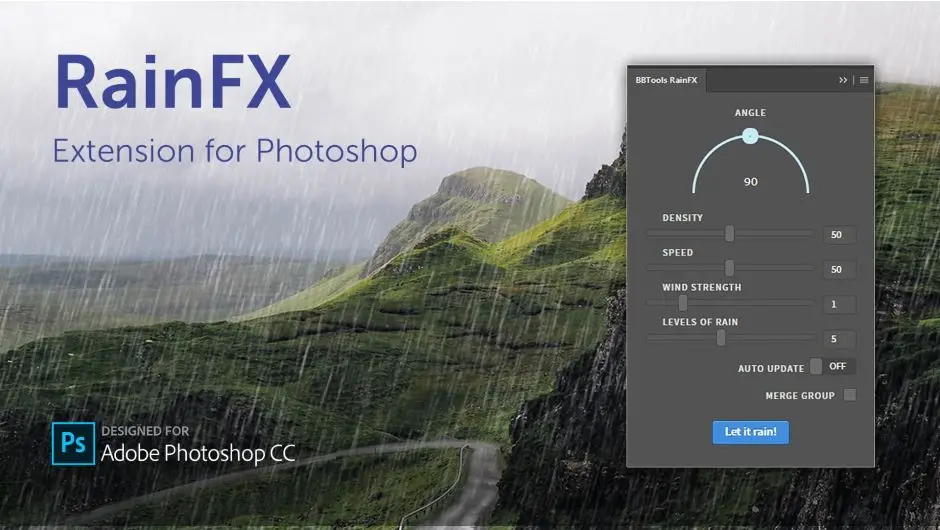
Want to make it rain—literally? ☔ This is the ultimate rain effect Photoshop tool! With customizable parameters, you can control the intensity, direction, and size of every droplet. It’s perfect for cinematic scenes, moody portraits, or adding that dramatic weather vibe to your digital art. Turn a sunny day into a stormy masterpiece in seconds! 🌧️✨
✨ Get This Now by Bogdan Bogdanovic
PostProduction Master for Photoshop
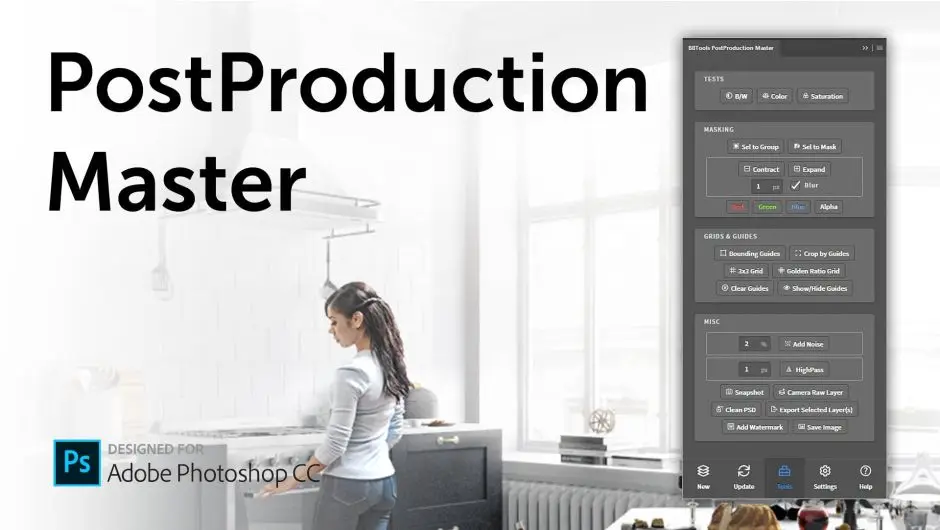
Architecture nerds and visualization pros, this one’s for you! 🏢 This extension is like having a personal assistant for your post production workflow. It simplifies complex tasks like adjusting exposure, adding atmospheric depth, and refining your renders. Honestly, it’s a lifesaver for anyone doing architectural visualization or high-end compositing. 💪🔥
✨ Get This Now by Bogdan Bogdanovic
BBTools Shadow 2
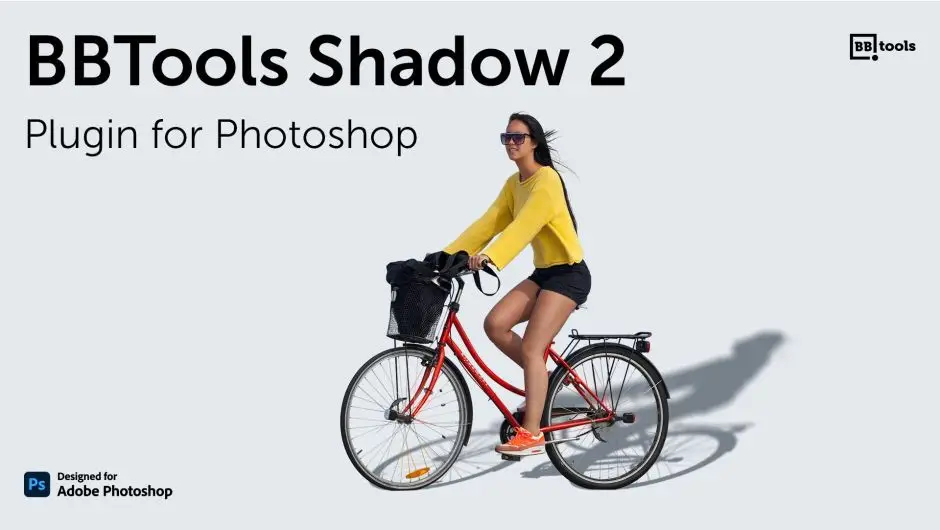
Shadows can make or break a design, am I right? 🤯 This plugin creates ultra-realistic drop shadows for text, smart objects, and regular layers in a flash. Whether you’re designing a logo or a complex composite, BBTools Shadow 2 adds that professional depth and dimension that makes your work look *chef’s kiss*. 🎨👏
✨ Get This Now by Bogdan Bogdanovic
BBTools Shadow 2 (Standing Objects)
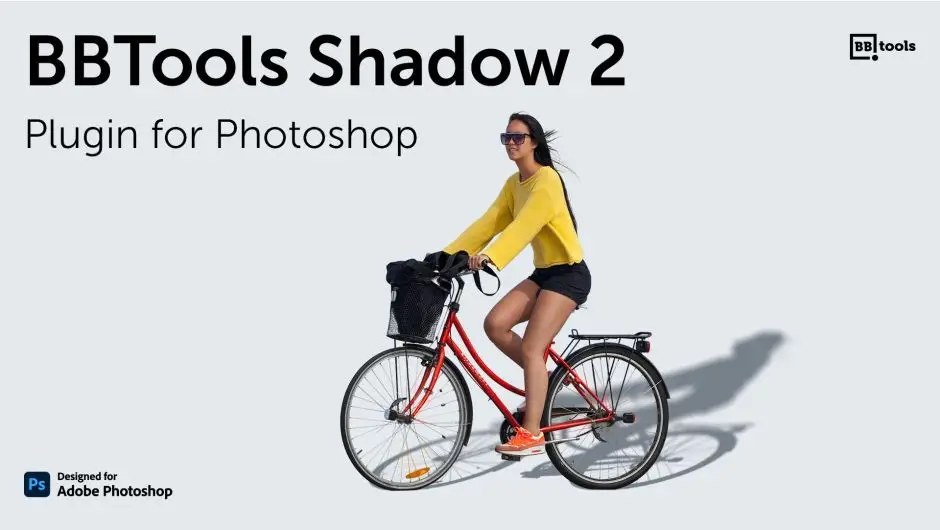
This version of BBTools Shadow 2 is specifically designed for standing objects—think products, characters, or any vertical element in your scene. 🕺 It generates ground shadows that connect your subject to the environment naturally. No more floating objects! Your product photography and digital art will look instantly more grounded and realistic. 🥇🖼️
✨ Get This Now by Bogdan Bogdanovic
BBTools Tiler 5
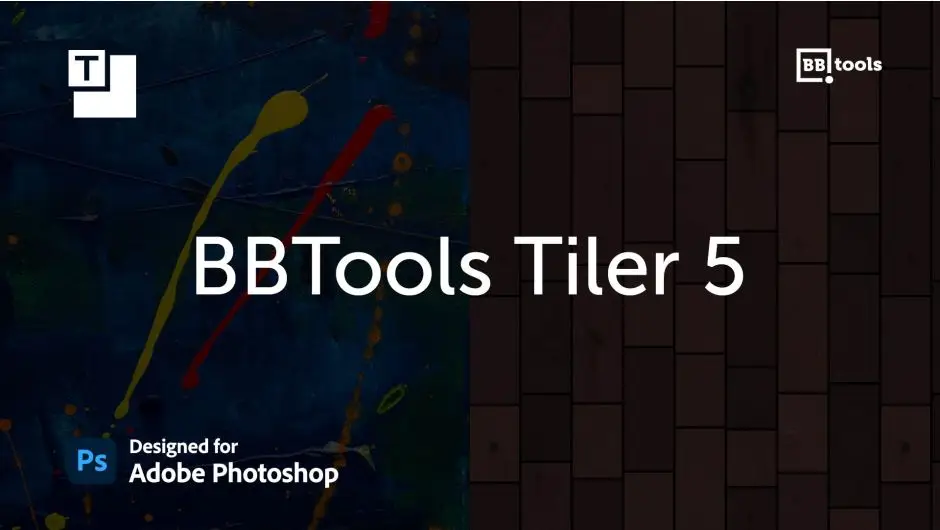
Pattern lovers, unite! 🧩 BBTools Tiler 5 makes creating seamless textures and tile patterns an absolute breeze. Whether you’re designing backgrounds, fabric patterns, or game assets, this plugin automates the boring stuff. Just define your grid, and it works its magic. Your workflow will thank you! 🚀🎉
✨ Get This Now by Bogdan Bogdanovic
BBTools Glow & Glare 2
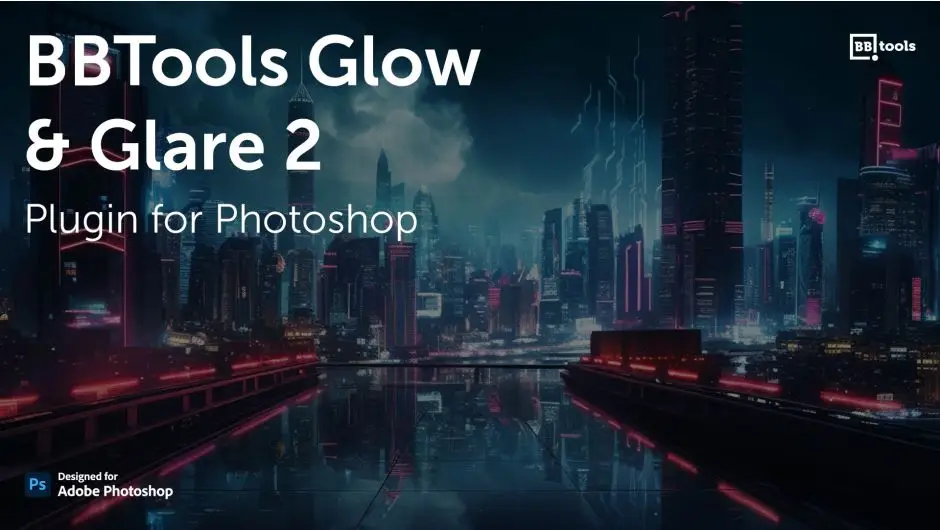
Give your images that cinematic radiance! 🌟 BBTools Glow & Glare 2 lets you add stunning light blooms, lens flares, and soft glows with total control. Perfect for portraits, night scenes, or adding a magical sparkle to any composite. It’s like adding a touch of Hollywood to your Photoshop workflow. 📸💡
✨ Get This Now by Bogdan Bogdanovic
Conclusion
The Bogdan Bogdanovic collection on Brushespack.com is an absolute treasure trove for any Photoshop user looking to up their game. From weather effects to shadows, tiling, and glowing highlights, these plugins cover all the essentials of digital art and photo editing. Don’t just take my word for it—grab your favorites and see how much faster and more fun your workflow becomes! ✨🎉
Frequently Asked Questions
Can I use these plugins with any version of Photoshop?
Yes! These plugins are designed to work with modern versions of Adobe Photoshop (CC 2018 and above). Make sure you check the specific compatibility details on the product page to be safe. 🖥️✅
Are the effects non-destructive?
Absolutely! Most of these tools, especially RainFX and BBTools Shadow 2, work with smart layers and adjustment layers, so your original image stays untouched. You can always tweak the settings later. 🔄🎨