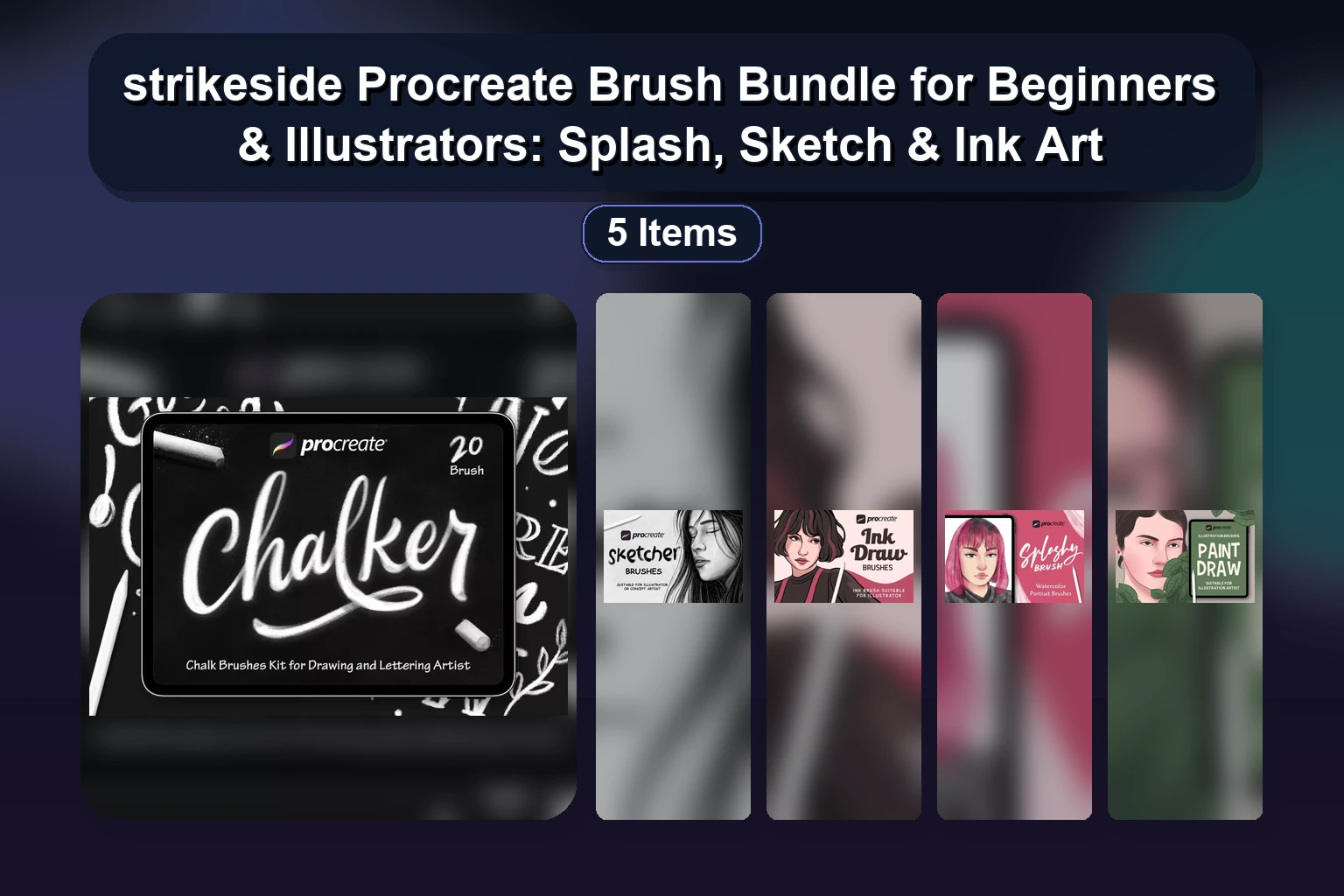
The strikeside Collection at BrushesPack brings together five thoughtfully crafted Procreate brush sets designed to elevate your digital art across multiple styles. Whether you are a beginner exploring splashy textures or a seasoned illustrator mastering fine ink lines, strikeside offers a versatile toolkit for every creative project.
From bold Splashy Brush effects to precise Ink Draw strokes, and playful chalk lettering with Chalker, each set is optimized for Procreate and ready to use instantly. In this article, we review the full collection, highlighting what makes each bundle unique for logos, graphics, backgrounds, and illustrations.
Why Choose the strikeside Procreate Bundle?
Each brush set in this collection is designed with both usability and artistic expression in mind. The brushes mimic real-world textures – from wet paint splashes and soft charcoal sketches to gritty chalk and crisp ink – giving your digital work a natural, handcrafted feel without the cleanup.
With file sizes ranging from 1.3 MB to just 7.5 MB, these sets are lightweight and fast to load. All products come as ZIP files with instant download, meaning you can start creating in minutes. The bundle also covers a wide range of use cases: logo design, lettering, illustration, background creation, and texture painting.
Featured Products in strikeside Collection
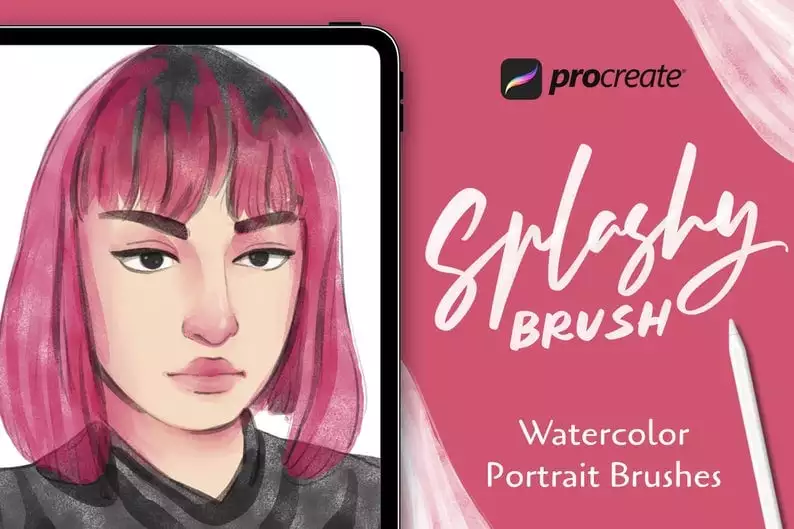
1. Splashy Brush: 20 Procreate Brushes for Beginners
Product Specs:
- Compatible with: Procreate|Brushes
- File Type: ZIP
- File Size: 3.5 MB
- Instant Download
Are you ready to add a splash of creativity to your Procreate projects? The Splashy Brush set includes 20 expertly crafted Procreate brushes designed specifically for beginners and professional artists alike. With these brushes, you can effortlessly create stunning logos, graphics, and unique backgrounds that stand out. Product Overview: The Splashy Brush set is perfect for anyone looking to enhance their digital art with vibrant textures and effects. Whether you're a beginner or a seasoned artist, these brushes will help…
2. Sketcher – 20 Procreate Brush Set
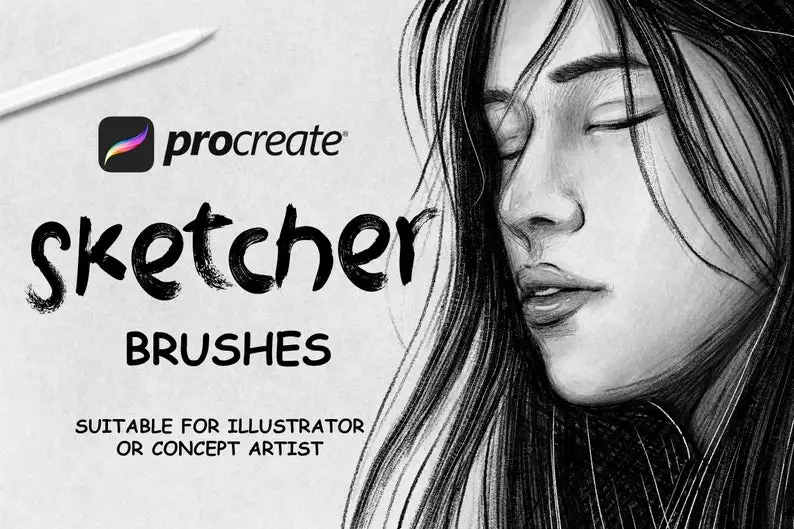
Product Specs:
- Compatible with: Procreate|Brushes
- File Type: ZIP
- File Size: 7.5 MB
- Instant Download
Are you ready to take your digital art to the next level? The Sketcher – 20 Procreate Brush Set is designed specifically for artists like you who want to create stunning illustrations, logos, and backgrounds effortlessly. With this premium set of sketch brushes for Procreate, you’ll have everything you need to bring your creative visions to life. Product Overview: The Sketcher – 20 Procreate Brush Set includes a variety of brushes tailored for sketching and painting. Perfect for both beginners…
3. Paint Draw – 20 Procreate Brushes
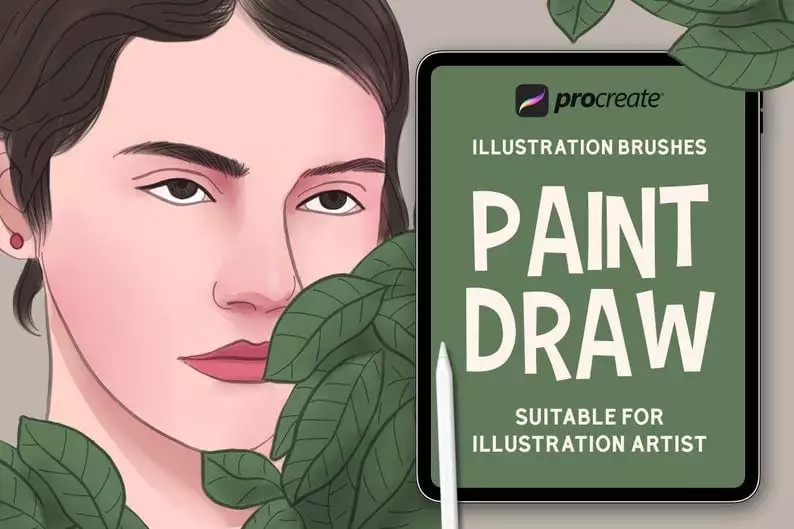
Product Specs:
- Compatible with: Procreate|Brushes
- File Type: ZIP
- File Size: 1.5 MB
- Instant Download
Are you looking for the perfect tools to enhance your digital art? With our Paint Draw – 20 Procreate Brushes , you can easily create stunning artwork that captivates your audience. These brushes are designed for both beginners and experienced artists, making paint drawing easy and enjoyable for everyone! Product Overview: The Paint Draw – 20 Procreate Brushes bundle includes a variety of brushes perfect for creating logos, graphics, and unique backgrounds. Whether you're working on a personal project or…
4. Ink Draw – 35 Procreate Brushes for Illustrator
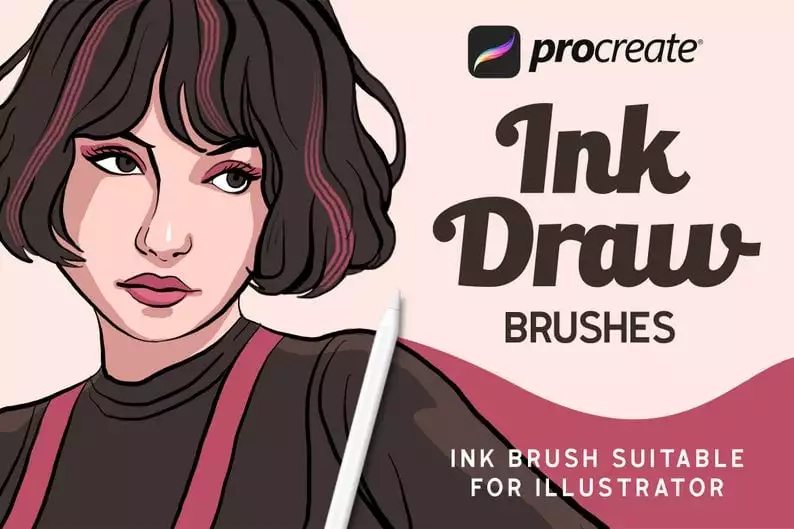
Product Specs:
- Compatible with: Procreate|Brushes
- File Type: ZIP
- File Size: 1.3 MB
- Instant Download
Are you looking to create stunning ink art in Procreate? The Ink Draw – 35 Procreate Brushes for Illustrator is your ultimate solution! This exclusive bundle provides everything you need to craft beautiful logos, graphics, and unique backgrounds effortlessly. Product Overview: This collection features 35 premium brushes designed specifically for ink drawing in Procreate. Whether you are a professional illustrator or a hobbyist, these brushes will help you achieve stunning results with minimal effort. Create intricate designs and textures that…
5. Chalker 20 Procreate Brushes for Drawing and Lettering
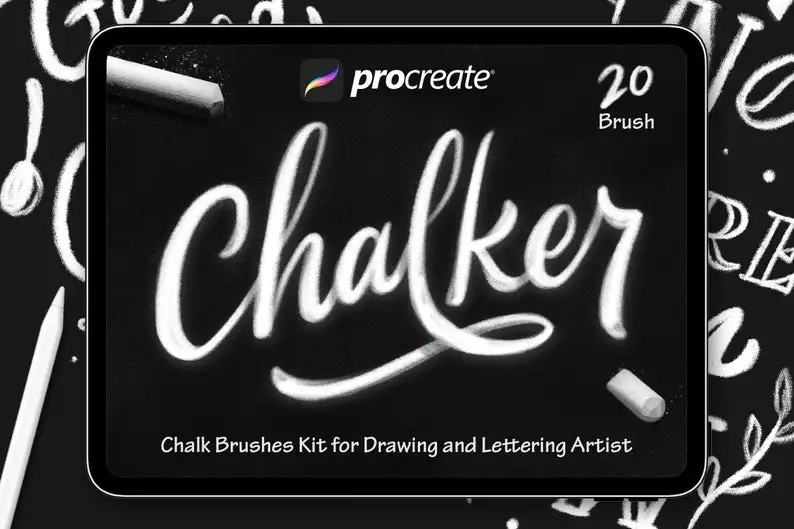
Product Specs:
- Compatible with: Procreate|Brushes
- File Type: ZIP
- File Size: 4.1 MB
- Instant Download
Are you ready to take your Procreate creations to the next level? The Chalker 20 Procreate Brushes set is your ultimate solution for crafting stunning chalk art and lettering. With these premium brushes, you can effortlessly create eye-catching designs that stand out. Product Overview: The Chalker 20 Procreate Brushes are designed specifically for artists and designers who want to create beautiful chalk lettering and illustrations. This versatile set includes everything you need to produce stunning chalk art in Procreate, making…
Start Creating with strikeside Procreate Brushes
The strikeside collection delivers professional-grade tools at an accessible level for artists of all skill levels. Whether you need splashy effects, sketchy lines, or chalk lettering, these brushes add depth and style to your Procreate projects. Visit the strikeside store on BrushesPack to explore each set and download your favorites today.
Frequently Asked Questions
Are these brushes compatible with Procreate only?
Yes, all five brush sets in the strikeside collection are specifically designed for Procreate on iPad. They are not compatible with Photoshop or other software.
What file format do these brushes come in?
Each set is delivered as a ZIP file. Inside, you will find the .brushset files that can be imported directly into Procreate.
Do I need prior experience to use these brushes?
Not at all. The collection includes beginner-friendly sets like Splashy Brush and Paint Draw, while also offering advanced options for illustrators, such as Ink Draw with 35 brushes.
Can I use these brushes for commercial projects?
Yes, you are free to use the brushes for commercial work, including logos, graphics, and illustrations. Reselling the brush files themselves is not permitted.
How do I install the brushes?
After downloading the ZIP file, unzip it, then tap the .brushset file. Procreate will automatically open and install the brushes into your brush library.