
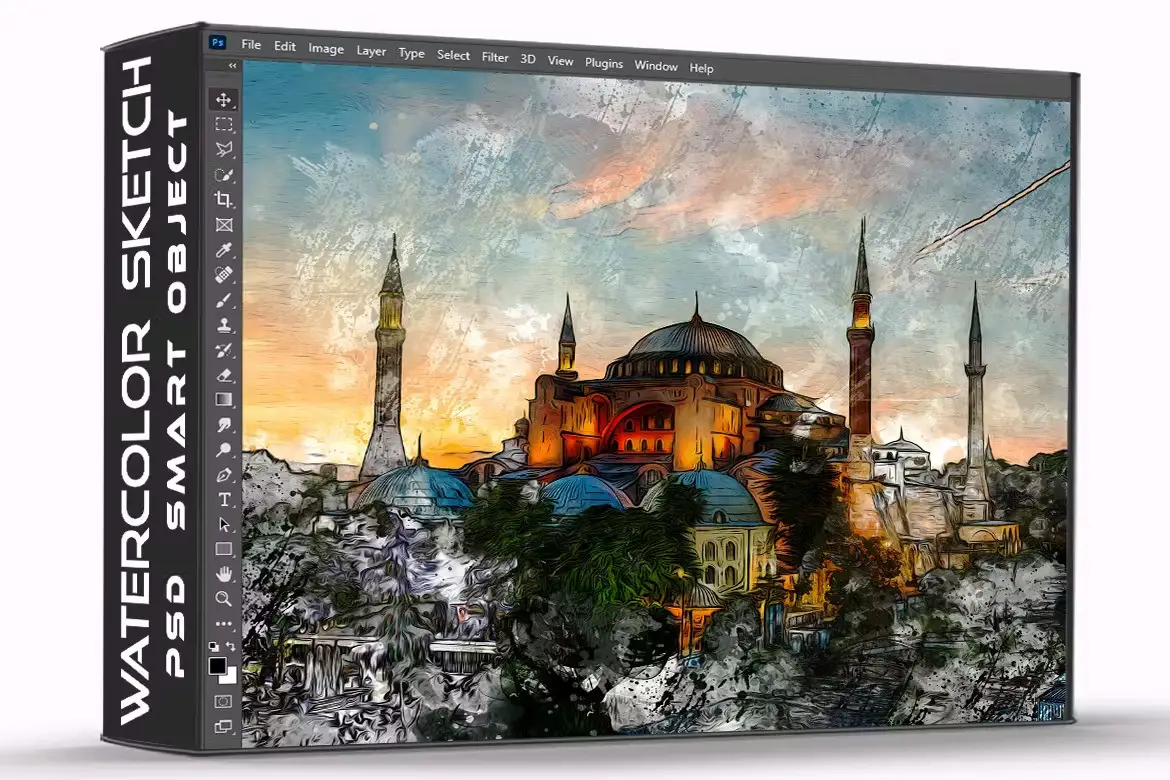
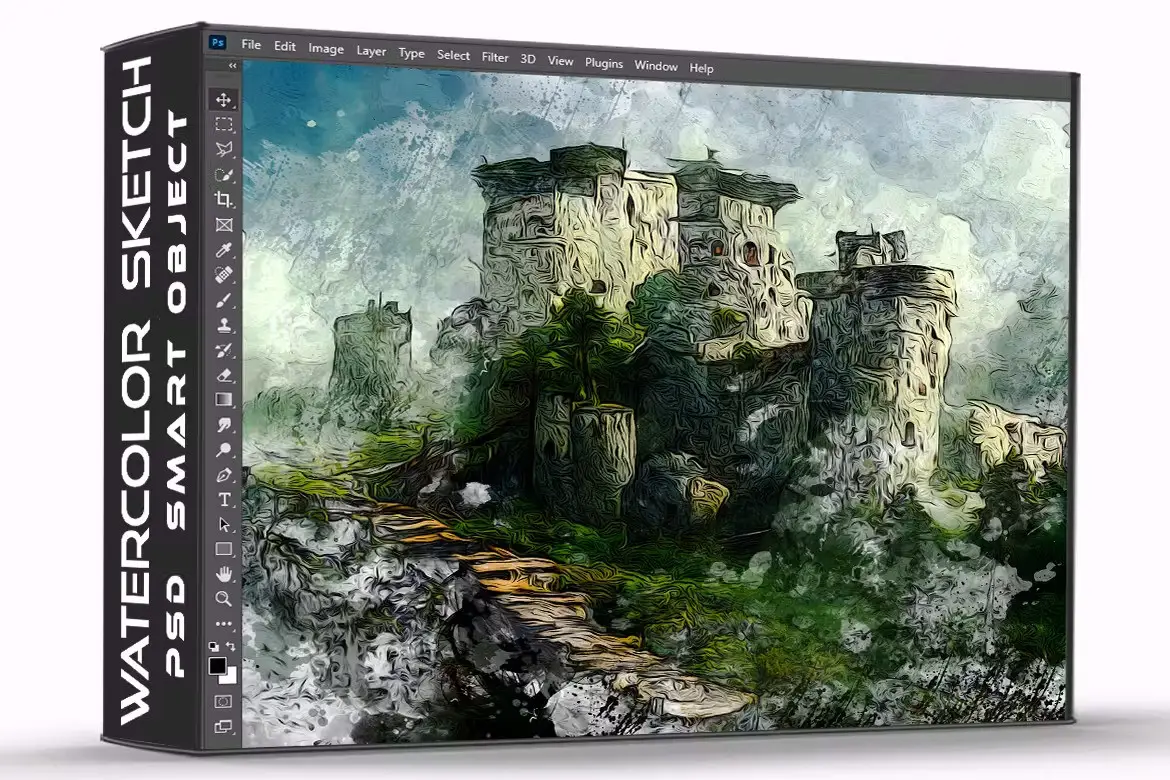
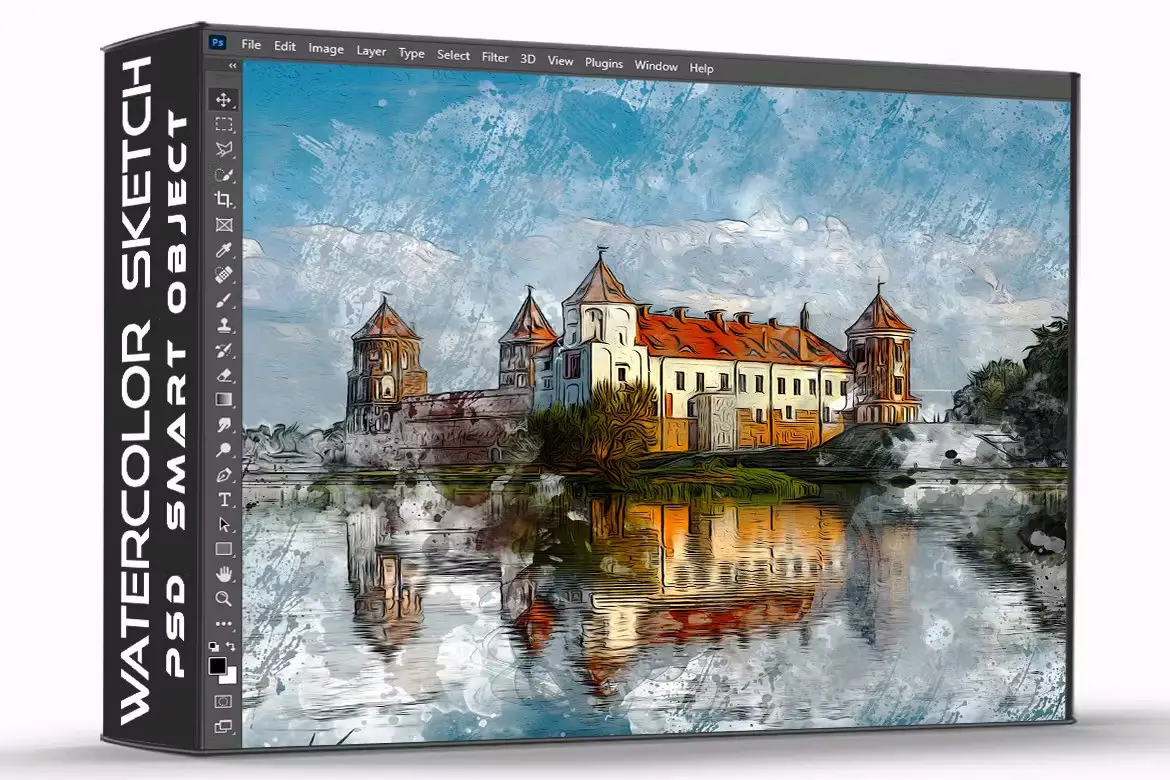
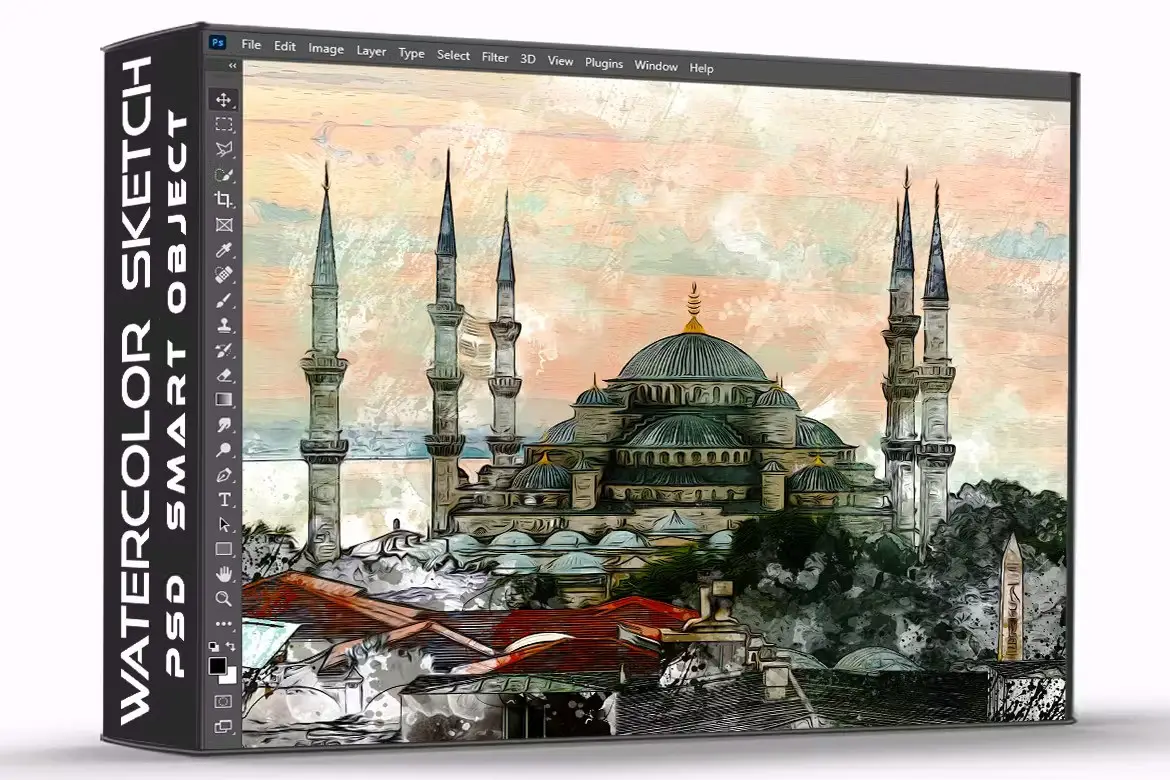
Watercolor Painting Photo Effect Psd Template
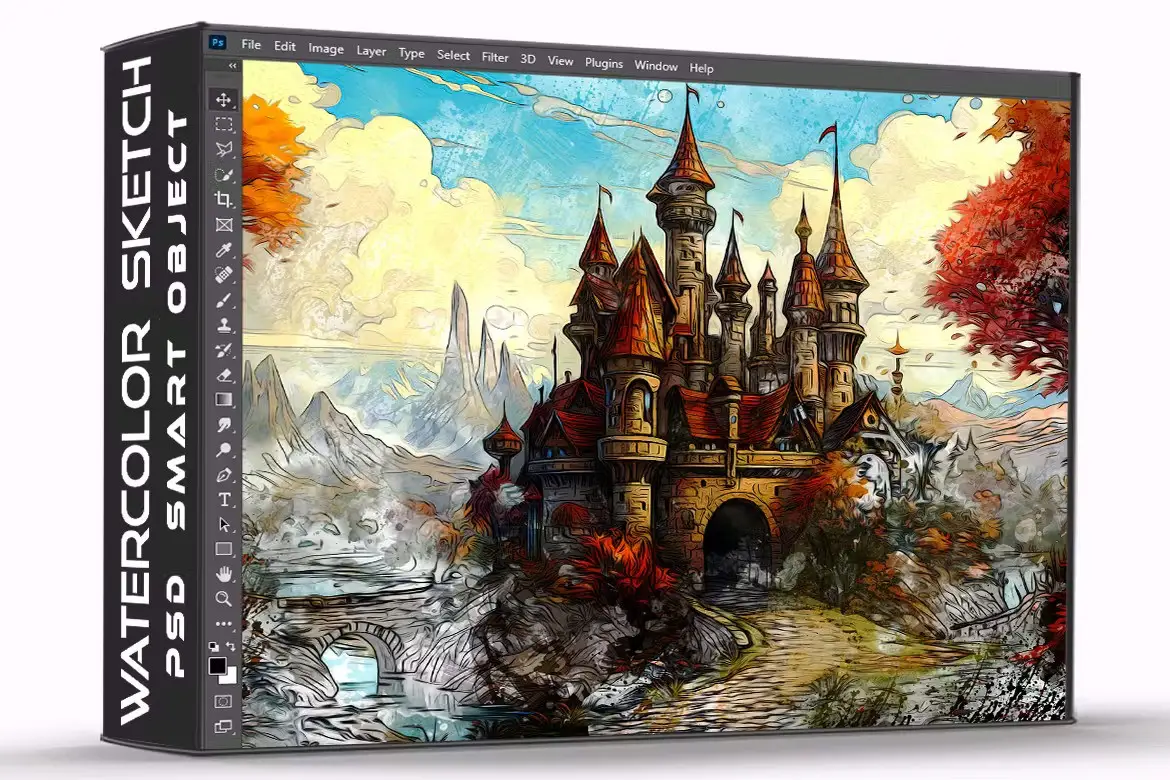
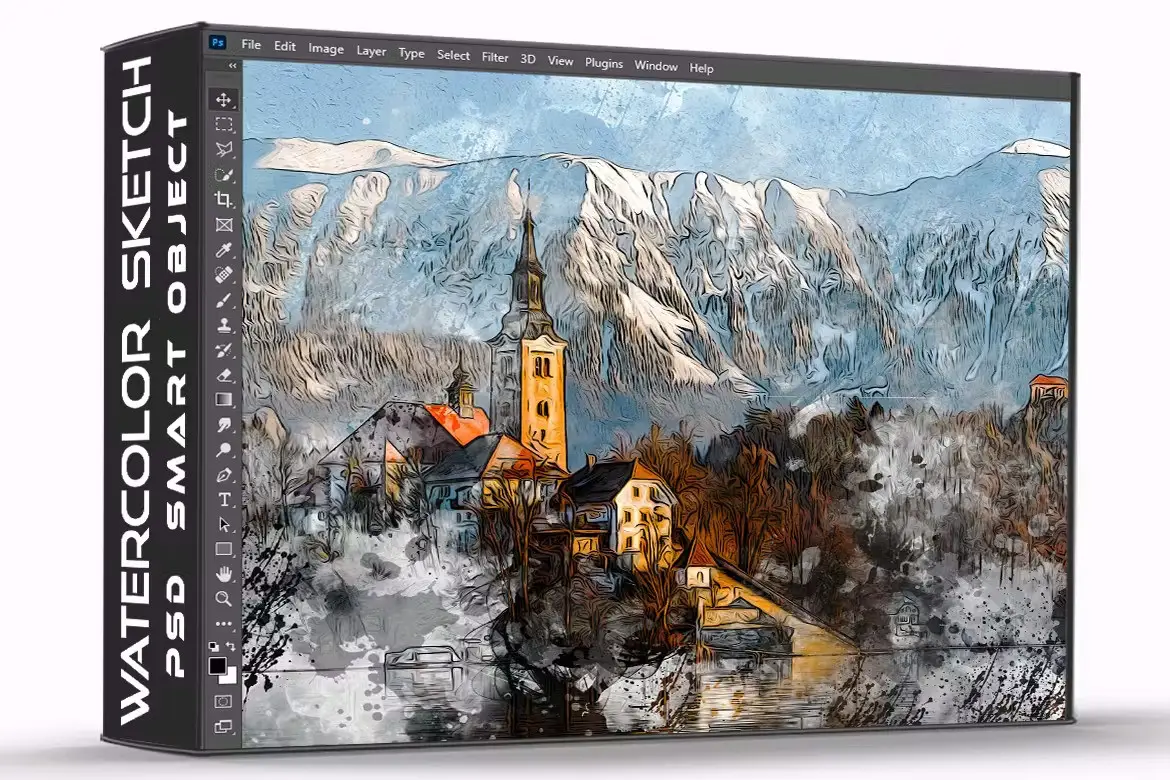
Original price was: $5.00.$2.50Current price is: $2.50.

One Touch
Product Specs:
- Compatible with: Templates
- File Type: ZIP
- File Size: 21.2 MB
- Instant Download
Transform Your Photos with the Watercolor Painting Photo Effect PSD Template
Are you looking to turn your ordinary photos into stunning watercolor artworks? The Watercolor Painting Photo Effect PSD Template is your perfect solution! With just a few clicks, you can create beautiful, artistic renditions of your images that will impress your friends and family.
Product Overview
This PSD template is designed for both beginners and professionals who want to add a creative touch to their photography. It features a user-friendly interface that allows you to easily convert your photos into watercolor masterpieces. Whether you’re a graphic designer, photographer, or simply someone who loves art, this template will elevate your projects.
Key Features & Benefits
- ✅ High-Resolution PSD File → Enjoy stunning quality with dimensions of 3000×2000 px.
- ✅ Editable via Smart Objects → Easily customize your artwork by simply placing your photo into the Smart Object layer.
- ✅ User-Friendly Instructions → Step-by-step guide included to help you achieve amazing results in no time.
- ✅ Quick and Easy to Use → Transform your photos with minimal effort, making it perfect for all skill levels.
- ✅ Versatile for Various Projects → Ideal for personal use, social media, or professional portfolios.
Why Choose This Product
The Watercolor Painting Photo Effect PSD Template stands out due to its simplicity and effectiveness. With its high-quality output and easy-to-follow instructions, you can create stunning watercolor effects without any prior design experience. Trusted by artists and designers worldwide, this template is a must-have for anyone looking to enhance their visual storytelling.
Specifications
| Feature | Details |
|---|---|
| File Type | PSD |
| Dimensions | 3000 x 2000 px |
| Editable | Smart Objects |
| Resolution | High |
What’s Included
- 📦 PSD File with Watercolor Effect
- 📦 User Instruction Guide
Perfect For
- Photographers
- Graphic Designers
- Social Media Influencers
- Artists looking to enhance their portfolio
How to Use
- Open the PSD file in Photoshop.
- Double-click the Smart Object layer to edit.
- Place your desired photo into the layer.
- Save and close the Smart Object to see your artwork!
FAQ
- Can I use this template for commercial projects?
Yes, you can use it for both personal and commercial projects.
- Do I need advanced Photoshop skills to use this template?
No, the template is designed to be user-friendly for all skill levels.
Add to cart now and start creating your watercolor masterpieces today! 🚀
User Reviews
Be the first to review “Watercolor Painting Photo Effect Psd Template”
You must be logged in to post a review.
36 Pastel Photoshop Gradients
Sold by One Touch
Cartoon Painting Photoshop Actions
Sold by One Touch
HDR V2 Photoshop Actions
Sold by One Touch
Watercolor painting sketch photo effect PSD
Sold by One Touch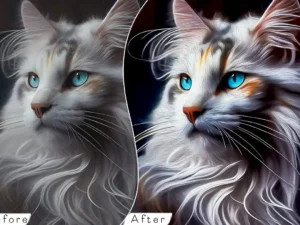
PRO Painted Painting Photoshop Action
Sold by One Touch
36 Winter Photoshop Gradients
Sold by One Touch Original price was: $5.00.$2.50Current price is: $2.50.


There are no reviews yet.