
Watercolor Double Expose Effect









$0.00

Mri Studio
Product Specs
- Compatible with: Adobe Photoshop
- File Type: zip
- Instant Download
- File Size: 204 MB
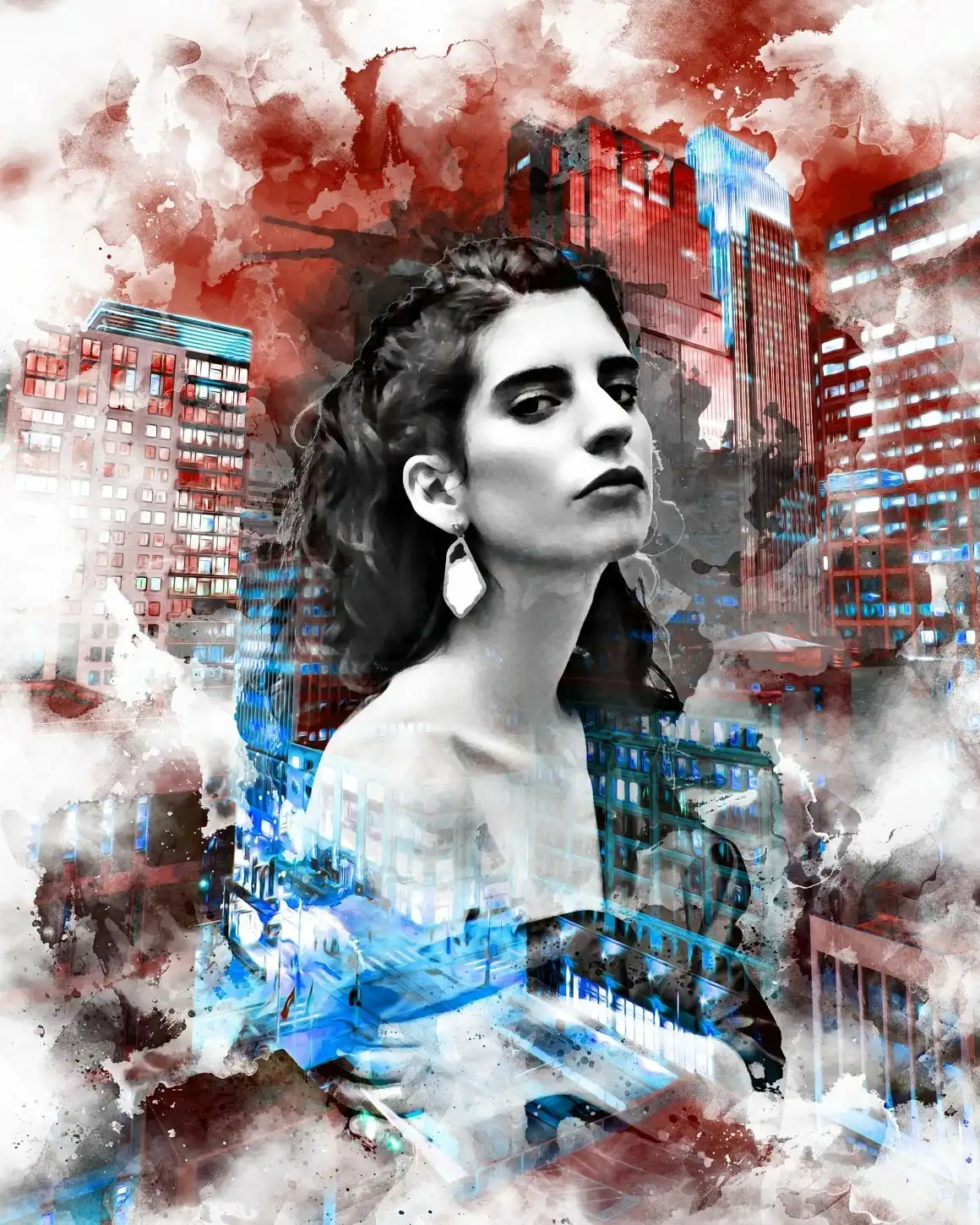
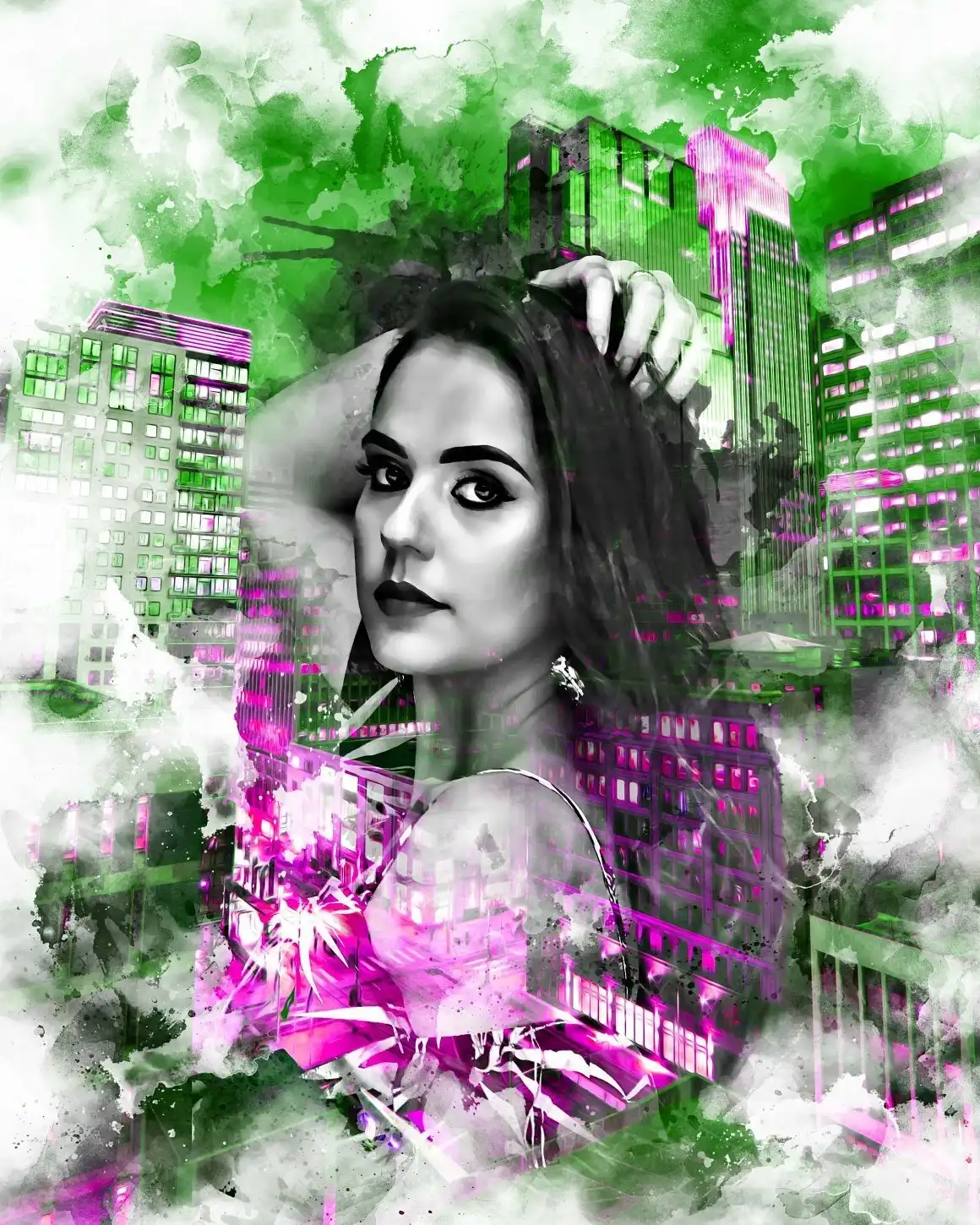
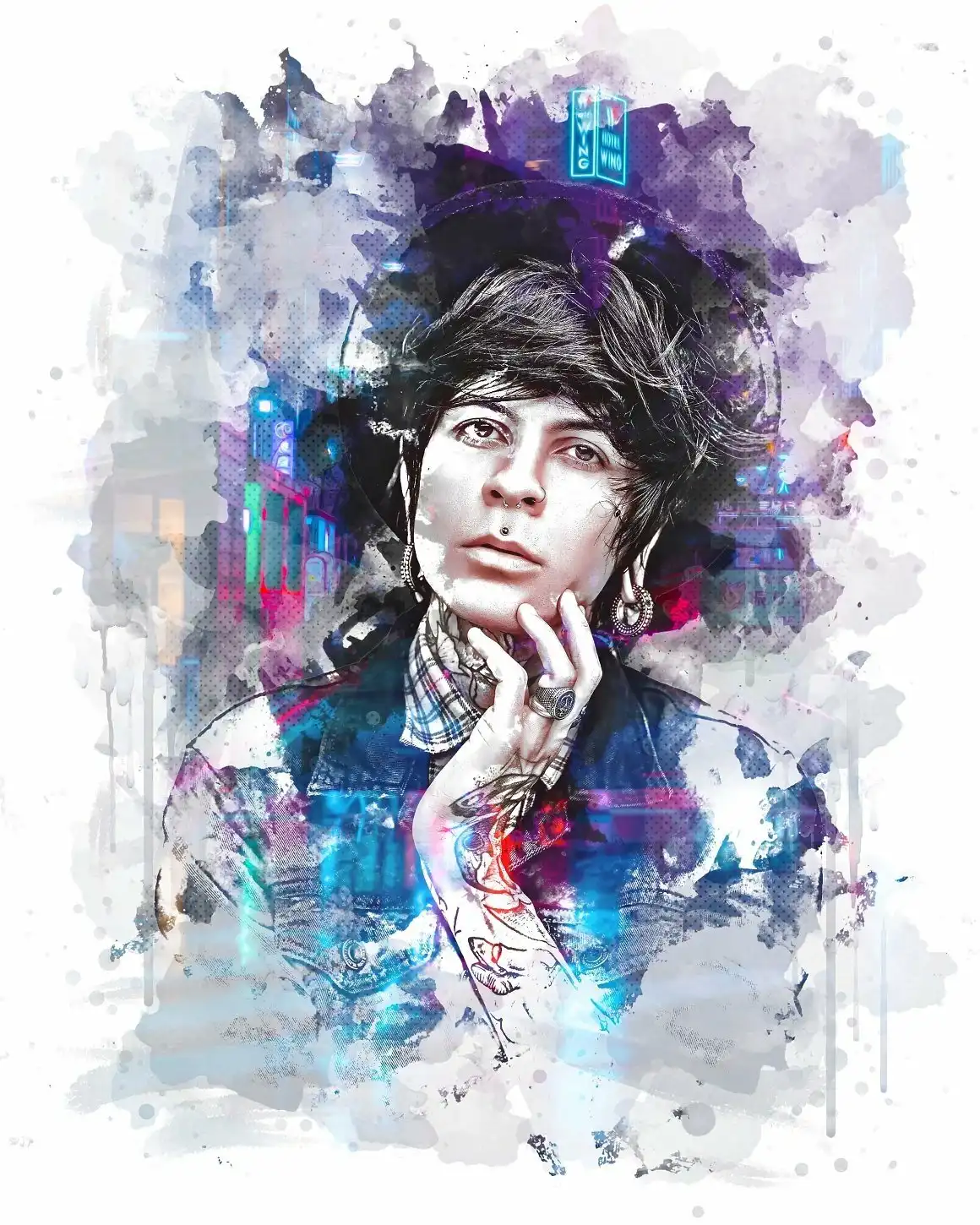
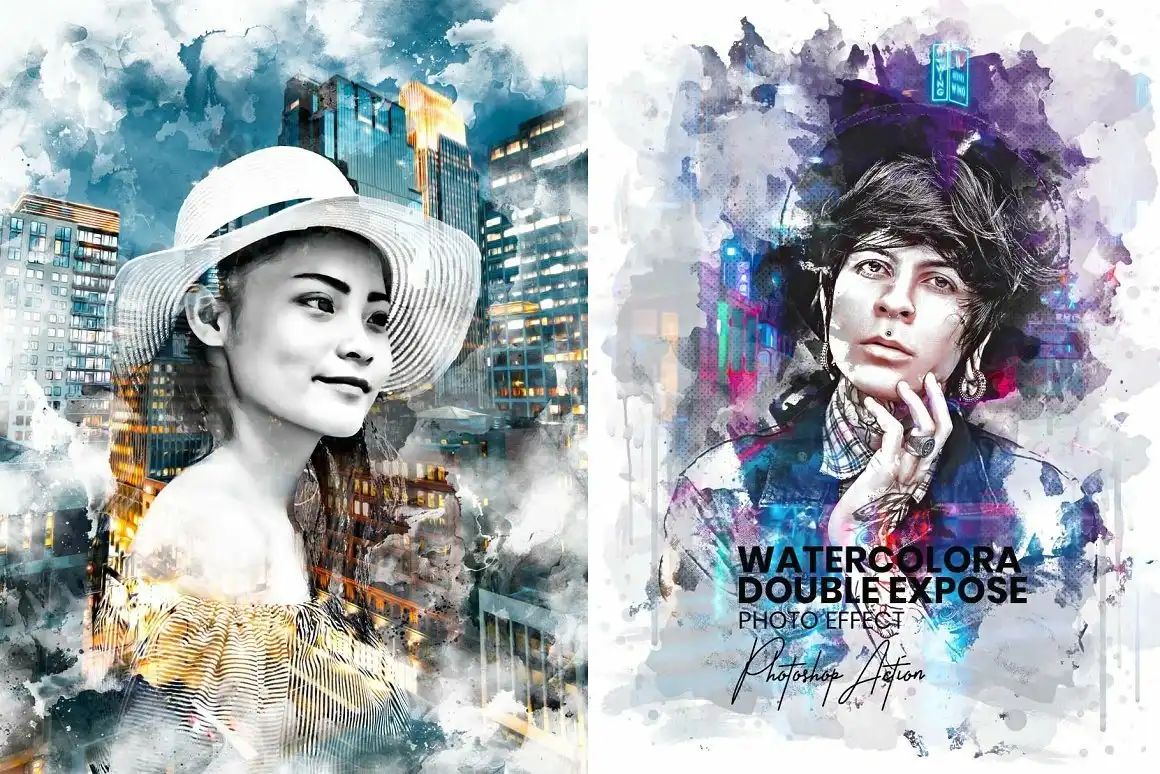
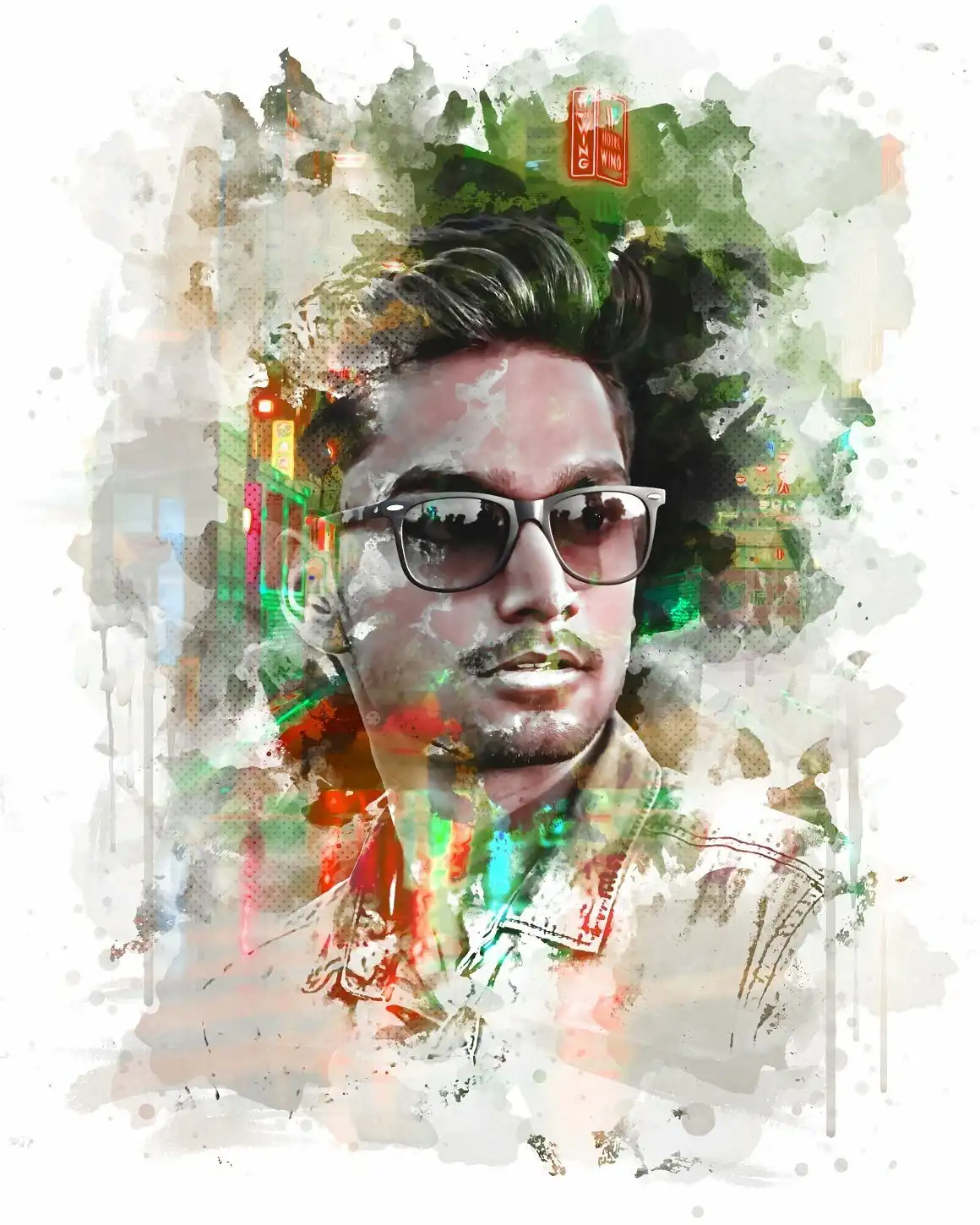
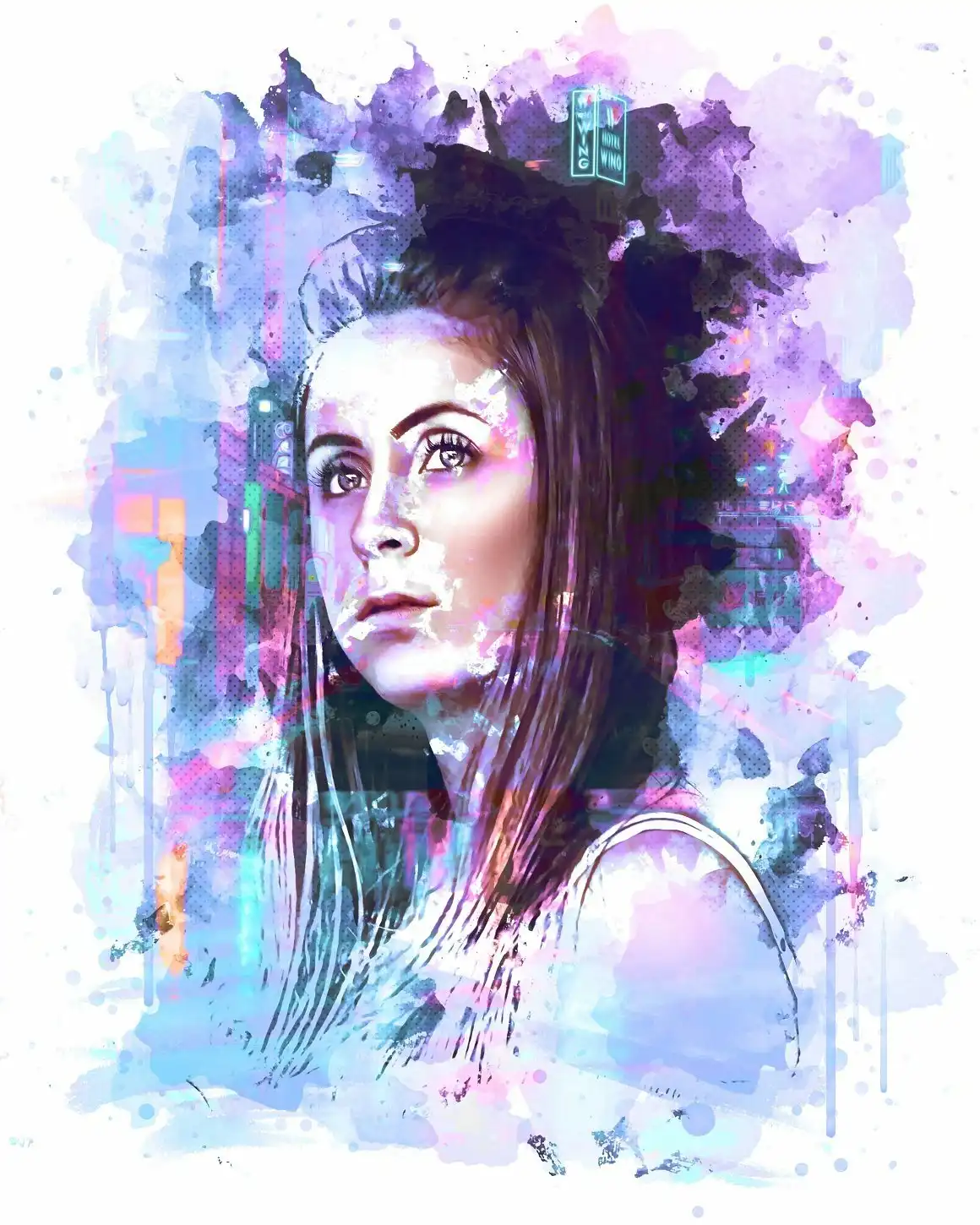
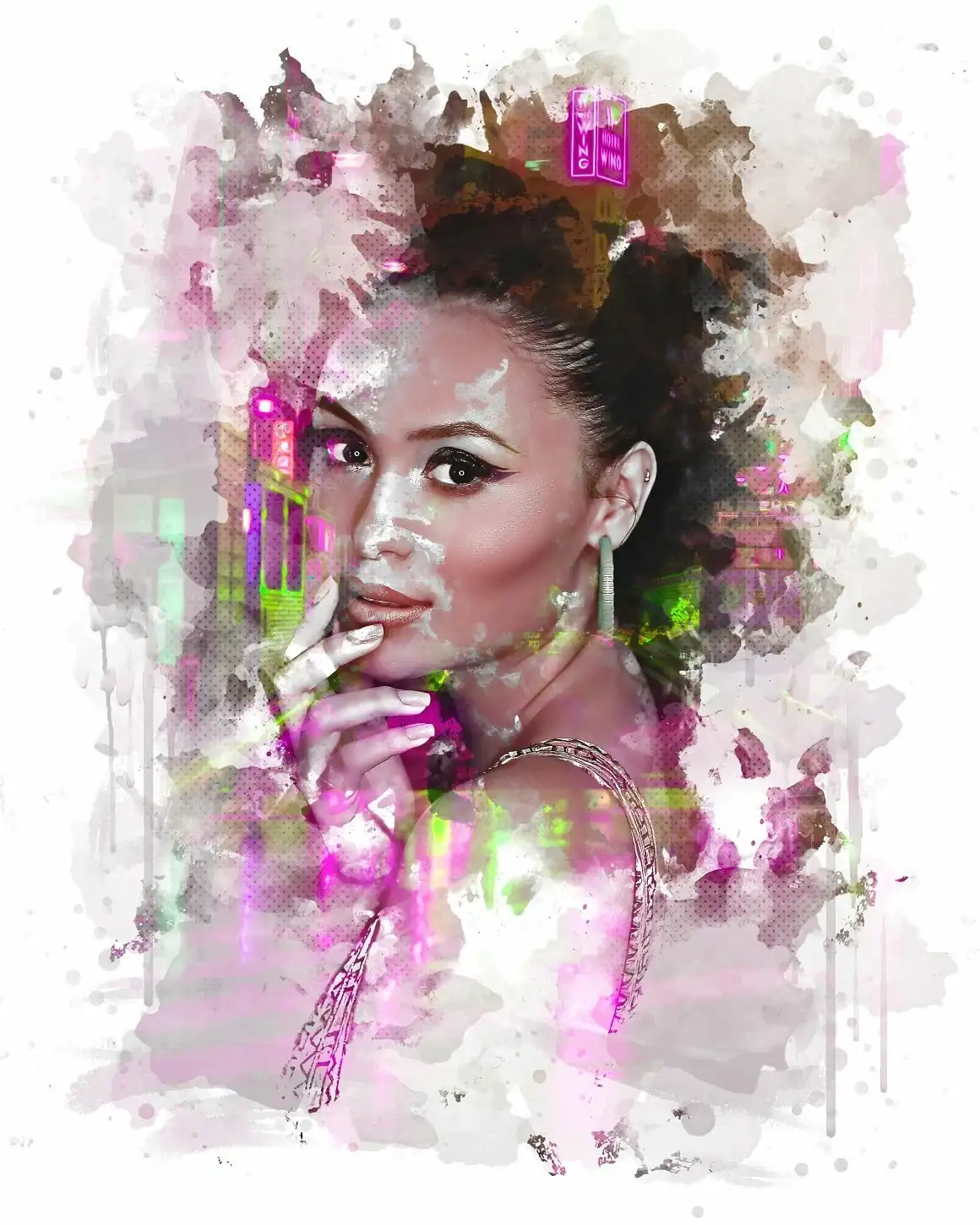
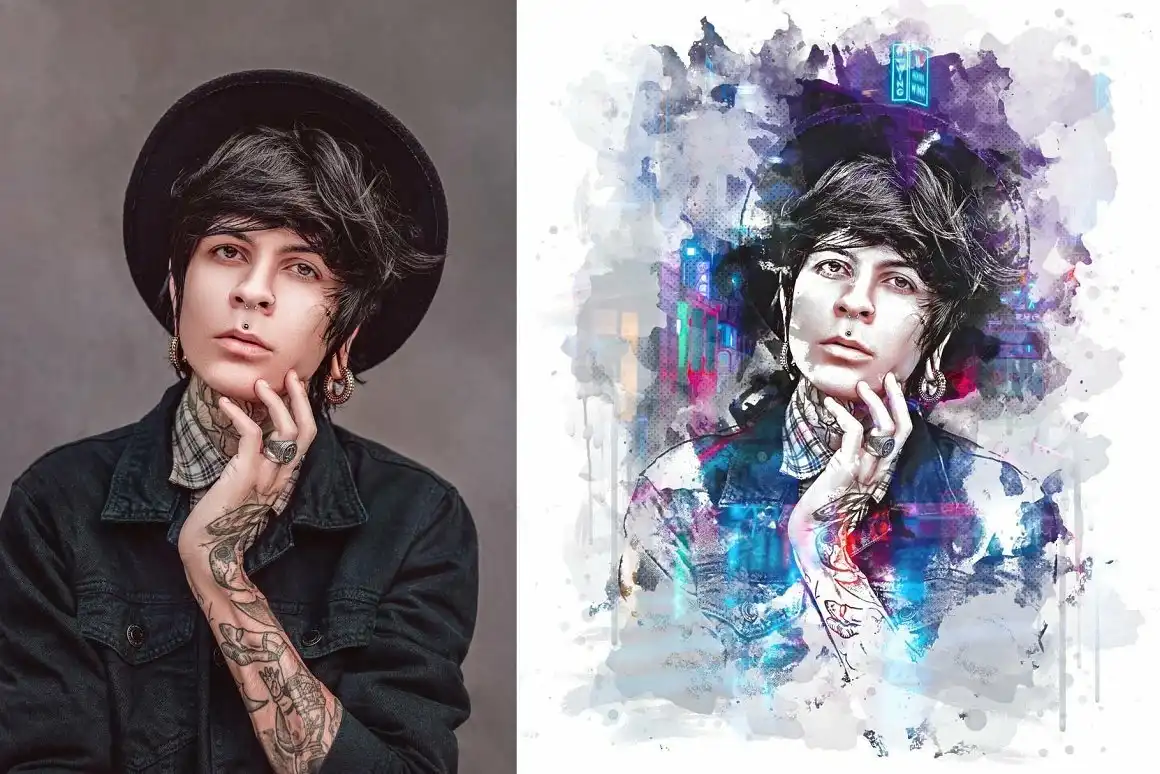
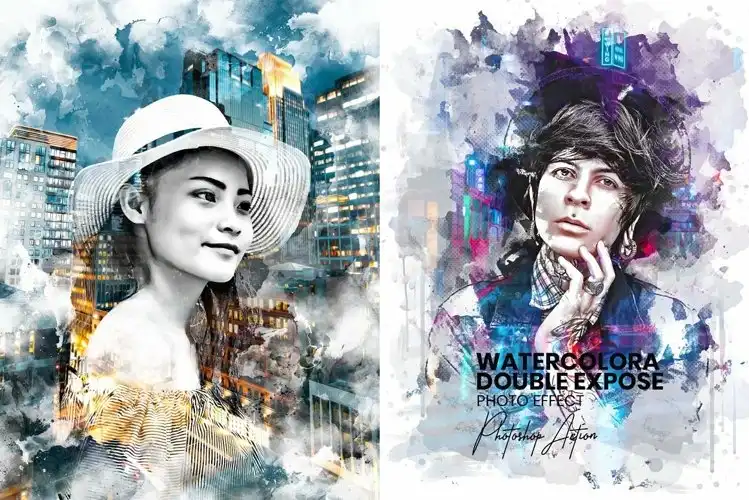
Watercolor Double Exposure Effect
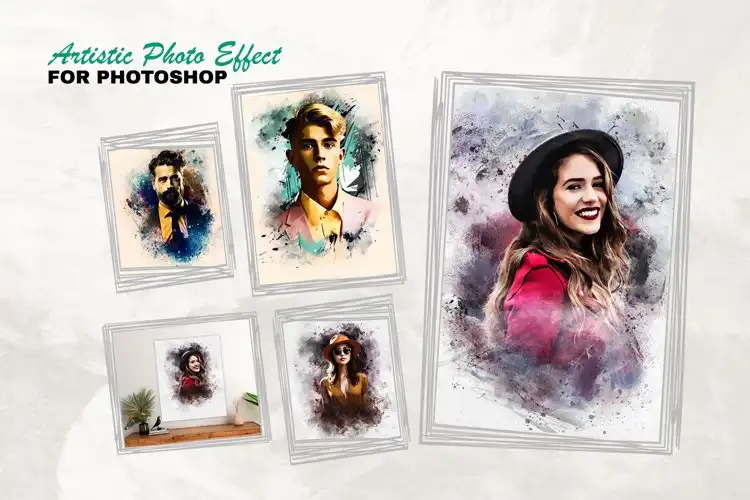
Are you ready to infuse your artwork with a splash of creativity? This digital download features the Watercolor Double Exposure Effect for Photoshop, allowing you to transform your photos into stunning watercolor masterpieces in just a few clicks! Instant access means you can start creating right away! 🎨✨
Product Overview
This innovative effect combines the beauty of watercolor painting with the intriguing style of double exposure. Whether you’re looking to create eye-catching graphics for social media or unique art pieces, this effect is designed to make your vision come to life without requiring advanced skills. Just paste your photos, and voilà!
Key Features & Benefits
- Two Unique Photo Effect Templates: Enjoy versatility with 2 distinct Photoshop PSD files that act like mockup creators.
- Smart Object Option: Effortlessly paste your photos with no skill required.
- Comprehensive Help File: A detailed guide to help you navigate through the usage.
- 20+ Color Effect Options: Easily change colors to suit your style and project needs.
- Editable Layers: Full control over each layer, allowing for personalized adjustments.
- Professional Results: Achieve stunning, high-quality outcomes that impress.
- Compatibility: Works seamlessly with Adobe Photoshop CC and earlier versions.
Technical Specifications
| File Type | zip |
|---|---|
| File Size | 204 MB |
| Compatible with | Adobe Photoshop |
| Instant Download | Yes |
What’s Included
- 2 Unique Photoshop PSD Files
- Smart Object Templates
- Help File for Easy Usage
- 20+ Color Effects
Perfect For
This effect is ideal for photographers, graphic designers, and digital artists looking to create unique, artistic visuals. Whether you’re crafting social media posts, promotional materials, or personal art projects, your creativity knows no bounds! 🌈
FAQ
- Is this a physical product? No, it’s a digital download!
- Can I use both sides of watercolor paper? Yes, many artists enjoy using both sides for double exposure watercolor painting!
- What software do I need? Adobe Photoshop is required to use this effect.
User Reviews
Be the first to review “Watercolor Double Expose Effect”
You must be logged in to post a review.

Engraved Effect Photoshop Action
Sold by Mri Studio
Elegance photo effect for Photoshop
Sold by Mri Studio
Frames & Art Framing PS Action
Sold by Mri Studio
Editable Vintage Photoshop Effect
Sold by Mri Studio
Paint Photoshop Action
Sold by Mri Studio


There are no reviews yet.