
Vintage Story Photo Effect
Vintage Story Photo Effect
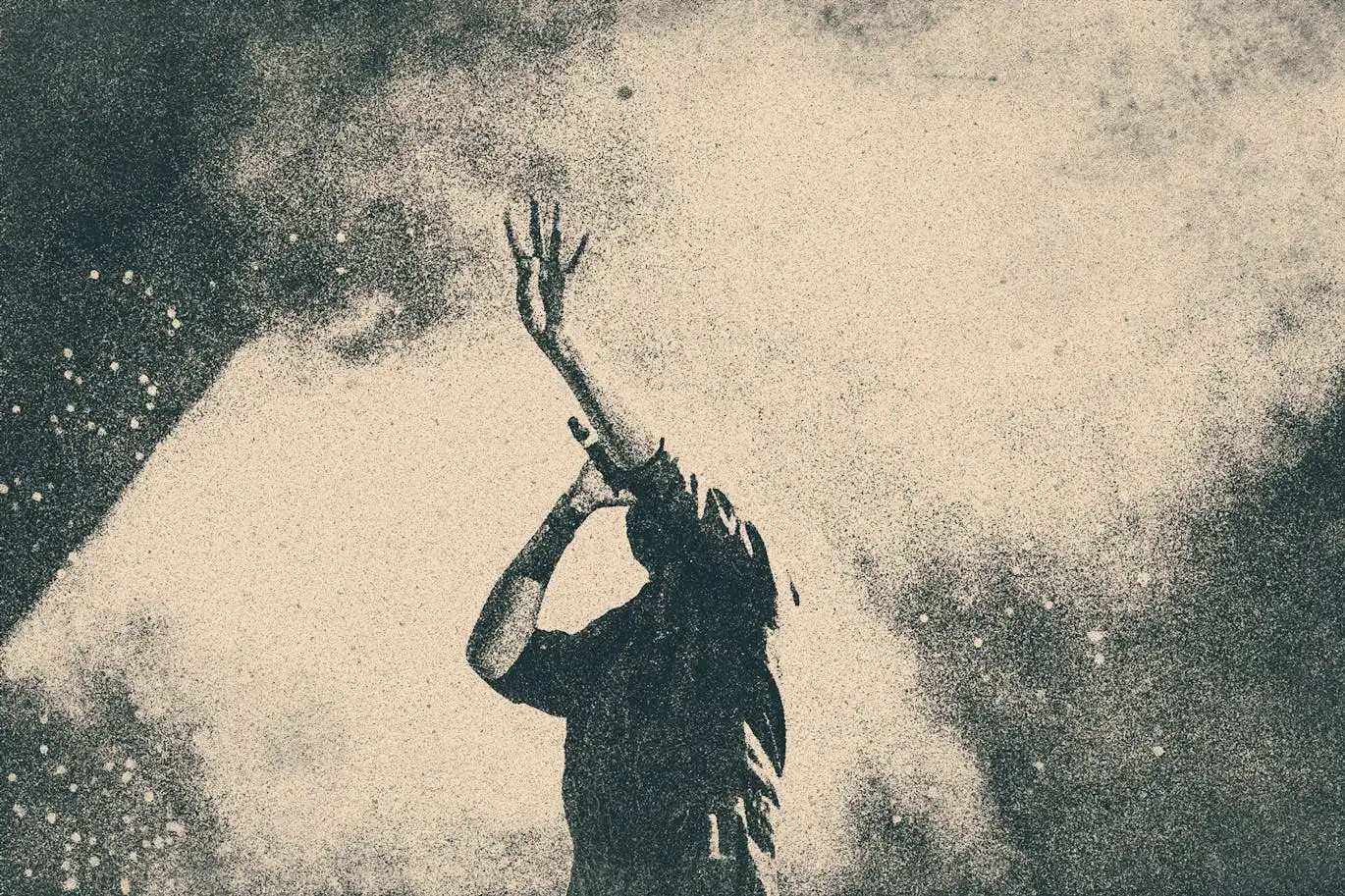
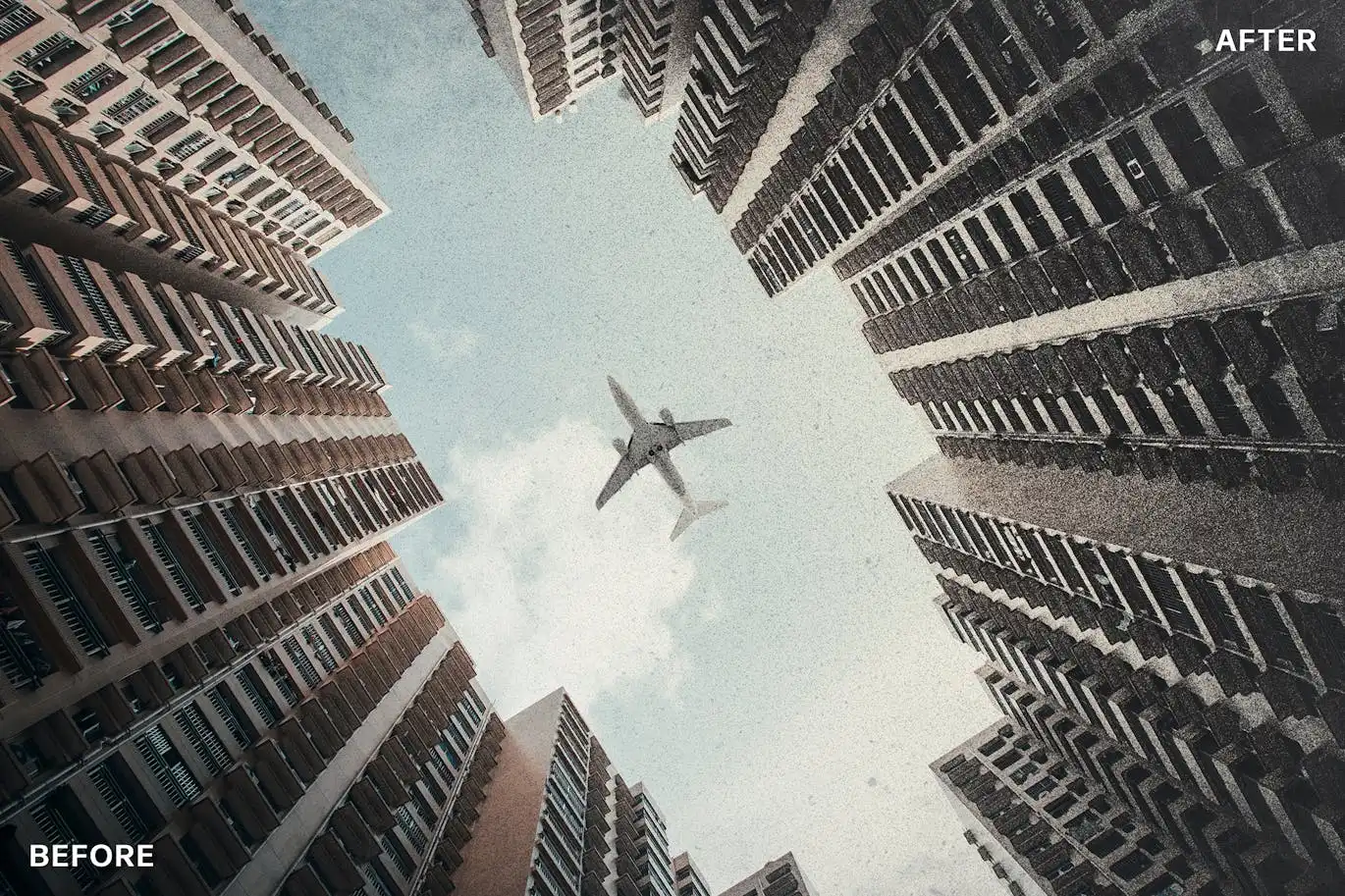
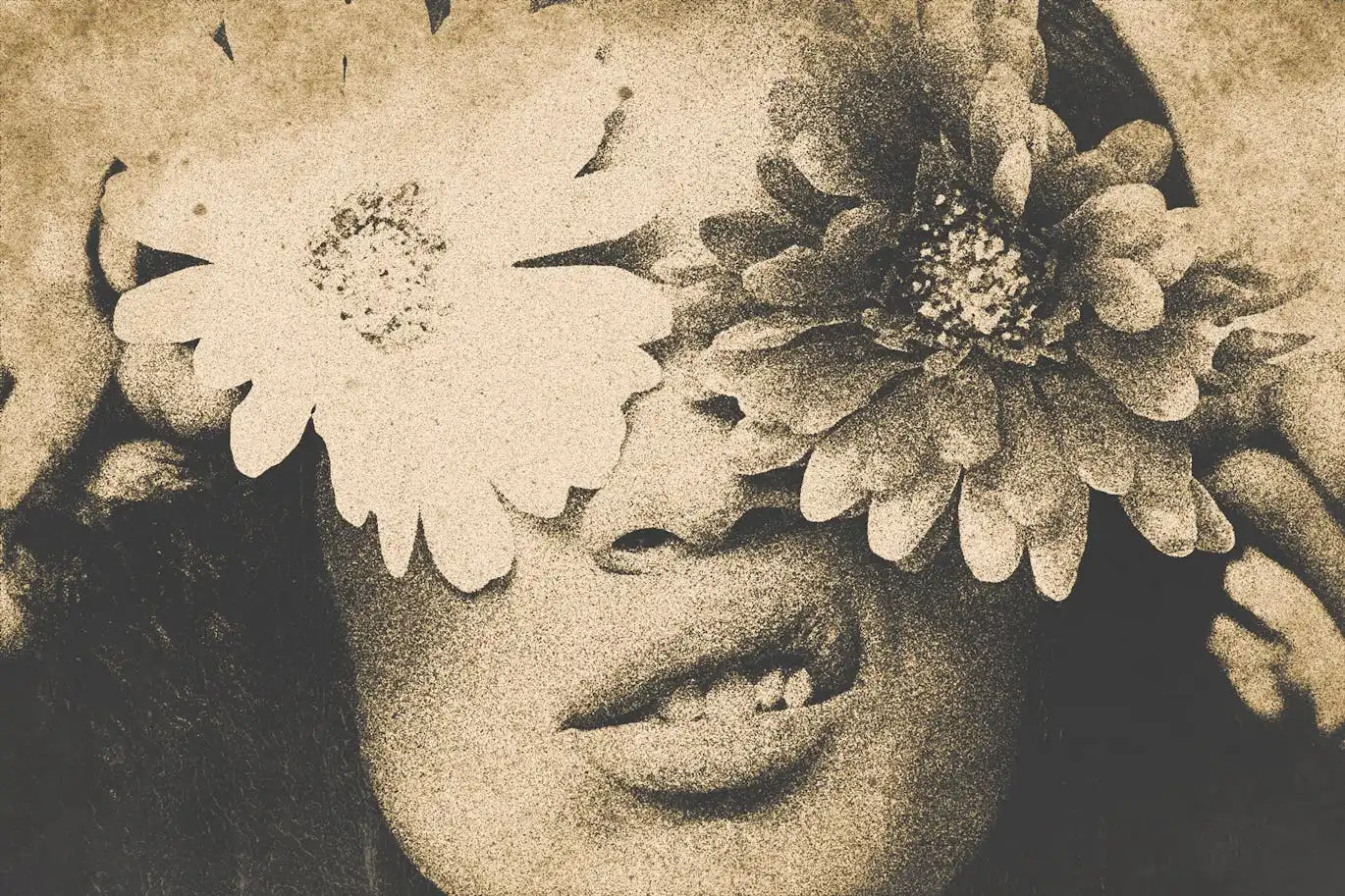
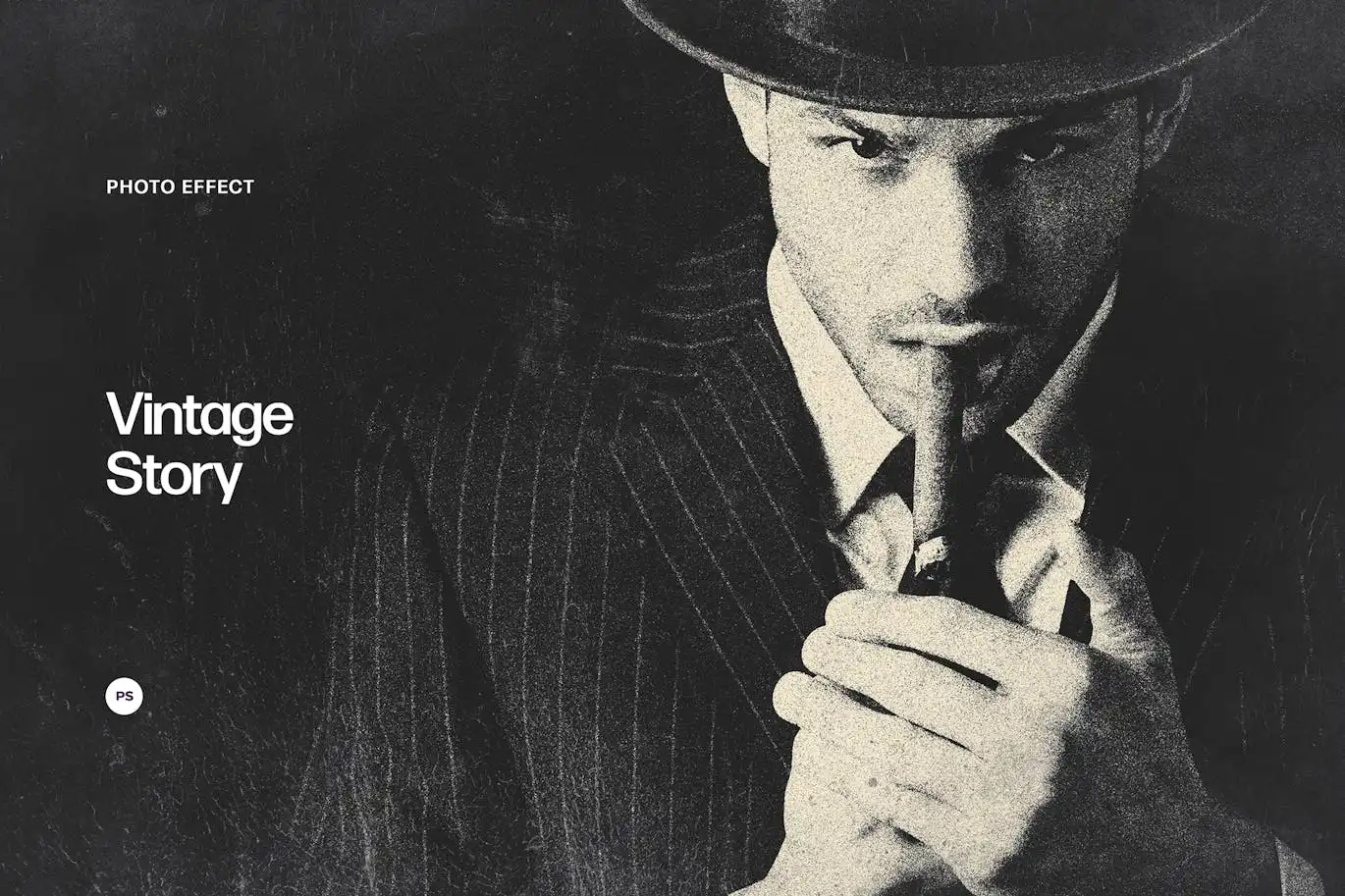
Transform your images into captivating vintage masterpieces with the Vintage Story Photo Effect. This unique effect allows you to create faded, textured, and grunge-style photos that are perfect for social media, advertisements, portfolios, and more. Whether you want to evoke nostalgia or add a creative touch to your visuals, this effect is your go-to solution.
Product Overview
The Vintage Story Photo Effect is designed for anyone looking to enhance their graphics with a timeless, classic look. It’s ideal for photographers, designers, and marketers who want to add depth and character to their images. With just a few clicks, you can achieve the aesthetic of aged photographs without the hassle of traditional methods.
Key Features & Benefits
- ✅ High-Quality PSD File → Enjoy a resolution of 4500×3000 px at 300 dpi for stunning clarity.
- ✅ Three Color Filters Included → Easily alter your images to match your creative vision.
- ✅ User-Friendly Help File → Get started quickly with clear instructions on how to apply the effect.
- ✅ Versatile Usage → Perfect for social media posts, marketing materials, and personal projects.
- ✅ Unique Vintage Texture → Achieve an authentic aged look that stands out.
Why Choose This Product
The Vintage Story Photo Effect offers a professional and effortless way to bring a nostalgic feel to your images. Unlike traditional aging techniques, this Photoshop effect delivers consistent results every time. Trusted by creatives worldwide, it’s designed to save you time while enhancing your visual storytelling.
Specifications
| Format | PSD |
|---|---|
| Dimensions | 4500×3000 px |
| DPI | 300 |
| Color Filters | 3 Included |
| Help File | Yes |
What’s Included / What’s in the Box
- 📦 High-quality PSD file
- 📦 Three color filters
- 📦 User help file
Perfect For
- Photographers
- Graphic Designers
- Marketers
- Social Media Managers
- Creative Individuals
How to Use
Applying the Vintage Story Photo Effect is simple. Just open the PSD file in Photoshop, select your desired color filter, and apply the effect to your image. Adjust the settings as needed to achieve your perfect vintage look.
FAQ
- Can I use this effect on any photo? Yes, it works well with various types of images.
- Is this compatible with all versions of Photoshop? The effect is designed for use in recent versions of Photoshop.
Add to cart now and start creating stunning vintage visuals today! 🚀
User Reviews
Be the first to review “Vintage Story Photo Effect”
You must be logged in to post a review.
Original price was: $5.00.$2.50Current price is: $2.50.


There are no reviews yet.