

Vehicle Mockups vol.1 – Showcase Your Designs with Professionalism
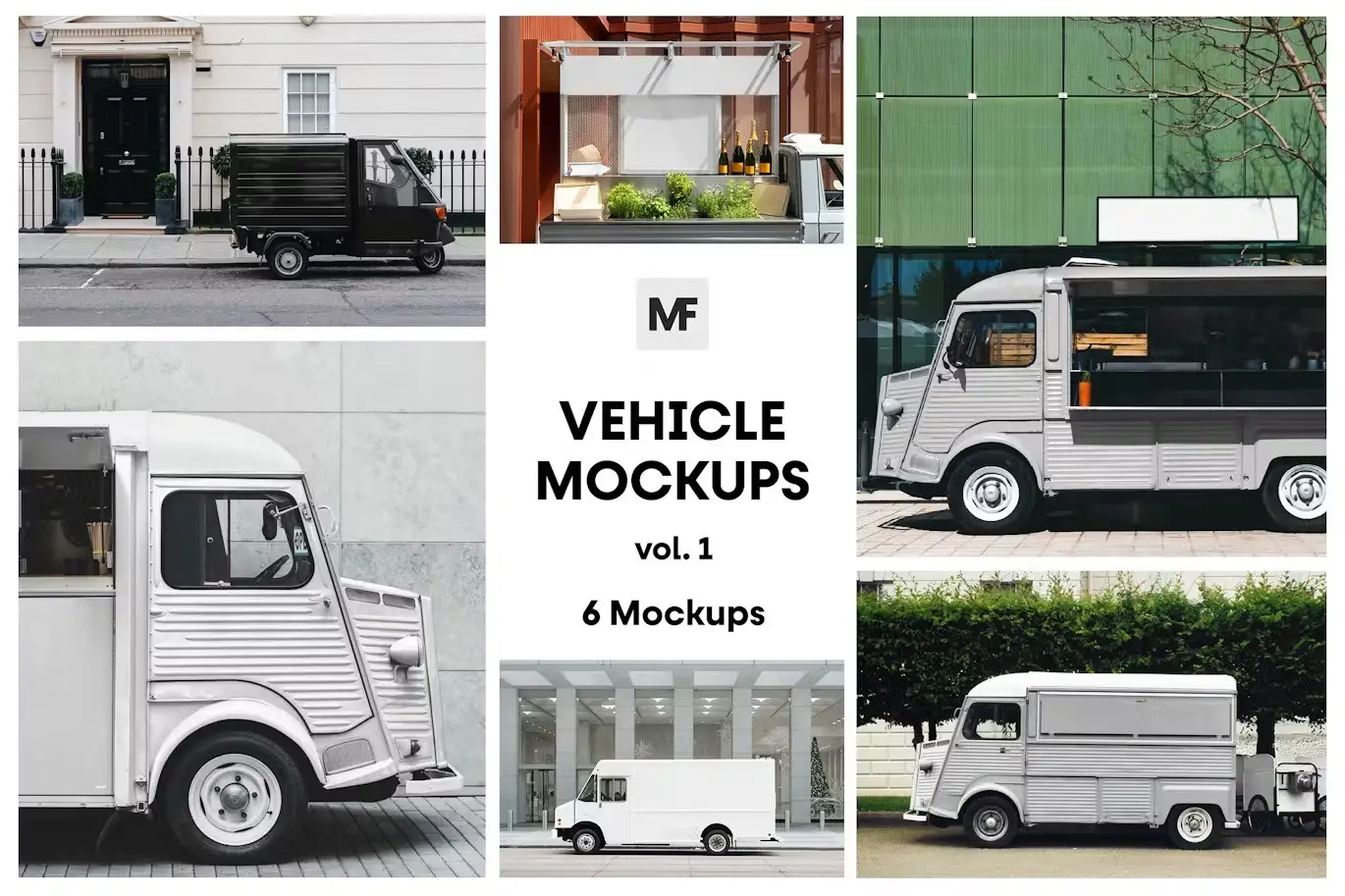
Present your next project in the most professional way with our Vehicle Mockups vol.1. These meticulously crafted mockups allow you to display your designs seamlessly, ensuring your work stands out. With easy-to-use Smart Object Layers in Photoshop, you can effortlessly add your designs and customize various elements to fit your vision.
Product Overview
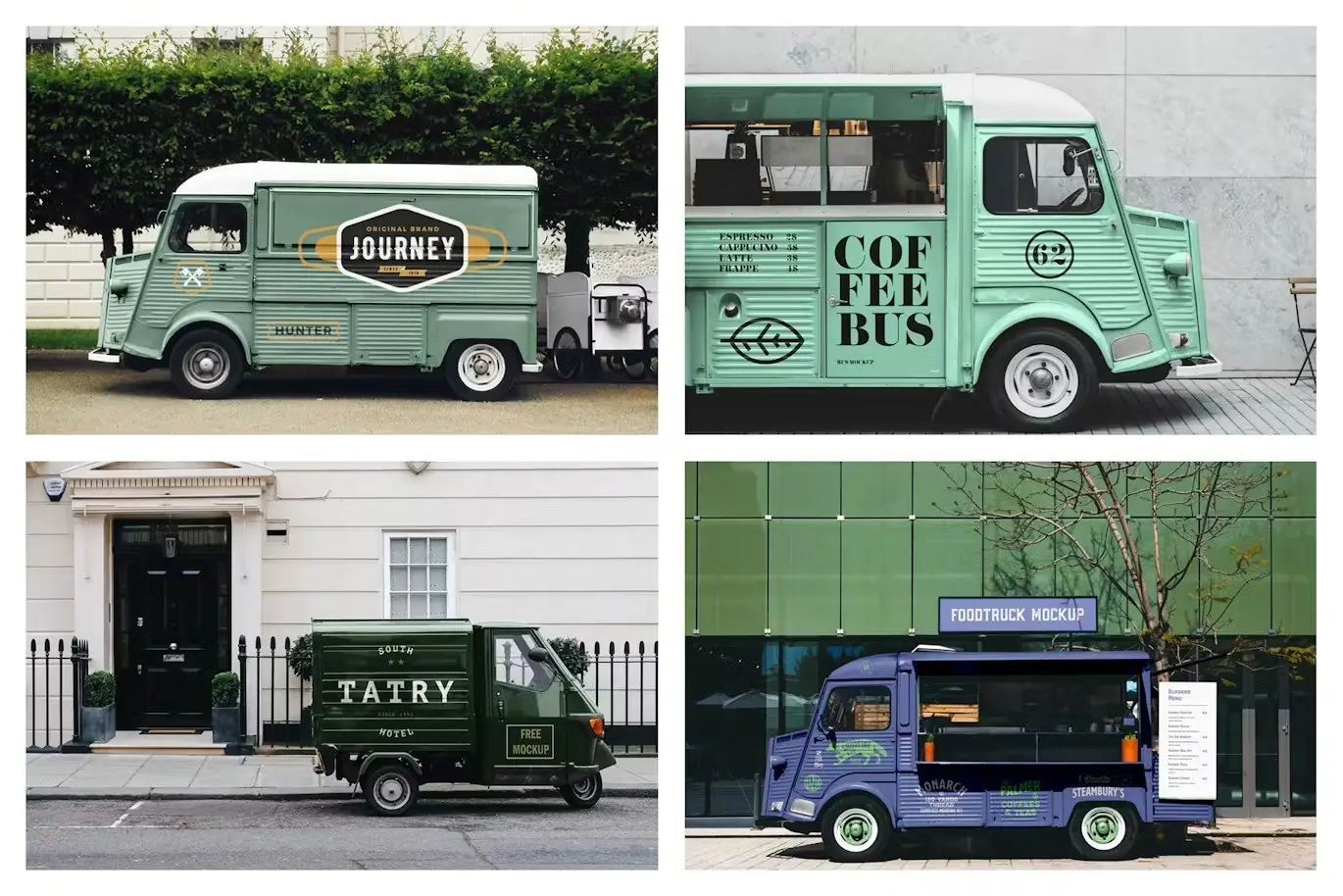
This collection features a variety of vehicle mockups, perfect for showcasing everything from food trucks to cargo vehicles. Each mockup is designed to help you present your branding and packaging in a realistic context, making it an essential tool for designers and marketers alike.
Key Features & Benefits
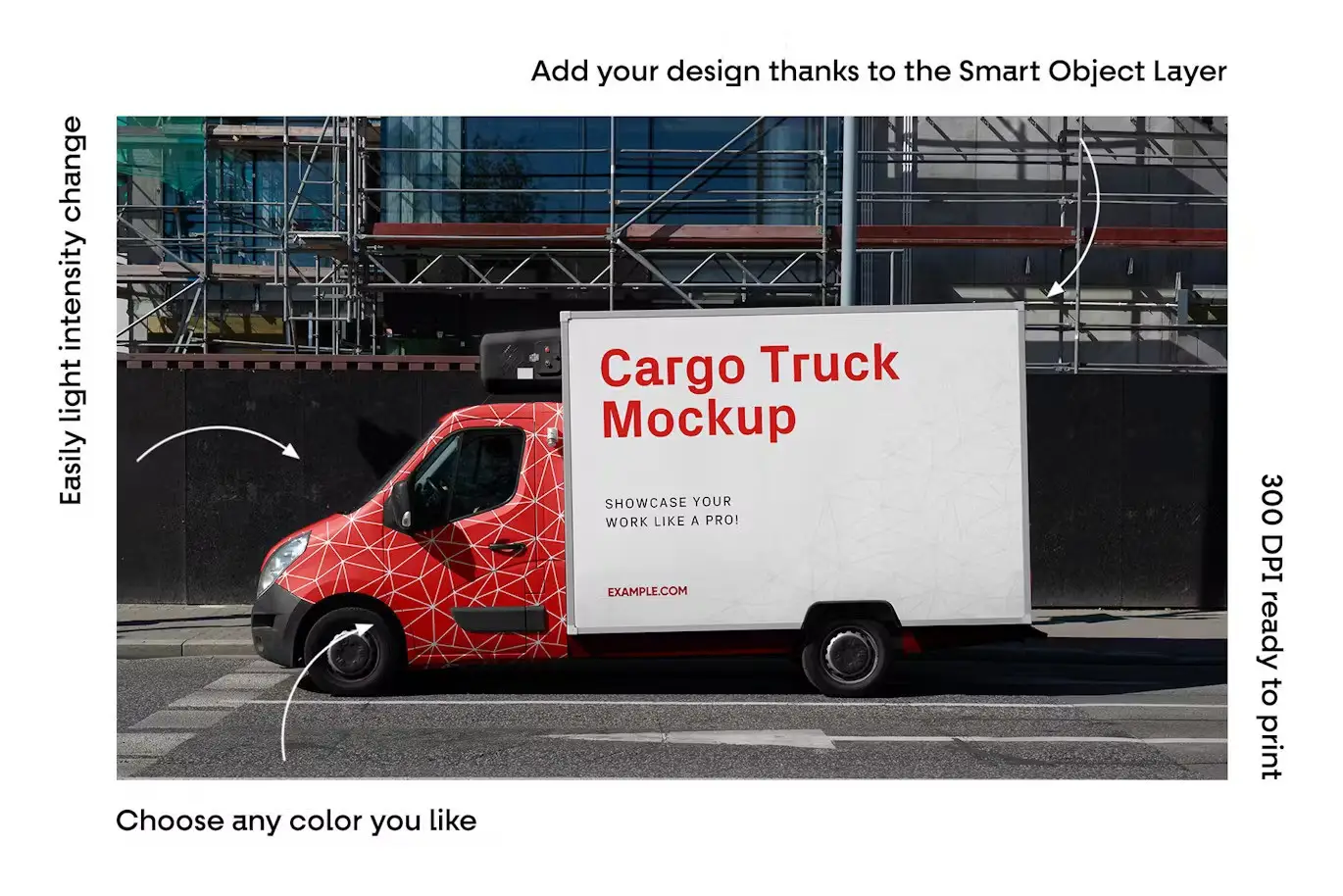
- ✅ Editing via Smart Object Layer → Easily insert your designs with just a few clicks.
- ✅ Light and Shadow Intensity Adjustment → Customize the look to match your brand’s aesthetic.
- ✅ 300 DPI High Resolution → Perfect for print-ready presentations and high-quality displays.
- ✅ Diverse Mockup Scenes → Choose from multiple formats to find the best fit for your project.
- ✅ User-Friendly PDF Help Documentation → Get started quickly with easy-to-follow instructions.
Why Choose This Product
With Vehicle Mockups vol.1, you gain access to a professional-grade toolkit that enhances your design presentations. Whether you’re a freelance designer or part of a marketing team, these mockups help you create impactful visuals that resonate with your audience. Trusted by professionals worldwide, this collection is designed to elevate your branding efforts.
Specifications
| Item | Details |
|---|---|
| File Format | PSD, JPG |
| Resolution | 300 DPI |
| Number of Mockups | 6 PSD Mockup Scenes |
| Included Files | 6 JPG files, PDF documentation |
What’s Included / What’s in the Box
- 📦 6 High-Resolution PSD Mockup Scenes
- 📦 6 High-Resolution JPG Files
- 📦 PDF Help Documentation
Perfect For
- Graphic Designers
- Marketing Professionals
- Branding Experts
- Packaging Designers
How to Use
- Open the PSD file in Photoshop.
- Double-click on the Smart Object layer to insert your design.
- Adjust the light and shadow settings as needed.
- Save and export your final presentation.
FAQ
- Are the model images included? No, the model images are for presentation purposes only and are not included in the item.
- Can I use these mockups for commercial projects? Yes, you can use these mockups for both personal and commercial projects.
Ready to elevate your presentations? Add to cart now and start showcasing your designs with confidence! 🚀

Paper Food Bag Mockups – Packaging vol.1
Sold by

Commercial Billboard Mockups vol.5
Sold by
Signage Stand Mockups vol.6 – Advertising
Sold by

Adobe Photoshop Signage Actions and Templates Bundle – 15 Items
Sold by
Original price was: $5.00.$2.50Current price is: $2.50.


There are no reviews yet.