
Vector Painting Photoshop Action V2

Original price was: $5.00.$2.50Current price is: $2.50.

Nitto 52
Product Specs:
- Compatible with: Actions
- File Type: ZIP
- File Size: 483.8 KB
- Instant Download
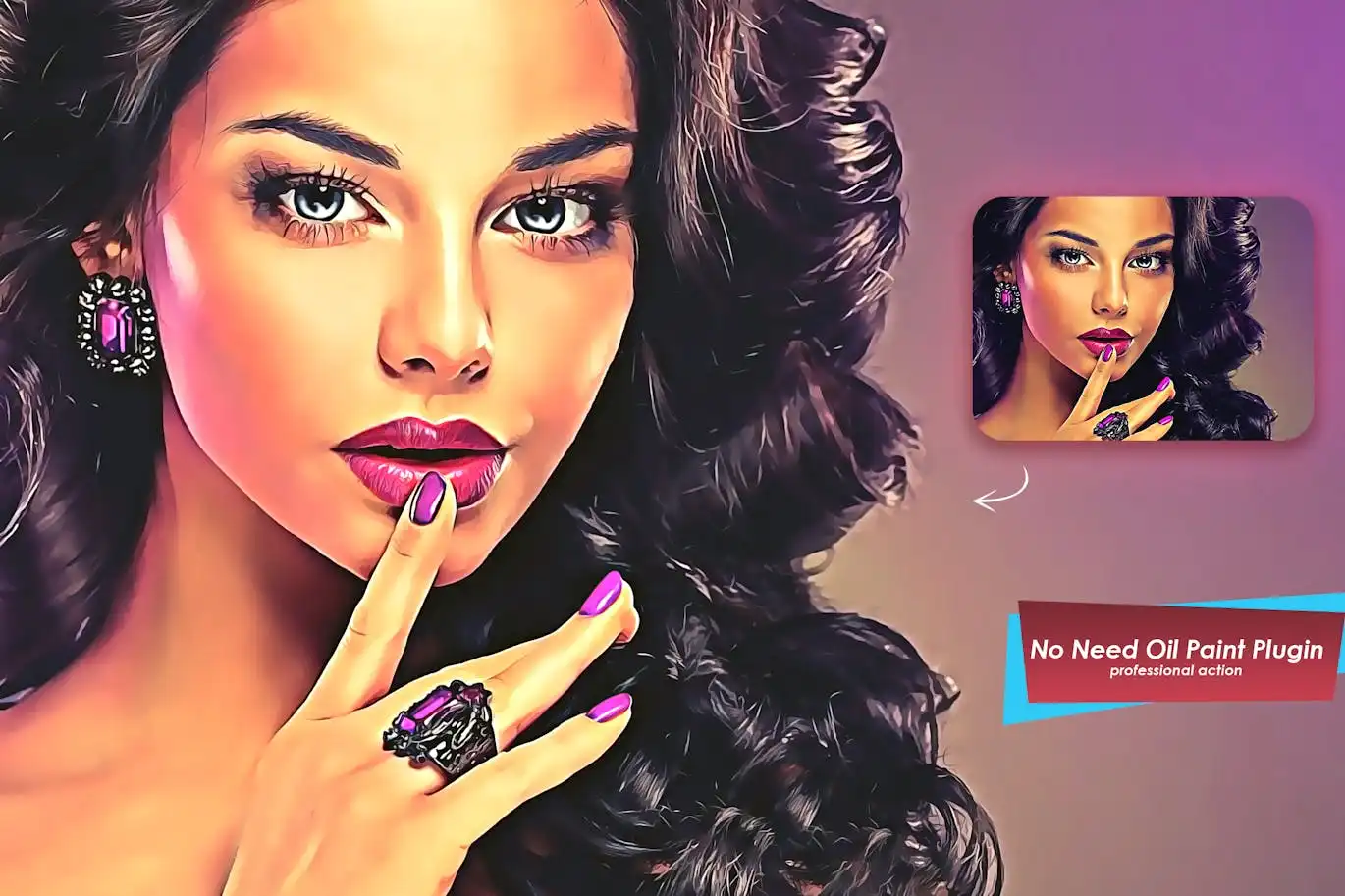
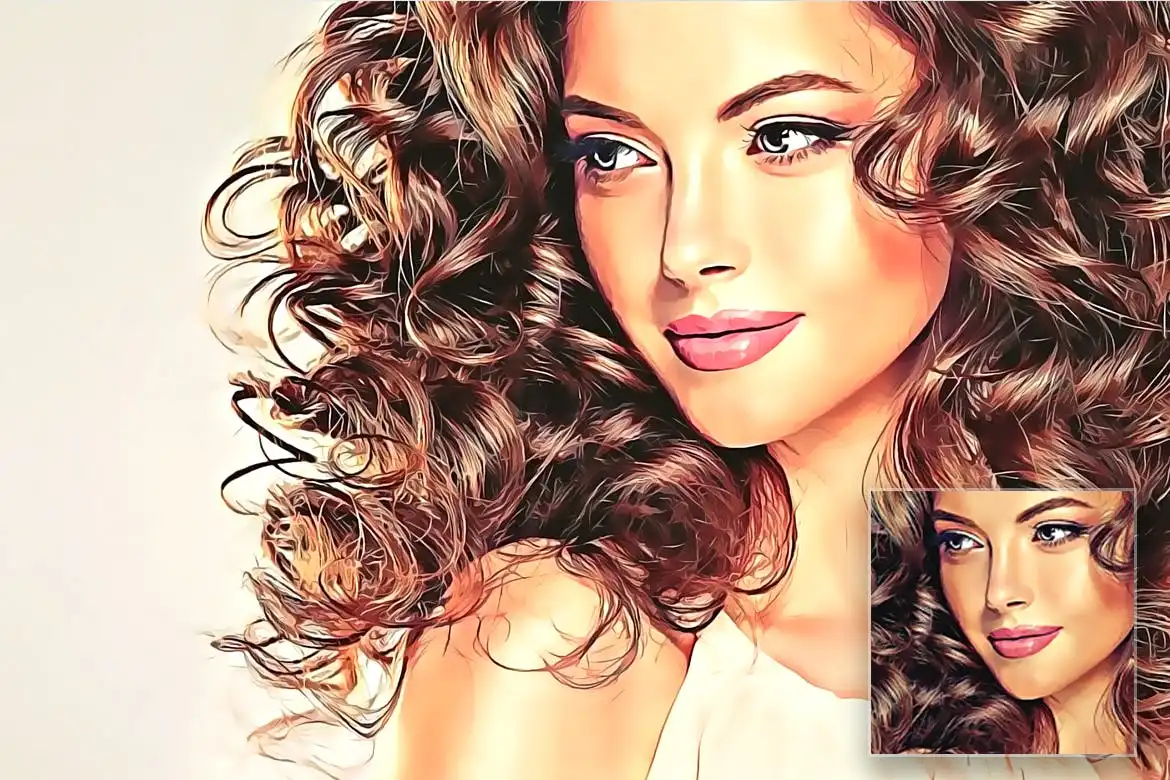
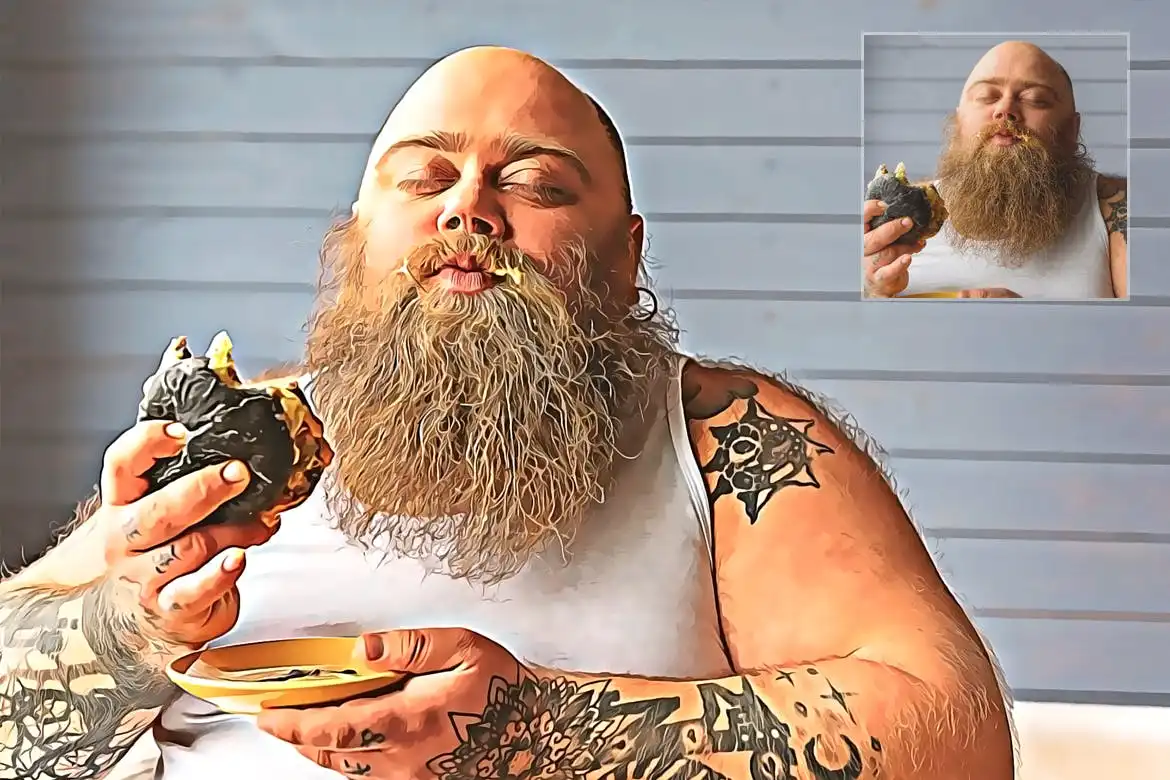
Vector Painting Photoshop Action V2 – Transform Your Photos Effortlessly
Are you looking to elevate your photography and graphic design projects? The Vector Painting Photoshop Action V2 is the perfect solution for you. This action set is designed for both photographers and graphic designers, making it incredibly easy to create stunning vector painting effects with just a few clicks.
Product Overview
This action set allows you to transform your images into beautiful vector-style paintings quickly and effortlessly. Whether you’re a professional designer or a hobbyist, this tool simplifies the creative process, enabling you to achieve impressive results without extensive Photoshop knowledge.
Key Features & Benefits
- ✅ Easy to Use → Simple instructions ensure you can start creating right away.
- ✅ Compatible with Multiple Versions → Works seamlessly with Photoshop CS5, CS6, CC14, CC15, CC17, CC18, CC19, CC20, CC21, CC22, CC23, and later.
- ✅ Comprehensive Help File → Step-by-step guidance included to assist you throughout the process.
- ✅ High-Quality Results → Achieve realistic vector painting effects that enhance the visual appeal of your images.
- ✅ Customizable → Easily adjust settings to fit your unique style and project needs.
Why Choose This Product
The Vector Painting Photoshop Action V2 stands out for its user-friendly design and professional results. Trusted by creatives worldwide, this action set allows you to produce stunning artwork in a fraction of the time. Imagine transforming your favorite photos into captivating vector paintings that impress your audience and elevate your projects.
Specifications
| File Type | ATN |
|---|---|
| Included Files | Help File |
| Compatibility | Photoshop CS5 and later |
What’s Included / What’s in the Box
- 📦 ATN File
- 📦 Help File
- 📦 Note: Images shown in the preview are not included.
Perfect For
- Photographers looking to enhance their images
- Graphic designers seeking quick and stunning effects
- Artists wanting to explore new styles
- Hobbyists interested in digital art
How to Use
- Open Photoshop.
- Go to the “Window” tab and select “Actions.”
- Click the arrow in the top right corner and choose “Load Actions.”
- Select your action and click the play button.
- Enjoy your new vector painting effect!
FAQ
- Can I change the language in Photoshop? Yes, you can easily change your Photoshop language. Watch this video tutorial for guidance.
- What versions of Photoshop are compatible? This action works with Photoshop CS5 and all later versions.
Ready to transform your images into stunning vector paintings? Add to cart now and start creating today! 🚀
User Reviews
Be the first to review “Vector Painting Photoshop Action V2”
You must be logged in to post a review.


Retro Comic Effect – Photoshop Action
Sold by Nitto 52

Vector Oil Painting Action v.2
Sold by Nitto 52
Original price was: $5.00.$2.50Current price is: $2.50.


There are no reviews yet.