

Urban Poster Mock-ups: Showcase Your Designs with Style
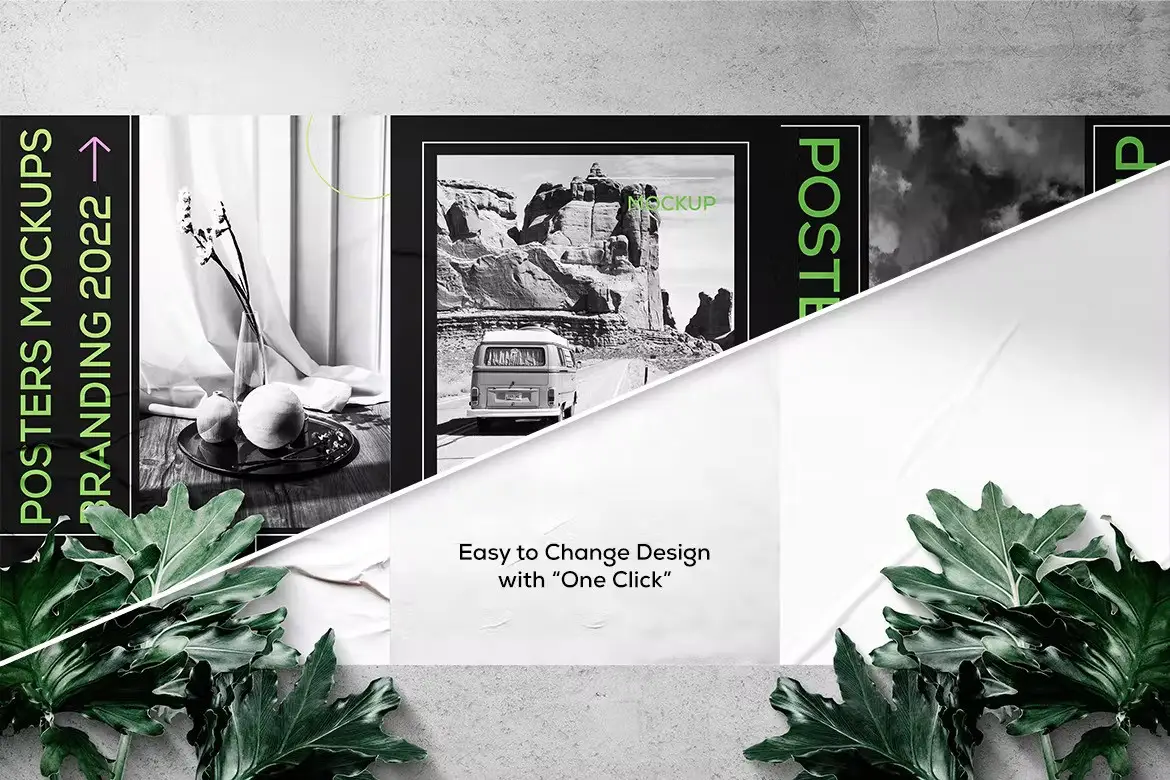
In today’s fast-paced world, effective communication is essential, and mockup design plays a crucial role in achieving that. Urban Poster Mock-ups serve as the perfect solution for presenting your ideas in a visually appealing manner. These mock-ups not only represent your design concepts but also provide a realistic preview of your work, making it easier to convey your vision.
Product Overview
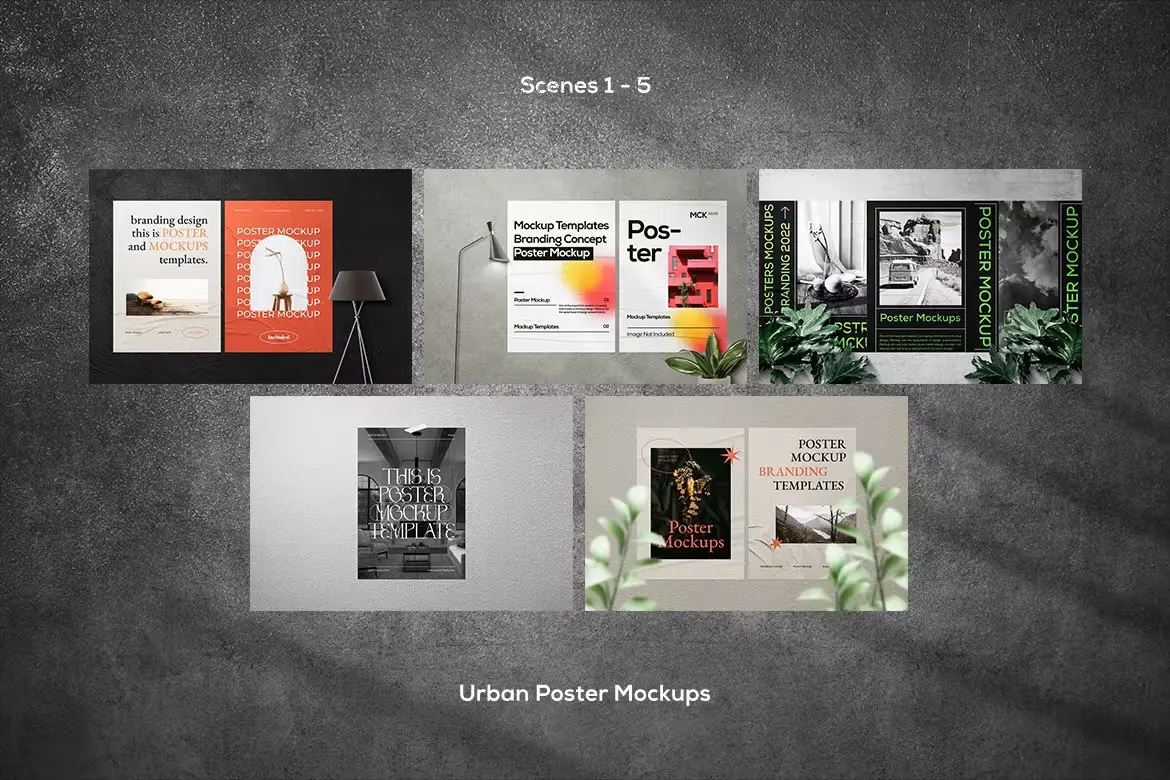
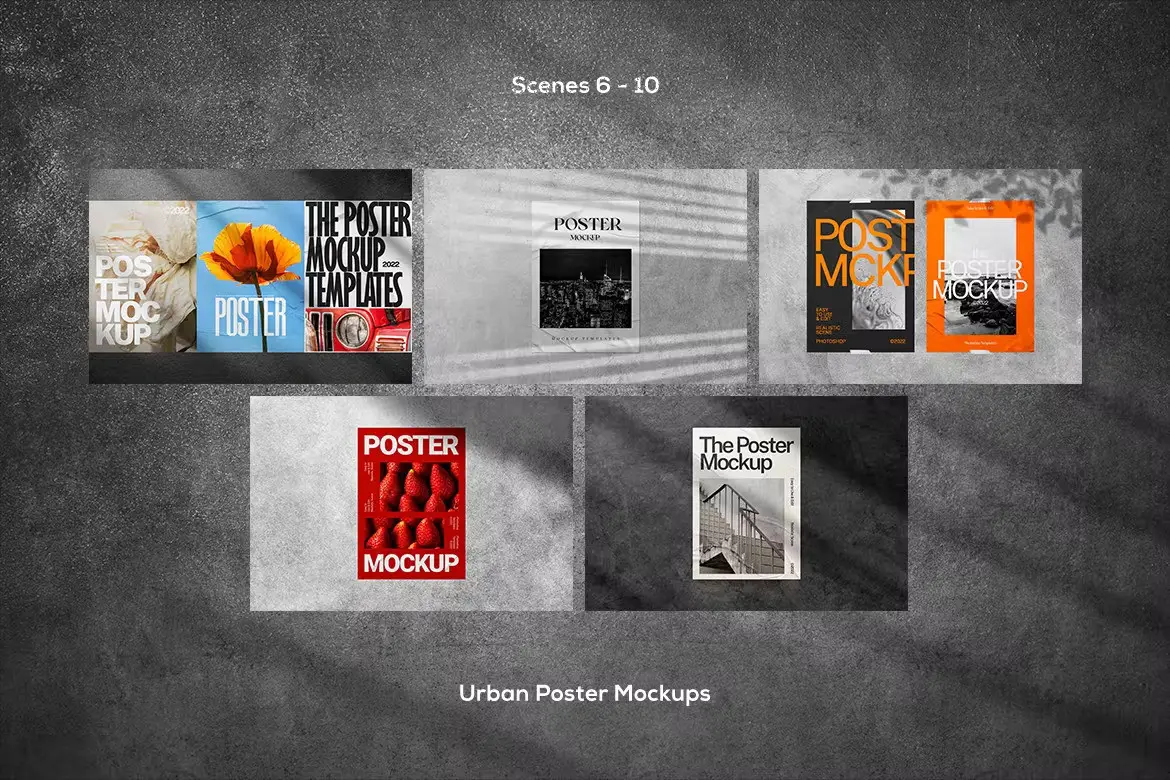
Urban Poster Mock-ups are designed for creatives who want to showcase their posters in a professional setting. Whether you are promoting an event, product, or idea, these mock-ups elevate your presentation, ensuring your designs stand out. With their vibrant colors and beautiful simplicity, they are perfect for both textual and graphic elements.
Key Features & Benefits
- ✅ 10 Adobe Photoshop Files (PSD) → Easily customizable for your unique designs.
- ✅ High Resolution (4000x2666px / 300 dpi) → Ensures your mock-ups look crisp and professional.
- ✅ Smart Object Integration → Simplifies the editing process, allowing you to quickly insert your designs.
- ✅ Organized Layers → Makes navigation and editing straightforward and efficient.
- ✅ PDF Help File Included → Provides step-by-step instructions for seamless usage.
Why Choose This Product
Urban Poster Mock-ups are not just about aesthetics; they are a powerful tool for designers looking to make an impact. By utilizing these mock-ups, you can present your work in a way that captures attention and engages your audience. Whether you are a seasoned professional or just starting, these mock-ups offer a unique opportunity to showcase your creativity and make your designs memorable.
Specifications
| Item | Details |
|---|---|
| File Format | PSD |
| Resolution | 4000x2666px / 300 dpi |
| Layers | Organized |
| Compatibility | Adobe Photoshop |
What’s Included
- 📦 10 Adobe Photoshop Files (PSD)
- 📦 PDF Help File
Perfect For
- Graphic Designers
- Marketing Professionals
- Event Planners
- Small Business Owners
How to Use
- Open the PSD file in Adobe Photoshop.
- Double-click the smart layer to access it.
- Paste your design into the smart layer.
- Save and close the smart layer tab.
- Your design will now be displayed on the mock-up!
FAQ
- Can I use these mock-ups for commercial purposes? Yes, you can use them to showcase your designs for clients.
- Are the mock-ups easy to edit? Absolutely! With smart objects, editing is straightforward and user-friendly.
Don’t forget to visit the Sagesmask shop for a full assortment of designs and color styles to create your unique look. Enjoy your creative journey! 🎨


Urban Instagram Post & Stories
Sold by


Original price was: $5.00.$2.50Current price is: $2.50.


There are no reviews yet.