
Text cutout photo effect for photoshop
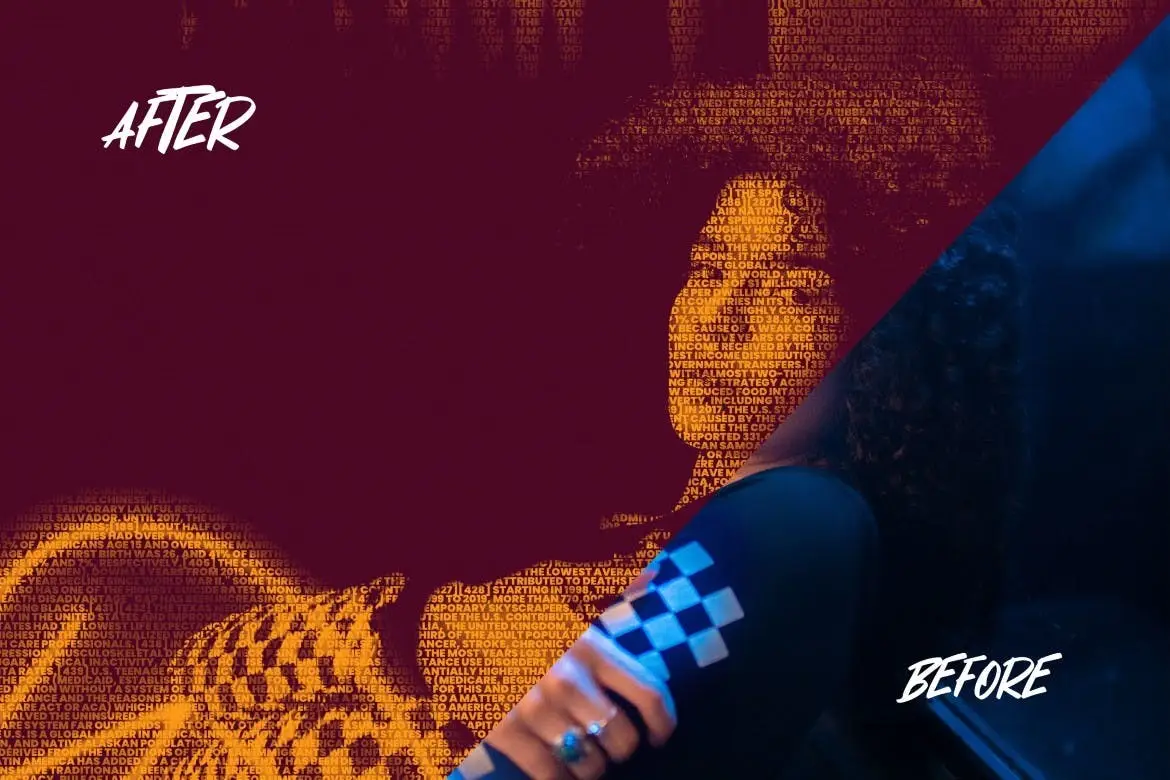
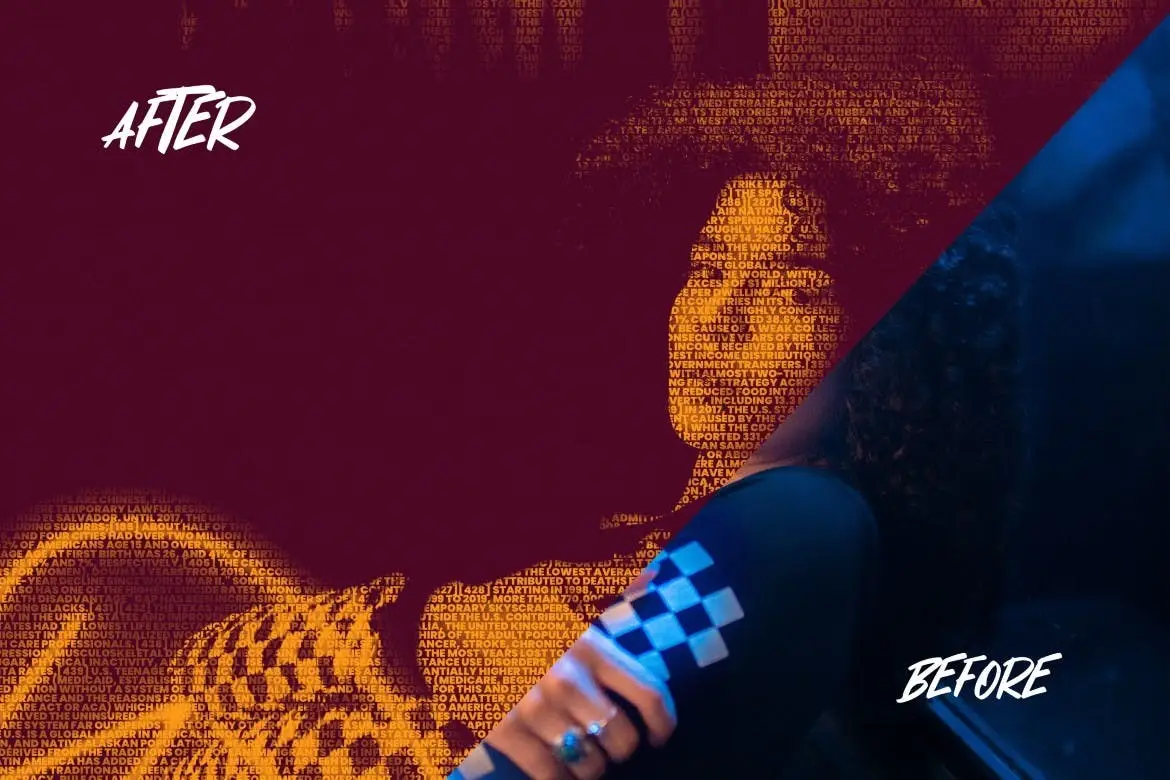
Original price was: $5.00.$2.50Current price is: $2.50.

wudelmbois
Product Specs:
- Compatible with: Templates
- File Type: ZIP
- File Size: 24.7 MB
- Instant Download
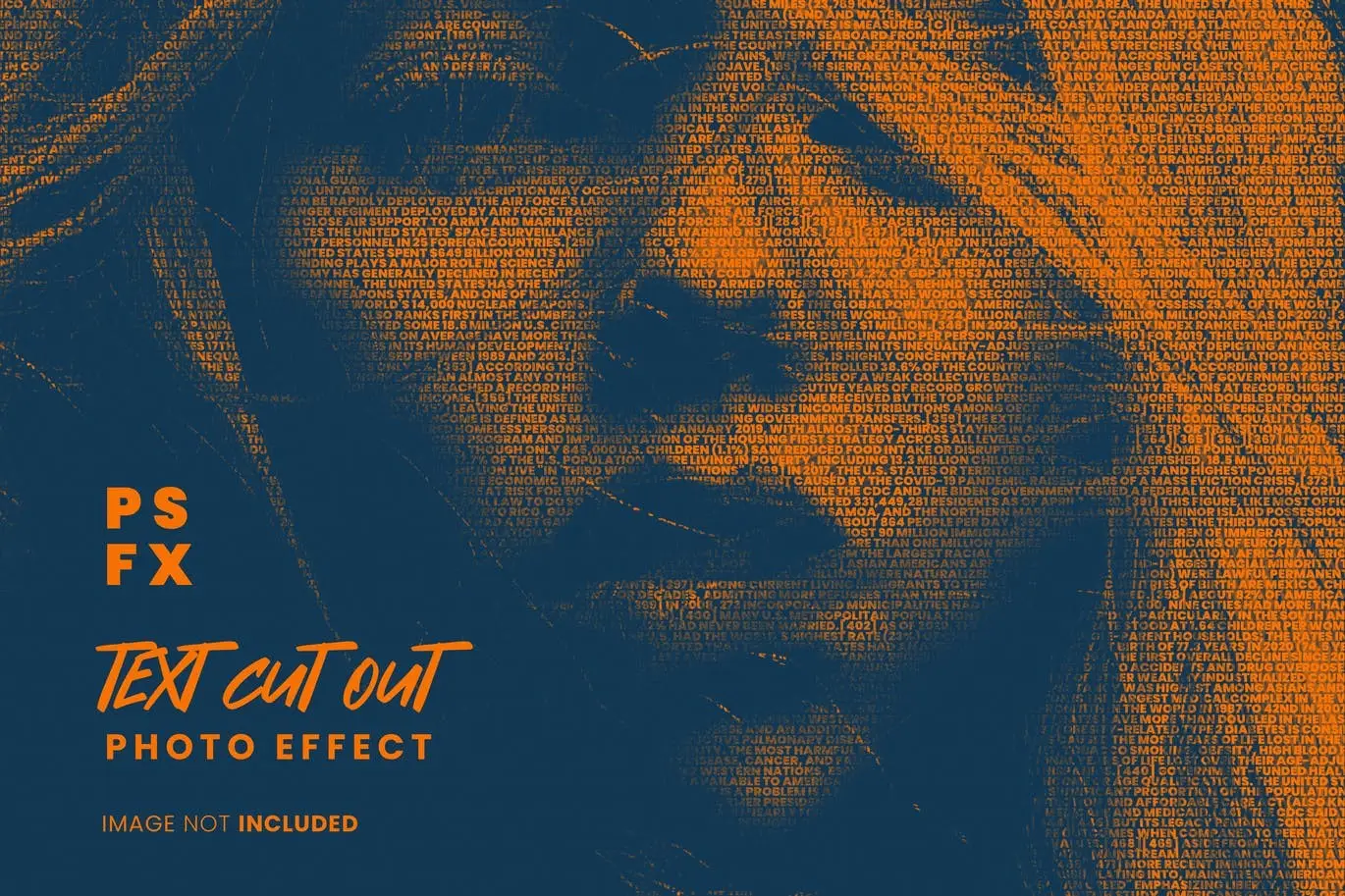
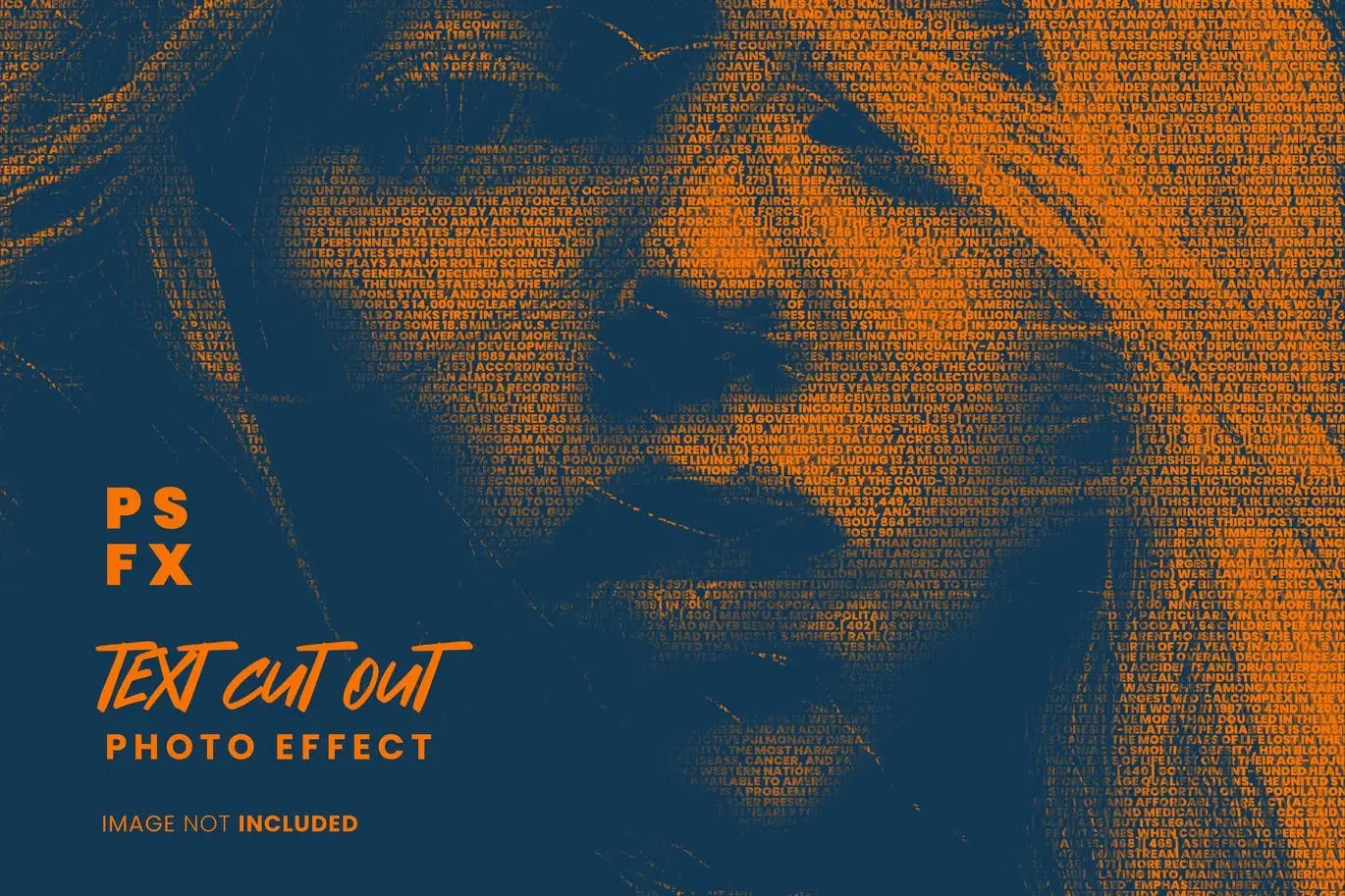
Text Cutout Photo Effect for Photoshop
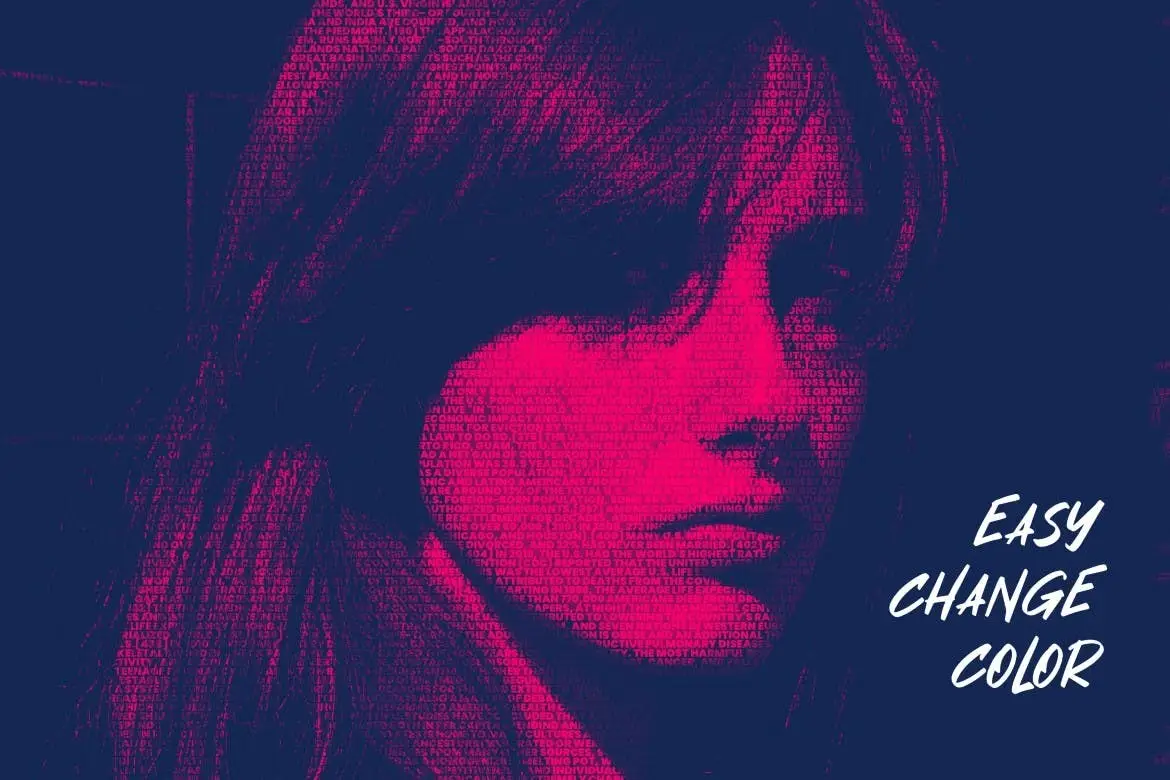
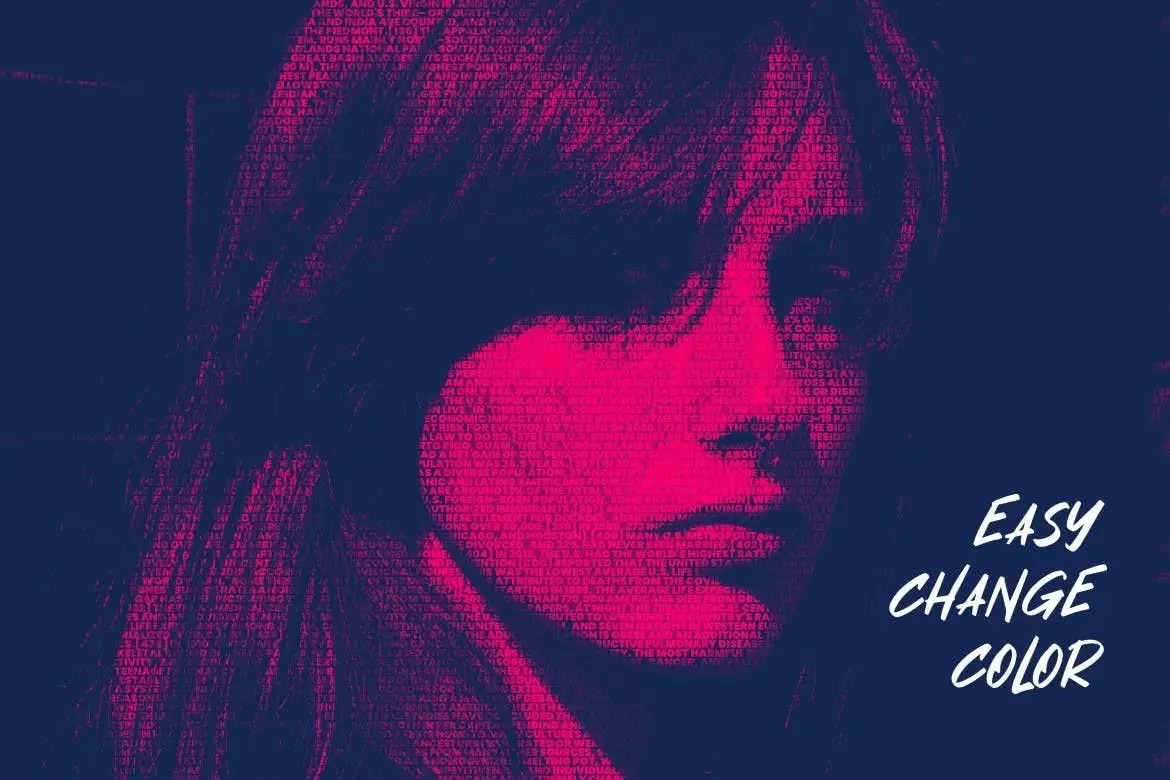
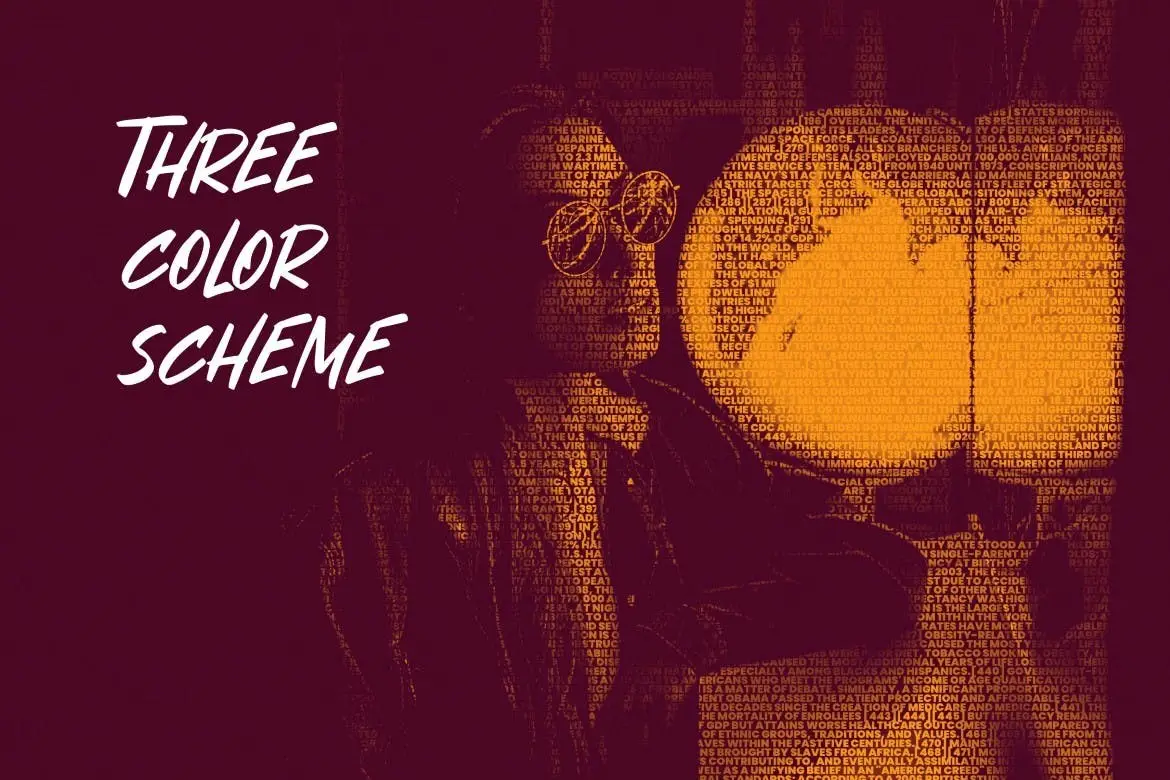
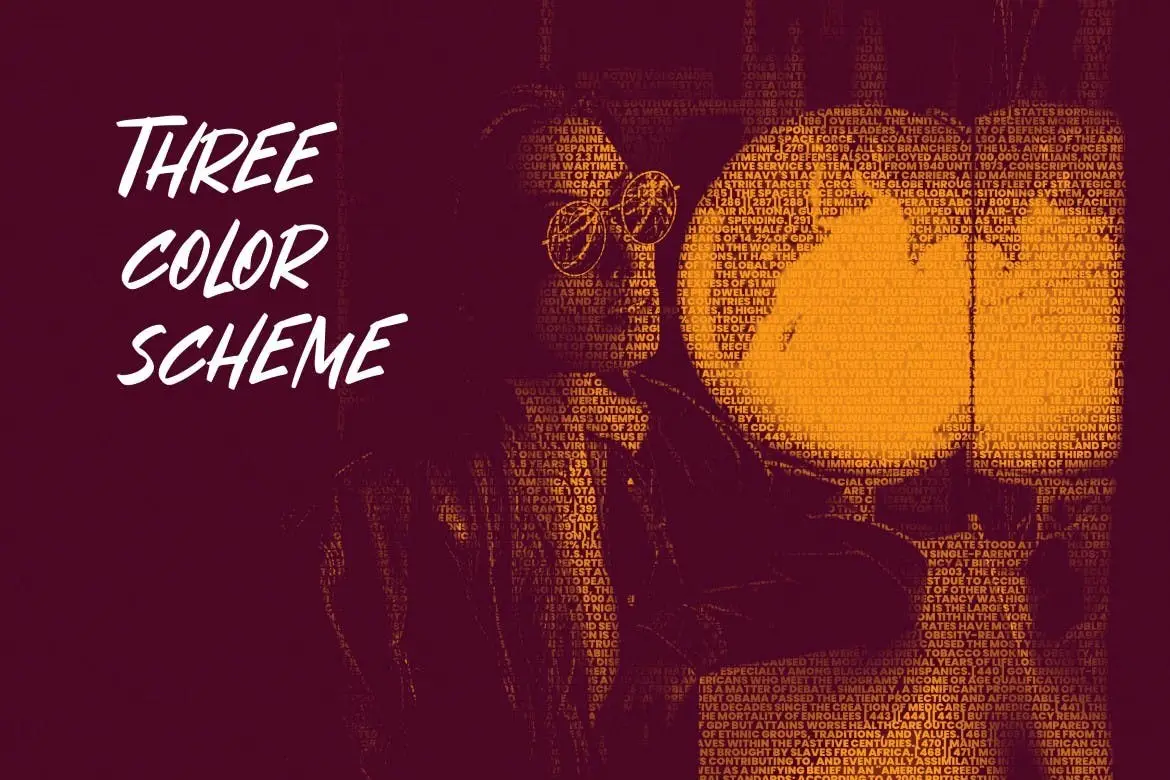
Transform your images effortlessly with our Text Cutout Photo Effect for Photoshop. This user-friendly template allows you to create stunning text effects in just a few clicks, making it an ideal choice for both beginners and professionals.
Product Overview
This high-quality PSD effect is designed for those looking to enhance their photos with a unique text cutout style. With a resolution of 4500 x 3000 pixels at 300 DPI, your designs will maintain clarity and detail. Perfect for posters, ads, and social media graphics, this template is versatile and easy to use.
Key Features & Benefits
- ✅ High-Quality Resolution → 4500 x 3000 pixels ensures your designs look professional.
- ✅ Easy Smart Object Replacement → Simply double-click the smart object, edit your text, and save for quick updates.
- ✅ Organized Layers → All layers are clearly labeled, making navigation and editing straightforward.
- ✅ Customizable Colors → Change colors easily to match your branding or personal style.
- ✅ Included Files → Comes with PSD and JPG files, along with a ReadMe.txt for guidance.
- ✅ Presentation Examples → Images included are for demonstration purposes only, allowing you to visualize the effect.
Why Choose This Product
This Text Cutout Photo Effect for Photoshop stands out due to its simplicity and effectiveness. Whether you’re creating promotional materials or personal projects, this template saves you time while delivering impressive results. Trusted by designers worldwide, it’s a valuable addition to your digital toolkit.
Specifications
| Resolution | 4500 x 3000 pixels |
|---|---|
| DPI | 300 |
| File Types Included | PSD, JPG |
| Layer Organization | Well-structured |
What’s Included / What’s in the Box
- 📦 PSD file with text cutout effect
- 📦 JPG preview images
- 📦 ReadMe.txt file for instructions
Perfect For
- Graphic designers
- Marketing professionals
- Social media managers
- Anyone looking to enhance their photos with creative text effects
How to Use
- Open the PSD file in Photoshop.
- Double-click the smart object layer to edit the text.
- Change the colors and adjust as needed.
- Save your work and enjoy your new design!
FAQ
- Can I use this effect for commercial projects? Yes, you can use it for both personal and commercial projects.
- Do I need advanced Photoshop skills? No, the template is designed for ease of use, making it accessible for all skill levels.
Ready to elevate your designs? Add to cart now and start creating stunning visuals today! 🚀
User Reviews
Be the first to review “Text cutout photo effect for photoshop”
You must be logged in to post a review.

Logo Mockup sign box at night glow
Sold by wudelmbois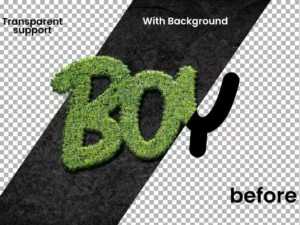
Grass Text Effect Realistic
Sold by wudelmbois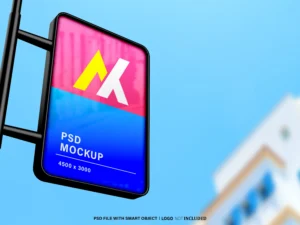
Street Sign Logo Mockup
Sold by wudelmbois
Sketch Ink Photo Effect
Sold by wudelmbois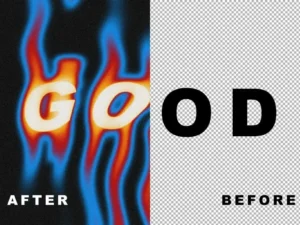
Liquid melt psd text effect
Sold by wudelmbois
water drop photo effect
Sold by wudelmbois Original price was: $5.00.$2.50Current price is: $2.50.


There are no reviews yet.