
TechnicalArt 2 Photoshop Action








Original price was: $5.00.$2.50Current price is: $2.50.

Unic Design
Product Specs:
- Compatible with: Actions
- File Type: ZIP
- File Size: 353.5 MB
- Instant Download
TechnicalArt 2 Photoshop Action
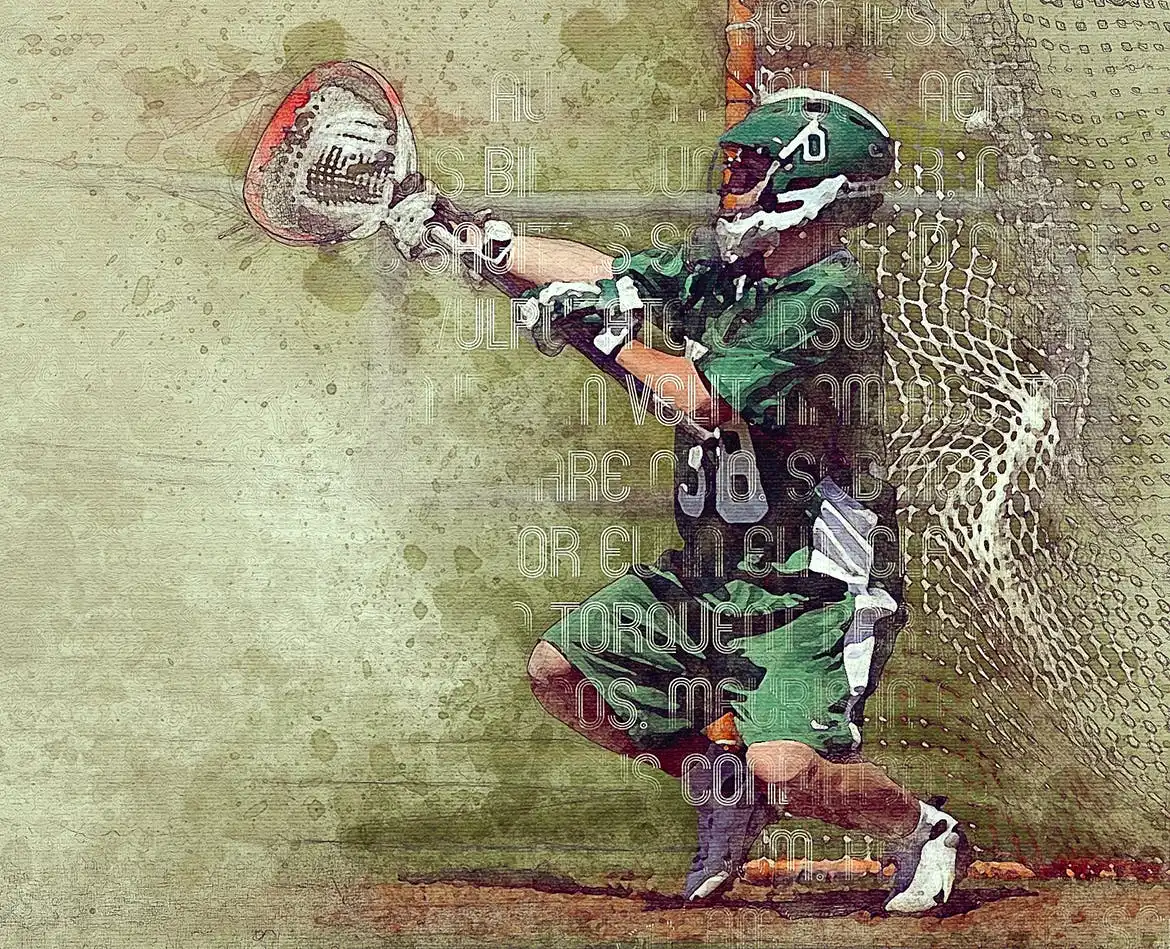
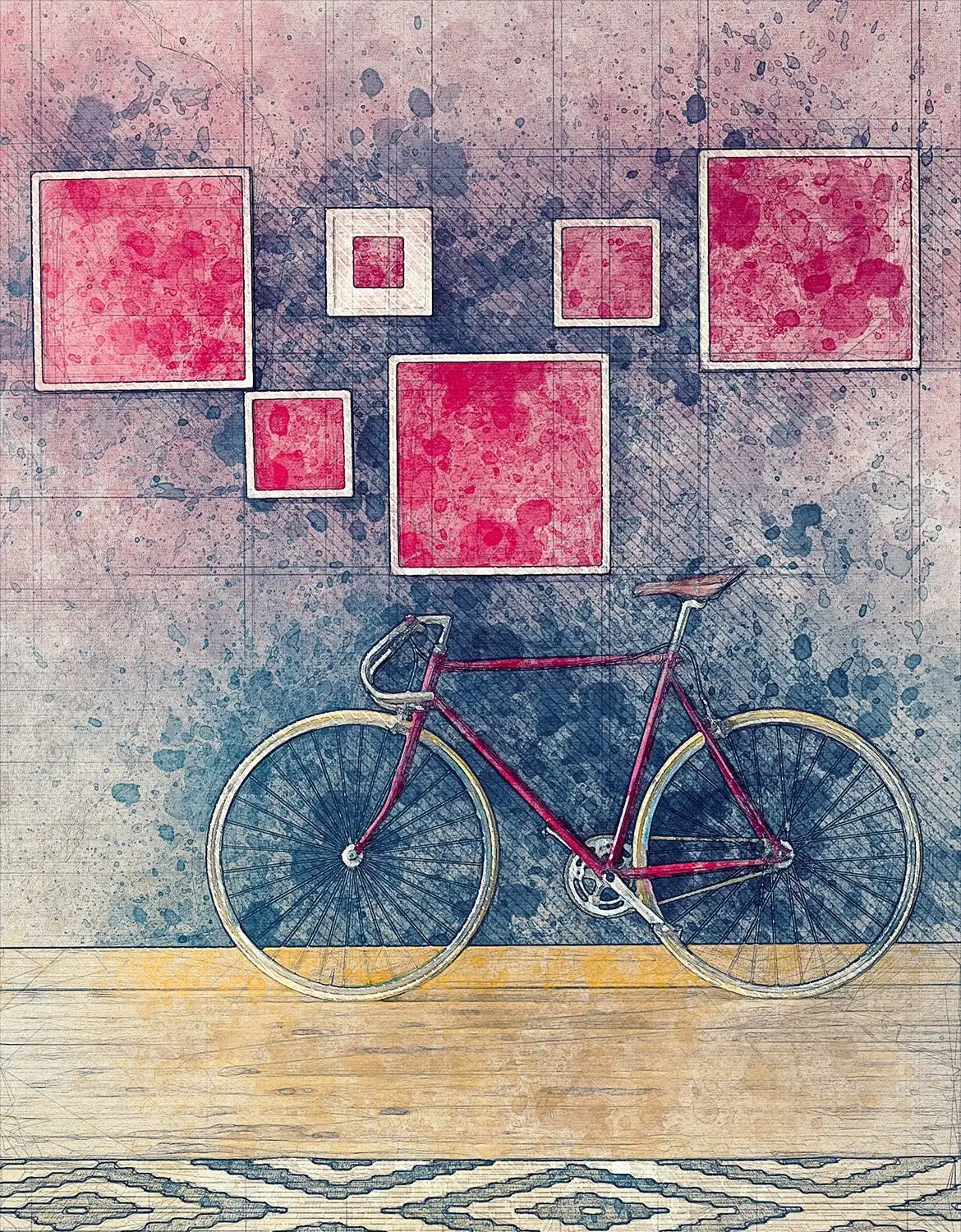
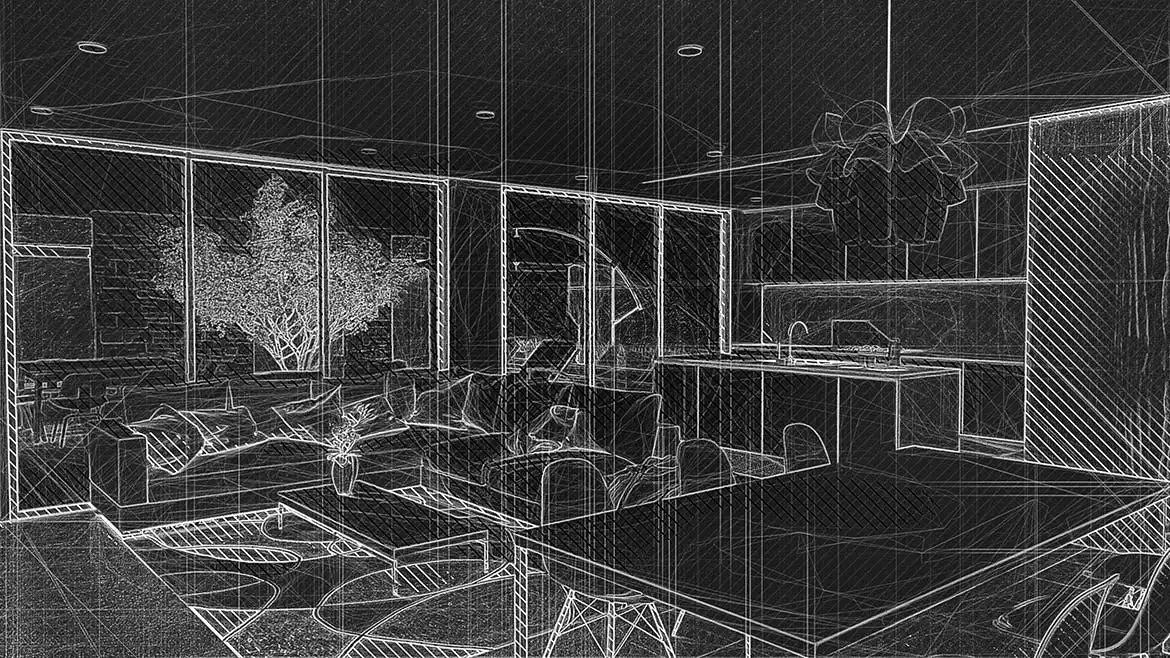
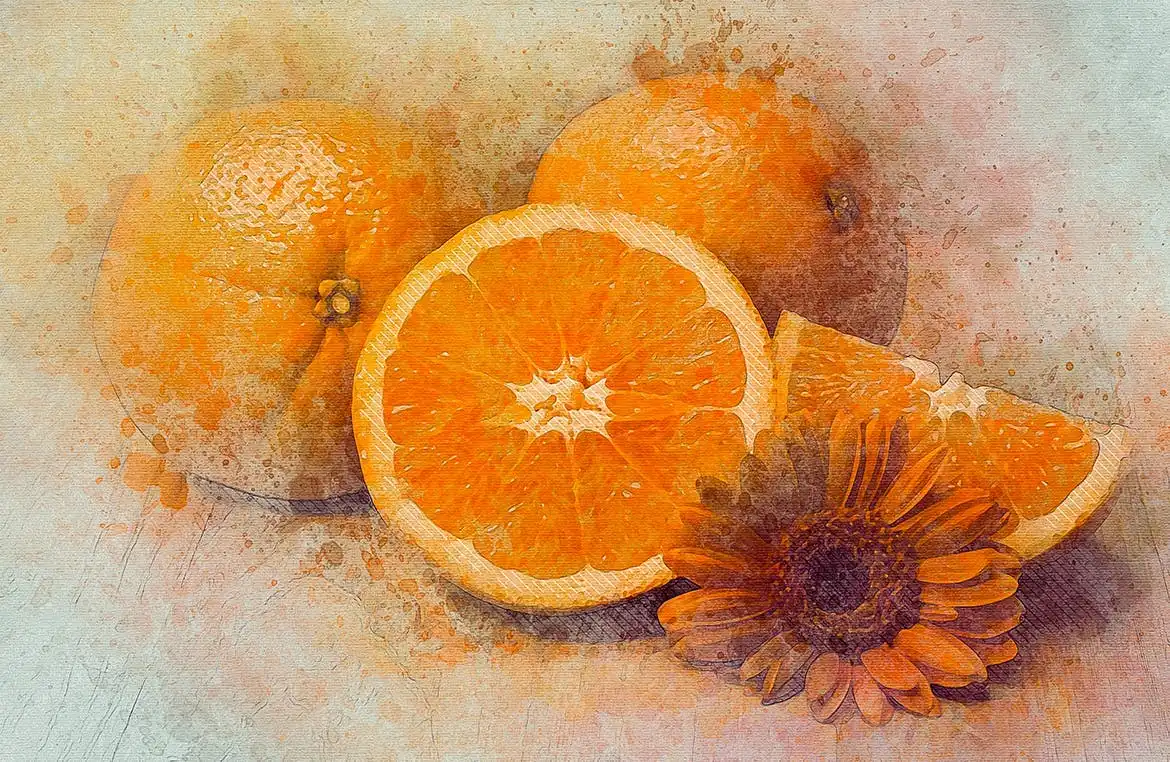
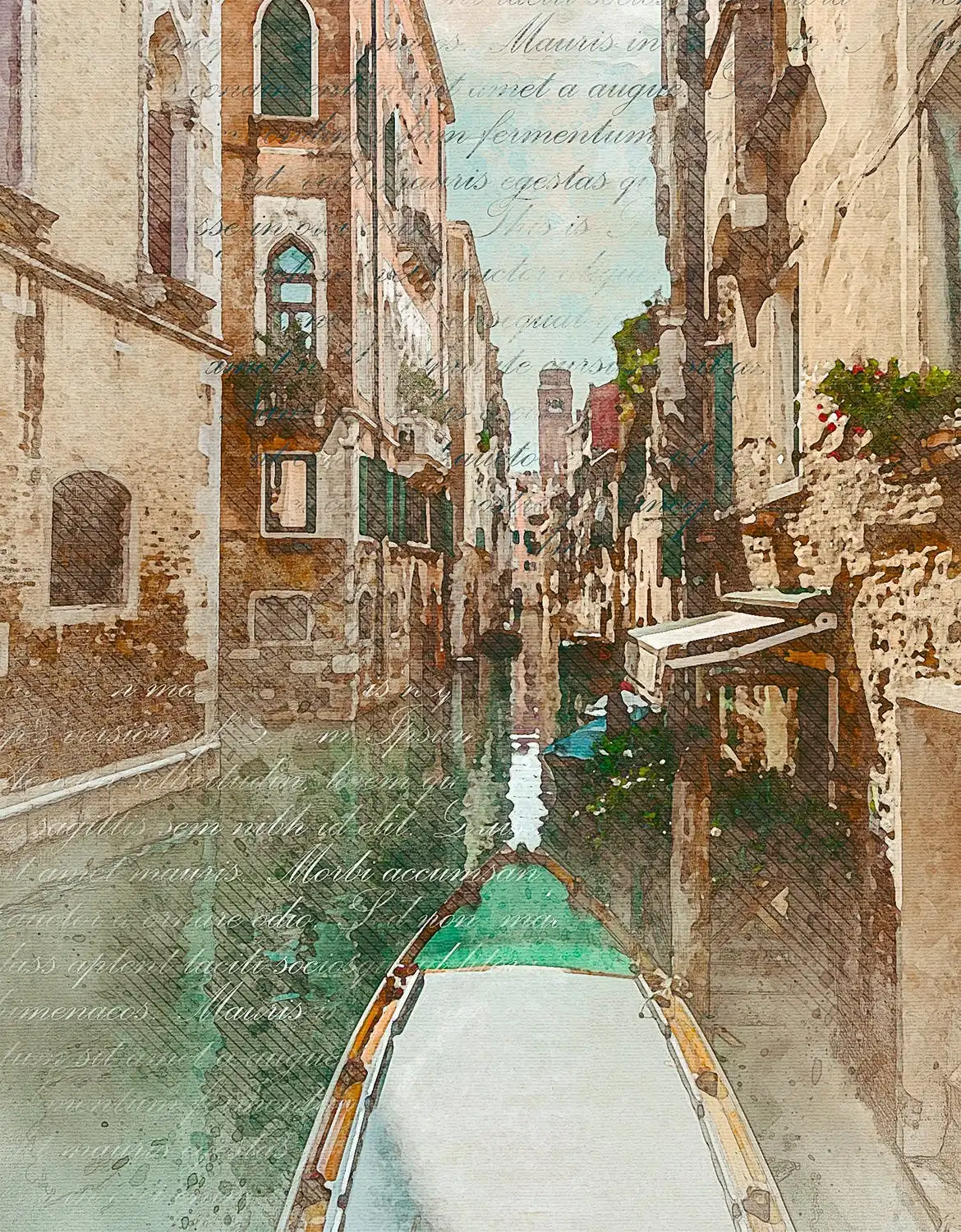
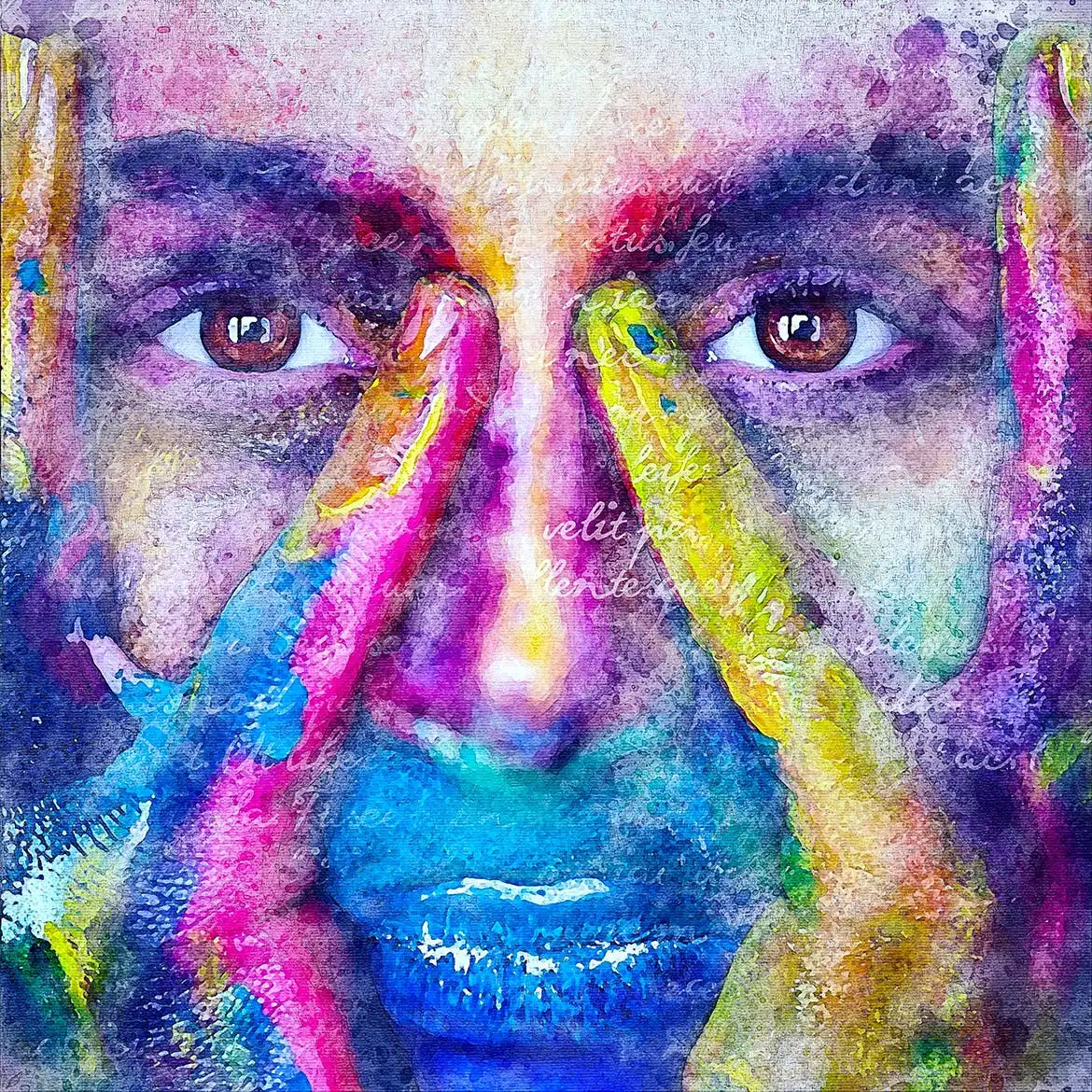
Create stunning, professional-quality watercolor and drawing artworks from your photos effortlessly with the TechnicalArt 2 Photoshop Action! With just a few clicks, you can transform your images into beautiful pieces of art. Simply brush over your photo and play the action—it’s that easy!
Product Overview
The TechnicalArt 2 Photoshop Action is designed for both beginners and seasoned artists looking to enhance their digital artwork. This innovative tool allows you to create advanced watercolor effects without the hassle, providing you with fully layered and customizable results. Every element is organized into individual layers, giving you complete control over your artwork.
Key Features & Benefits
- ✅ Easy to Use → Perfect for beginners; create art with minimal effort.
- ✅ Unique Results → Each time you run the action, you receive a distinct watercolor sketch variation.
- ✅ Fully Layered → Every element is on a separate layer for easy customization.
- ✅ 60+ High-Quality Brushes → Enhance your designs with a variety of watercolor brushes included.
- ✅ Multiple Textures → Comes with 4 textures: watercolor, canvas, paper, and halftone.
- ✅ 25 Preset Color Looks → Choose from a range of color options to suit your style.
- ✅ Video Tutorial Included → Learn how to use and customize the action effectively.
Why Choose This Product
The TechnicalArt 2 Photoshop Action stands out due to its ease of use and versatility. Whether you’re a hobbyist or a professional artist, this action saves you hours of work while ensuring that you achieve high-quality results. Trusted by artists worldwide, it allows you to explore your creativity without limitations.
Specifications
| Compatibility | Photoshop CS6, CC, CC 2015.5, CC 2017, CC 2018, CC 2019, CC 2020+ |
|---|---|
| Language | English versions only |
| Included Files | Action file, video tutorial, readme file |
What’s Included / What’s in the Box
- 📦 TechnicalArt 2 Photoshop Action file
- 📦 60+ high-quality watercolor brushes
- 📦 4 textures (watercolor, canvas, paper, halftone)
- 📦 25 preset color looks
- 📦 Video tutorial for guidance
Perfect For
- Beginners looking to create art easily
- Professional artists wanting to save time
- Graphic designers seeking unique effects
How to Use
1. Open your photo in Photoshop.
2. Brush over the area you want to apply the effect.
3. Play the action and watch your artwork come to life!
FAQ
- Can I use this action in other languages? You need to use the English version of Photoshop for the action to work properly.
- Is there support available? Yes, you can contact us via the link provided in the readme file for any assistance.
Don’t miss out on the opportunity to create breathtaking artworks with ease. Add to cart now and start your artistic journey today! 🚀
User Reviews
Be the first to review “TechnicalArt 2 Photoshop Action”
You must be logged in to post a review.

Matrix Photoshop Action
Sold by Unic Design


Matrix Photoshop Action
Sold by Unic Design
Aquarelle 2 Photoshop Action
Sold by Unic Design
Original price was: $5.00.$2.50Current price is: $2.50.


There are no reviews yet.