
Supreme Acrylic & Gouache Photoshop Brushes
Original price was: $5.00.$2.50Current price is: $2.50.

Mef
Product Specs:
- Compatible with: Brushes | Photoshop
- File Type: ZIP
- File Size: 6.3 MB
- Instant Download
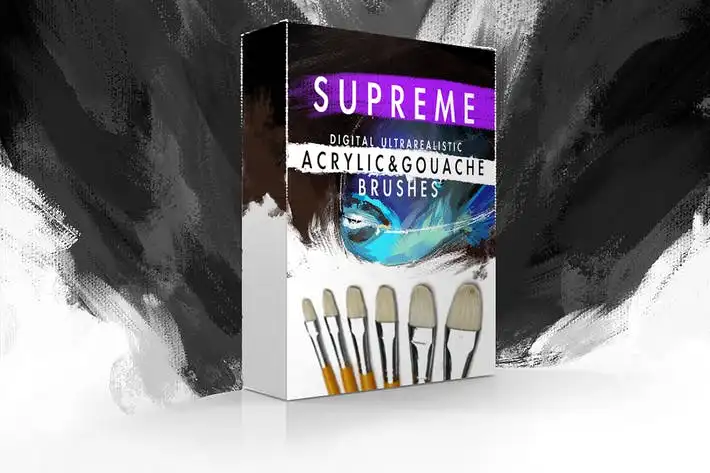
Supreme Acrylic & Gouache Photoshop Brushes
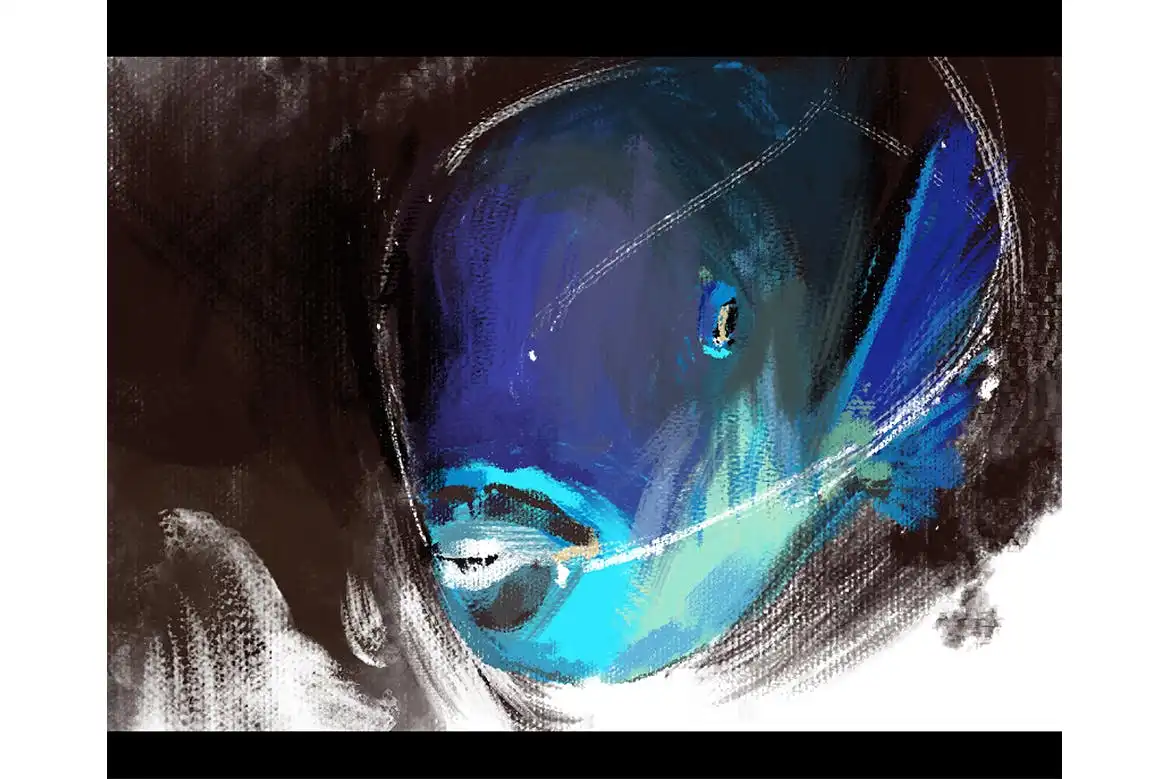
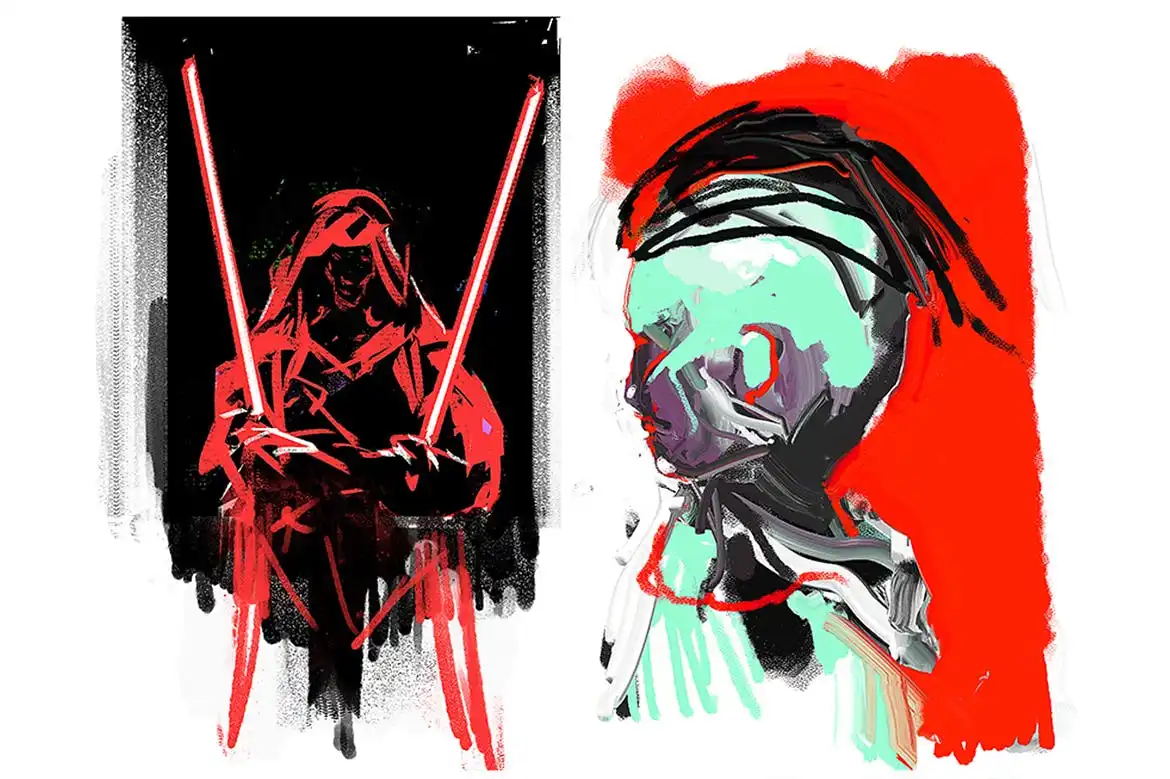
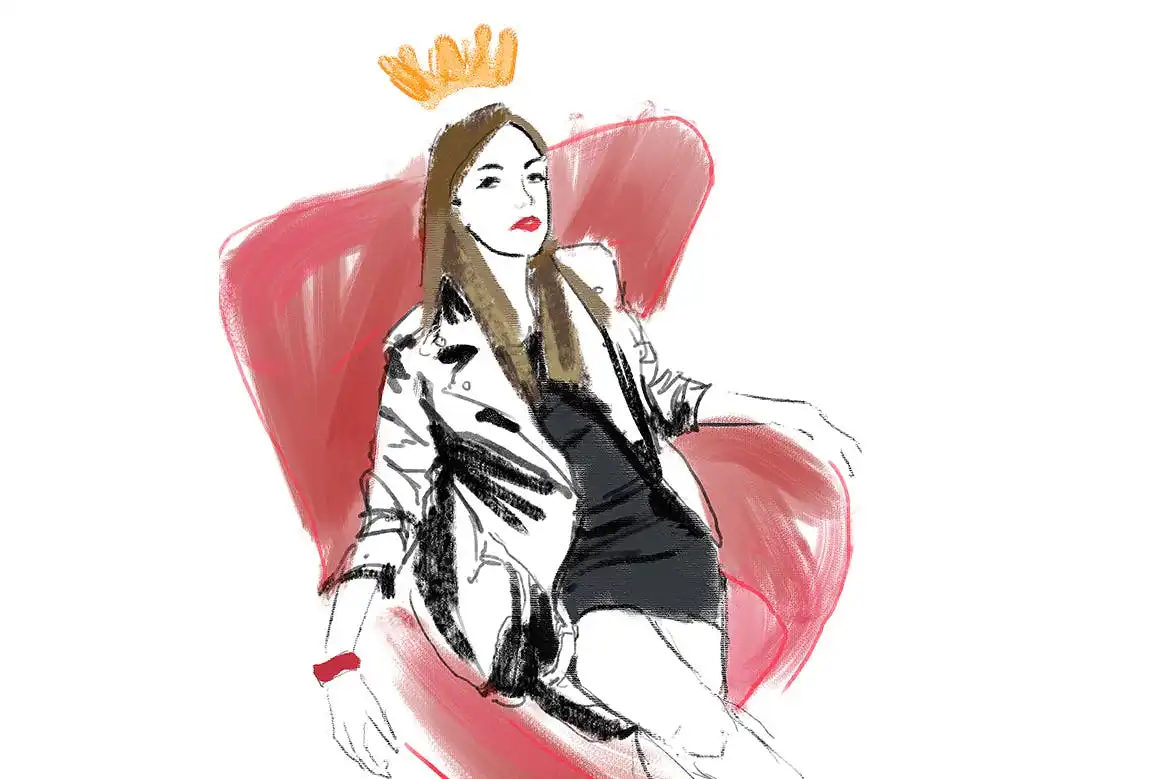
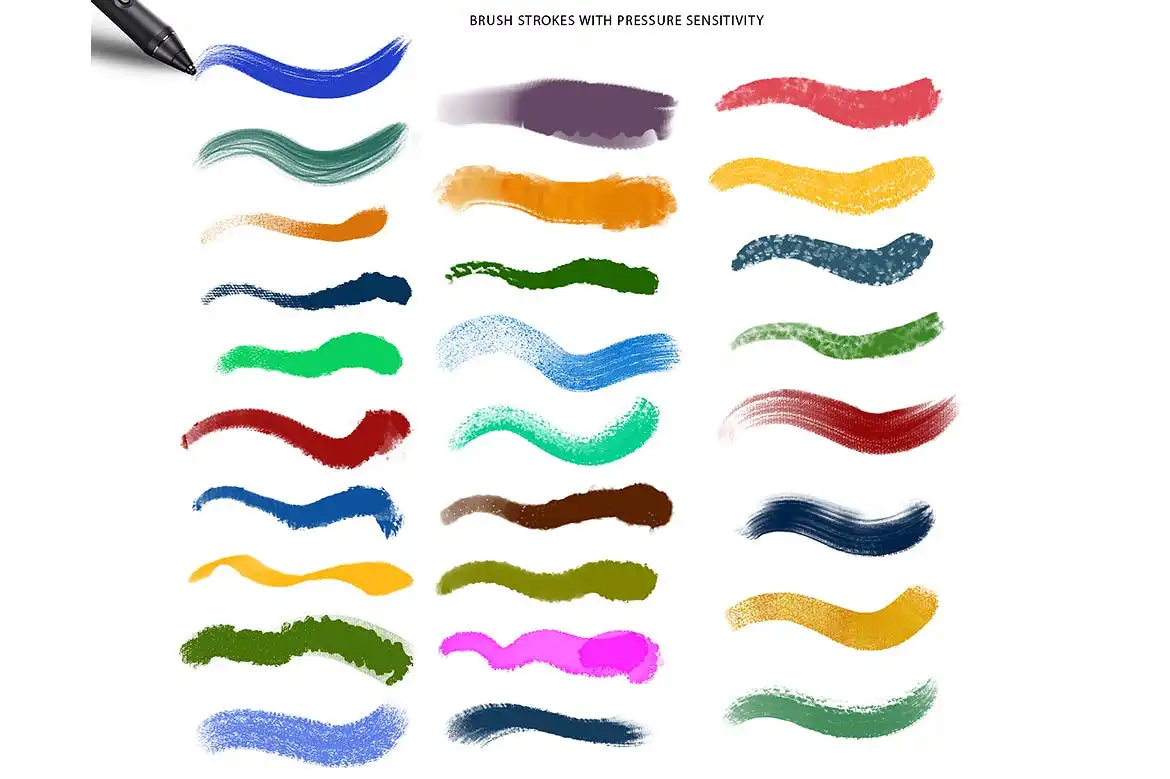
Transform your digital artwork with the Supreme Acrylic & Gouache Photoshop Brushes. This set features 27 meticulously crafted brushes designed to replicate the look and feel of traditional acrylic and gouache tools. Whether you’re an illustrator, concept artist, or simply someone who enjoys sketching in the evening, these brushes make it easy to create stunning artwork without the hassle of traditional materials.
Product Overview
These digital brushes are perfect for artists looking to achieve ultrarealistic effects in their work. With a variety of brush types—including dry, wet, thick, and dense options—you can effortlessly create quick strokes or detailed textures. Compatible with Photoshop CS3 and later versions, these brushes are touch-sensitive, ensuring a responsive experience when used with a graphic tablet.
Key Features & Benefits
- ✅ 27 Unique Brushes → A diverse range of options for various artistic styles.
- ✅ Realistic Texture → Mimics the look of traditional acrylic and gouache.
- ✅ Touch Sensitivity → Provides a natural drawing experience with a graphic tablet.
- ✅ Easy Installation → Simply drop the brushes into your Photoshop presets folder.
- ✅ Versatile Use → Ideal for illustrations, concept art, and casual sketching.
- ✅ Experimentation Friendly → With practice, these brushes can also emulate oils and pastels.
Why Choose This Product
The Supreme Acrylic & Gouache Photoshop Brushes stand out due to their quality and versatility. They are trusted by artists worldwide for their ability to deliver realistic results that enhance any digital project. With these brushes, you can explore your creativity without the limitations of traditional tools, making them an essential addition to your digital art toolkit.
Specifications (Technical Details)
| Brush Count | 27 |
|---|---|
| Compatibility | Photoshop CS3 and later |
| Brush Types | Dry, Wet, Thick, Dense |
What’s Included / What’s in the Box
- 📦 27 Photoshop Brushes
- Installation Instructions
Perfect For
- Illustrators
- Concept Artists
- Graphic Designers
- Casual Sketch Artists
How to Use
- Install the brushes by placing them in the Photoshop presets folder.
- Select your desired brush and adjust the settings for your project.
- Experiment with pressure sensitivity to achieve varying effects.
FAQ
- Can I use these brushes in other software? No, they are specifically designed for Adobe Photoshop.
- Do I need a graphic tablet? Yes, a graphic tablet is recommended for the best experience.
Add to cart now and start creating stunning artwork today! 🚀
User Reviews
Be the first to review “Supreme Acrylic & Gouache Photoshop Brushes”
You must be logged in to post a review.
66 Long Ink Strokes Photoshop Stamp Brushes
Sold by Mef
45 Halftone Photoshop Stamp Brushes
Sold by Mef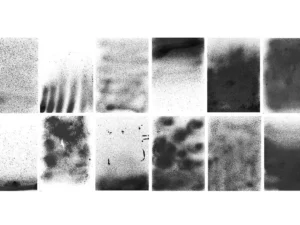
12 Texture Spray Photoshop Brushes
Sold by Mef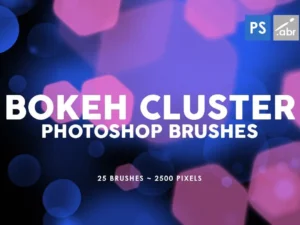
25 Bokeh Cluster Photoshop Stamp Brushes
Sold by Mef
30 Leather Photoshop Stamp Brushes
Sold by Mef Original price was: $5.00.$2.50Current price is: $2.50.


There are no reviews yet.