
Stone Effect Photoshop Action
Original price was: $5.00.$2.50Current price is: $2.50.

Andrew Skoch Design
Product Specs:
- Compatible with: Actions
- File Type: ZIP
- File Size: 247.2 MB
- Instant Download
Stone Effect Photoshop Action
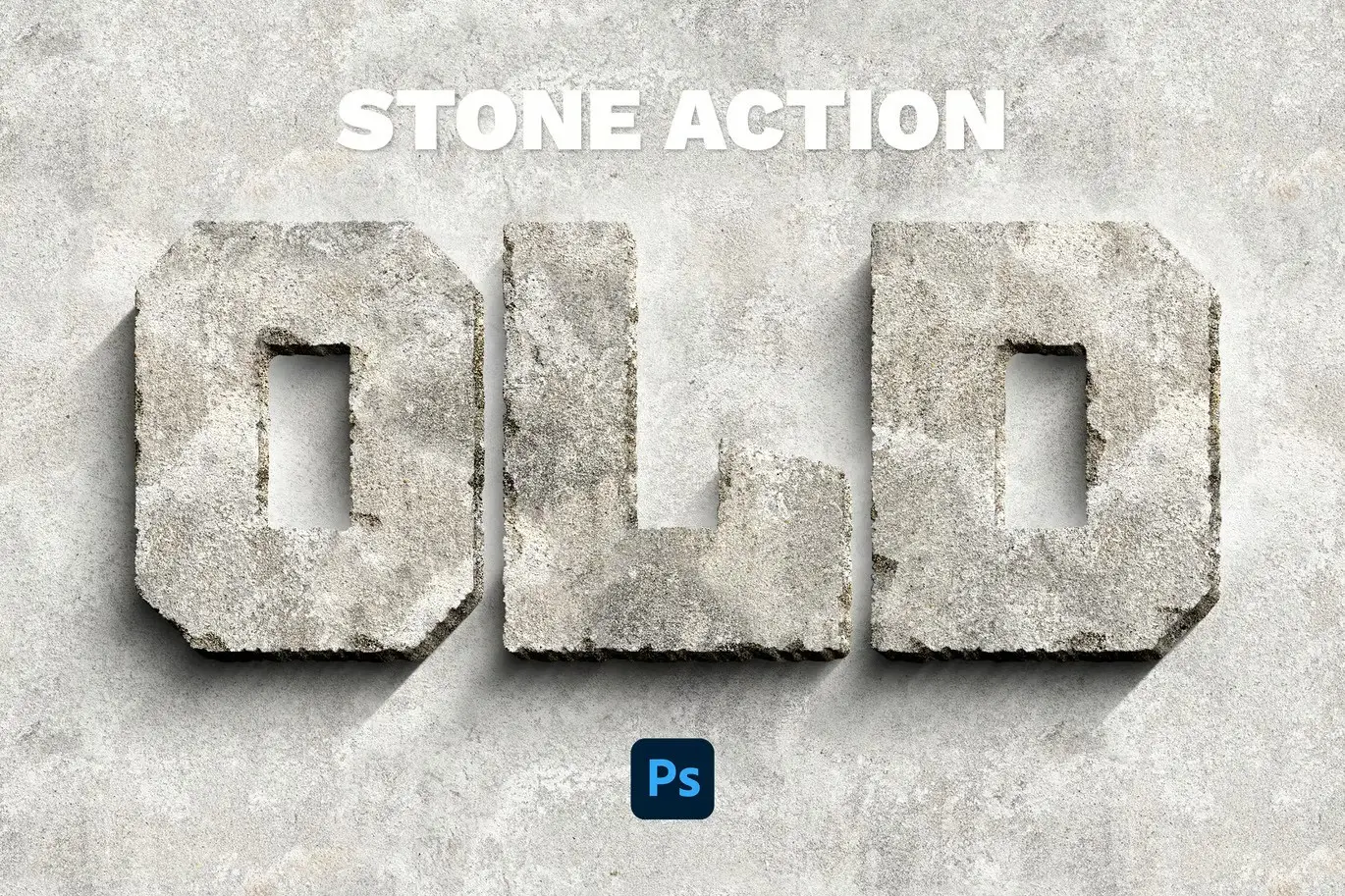
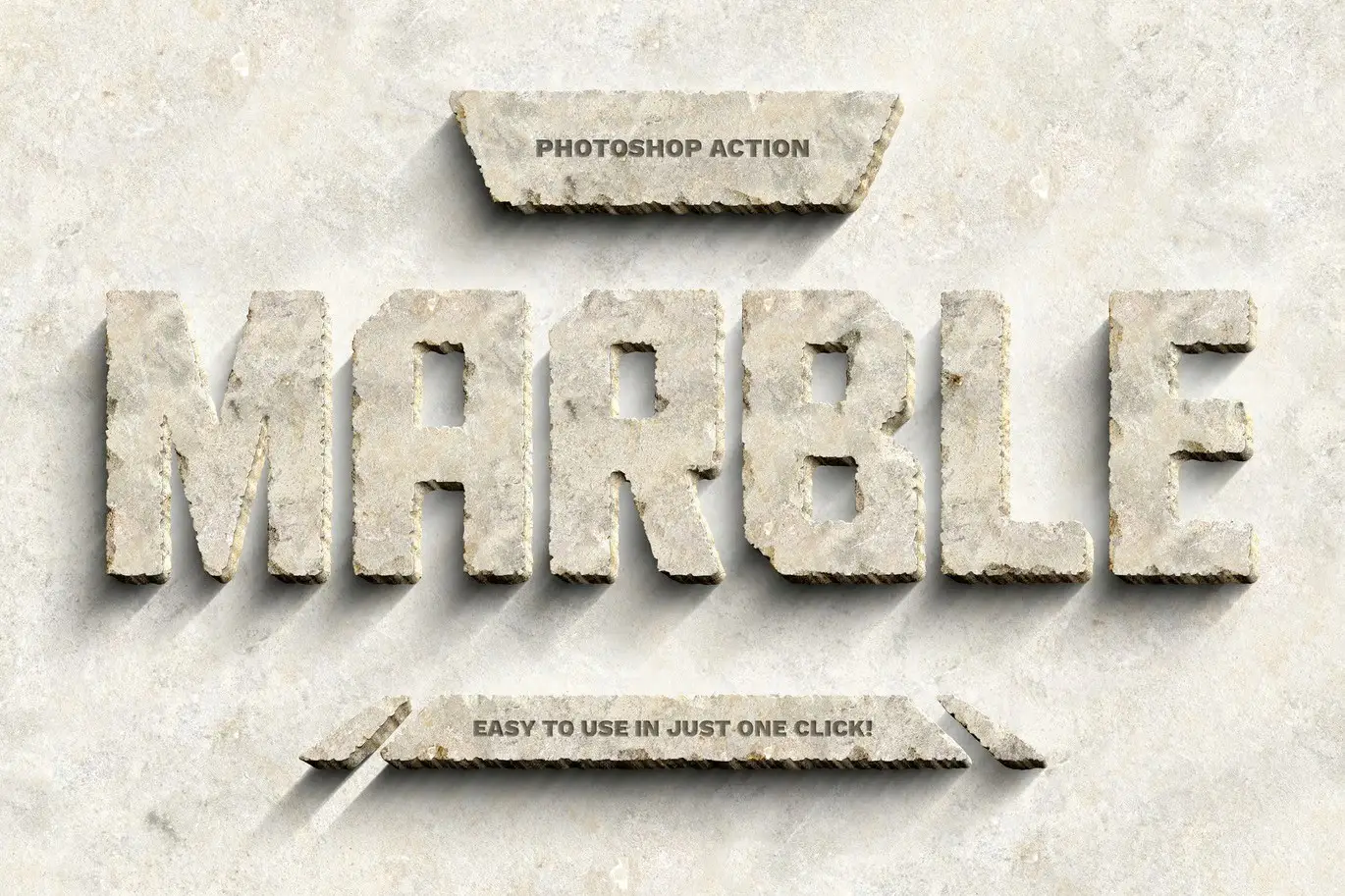
Transform your designs into stunning 3D stone creations with our Stone Effect Photoshop Action. This innovative tool is perfect for adding a realistic carved effect to your text, shapes, or logos, making your projects stand out with depth and texture. Whether you’re a designer or a hobbyist, this action simplifies the process, allowing you to achieve professional-quality results effortlessly.
Product Overview
The Stone Effect Photoshop Action is designed for creatives looking to enhance their designs with a solid, rugged appearance. With just one click, you can apply a unique stone effect to any layer, providing endless variations to suit your creative vision.
Key Features & Benefits
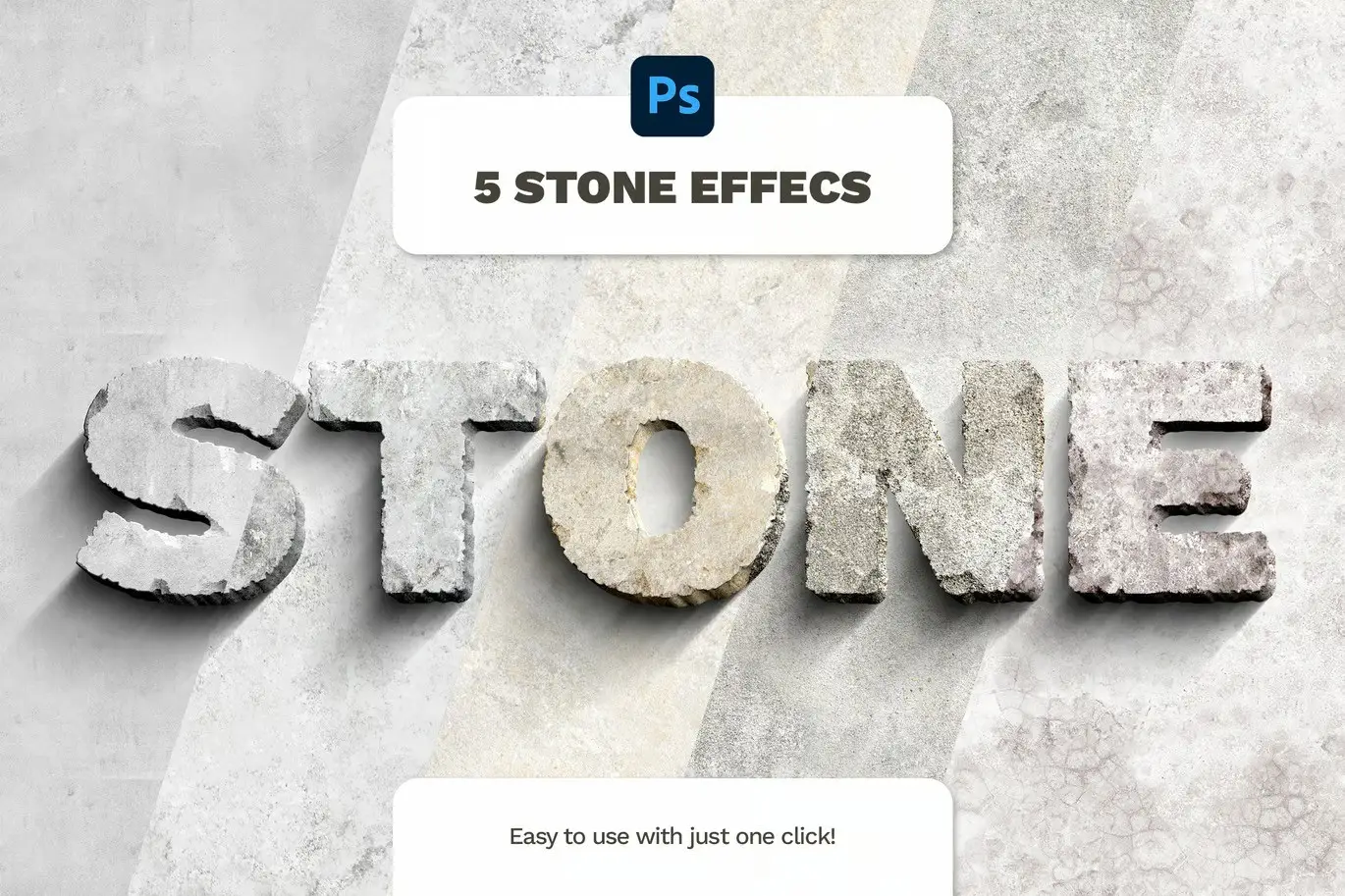
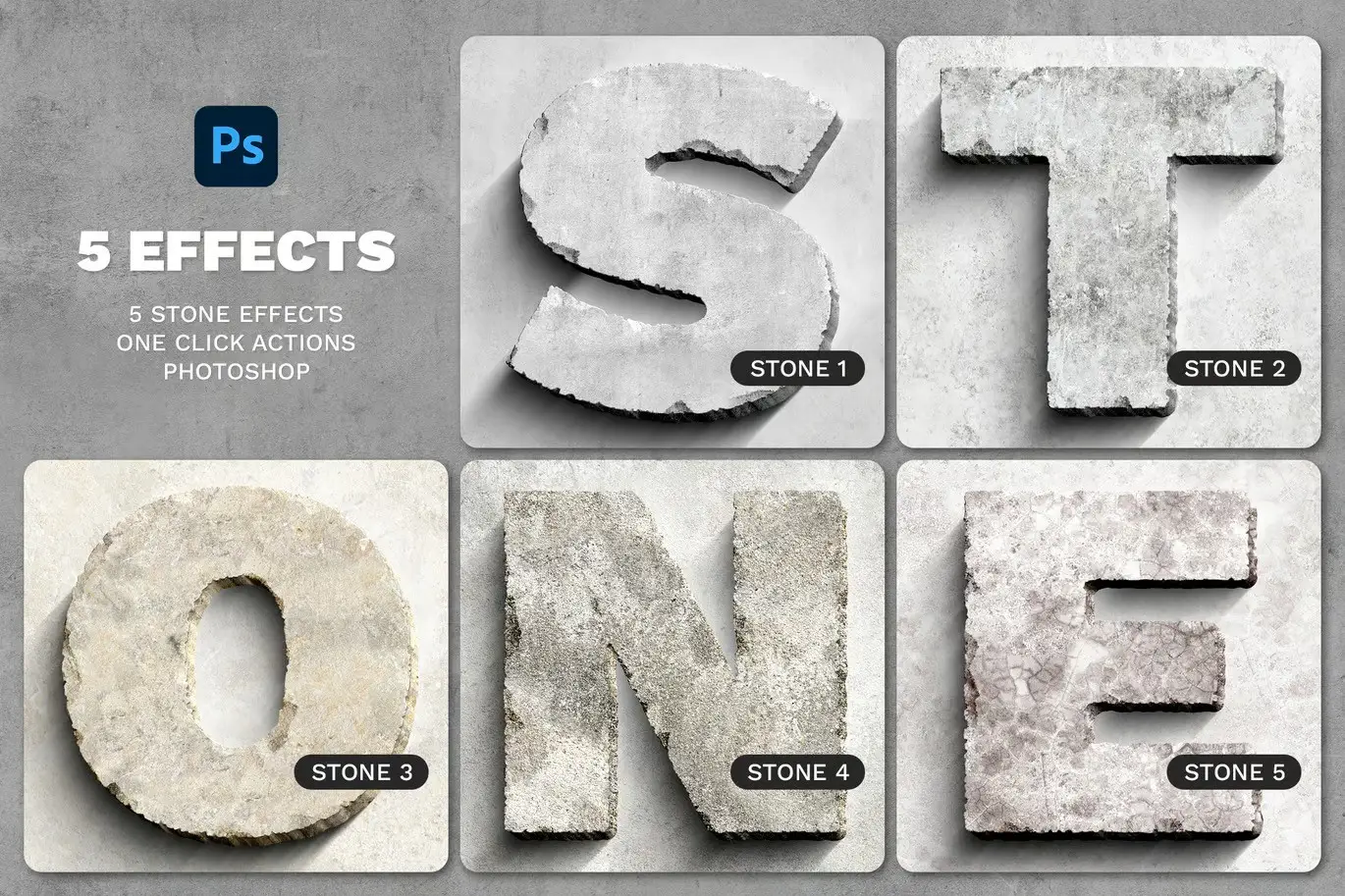
- ✅ Five Unique Stone Effects → Choose from a variety of textures to match your design style.
- ✅ One-Click Application → Save time with easy-to-use Photoshop actions.
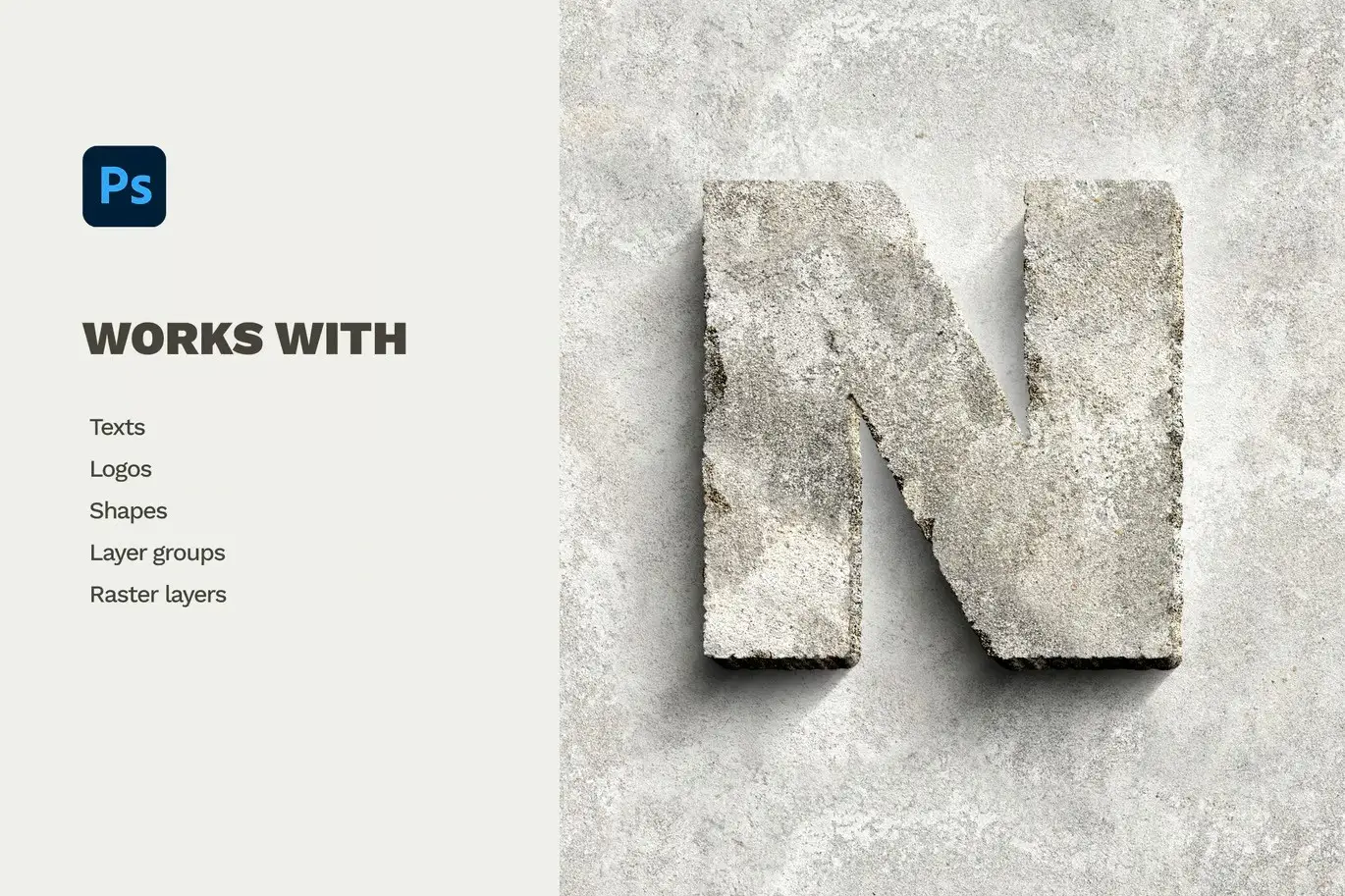
- ✅ Versatile Compatibility → Works seamlessly with text, logos, shapes, layer groups, and raster layers.
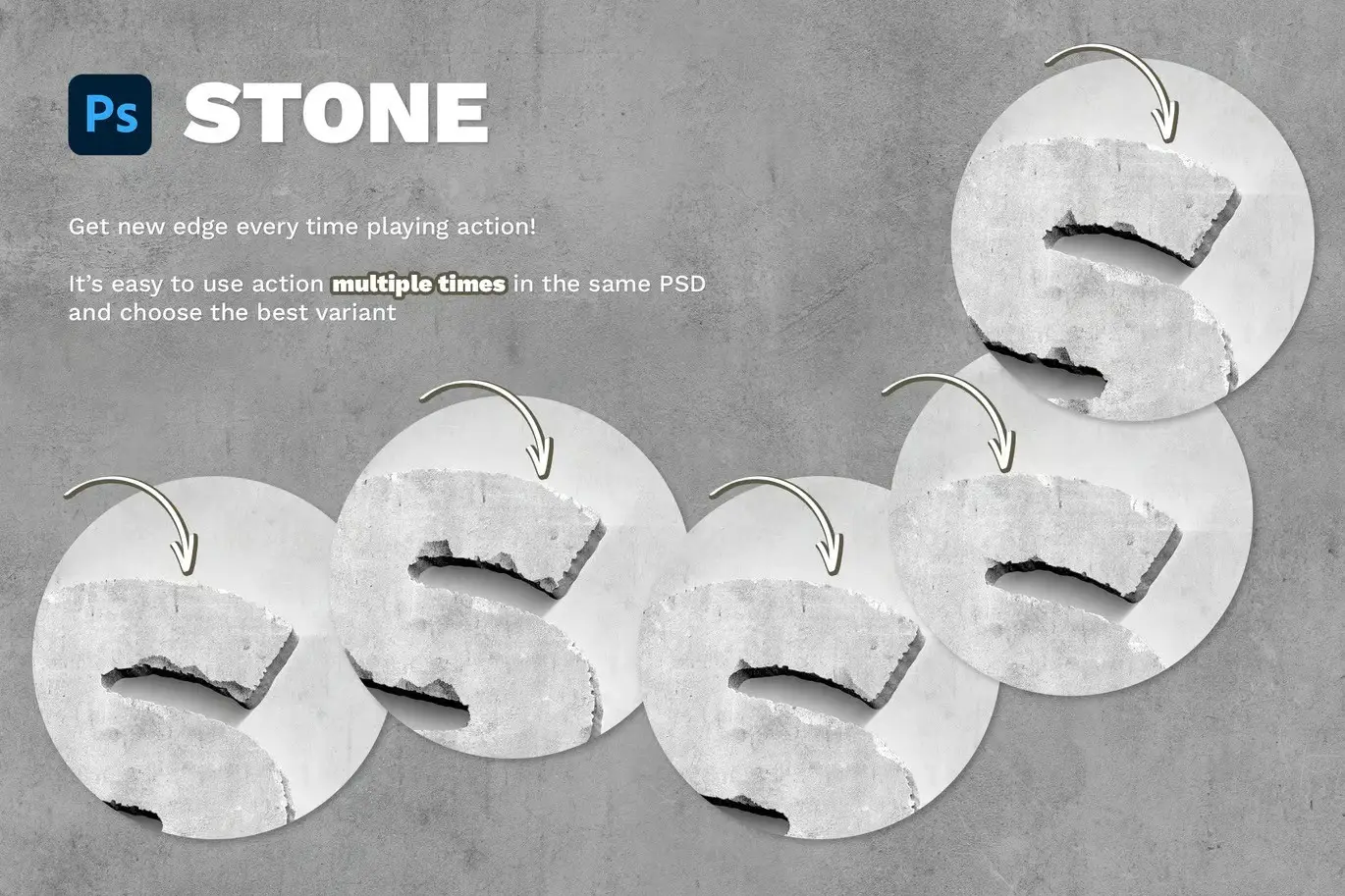
- ✅ Multiple Runs in One File → Create diverse and customizable results without starting over.
- ✅ Quick Results → Achieve stunning stone effects in seconds, adding a bold touch to your designs.
Why Choose This Product
With the Stone Effect Photoshop Action, you can easily elevate your designs to a professional level. This action is trusted by designers worldwide for its reliability and effectiveness. Whether you’re creating marketing materials, branding, or personal projects, this action provides a unique way to incorporate a natural stone aesthetic into your work.
Specifications (Technical Details)
| File Type | ANT, PAT, PSD, PDF |
|---|---|
| Compatibility | Adobe Photoshop |
| Requirements | Photoshop CC or later |
What’s Included / What’s in the Box
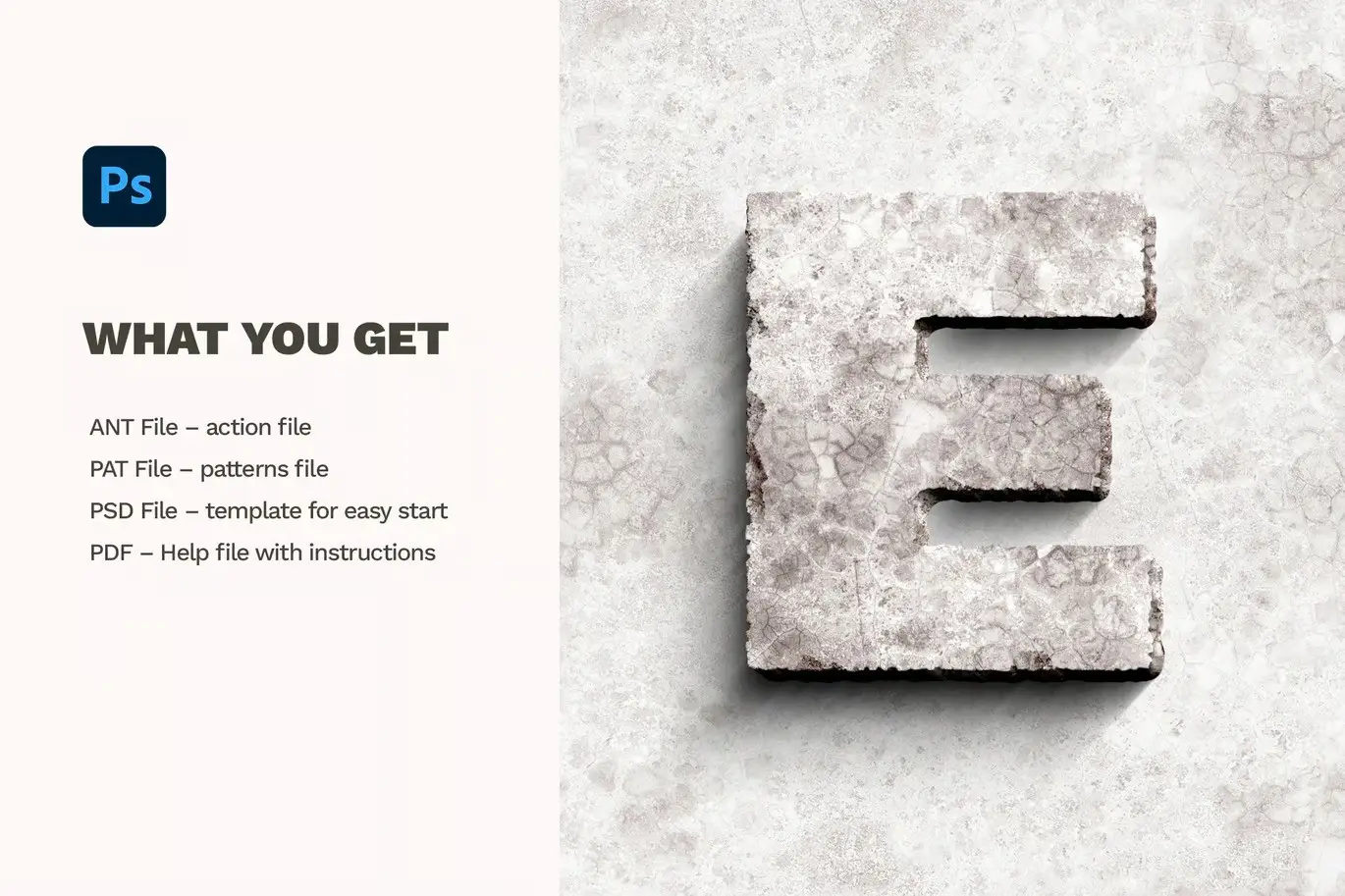
- 📦 ANT File – Action file
- 📦 PAT File – Patterns file
- 📦 PSD File – Template for easy start
- 📦 PDF – Help file with font links and instructions
Perfect For
- Graphic Designers
- Marketing Professionals
- Hobbyists and Crafters
- Anyone looking to enhance their digital artwork
How to Use
- Open your Photoshop and load the action file.
- Select the layer you want to apply the stone effect to.
- Run the action with one click and watch the transformation.
FAQ
- Can I use this action on any layer type? Yes, it works with text layers, vector shapes, pixel layers, PNG images, smart objects, and folder groups.
- Is there a tutorial included? Yes, a PDF help file is included with detailed instructions and font links.
Add to cart now and start creating stunning stone effects today! 🚀
User Reviews
Be the first to review “Stone Effect Photoshop Action”
You must be logged in to post a review.

Gradient And Geometry Backgrounds Vol 2
Sold by Andrew Skoch Design
Simple Enamel Pin
Sold by Andrew Skoch Design
Letterpress – Text & Logo PSD Mockups
Sold by Andrew Skoch Design
Foil Balloon – Photoshop Action
Sold by Andrew Skoch Design
Y2k Text Effects
Sold by Andrew Skoch Design
Spray Paint Photoshop Action
Sold by Andrew Skoch Design Original price was: $5.00.$2.50Current price is: $2.50.


There are no reviews yet.